

 DownloadVibroscat Shaders
Get the files on 9Minecraft
Guides
Step-by-step, in-game.
Adjust Light Scattering Intensity for Your PlaystyleAccess Shader Settings Open the Iris shader options menu while in-game by pressing the key bound to shader settings…Maintain Stable Frame Rates While Using Enhanced VisualsMonitor Performance Baseline Before adjusting shader settings, check your current frame rate in a consistent location…Optimize Water Appearance and ReflectionsLocate Water Settings Open shader options and find the water or surface reflection section. Vibroscat provides…Reduce Eye Strain During Extended Night SessionsAccess Night Lighting Controls Open shader settings and navigate to the ambient light or night brightness section.…
Frequently asked questions
How do I enable Vibroscat Shaders after installing it?
Launch Minecraft with Iris installed, go to Options > Video Settings > Shaders, then locate and select Vibroscat Shaders from the list. The shaders will activate immediately.
Why do my frame rates drop when I use this shader pack?
Light scattering and water reflections are computationally expensive; try reducing light scattering intensity or disabling reflections in the shader settings, and ensure your render distance isn't set too high.
Can I use Vibroscat with other visual mods like Sodium or Optifine?
Vibroscat works with Iris and Sodium together, but not with Optifine—Iris is the required shader engine for this pack.
The nights are too dark and I can't see anything. How do I fix this?
Adjust the night brightness slider in the shader options, or enable the eye strain reduction settings found in the guide for extended night sessions.
See all 10 Vibroscat Shaders questions ›
Gallery
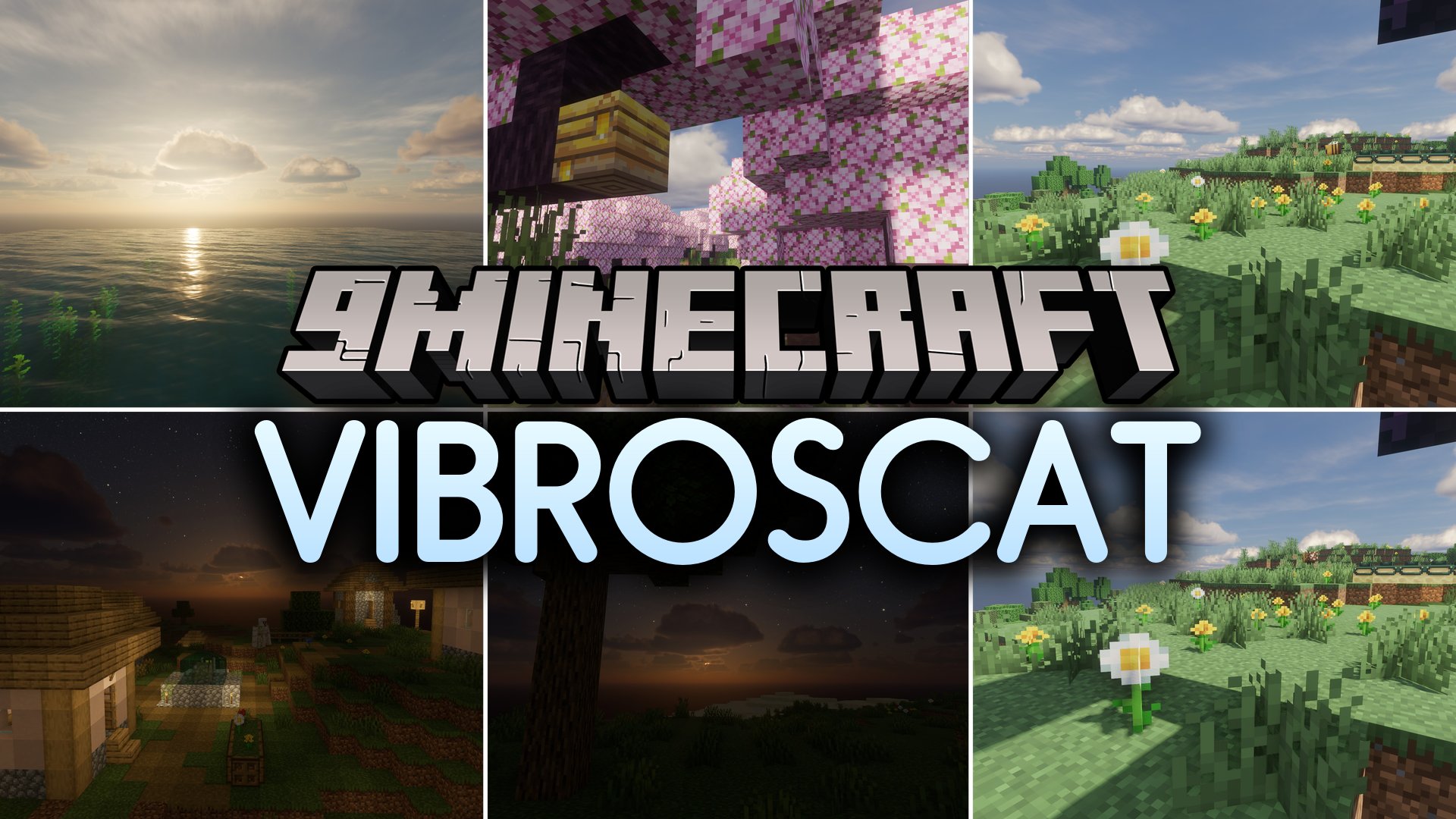
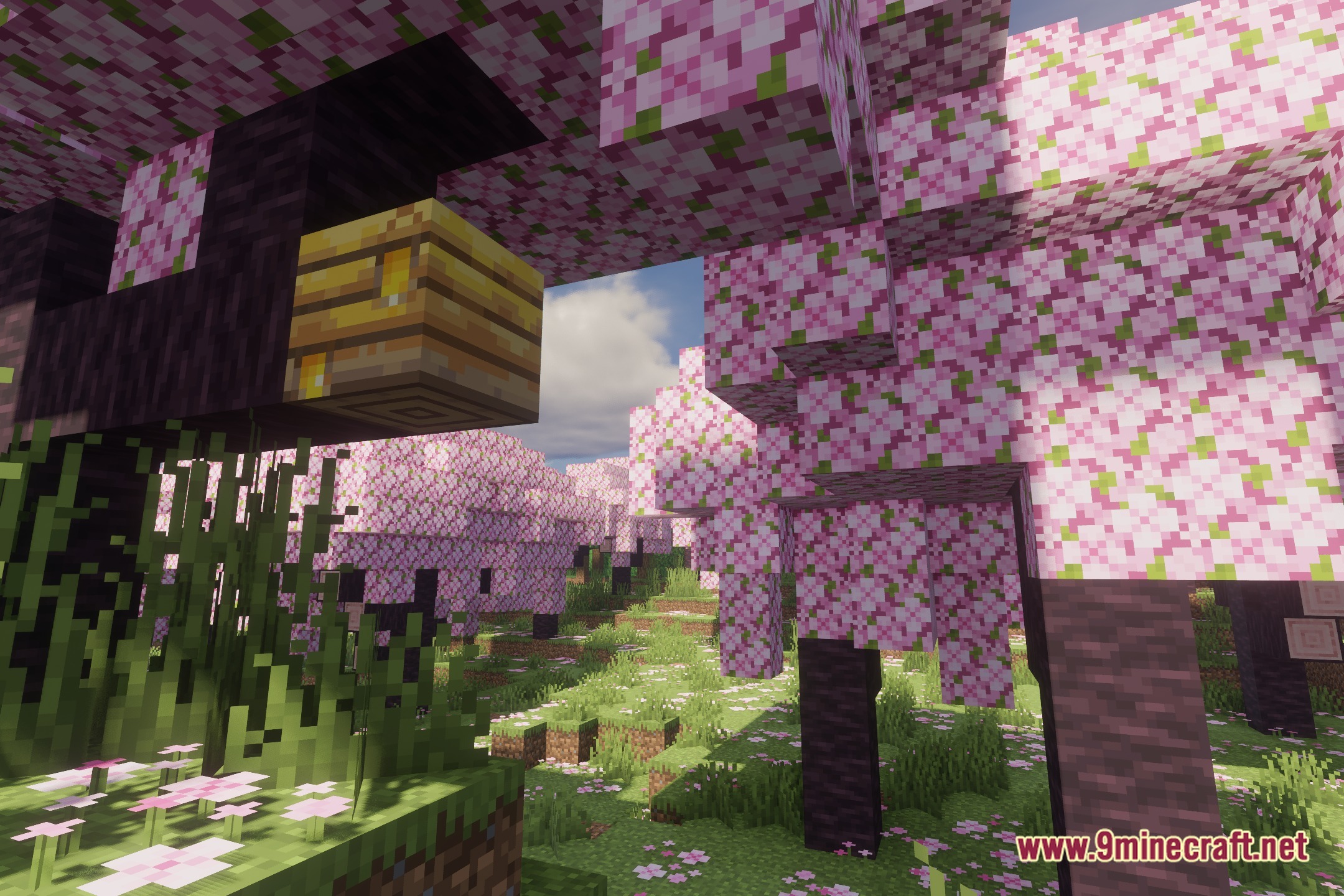
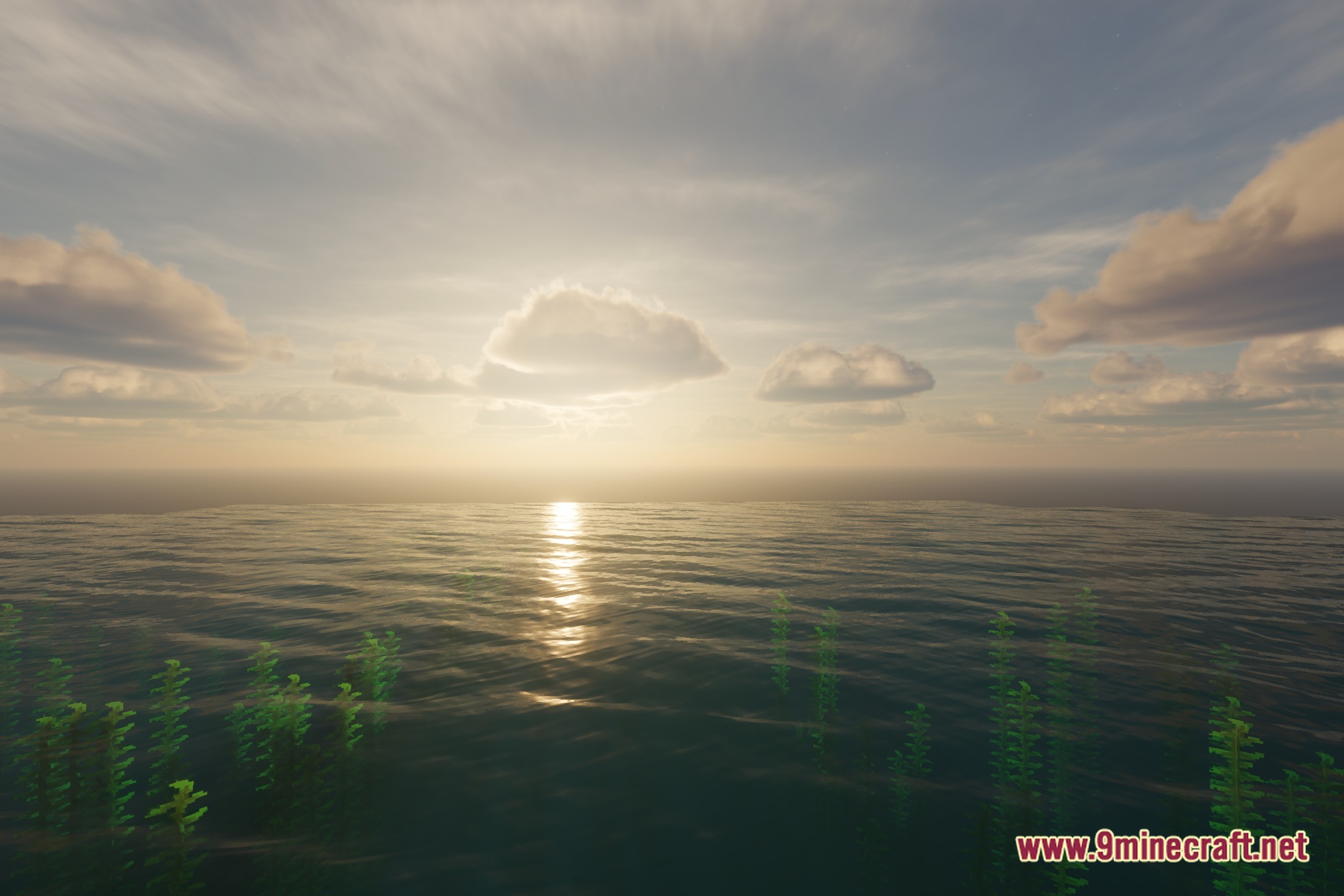
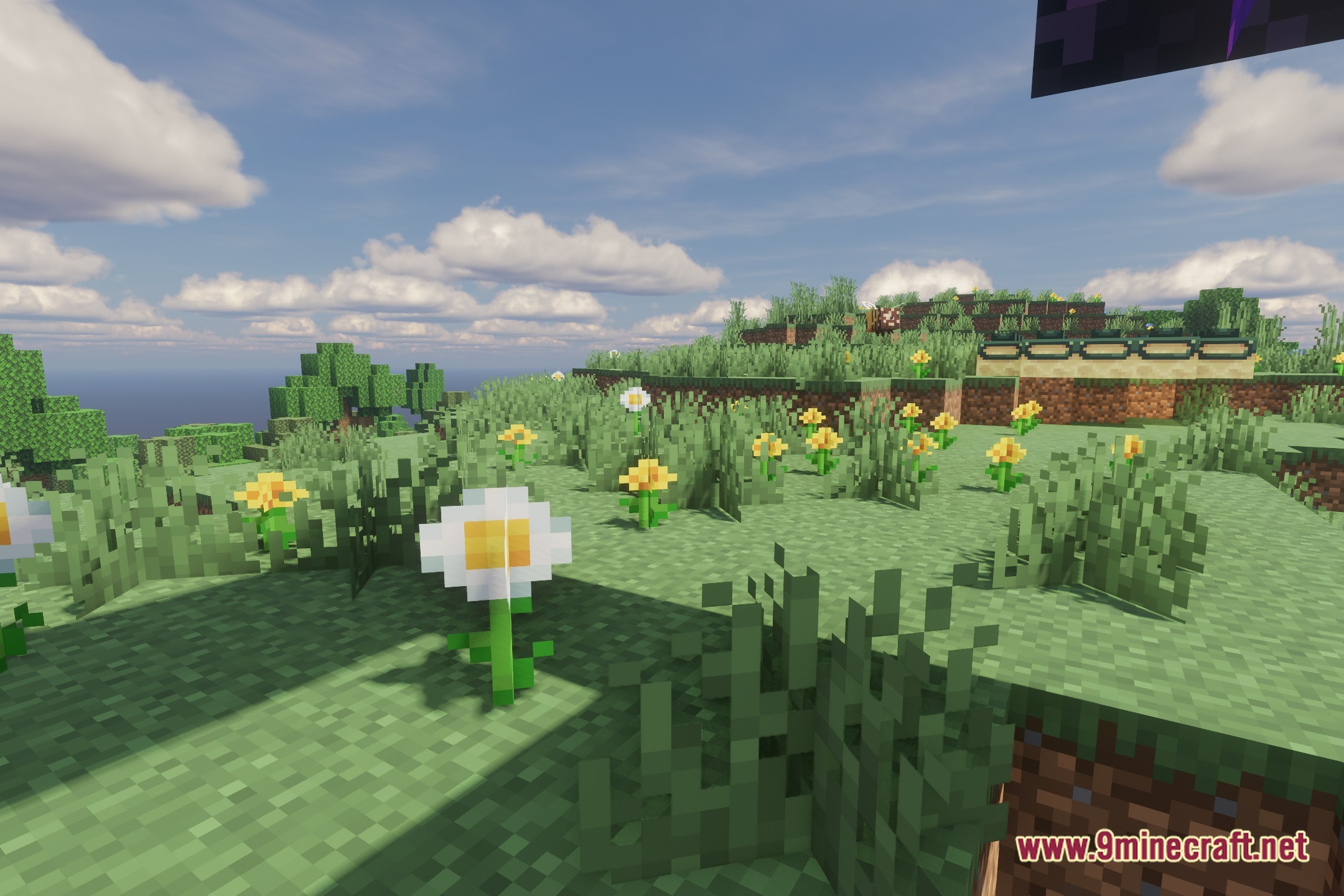
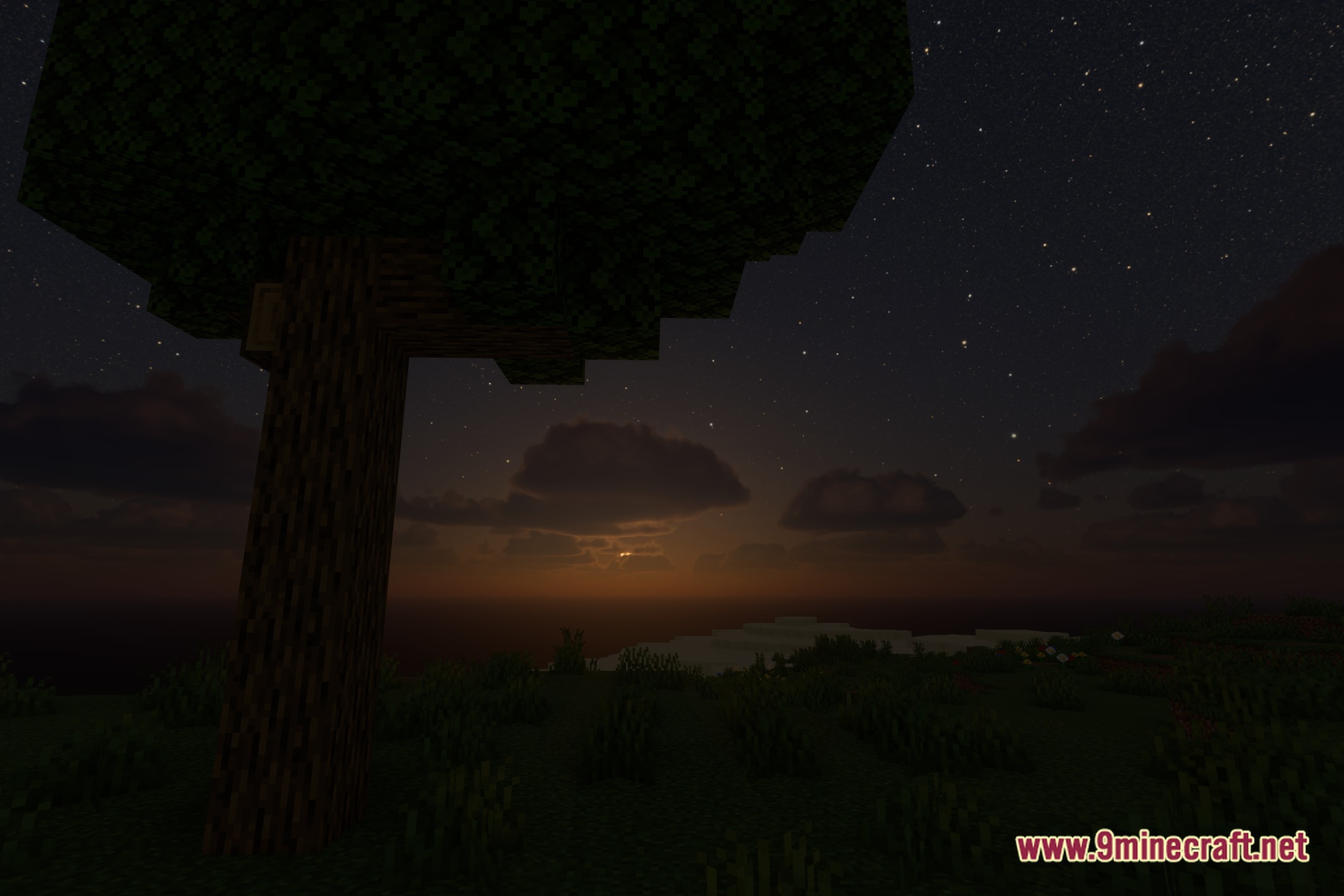
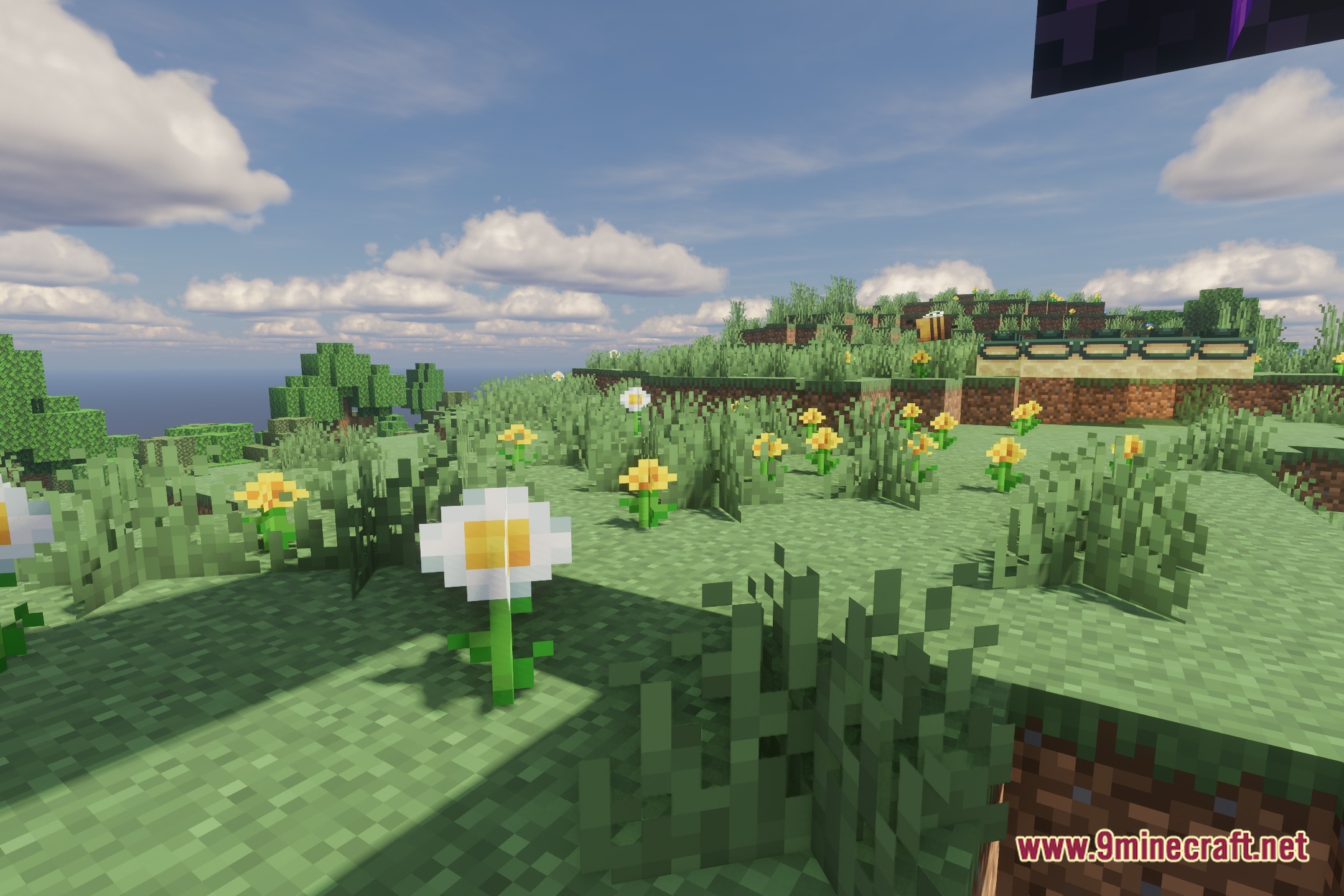
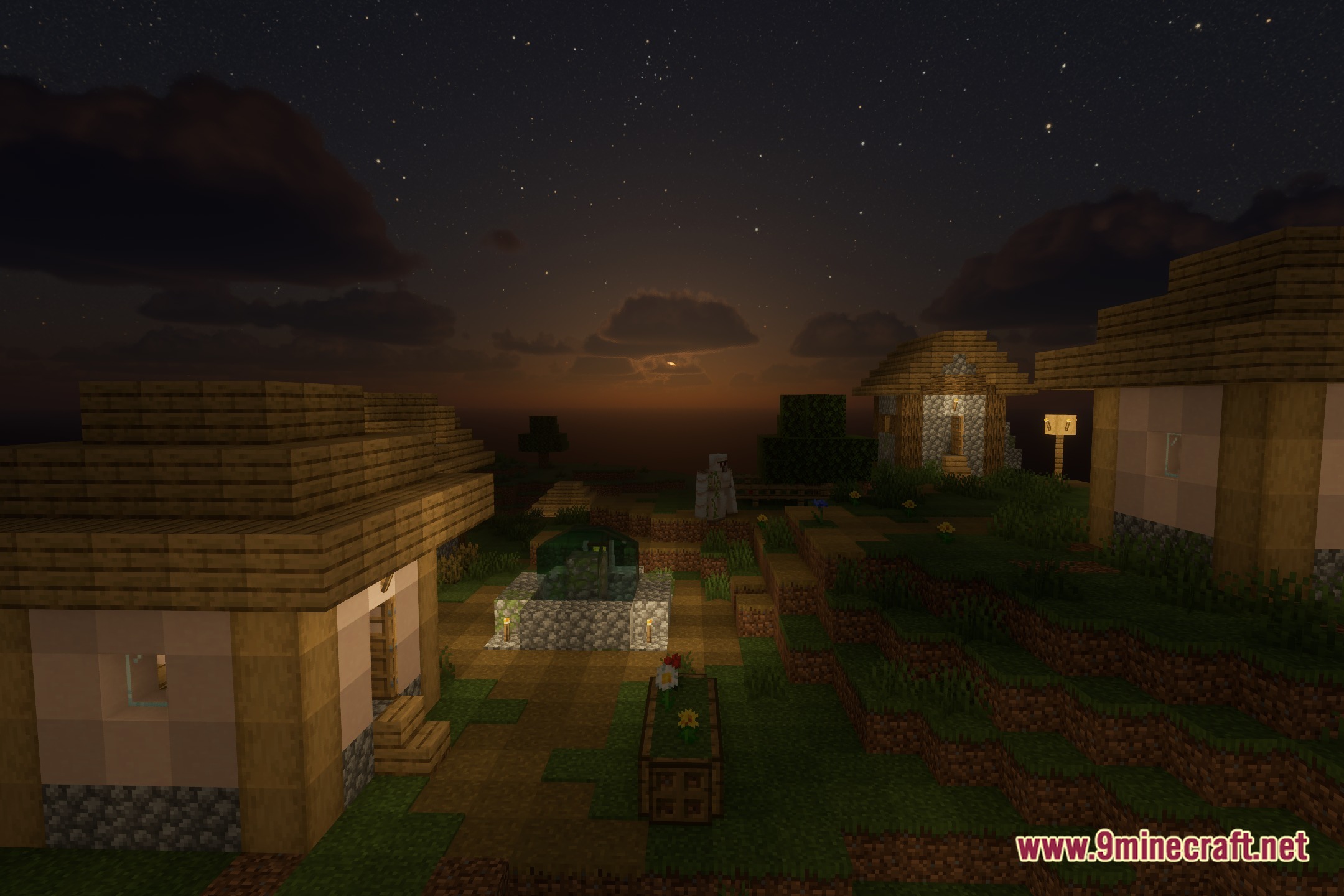
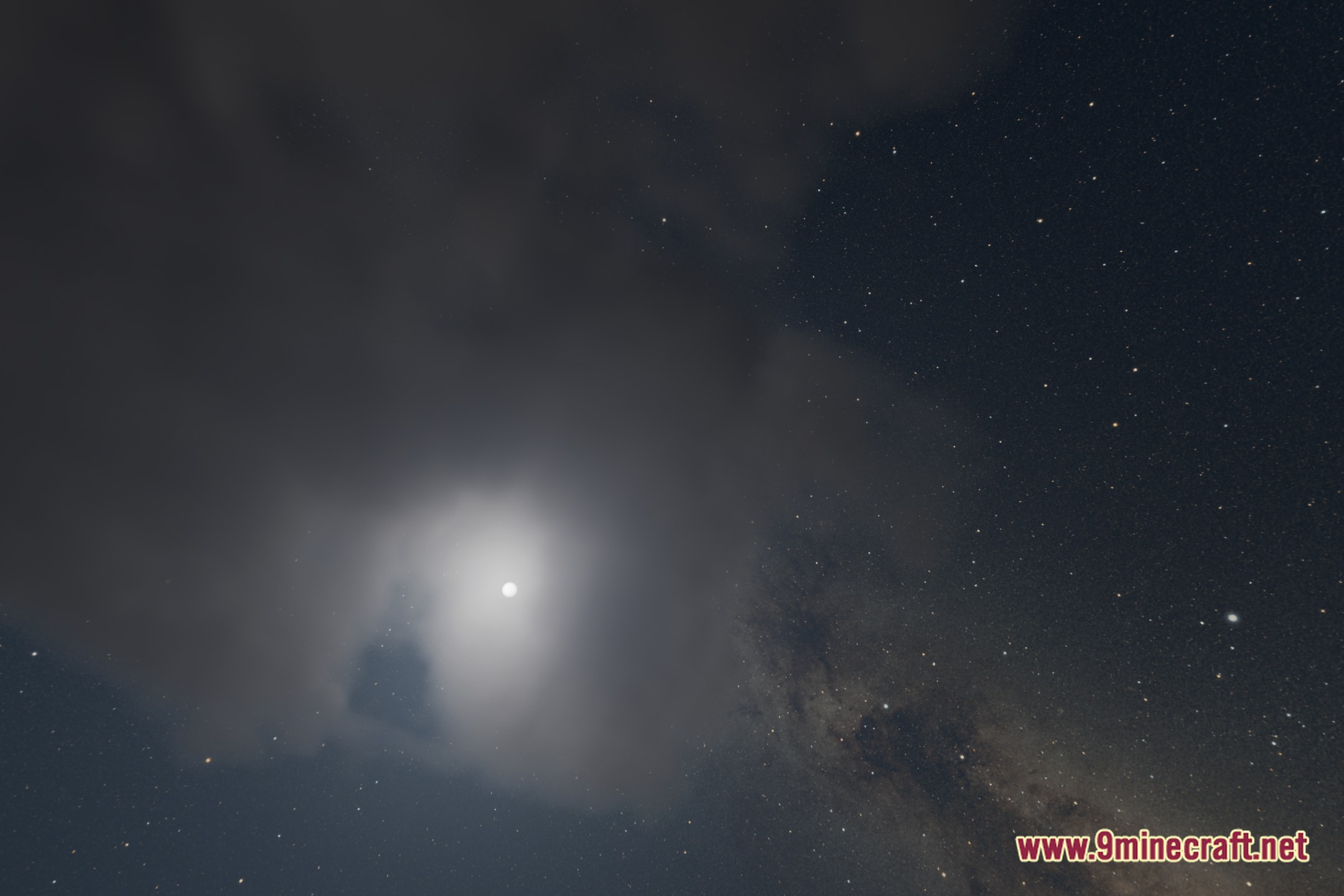
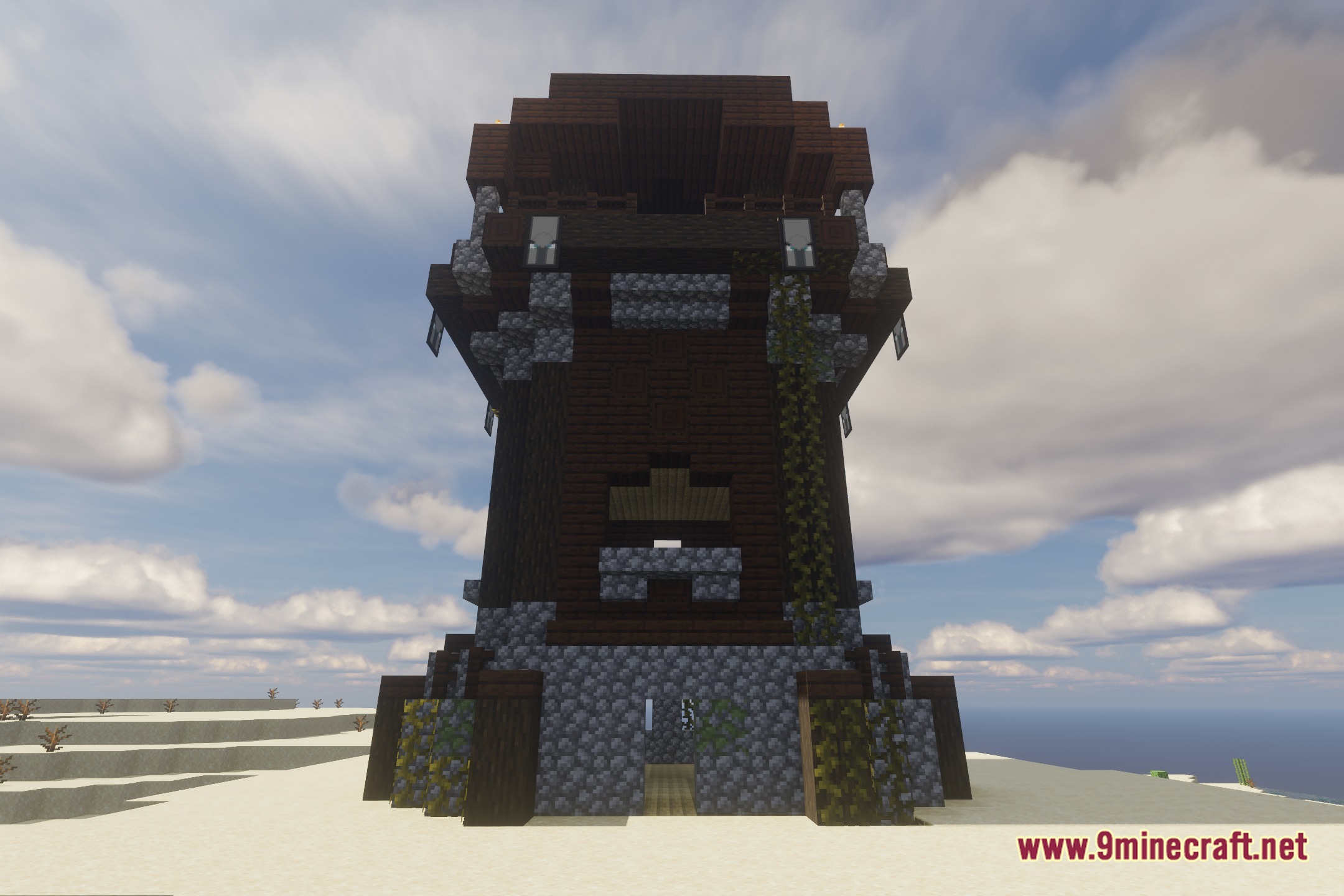
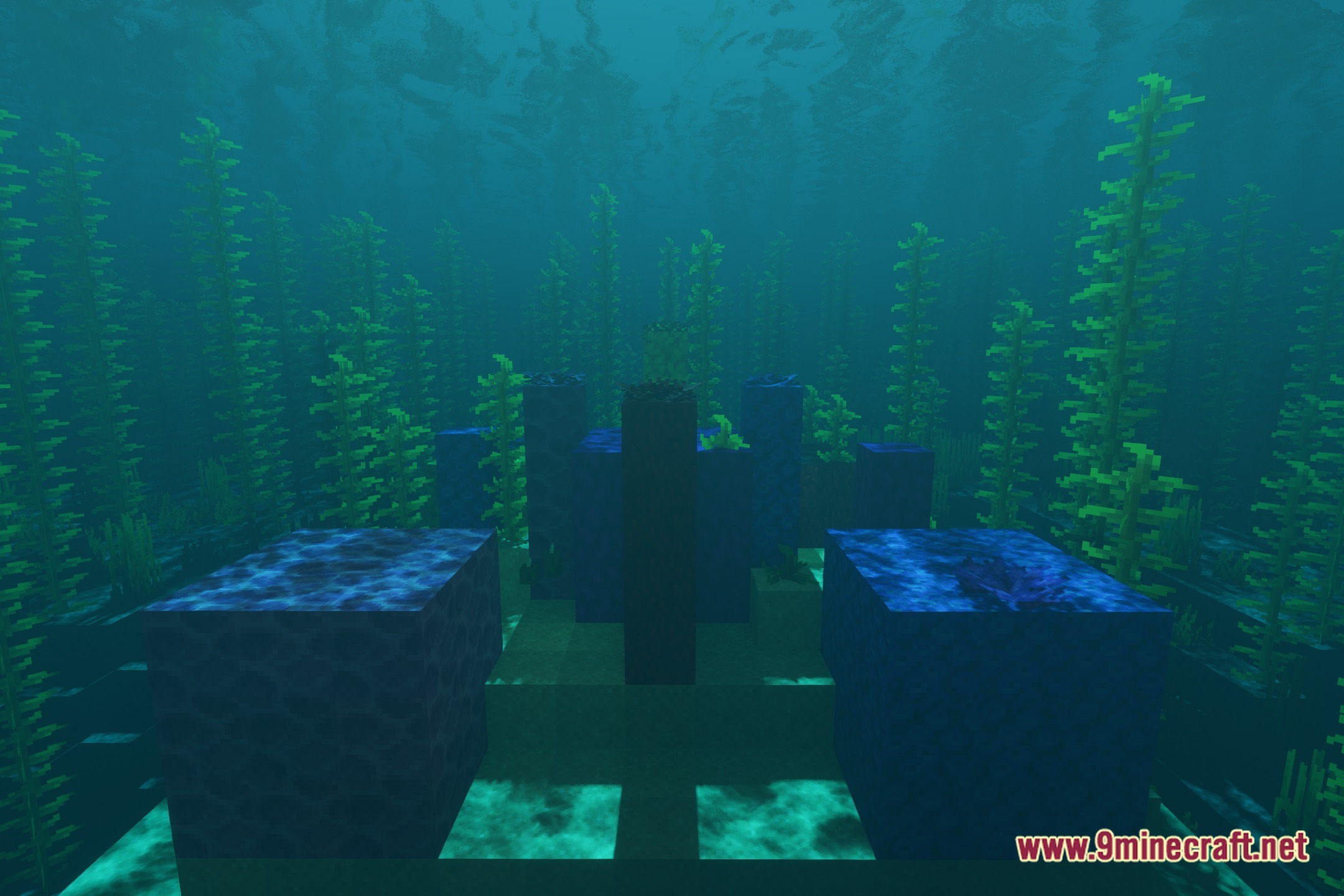
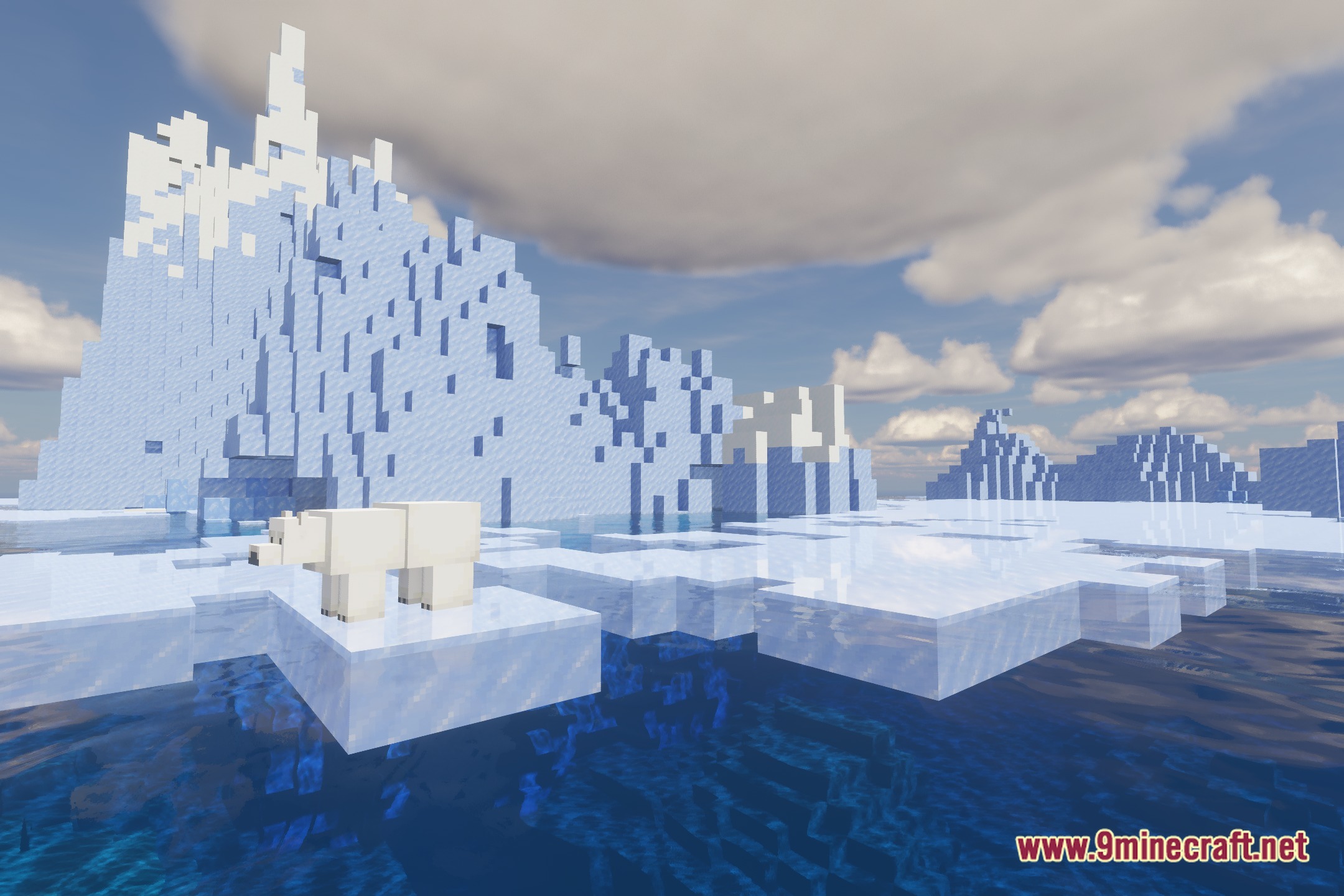
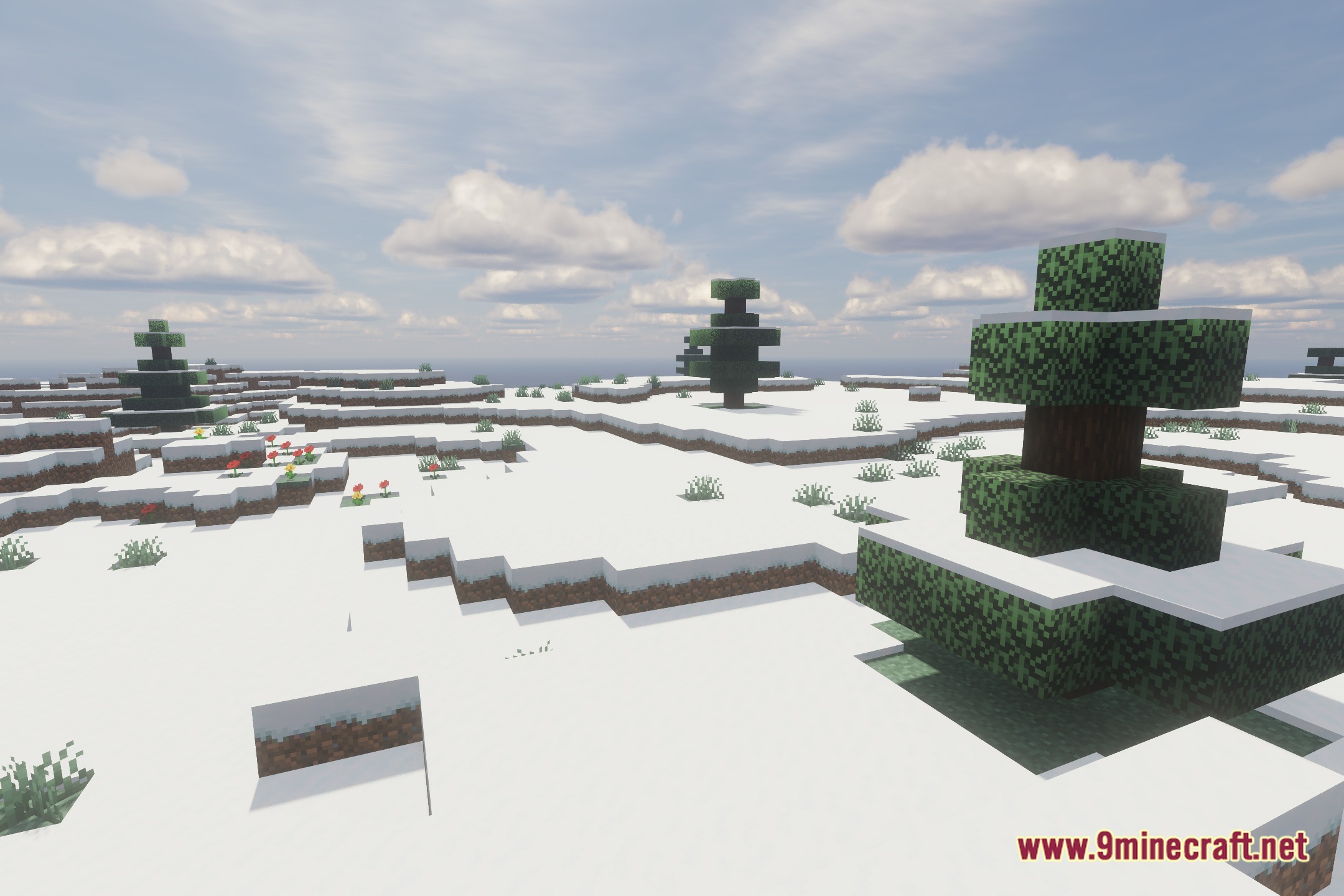
12 images from the Vibroscat Shaders page.
You May Also Like
Wikis that share the most with this one
Wikis on the same theme: cat
 Lost Signal VHS Shaders
 Demonic Possession Shaders
More shader wikis on the site
The most downloaded mods that have a wiki here