

 DownloadFrangilus Shaders
Get the files on 9Minecraft
Guides
Step-by-step, in-game.
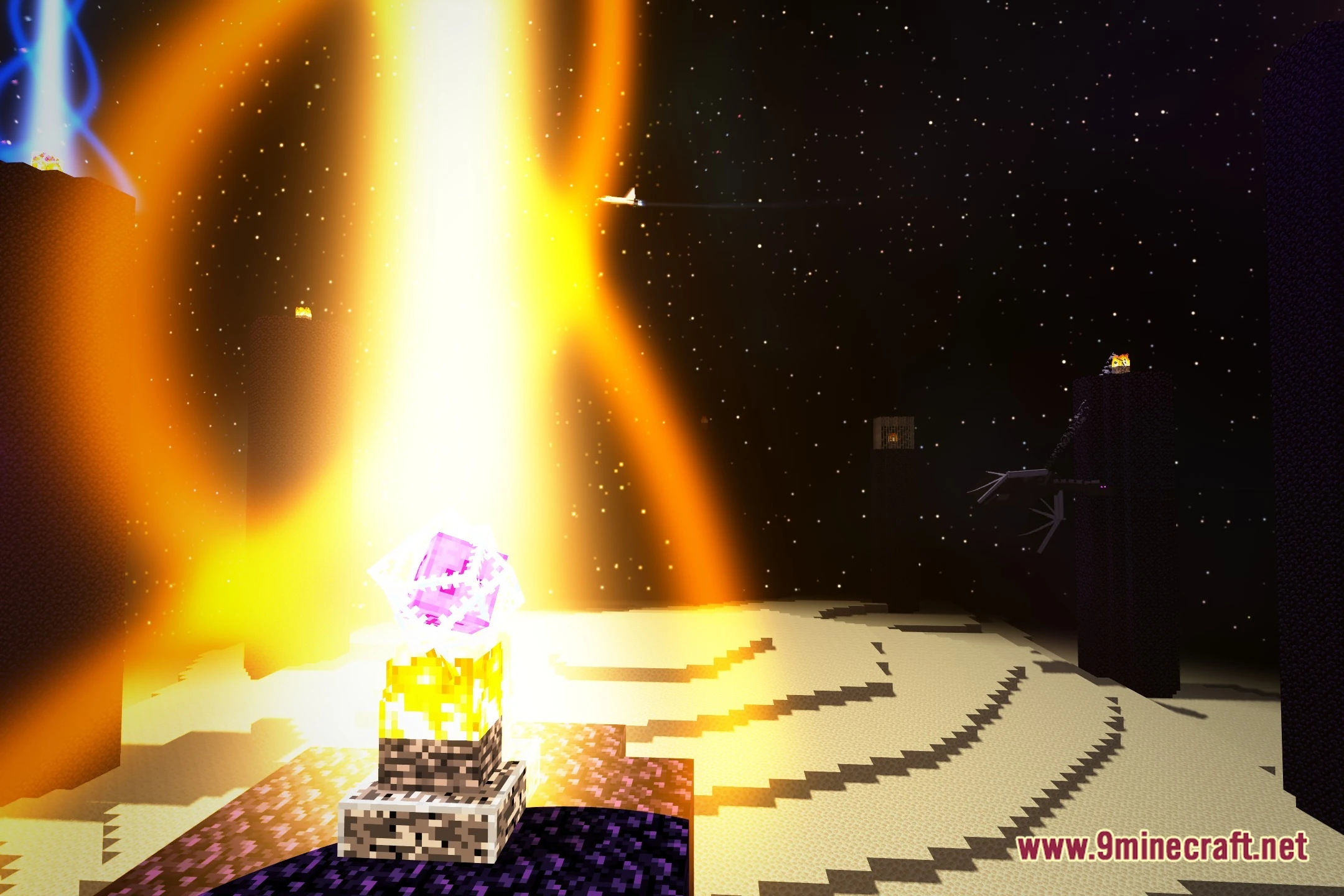
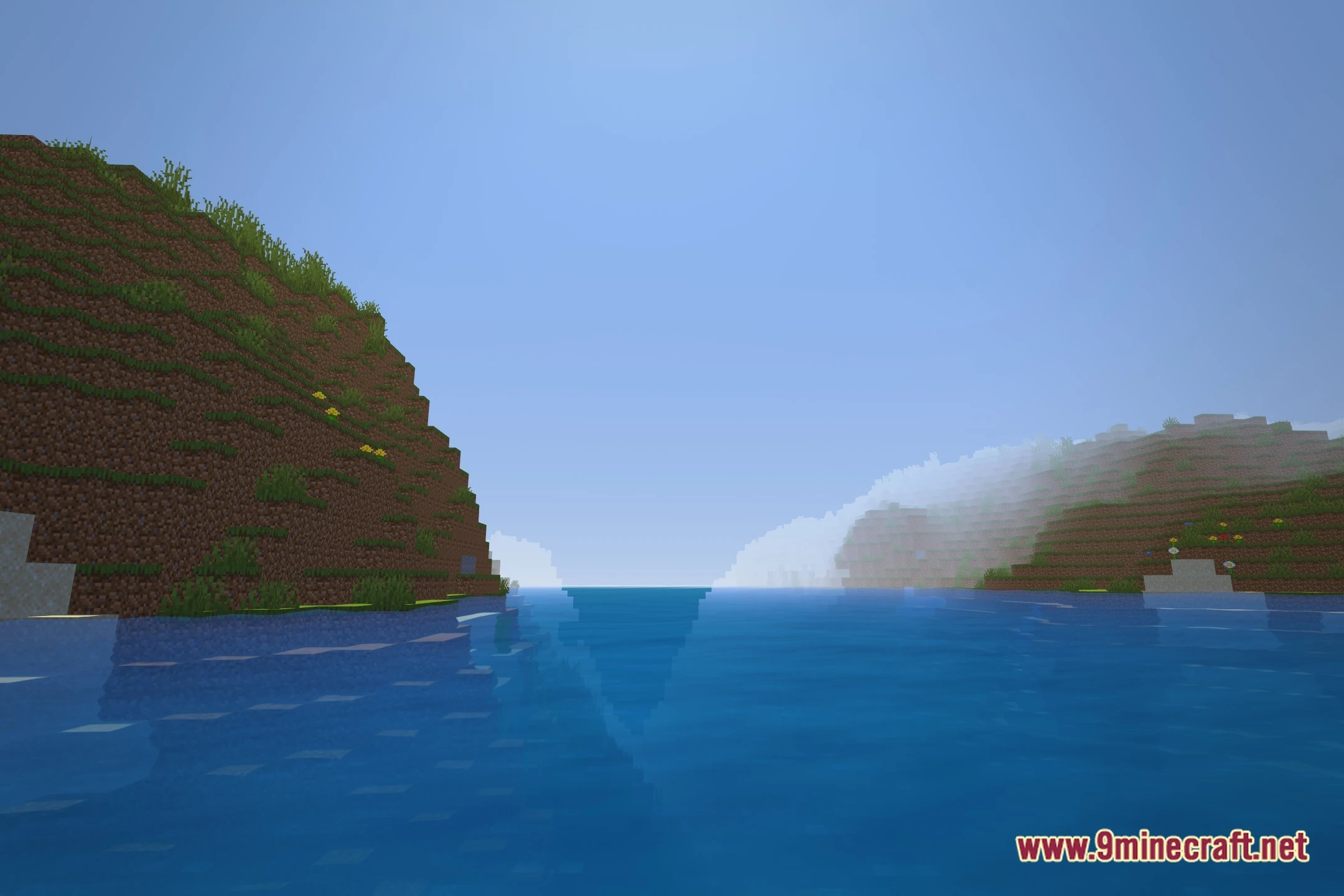
Adjust Shader Settings for Your HardwareAccess Shader Options Press Shift + O in-game to open the shader settings menu. This is where you control visual…Enjoy Living Water EffectsFind Water Bodies Head to oceans, rivers, or any large water source in the Overworld. Frangilus Shaders animates…Experience Biome-Specific Nether ColorsEnter the Nether Create a Nether portal and step through. Each Nether biome now displays its own distinct color tint,…Explore the End Dimension's Space ThemeTravel to the End Build or find a stronghold and enter the End dimension normally. Frangilus Shaders replaces the…
Frequently asked questions
How do I turn on the shader after installing it?
Open Options > Video Settings > Shaders, then locate and select Frangilus Shaders from the list. Click Apply and the shader will activate immediately in your world.
Why does my game lag when I enable this shader?
Try lowering your render distance or disabling advanced water effects in the shader settings menu. The mod is designed to run on low to mid-range hardware, but performance depends on your specific PC specs and existing settings.
Can I use this shader with other mods?
Yes, Frangilus Shaders works with most mods, but it may conflict with other shader packs or mods that heavily modify dimensions. Install only one shader pack at a time to avoid issues.
How do I adjust the shader settings?
While in-game with the shader active, press the Shader Options button (usually accessed through Video Settings or by pressing a hotkey like Shift+O). From there you can tweak lighting, water effects, and performance options.
See all 10 Frangilus Shaders questions ›
Gallery
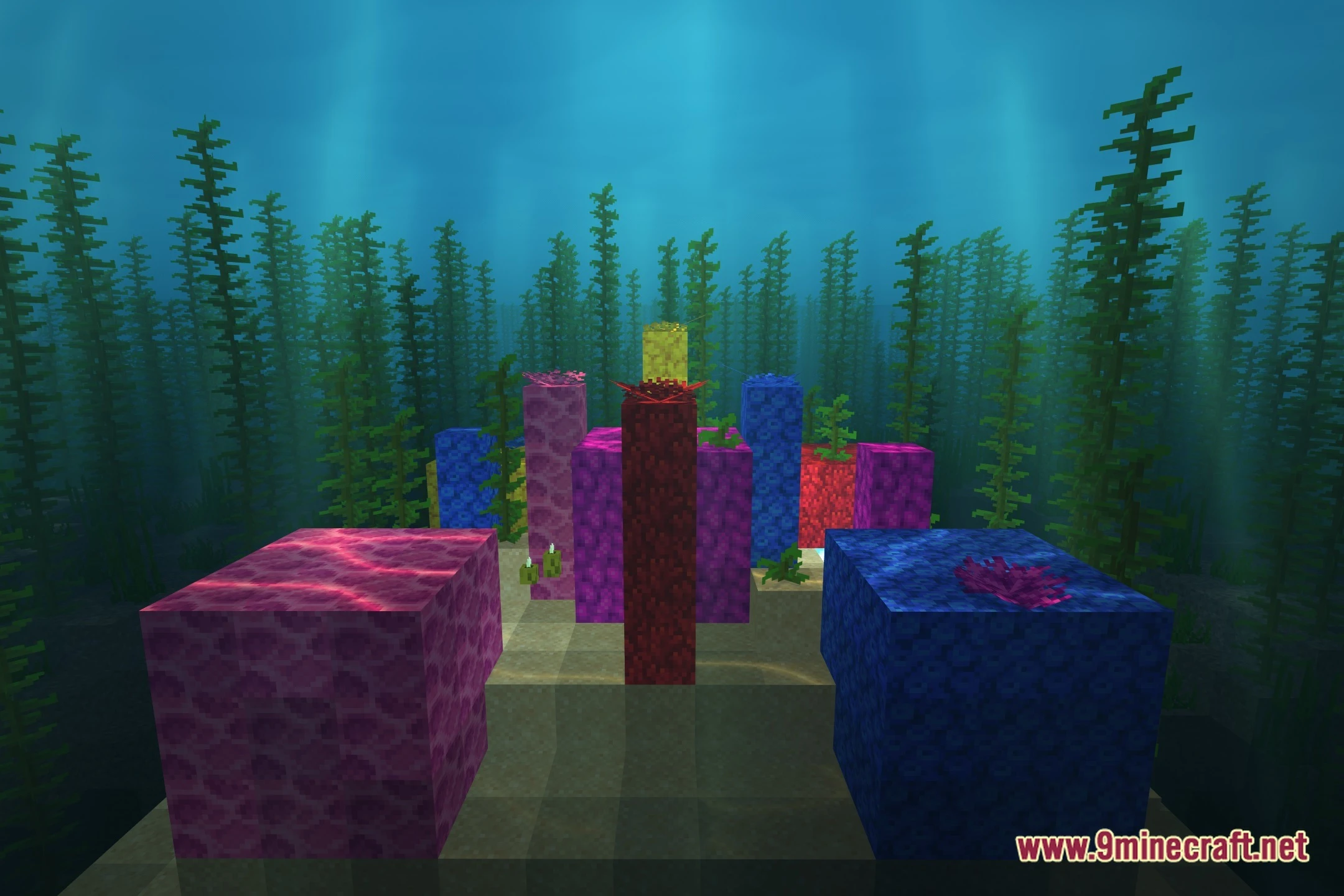
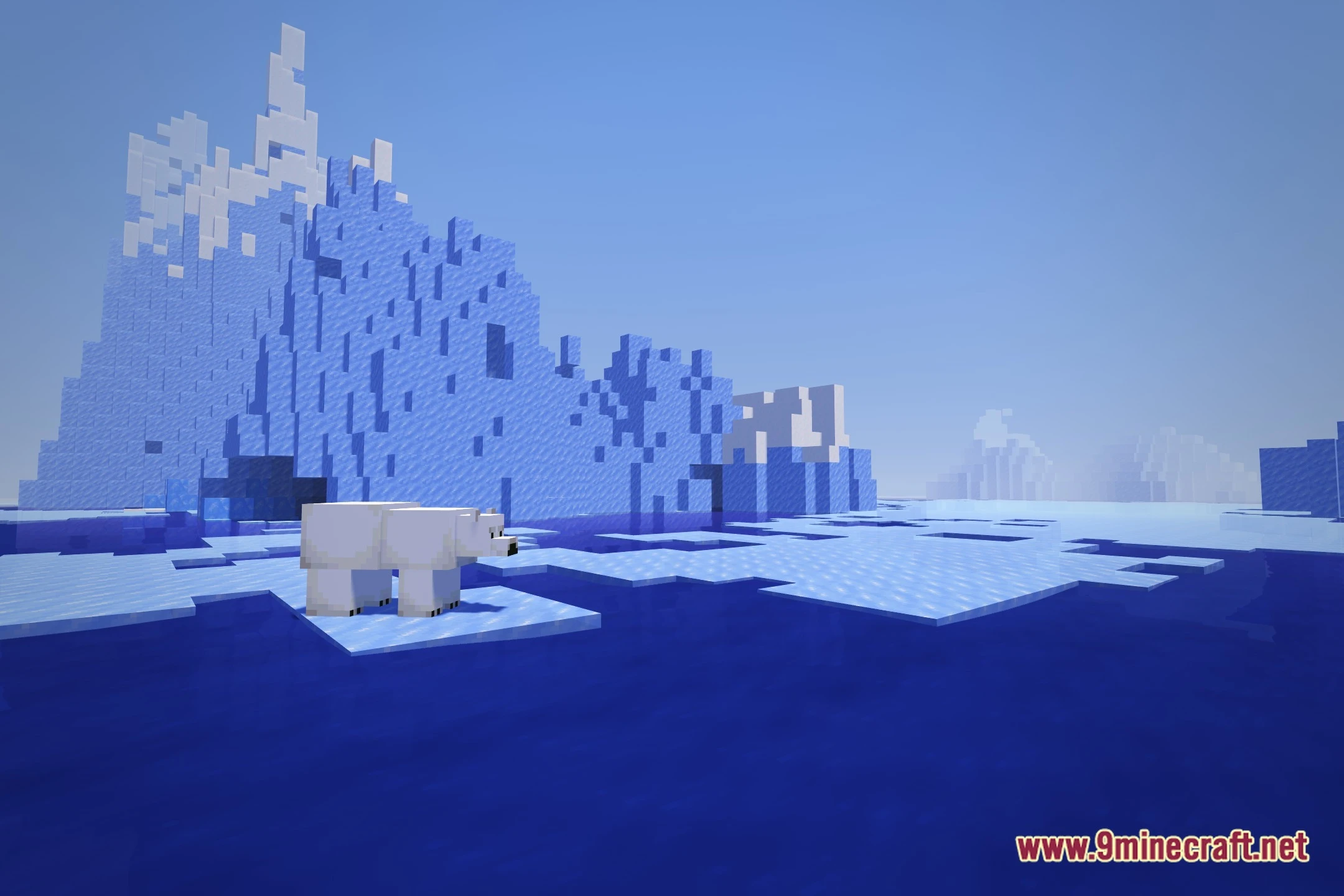
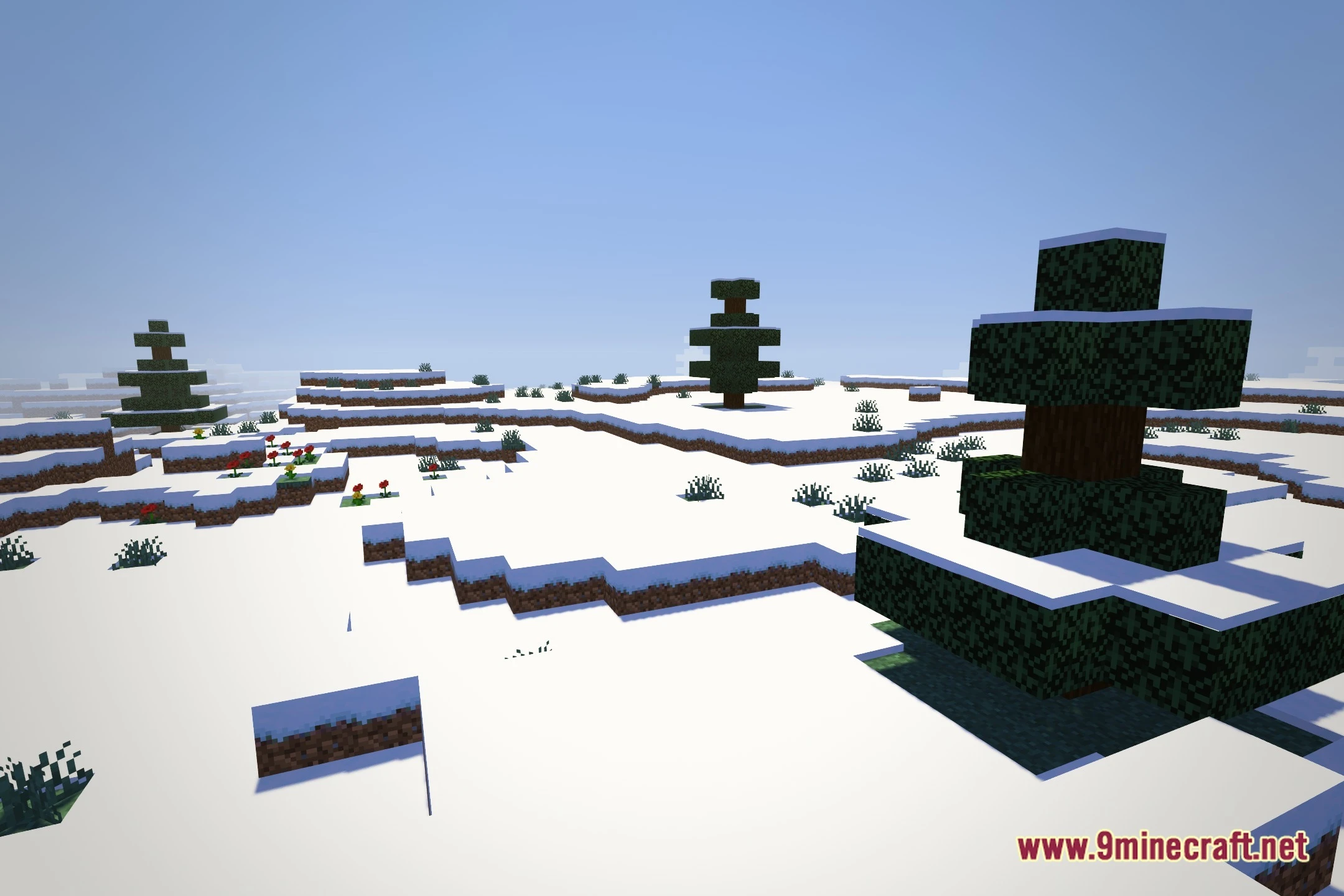
12 images from the Frangilus Shaders page.

You May Also Like
Wikis that share the most with this one
Wikis on the same theme: light
More shader wikis on the site
 Flux Shaders
 Flow Reimagined Shaders
The most downloaded mods that have a wiki here