

 DownloadEnough Visuals Mod
Get the files on 9Minecraft
Guides
Step-by-step, in-game.
Customize Your Target HUD Position and SizeAccess HUD Settings Open your mod configuration menu (usually accessible from the main menu or in-game settings).…Maintain Server Compatibility and Fair PlayUnderstand Client-Side Operation Enough Visuals runs entirely on your client side, meaning it only changes what you…Monitor Potion Effects and Attack CooldownsLocate the Timer Display The mod automatically shows active potion effect timers on your screen. These appear as a…Reduce Particle Clutter During CombatUnderstand Particle Optimization Enough Visuals reduces unnecessary particle effects while keeping important visual…
Frequently asked questions
How do I turn on the Target HUD?
The Target HUD activates automatically when you enter combat with another player. If you don't see it, check your mod settings to ensure the Target HUD feature is enabled in the configuration menu.
Can I move the Target HUD to a different part of my screen?
Yes, open your mod settings and look for the Target HUD positioning options. You can drag the HUD to any corner or edge of your screen, and adjust its size to fit your preference.
Why am I seeing so many particles during fights?
By default, the mod reduces unnecessary particles, but you can lower particle intensity further in the settings if your computer is still struggling. Try adjusting the 'Particle Clutter' or 'Hit Effects' slider to find the right balance for your system.
Does this mod give me an unfair advantage on servers?
No, the mod is entirely client-side and only changes what you see on your screen—it doesn't alter game mechanics or give you any gameplay advantages. You can safely use it on any public or private server.
See all 10 Enough Visuals questions ›
Gallery
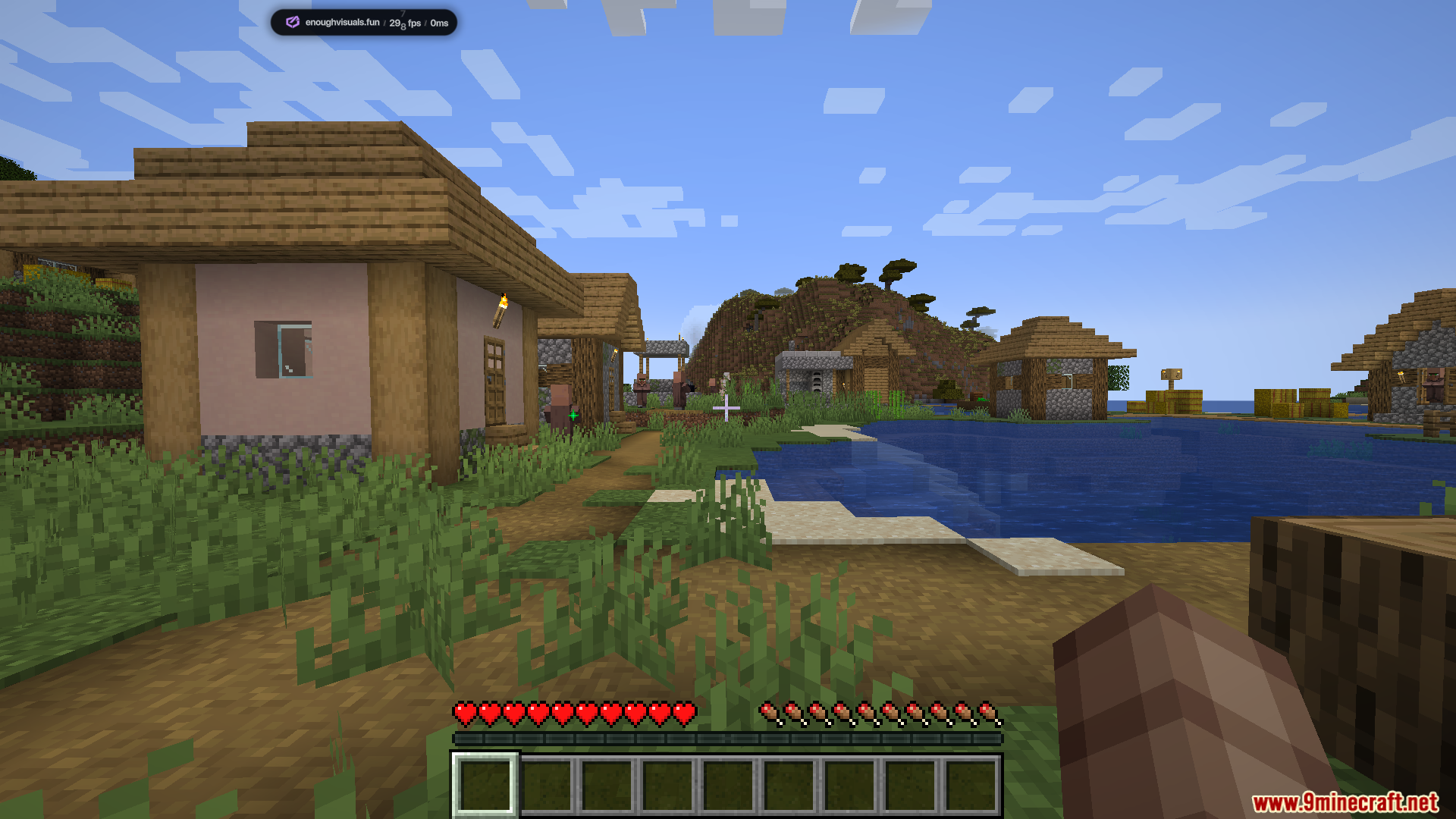
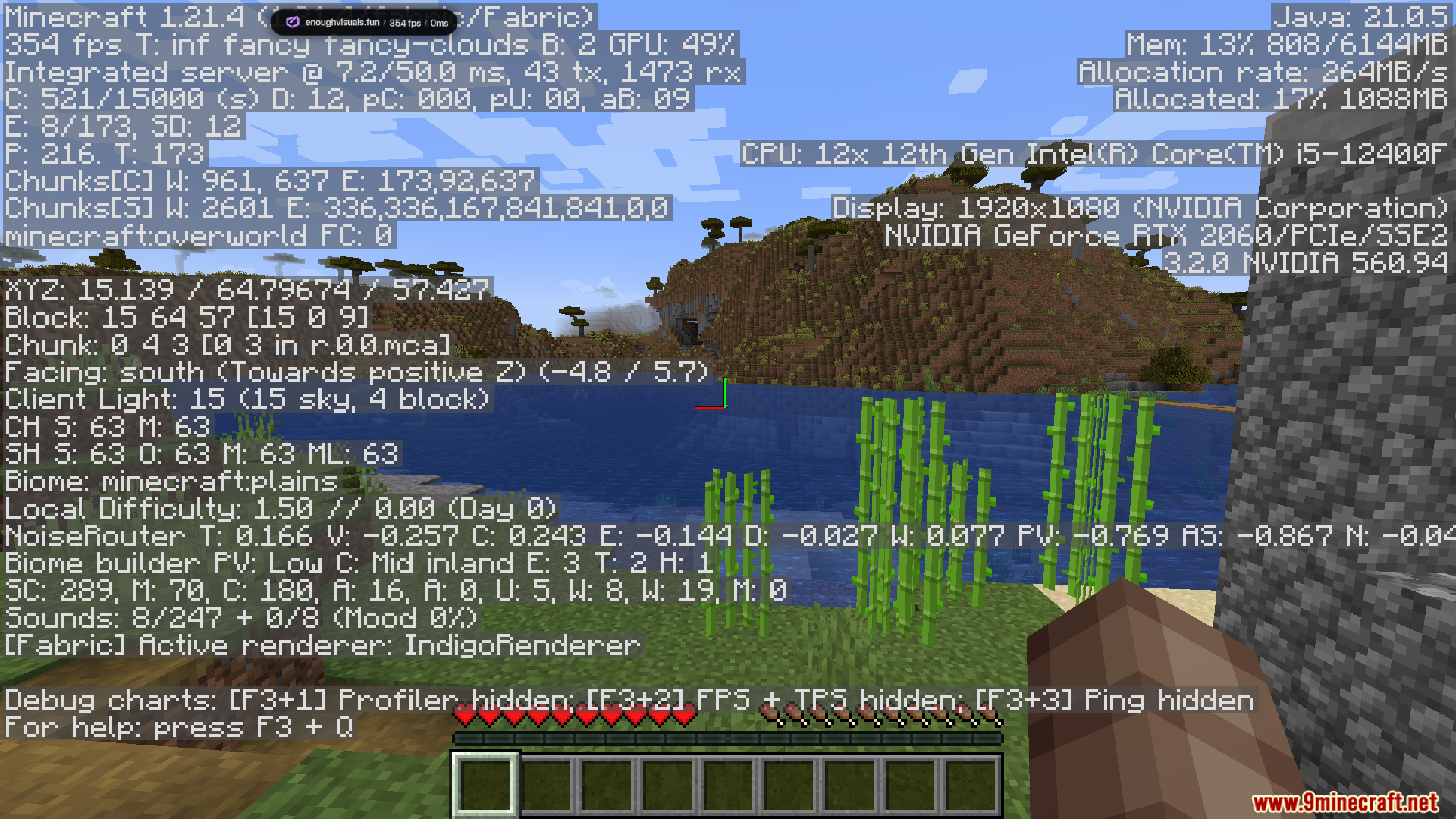
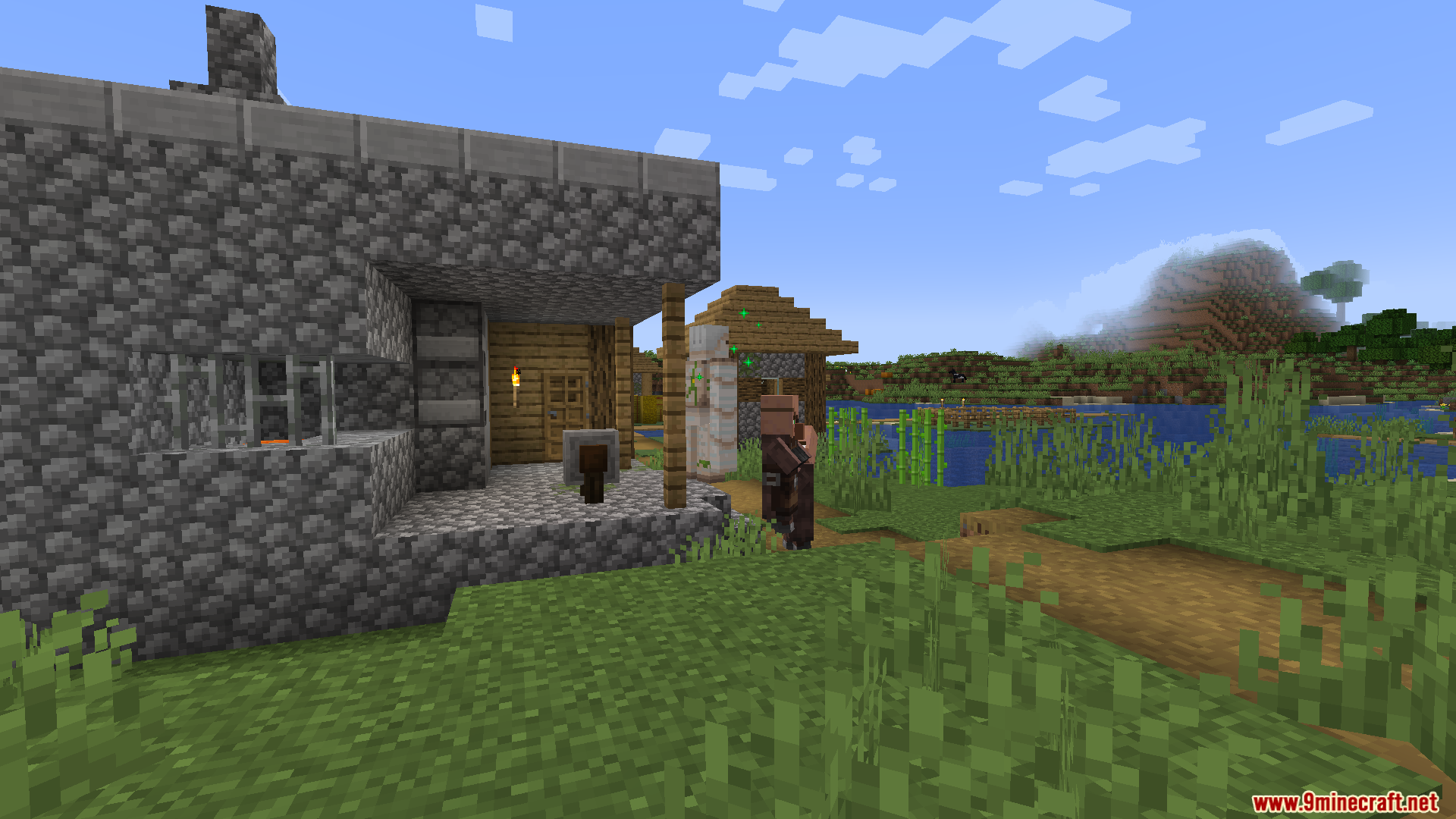
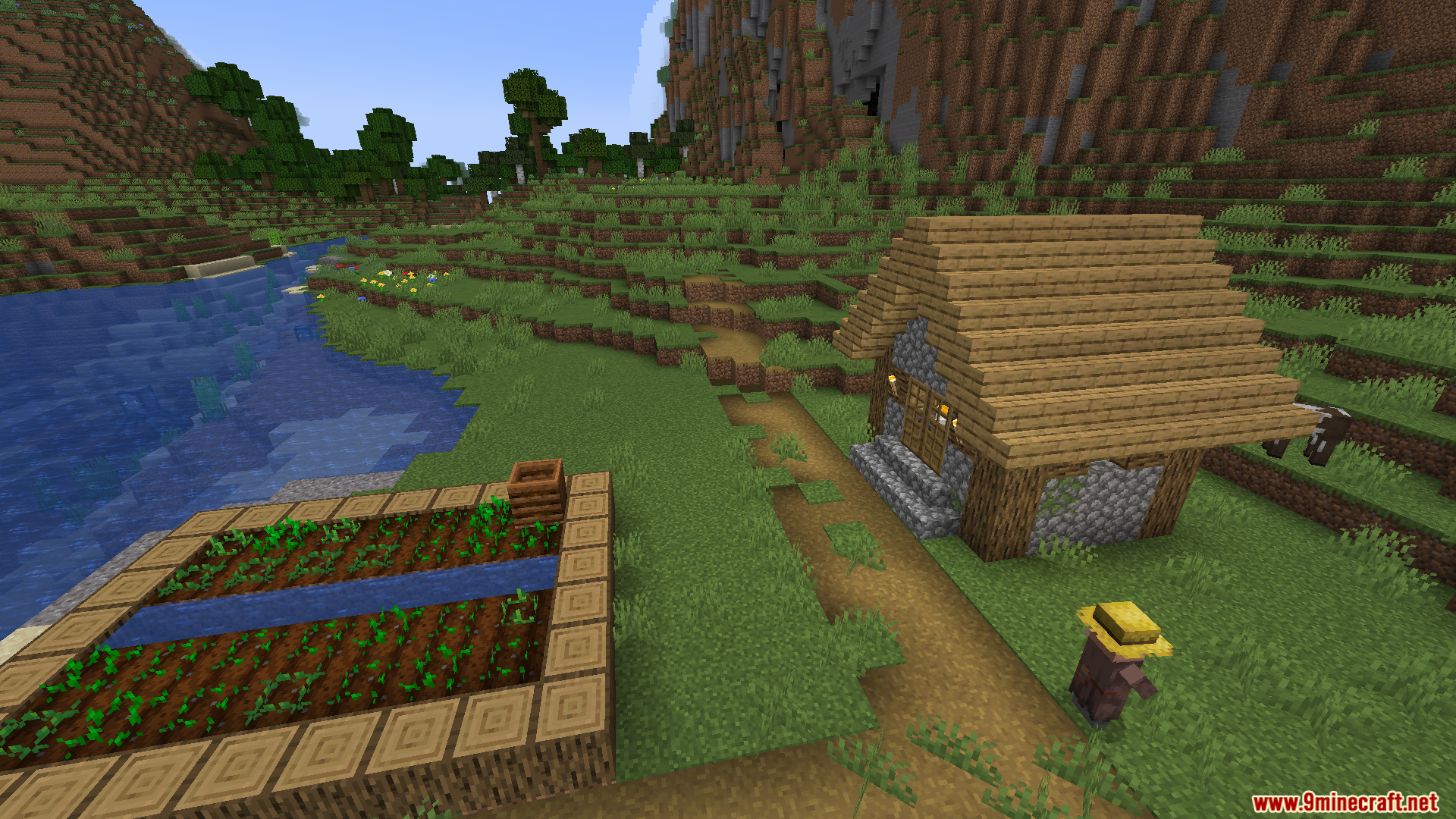
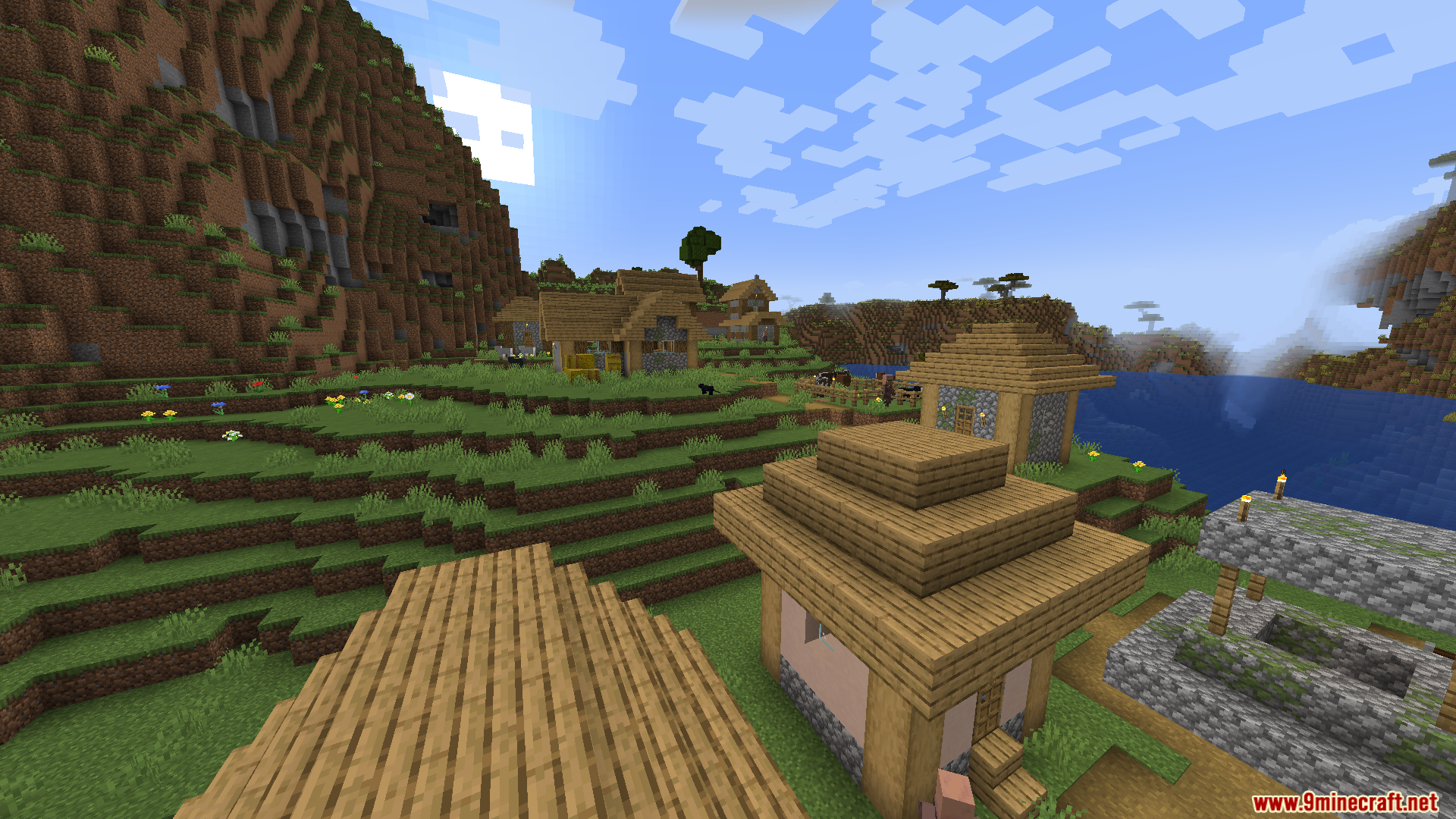
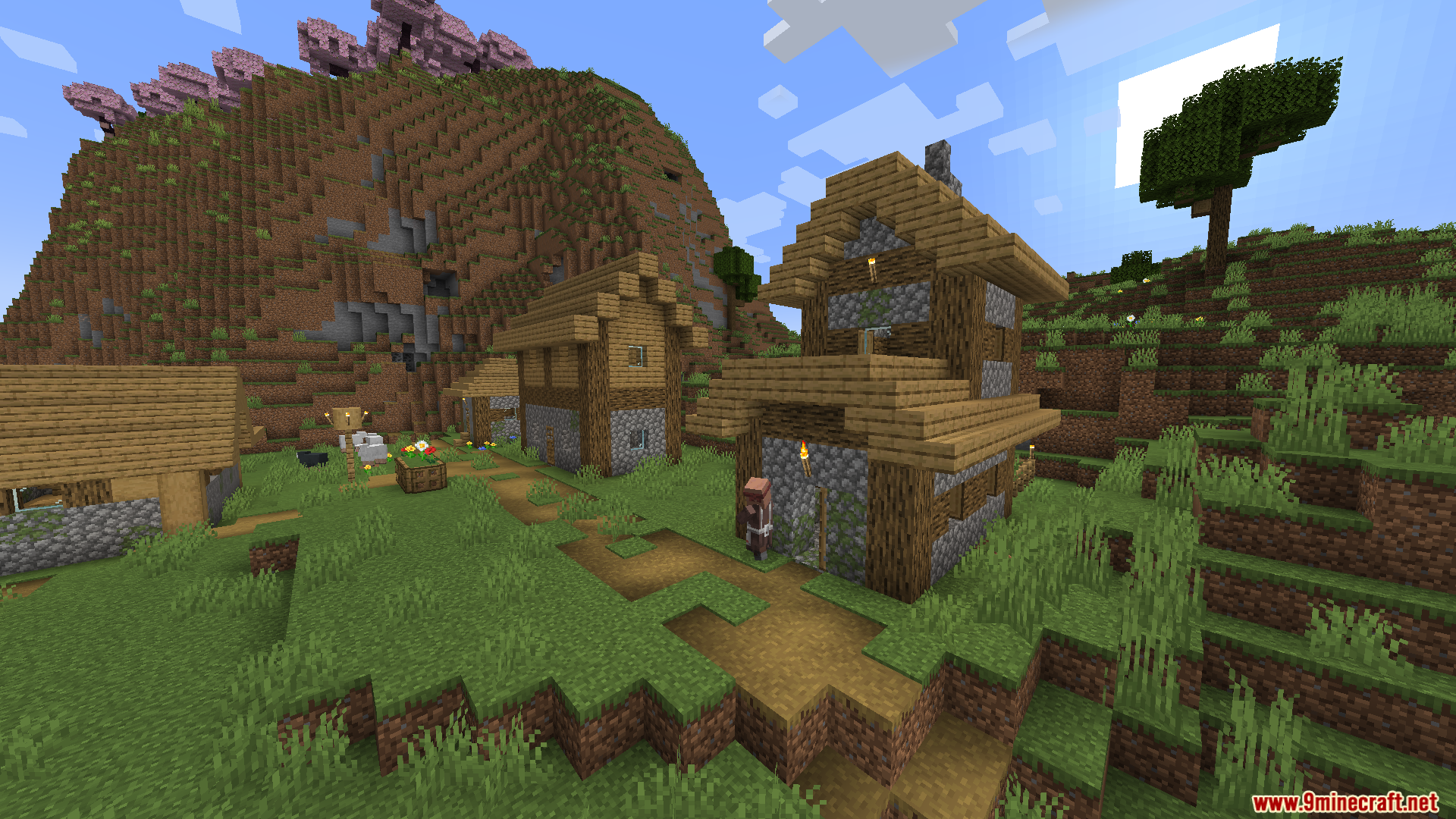
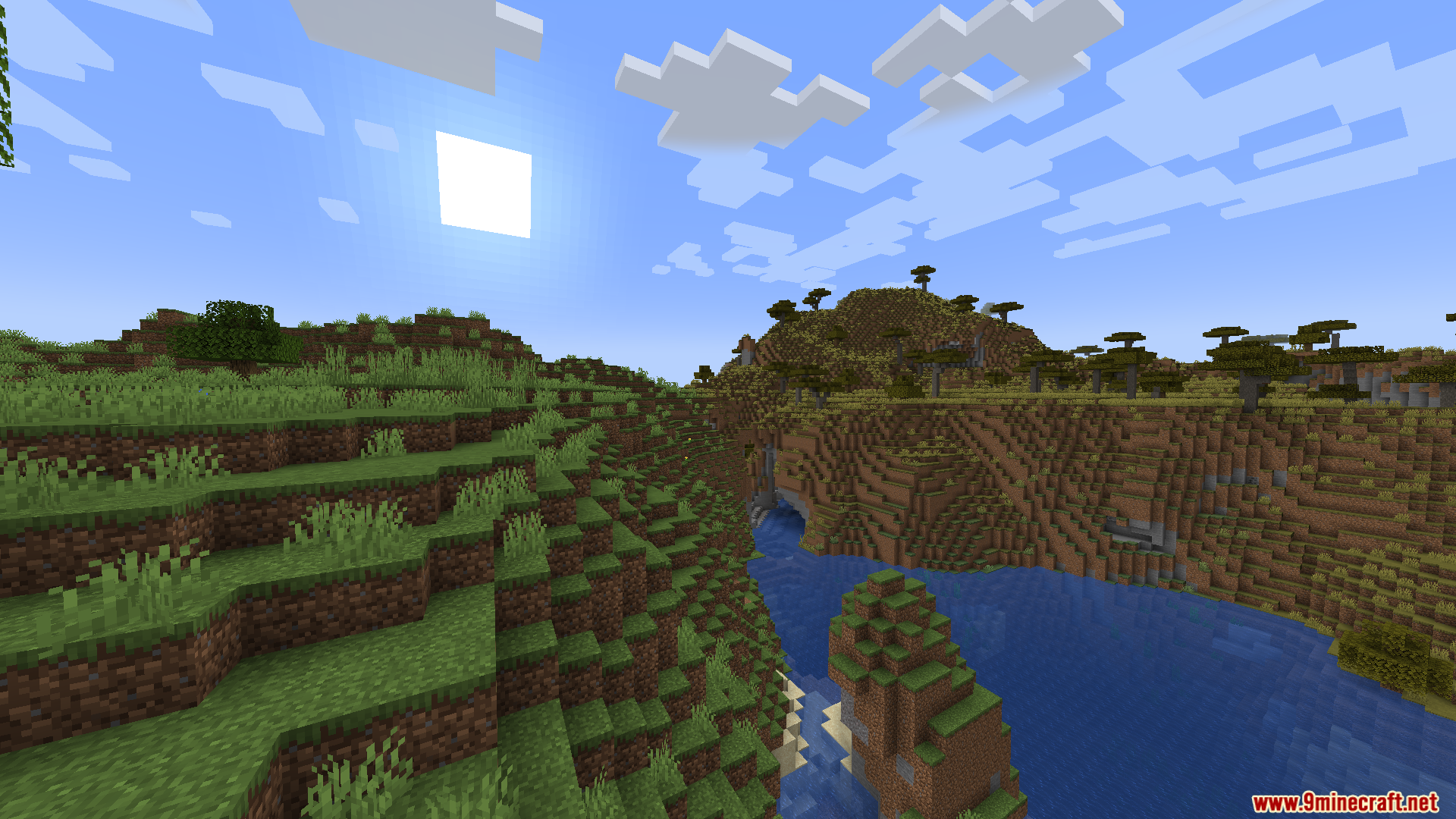
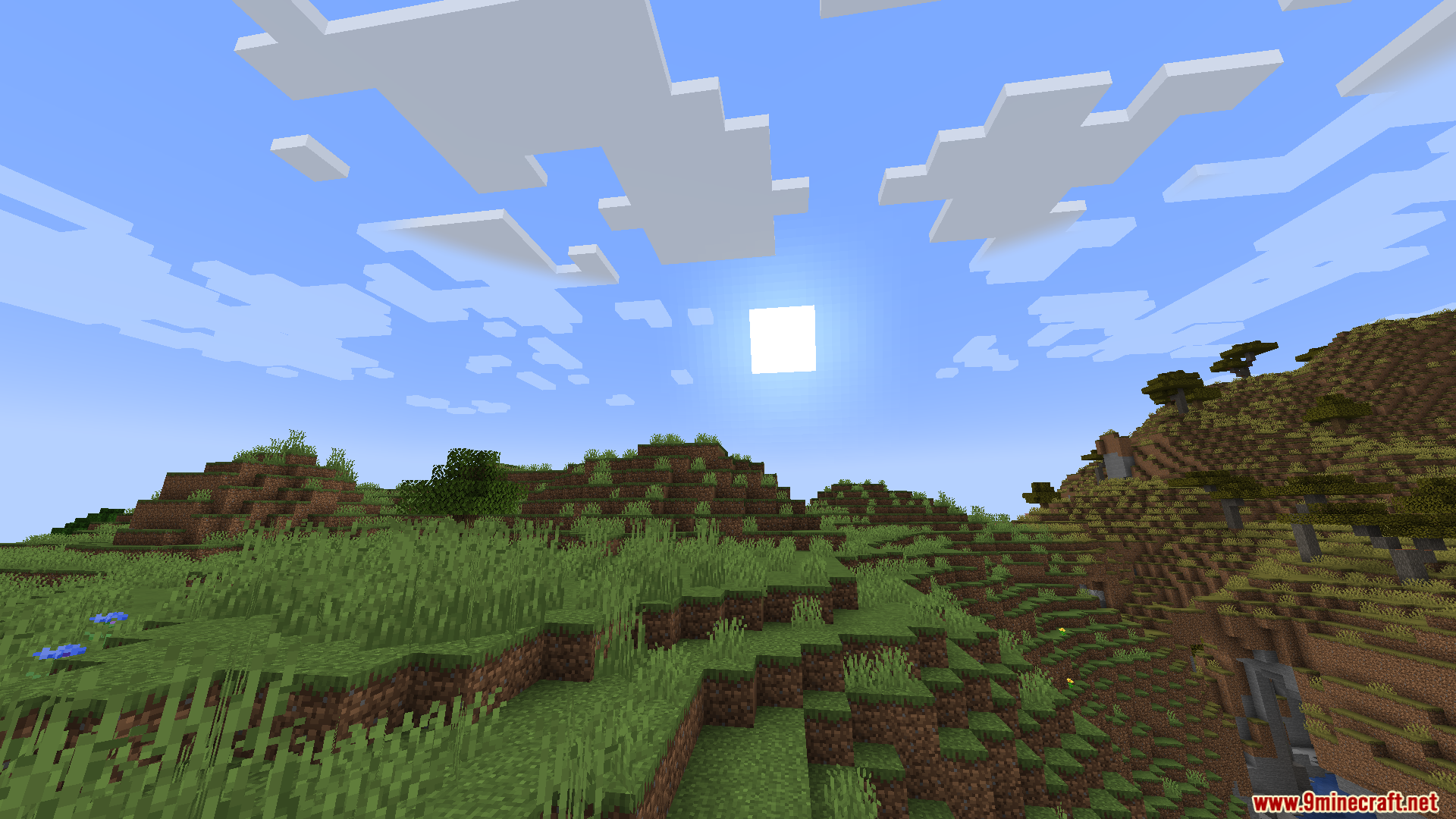
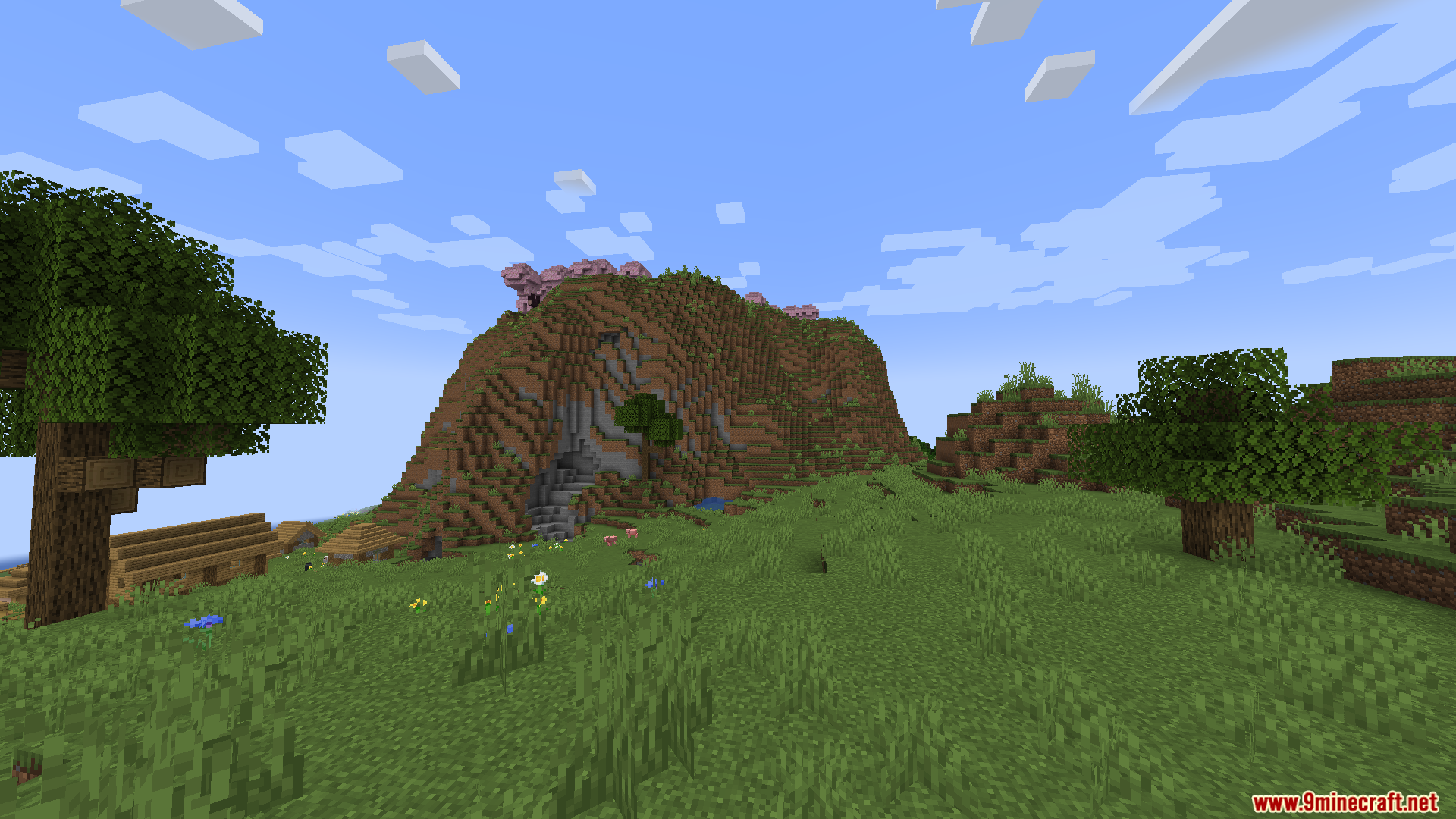
10 images from the Enough Visuals Mod page.
You May Also Like
Wikis that share the most with this one
More mod wikis on the site
The most downloaded mods that have a wiki here
A few wikis from each of the other kinds