

 DownloadEnhanced Visuals Mod
Get the files on 9Minecraft
Guides
Step-by-step, in-game.
How to Make the Enderman Static Effect Work ProperlyWhy It May Not Trigger The effect only fires when you actually make eye contact with an Enderman, meaning your…How to Reduce Motion Sickness or Performance Issues Caused by Enhanced VisualsSome players love the atmosphere but find the constant pulsing, tinting, and static uncomfortable, or notice frame…How to Toggle and Configure Enhanced Visuals Effects In-GameEnhanced Visuals adds screen effects for low health, potion effects, Enderman stares, explosions, and more. If any…How to Use Low-Health and Damage Visuals as Combat FeedbackEnhanced Visuals turns your screen into a status readout. The red pulsing at low health and the flash when you take a…
Frequently asked questions
How do I turn on the enhanced visuals effects?
Effects are enabled by default once the mod is installed, so you don't need to toggle anything on to start seeing them. If nothing appears, check that the mod is actually loaded and that your effects aren't disabled in the config.
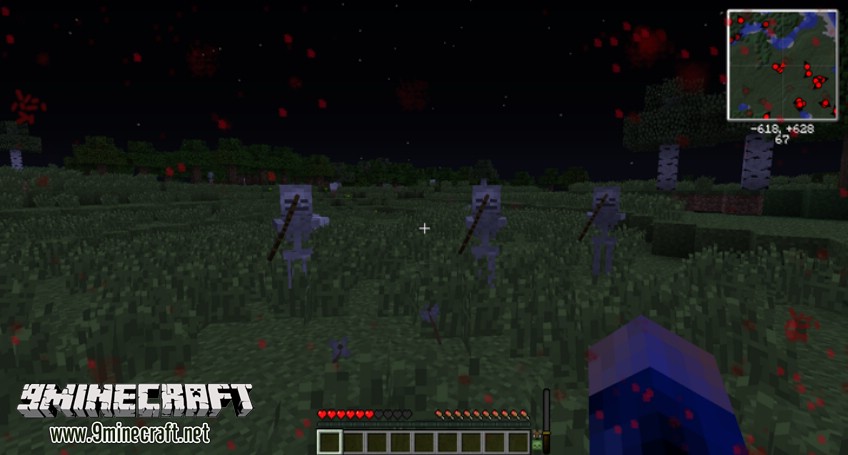
Why does my screen go red and pulse when I'm low on health?
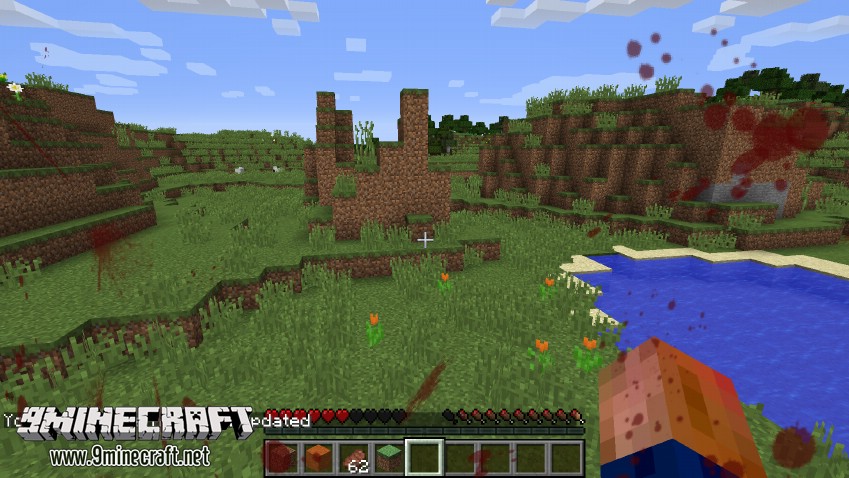
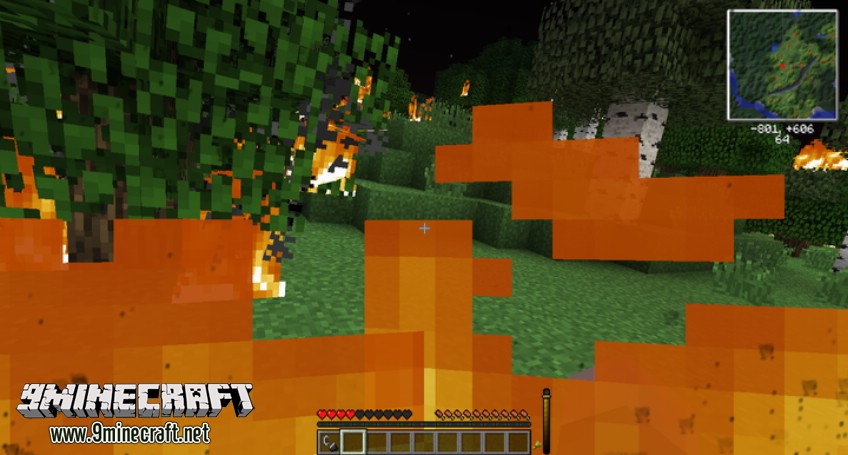
That's the low-health warning effect, which pulses red around the edges of your screen as your health drops to signal danger. It scales with how close you are to dying, so it gets more intense the lower your health gets.
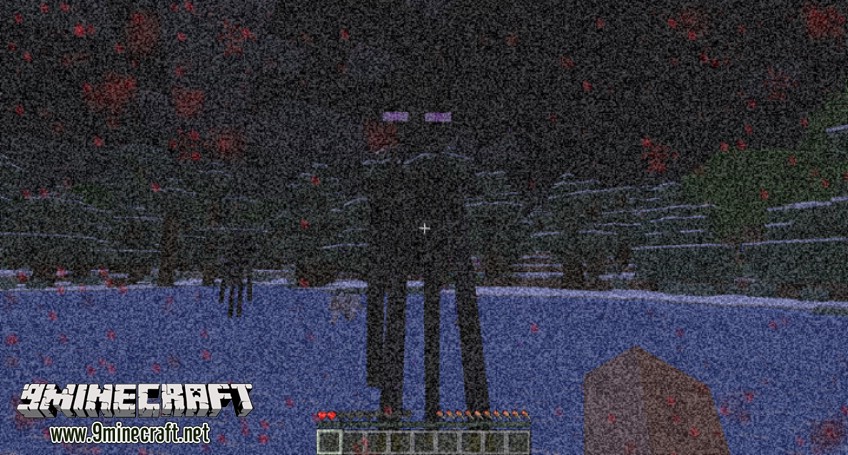
How do I get the enderman static effect?
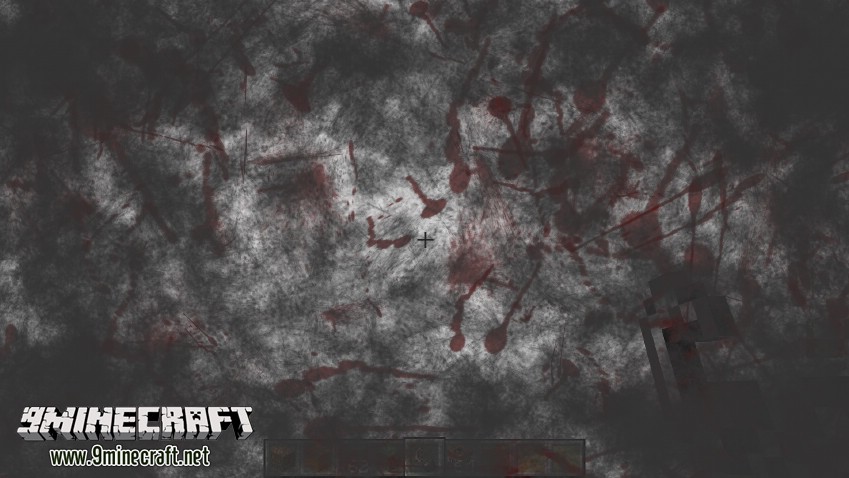
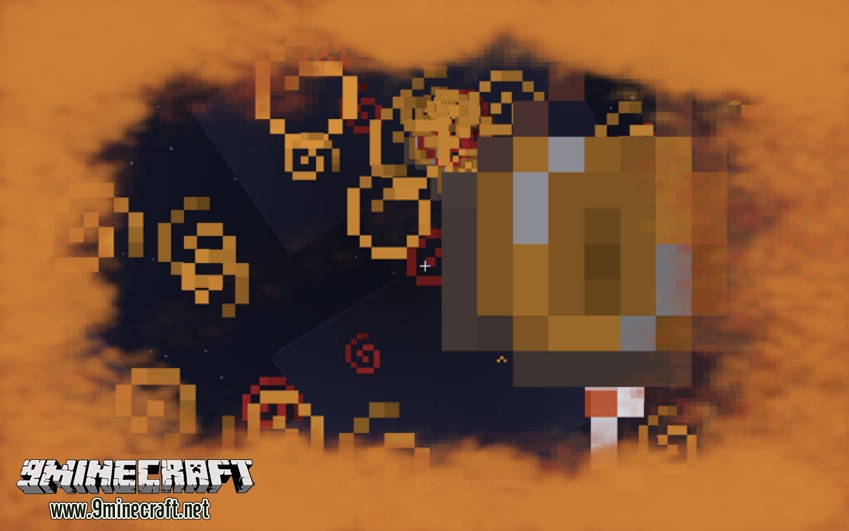
Look directly at an Enderman's face and hold your gaze on it; the static effect triggers from making eye contact, similar to how they normally aggro. It won't appear if you only glance at their body or look away quickly.
The effects aren't showing up at all, what's wrong?
The most common causes are the mod not being loaded, effects being disabled in the config, or another visual mod overriding the same screen overlays. Check your config file first and confirm the mod appears in your loaded mods list.
See all 19 Enhanced Visuals questions ›
Dependencies
Other mods needed to run this one.
Creativecore (required)
Gallery
12 images from the Enhanced Visuals Mod page.
You May Also Like
Wikis that share the most with this one
More mod wikis on the site
Enhanced Sky Recipes ModEnhanced Searchability ModEnhanced Mods Button 9minecraft ModEnhanced Mob Spawners ModEnhanced Enchanting & Enchantments ModEnhanced Celestials 2 Core ModEnhanced Block Entities ModEnhanced Block EntitiesEnhanced Attack IndicatorEnhanced Attack IndicatorEngineer's ToolsEngineer's Decor
The most downloaded mods that have a wiki here
A few wikis from each of the other kinds