

 DownloadDoruk’s Plus Shaders
Get the files on 9Minecraft
Guides
Step-by-step, in-game.
Adjust Shadow Quality and DistanceAccess Shader Settings Open the shader options menu by pressing the designated key while in-game (usually accessed…Enable and Customize ReflectionsLocate Reflection Settings Open the shader options panel and search for reflection-related toggles or sliders. Common…Improve Lighting in Dark AreasUnderstand Lighting Adjustments Doruk's Plus Shaders enhances world lighting while maintaining performance. Access…Optimize Performance on Low-End HardwareIdentify Performance Bottlenecks Launch Minecraft with the shader enabled and monitor your frame rate using F3 (or…
Frequently asked questions
How do I turn on the shader after installing it?
Open Options > Video Settings > Shaders, then locate Doruk's Plus Shaders in your shader folder and select it. The shader will activate immediately; you may see a brief loading screen as it compiles.
Why do my shadows look blocky or pixelated?
Shadow resolution is likely set too low. Open the shader settings (usually by pressing a key like Right Shift or through the shader menu), find the shadow quality or shadow map resolution option, and increase it to smooth out the blocky appearance.
Can I turn off reflections if they're causing lag?
Yes. Access the shader options menu and look for reflection or water reflection settings, then disable or reduce the reflection quality. This is one of the fastest ways to improve performance on low-end hardware.
My FPS drops a lot when I enable this shader. What should I do?
Try lowering shadow distance first, then reduce shadow quality and reflection quality in the shader settings. If still laggy, lower your render distance in Video Settings or disable advanced lighting options in the shader menu.
See all 10 Doruk’s Plus Shaders questions ›
Gallery
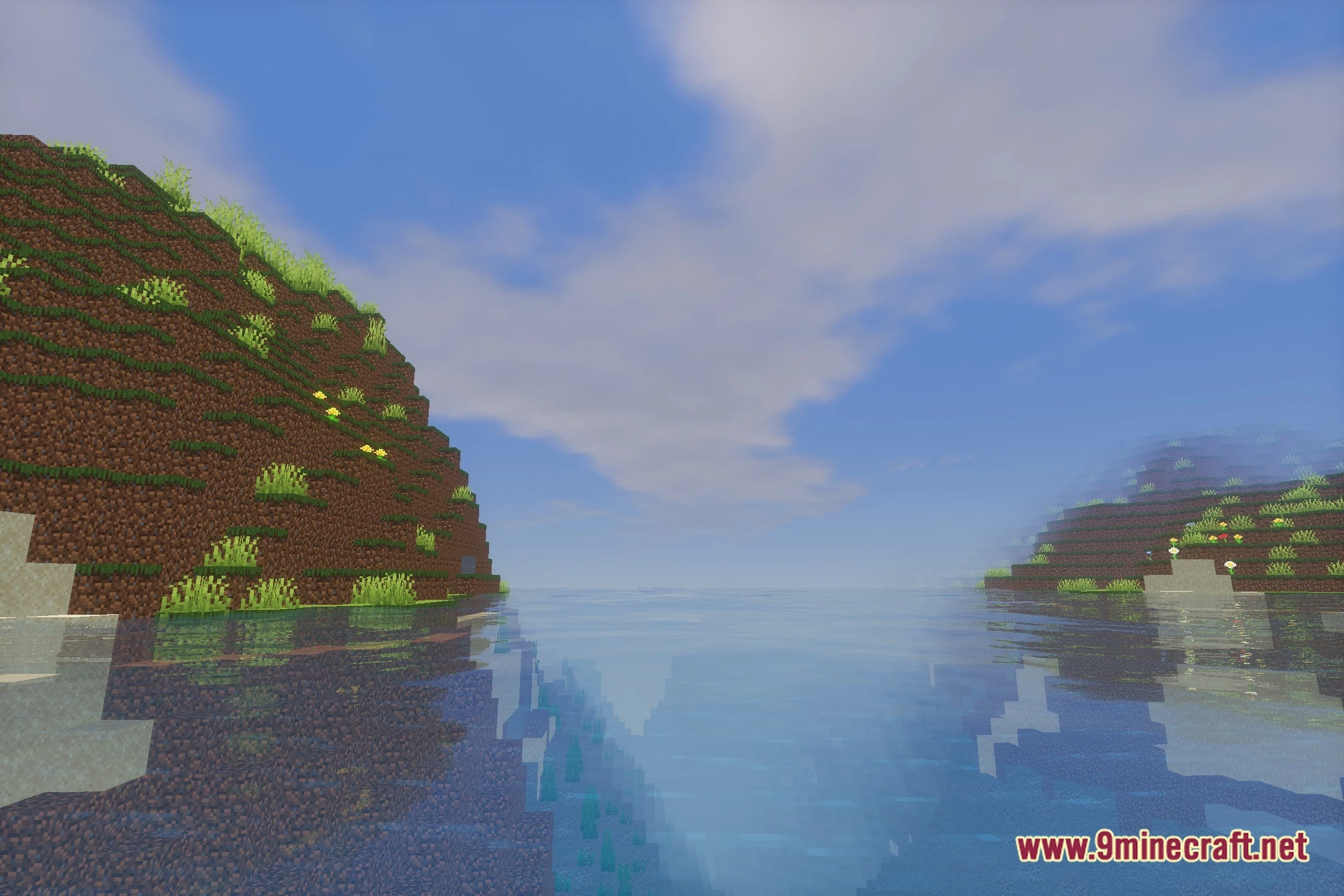
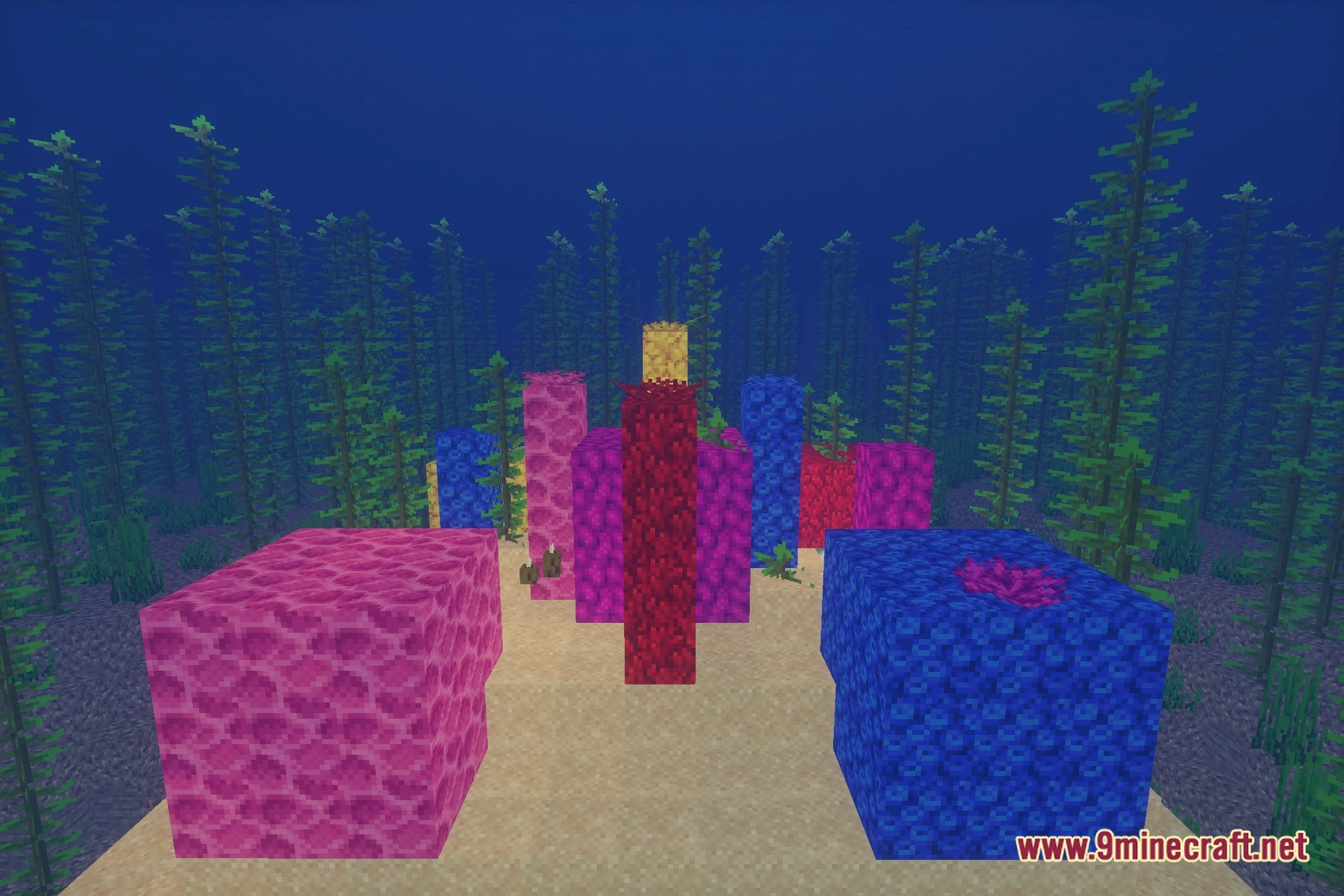
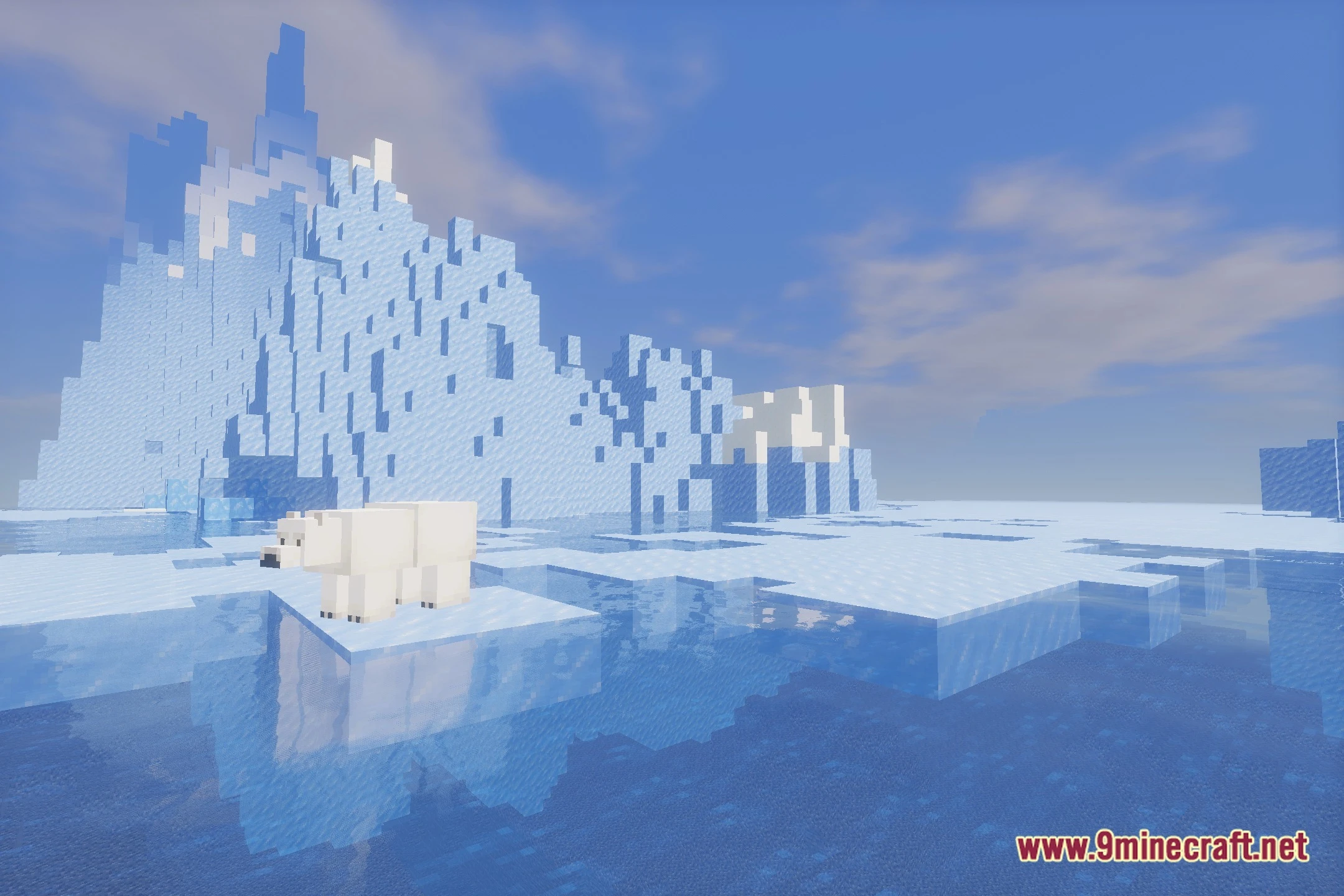
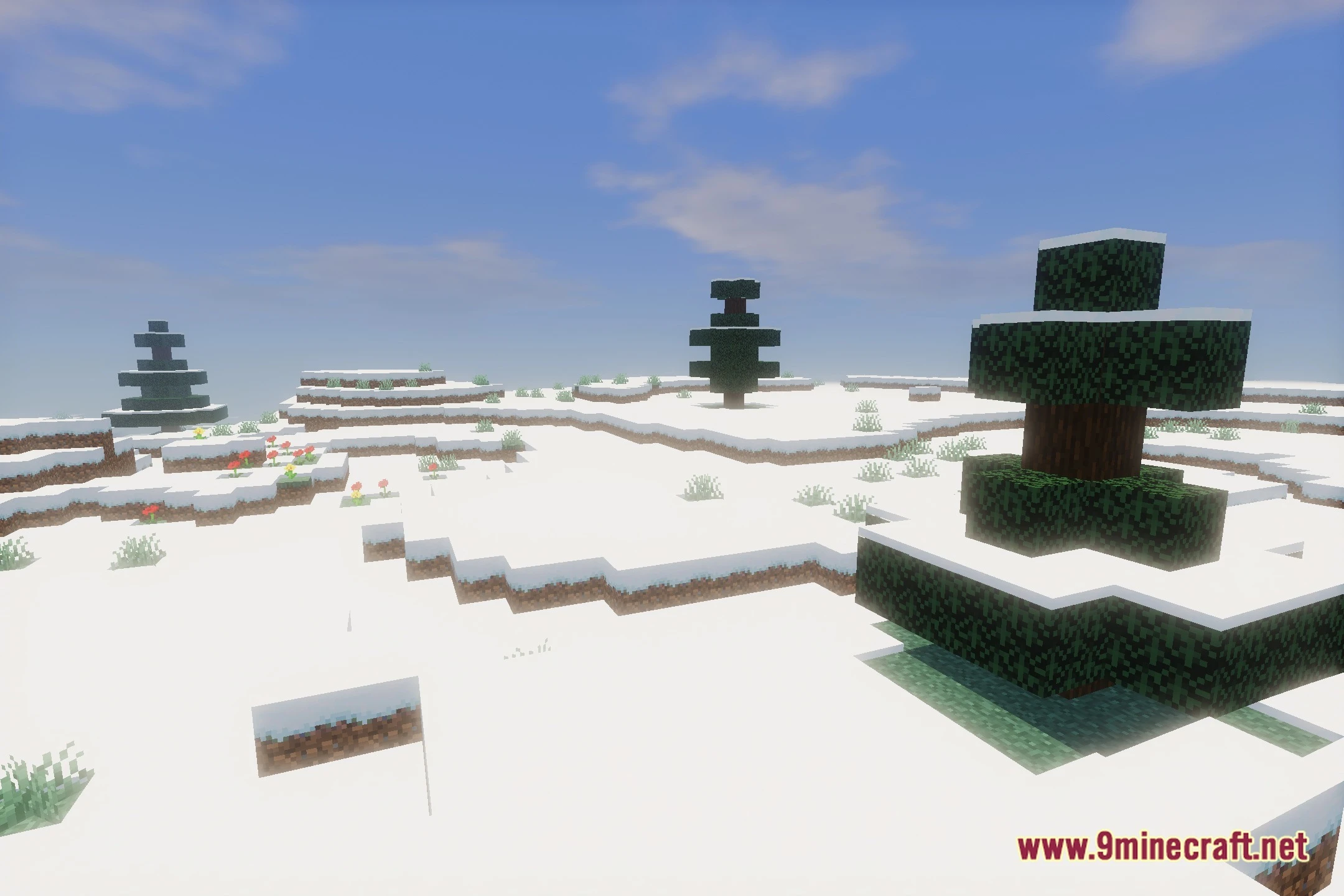
12 images from the Doruk S Plus Shaders page.
You May Also Like
Wikis that share the most with this one
Wikis on the same theme: light
More shader wikis on the site
 Depth Style Shaders
 Depth of Field Test3 Shaders
The most downloaded mods that have a wiki here