

 Iris Shaders
 DownloadDistant Horizons + Iris Shaders Modpack
Get the files on 9Minecraft
Guides
Step-by-step, in-game.
How to Allocate RAM Correctly for the Distant Horizons + Iris ModpackWhy RAM Matters Here Distant Horizons stores LOD data for huge areas, and shaders add their own memory overhead. Too…How to Configure Distant Horizons LOD Quality and Render DistanceUnderstanding the Two Distance Systems Distant Horizons renders terrain as simplified Level of Detail (LOD) chunks…How to Fix Stuttering and Lag When Using Distant Horizons with ShadersCommon Causes Distant Horizons and Iris shaders both demand significant resources. Stuttering usually comes from…How to Make Distant Horizons Terrain Blend Smoothly with Vanilla ChunksWhy the Seam Looks Wrong Distant Horizons renders far terrain as simplified LODs, while nearby chunks render…
Frequently asked questions
How do I turn on Distant Horizons so I can actually see far terrain?
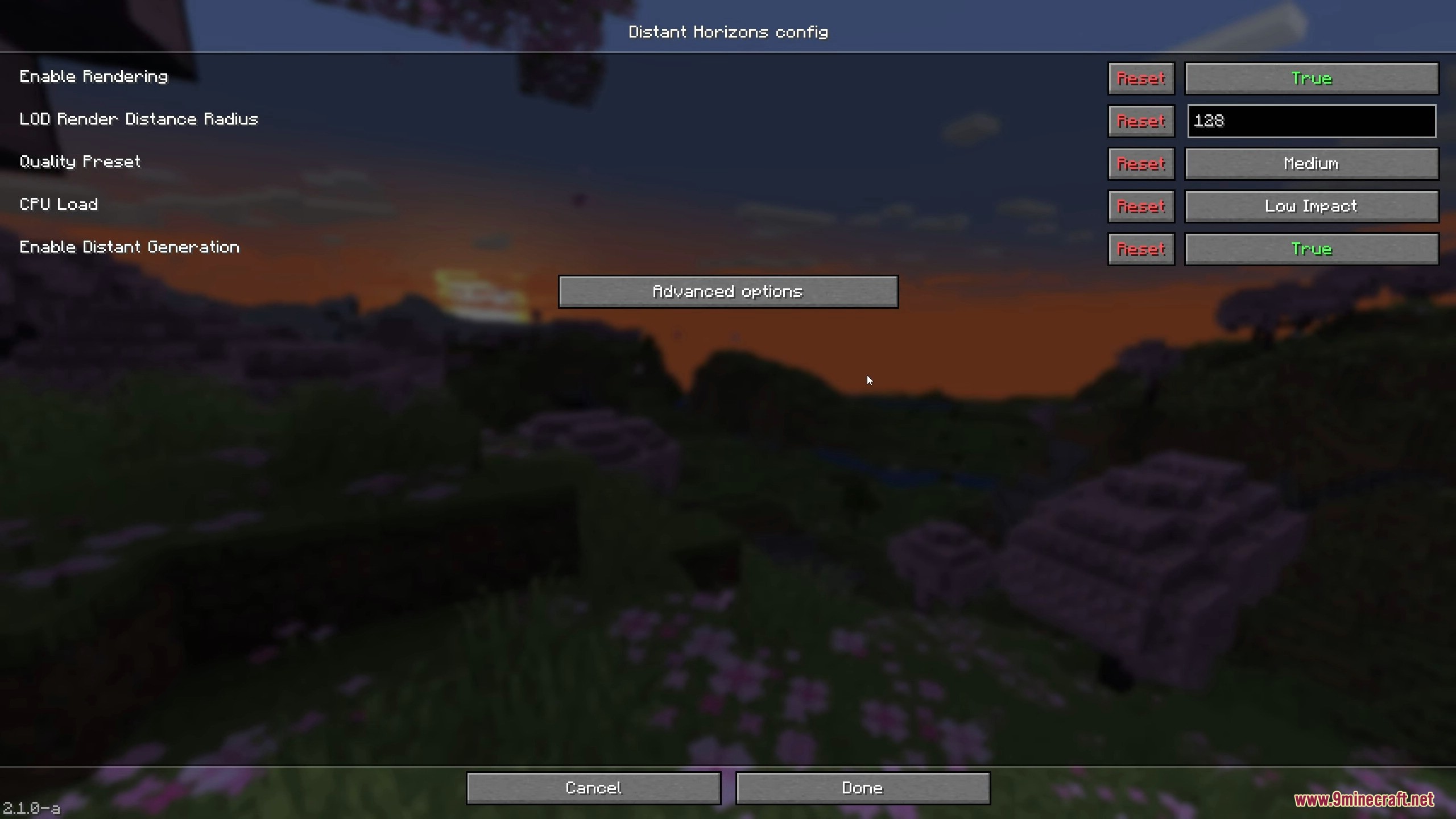
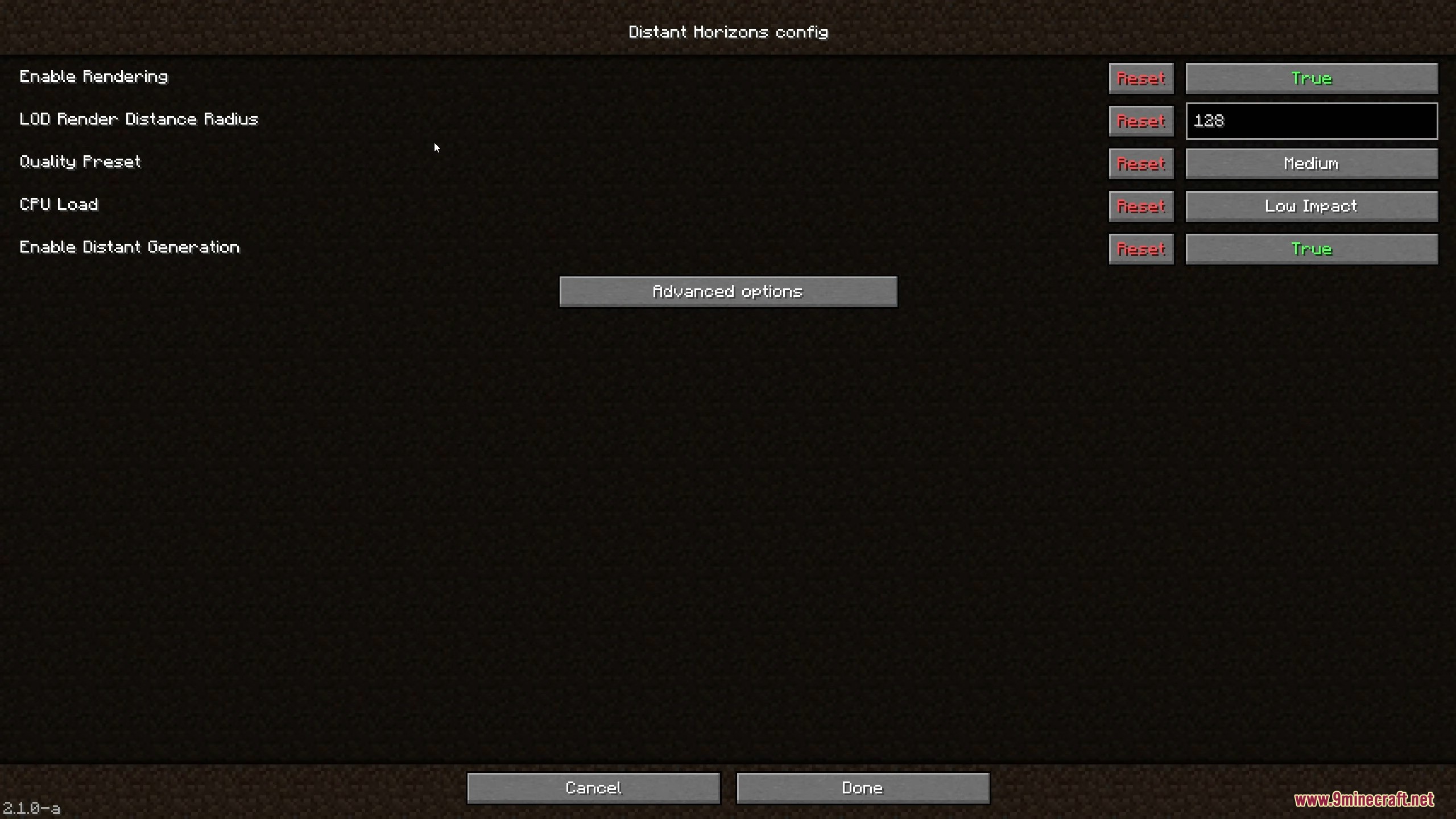
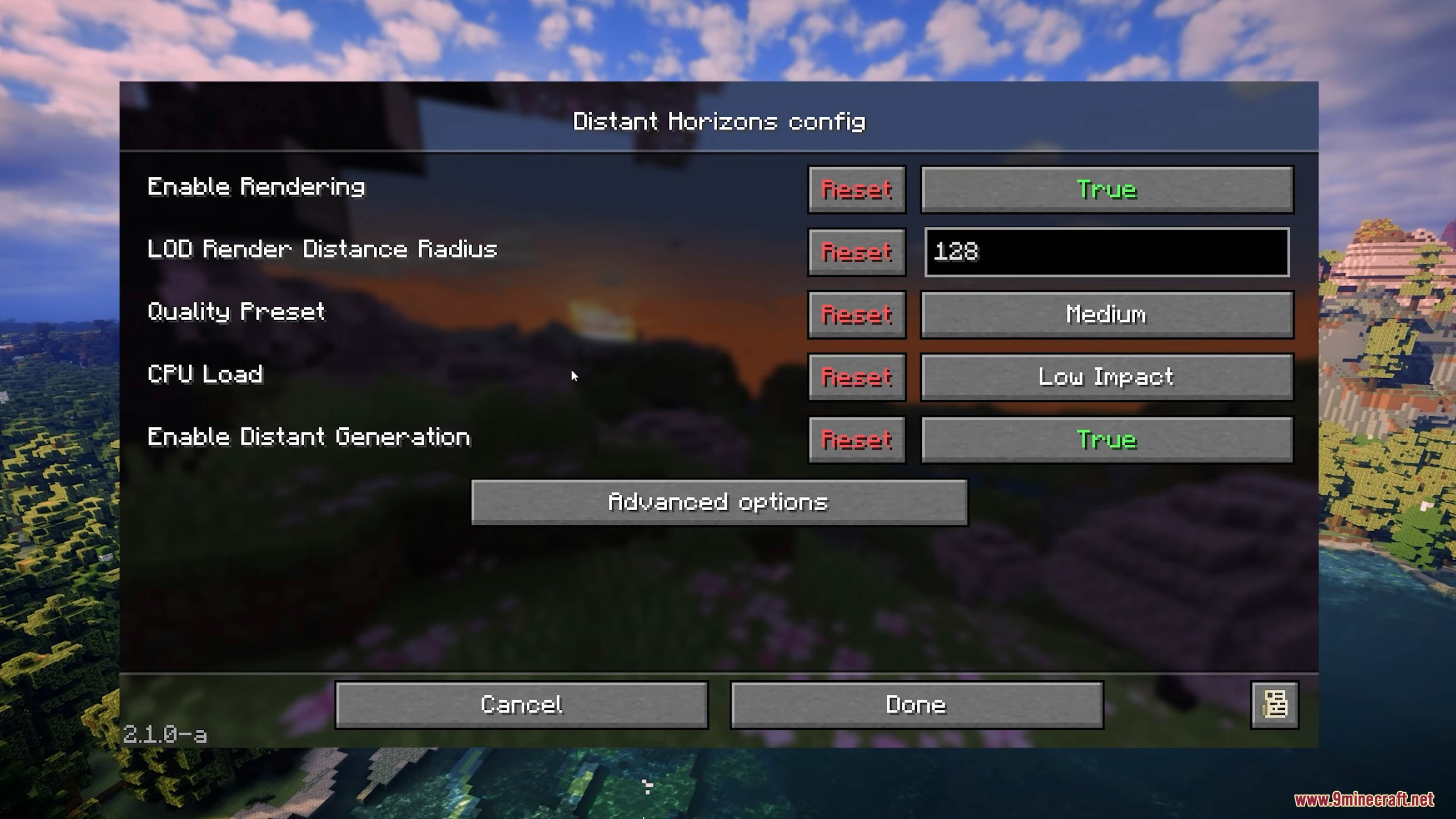
Open the  Distant Horizons config screen from the mod list or its in-game menu and enable the mod, then set your LOD render distance. Vanilla render distance stays low while DH draws the far terrain, so both settings work together.
Why does my game still look like normal Minecraft after installing this modpack?
Distant Horizons is off by default and Iris needs a shader pack selected. Enable DH in its config and pick a shader pack in Video Settings > Shader Packs, otherwise you're just running vanilla rendering.What's the difference between vanilla render distance and Distant Horizons render distance?
Vanilla render distance controls fully detailed chunks near you, while DH render distance controls the simplified LOD terrain drawn beyond that. Keep vanilla low for performance and push DH distance high for the far view.
How do I make the far DH terrain blend with my normal chunks instead of looking blocky?
Enable the DH blending/overdraw options in its config so LODs fade into vanilla chunks, and match your DH quality preset to your vanilla distance. Mismatched quality settings are the usual cause of a visible seam.
See all 10 Distant Horizons + Iris Shaders Modpack questions ›
Gallery
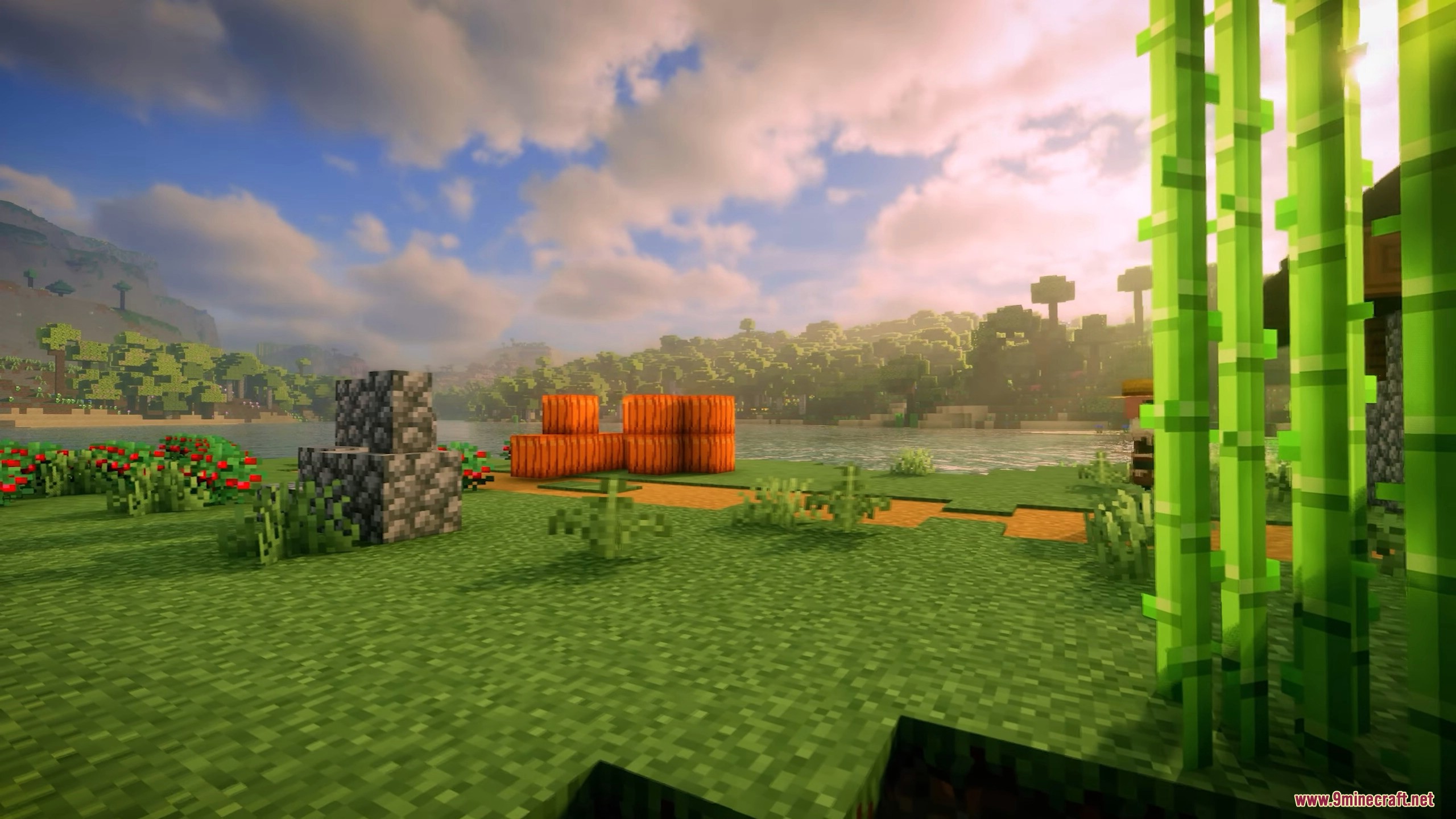
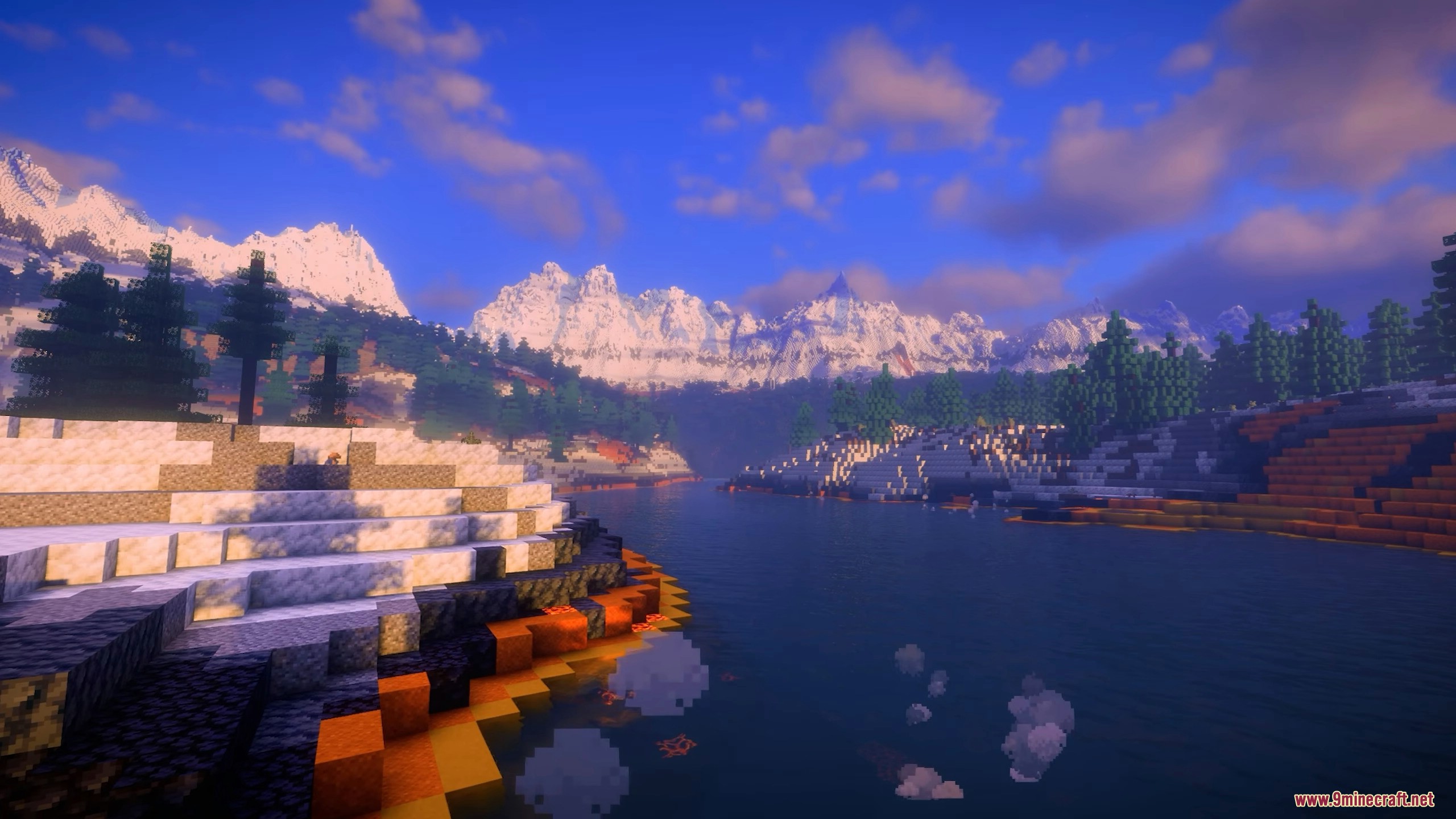
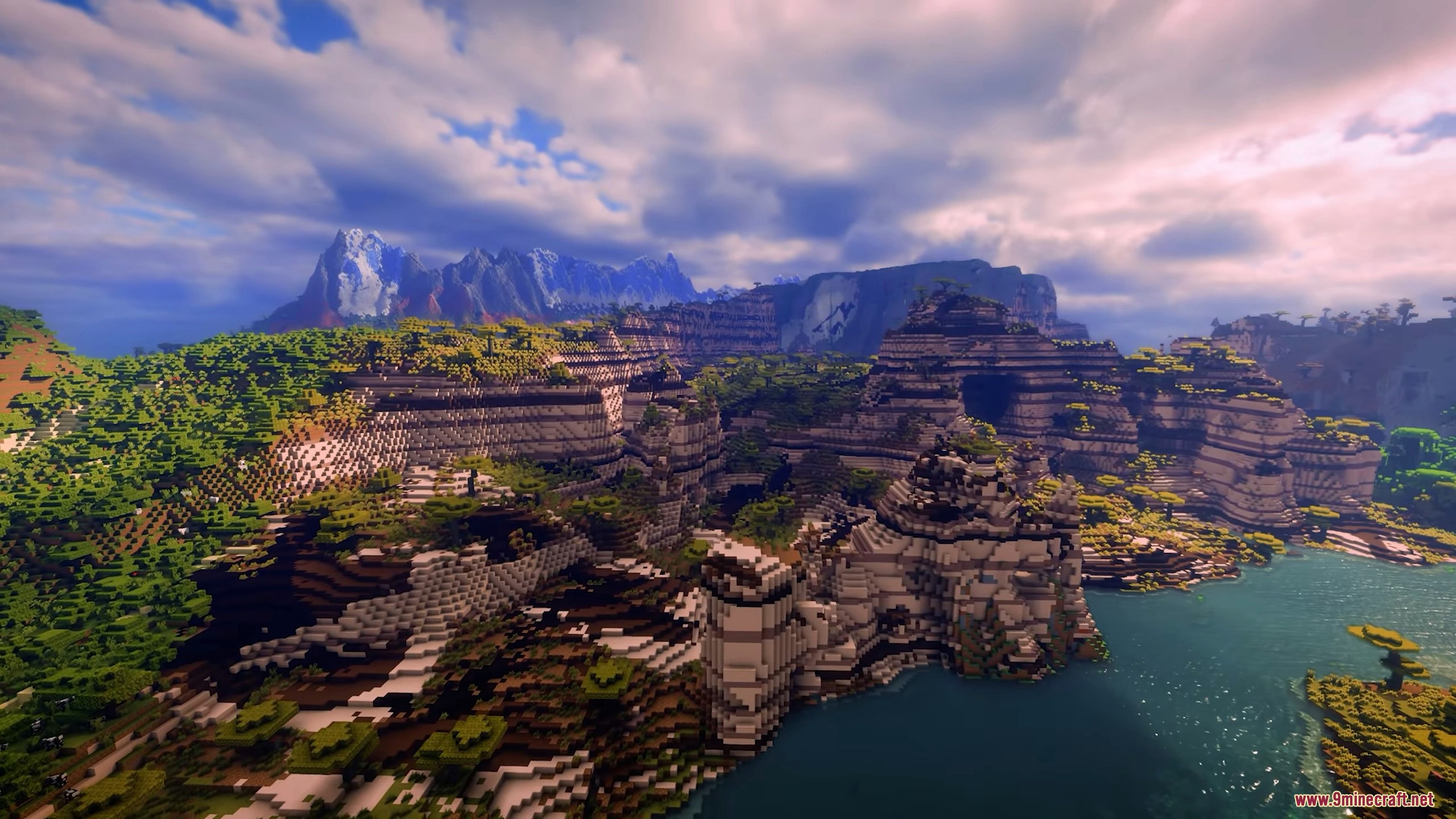
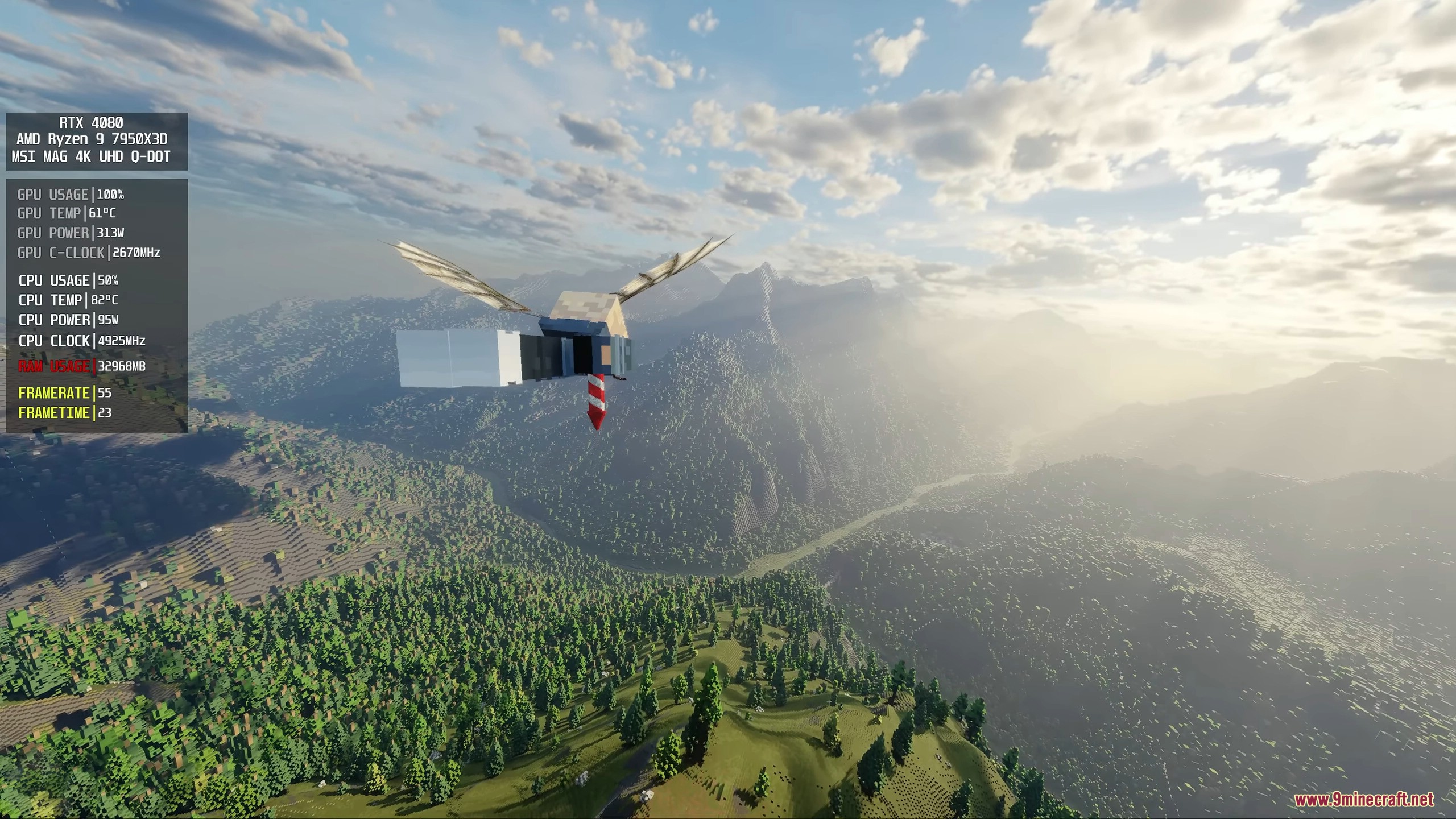
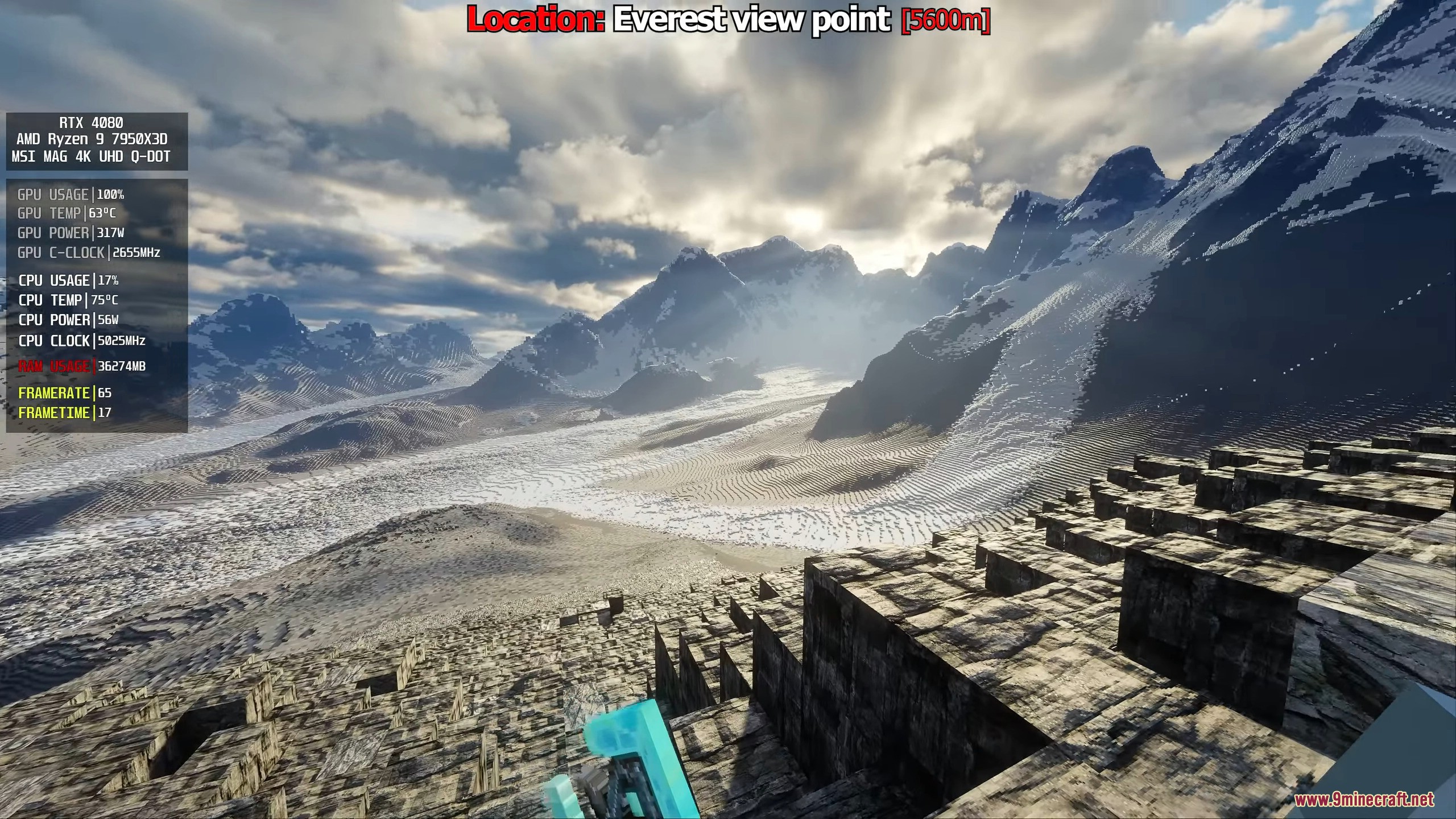
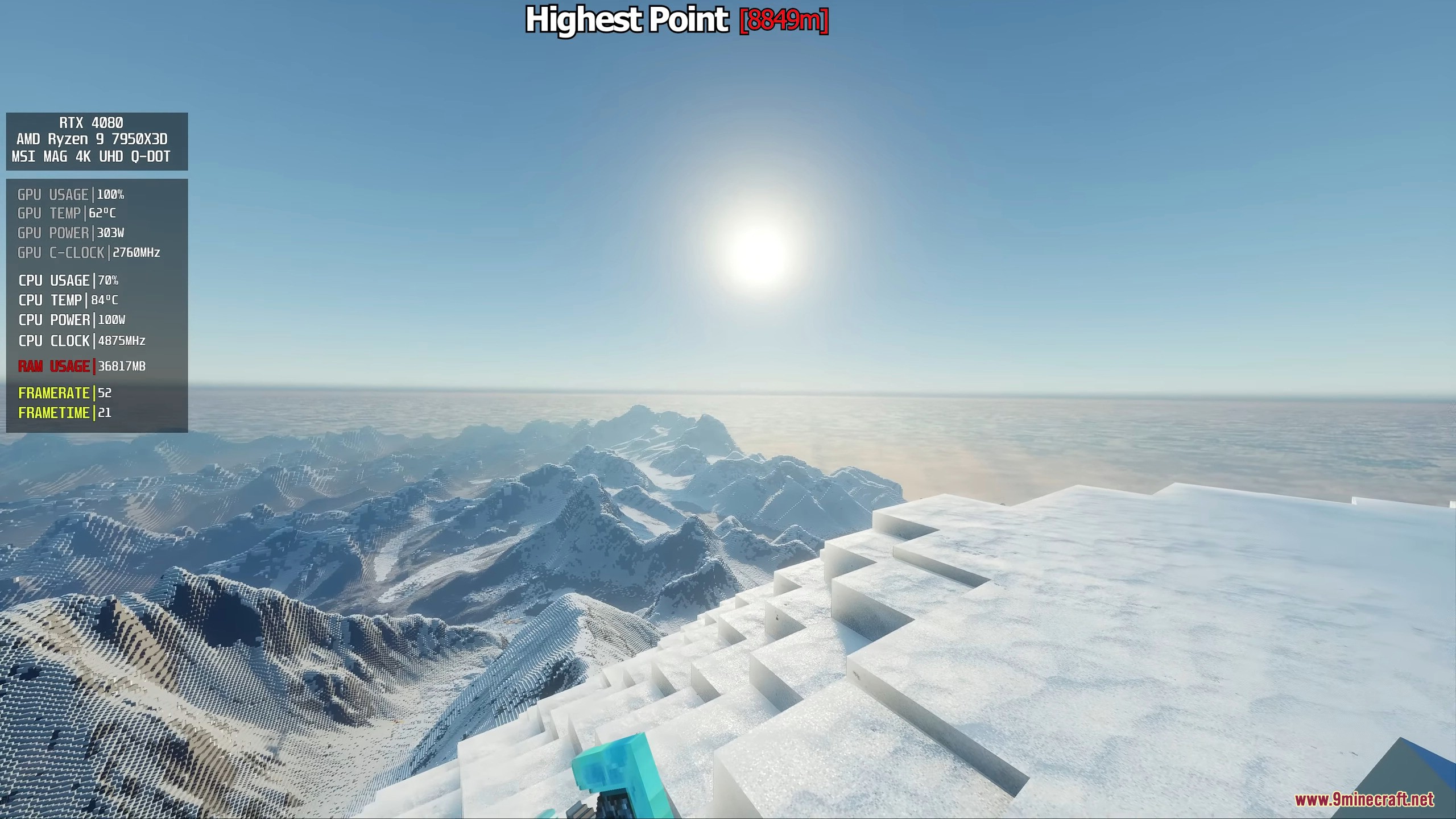
11 images from the Distant Horizons Iris Shaders Modpack page.
You May Also Like
Wikis that share the most with this one
More shader wikis on the site
 Depth Style Shaders
 Depth of Field Test3 Shaders
 Demonic Possession Shaders
The most downloaded mods that have a wiki here