

 DownloadChandler’s Retro Shaders
Get the files on 9Minecraft
Guides
Step-by-step, in-game.
Optimize Shader Performance on Weak HardwareChoosing the Right Preset Chandler's Retro Shaders is built for low-end systems. Start by selecting the potato preset…Switch Between Color Palettes and PresetsAccessing Preset Options Chandler's Retro Shaders includes multiple color palette presets designed for different…Troubleshoot Visual Glitches and Color IssuesCommon Visual Problems If colors appear washed out, oversaturated, or incorrect: 1. Verify you've selected the…Understand How the Retro Color Filter Affects Your WorldWhat the Shader Changes Chandler's Retro Shaders applies a limited color palette filter across your entire world.…
Frequently asked questions
How do I enable the shader after installing it?
Launch Minecraft, go to Options > Video Settings > Shaders, then locate and select Chandler's Retro Shaders from the list. Click Apply and the shader will activate immediately.
Which preset should I use if my computer is really old?
Start with the Potato preset, which disables the most demanding effects and maintains the highest frame rate on weak hardware. If it runs smoothly, you can try Low or Medium presets for slightly better visuals.
Why do some blocks look washed out or wrong colored?
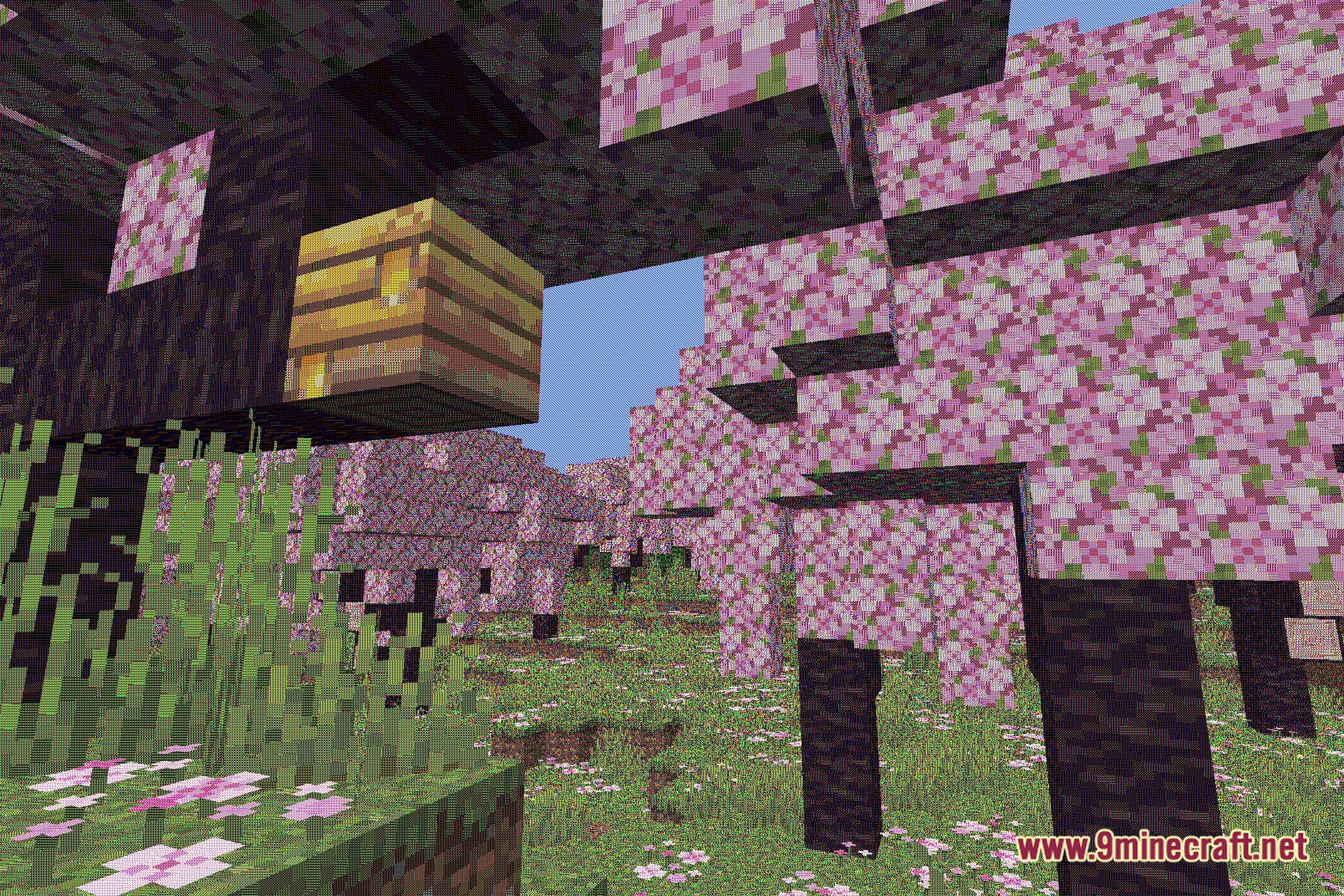
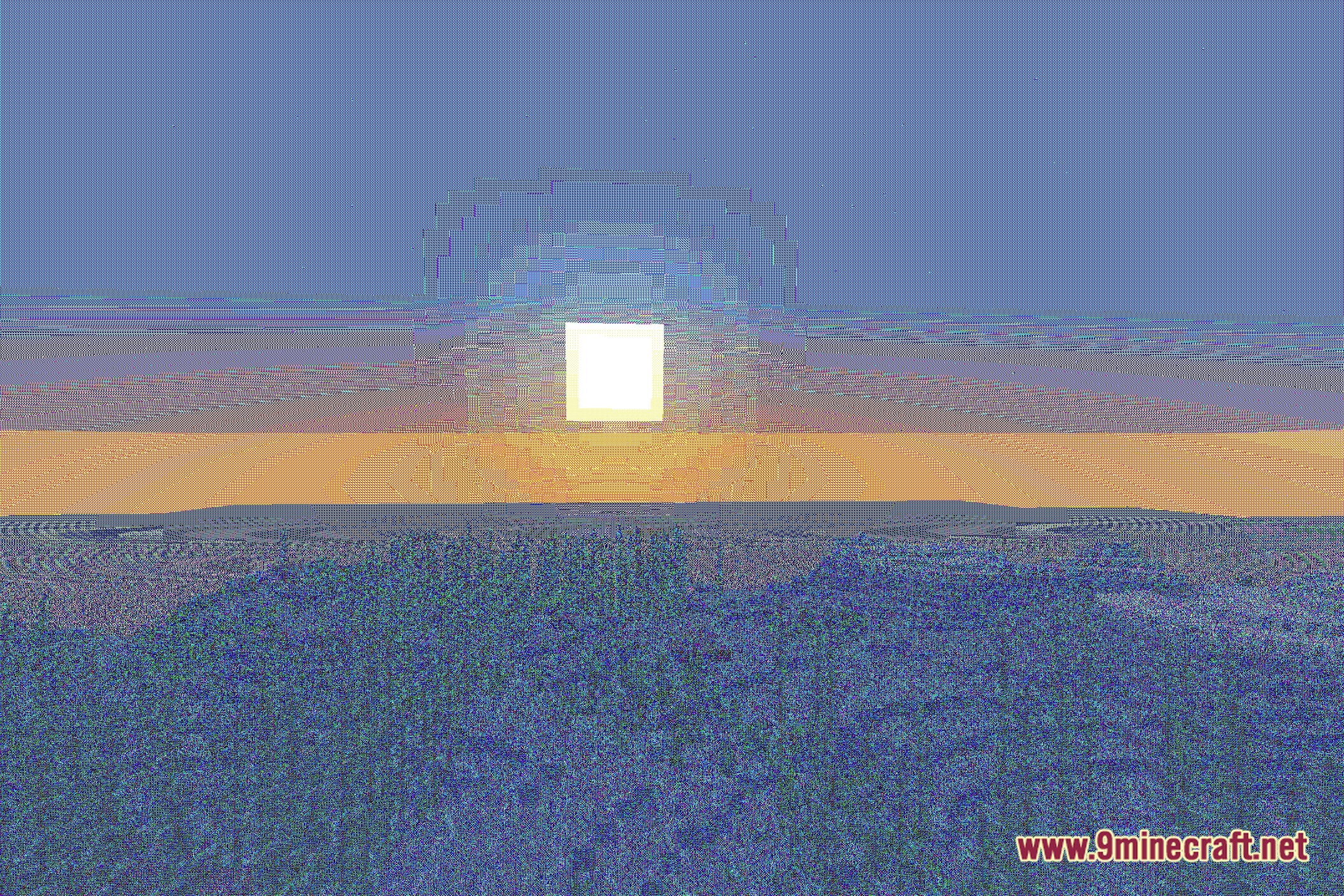
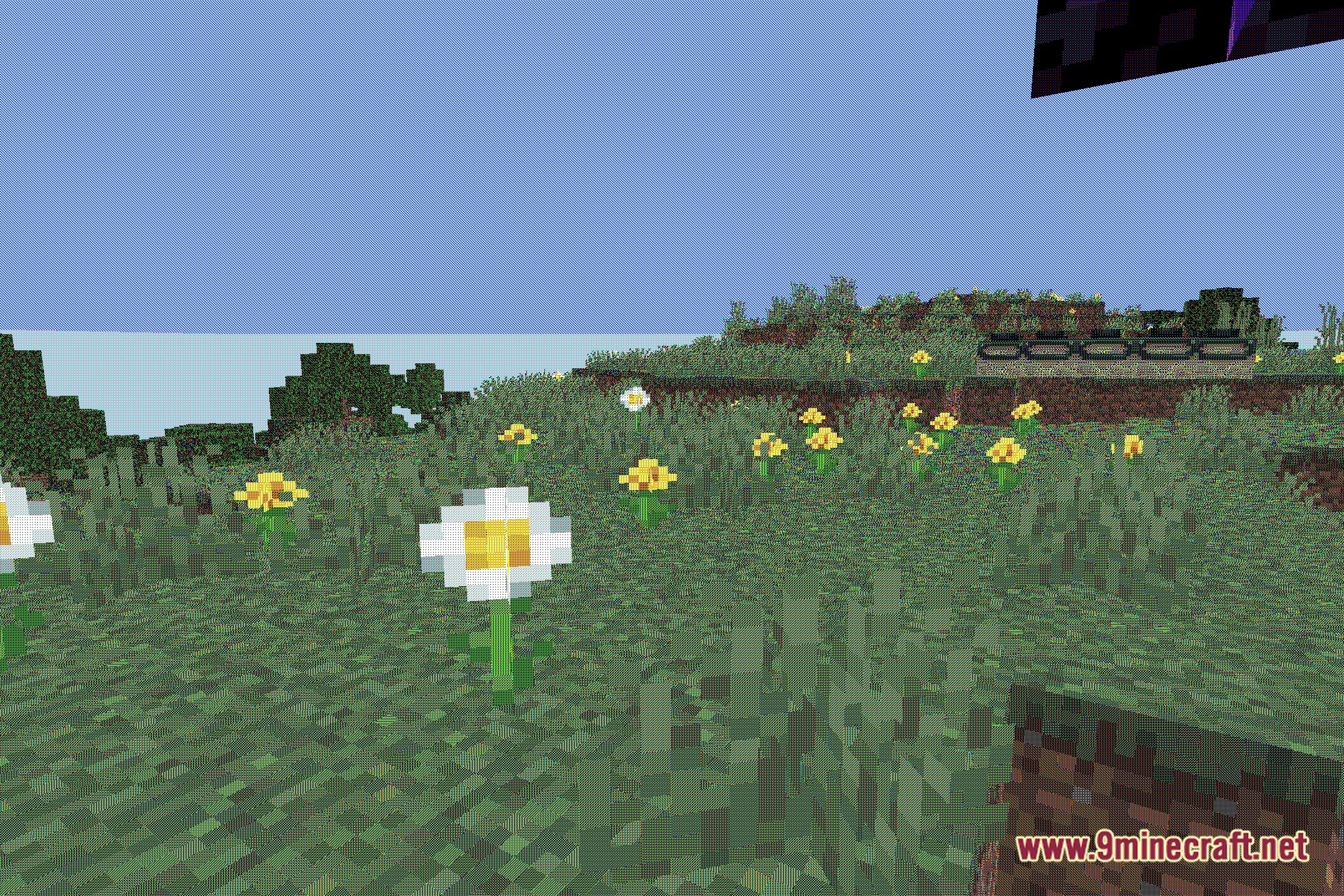
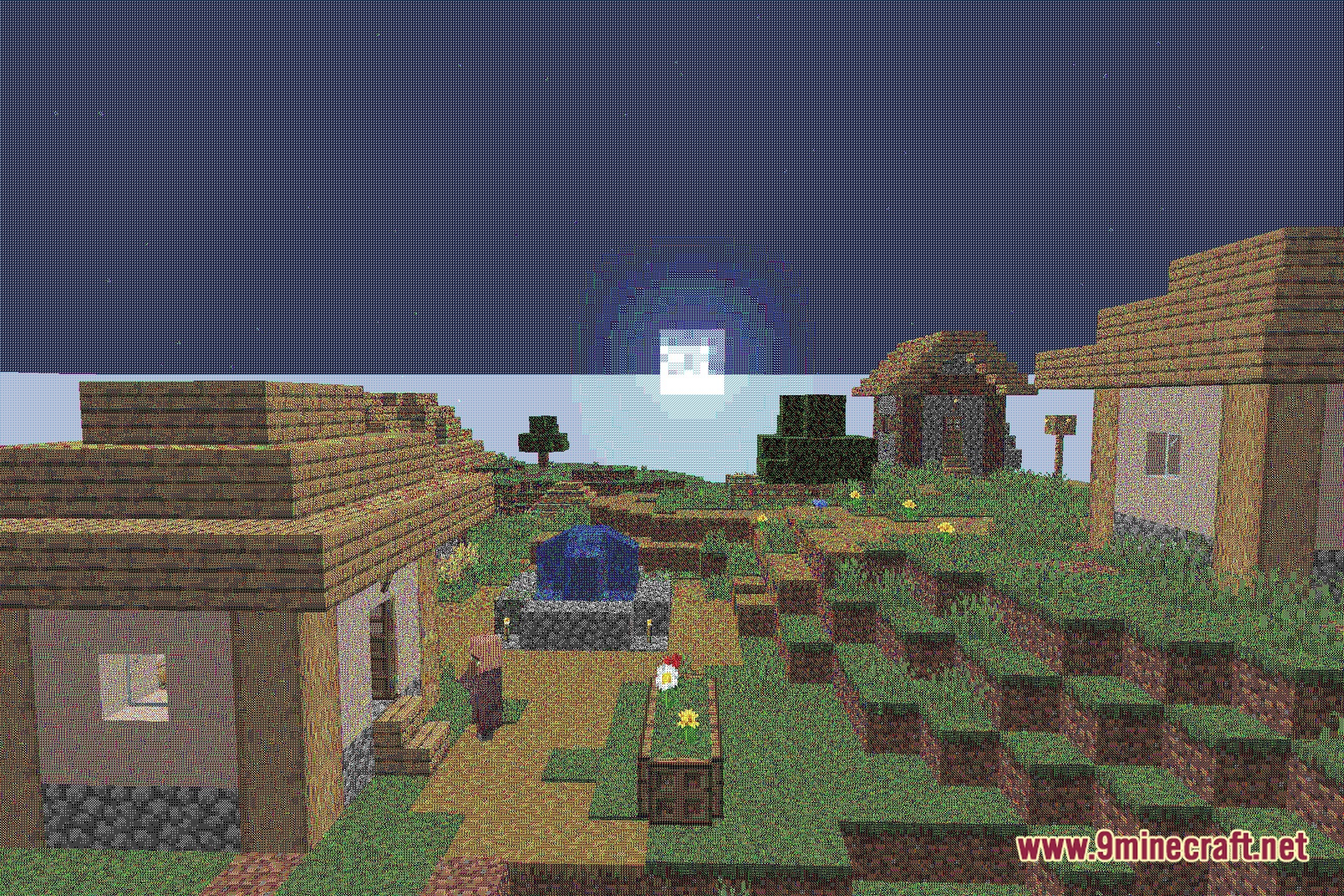
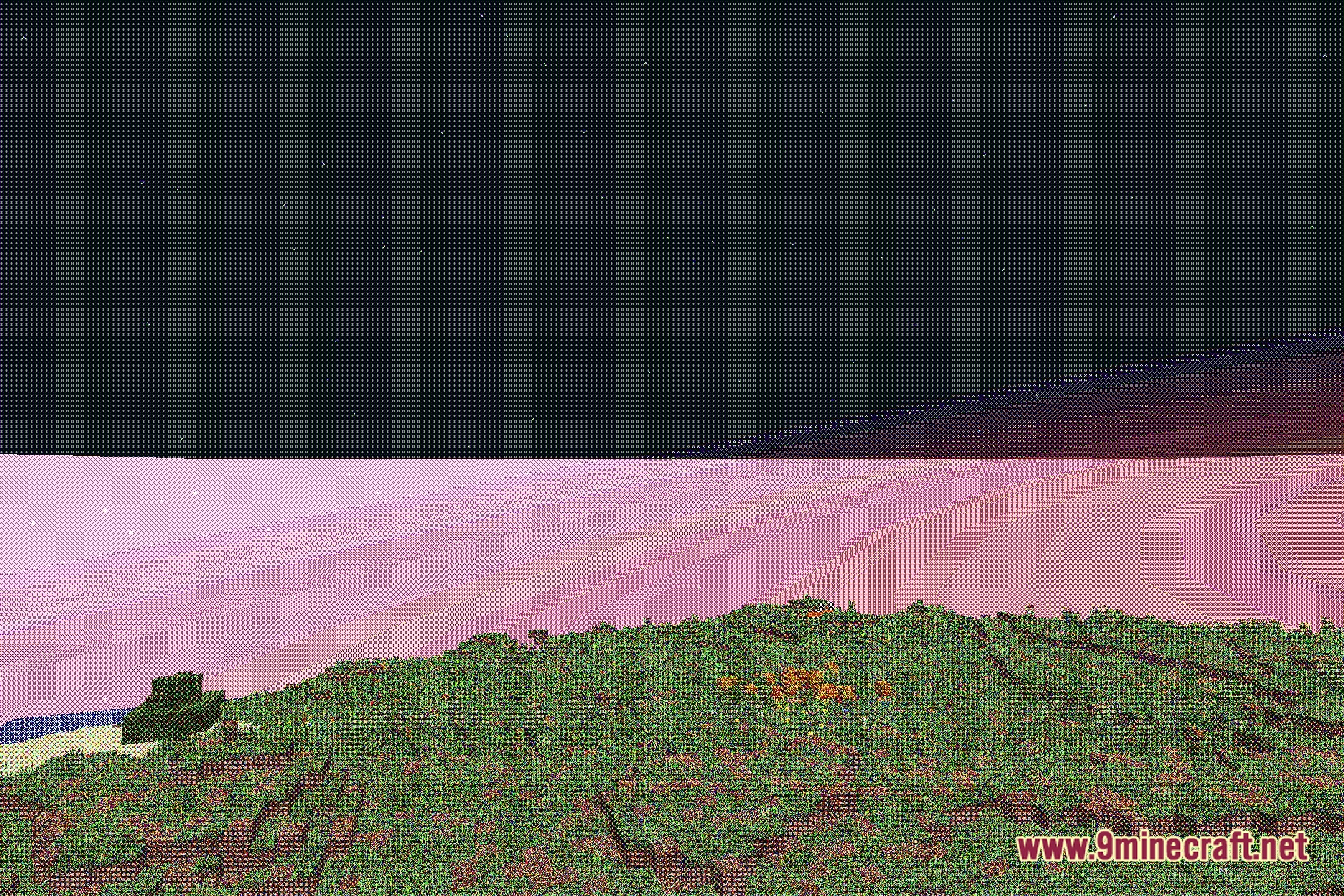
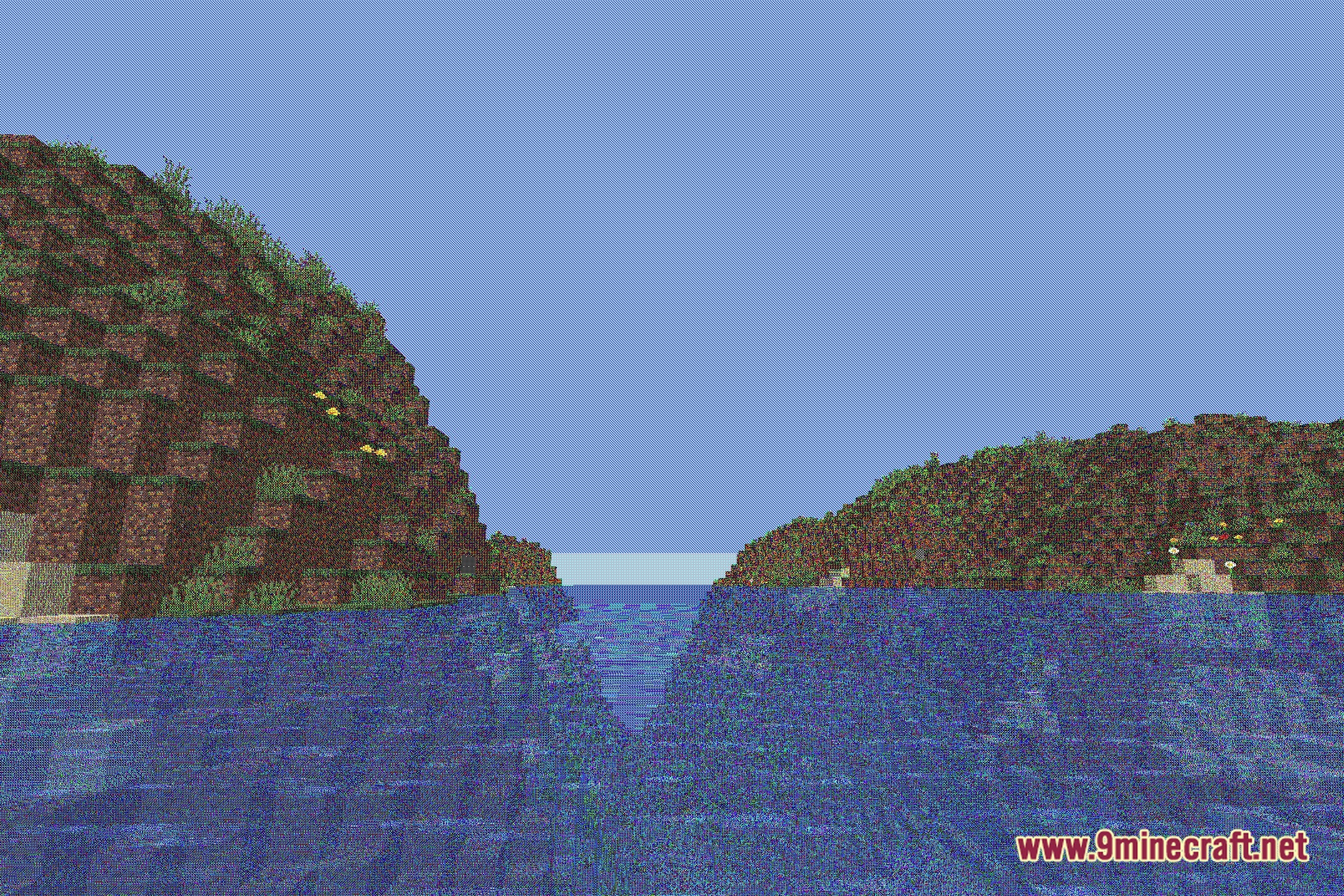
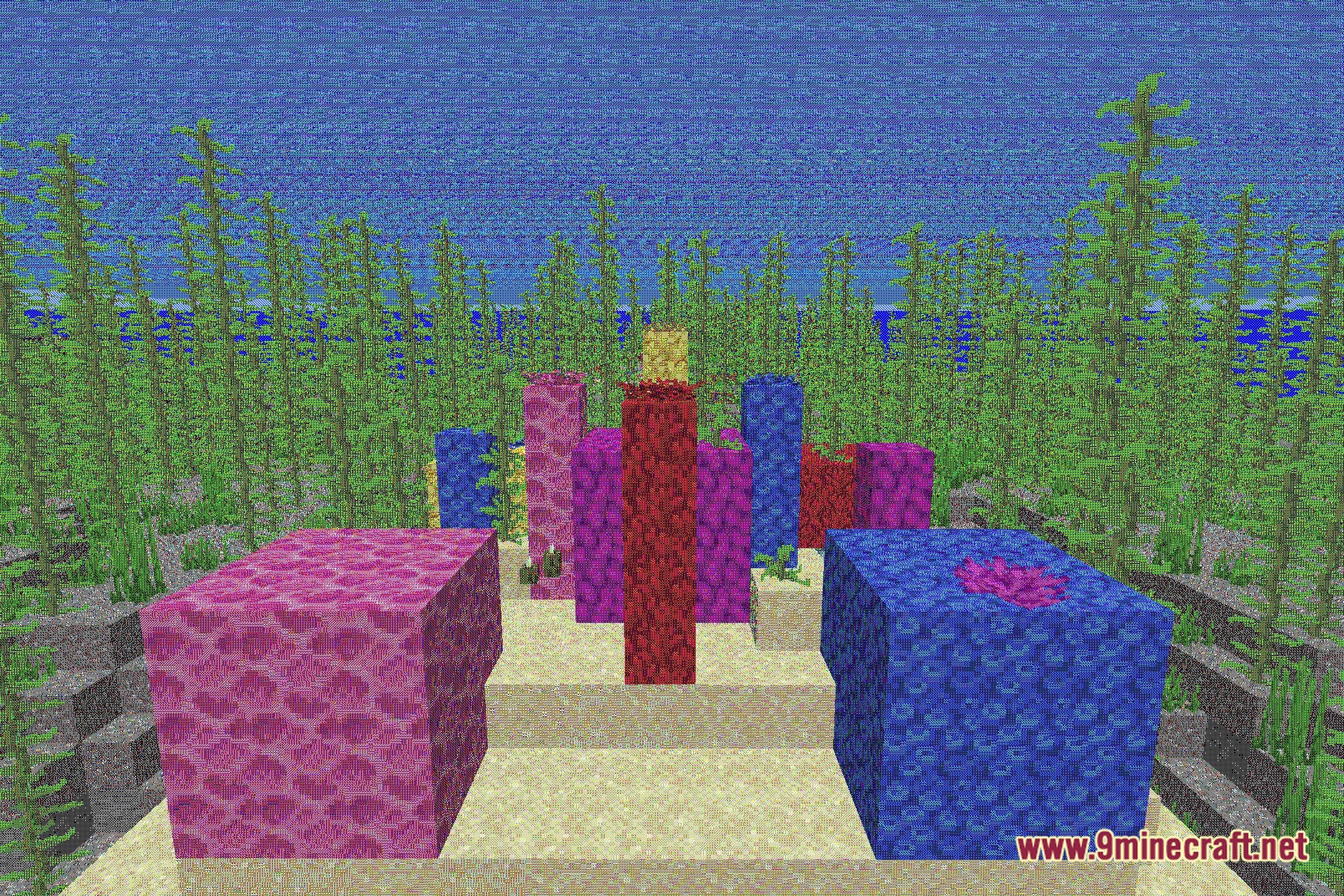
This is the intended retro color palette effect—blocks are remapped to a limited set of vintage colors. If colors look corrupted or glitchy rather than intentionally stylized, try switching presets or disabling and re-enabling the shader.
Can I use this shader with other mods?
Yes, Chandler's Retro Shaders is compatible with most mods, but mods that add custom blocks or heavily modify rendering may display unexpected colors. Test with your mod list to confirm.
See all 10 Chandler’s Retro Shaders questions ›
Gallery
12 images from the Chandler S Retro Shaders page.

You May Also Like
Wikis that share the most with this one
 Cealith Shaders
 Celestial Order Fix Shaders
More shader wikis on the site
The most downloaded mods that have a wiki here