

 DownloadBluei’s Better Visuals MacOS Shaders
Get the files on 9Minecraft
Guides
Step-by-step, in-game.
Adjust Shadow Intensity for Your SetupAccess Shader Settings Open the shader options menu by pressing the designated key (usually accessed through your…Maintain Vanilla Aesthetics While Using ShadersUnderstand This Shader's Design Philosophy Bluei's Better Visuals is built to enhance vanilla Minecraft without…Optimize Water Appearance and PerformanceLocate Water Settings In the shader options, find water-specific controls. These typically include reflection…Troubleshoot Performance Issues on Older MacsStart with Low-End Presets Many shader configurations include preset profiles for different hardware tiers. Begin…
Frequently asked questions
How do I turn on the shader after installing it?
Open your Video Settings in-game, navigate to Shaders, and select Bluei's Better Visuals MacOS Shaders from the list. The shader activates immediately and you'll see the changes to lighting and shadows right away.
Why does my game feel slower after enabling shaders?
This shader is optimized for Mac but still uses more resources than vanilla Minecraft. Try lowering shadow intensity in the shader settings, or close other applications running in the background to free up system memory.
Can I use this shader with resource packs?
Yes, this shader works with most resource packs and is designed to preserve vanilla aesthetics, so they typically layer well together. If you notice visual conflicts, try disabling the resource pack temporarily to confirm the shader is the cause.
How do I adjust shadow darkness and intensity?
Open the Shader Options menu (usually accessible from Video Settings) and look for shadow-related sliders. You can fine-tune shadow intensity to match your Mac's performance and your preferred visual style.
See all 10 Bluei’s Better Visuals MacOS Shaders questions ›
Gallery
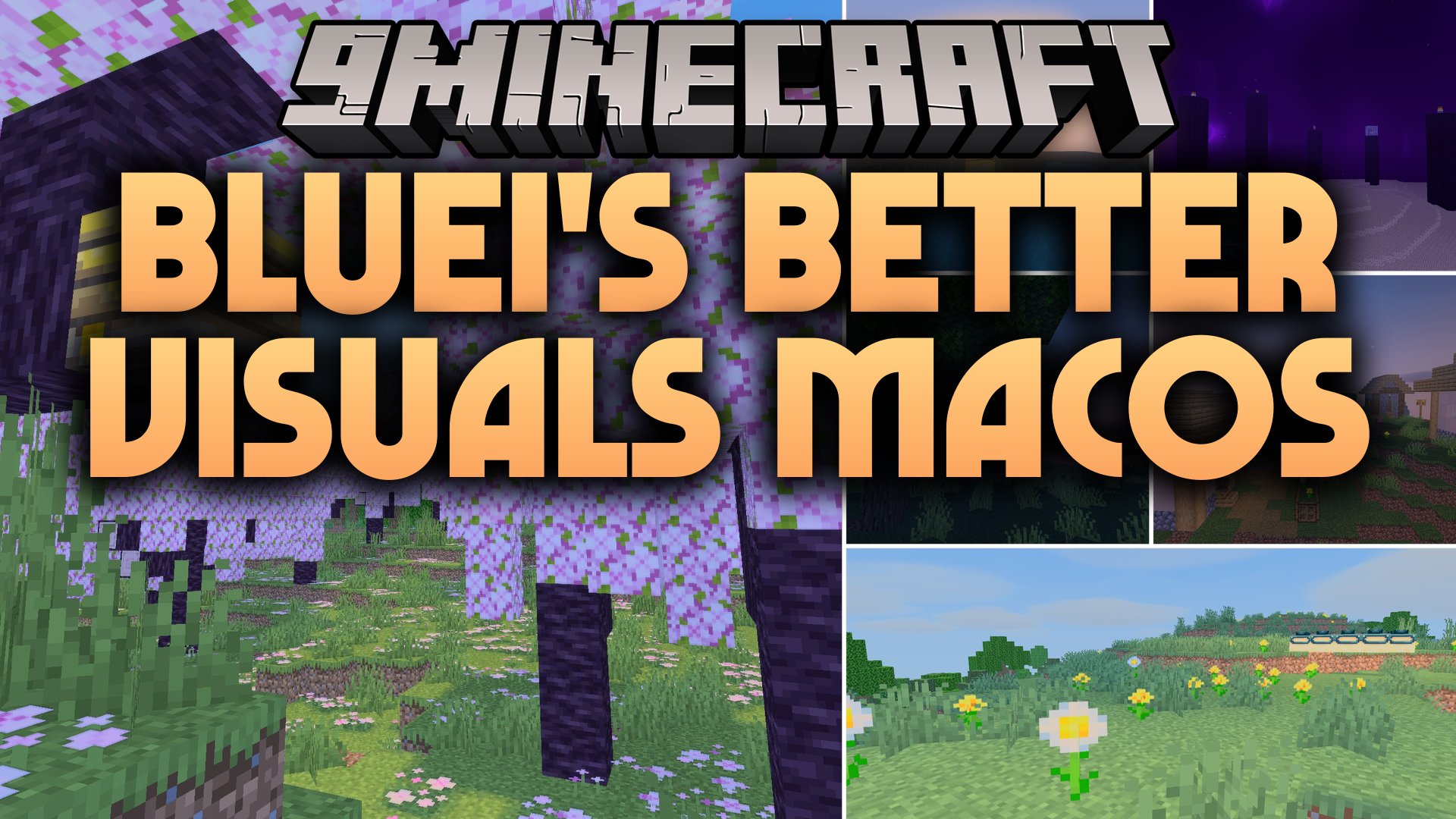
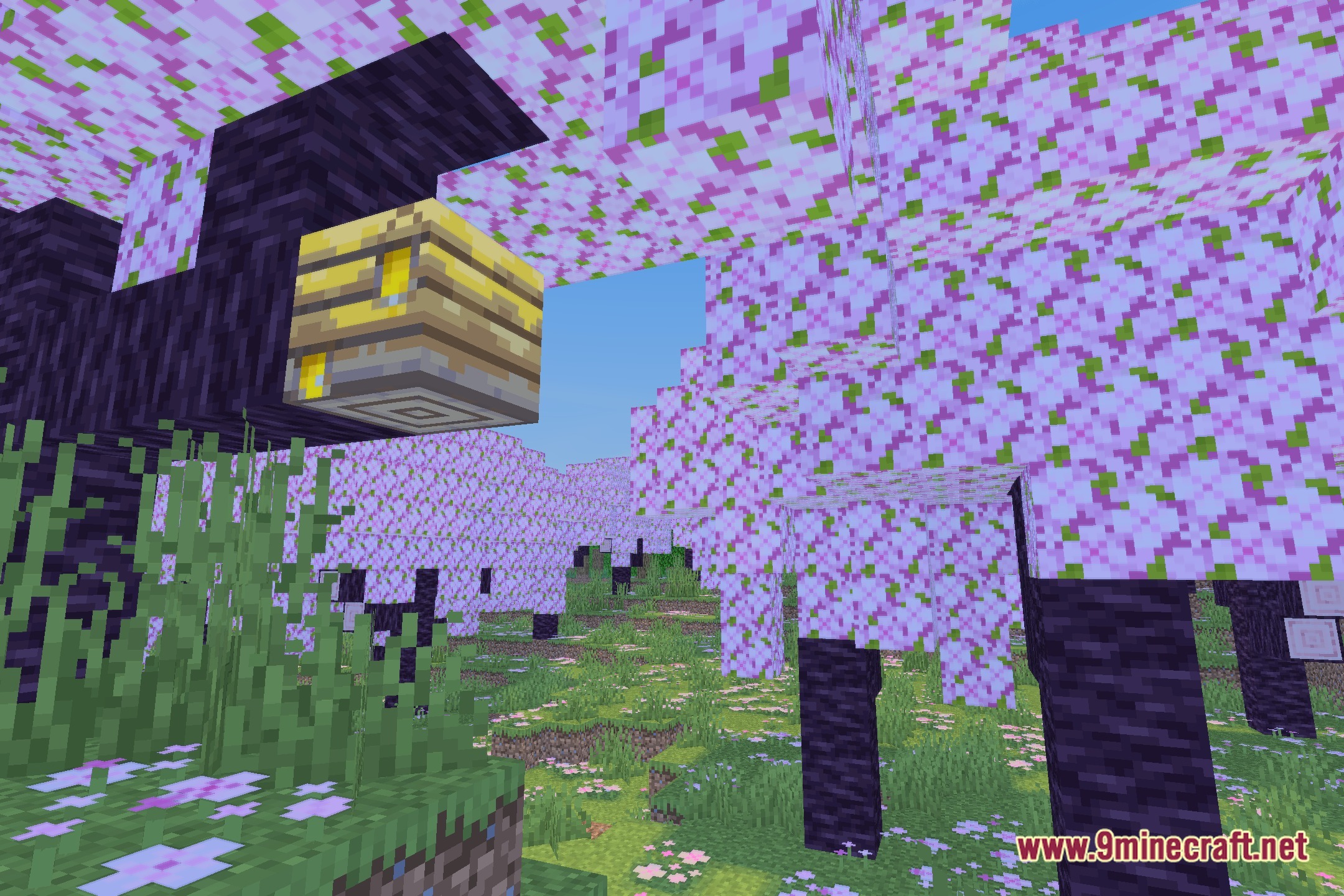
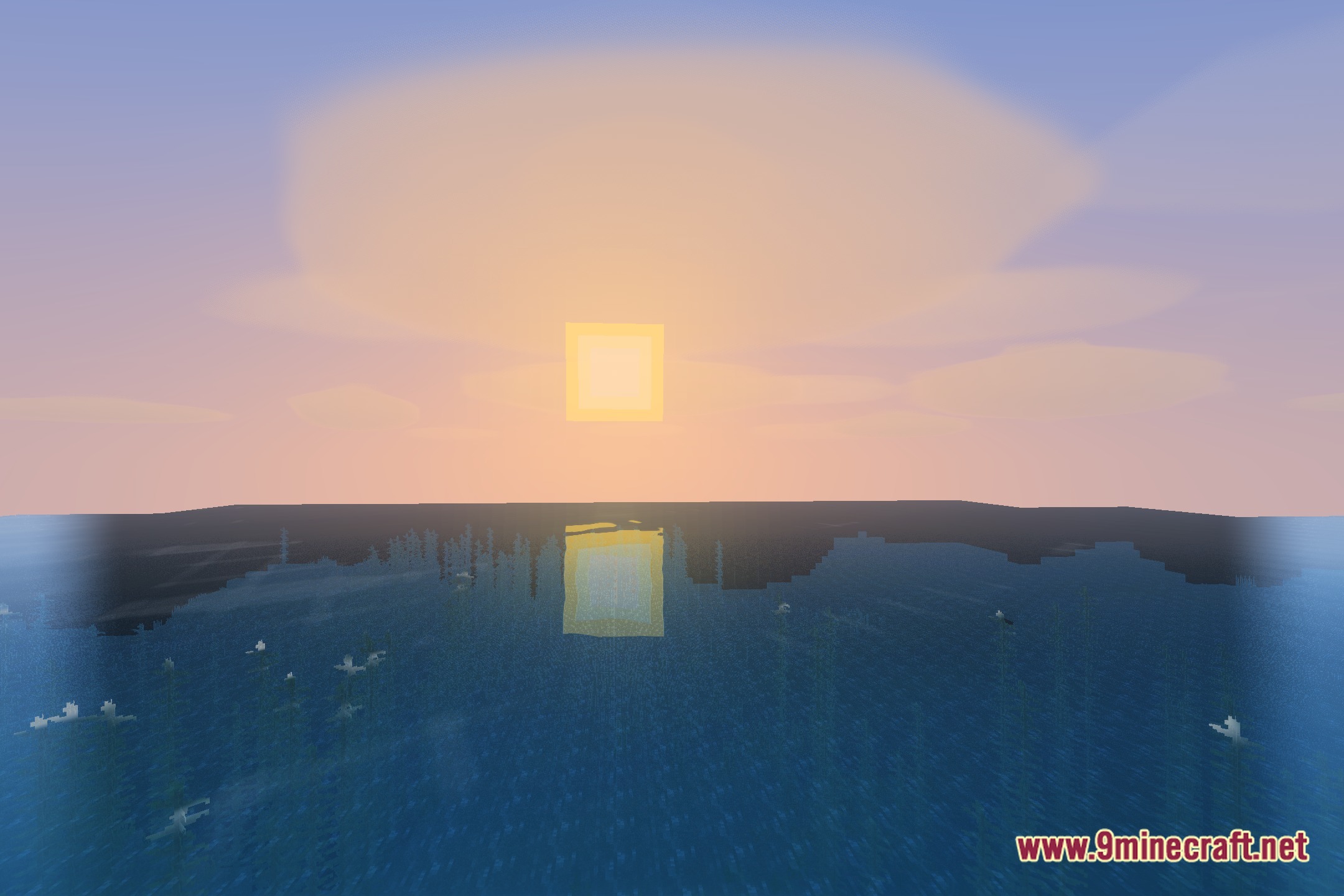
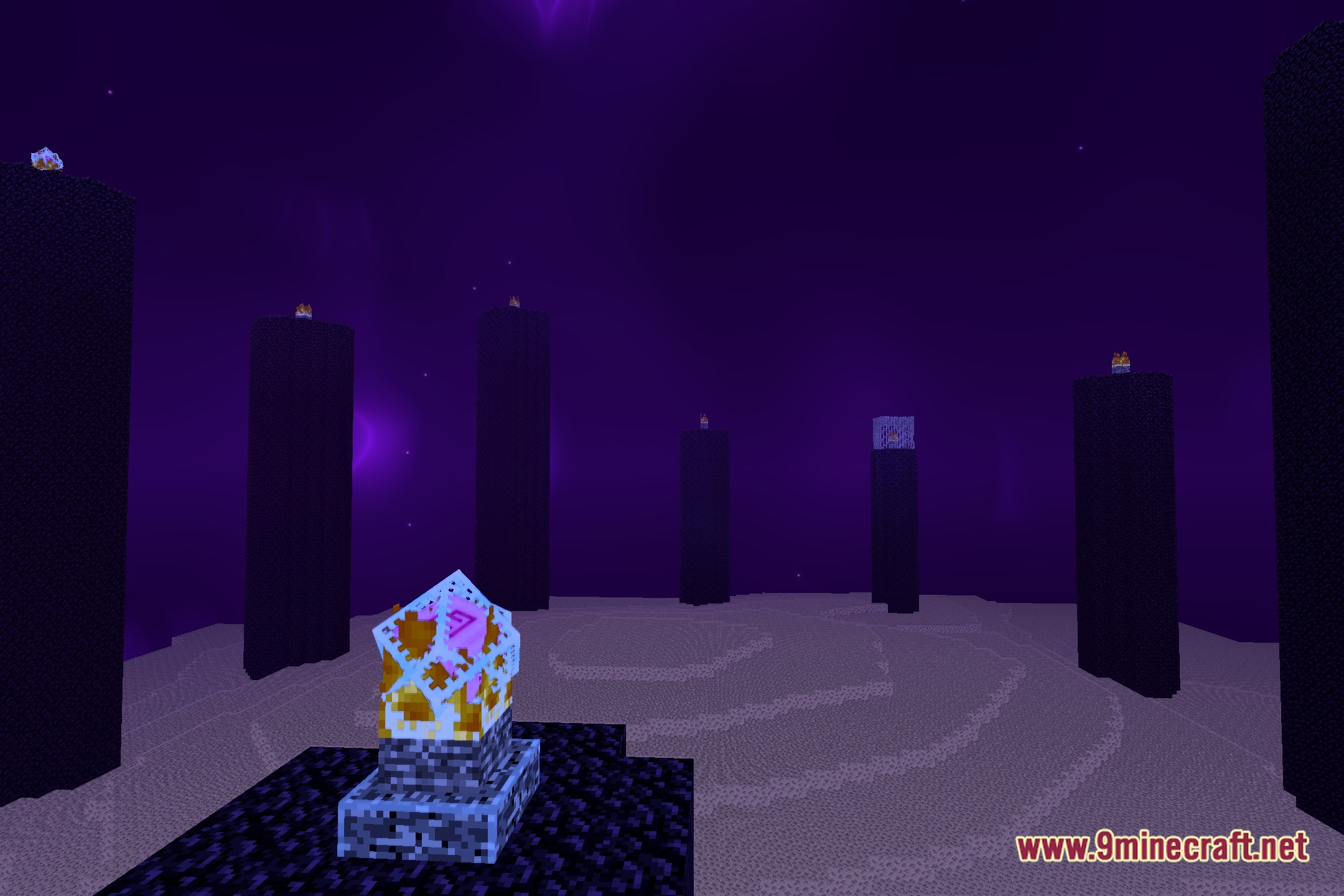
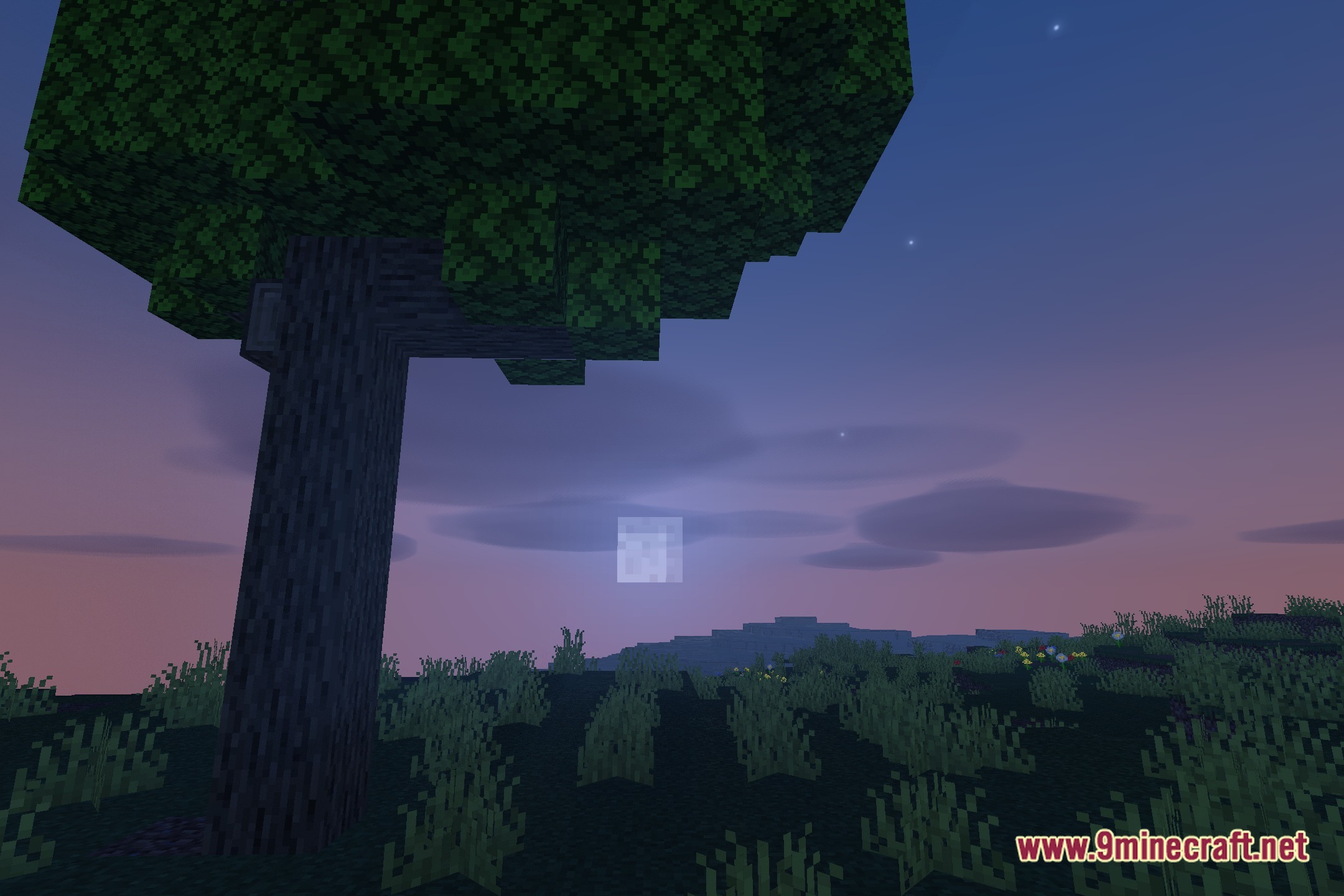
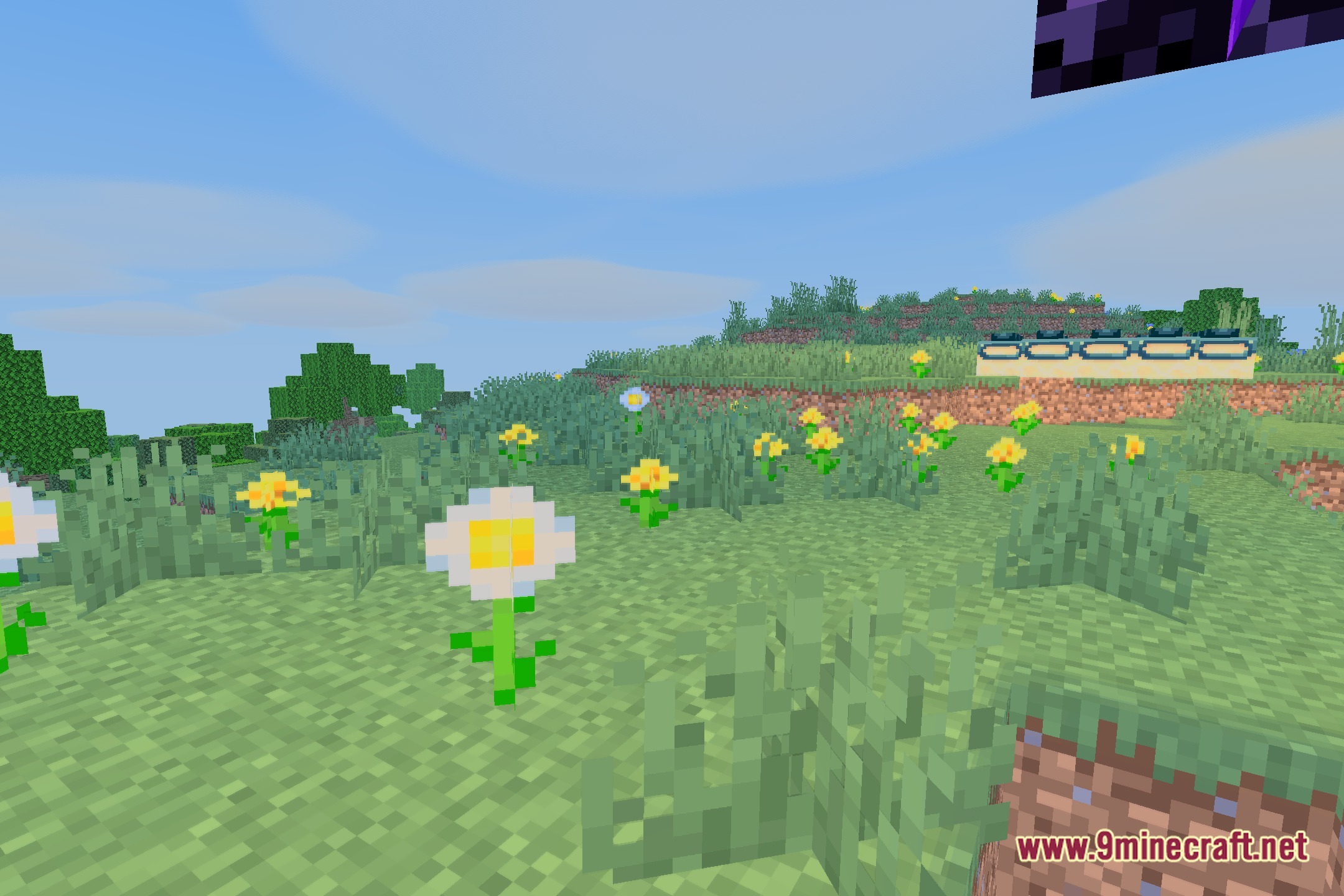
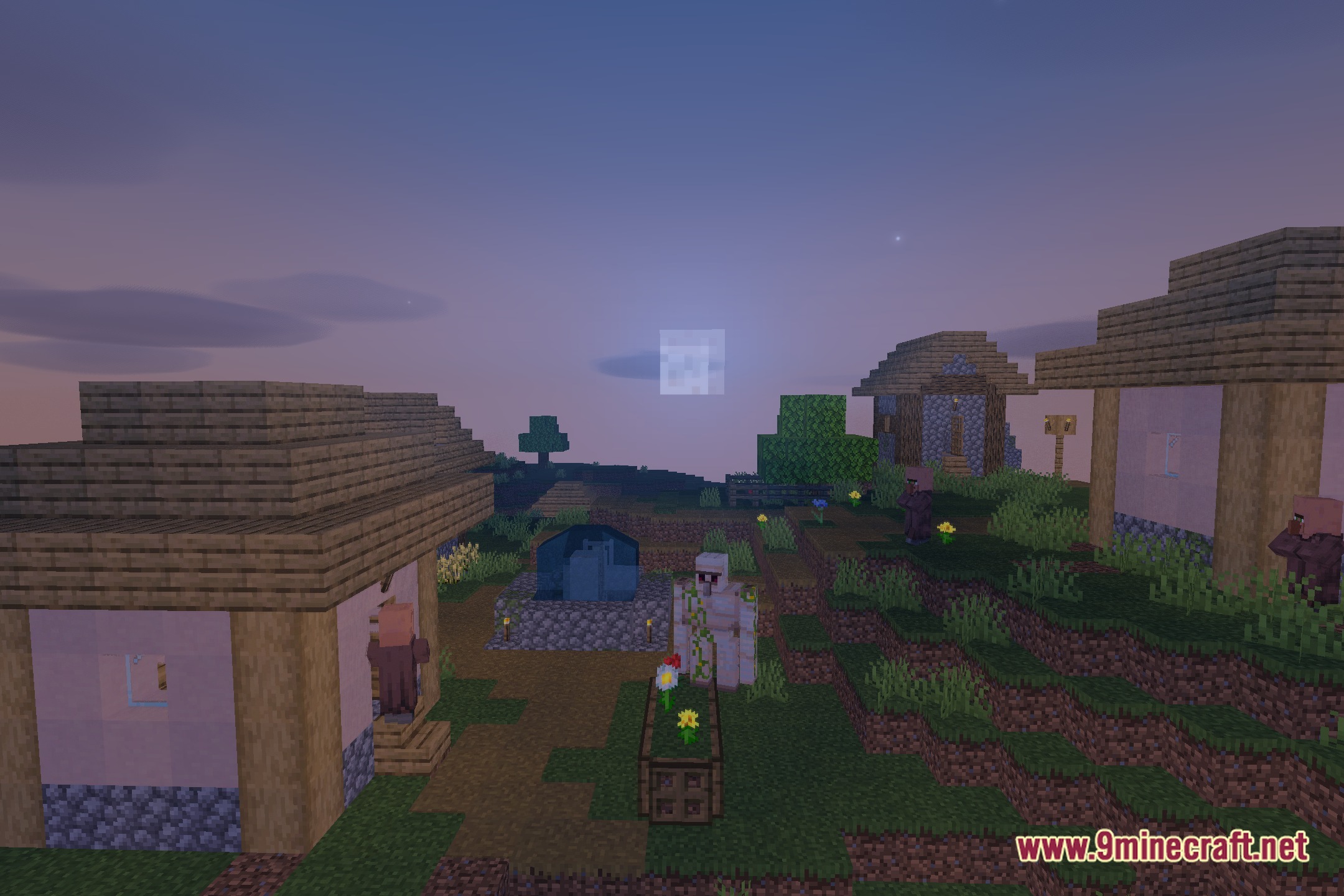
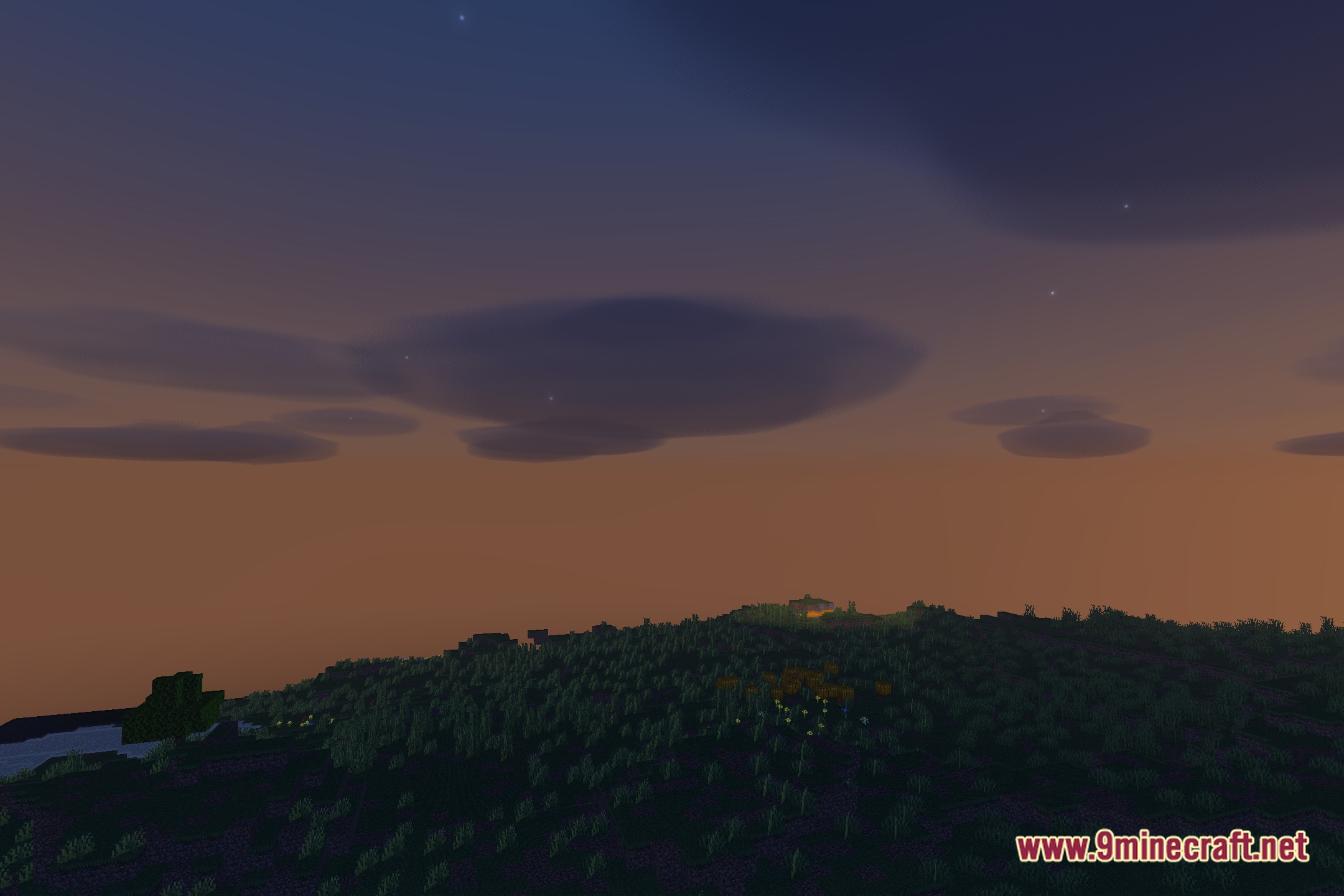
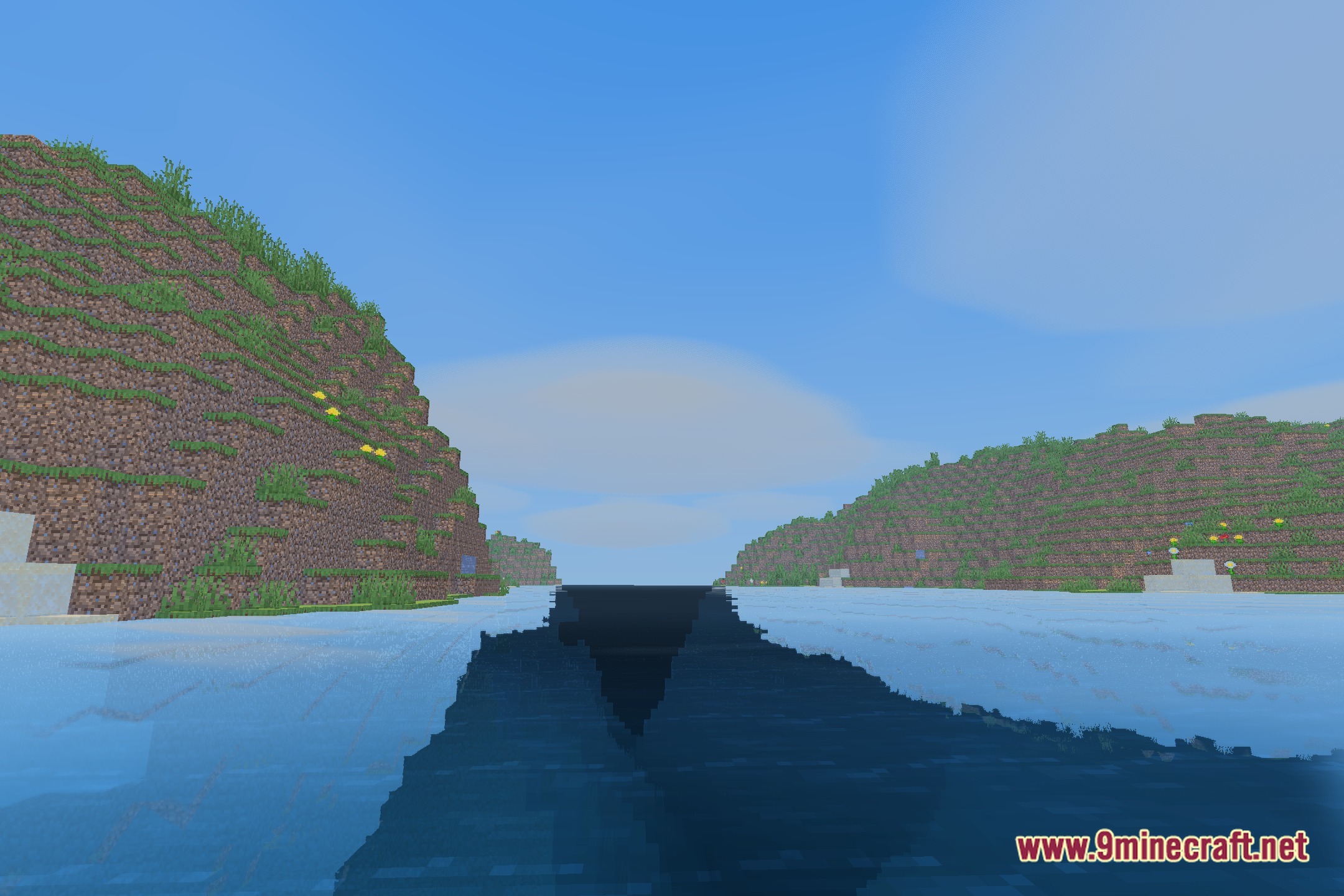
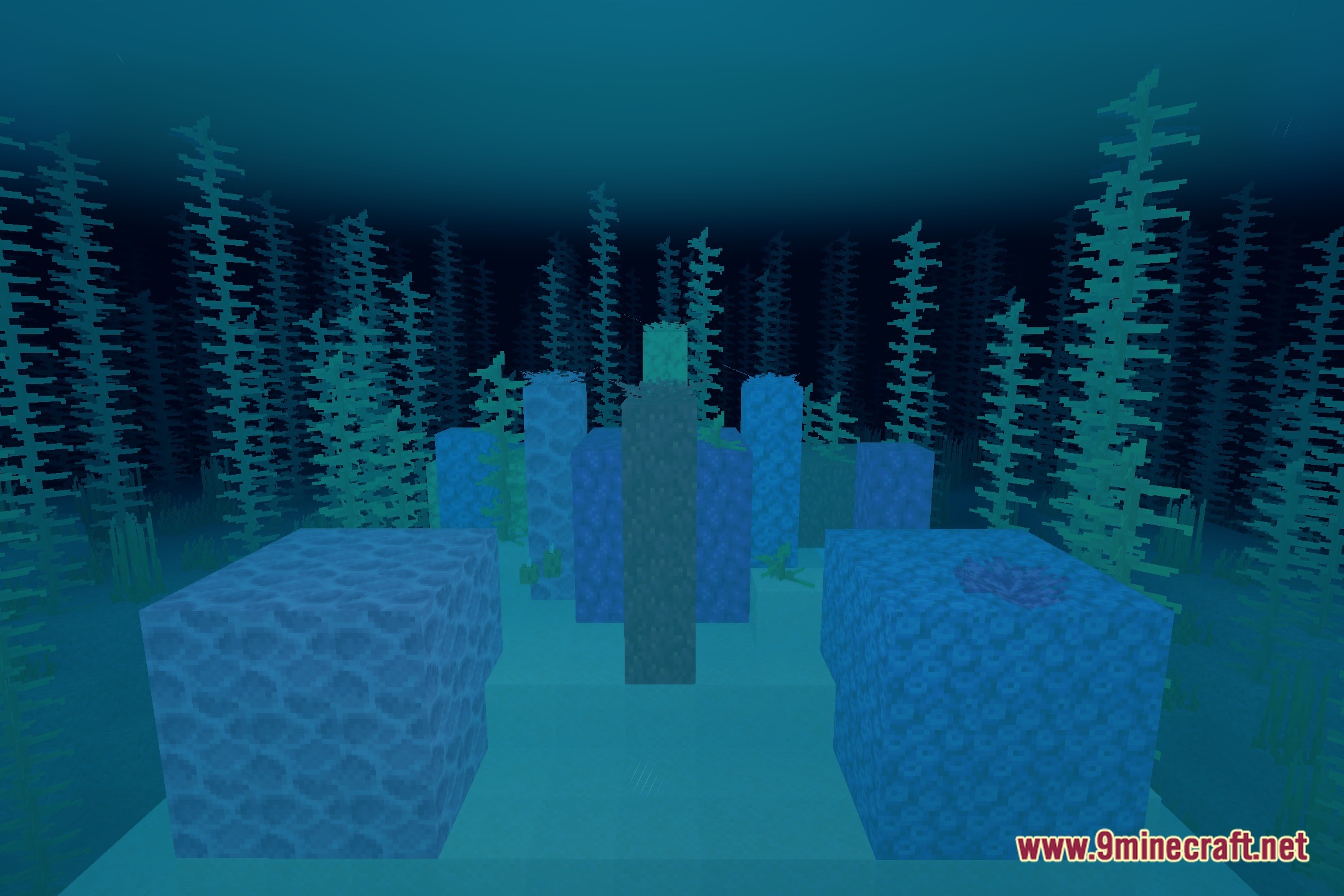
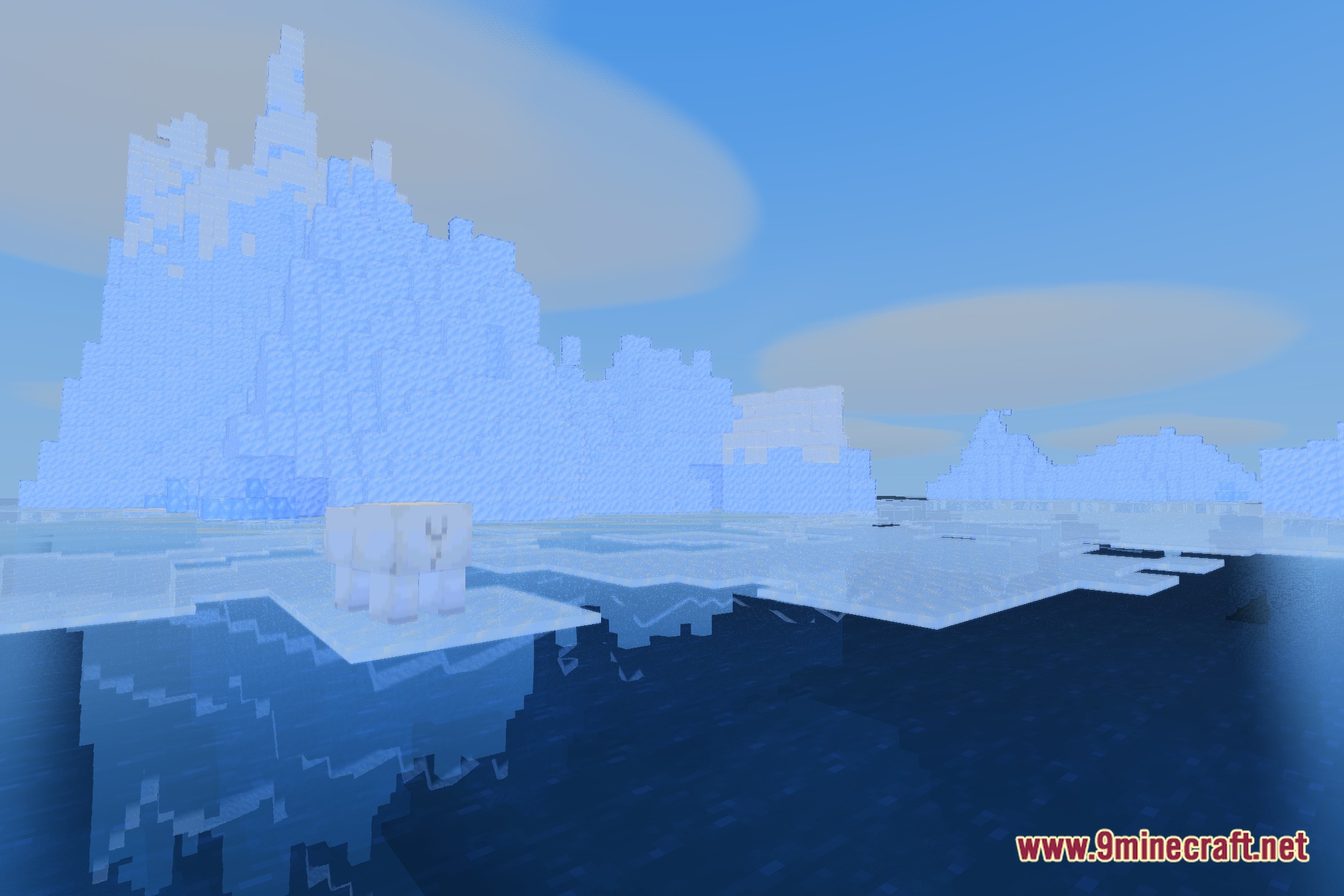
12 images from the Bluei S Better Visuals Macos Shaders page.
You May Also Like
Wikis that share the most with this one
More shader wikis on the site
 BloxShade Shaders
 Beyond Horizons Shaders
The most downloaded mods that have a wiki here