

 DownloadBloop Official Shaders
Get the files on 9Minecraft
Guides
Step-by-step, in-game.
Adjust Shader Settings for Your Computer's PerformanceAccess the Shader Options Menu Open your Minecraft pause menu and look for Shader Options or Video Settings . Select…Enable or Disable Fantasy Visual EffectsLocate Visual Style Options Open Shader Options from the pause menu. Bloop Official Shaders includes toggles for…Optimize Shadows for Better Visuals and PerformanceAccess Shadow Settings In Shader Options , find the shadow-related controls. Bloop allows fine-tuning of shadow…Troubleshoot Low Frame Rates or Visual GlitchesCheck Your Current Settings Open Shader Options and review what's enabled. If you're experiencing lag, start by…
Frequently asked questions
How do I turn on the shader after installing it?
Open Options > Video Settings > Shaders, then locate and select Bloop Official Shaders from the list. Click Apply and the shader will activate immediately in your world.
Will this shader work with my resource pack?
Yes, Bloop Official Shaders is designed to work alongside most resource packs. If you notice visual conflicts, try adjusting the shader settings or testing with a different resource pack to isolate the issue.
My FPS dropped a lot after enabling the shader. What should I do?
Start by opening the shader settings menu (usually Shift+R or through Video Settings) and lower the shadow quality or disable fantasy visual effects. See the Adjust Shader Settings for Your Computer's Performance guide for more detailed optimization steps.
Can I use this shader on older computers or laptops?
Yes, Bloop Official Shaders is built to scale across different hardware. If your older computer struggles, reduce shadow resolution and visual effects in the settings menu until you reach a smooth frame rate.
See all 10 Bloop Official Shaders questions ›
Gallery
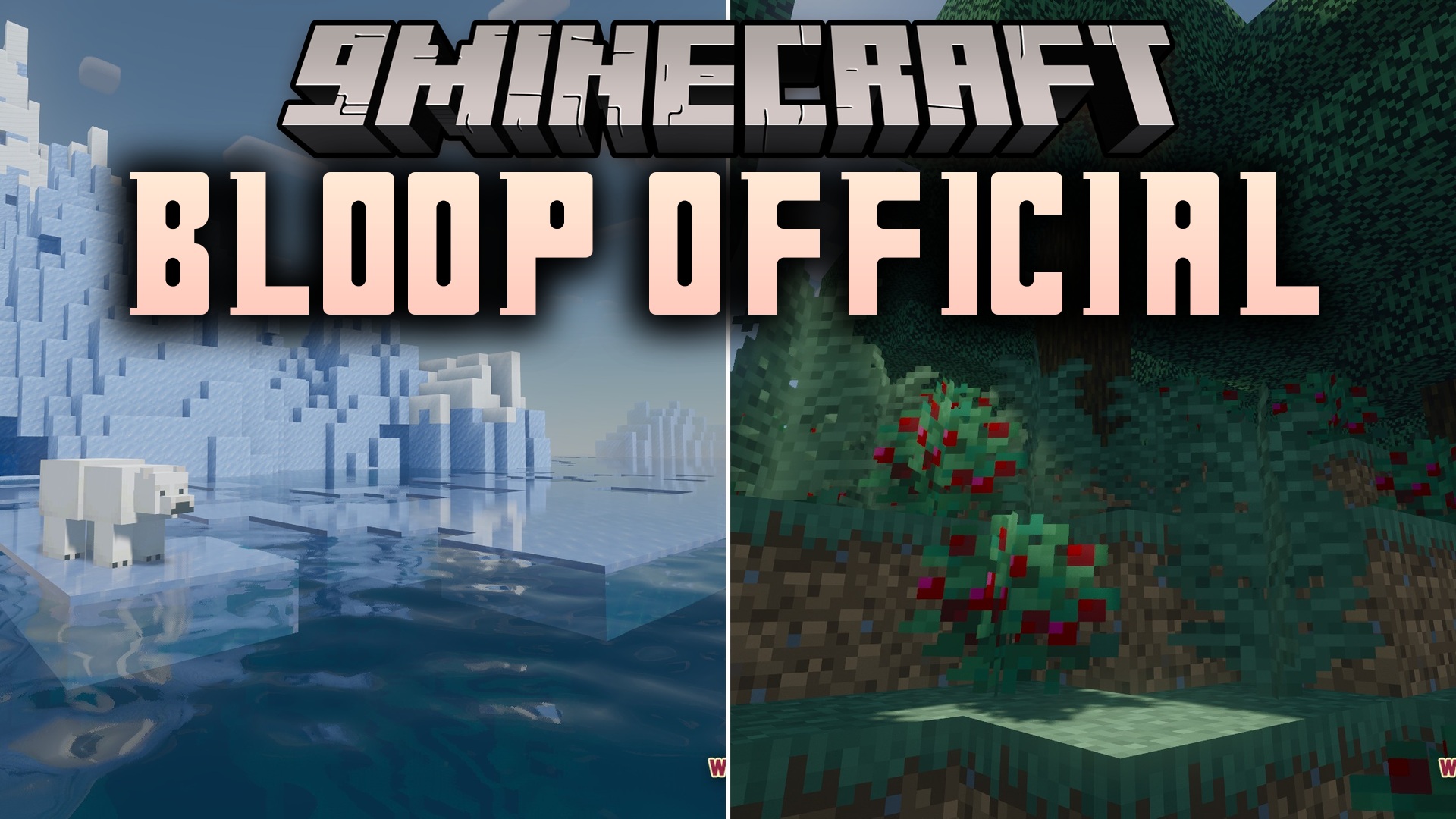
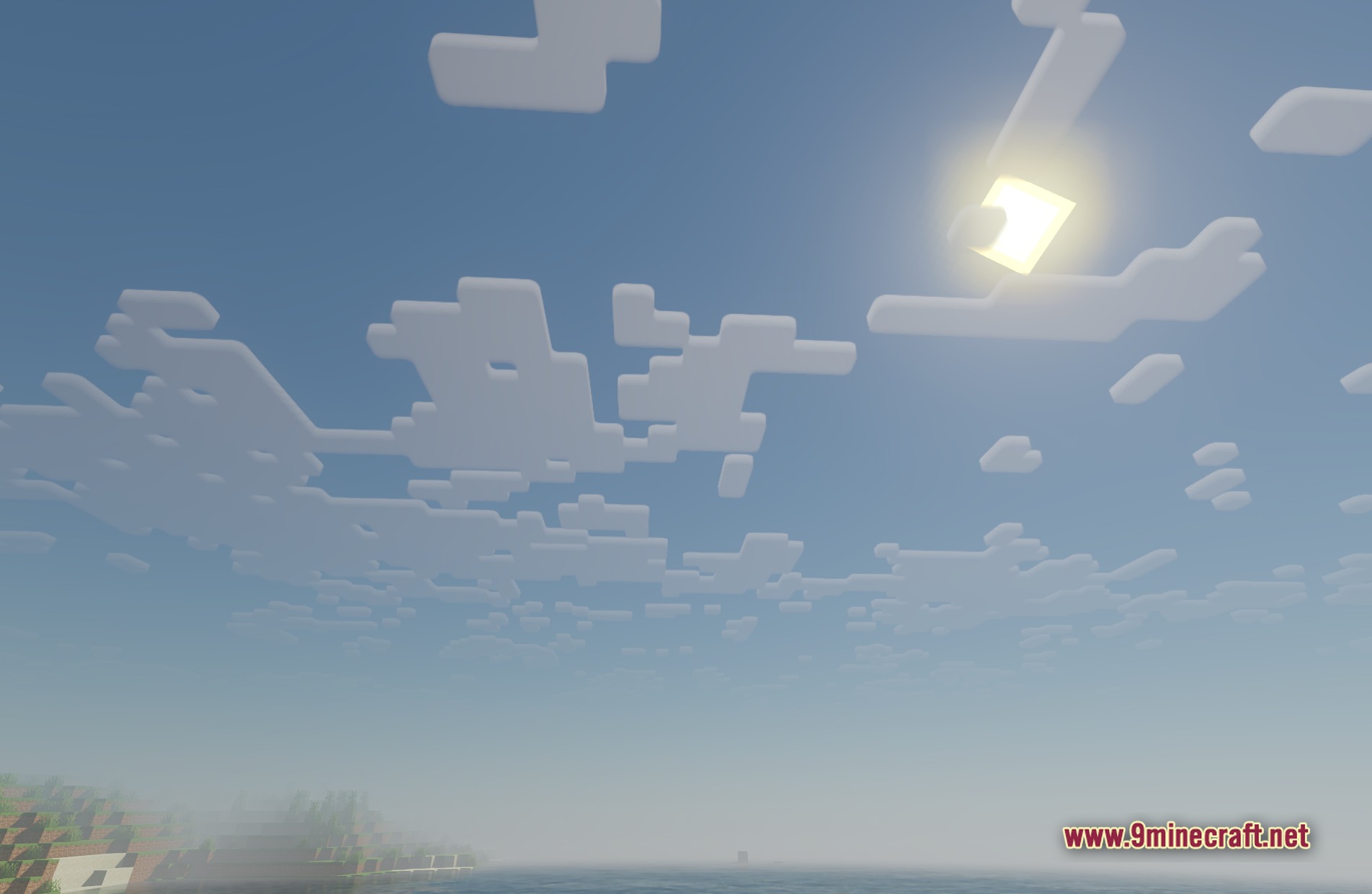
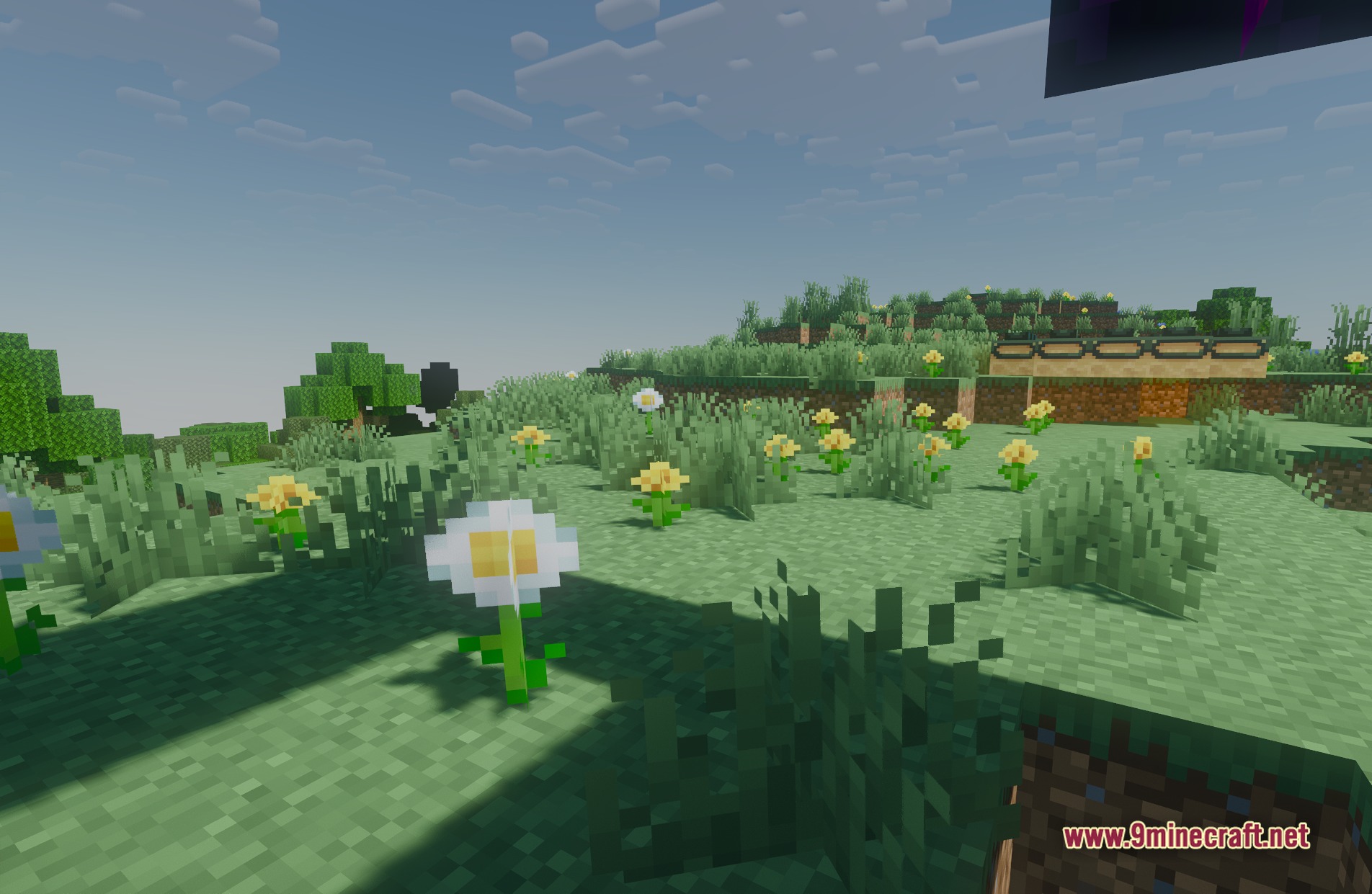
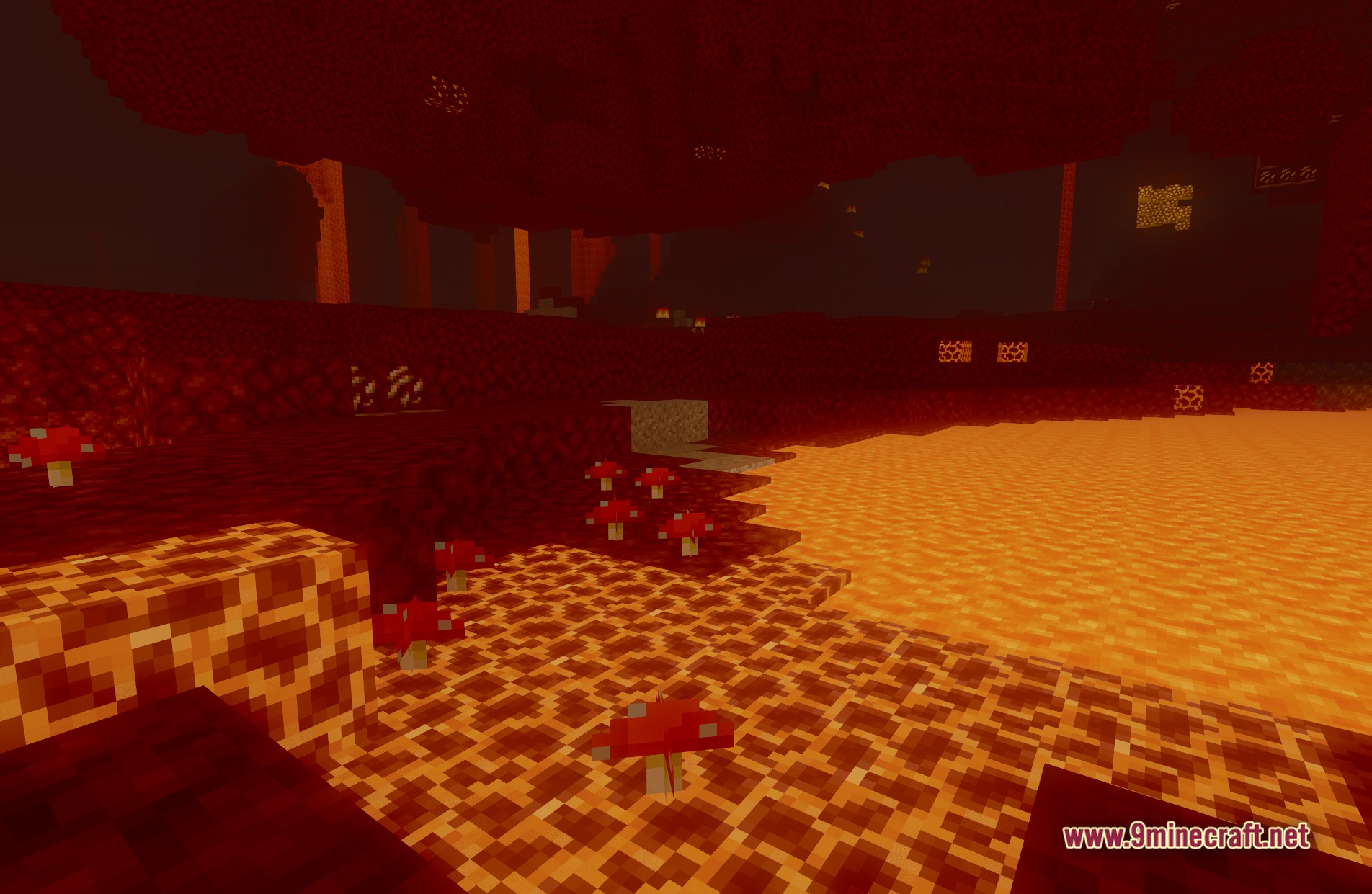
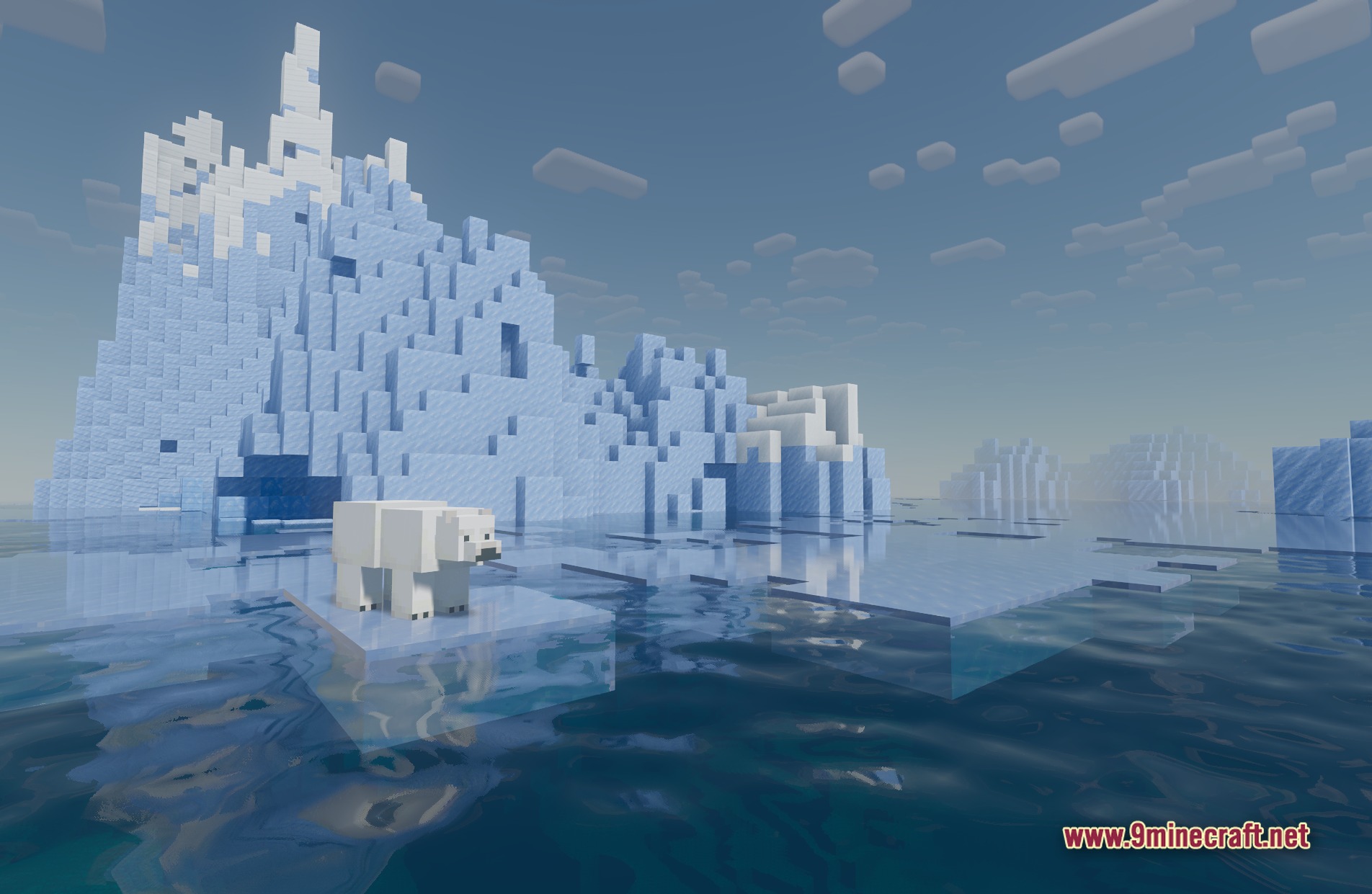
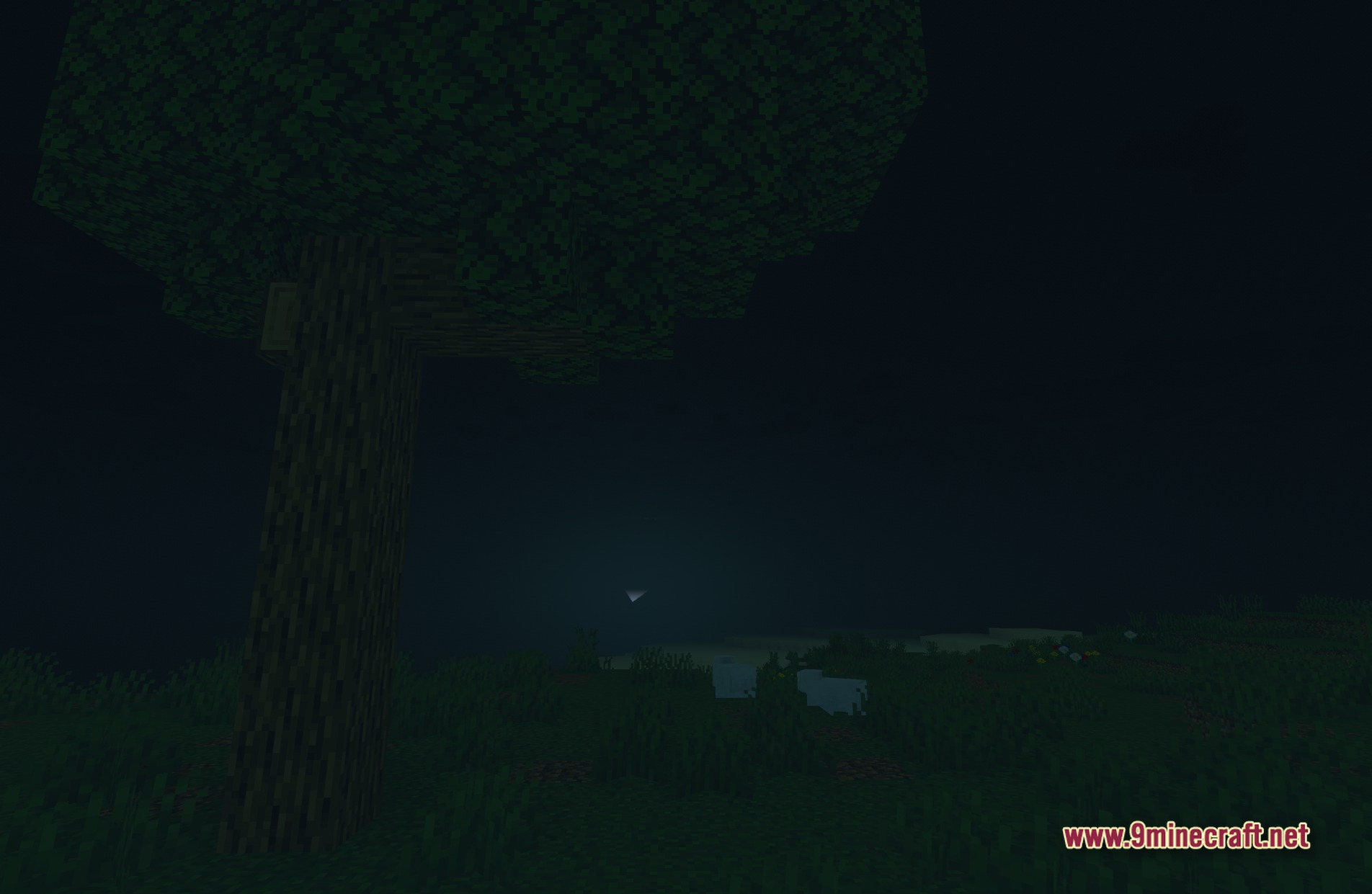
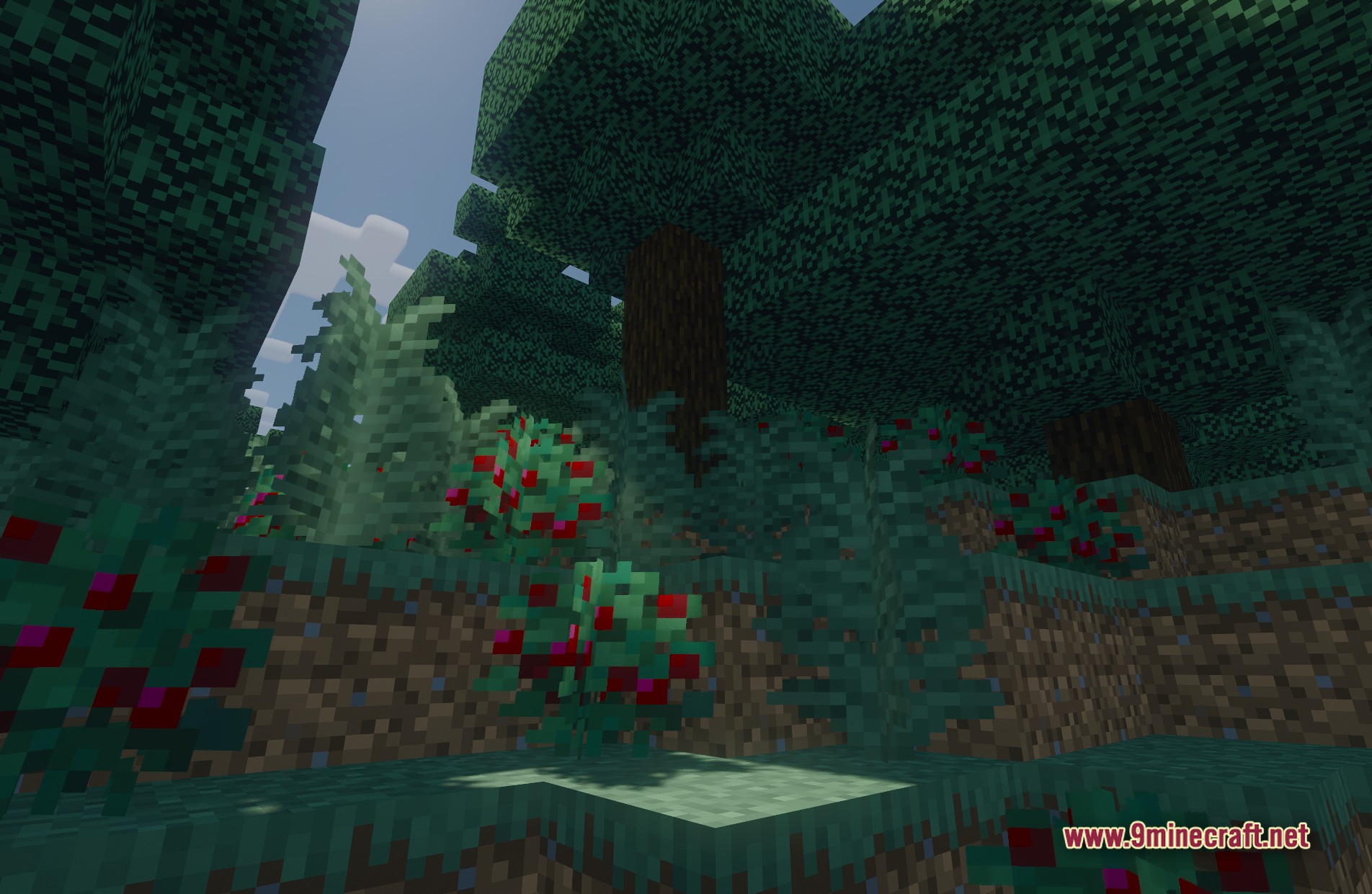
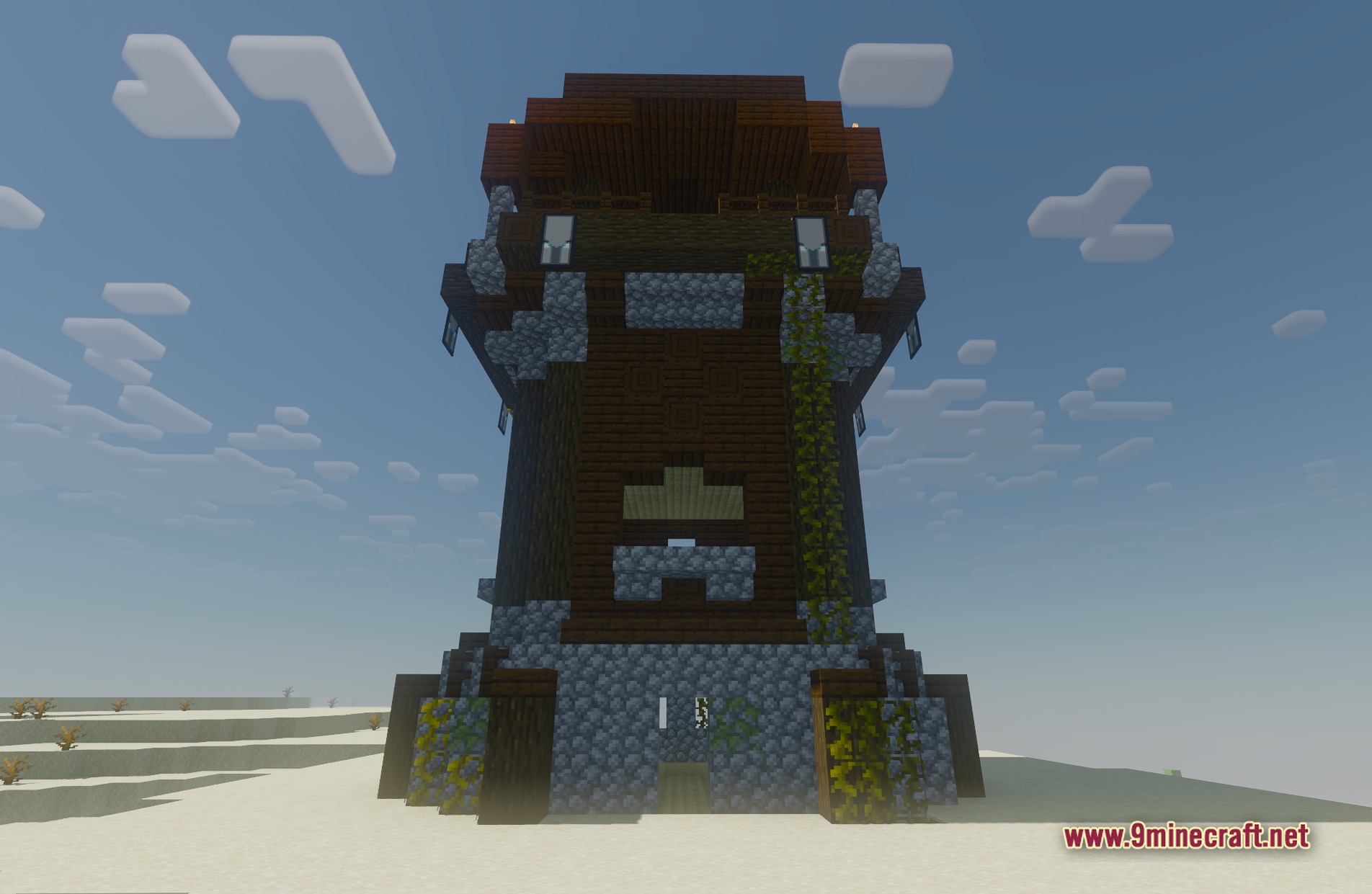
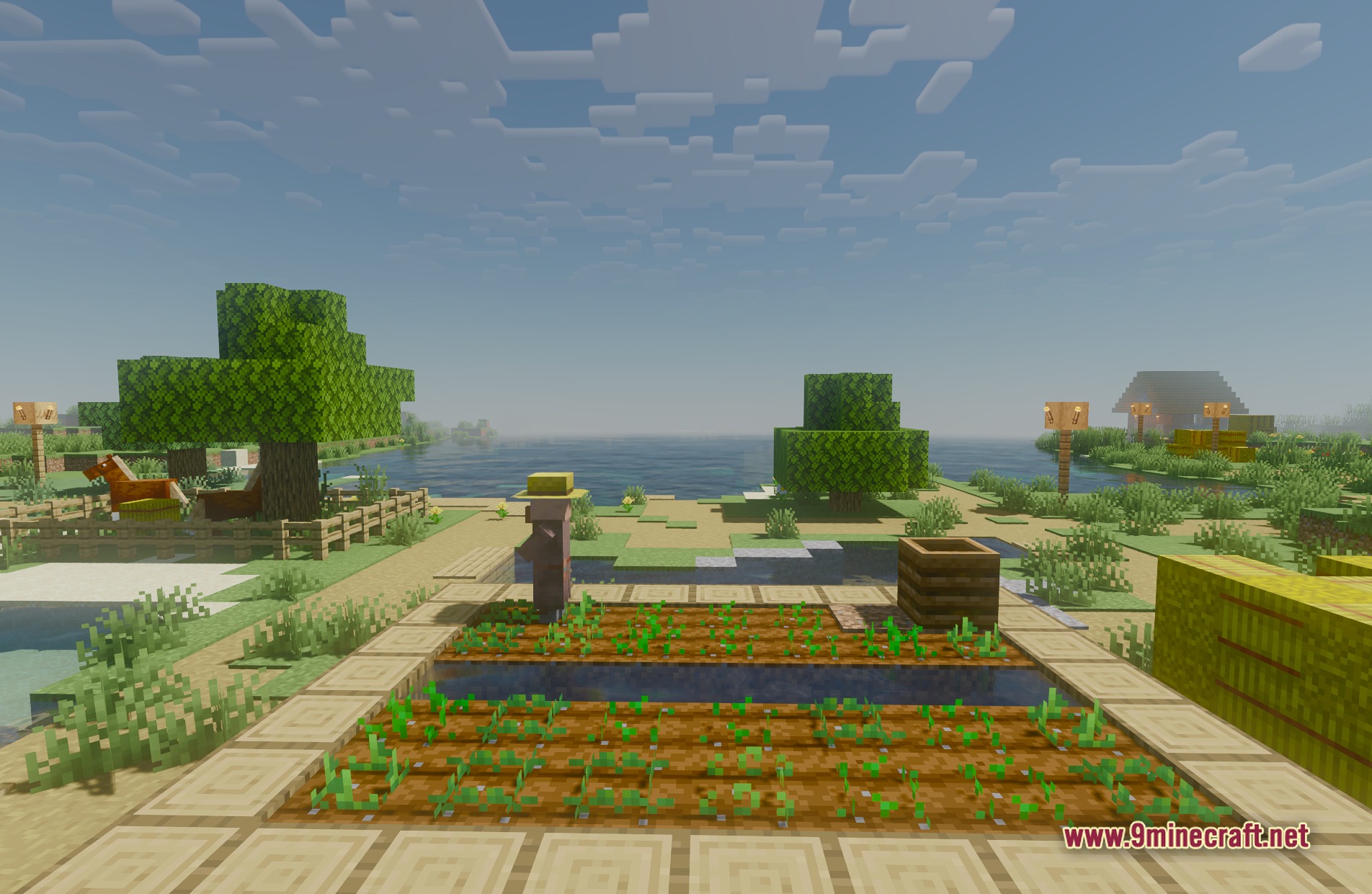
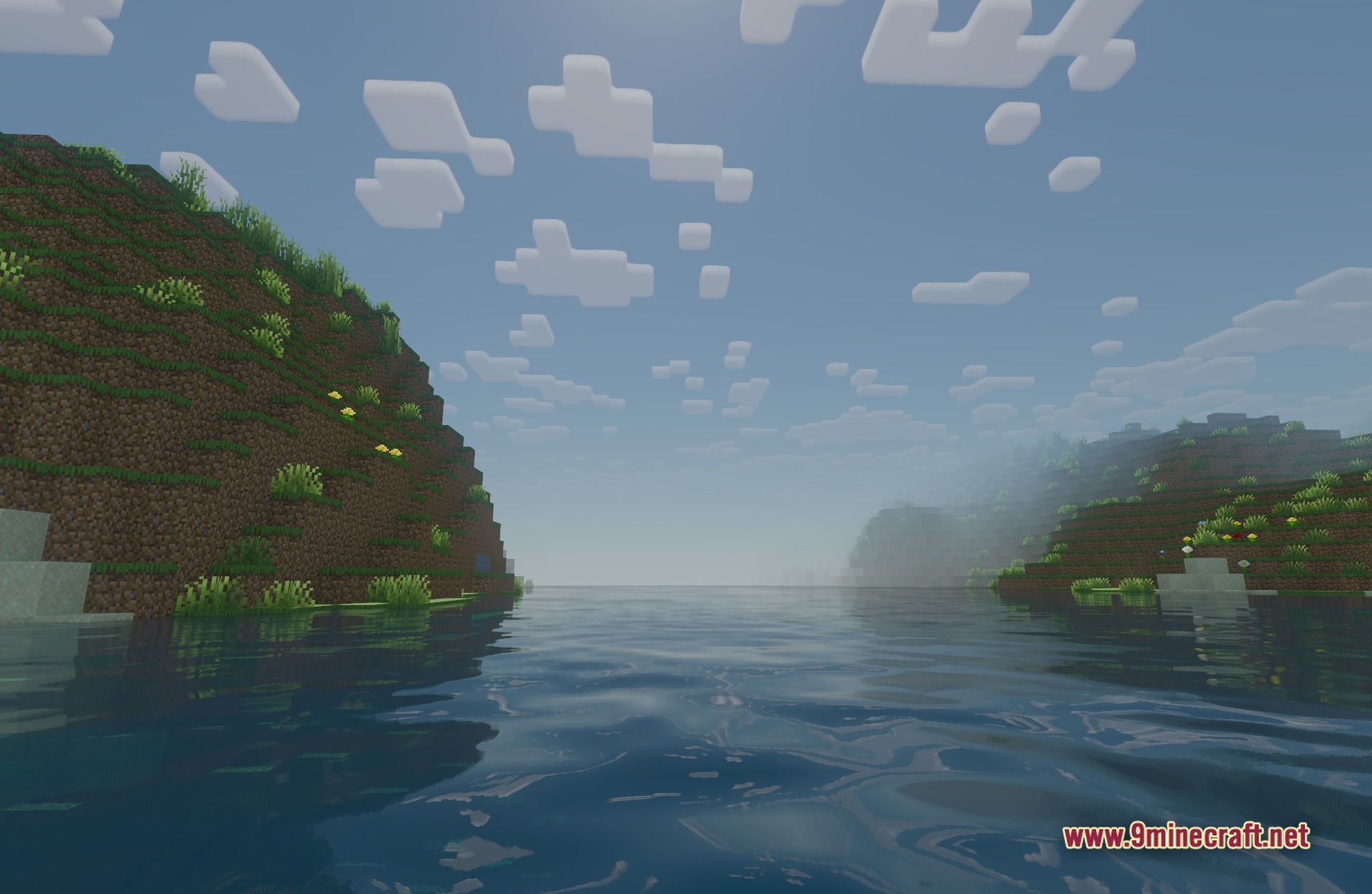
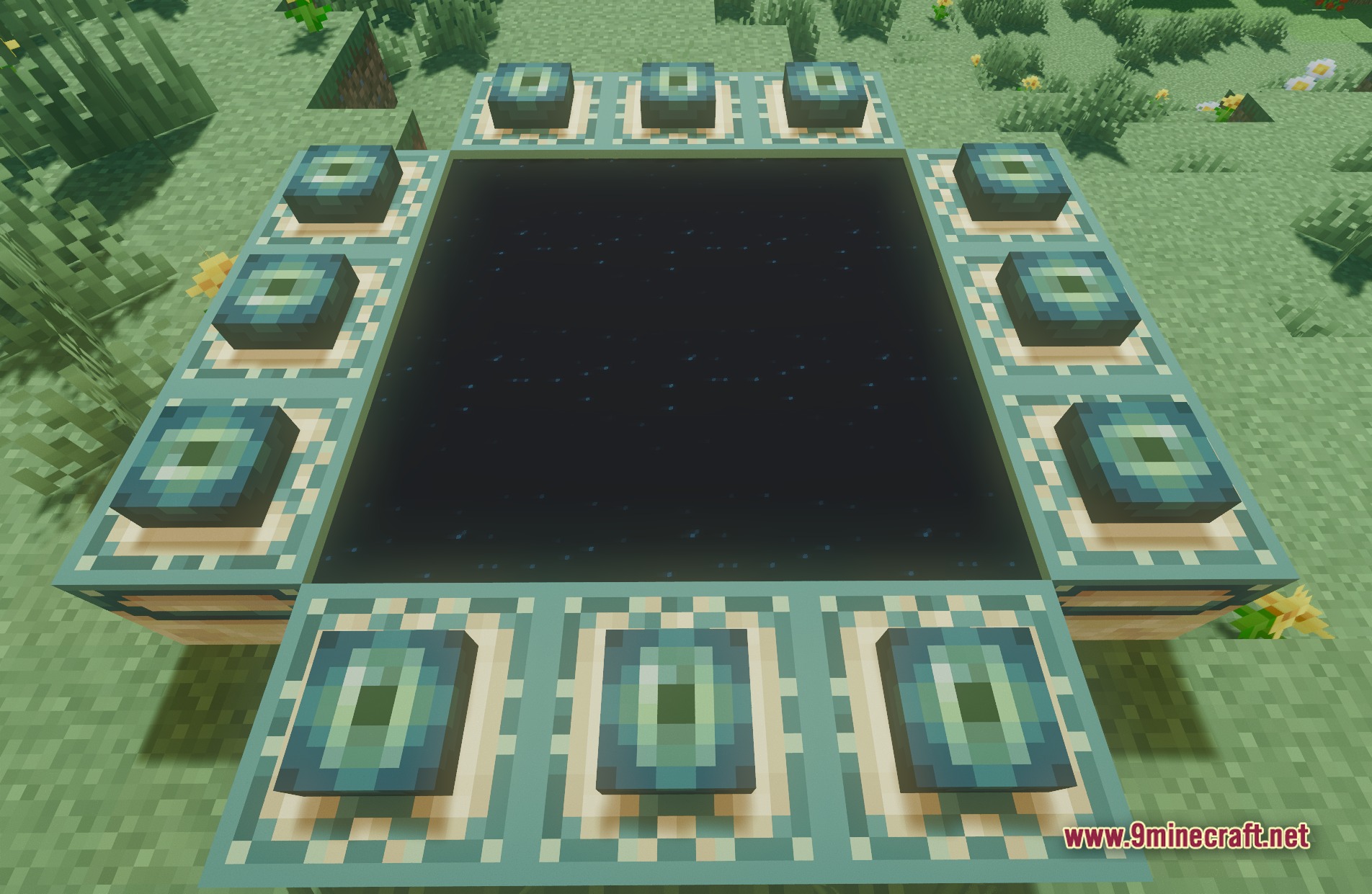
11 images from the Bloop Shaders Official Shaders page.
You May Also Like
Wikis that share the most with this one
The Uncensored Library Official Map Os Colorful Grasses Official Resource PackThanking Lsn Ce Pack Official Resource PackImmersive Vehicles Official Content Pack ModThe Uncensored Library Official by JART0N MapImmersive Vehicles Official Automobile Pack ModBSLShaderCRShadersRTUShaderFS ShadersLow ShaderRtf Shader
Wikis on the same theme: light
More shader wikis on the site
 Beyond Horizons Shaders
The most downloaded mods that have a wiki here