

 DownloadBloomingLight Shader
Get the files on 9Minecraft
Guides
Step-by-step, in-game.
Adjust Bloom Intensity Around Light SourcesAccess Shader Settings Open the shader configuration menu while in-game. This is typically accessed through your…Customize Day and Night Color TonesOpen Color Settings Access your shader configuration menu and find the color temperature or time-of-day section.…Enhance Cave Lighting Without Losing AtmosphereUnderstand Light Falloff BloomingLight Shader softens how light from torches and lanterns spreads through caves. By…Optimize Water Appearance and ReflectionsLocate Water Settings Access your shader configuration menu and find the water or reflection section. BloomingLight…
Frequently asked questions
How do I turn on the shader after installing it?
Load into a world, open the Options menu, navigate to Video Settings, then select Shaders. Find BloomingLightShader in the list and click it to activate. You'll see the bloom and lighting changes take effect immediately.
Why do my torches look too bright or too dim?
Open the shader settings (usually by pressing a hotkey in-game or through Video Settings > Shaders > Shader Options) and adjust the bloom intensity slider to control how much light spreads from torches and emissive blocks. Lower values create a tighter glow, higher values spread light further.
Can I make water look more transparent or reflective?
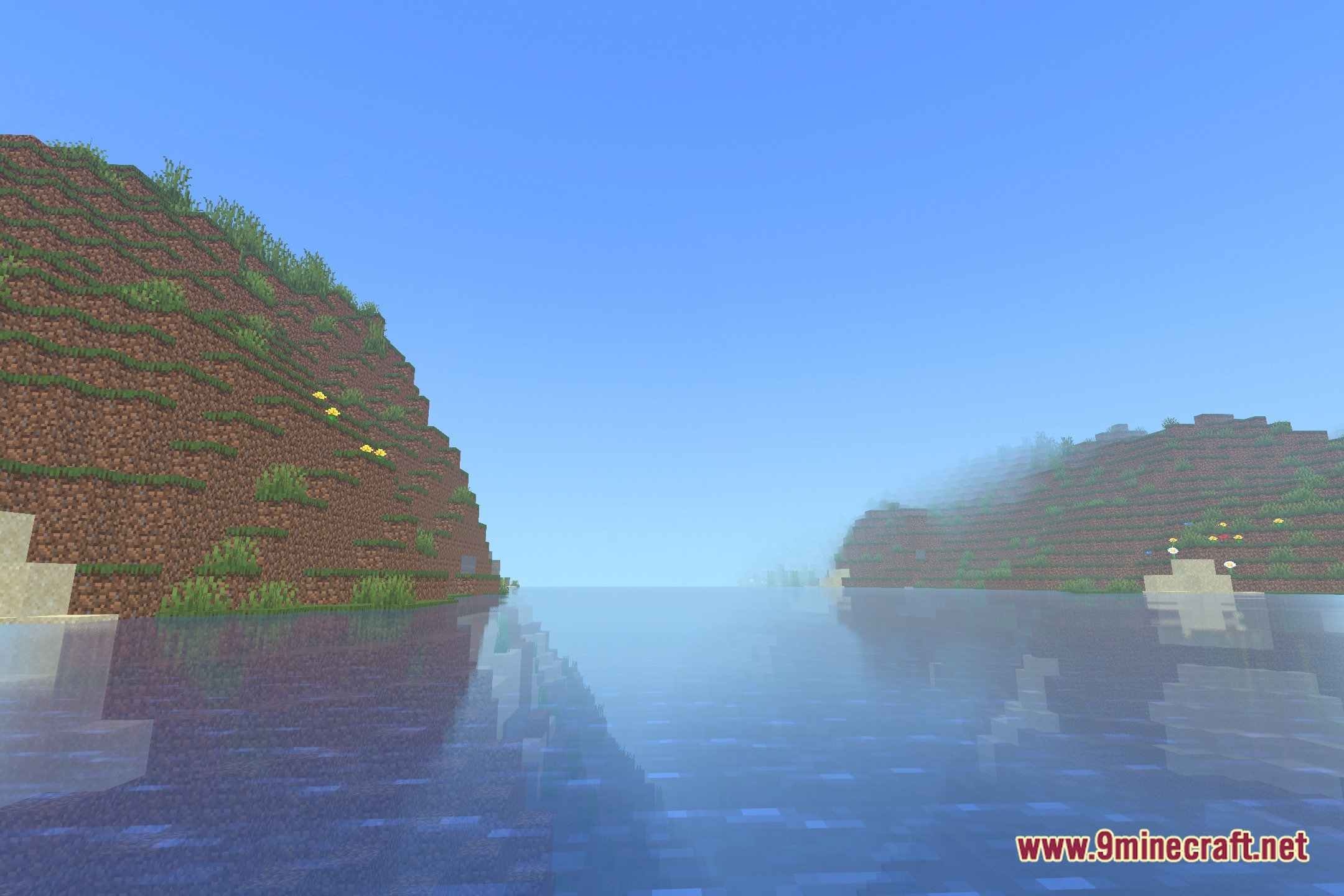
Yes—access the shader options menu and look for water-related settings like transparency or reflection strength. Increasing these values makes water clearer and enhances light reflections on the surface.
The mod makes caves too bright and ruins the atmosphere—how do I fix this?
Reduce the bloom intensity or light falloff distance in shader settings so torchlight doesn't spread as far, or lower the overall brightness multiplier to keep caves darker while preserving soft lighting near light sources.
See all 10 BloomingLight Shader questions ›
Gallery
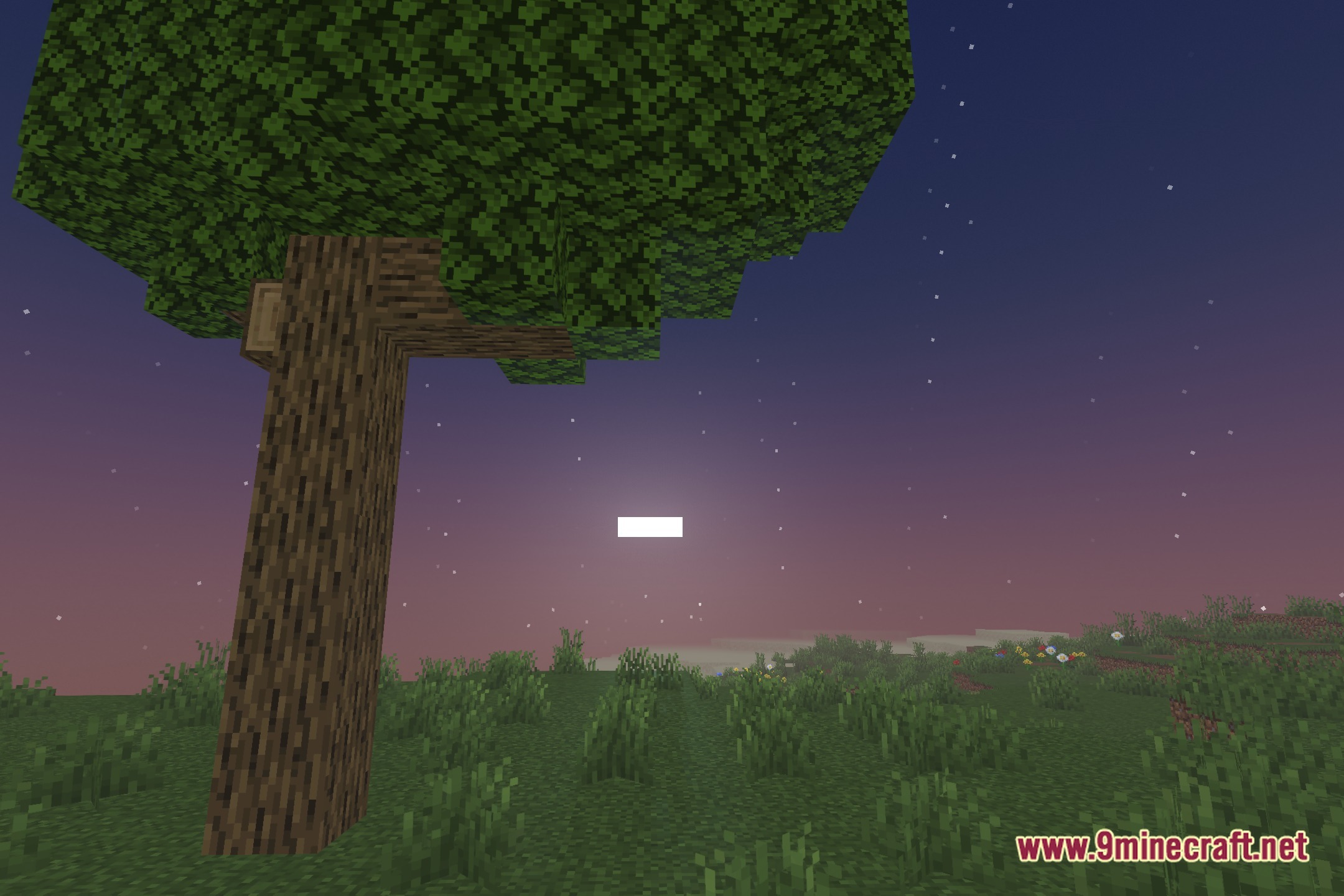
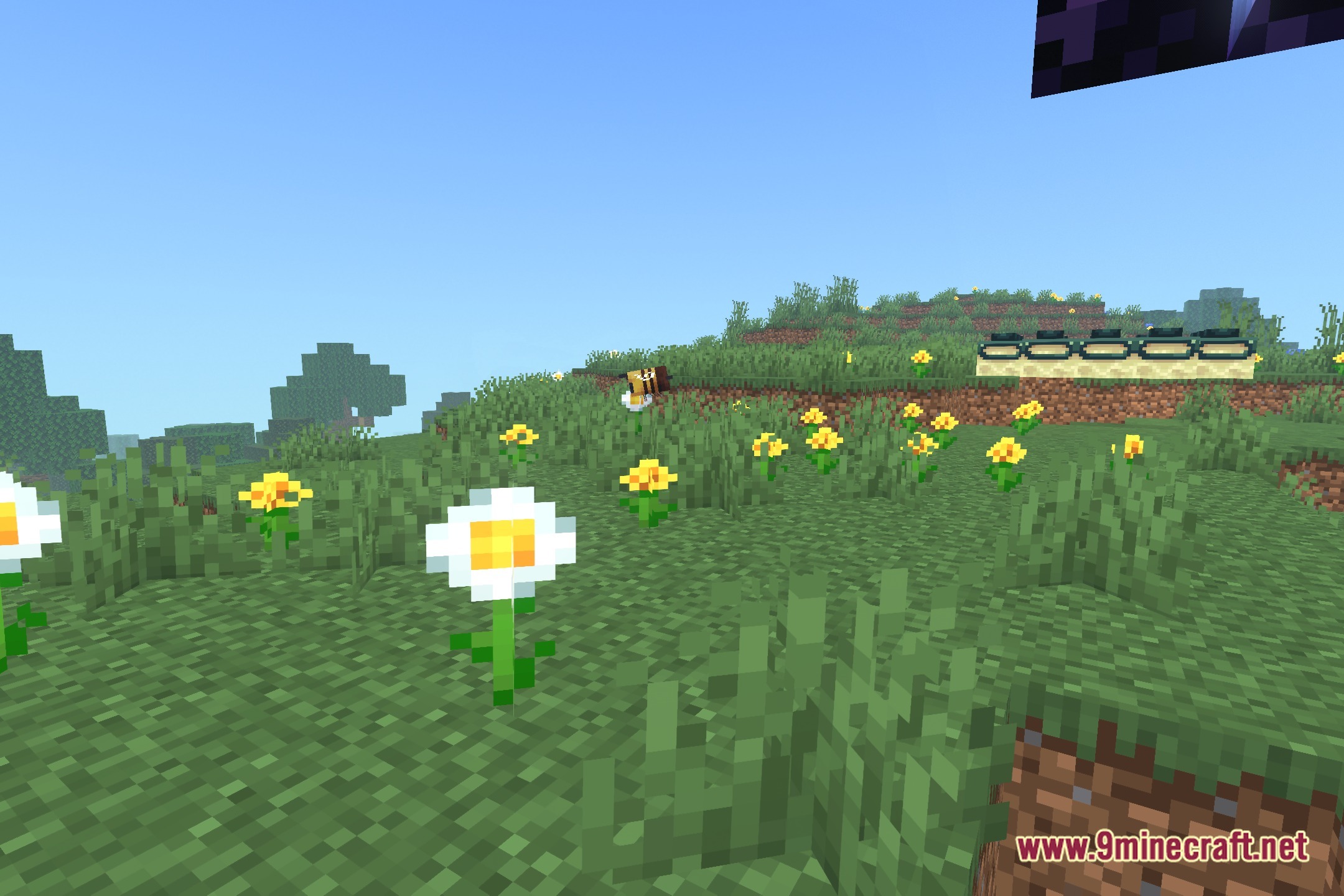
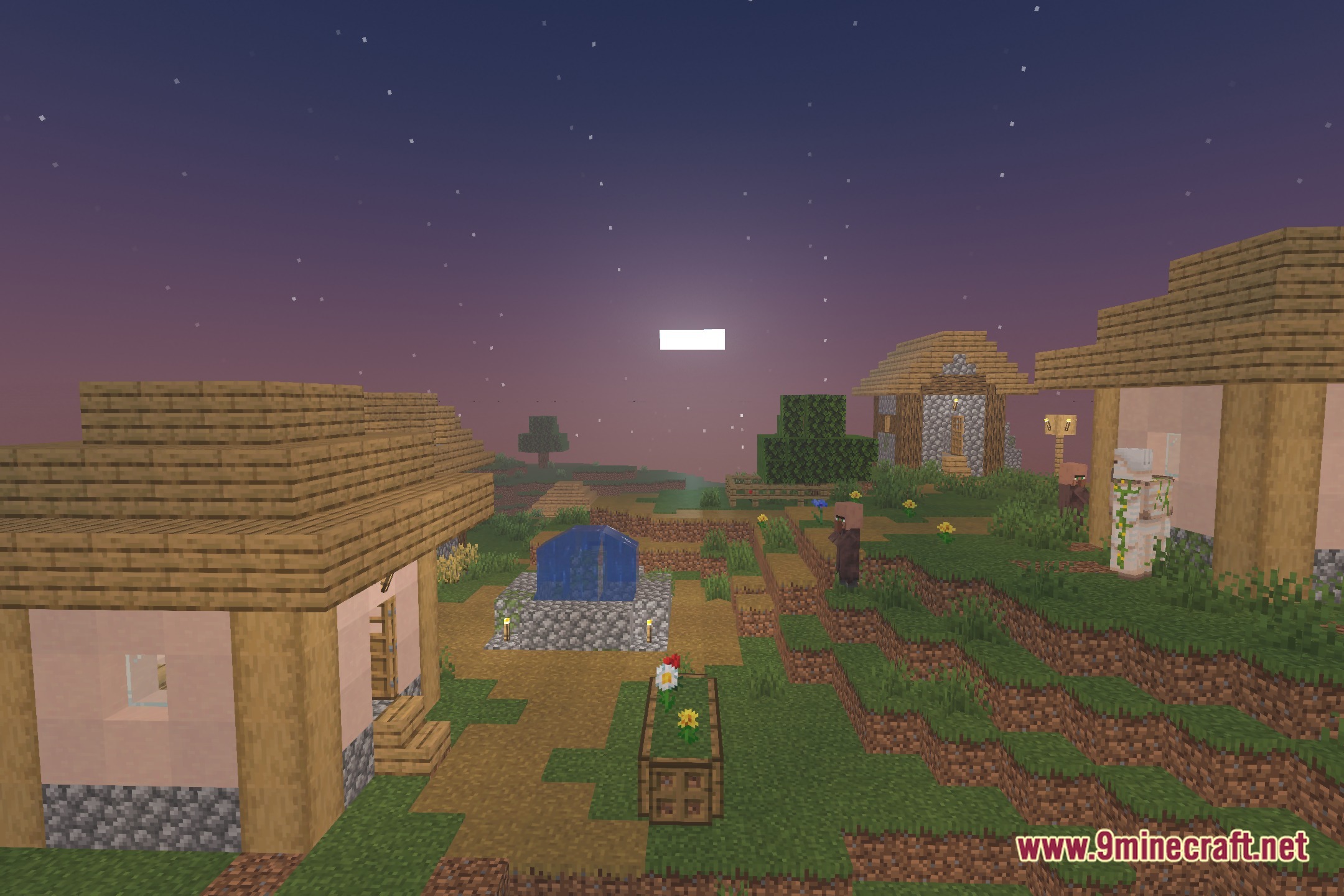
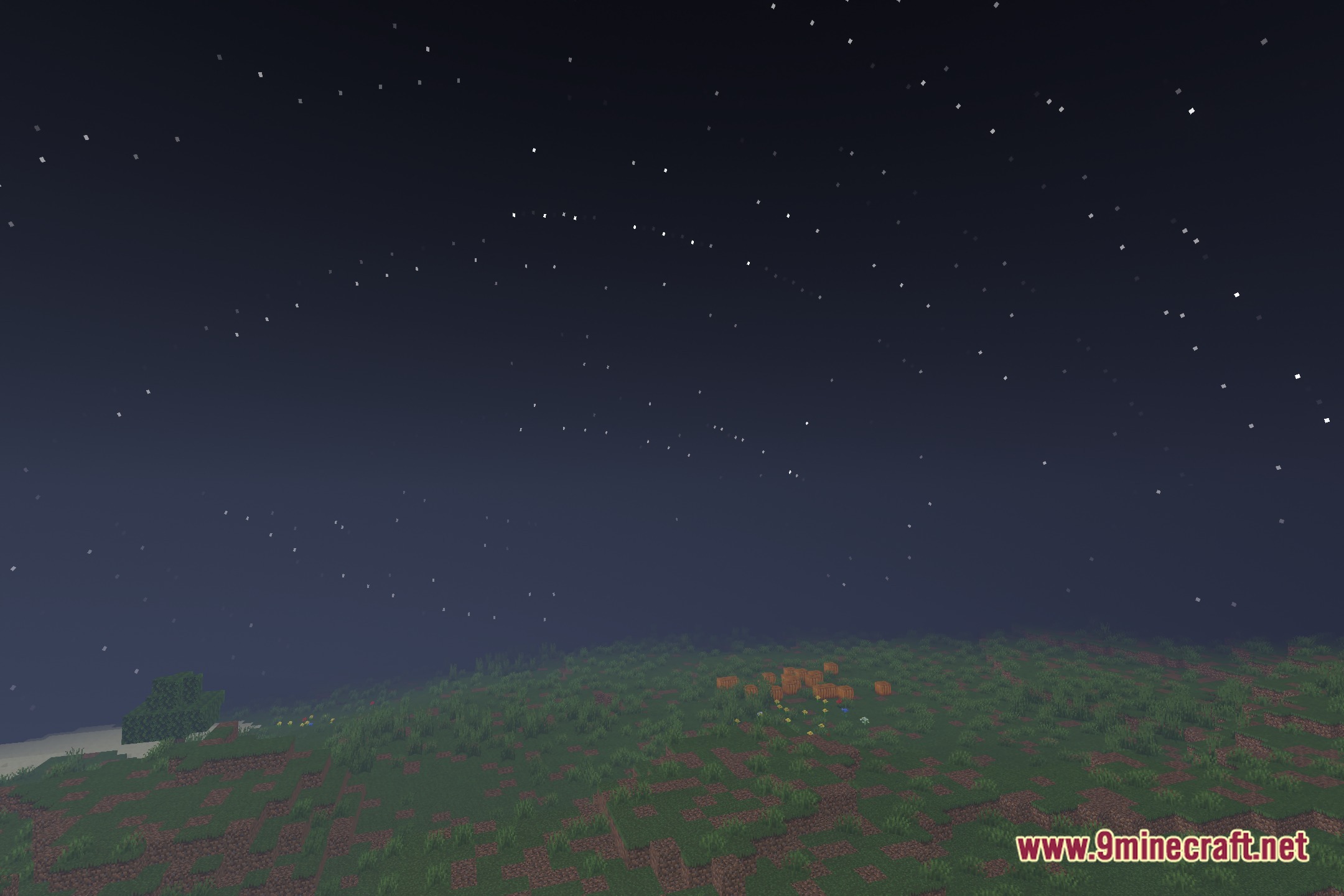
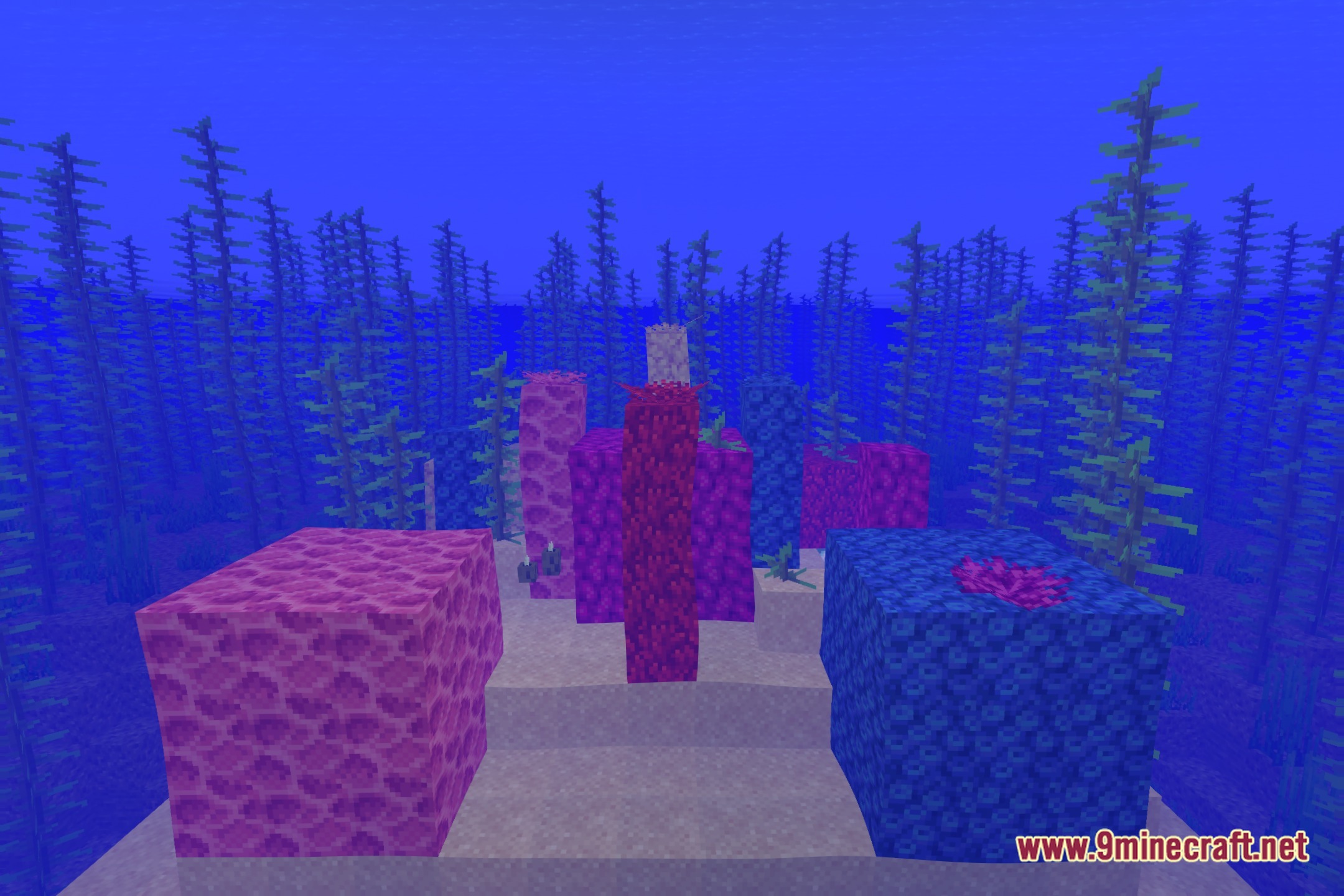
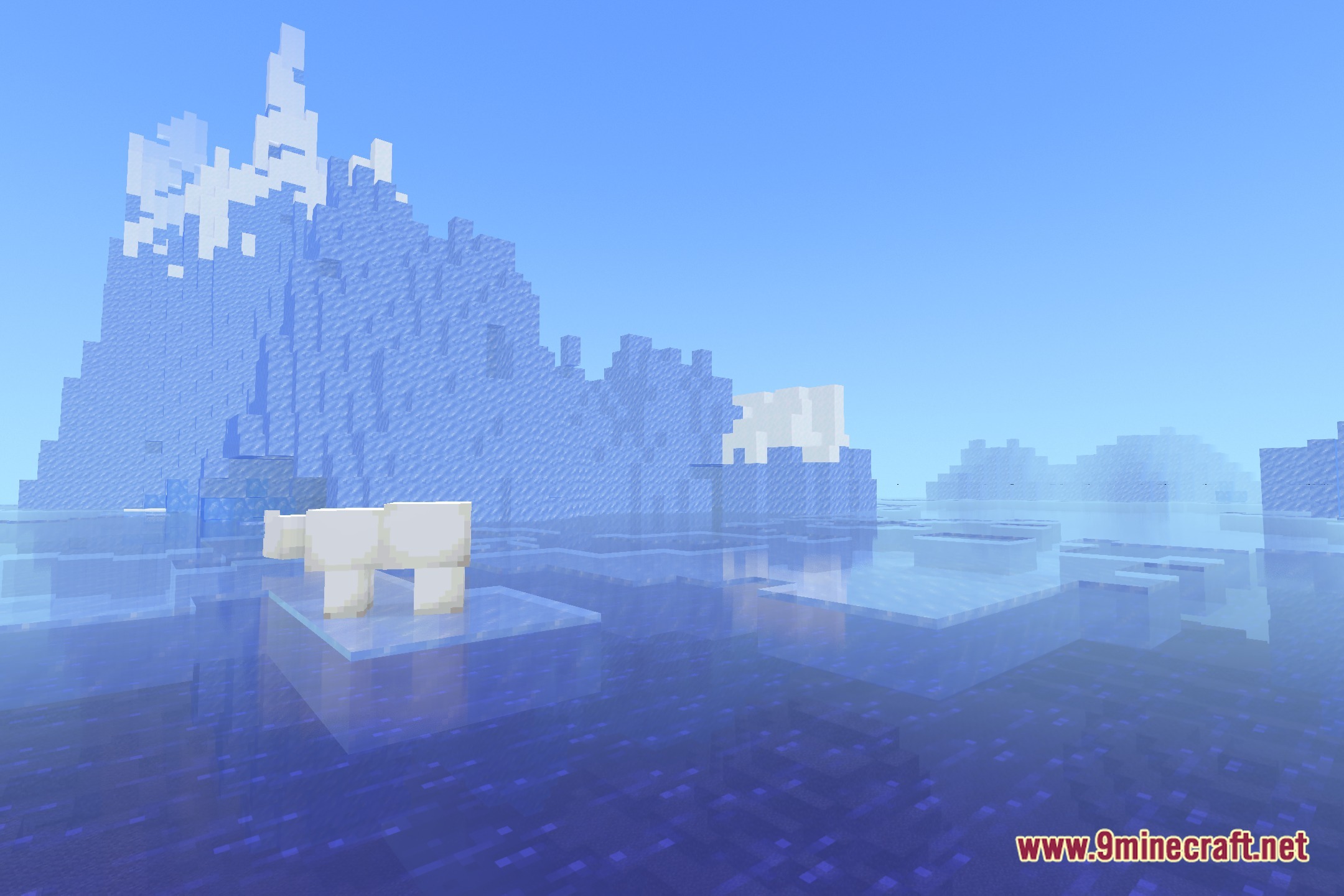
12 images from the Bloominglightshader Shaders page.
You May Also Like
Wikis that share the most with this one
Wikis on the same theme: light
More shader wikis on the site
 Beyond Horizons Shaders
The most downloaded mods that have a wiki here