

 DownloadBitmap Vanilla Shaders
Get the files on 9Minecraft
Guides
Step-by-step, in-game.
Adjusting Contrast and Brightness in Bitmap Vanilla ShadersAccess Shader Settings Open your shader options menu while in-game. This is typically found in Video Settings >…Exploring the Cursed Aesthetic: What Changes in Bitmap Vanilla ShadersVisual Transformations to Expect Bitmap Vanilla Shaders converts your entire world to black and white, removing all…Improving Performance While Using Bitmap Vanilla ShadersUnderstand the Shader's Efficiency Bitmap Vanilla Shaders is designed to run well on older computers because it uses…Making Caves More Visible with Bitmap Vanilla ShadersUnderstand the High-Contrast Effect Bitmap Vanilla Shaders creates spooky caves by maximizing contrast between dark…
Frequently asked questions
How do I turn on Bitmap Vanilla Shaders after installing it?
Open your Video Settings, go to Shaders, and select Bitmap Vanilla Shaders from the list. The shader will apply immediately to your world.
Why does everything look washed out or too dark?
Adjust the contrast and brightness settings in the shader options menu. Increasing contrast will make the black and white separation more dramatic, while brightness controls overall visibility.
Can I use this shader with texture packs?
Yes, texture packs will still work, but the shader will convert all colors to black and white regardless of the pack's original colors. The bitmap effect will override the texture pack's color information.
Does Bitmap Vanilla Shaders work with mods that add new blocks?
Yes, new blocks from other mods will render in black and white like vanilla blocks. The shader applies its effect universally to all blocks in the game.
See all 10 Bitmap Vanilla Shaders questions ›
Gallery
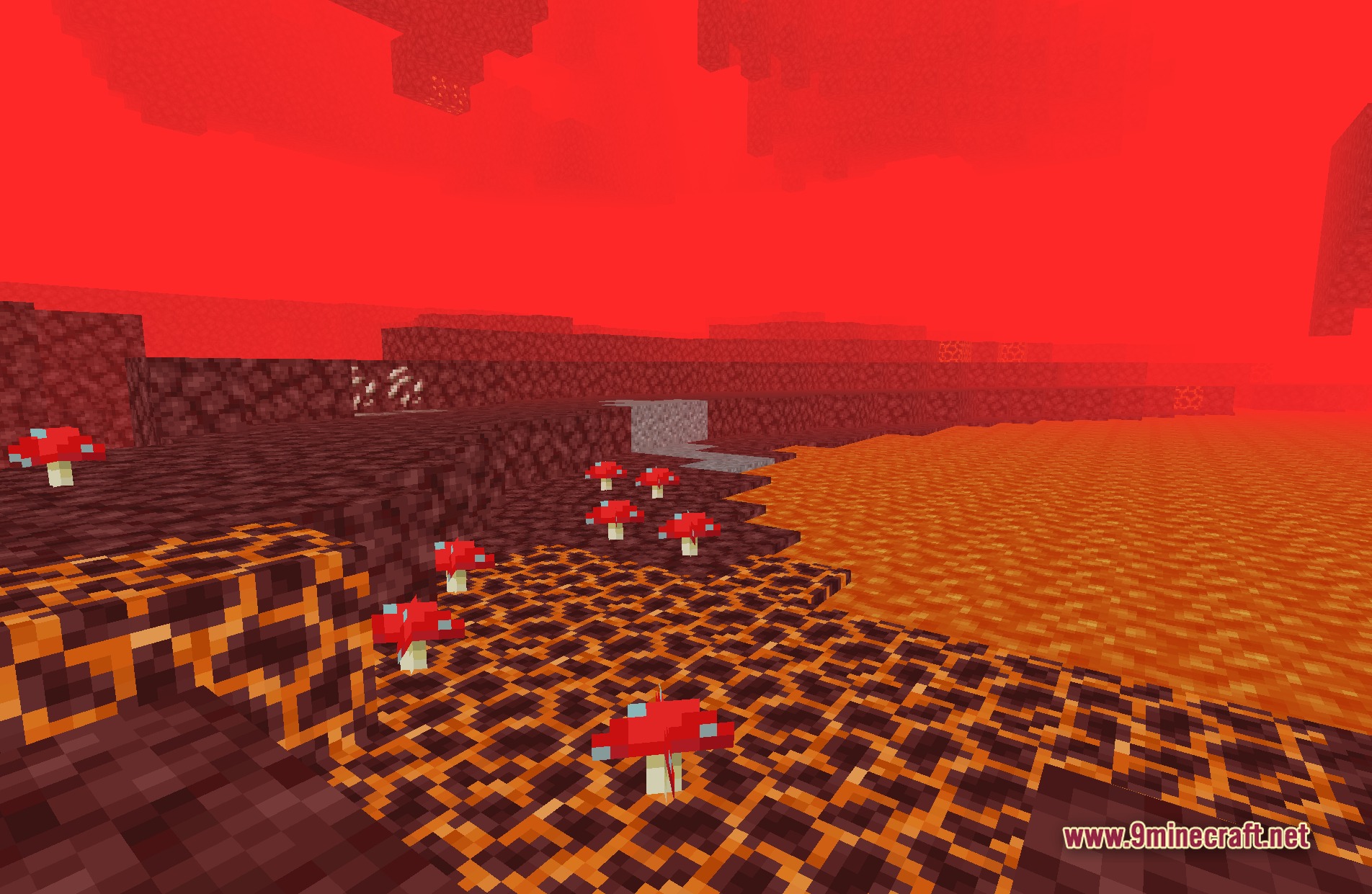
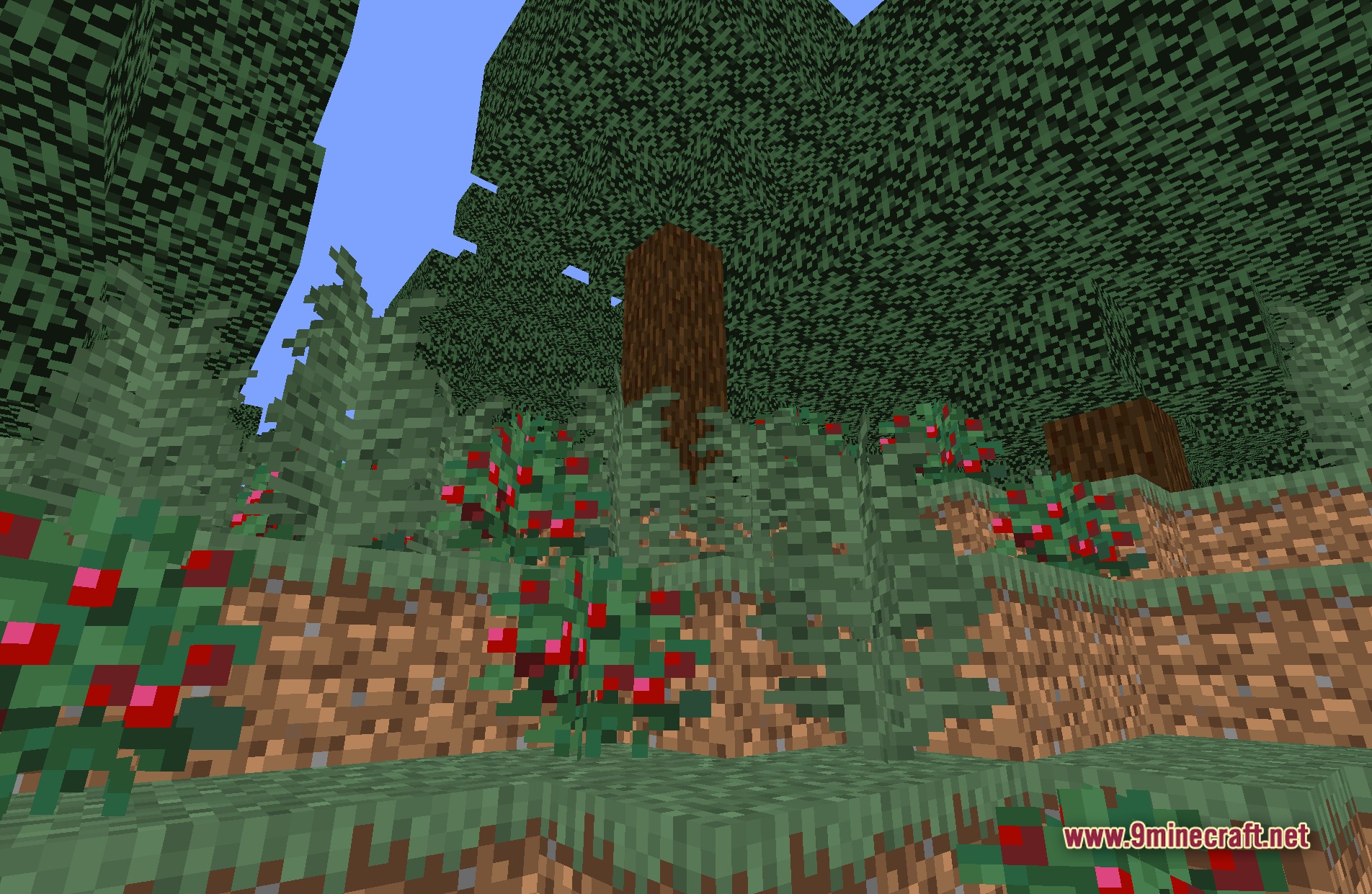
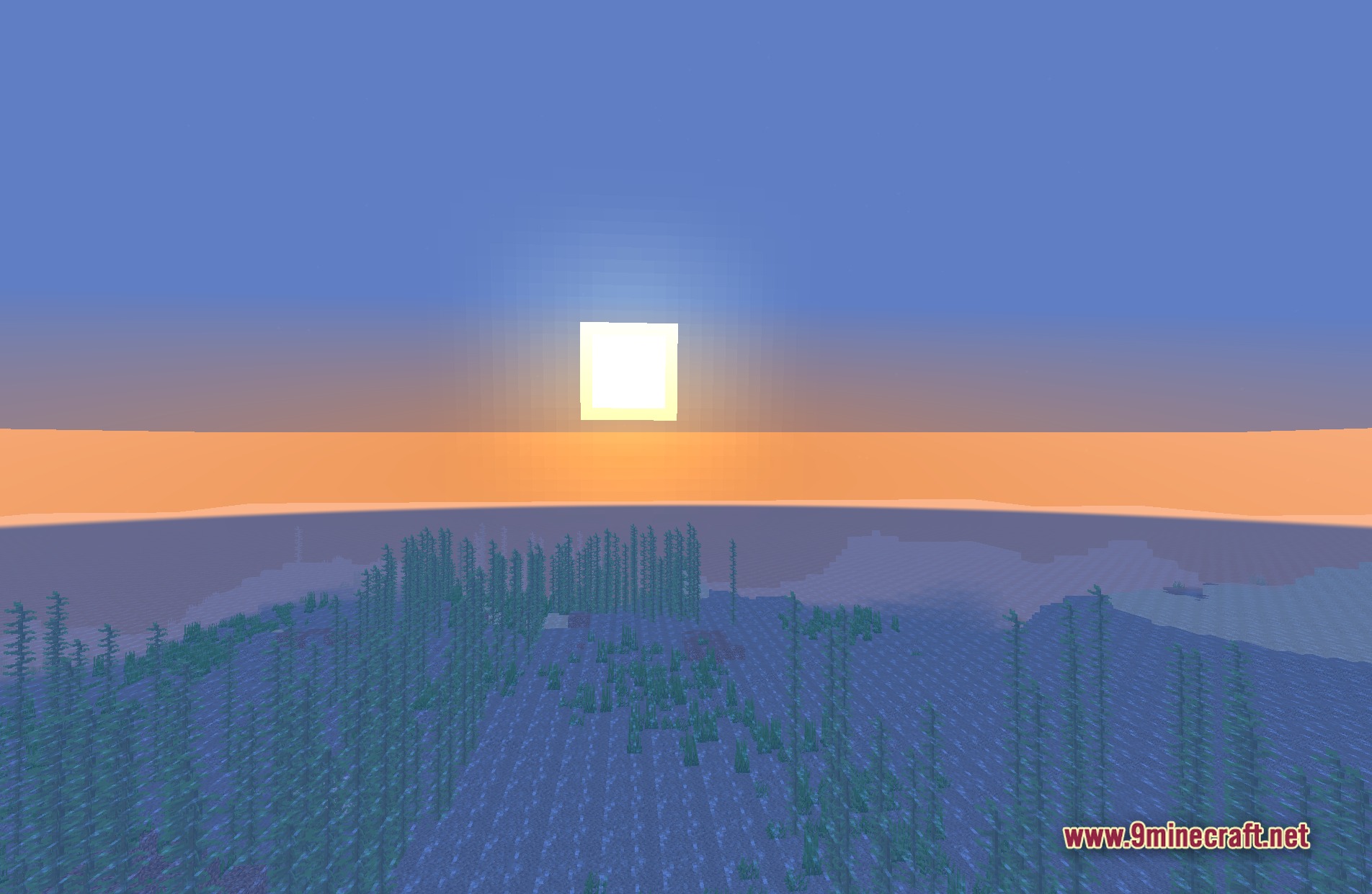
11 images from the Bitmap Vanilla Shaders page.
You May Also Like
Wikis that share the most with this one
Wikis on the same theme: light
More shader wikis on the site
 Beyond Horizons Shaders
The most downloaded mods that have a wiki here