

 DownloadBeyond Belief Shaders
Get the files on 9Minecraft
Guides
Step-by-step, in-game.
Adjust Lighting Intensity and BrightnessAccess Shader Settings Open the Shader Options menu by pressing the designated key (usually found in Video Settings >…Configure Shadows for Different Times of DayUnderstand Shadow Direction Beyond Belief Shaders calculates shadows based on the sun's position. At sunrise and…Enhance Water and Reflection AppearanceEnable Water Reflections Open Shader Options and search for water-related settings. Enable reflections if not already…Optimize Performance While Using ShadersReduce Render Distance Shaders are computationally expensive. Lower your render distance from maximum to 12–16 chunks…
Frequently asked questions
How do I enable the shader after installing it?
Open your Video Settings, go to Shaders, and select Beyond Belief Shaders from the list. The shader will apply immediately to your world.
Why is my game running slowly with this shader on?
Shaders are performance-intensive; try lowering your render distance, disabling shadow quality settings, or reducing lighting intensity in the shader options menu.
Can I use this shader with other mods?
Beyond Belief Shaders works with most mods, but mods that heavily modify lighting or block rendering may cause conflicts or visual glitches.
How do I adjust how bright or dark my world looks?
Access the shader settings through Video Settings > Shaders > Shader Options, where you'll find brightness and lighting intensity sliders to customize the look.
See all 10 Beyond Belief Shaders questions ›
Gallery
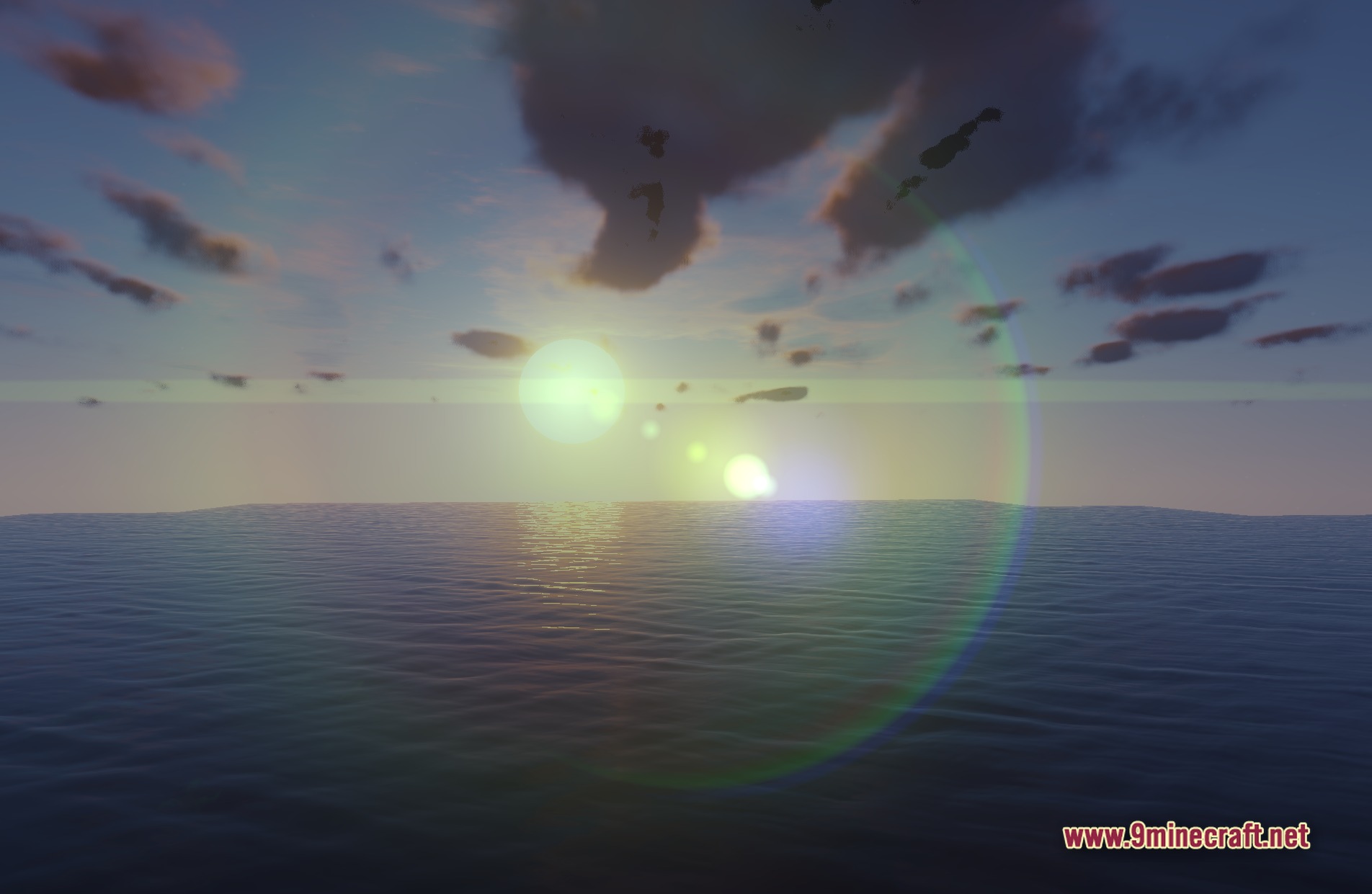
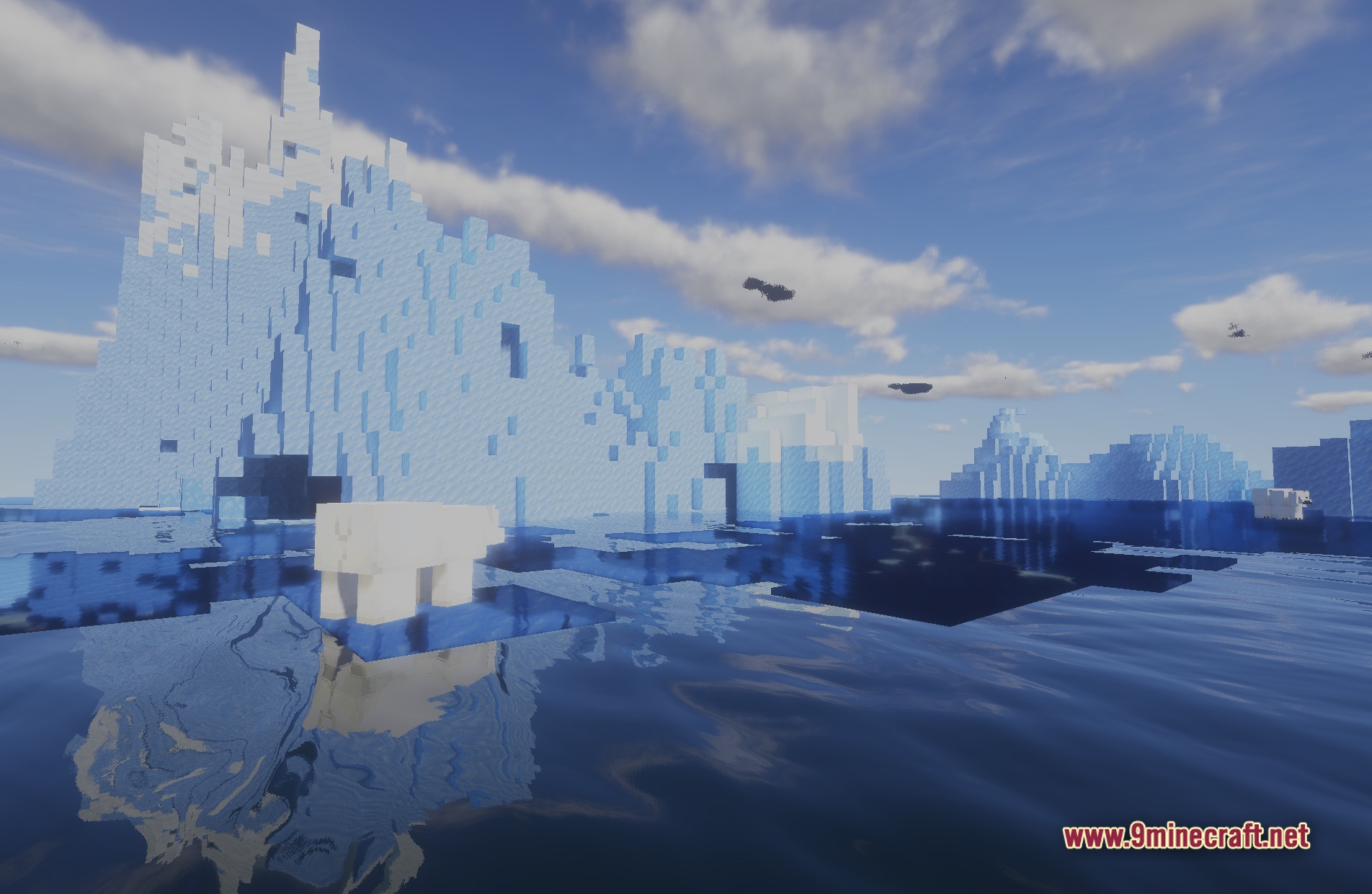
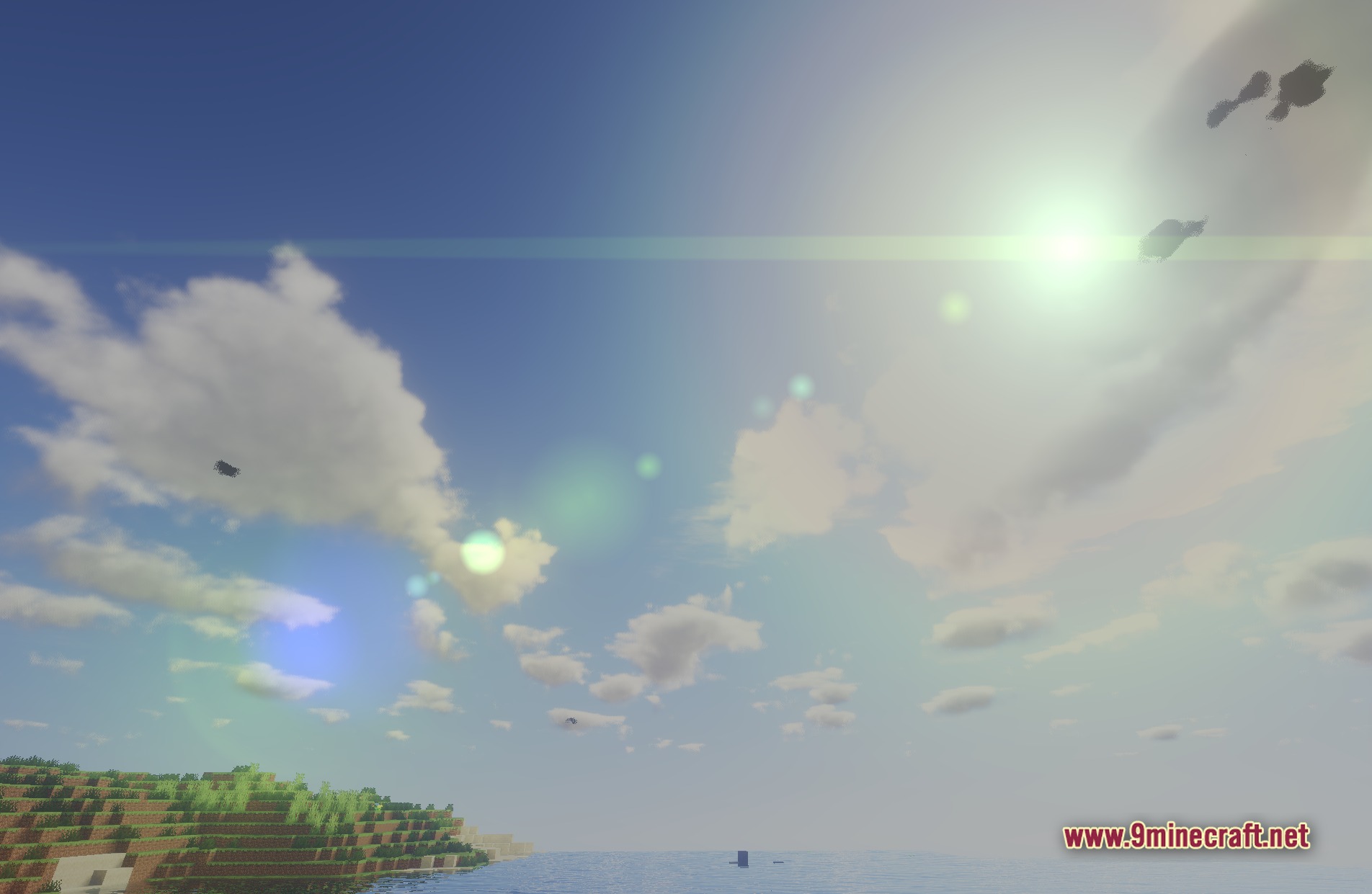
11 images from the Beyond Belief Shaders page.
You May Also Like
Wikis that share the most with this one
 Beyond Horizons Shaders
More shader wikis on the site
The most downloaded mods that have a wiki here