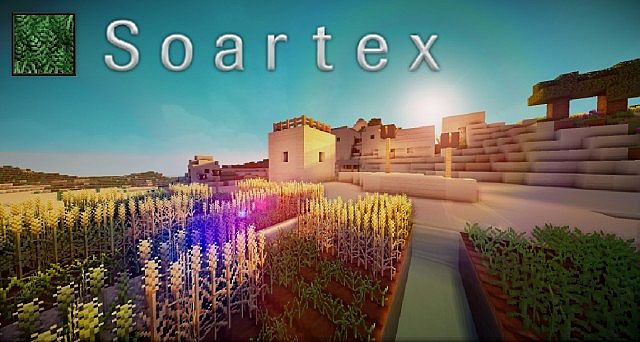
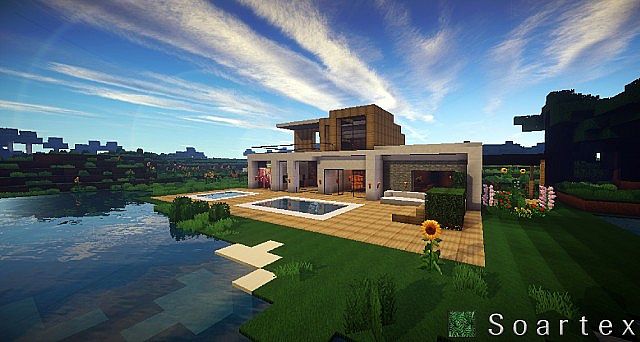
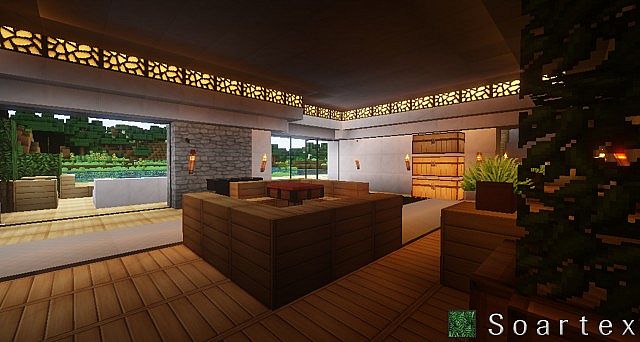
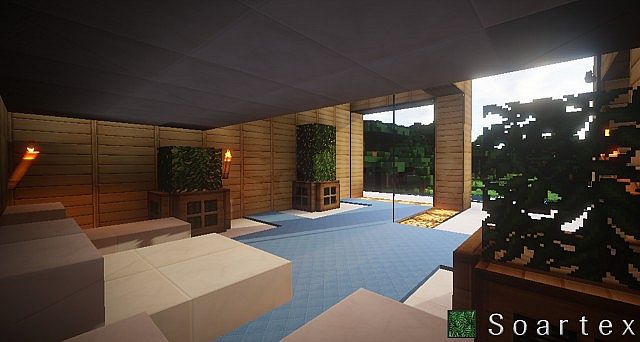
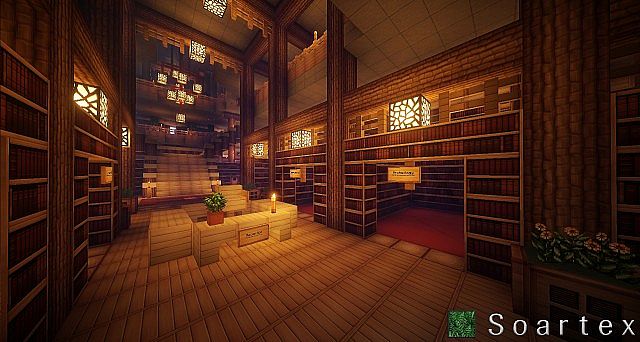
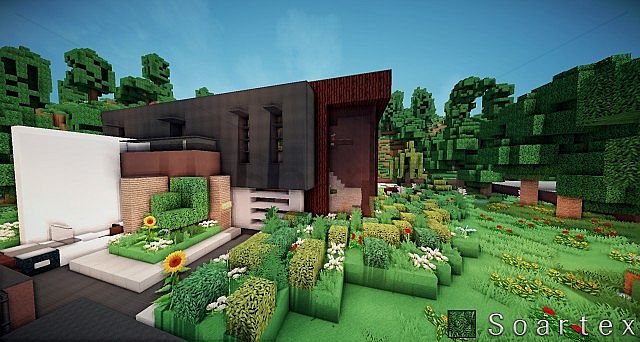
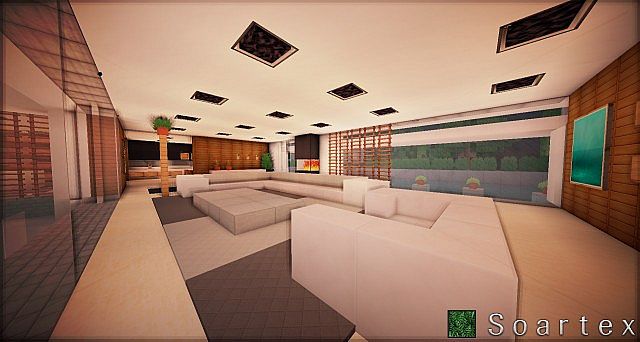
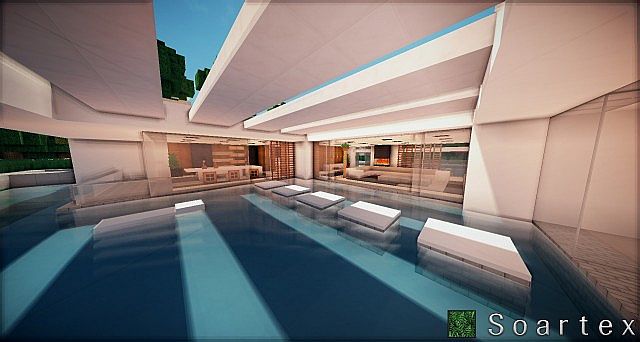
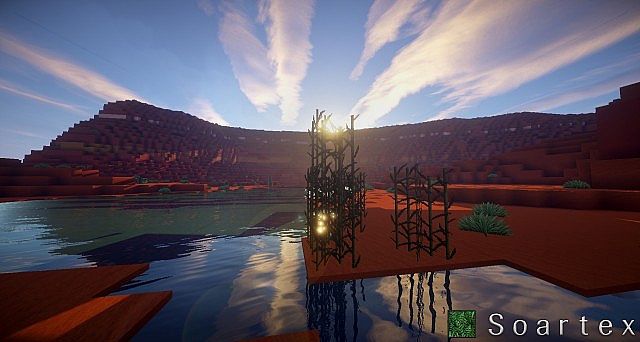
DownloadSoartex Fanver Vanilla Resource Pack
Get the files on 9Minecraft
Contents (8)
Guides
Step-by-step, in-game.
How to Combine Soartex Fanver With Other Resource PacksResource packs stack, so you can run Soartex Fanver alongside packs that only change a few things, like custom fonts,…How to Fix Soartex Fanver Textures Not ShowingIf blocks still look like default pixel art after enabling Soartex Fanver, the pack is not actually being applied.…How to Install and Activate the Soartex Fanver Resource PackSoartex Fanver is a resource pack, not a mod, so you activate it through the game's own resource pack menu rather…How to Switch Between Soartex Fanver and Default Textures QuicklySometimes you want the smooth Soartex look for building, then default textures for redstone or for comparing.…How to Tell Which Textures Soartex Fanver ChangesSoartex Fanver is a vanilla retexture, so it does not add new blocks or items — it repaints existing ones. Knowing…How to Use Soartex Fanver for Building and ScreenshotsSoartex Fanver's smooth, clean style reads well in large builds and screenshots because textures stay legible at…
Items
268 items · showing 24. Browse all →
 Acacia Boat
 Acacia Sign
 Amethyst Shard
 Apple
 Armor Stand
 Arrow
 Baked Potato
 Bamboo
 Banner Pattern (Globe)
 Banner Pattern (Creeper)
 Banner Pattern (Piglin)
 Banner Pattern (Flower)
 Banner Pattern (Mojang)
 Banner Pattern (Skull)
 Barrier
 Beetroot
 Beetroot Seeds
 Beetroot Soup
 Bell
 Birch Boat
 Birch Sign
 Black Dye
 Blaze Powder
 Blaze Rod
Blocks
397 blocks · showing 24. Browse all →
 Acacia Leaves
 Acacia Log
 Acacia Planks
 Acacia Sapling
 Activator Rail
 Allium
 Amethyst Cluster
 Andesite
 Anvil
 Attached Melon Stem
 Attached Pumpkin Stem
 Azalea Leaves
 Azure Bluet
 Beacon
 Bedrock
 Big Dripleaf Stem
 Birch Leaves
 Birch Log
 Birch Planks
 Birch Sapling
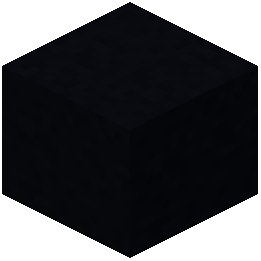 Black Concrete
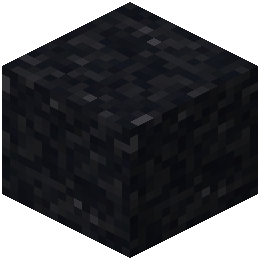 Black Concrete Powder
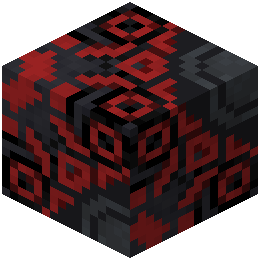 Black Glazed Terracotta
 Black Shulker Box
What this pack changes
Every texture group the pack replaces, counted from the pack itself.
| Area | Textures replaced |
|---|---|
| Blocks | 997 |
| Items | 511 |
| Mobs & entities | 409 |
| Particles | 141 |
| GUI & menus | 71 |
| Status effects | 32 |
| Paintings | 27 |
| Models | 17 |
| Misc | 11 |
| Sky & weather | 6 |
| Maps | 3 |
| Biome colours | 2 |
| Font | 2 |
Pack format 8 (Minecraft 1.18)2,229 texture files in total
Extra features
Custom font
Custom block/item models
Reworked GUI
Frequently asked questions
How do I turn on Soartex Fanver after installing it?
Open Options, then Resource Packs, and move Soartex Fanver from the left column to the right column. Click Done and the pack loads immediately, no restart needed.
Why do only some blocks look different after enabling Soartex Fanver?
Soartex Fanver is a vanilla-style pack that retextures blocks, items, and plants, but not every texture is covered in every release. Anything the pack doesn't include simply keeps its default look, so a mix of old and new textures is normal.
Can I put Soartex Fanver above another resource pack to combine them?
Yes, packs higher in the right-hand list override the ones below them. Put Soartex Fanver on top if you want its textures to win, or below another pack if you only want it to fill in the gaps.
Does Soartex Fanver work with shaders and OptiFine?
It's a standard resource pack, so it works alongside shaders and OptiFine without any special setup. Just make sure it stays selected in the Resource Packs menu, since some shader profiles can reset your pack order.
Will Soartex Fanver hurt my FPS?
Texture packs generally have little impact on frame rate because they change images, not geometry. If you notice slowdown, it's usually from shaders or a high resolution variant of the pack rather than the pack itself.
How do I quickly compare Soartex Fanver with the default textures?
Open the Resource Packs menu and drag the pack in or out of the selected column to toggle it, then click Done. This swaps textures instantly without leaving the world, so you can flip back and forth while building.
My Soartex Fanver textures aren't showing up at all, what's wrong?
Check that the pack is actually in the right-hand column and that no other pack above it is overriding the same textures. If it still won't load, the pack file may be corrupted or for a different game version, so re-download it and try again.
Can I use Soartex Fanver on a server or with friends?
Resource packs are client-side, so each player chooses their own. You can use Soartex Fanver on any server, but your friends will only see it if they install and enable it themselves.
Does Soartex Fanver change mobs, GUI, or sounds?
It focuses on vanilla blocks, items, and plants, so mobs, the interface, and audio are generally left as default. If you want those retextured too, combine it with a pack that covers them.
How do I know which textures Soartex Fanver actually replaces?
Browse the blocks and items lists on this wiki to see what's covered, or open the pack folder and look inside the assets directory. Anything not present there will fall back to the default texture in-game.
You May Also Like
Wikis that share the most with this one
More resource pack wikis on the site
Soartex Fantastik Resource PackSnowy Mountains Sky Resource PackSnod Animated Torches Resource PackSneks Improvements And Consistencies Resource PackSnapshotxbr Resource PackSMP Basics Resource PackSmoothies Pvp Essentials Resource PackSmooth Pvp Overlay Resource PackSmooth Glass Resource Pack Smooth FontSmooth Drawers Resource PackSmooth Bow Animations Resource Pack
The most downloaded mods that have a wiki here
A few wikis from each of the other kinds
Gallery
12 images from the Soartex Fanver Vanilla Resource Pack page.