

 DownloadLink’s RPG Font Resource Pack
Get the files on 9Minecraft
Guides
Step-by-step, in-game.
How to Change the Font Size and Scale of Link's RPG FontAdjusting the Font Scale Link's RPG Font replaces the default font textures, but the size at which text renders is…How to Fix Link's RPG Font Not Showing or Displaying WrongConfirm the Pack Is Actually Loaded Open Options → Resource Packs and verify Link's RPG Font is in the "Selected"…How to Install and Apply Link's RPG Font Resource Pack in MinecraftGetting the Pack Into Your Game Once you have the resource pack file, drop it into your Minecraft resourcepacks…How to Use Link's RPG Font With Other Resource Packs and ModsStacking Packs Correctly Minecraft applies resource packs from the top of the selected list downward, with higher…
Frequently asked questions
What does Link's RPG Font Resource Pack actually change?
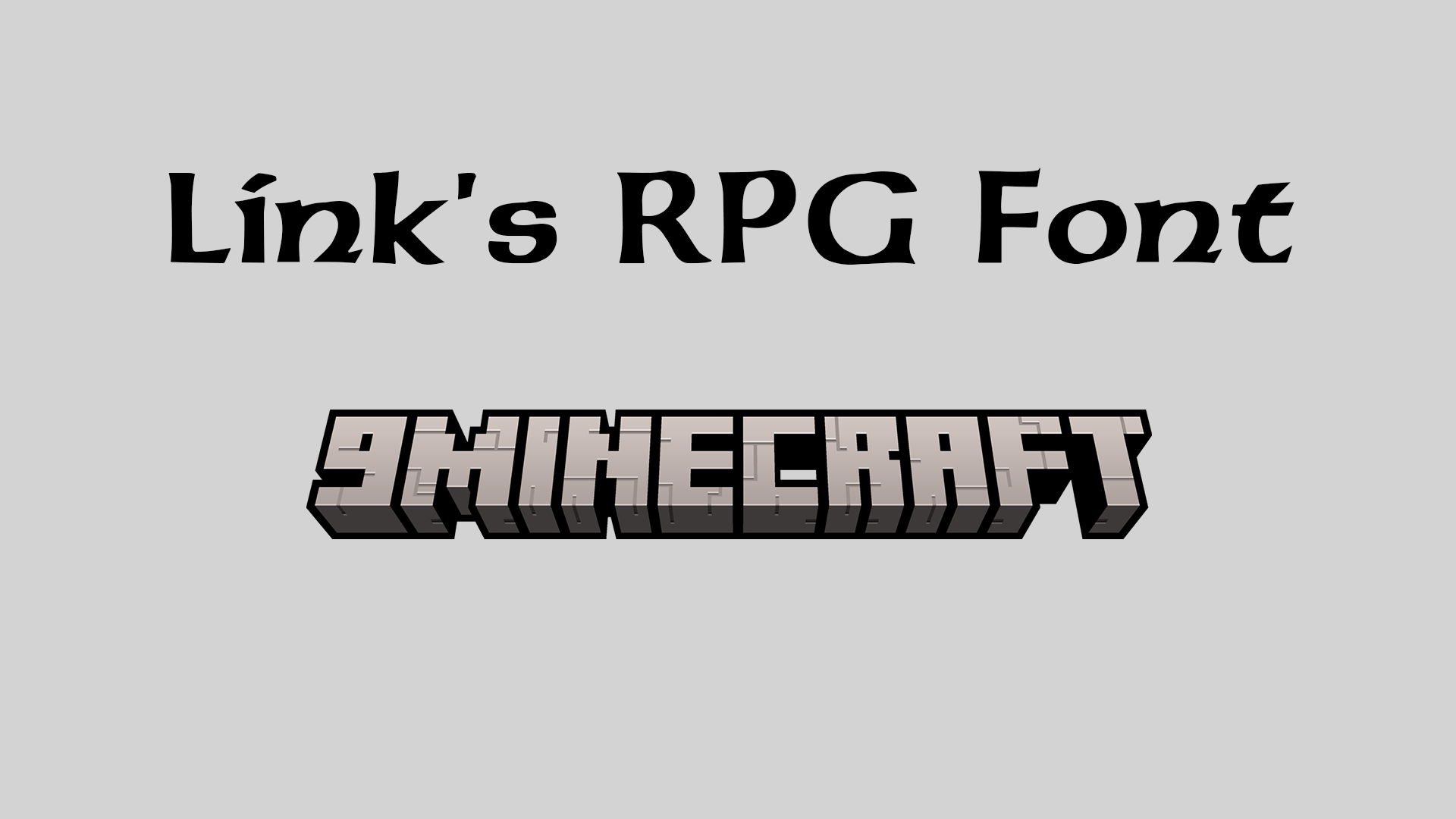
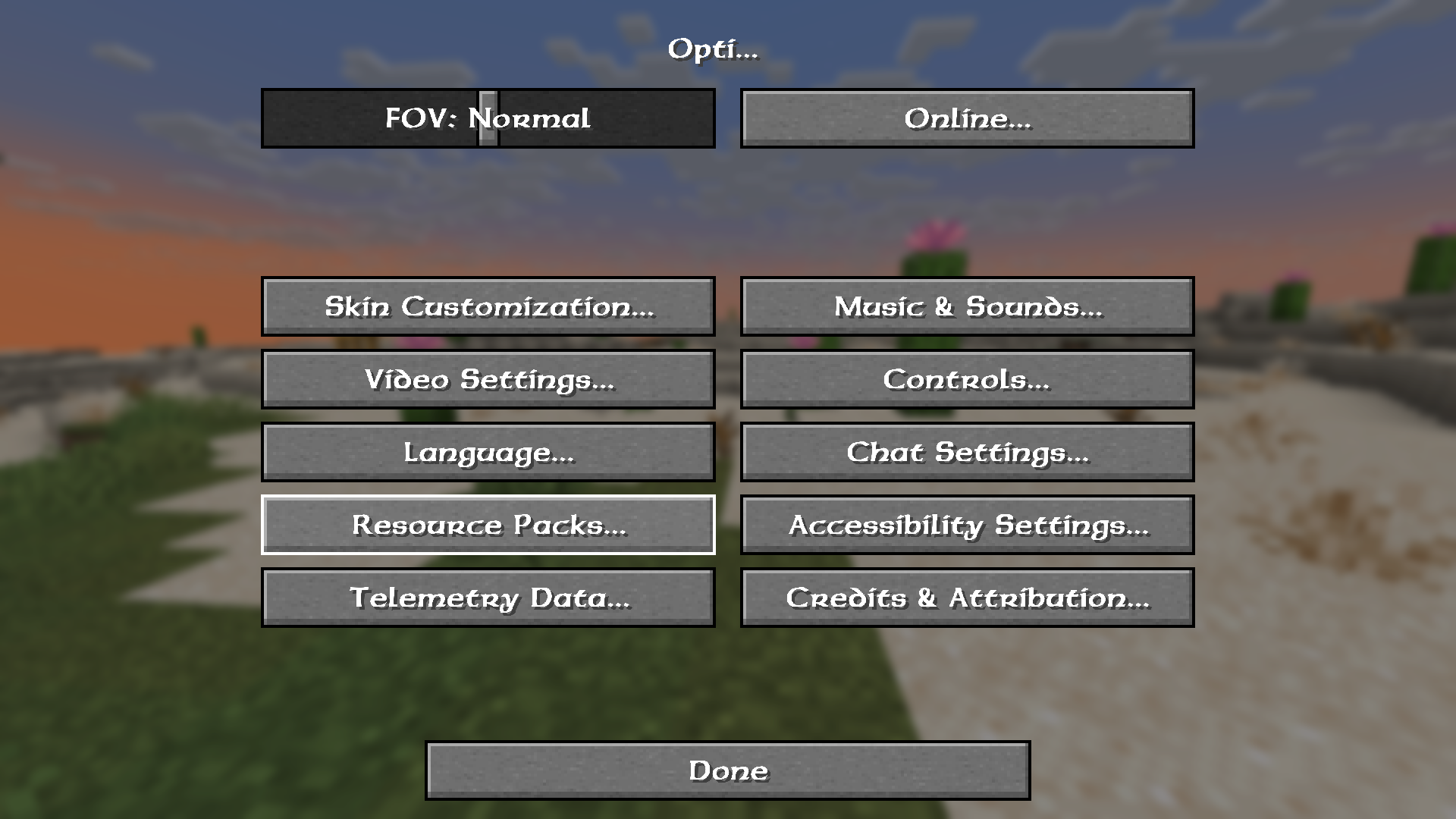
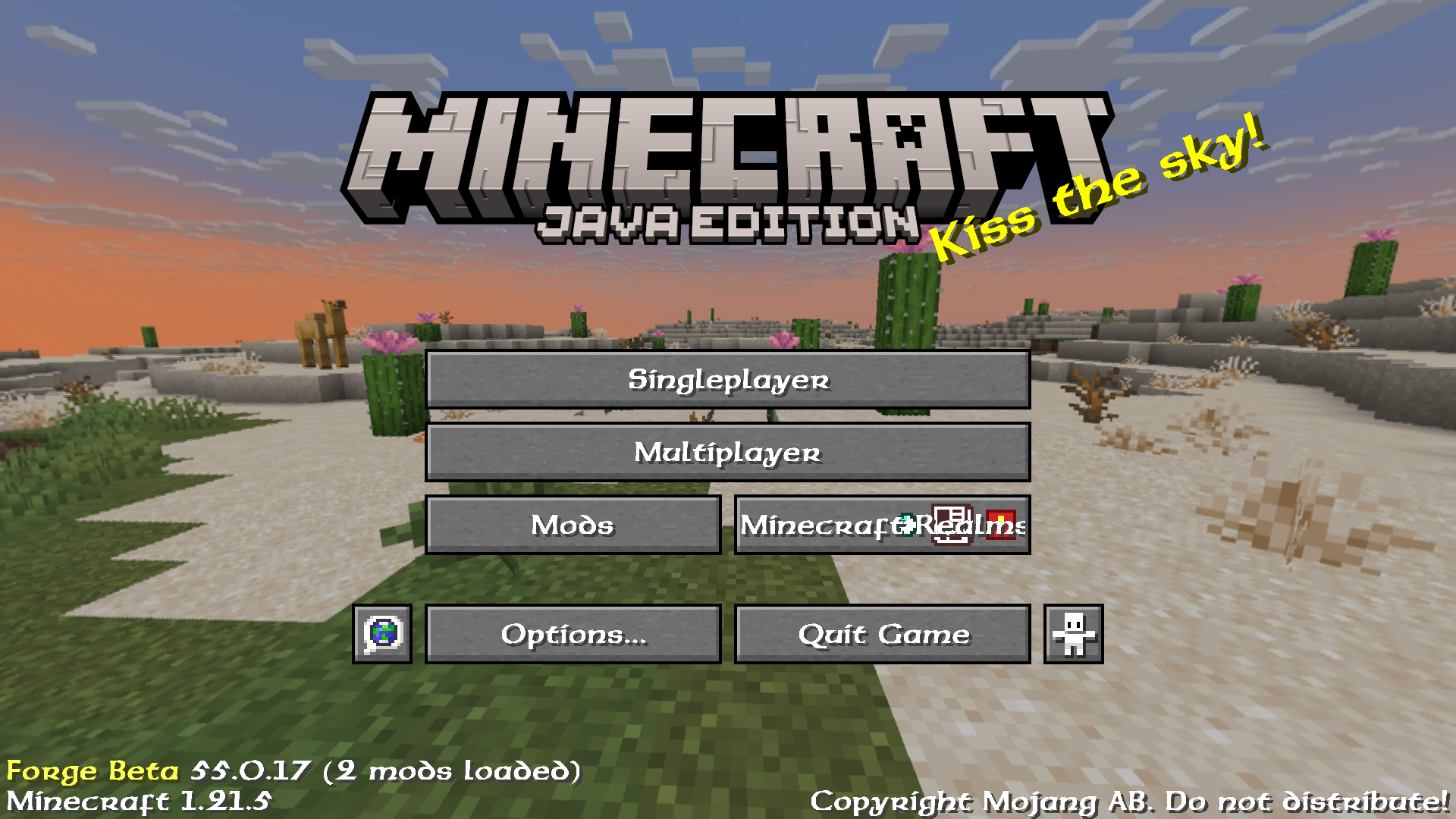
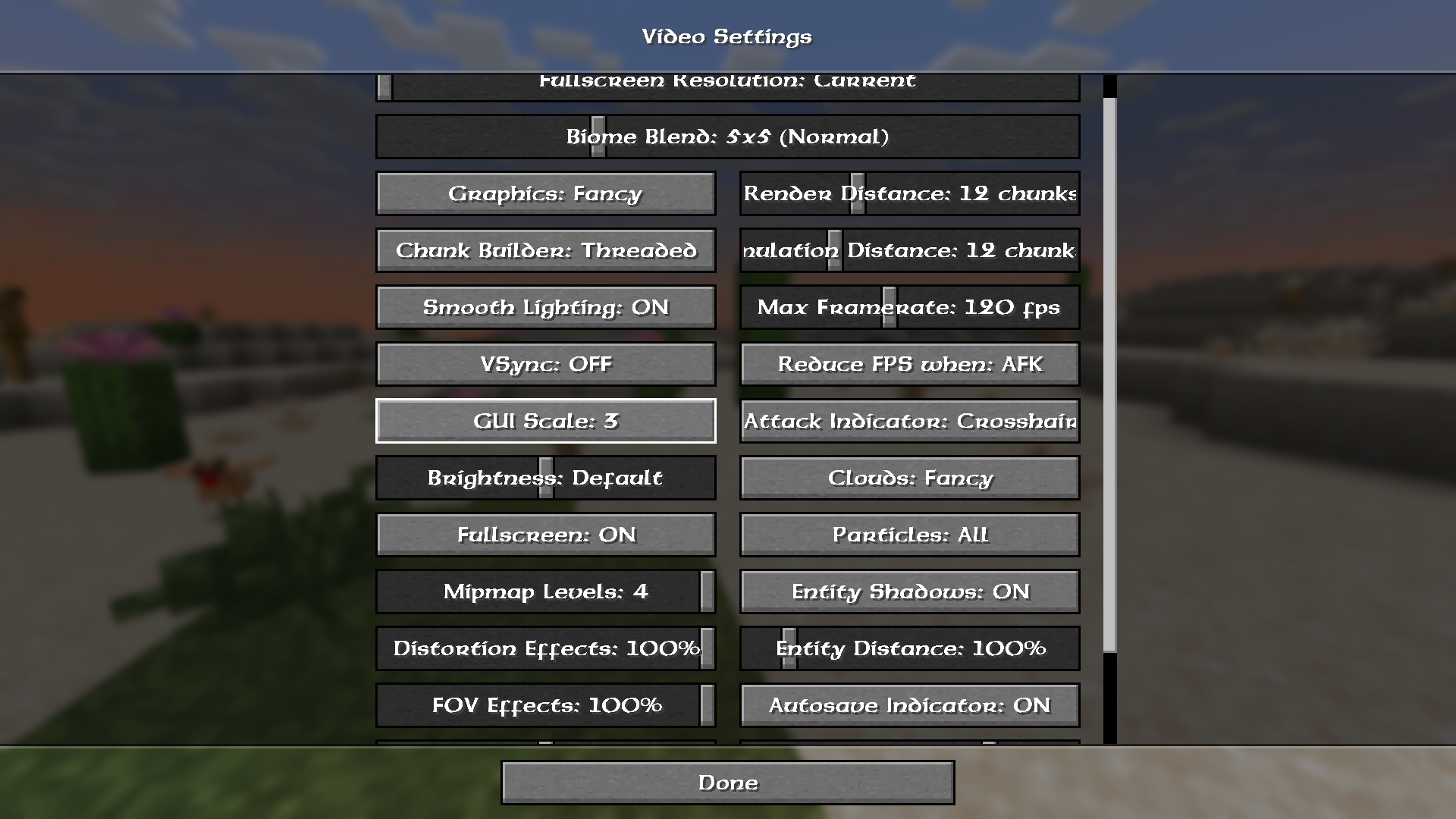
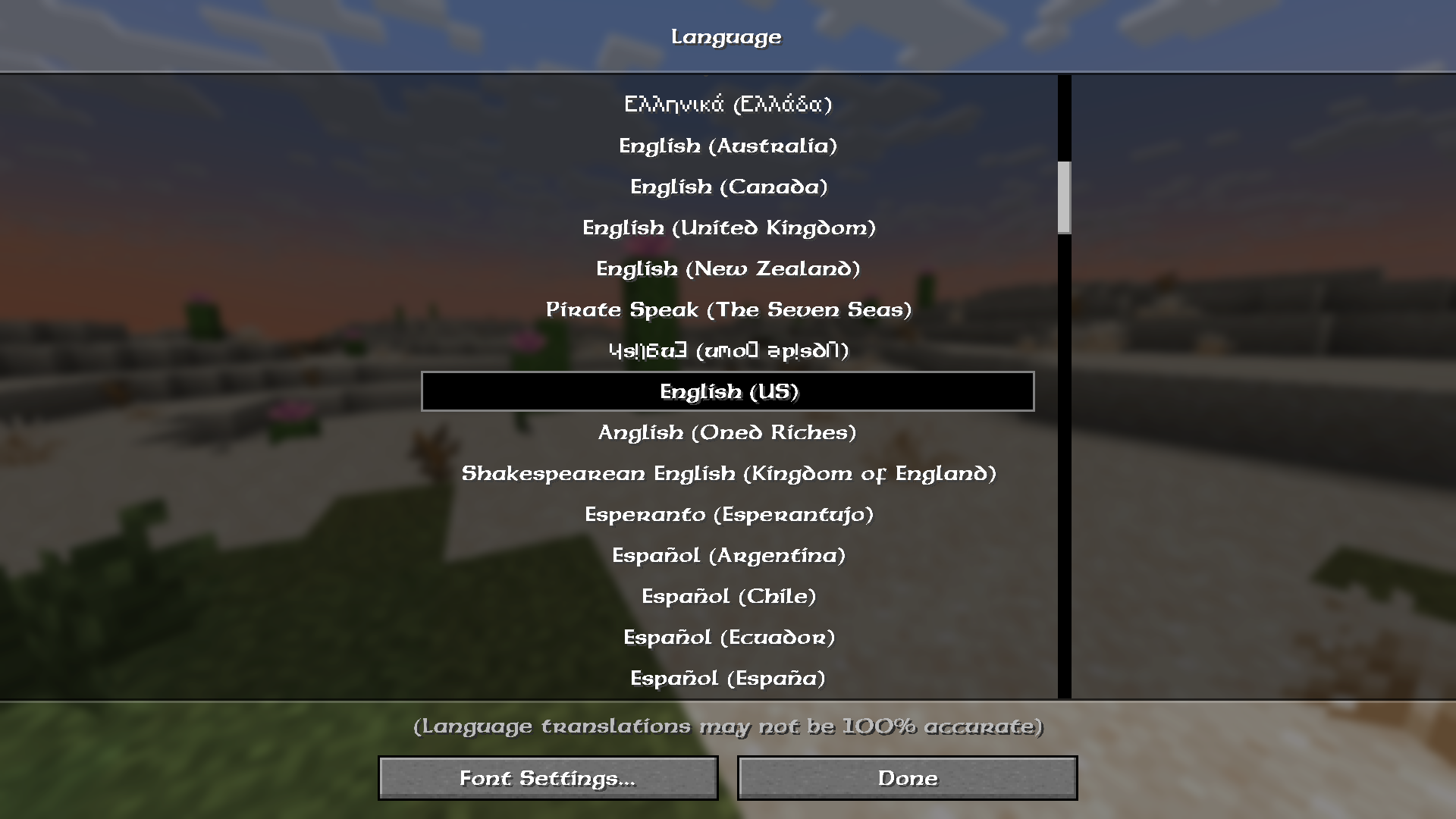
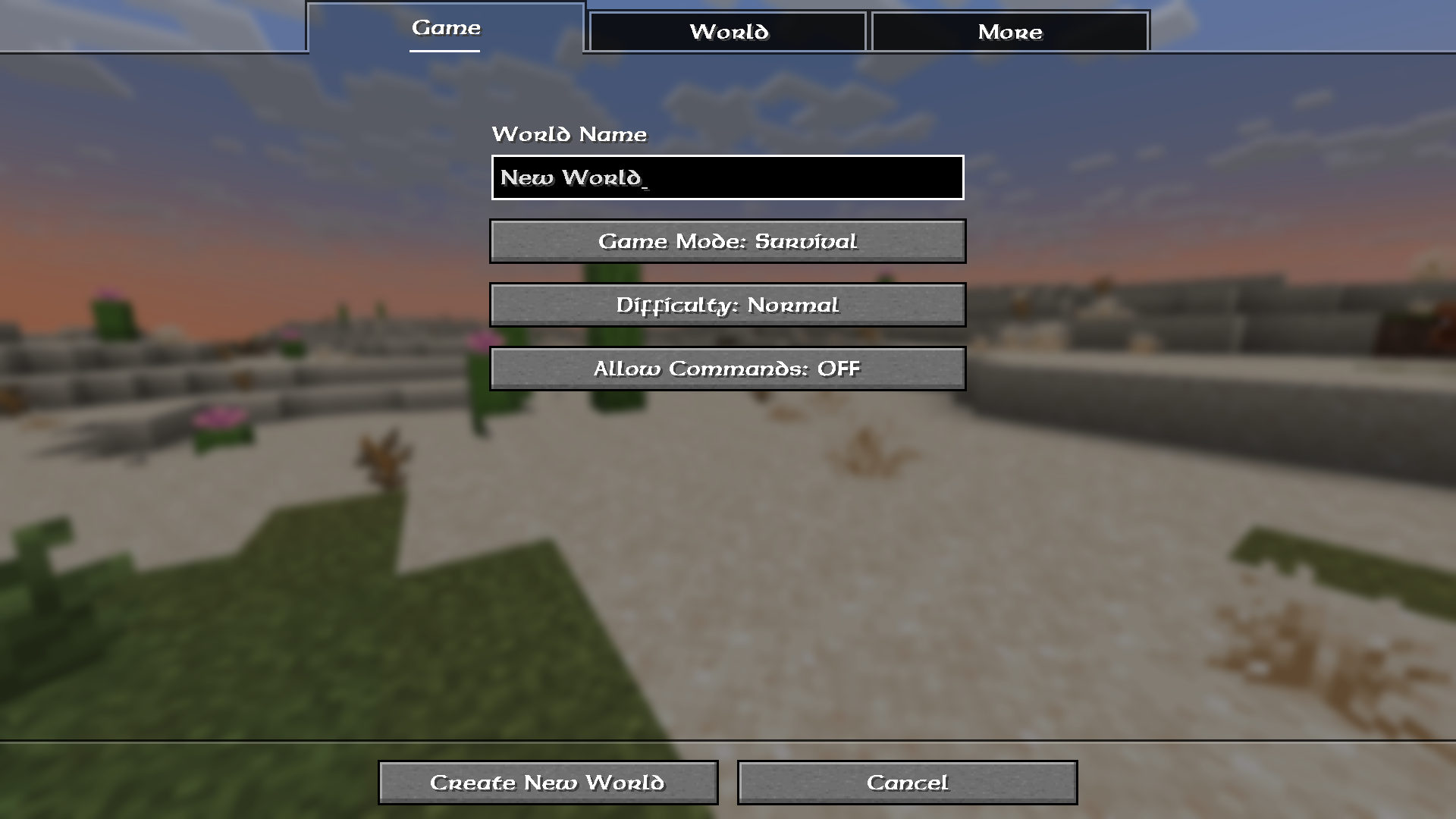
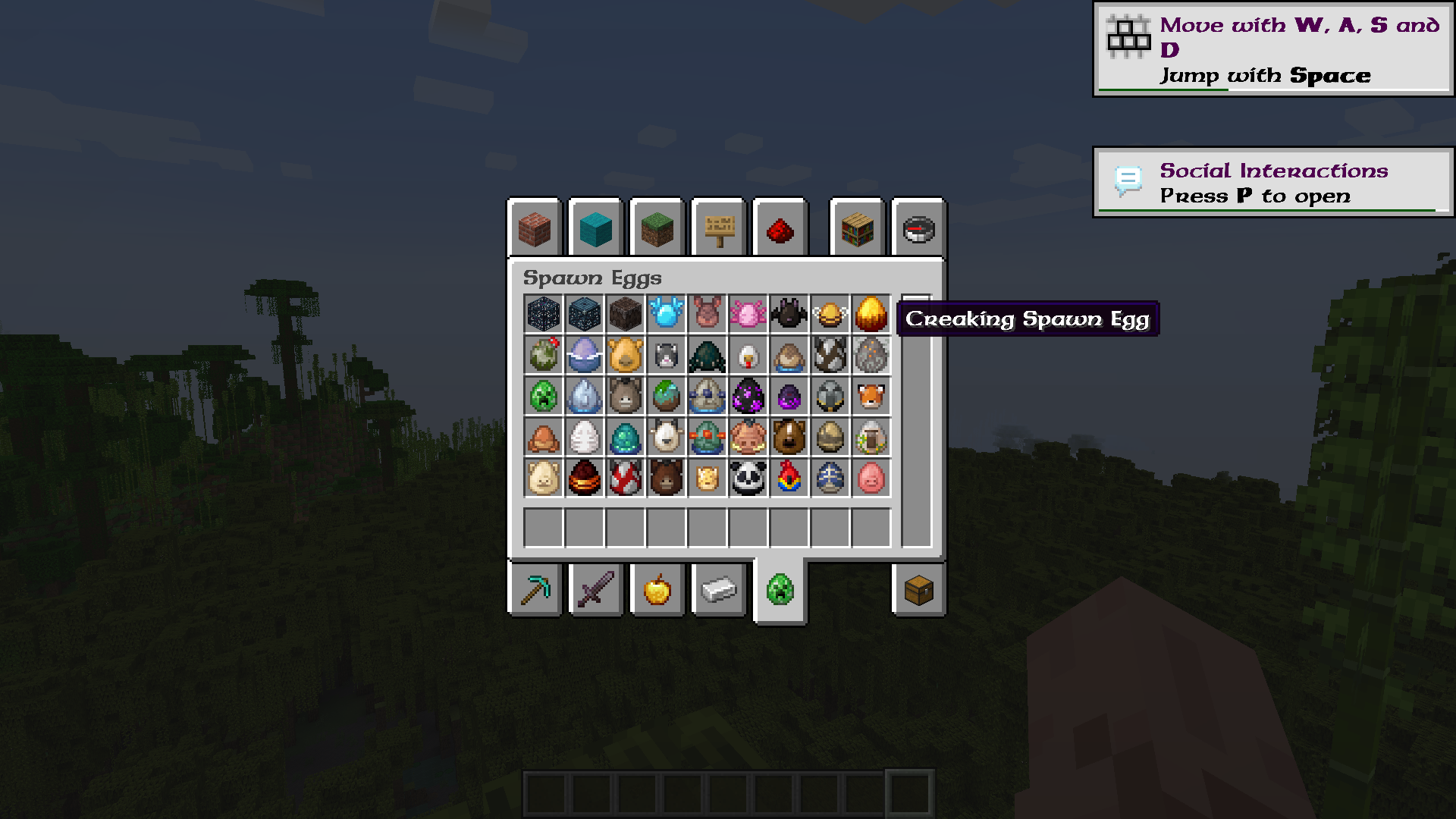
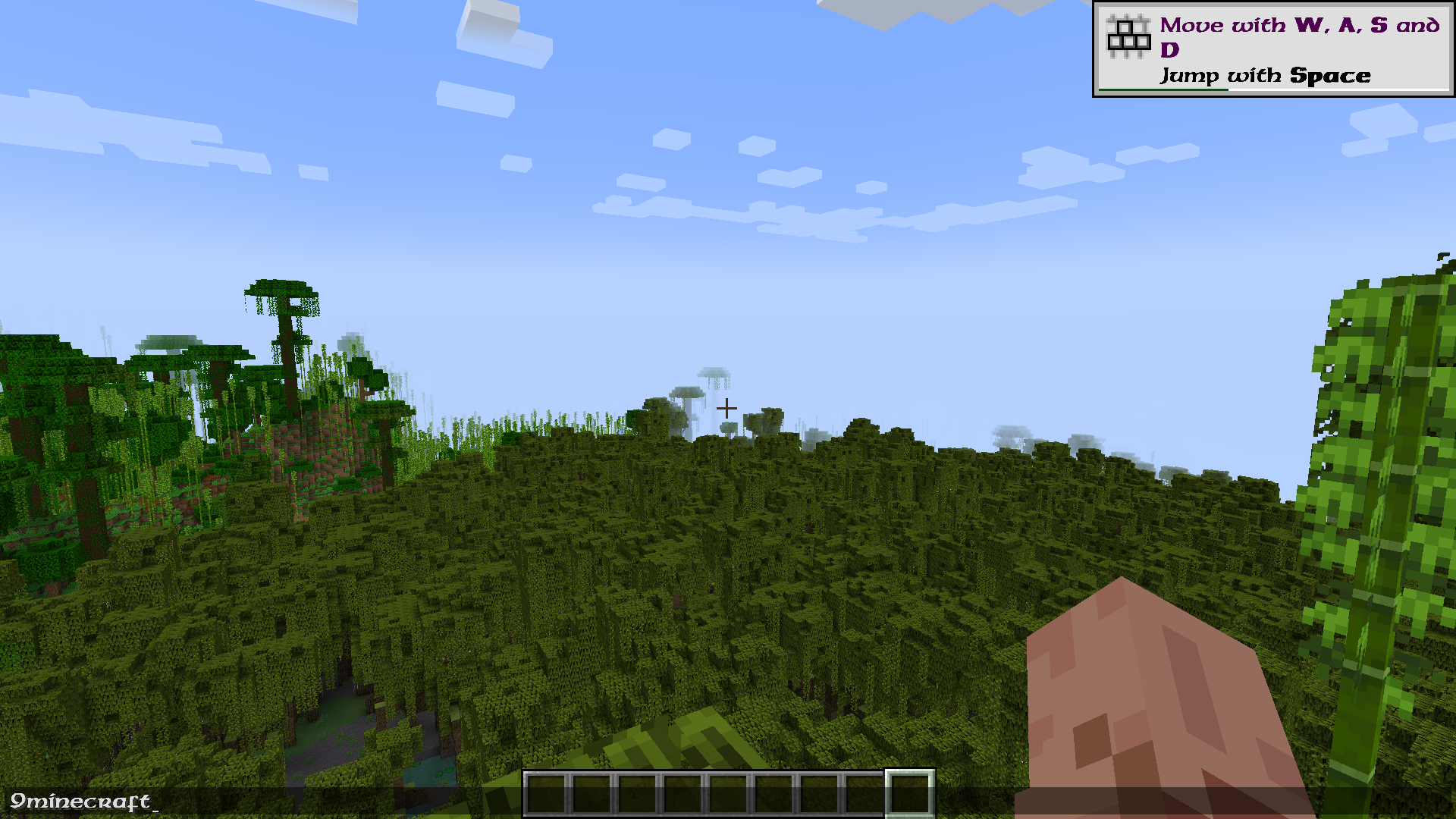
It swaps Minecraft's default font texture for a fantasy lettering style inspired by The Legend of Zelda. Only the text glyphs change, so blocks, items, and gameplay stay untouched.
How do I turn the font on after installing it?
Open Options, go to Resource Packs, and move the pack from Available to Selected. The font applies the moment the pack loads, no restart needed.
Why is my text still the default Minecraft font?
Another resource pack is probably sitting above this one in the Selected list and overriding the font files. Drag Link's RPG Font to the top of the list, or remove the conflicting pack.
Does this pack change the font in menus, chat, and signs, or just in-world text?
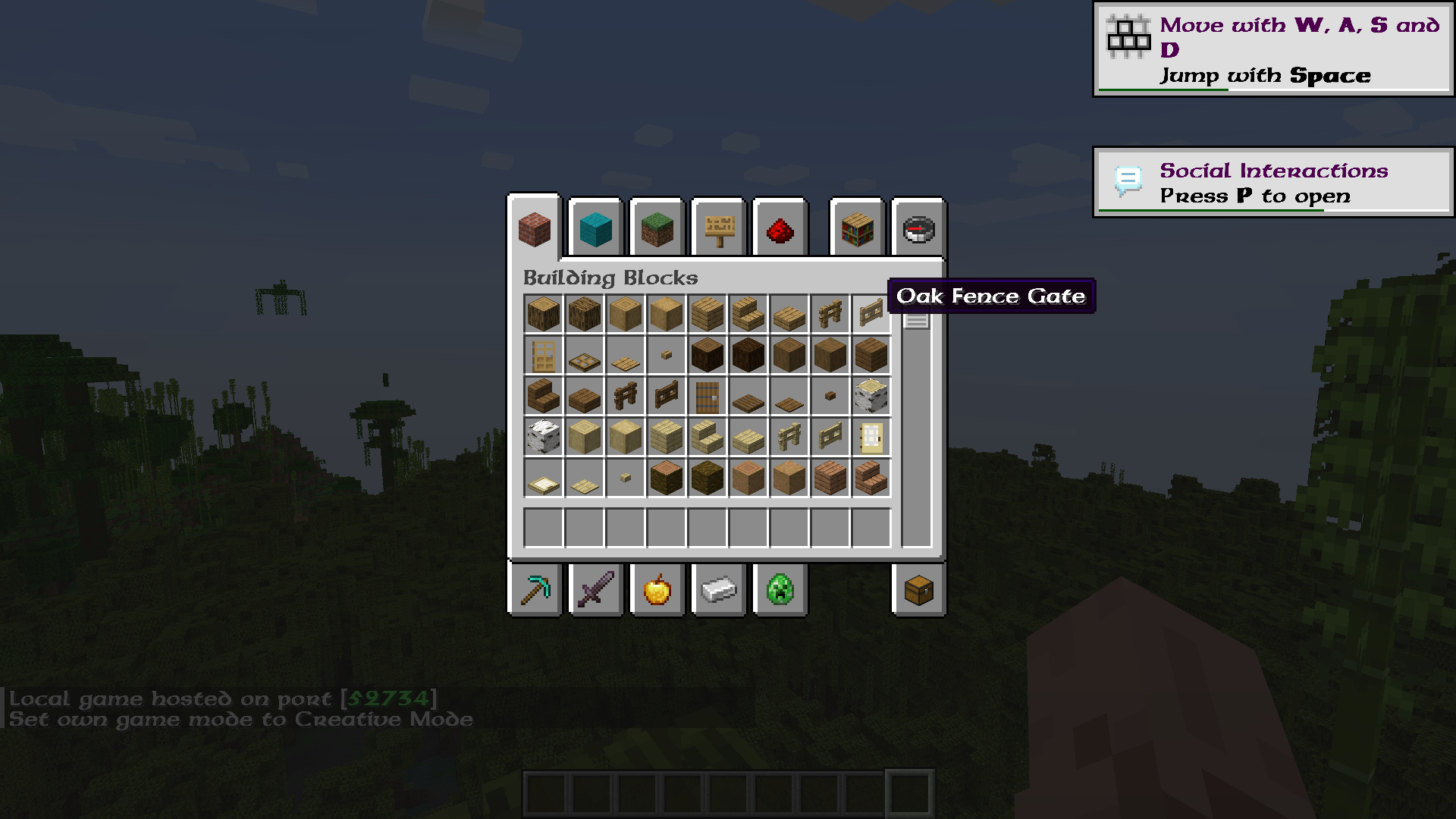
It replaces the font globally, so menus, chat, signs, books, and the HUD all use the new lettering. There is no way to apply it to only one part of the game.
See all 10 Link’s RPG Font questions ›
Gallery
10 images from the Links Rpg Font Resource Pack page.
You May Also Like
Wikis that share the most with this one
 Smooth Font
Wikis on the same theme: rpg
Zen RPG Font Resource PackTech RPG Font Resource PackRetro RPG Font Resource PackSouls RPG Font Resource PackSuper RPG Font Resource PackNebula RPG Glint Blue Resource PackNebula RPG Glint Yellow Resource PackGothic Medieval RPG Font Resource PackRpg Pvp Swords And Tools Resource PackAimz – Avowed RPG Crosshair Resource PackMore RPG Classes Spanish Translation Resource PackExcalibur Realm RPG Fallen Adventurers Support Resource Pack
More resource pack wikis on the site
Link’s 3D Rails Resource PackLinal Threshold Resource PackLimitless Designs Resource PackLILAC HUD Resource PackLightened Armor Resource PackLight Levels Resource PackLight Leak Resource PackLeviosa Resource Pack Legs and Arm’s UNDEAD Pack Resource PackLegendary Rt Textures Resource PackLeafy Creepers Resource PackLeaf Litter Recolor Resource Pack
The most downloaded mods that have a wiki here
A few wikis from each of the other kinds