

 blocks
 DownloadLB Photo Realism Reload
Get the files on 9Minecraft
Contents (8)
Guides
Step-by-step, in-game.
Combining LB Photo Realism Reload With Other Resource Packs Without ConflictsUnderstanding Pack Order Resource packs stack from top to bottom in the Selected list. The topmost pack wins for any…Fixing Lag and Stuttering After Enabling the High-Resolution TexturesWhy Performance Drops LB Photo Realism Reload swaps vanilla textures for high-resolution photographic imagery. That…How to Install and Activate LB Photo Realism Reload as a Resource PackPlacing the Pack in the Correct Folder LB Photo Realism Reload is a resource pack, not a Forge/Fabric mod, so it does…Making the Photorealistic Textures Look Right: Lighting, Shaders, and SettingsMatching Lighting to Photographic Textures Photographic textures read as flat or muddy under vanilla's simple…Troubleshooting Missing or Wrong-Looking Textures in LB Photo Realism ReloadTextures That Stay Vanilla If some blocks or items still look vanilla, another resource pack is overriding them. Open…Using LB Photo Realism Reload for Screenshots and Cinematic BuildsSetting Up a Screenshot-Ready Scene Photographic textures reward good composition. Build or visit a scene with strong…
Items
 Acacia Sign
 Amethyst Shard
 Angler Pottery Sherd
 Apple
 Archer Pottery Sherd
 Arms Up Pottery Sherd
 Arrow
 Baked Potato
 Bamboo
 Bamboo Sign
 Banner Pattern (Mojang)Banner Pattern (Skull)
 Banner Pattern (Creeper)Banner Pattern (Flower)Banner Pattern (Globe)
 Barrier
 Beetroot
 Beetroot Seeds
 Beetroot Soup
 Birch SignBlack Bundle
 Black DyeBlack Harness
 Blade Pottery Sherd
Blocks
 Acacia Door
 Acacia Log
 Acacia Planks
 Acacia Sapling
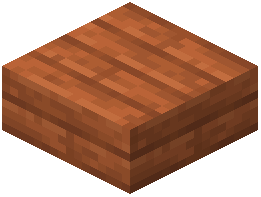 Acacia Slab
 Acacia Stairs
 Acacia Trapdoor
 Activator Rail
 Allium
 Amethyst Cluster
 Andesite
 AnvilAttached Melon StemAttached Pumpkin Stem
 Azure Bluet
 Bamboo Door
 Bamboo Fence Gate
 Bamboo Mosaic
 Bamboo Planks
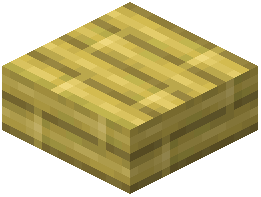 Bamboo Slab
 Bamboo Stairs
 Bamboo Trapdoor
 Beacon
 Bedrock
What this pack changes
Every texture group the pack replaces, counted from the pack itself.
| Area | Textures replaced |
|---|---|
| Blocks | 1,614 |
| Items | 706 |
| GUI & menus | 385 |
| Mobs & entities | 371 |
| Particles | 123 |
| Maps | 29 |
| Paintings | 27 |
| Misc | 9 |
| Sky & weather | 6 |
| Status effects | 5 |
| Font | 4 |
| Biome colours | 2 |
Pack format 64 (Minecraft 1.21.6)3,282 texture files in total
Extra features
Custom entity models (OptiFine/CEM)
Random entity textures
Custom font
Custom sounds
Sound overrides
Custom block/item models
Reworked GUI
Custom particles
Frequently asked questions
What does LB Photo Realism Reload actually change?
How do I turn it on after installing it?
Open Options, go to Resource Packs, and move LB Photo Realism Reload from Available to Selected, then confirm. If it doesn't appear, make sure the pack folder is in the correct resourcepacks directory.
Why is my game lagging or stuttering after I enabled it?
High-resolution textures use much more VRAM and GPU power than vanilla, so lower your render distance and mipmap levels first. If stuttering continues, reduce the pack's resolution variant or disable other resource packs running alongside it.
Do I need shaders to make it look good?
No, but shaders and adjusted lighting settings make the photorealistic textures look much more natural. Without them the pack still works, though flat vanilla lighting can make the textures look mismatched.
See all 10 LB Photo Realism Reload questions ›
Gallery
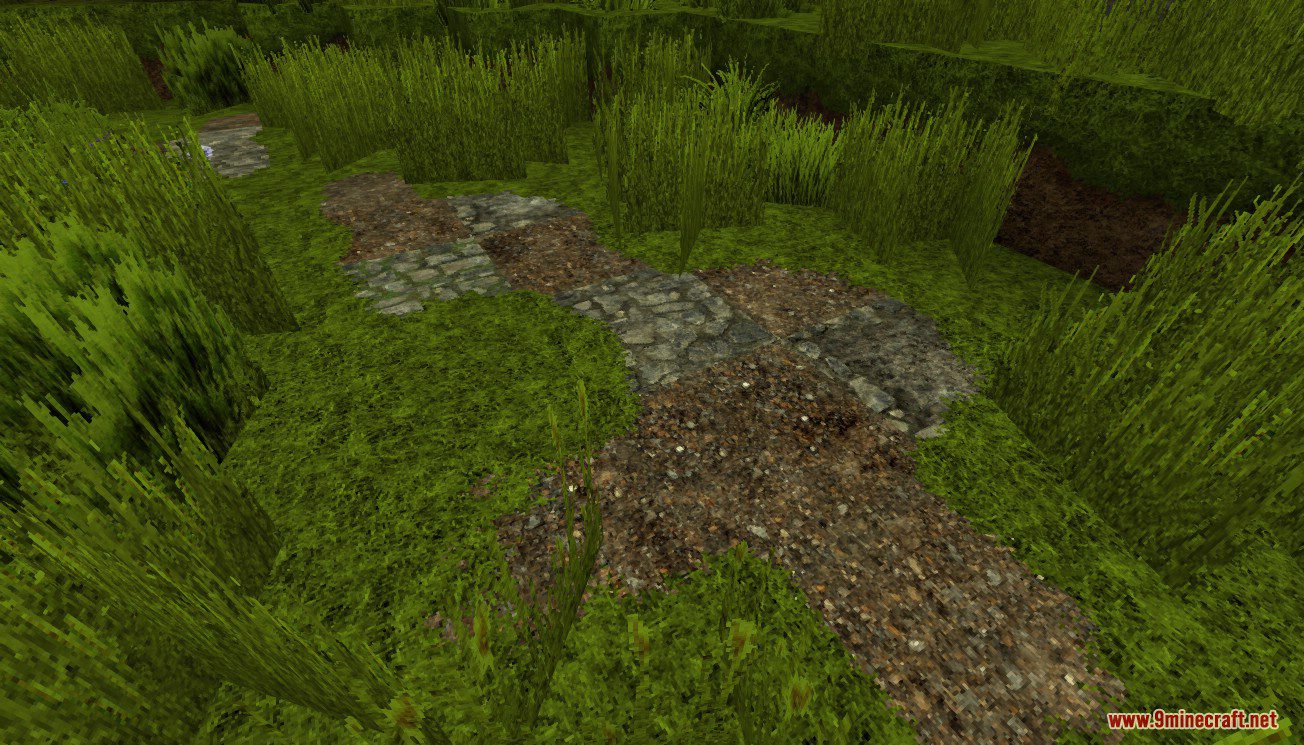
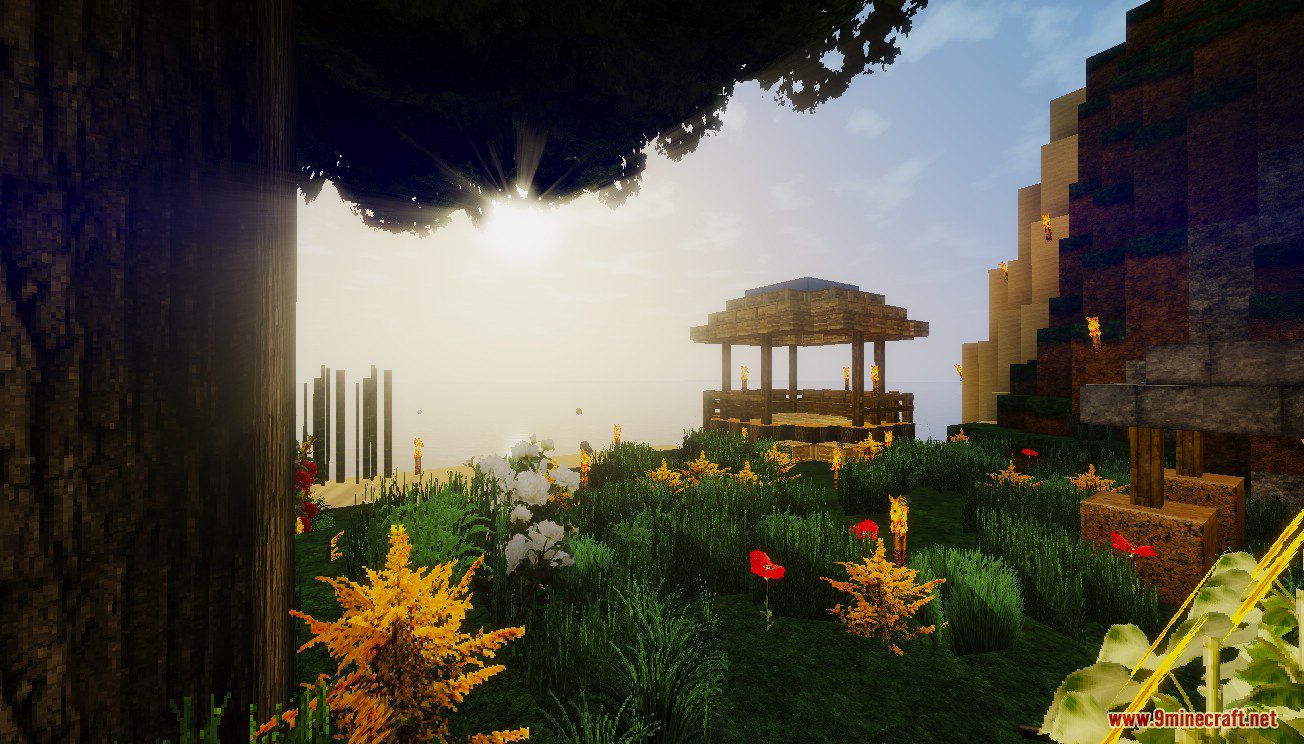
12 images from the Lb Photo Realism Reload Resource Pack page.





You May Also Like
Wikis that share the most with this one
Language Reload ModAuto Item Reload PluginCursed Canon Realism ModCustom Cursor Reload ModMax Realism Resource PackRealism Mats Resource PackAeternum Realism Resource PackRealism Upscaled Resource PackCineReal Cinematic Realism ShadersUltimate Realism Pack Resource PackOptimum Realism Pom Pbr Resource PackAurelis Realism 512X Pbr Resource Pack
Wikis on the same theme: iron
 MineRoomsBlue Depths Resource PackFabulous 3D Resource PackAnimated Ore Resource PackShinier Tools Resource PackTiny Tools Txf Resource PackBoxs Flag Spear Resource PackDrodi S Arsenal Resource PackOs’ 3D Iron Bars Resource PackGothiclilys Doors Resource PackVisible Ores Plus Resource PackSnowy Mountains Sky Resource Pack
More resource pack wikis on the site
Laser’s Fakemon Pack Cobblemon Resource PackLaser’s Additions Cobblemon Resource PackLanterns With Candles Resource PackLantern 3D Better Lantern Resource PackKult Craft Pvp Textures Resource PackK’s DARK GUI Resource PackKnives & Guns Resource PackKlauzeras 3D Weapons Resource PackKirby Totem of Undying Resource PackKing of the Nether X Fresh Animations Resource PackKing Of The Nether Resource PackKinda Connected Glass Resource Pack
The most downloaded mods that have a wiki here
A few wikis from each of the other kinds