

 DownloadCustom Cursor Reload Mod
Get the files on 9Minecraft
Guides
Step-by-step, in-game.
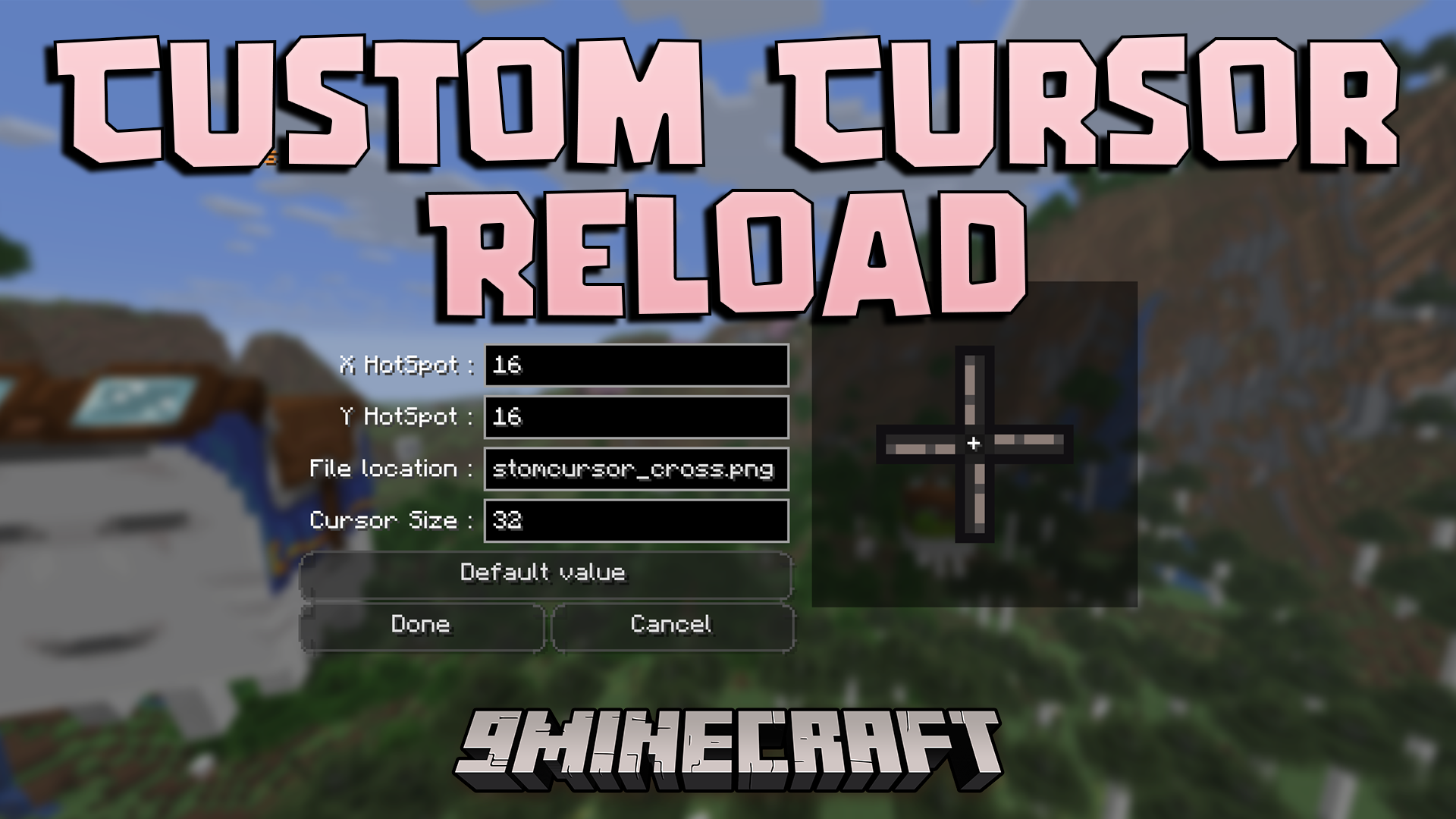
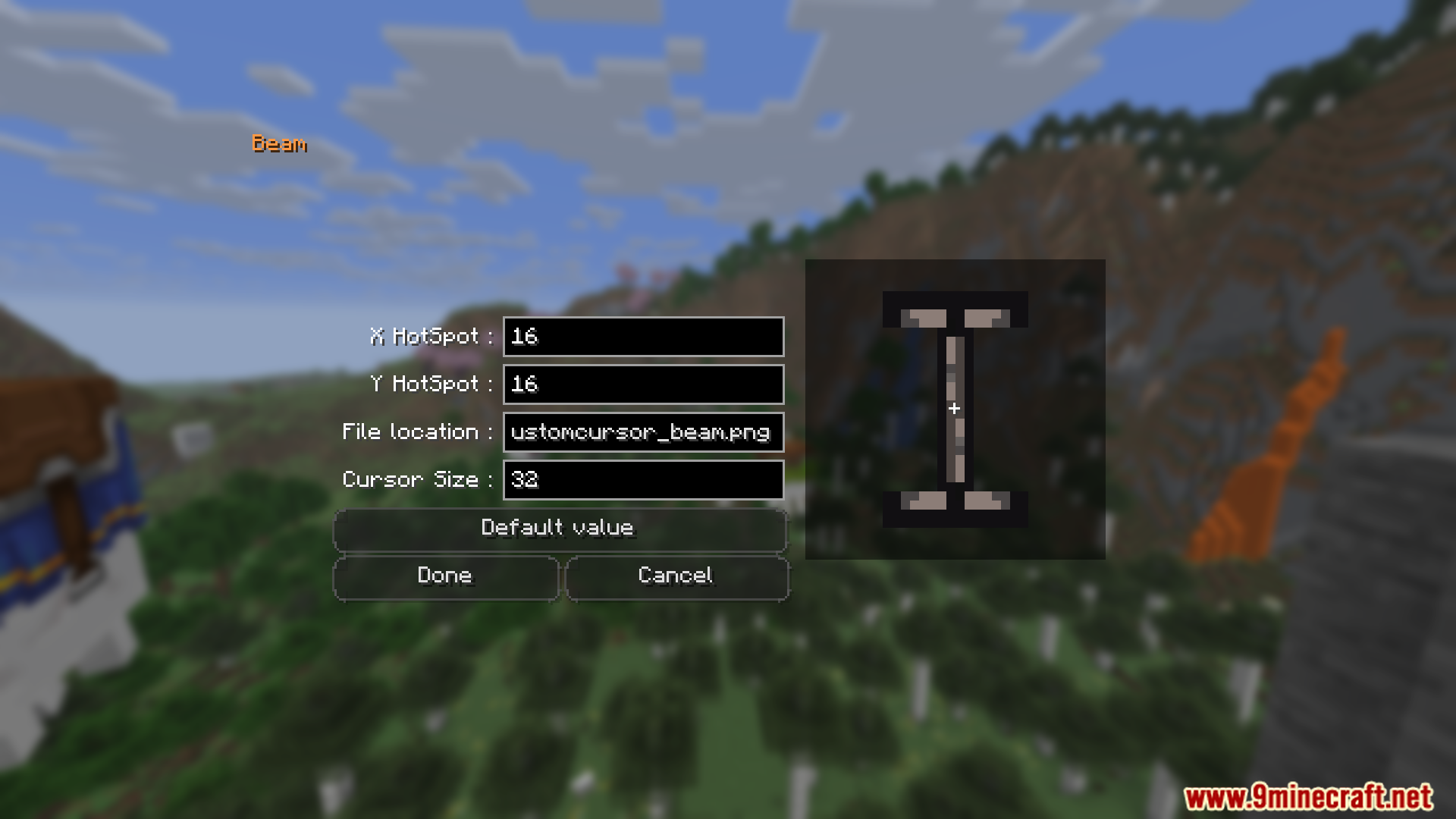
How to Change Your Cursor Image in Custom Cursor Reload ModPreparing Your PNG File To replace the default cursor, you need a PNG image. The mod reads cursor textures from the…How to Make a Custom Cursor Resource Pack for Custom Cursor Reload ModWhy Use a Resource Pack The mod looks for cursor textures under assets/minecraft/textures/gui/ . Bundling your cursor…How to Open the Custom Cursor Reload Config on Fabric vs ForgeFabric: Use the Chat Command On Fabric, Custom Cursor Reload does not add a button to the Mods menu the way Forge…How to Resize the Cursor with Custom Cursor Reload ModFinding the Size Option The mod lets you scale the cursor independently of its image, which is useful if your custom…
Frequently asked questions
How do I change my cursor in Custom Cursor Reload Mod?
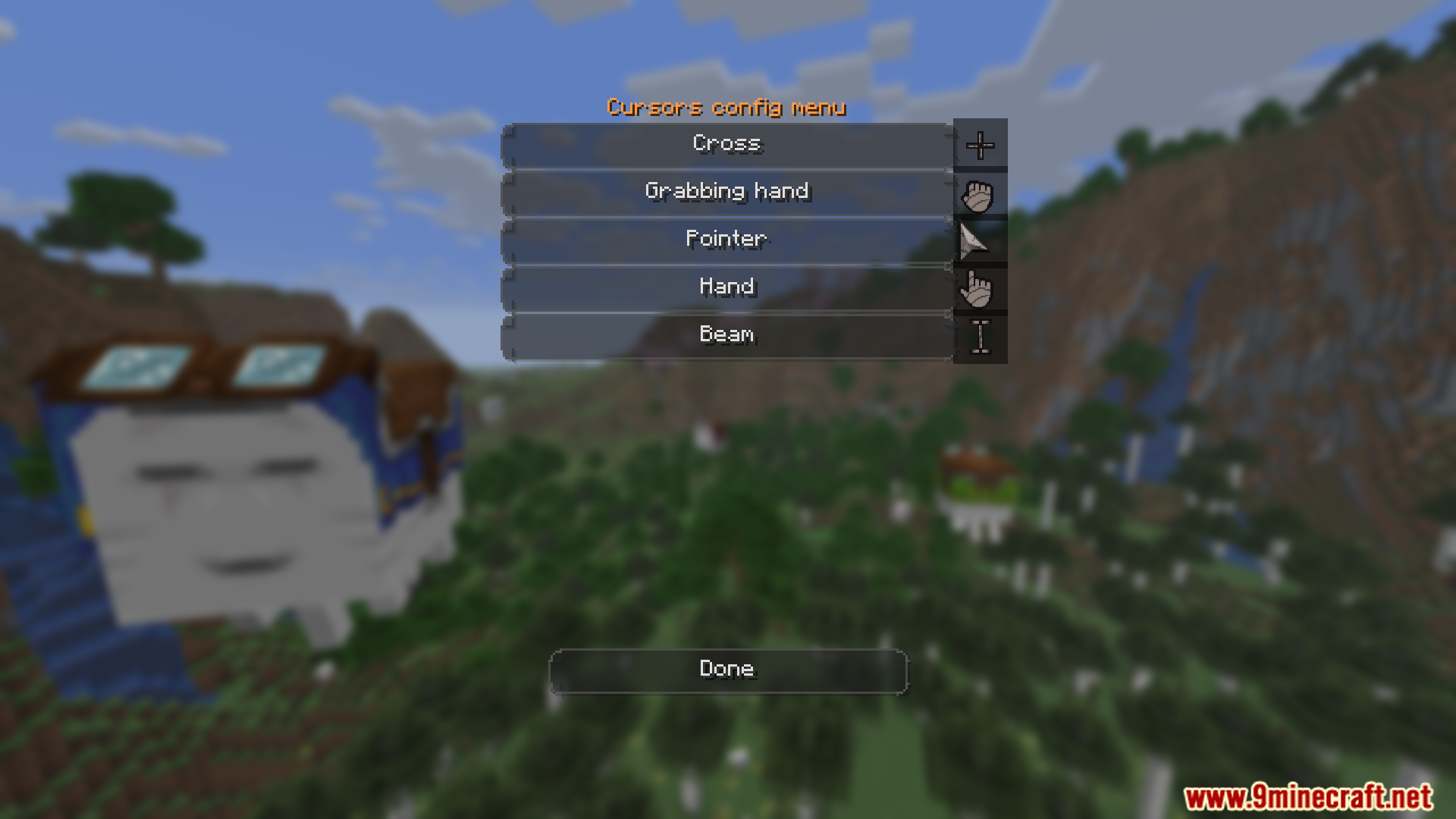
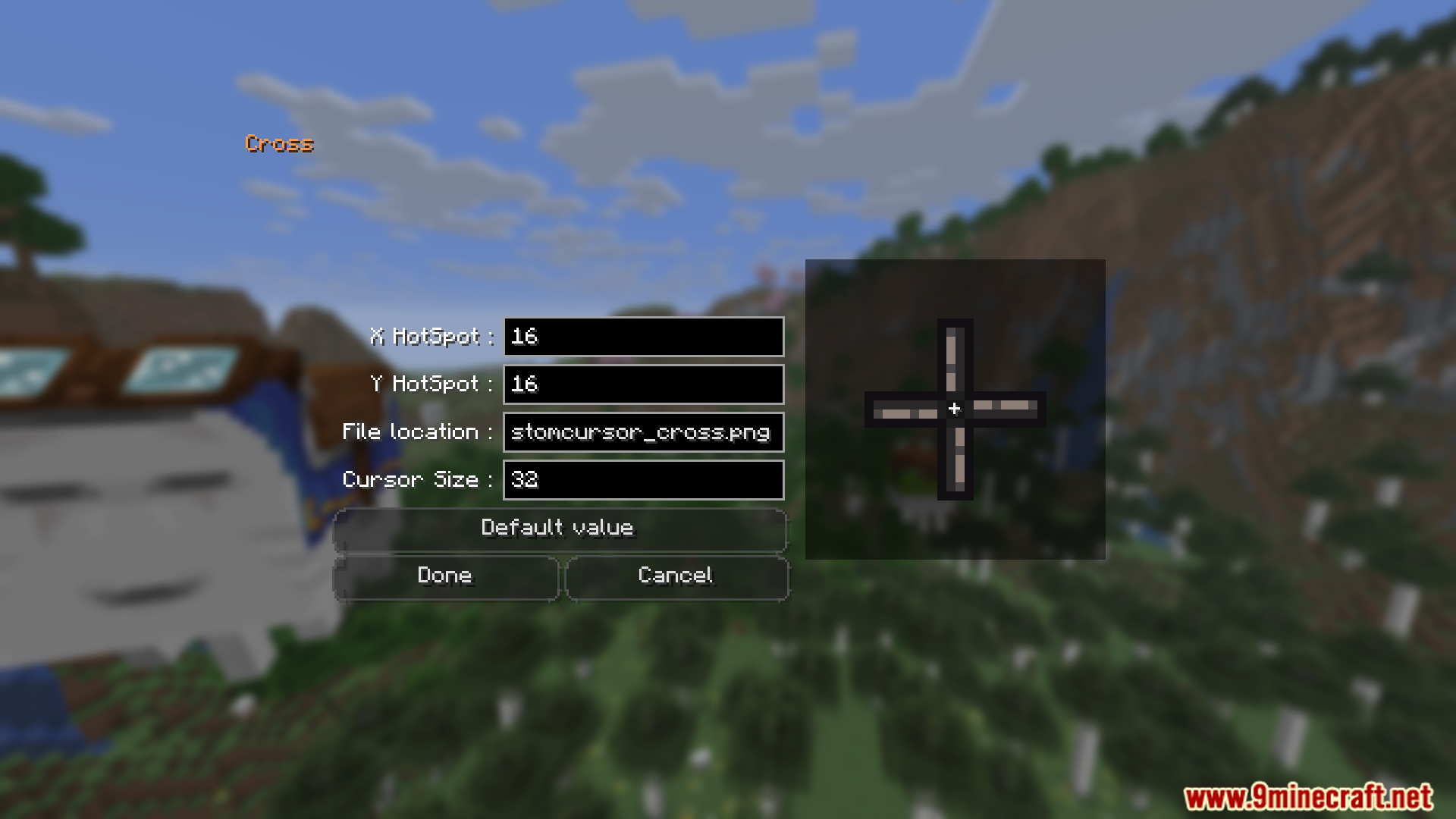
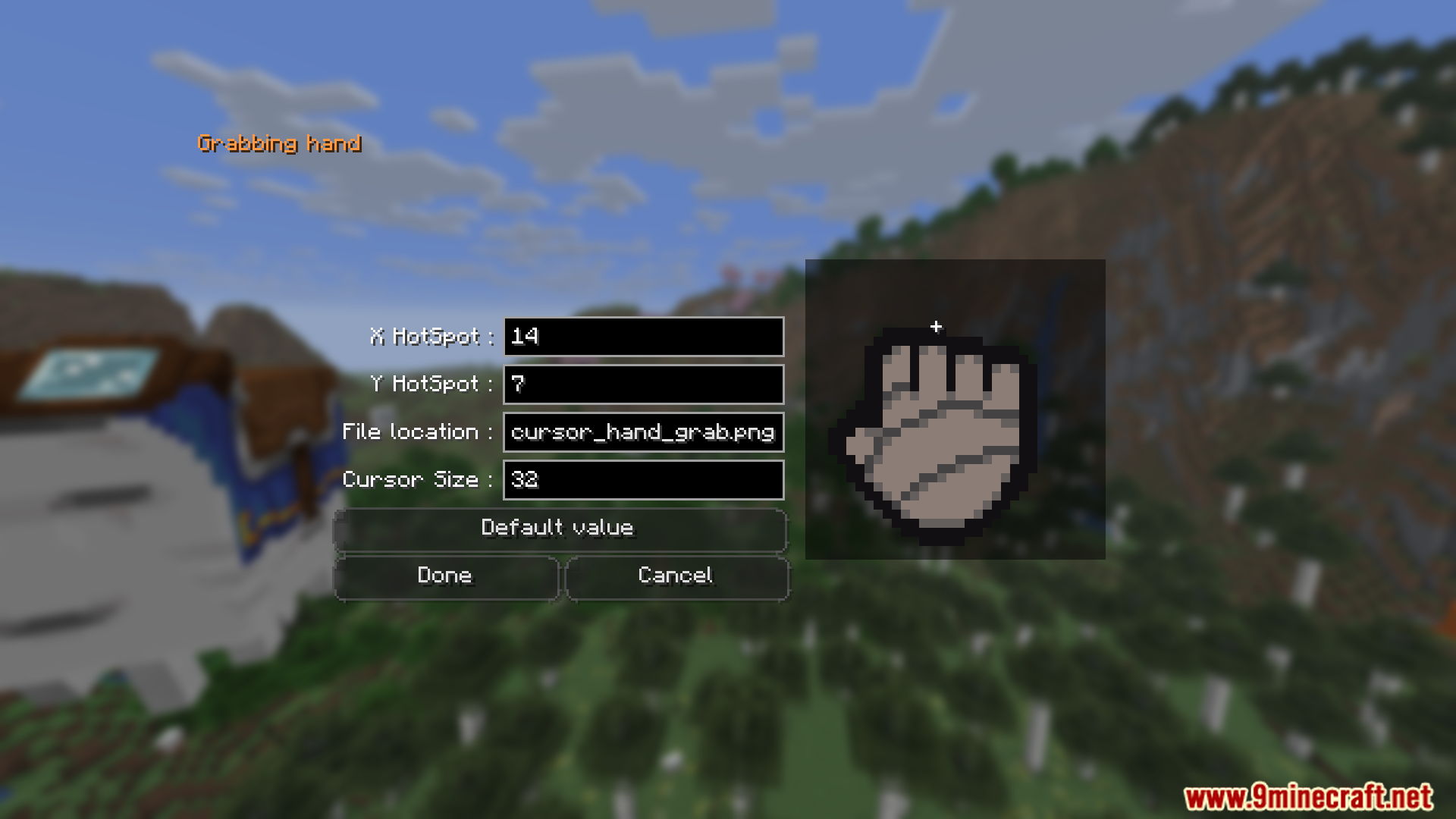
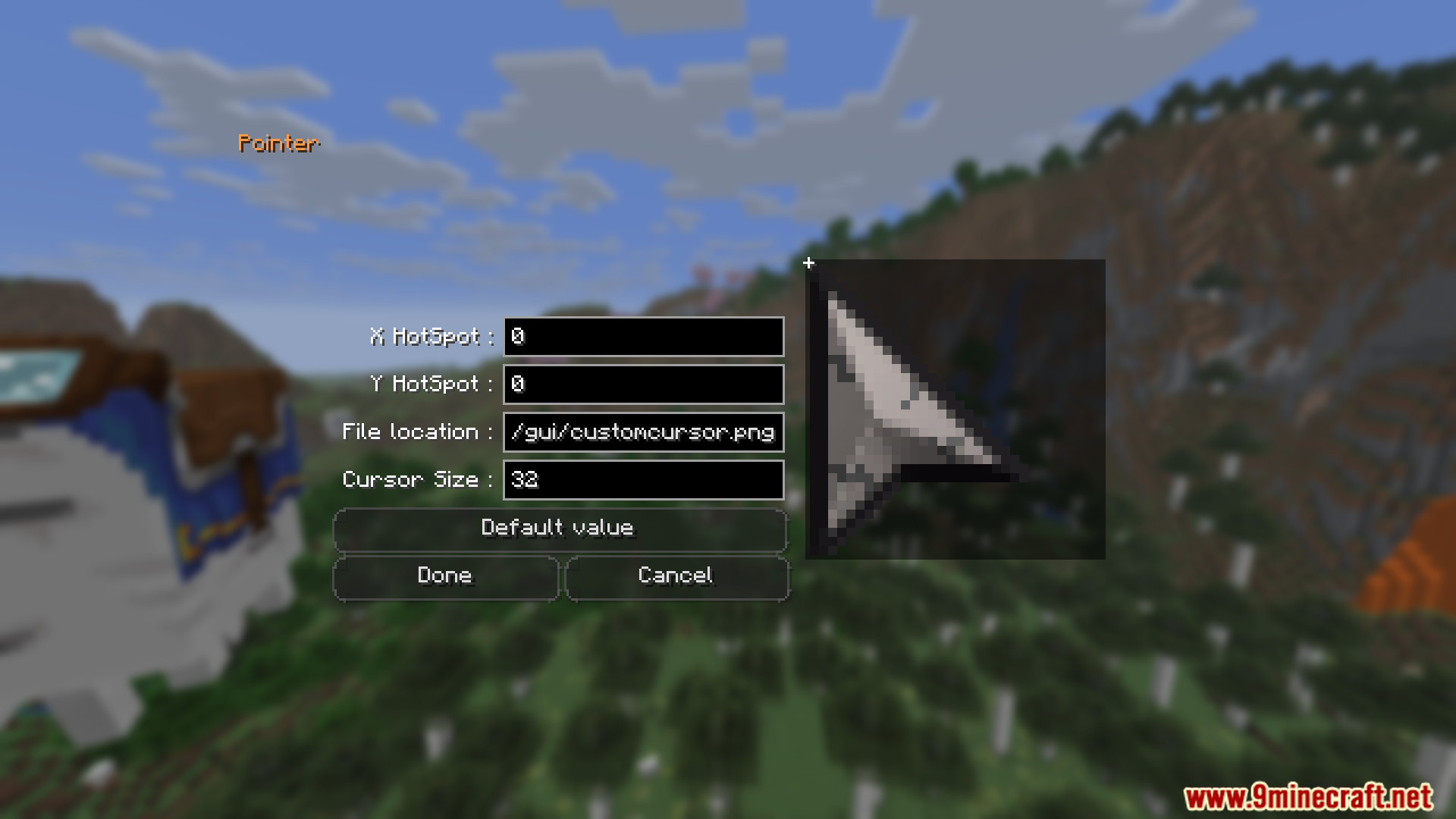
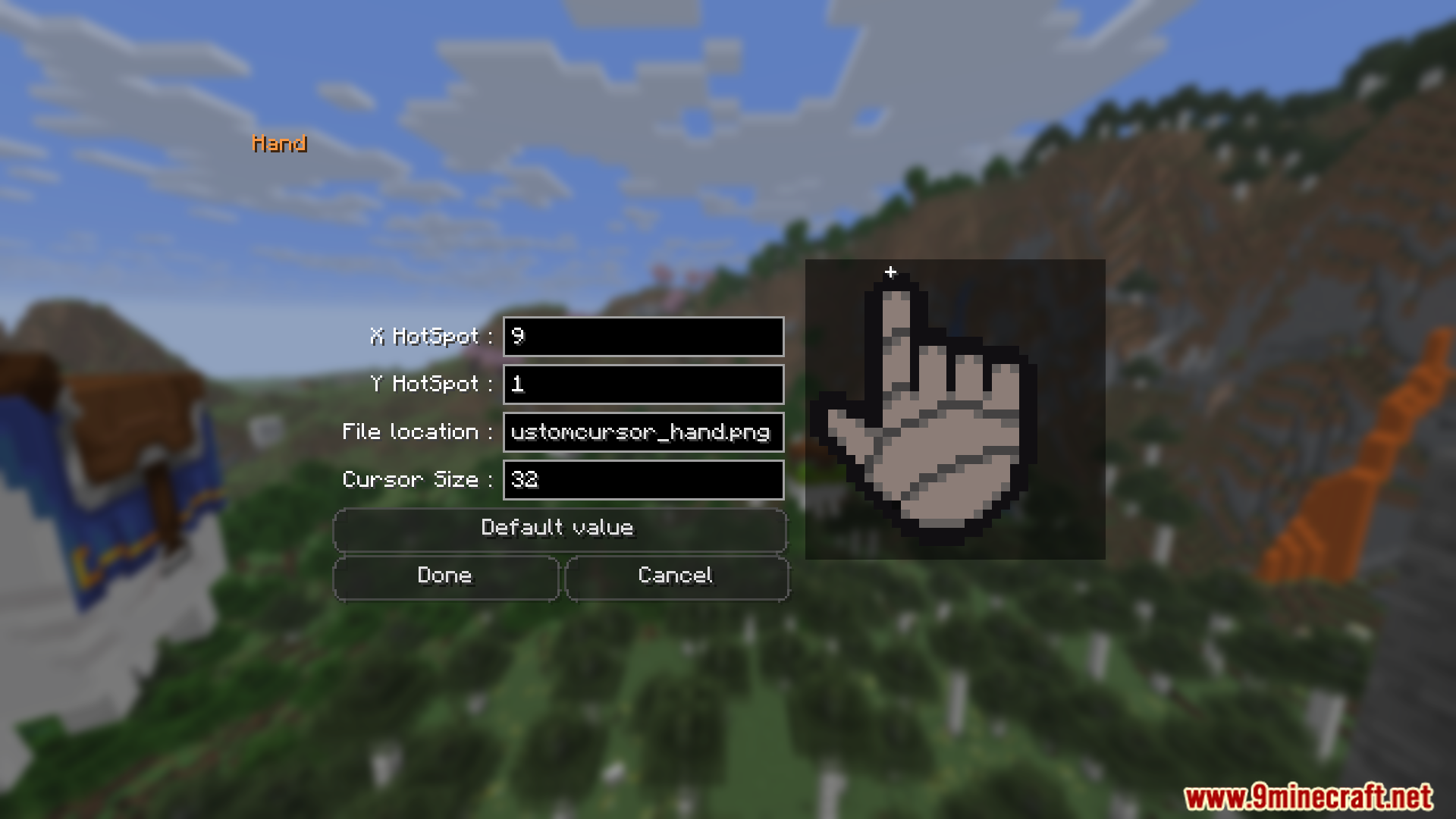
Drop a PNG file into assets/minecraft/textures/gui/ inside your resource pack, then open the mod's config and select it as your cursor. If you're not sure where to start, the mod ships with a default cursor you can replace.
Where does the mod look for cursor images?
It reads PNG files from assets/minecraft/textures/gui/ in any loaded resource pack. That's the same folder vanilla uses for GUI textures, so you can bundle your cursor alongside other GUI edits.
How do I open the config for Custom Cursor Reload Mod?
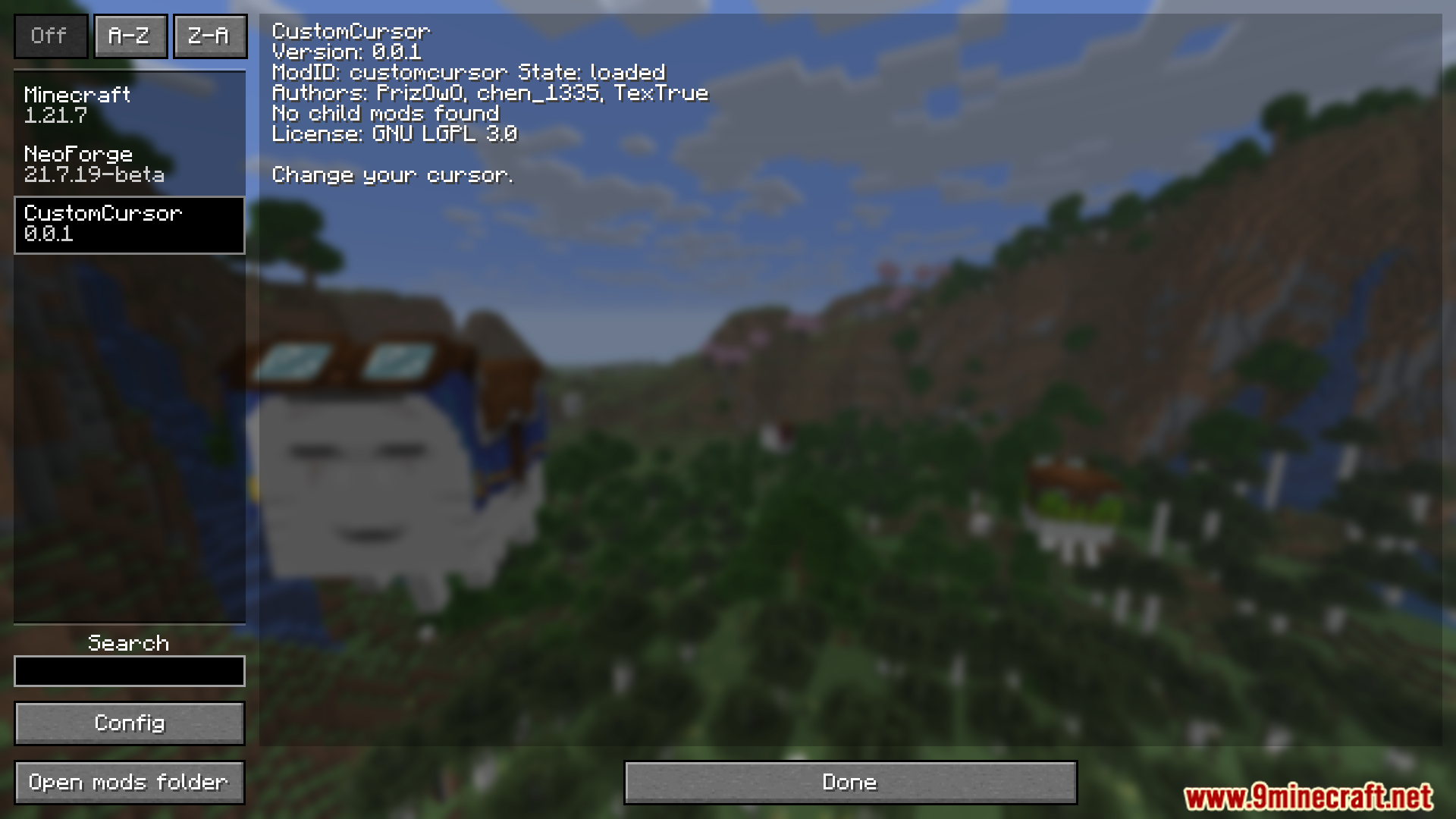
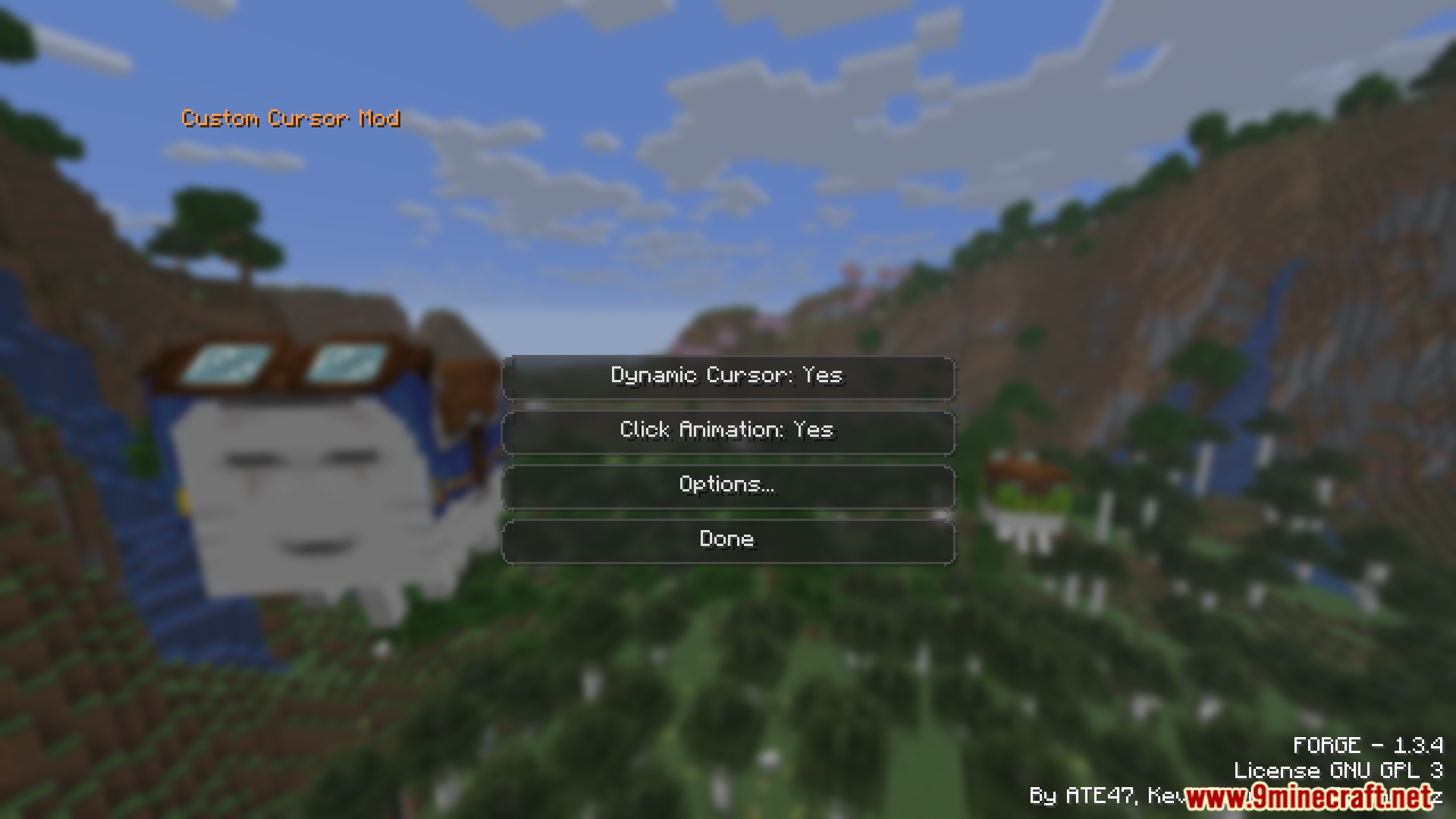
On Forge or NeoForge, open the Mods menu and click the config button next to the mod. On Fabric, type /customcursor in chat to open the same GUI.
Why doesn't /customcursor work on Forge?
The chat command is Fabric-only. On Forge and NeoForge you open the config through the Mods list instead of typing a command.
See all 10 Custom Cursor Reload questions ›
Gallery
12 images from the Custom Cursor Reload Mod page.
You May Also Like
Wikis that share the most with this one
More mod wikis on the site
The most downloaded mods that have a wiki here
A few wikis from each of the other kinds