

 DownloadOs’ 3D Iron Bars Resource Pack
Get the files on 9Minecraft
Guides
Step-by-step, in-game.
Building Industrial and Modern Structures with 3D BarsModern Architectural Applications The polished, 3D design of these bars makes them perfect for contemporary and…Creating Decorative Fencing and BarriersAesthetic Fencing Solutions Beyond functional uses, the 3D iron bars work excellently as decorative fencing for…Troubleshooting Visual Issues with 3D Iron BarsEnsuring Proper Rendering While this pack eliminates Z-fighting, proper setup ensures the best visual results. The 3D…Using 3D Iron Bars in Prison and Cage BuildsCreating Secure Enclosures The 3D iron bars from this pack are ideal for constructing prisons, cages, and secure…
Frequently asked questions
Do I need to do anything after installing the resource pack?
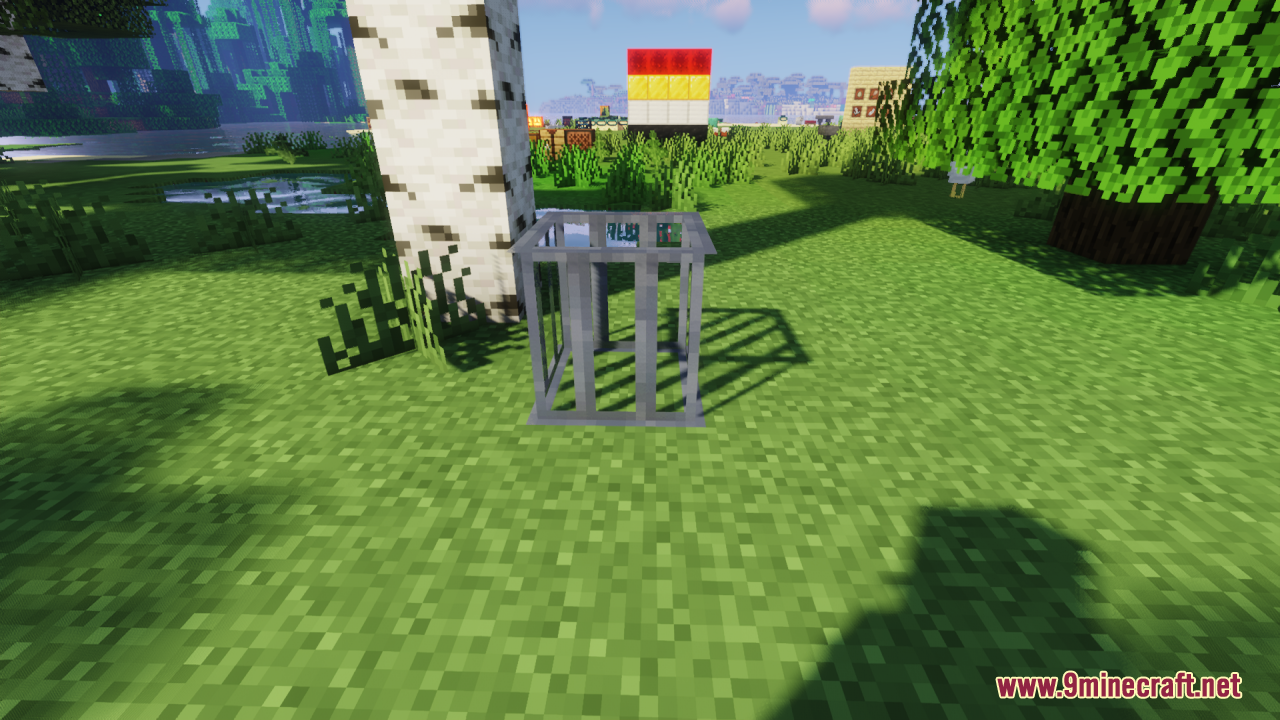
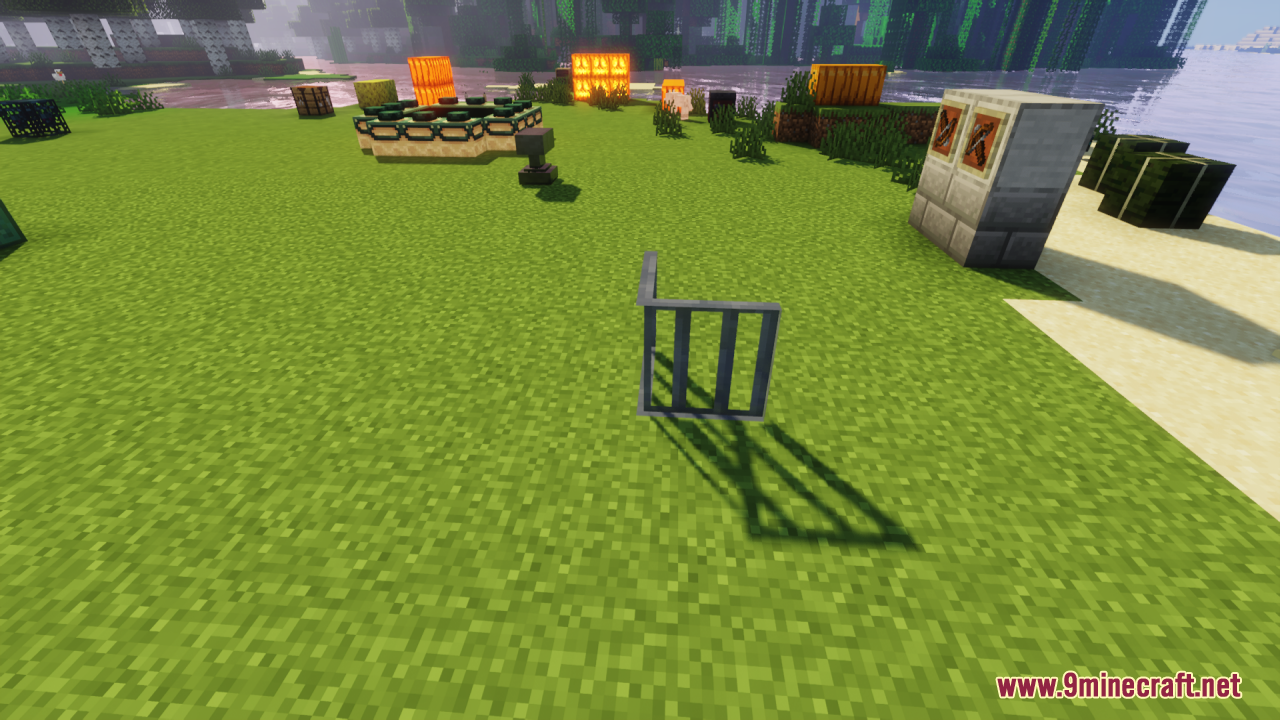
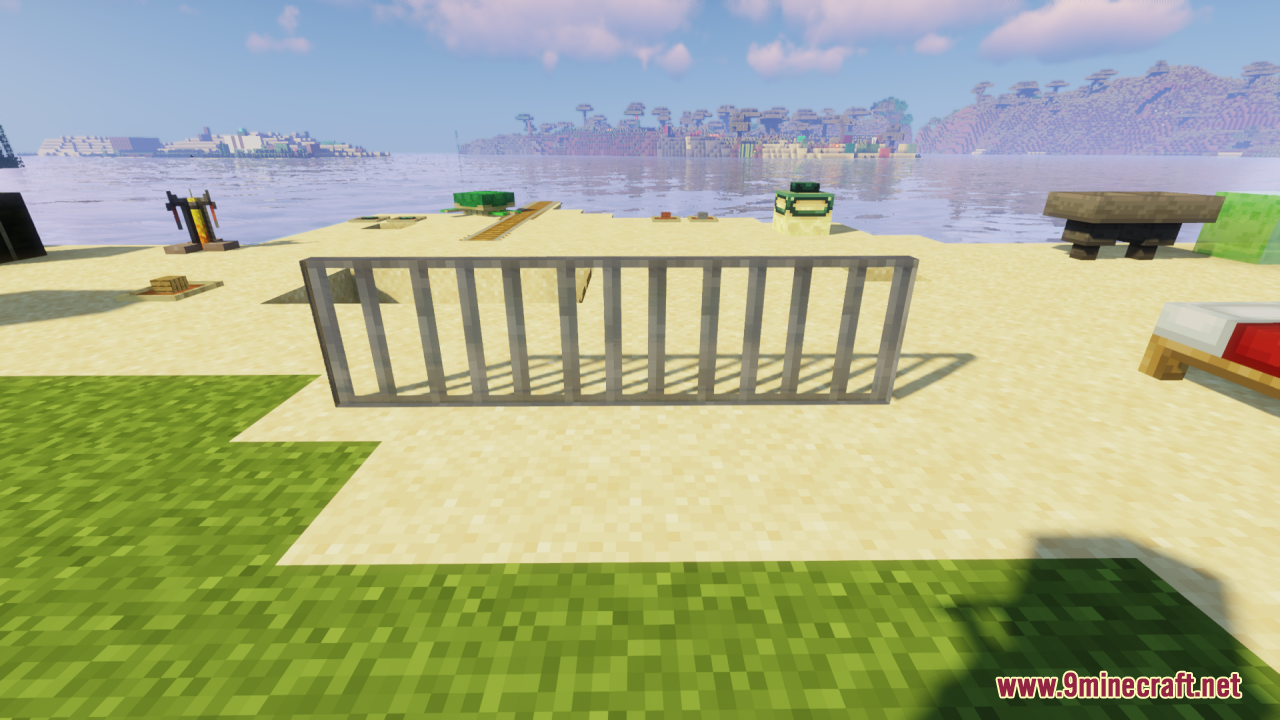
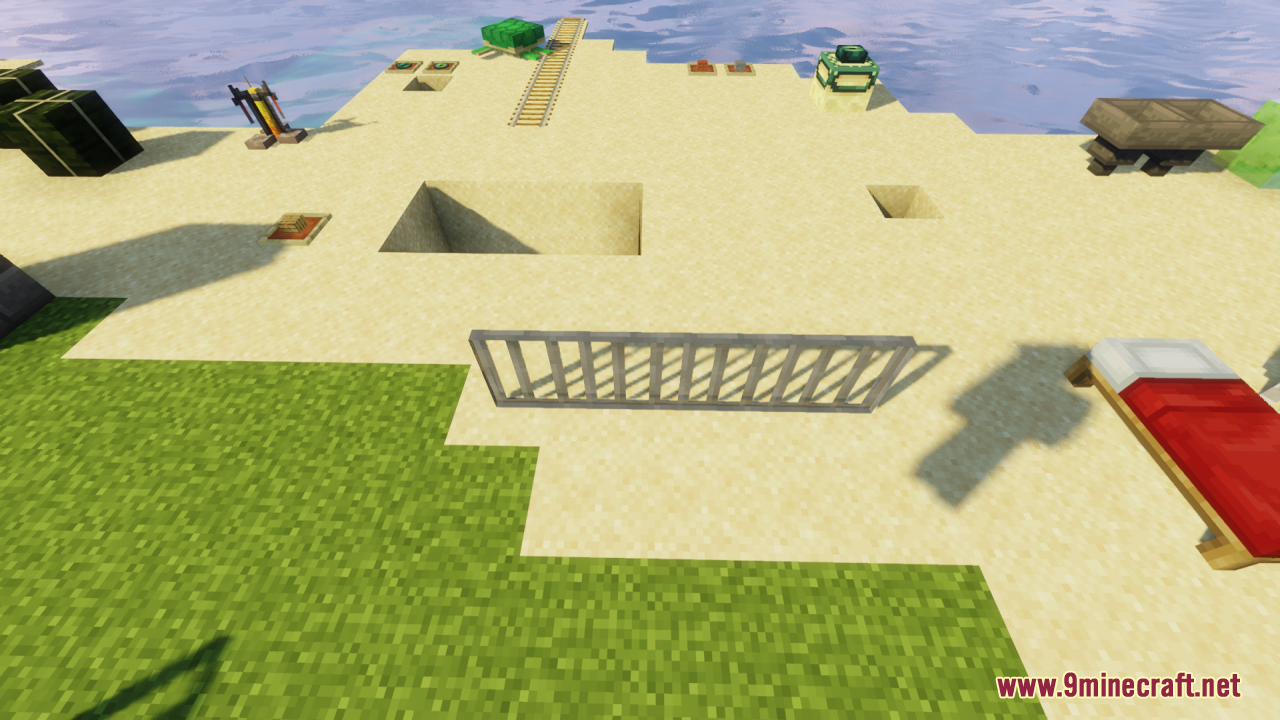
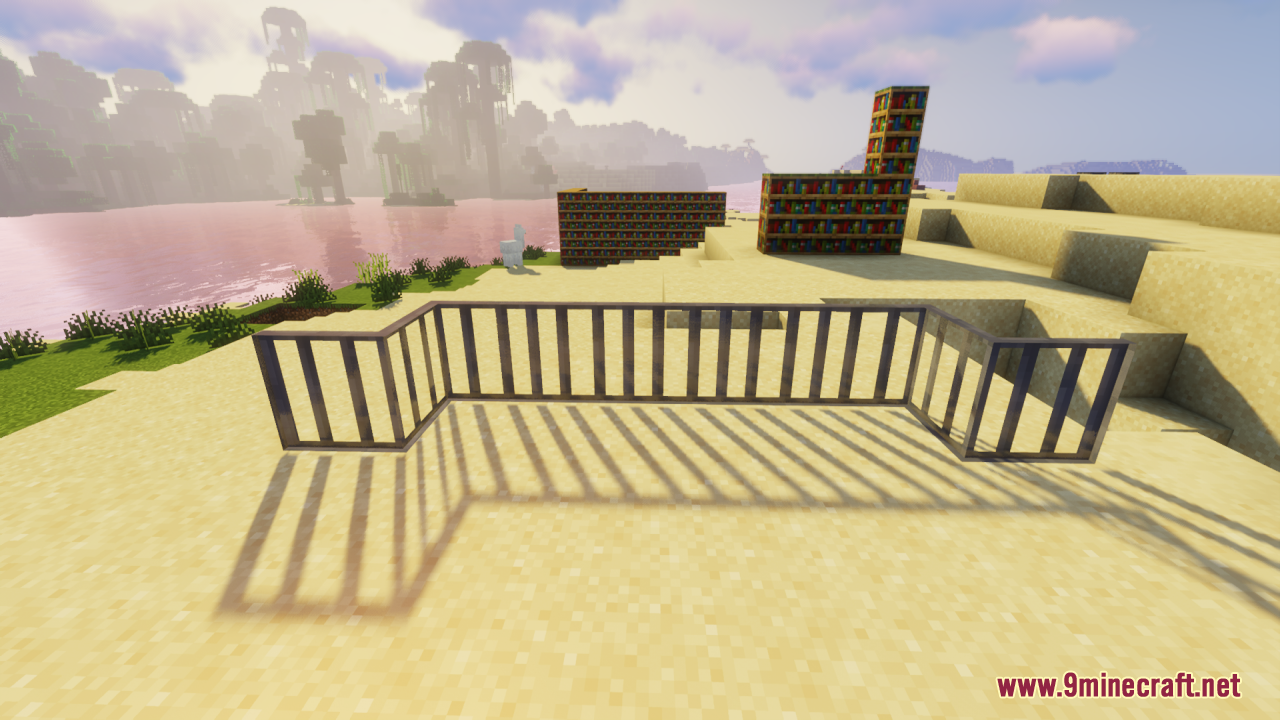
No—once installed and activated in your resource pack menu, the iron bars in your world will automatically render as 3D. Just load a world or create a new one to see the changes take effect.
Will this work with my other resource packs?
Yes, as long as no other pack also modifies iron bar textures. Place Os' 3D Iron Bars higher in your resource pack list if you want its design to take priority.
Why do my iron bars look flat or glitchy?
Check that the resource pack is actually enabled in your resource pack settings and that you've fully reloaded the world. If you're using Optifine or similar mods, try disabling connected textures or custom model loading to see if that's causing conflicts.
Can I use this in multiplayer?
Yes—resource packs are client-side only, so you can use it on any server without needing the server to have it installed.
See all 10 Os’ 3D Iron Bars questions ›
Gallery
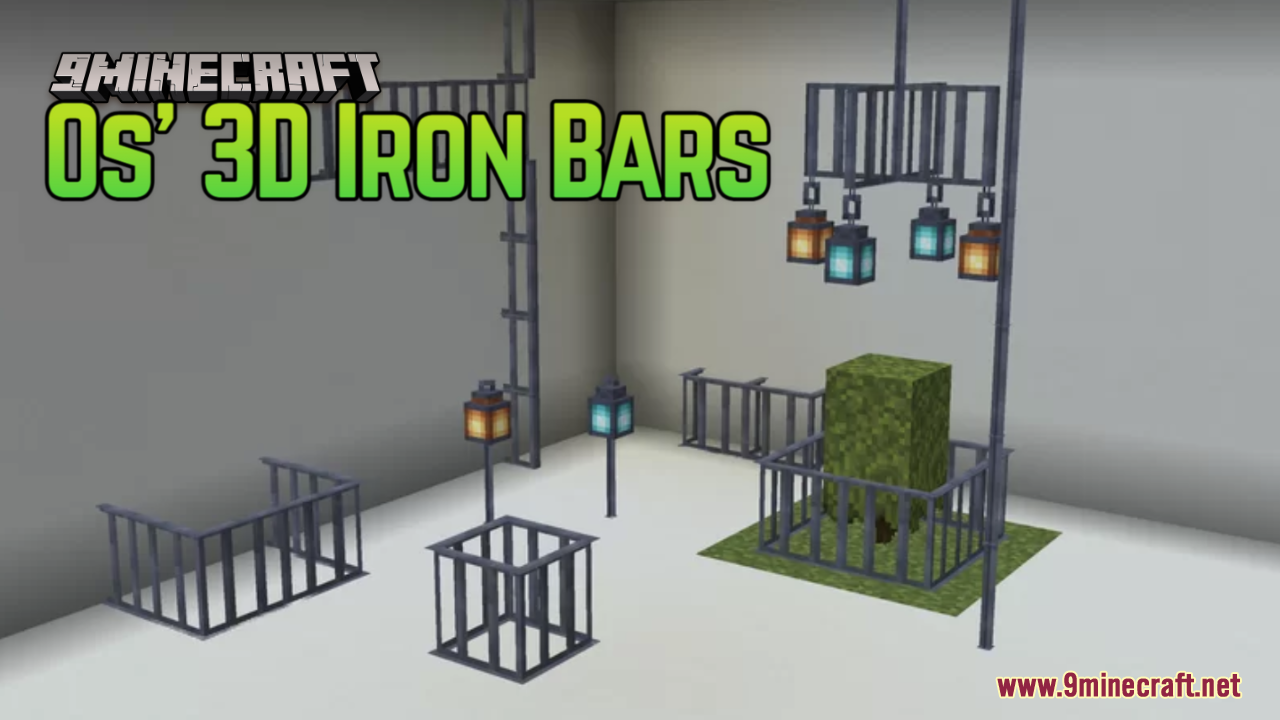
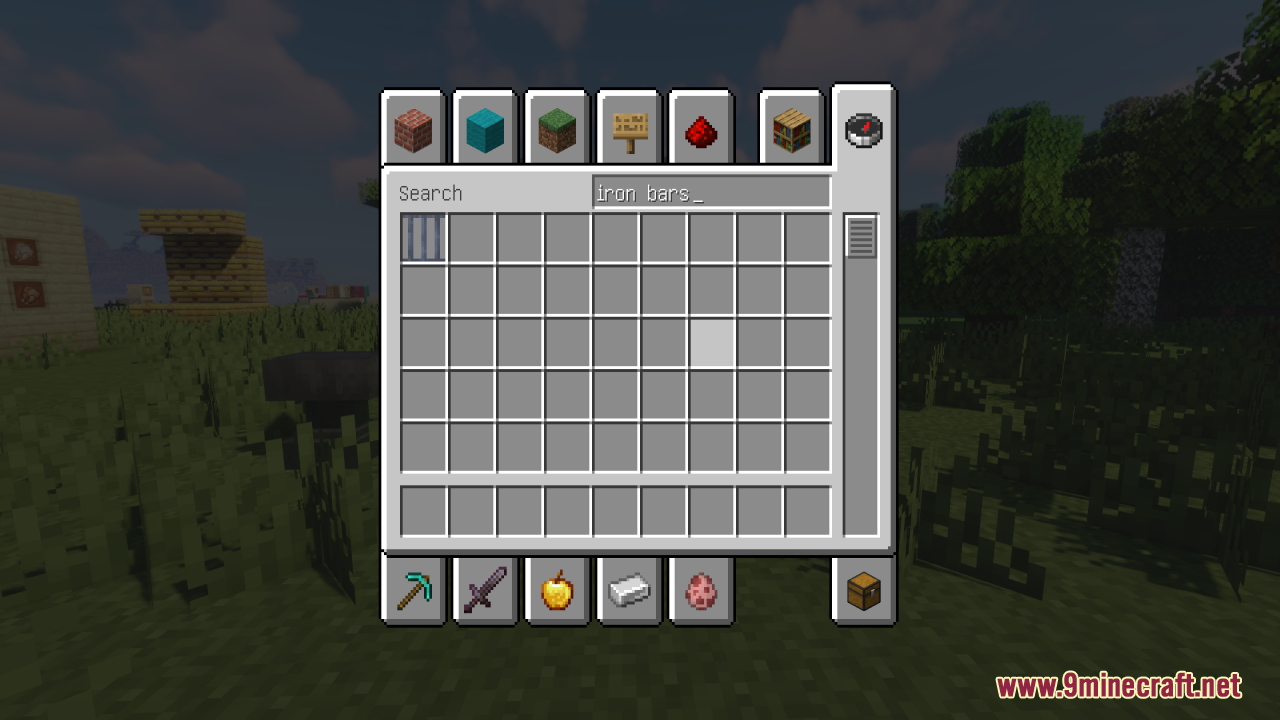
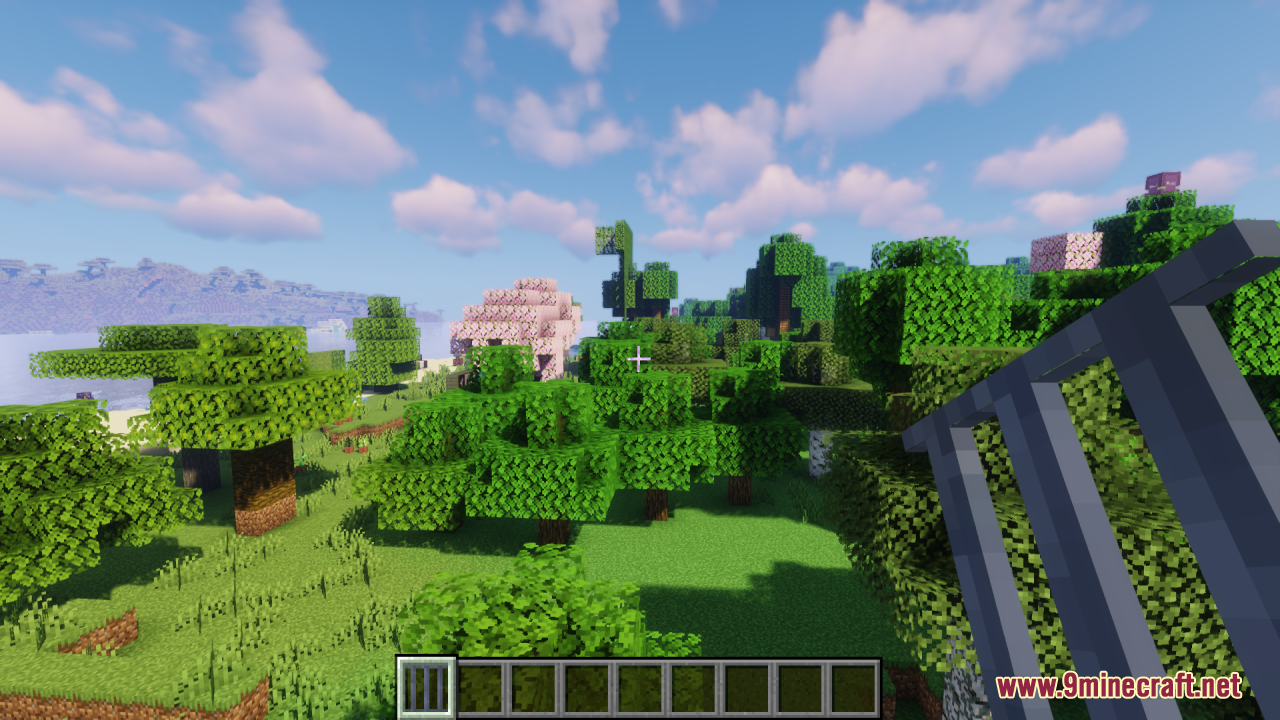
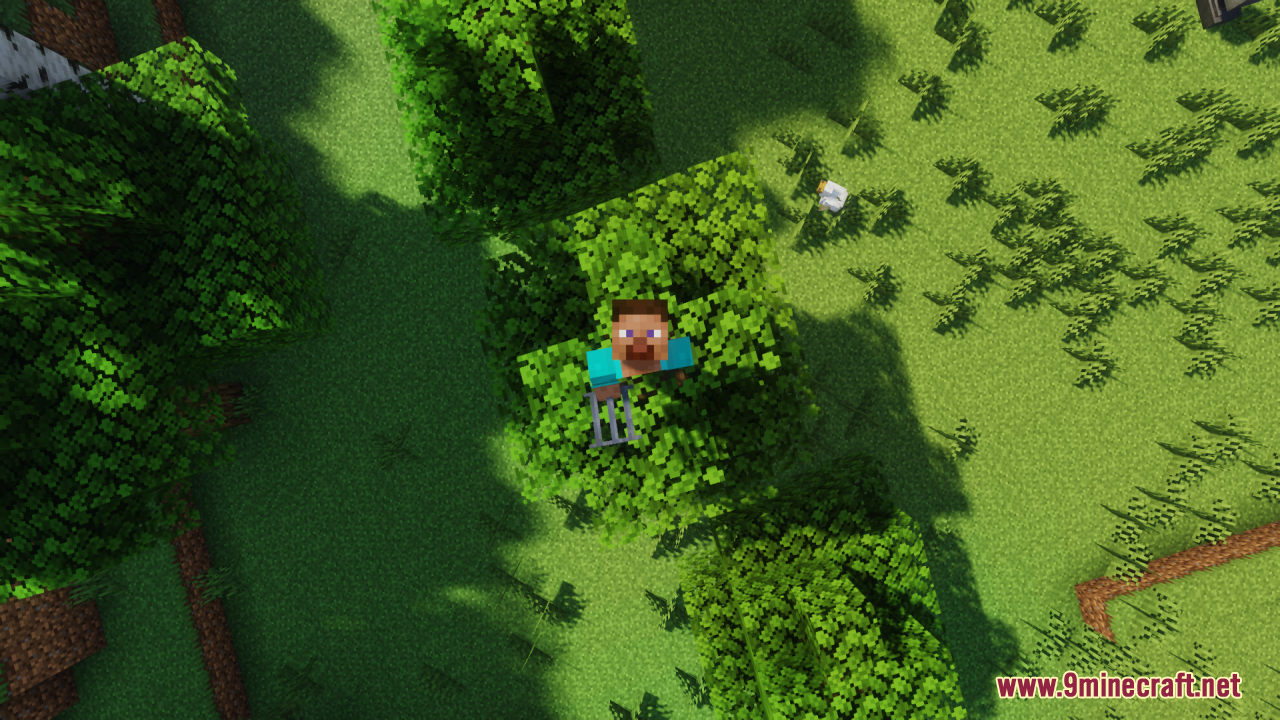
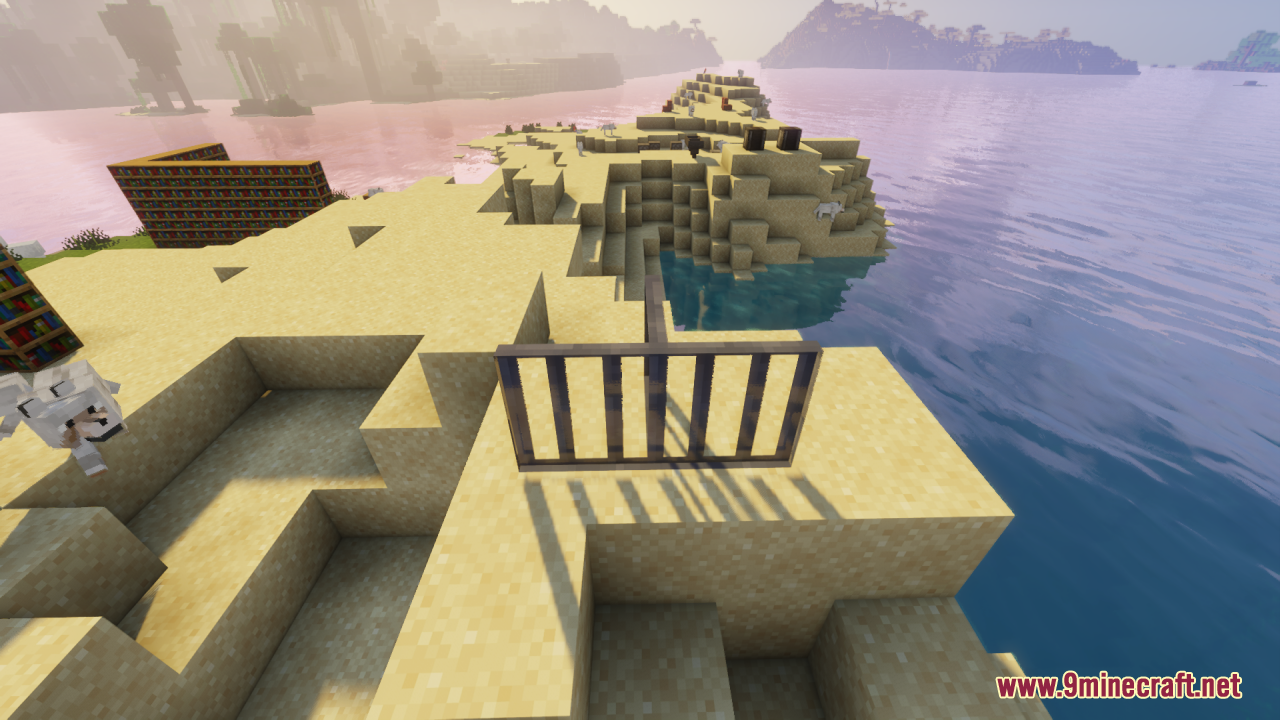
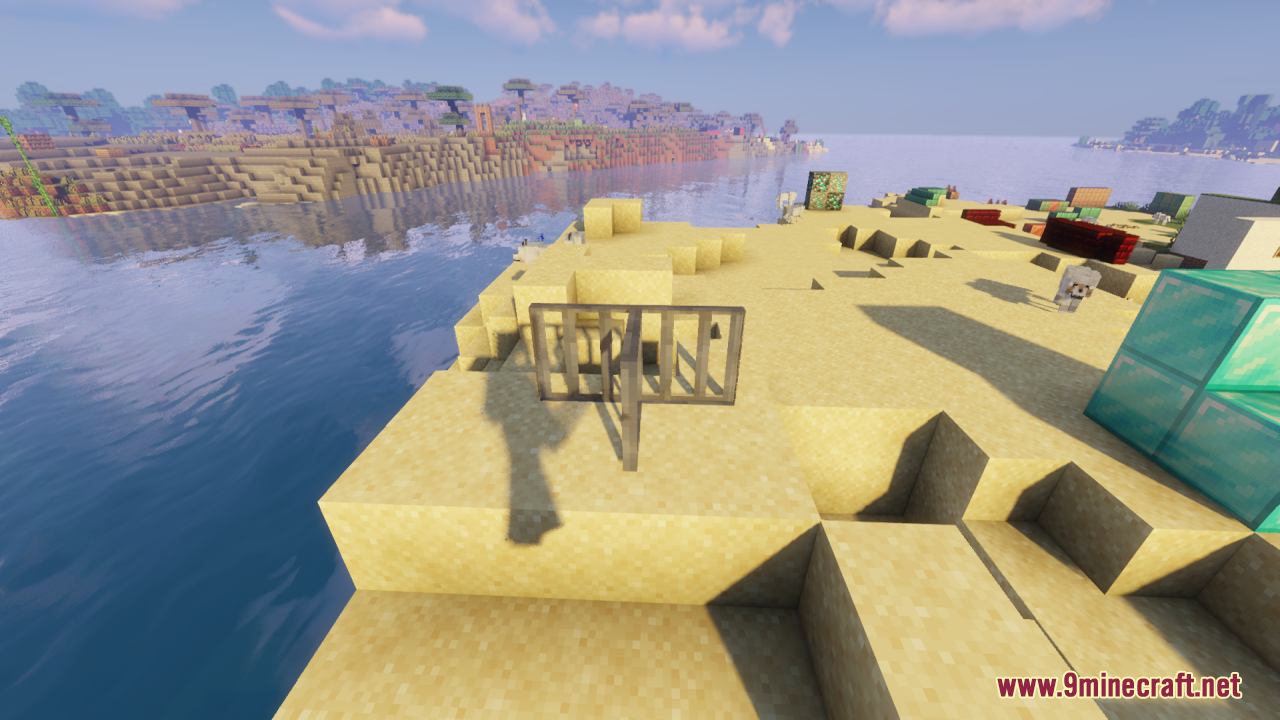
11 images from the Os 3D Iron Bars Resource Pack page.
You May Also Like
Wikis that share the most with this one
Wikis on the same theme: iron
 MineRoomsLB Photo Realism ReloadBlue Depths Resource PackFabulous 3D Resource PackAnimated Ore Resource PackShinier Tools Resource PackTiny Tools Txf Resource PackBoxs Flag Spear Resource PackDrodi S Arsenal Resource PackGothiclilys Doors Resource PackVisible Ores Plus Resource PackSnowy Mountains Sky Resource Pack
More resource pack wikis on the site
Original Pokemon Battle Music Resource Pack OreUI Recreation Resource PackOre Visible Resource PackOre Highlighter Resource PackOre Grids Resource PackOratots Pvp Resource PackOptimum Realism Pom Pbr Resource PackOmnis Enchantments Resource PackOlive’s Garden Resource Pack
 Old Colors Programmer Art Resource PackOffhand Weapon Holstering Resource PackOdd Carrots Resource Pack
OreUI Recreation Resource PackOre Visible Resource PackOre Highlighter Resource PackOre Grids Resource PackOratots Pvp Resource PackOptimum Realism Pom Pbr Resource PackOmnis Enchantments Resource PackOlive’s Garden Resource PackOld Colors Programmer Art Resource PackOffhand Weapon Holstering Resource PackOdd Carrots Resource PackThe most downloaded mods that have a wiki here
A few wikis from each of the other kinds