

 DownloadMax Realism Resource Pack
Get the files on 9Minecraft
Guides
Step-by-step, in-game.
Create Realistic Underground Bases and CavesLeverage Cavern Wall Textures Max Realism transforms underground spaces with photorealistic rock faces. When building…Enable POM and labPBR for Maximum DepthPrerequisites Max Realism Resource Pack supports parallax occlusion mapping (POM) and labPBR to add physical height…Maximize Visual Impact in Survival ModeFocus on High-Traffic Blocks Max Realism Resource Pack prioritizes frequently seen survival blocks for maximum visual…Troubleshoot Flat or Missing TexturesCheck Resource Pack Loading If blocks appear flat or textures seem missing, verify the resource pack is active. Open…
Blocks
A
 Acacia Log
B
 Bedrock
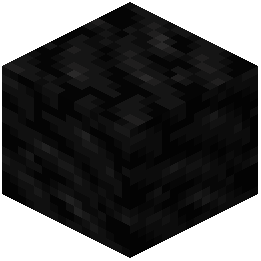 Block of Coal
C
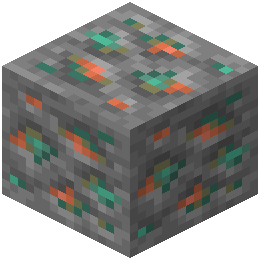 Copper Ore
D
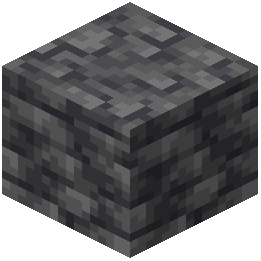 Deepslate
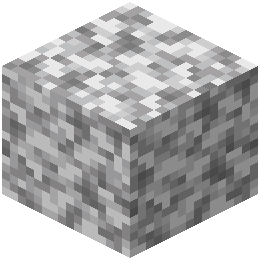 Diorite
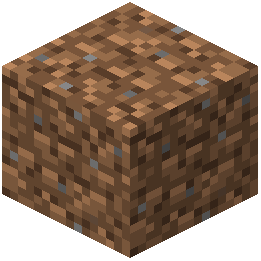 Dirt
G
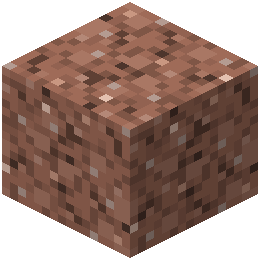 Granite
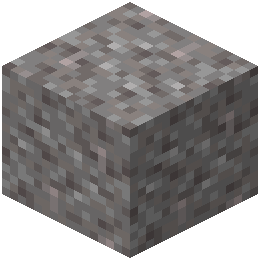 Gravel
M
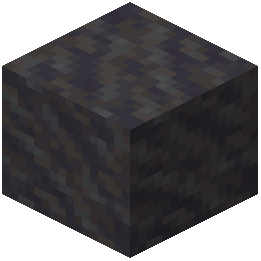 Mud
O
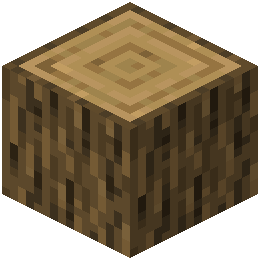 Oak Log
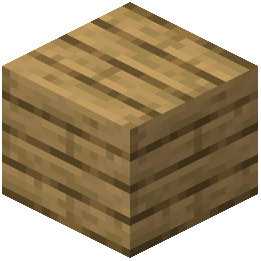 Oak Planks
R
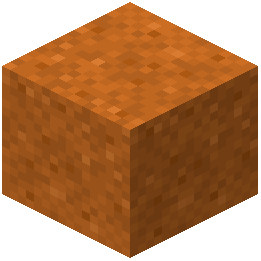 Red Sand
S
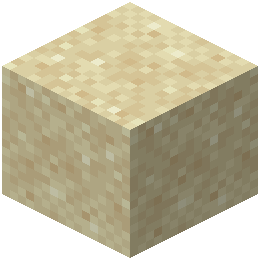 Sand
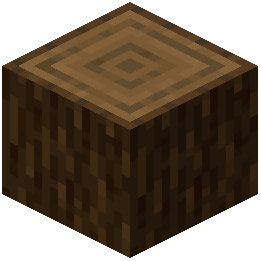 Spruce Log
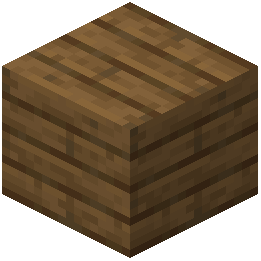 Spruce Planks
 Stone
T
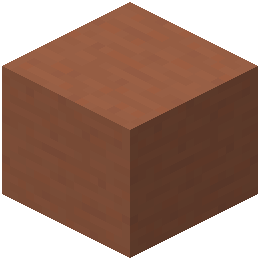 Terracotta
W
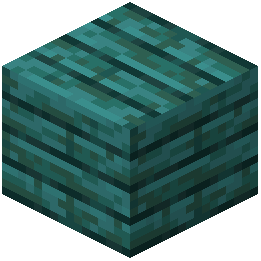 Warped Planks
What this pack changes
Every texture group the pack replaces, counted from the pack itself.
| Area | Textures replaced |
|---|---|
| Blocks | 78 |
Pack format 48–107 (Minecraft 1.21.5–1.21.9)78 texture files in total
Frequently asked questions
Why do my blocks look flat even after installing the pack?
You need to enable labPBR and POM (Parallax Occlusion Mapping) in your shader settings for the pack's depth effects to work. Without these shader features enabled, the realistic textures will display but won't have the 3D relief that makes them look lifelike.
Do I need a shader mod to use Max Realism?
No, the pack works without shaders, but you'll miss the depth and lighting effects that make it look photorealistic. Installing a shader that supports labPBR and POM will dramatically improve the visual quality and is highly recommended.
Will this pack work with my texture mods and other resource packs?
Max Realism may conflict with other packs that modify the same blocks. Load Max Realism last in your resource pack list to ensure its textures take priority, or check if the other pack is designed to be compatible.
My FPS dropped a lot after installing this. How do I fix it?
The high-resolution textures and POM effects are demanding. Lower your shader settings, reduce render distance, disable POM if necessary, or check that your GPU drivers are up to date. You can also try disabling the pack temporarily to confirm it's the cause.
Do ores look different? How can I tell what ore I'm mining?
Yes, ores now have realistic mineral vein textures embedded in rock, making them look more natural but sometimes harder to identify at a glance. The pack preserves the base color of each ore type, so iron still appears silvery and gold still looks golden—just with added detail.
Can I use this pack in multiplayer servers?
Yes, resource packs are client-side only, so you can use Max Realism on any server without affecting other players or needing server permission.
Why does wood look different in different lighting?
That's the pack working as intended—the realistic wood grain patterns are designed to catch and reflect light naturally, so they appear to shift and change depending on the angle and brightness of your light source.
Does this pack change how blocks function or add new blocks?
No, Max Realism is purely visual and only changes textures. All blocks function exactly the same way, and no new blocks or items are added.
What's the difference between POM and labPBR, and which should I enable?
POM creates height-based depth by shifting pixels, while labPBR adds realistic material properties like roughness and metallic shine. Enable both in your shader for the best results—they work together to make surfaces look truly three-dimensional and lifelike.
Does this pack work with Bedrock Edition or only Java?
Max Realism is designed for Java Edition. Bedrock Edition uses a different resource pack format and shader system, so compatibility is not guaranteed.
You May Also Like
Wikis that share the most with this one
LB Photo Realism ReloadCursed Canon Realism ModRealism Mats Resource PackAeternum Realism Resource PackRealism Upscaled Resource PackCineReal Cinematic Realism ShadersUltimate Realism Pack Resource PackOptimum Realism Pom Pbr Resource PackAurelis Realism 512X Pbr Resource PackBetter Realism MC Vanilla & Realism ModpackReasonable Realism Mod 1.7.10 for MinecraftChroma Lite Shaderpack Realism Low End Shaders
More resource pack wikis on the site
Matralys 16X Resource PackMatcha Vanilla Flavoured Resource PackMatcha Block Overlays Resource PackMaster Crystal Pvp Resource PackMasa Mod Translation Resource Pack Masa Mod Translation Pack Resource PackMarin Kitagawa Pack Anime Sky 4K Resource PackMandala’s GUI – White Mode Resource PackMandalas GUI KOTS Compat Resource PackMandala’s GUI – Dark Mode Resource PackMandala’s GUI Dark Mode 9minecraft Resource PackMandalas Dragon Mount Refreshed Resource Pack
The most downloaded mods that have a wiki here
A few wikis from each of the other kinds
Gallery
9 images from the Max Realism Resource Pack page.


