

Guides
Step-by-step, in-game.
Adjust Brightness to Your PreferenceLocate the Exposure File The brightness level of Gamma Boost is controlled through a shader file. Navigate to your…Enable Gamma Boost on Your WorldAccess Video Settings Open your Minecraft settings and navigate to Video Settings . This is where resource pack…Improve Visibility in Dark AreasUnderstand What Gamma Boost Does Gamma Boost increases overall exposure by approximately 20 percent, making shadows…Use Gamma Boost with Other Resource PacksUnderstand Pack Layering Gamma Boost is designed to work alongside most other resource packs because it operates at…
Frequently asked questions
Why isn't Gamma Boost working?
Make sure you have 'Fabulous' graphics enabled in your video settings—this resource pack requires it to function. Check that the pack is actually selected in your resource packs menu and appears above any conflicting packs.
Can I use Gamma Boost with other resource packs?
Yes, Gamma Boost runs smoothly alongside most other resource packs. Place it higher in your resource pack list if you want its brightness to take priority, or lower if you prefer another pack's visuals to dominate.
How do I make Gamma Boost brighter or dimmer?
Open the pack folder and find the 'exposure.fsh' file, then edit it with a text editor to adjust the brightness value to your preference. Save the file and reload your world to see the changes.
Will Gamma Boost slow down my game?
No, this pack has almost no impact on your computer hardware and runs smoothly even on older systems. It uses only vanilla shaders, so there's no extra processing burden.
See all 10 Gamma Boost questions ›
Gallery
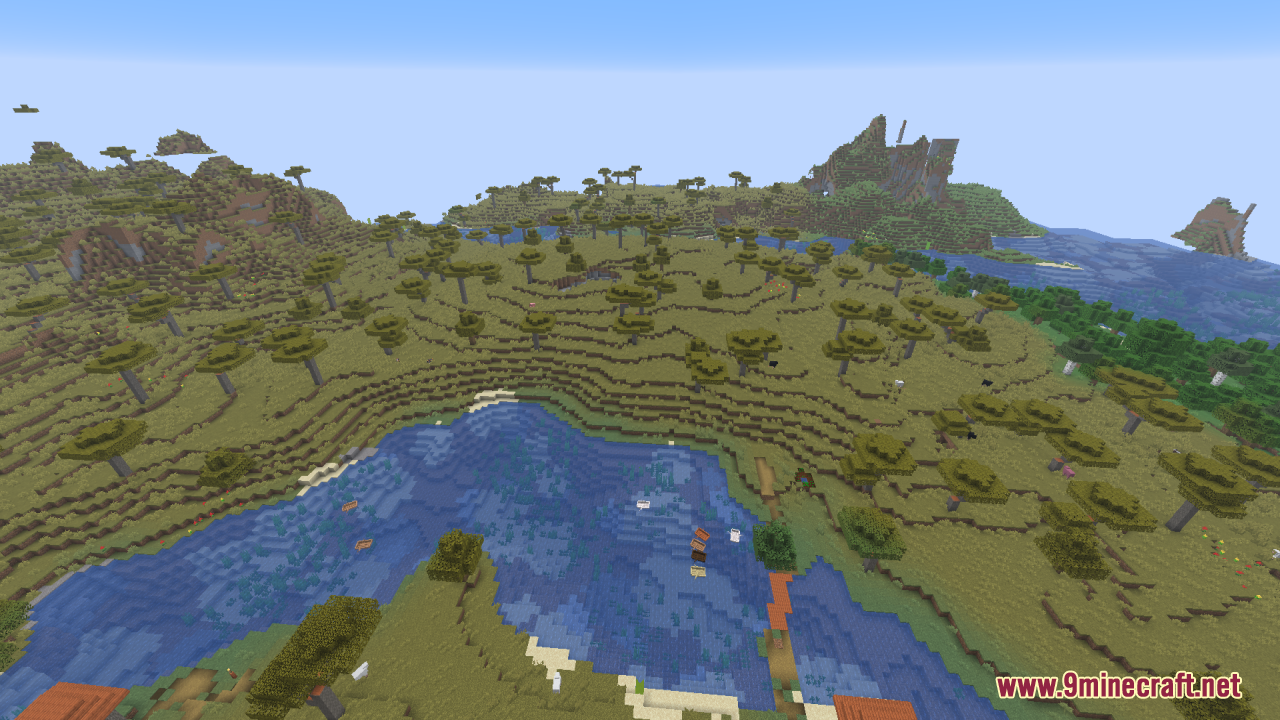
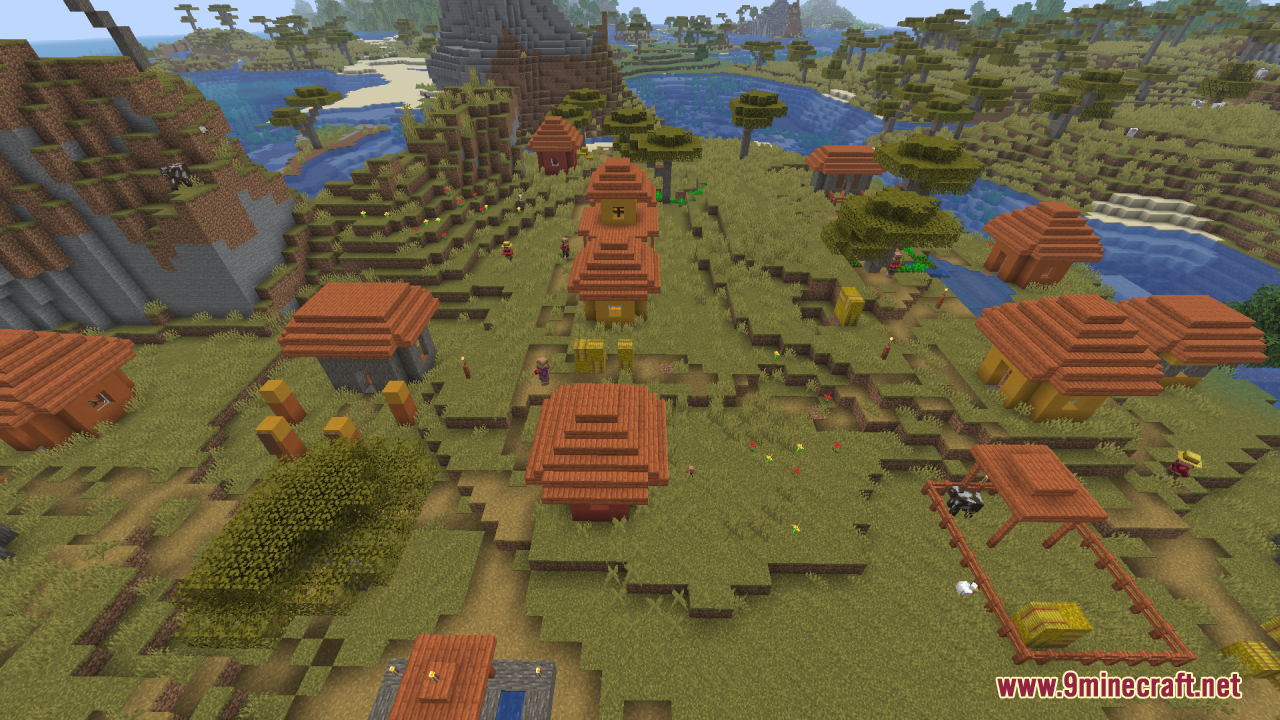
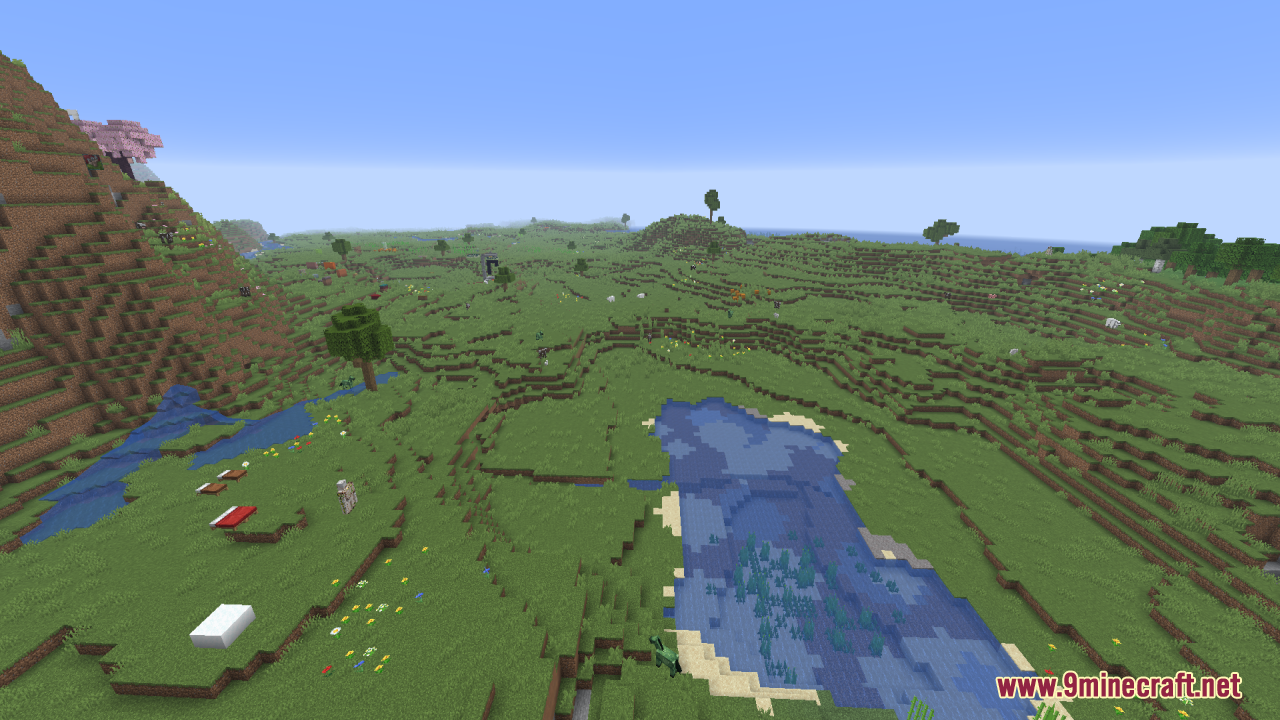
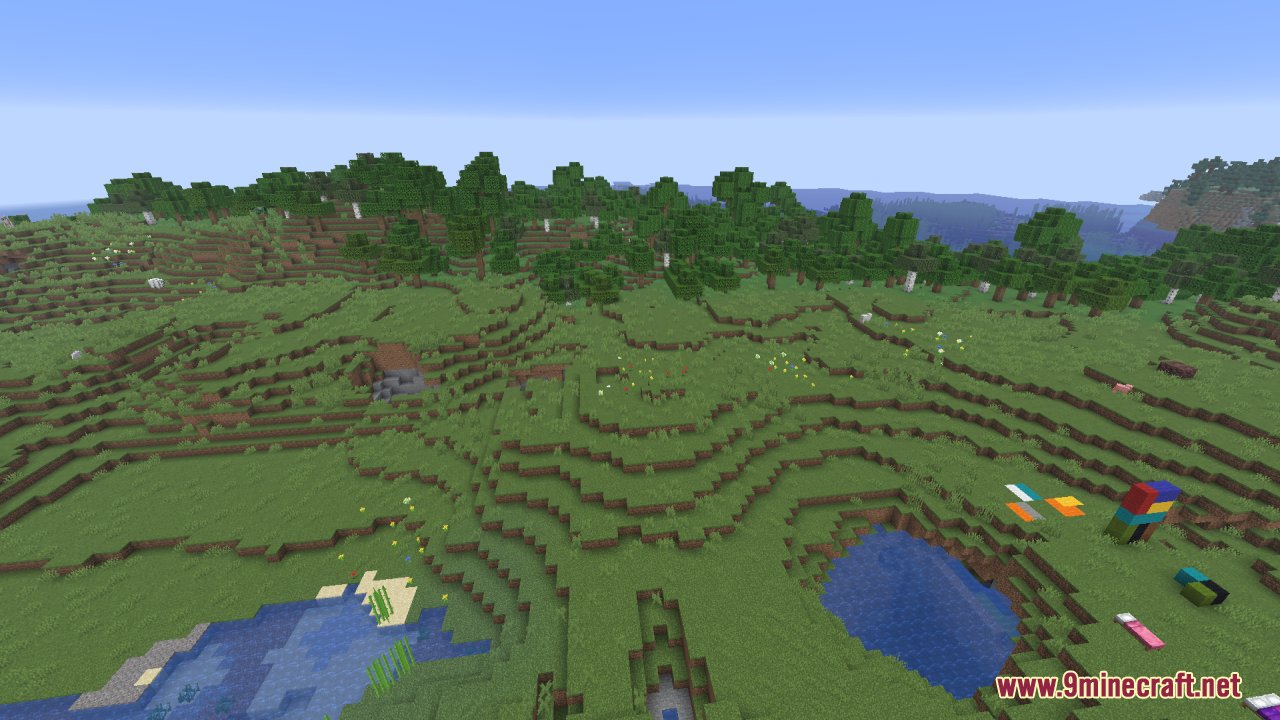
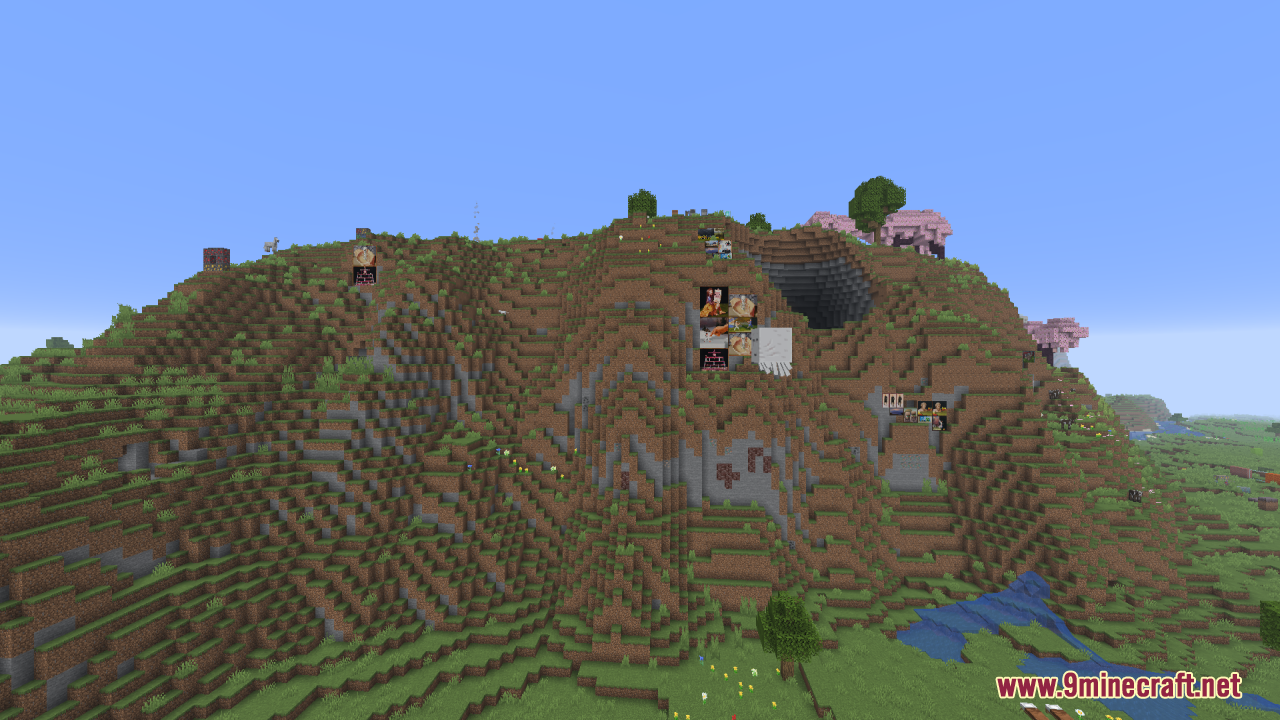
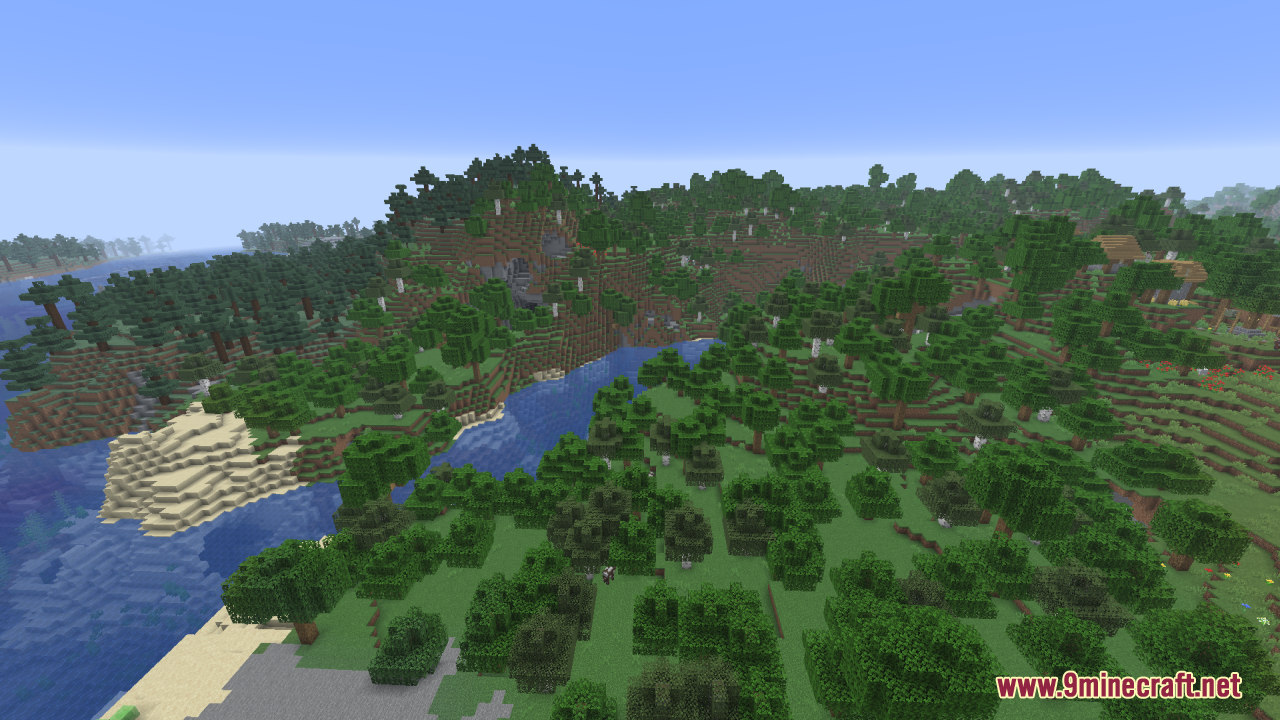
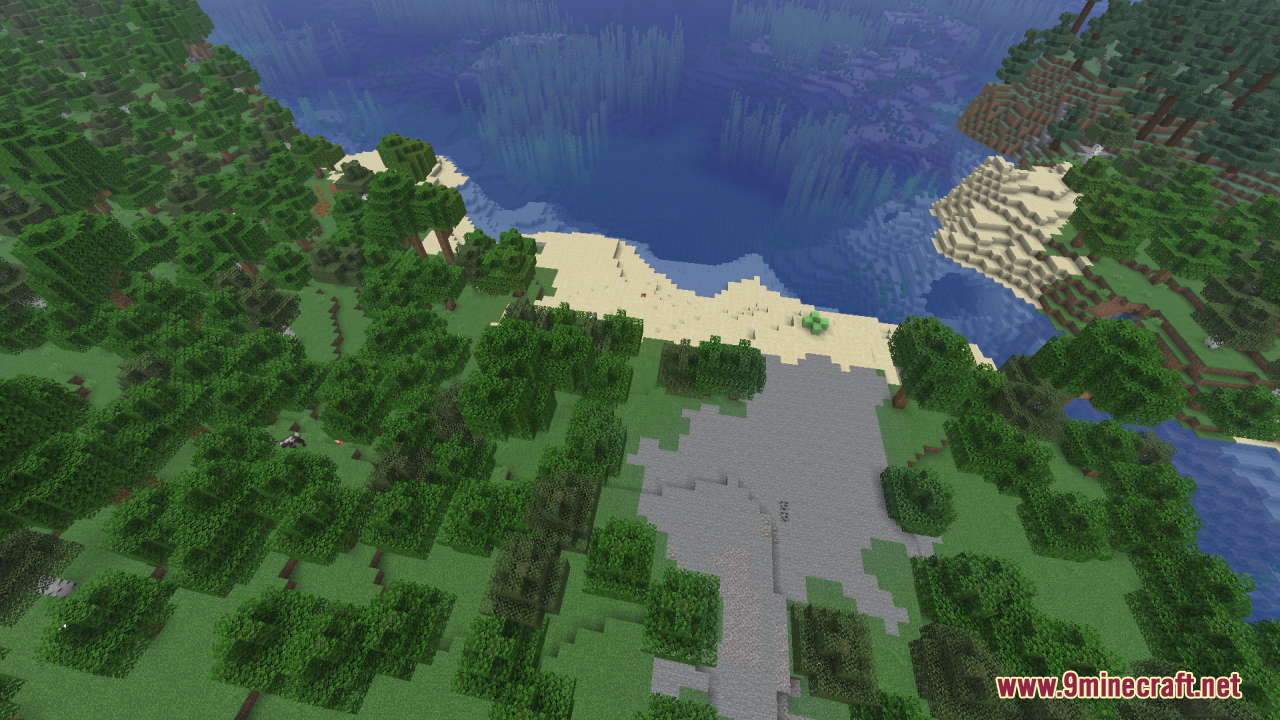
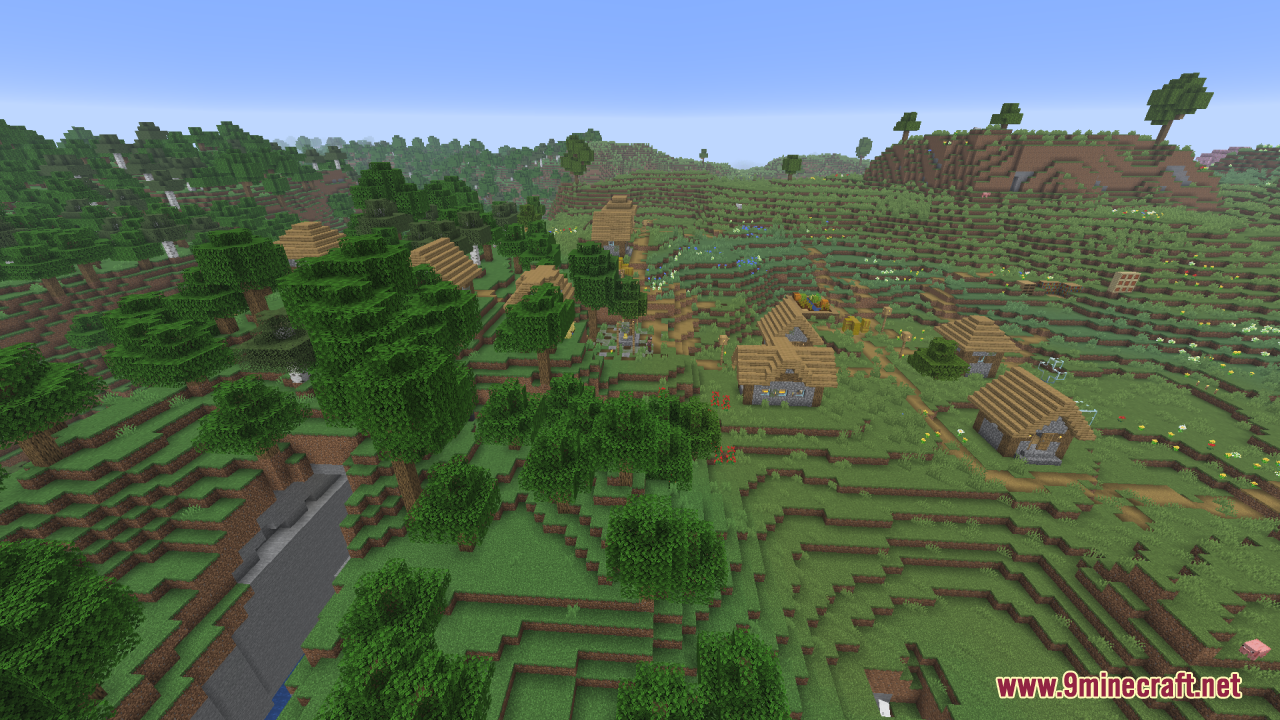
12 images from the Gamma Boost Resource Pack page.
You May Also Like
Wikis that share the most with this one
Wikis on the same theme: level
More resource pack wikis on the site
Fyoncles 3D Trims Resource PackFusion Connected Glass Resource PackFusion 3D Items Resource PackFurry in Inventory Resource PackFullbright UB 9minecraft Resource PackFullbright SP Resource PackFull Brightness Resource PackFrosted Pvp Resource PackFrogcrafting Hotbar Resource PackFreshly Modded Resource PackFreshly Creepers Resource PackFresh Weapons & Tools Compat Resource Pack
The most downloaded mods that have a wiki here
A few wikis from each of the other kinds