

 DownloadFrogcrafting Hotbar Resource Pack
Get the files on 9Minecraft
Guides
Step-by-step, in-game.
Combine Frogcrafting Hotbar with Shader Packs for Enhanced VisualsUnderstanding Shader and Resource Pack Interaction Shader packs and resource packs work independently—shaders affect…Customize Your Hotbar Colors to Match Your World ThemeAccessing the Resource Pack Files Locate your resource pack folder in your .minecraft/resourcepacks directory. Find…Ensure Frogcrafting Hotbar Works Across Different Minecraft VersionsVersion Compatibility Overview Frogcrafting Hotbar includes updated button and interface textures for Minecraft…Layer Frogcrafting Hotbar with Other Menu Resource PacksUnderstanding Pack Layering The Frogcrafting Hotbar pack is designed to work alongside other interface packs. Since…
Frequently asked questions
How do I enable the frog hotbar after installing the pack?
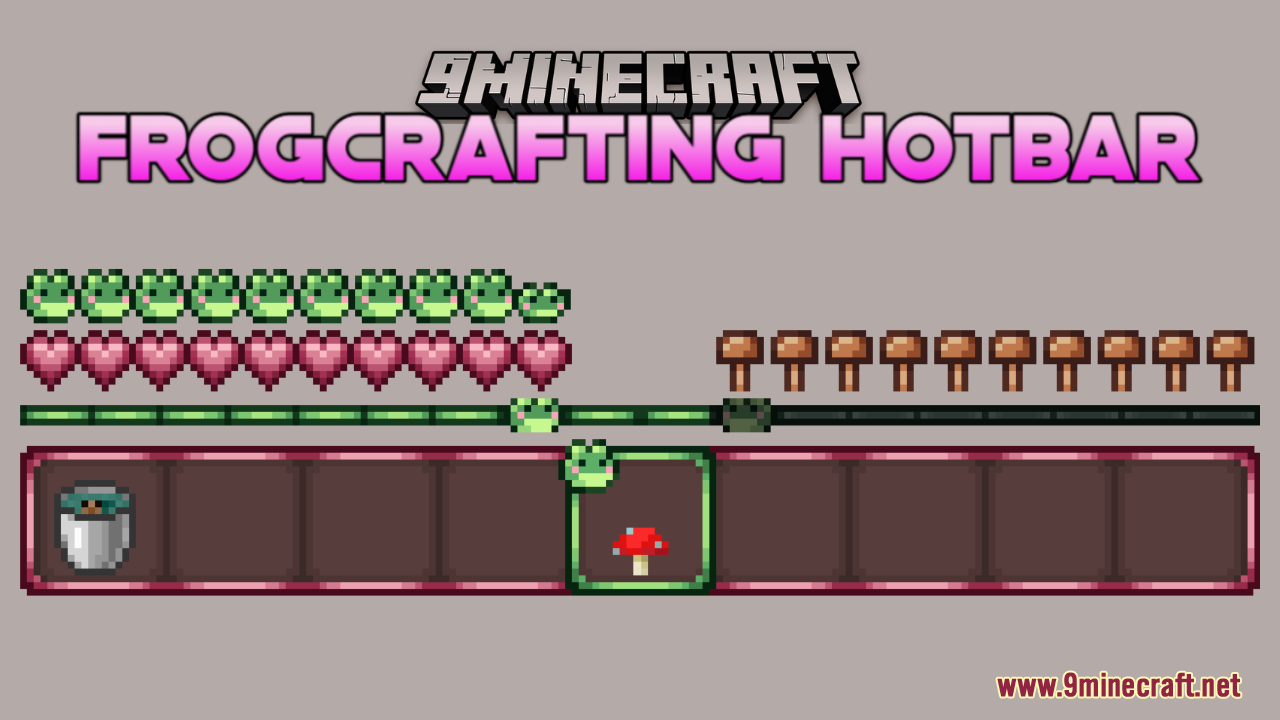
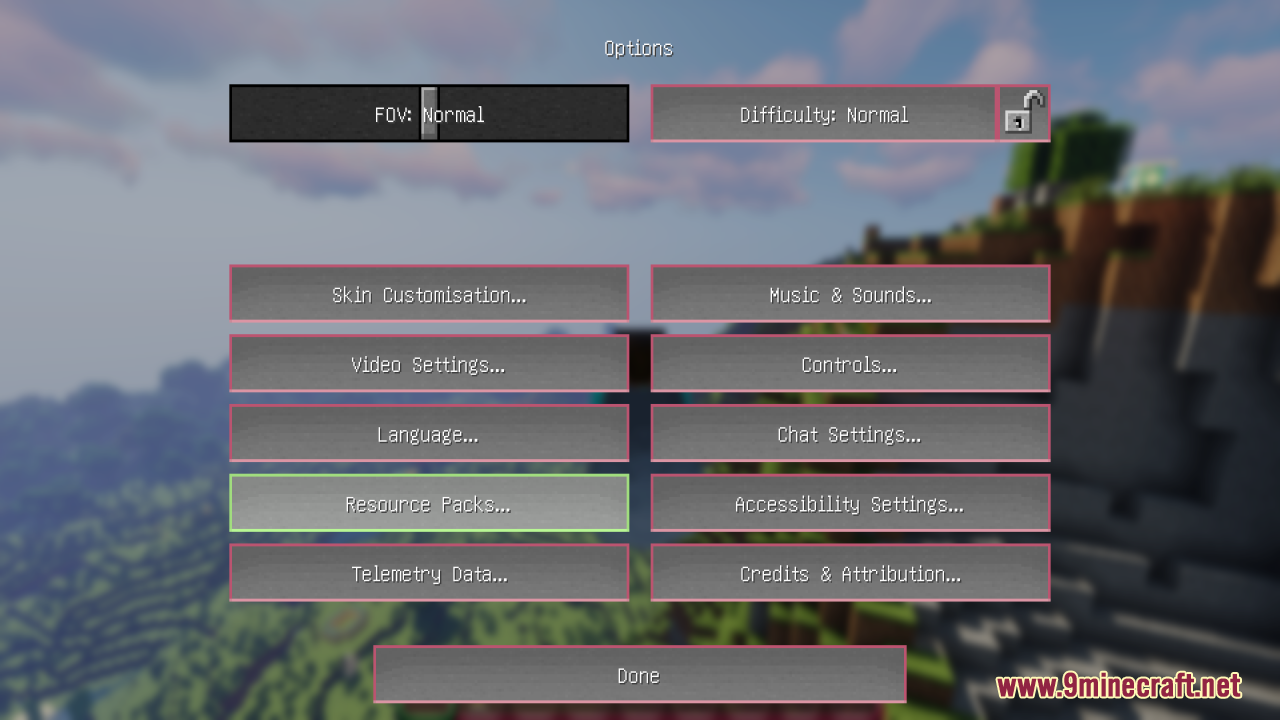
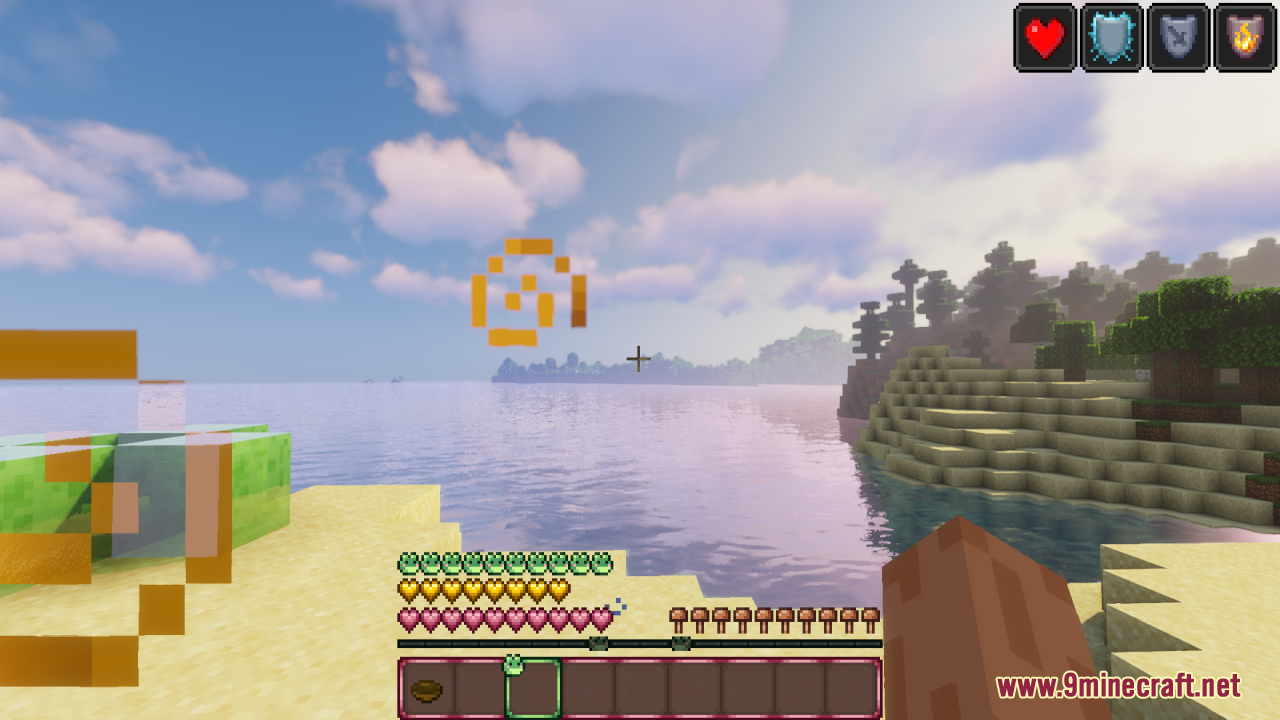
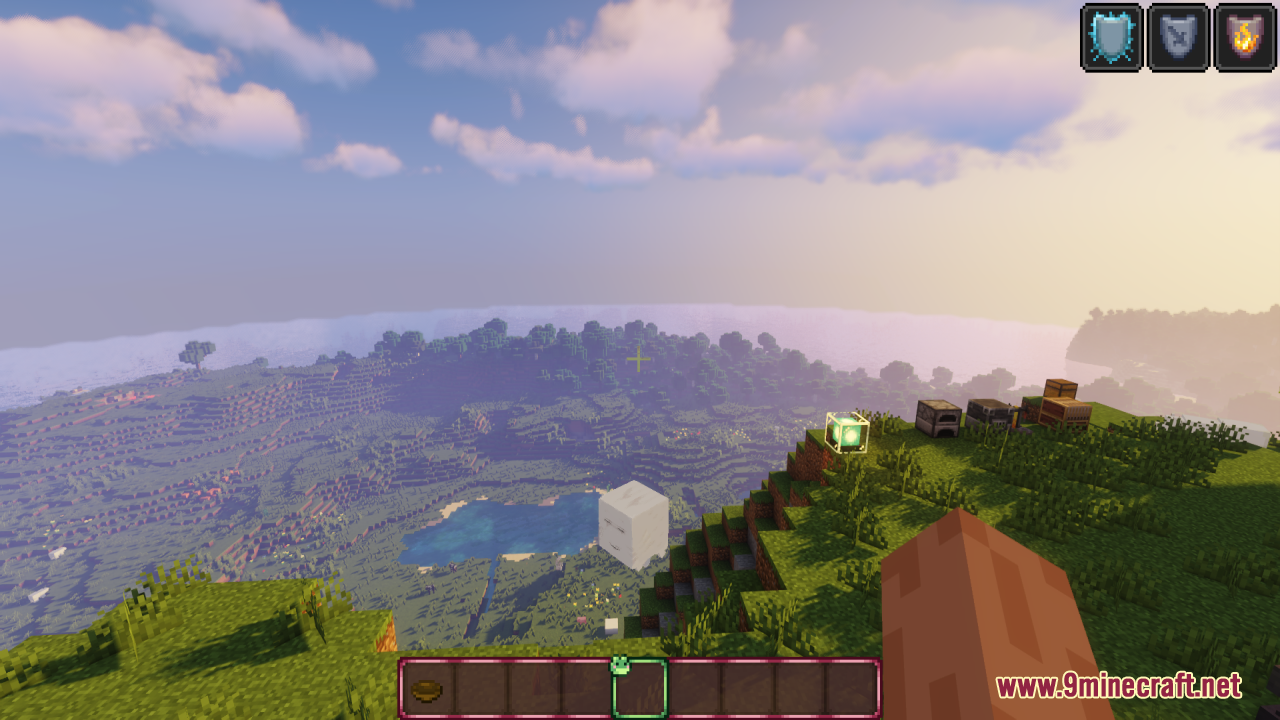
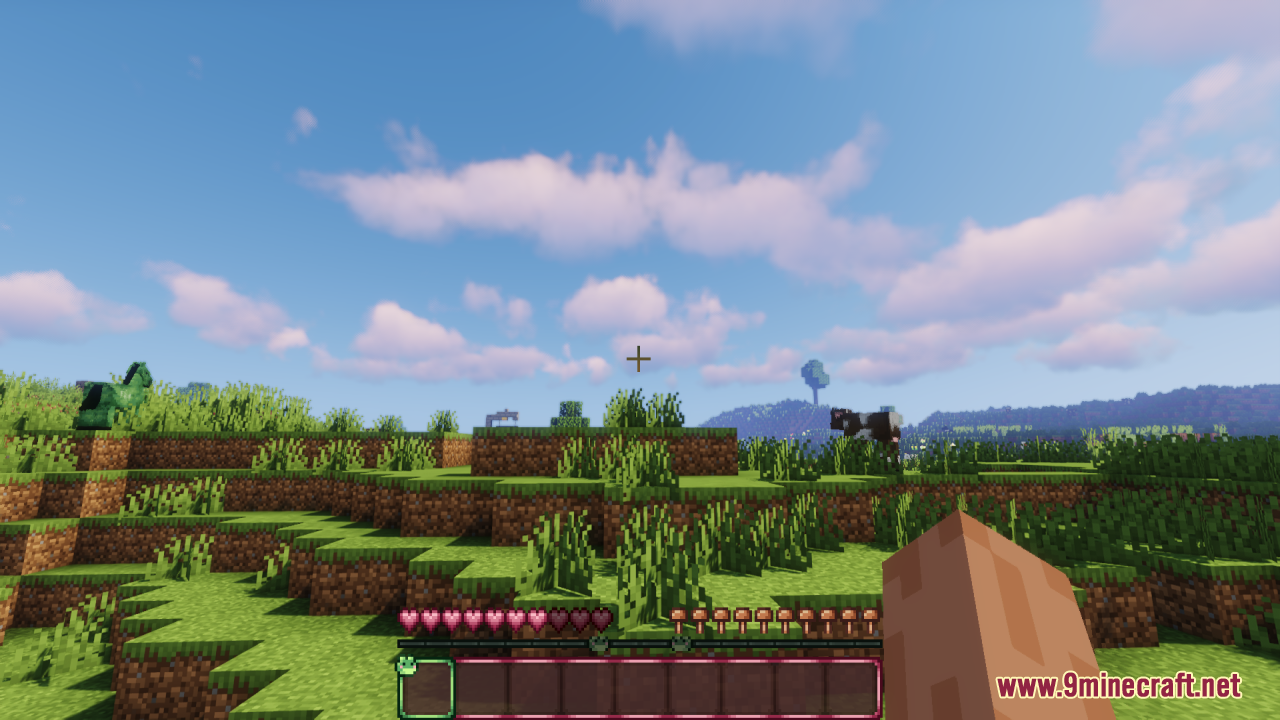
The frog hotbar activates automatically once you load the resource pack in your world. Go to Options > Resource Packs, find Frogcrafting Hotbar in the Available list, and move it to Active by clicking the arrow. Your hotbar will update the next time you load in or restart your game.
Can I use this with my other resource packs?
Yes, Frogcrafting Hotbar is designed to stack with other packs. In your resource pack list, place Frogcrafting Hotbar above any menu packs you want to keep intact—the order matters, with packs higher in the list taking priority for overlapping textures.
Why do my buttons look wrong or not match the frog theme?
Make sure Frogcrafting Hotbar is positioned above any other interface packs in your resource pack list. If you're on Minecraft 1.20.1 or older, the pack includes button texture updates that should load automatically; try reloading your resource packs by pressing F3 + T.
Does this work with shaders?
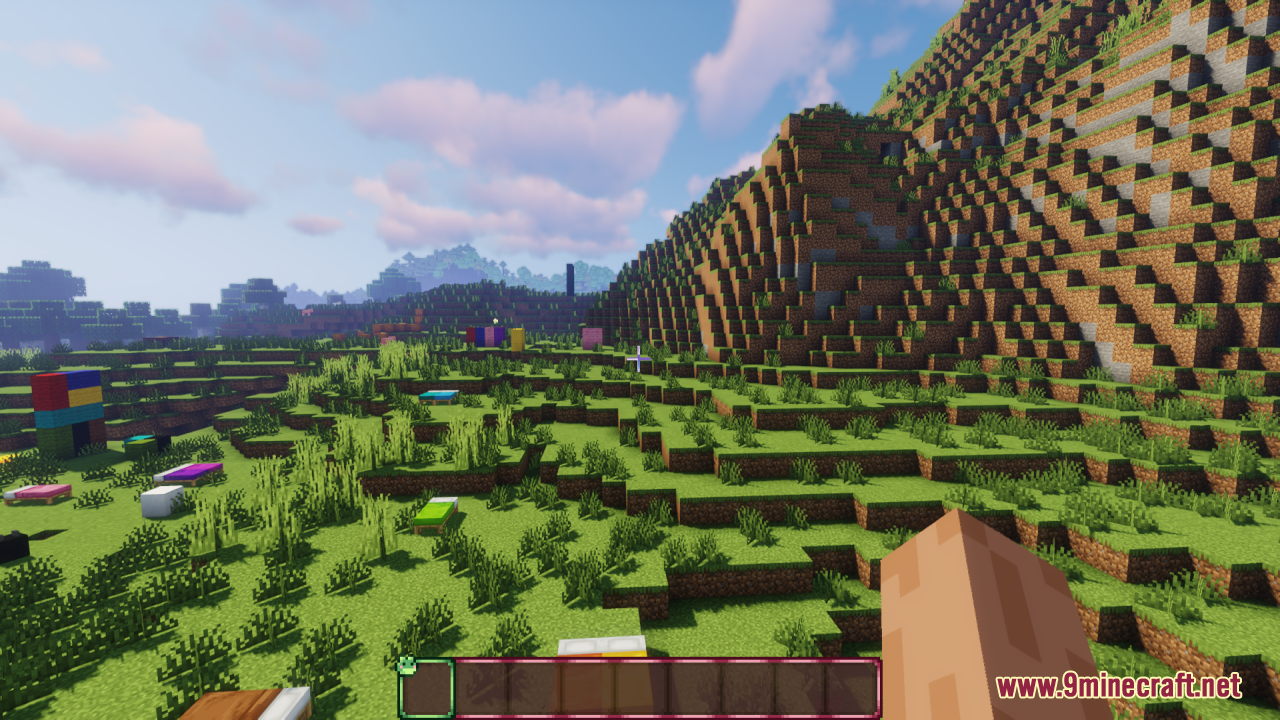
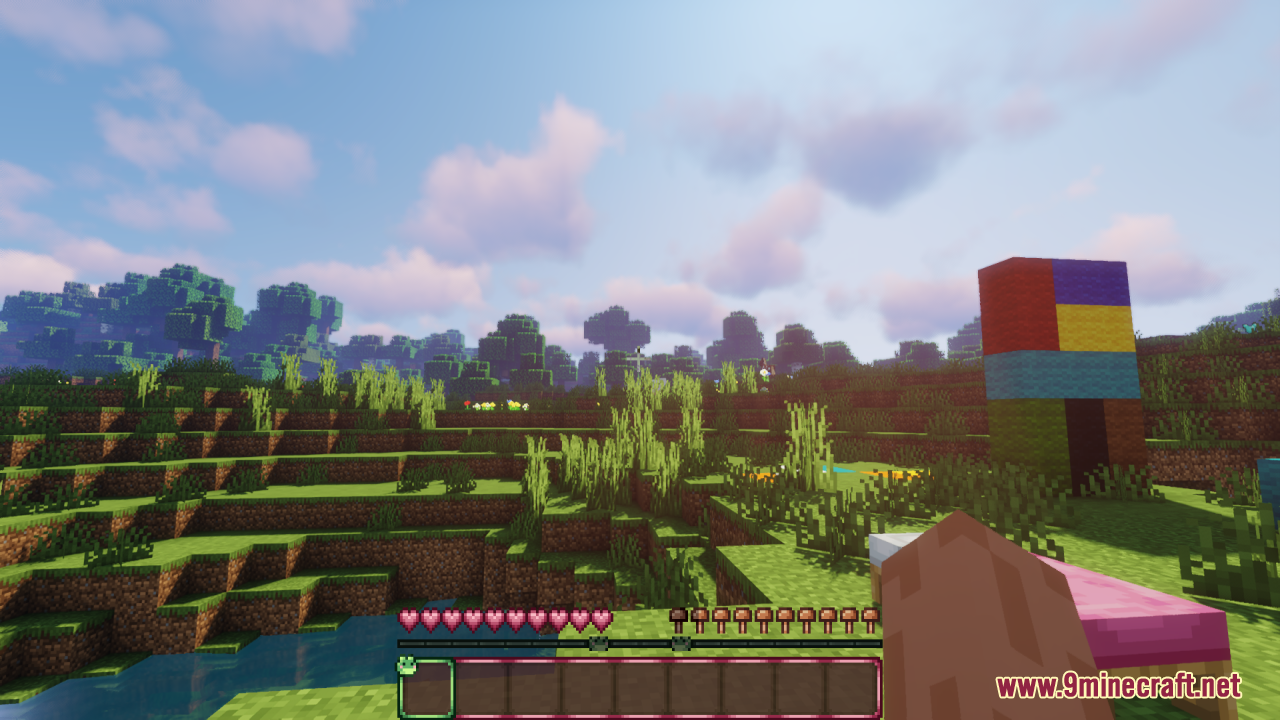
Yes, Frogcrafting Hotbar works alongside shader packs since it only modifies textures, not rendering. Load your shader first, then add Frogcrafting Hotbar to your resource packs for a cozy frog interface with enhanced lighting and effects.
See all 10 Frogcrafting Hotbar questions ›
Gallery
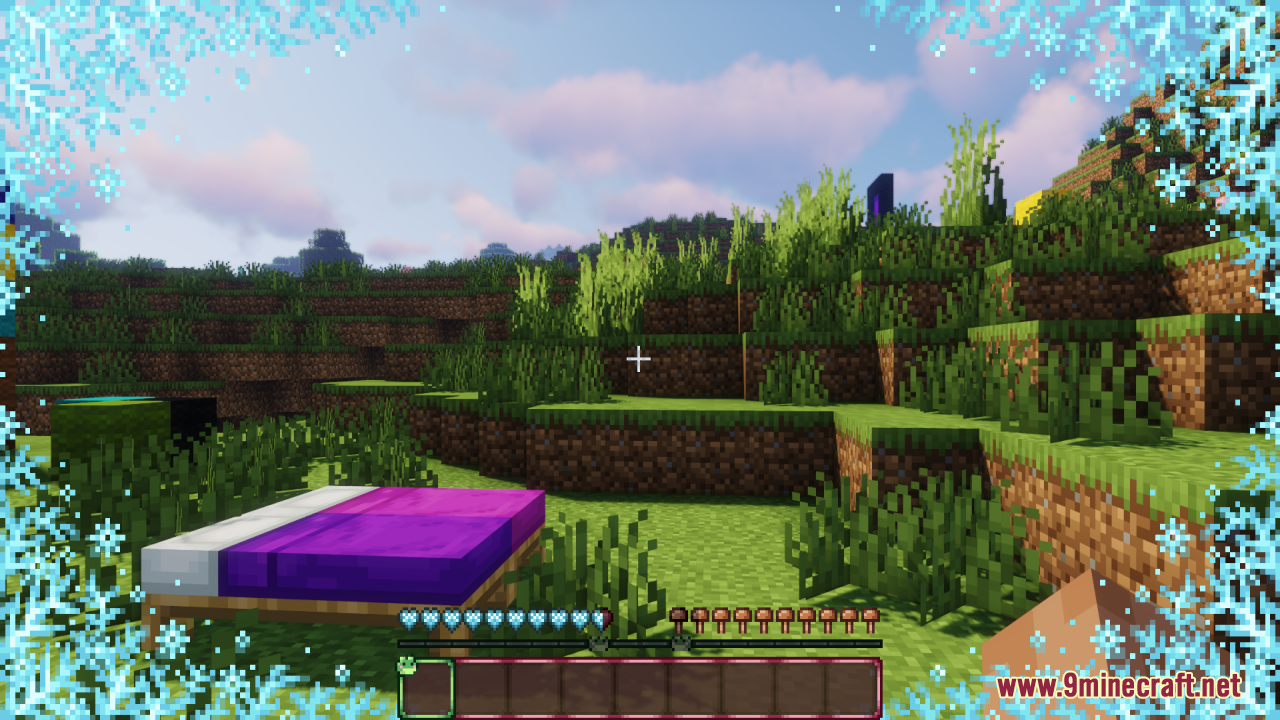
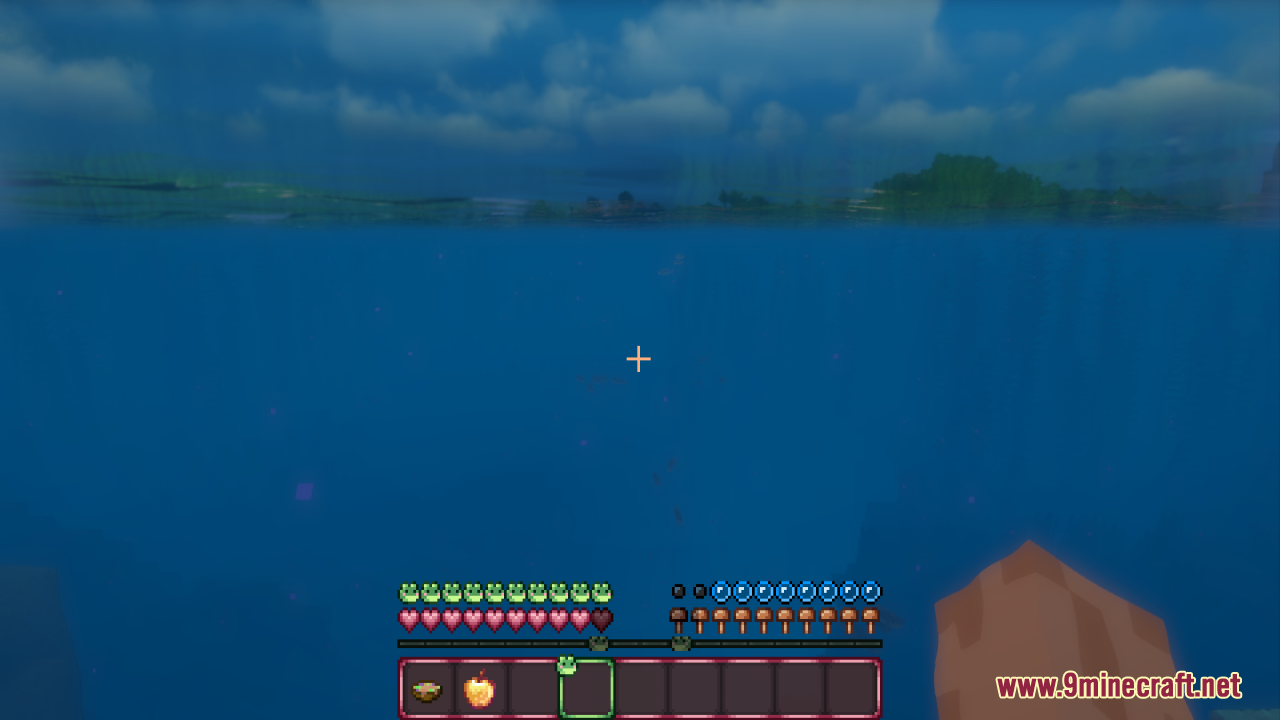
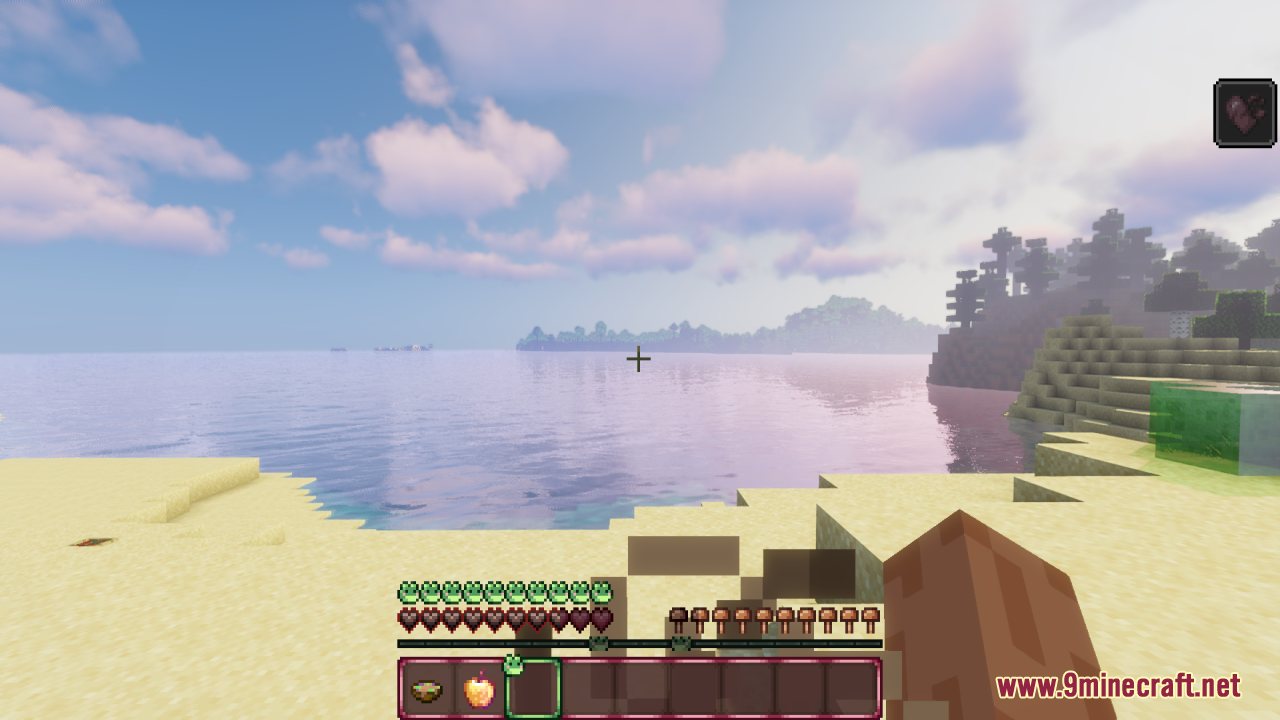
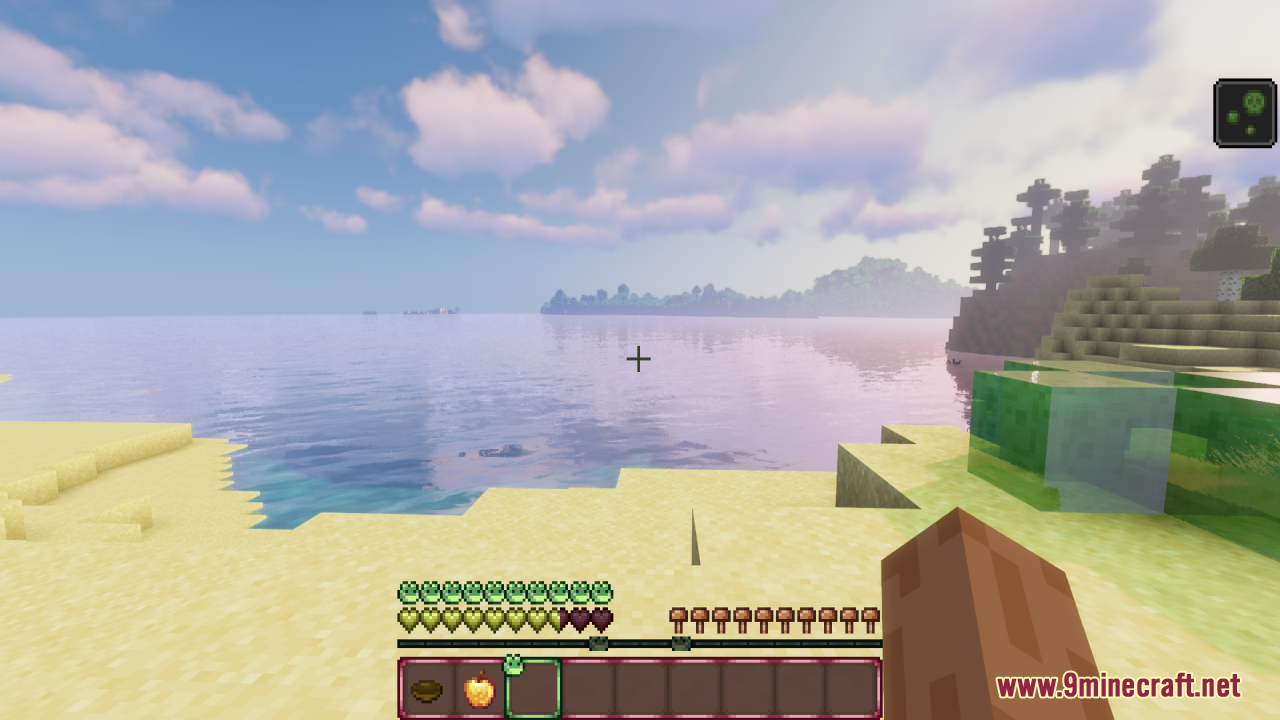
11 images from the Frogcrafting Hotbar Resource Pack page.
You May Also Like
Wikis that share the most with this one
Wikis on the same theme: craft
More resource pack wikis on the site
Freshly Modded Resource PackFreshly Creepers Resource PackFresh Weapons & Tools Compat Resource PackFresh Waystones Texture Resource PackFresh Textures Resource PackFresh Paintings Resource PackFresh Ores And Ingots Resource PackFresh Mowzie’s Mobs Textures Resource PackFresh Moves 9minecraft Resource PackFresh Illager Mod Compats Resource PackFresh Hearts Resource PackFresh Grass Better Colormap Resource Pack
The most downloaded mods that have a wiki here
A few wikis from each of the other kinds