

 DownloadPerf Boost Mod
Get the files on 9Minecraft
Guides
Step-by-step, in-game.
Customize Hotkeys for Stats and Performance ModeAccess the Controls Menu The default hotkeys are P for the stats screen and O for Performance Mode. If these conflict…Enable Performance Mode to Stop Lag During Intense GameplayActivate Performance Mode When your game starts stuttering or slowing down during busy moments—like when you're near…Identify Whether Lag Is Caused by Your Computer or the ServerCheck Your Local Performance Metrics Press P to open the stats screen and examine the data: FPS and frame time show…Monitor Your Game Performance in Real-TimeOpen the Stats Screen The stats screen gives you live data about how your game is running. Press P (default key) to…
Frequently asked questions
How do I open the stats screen?
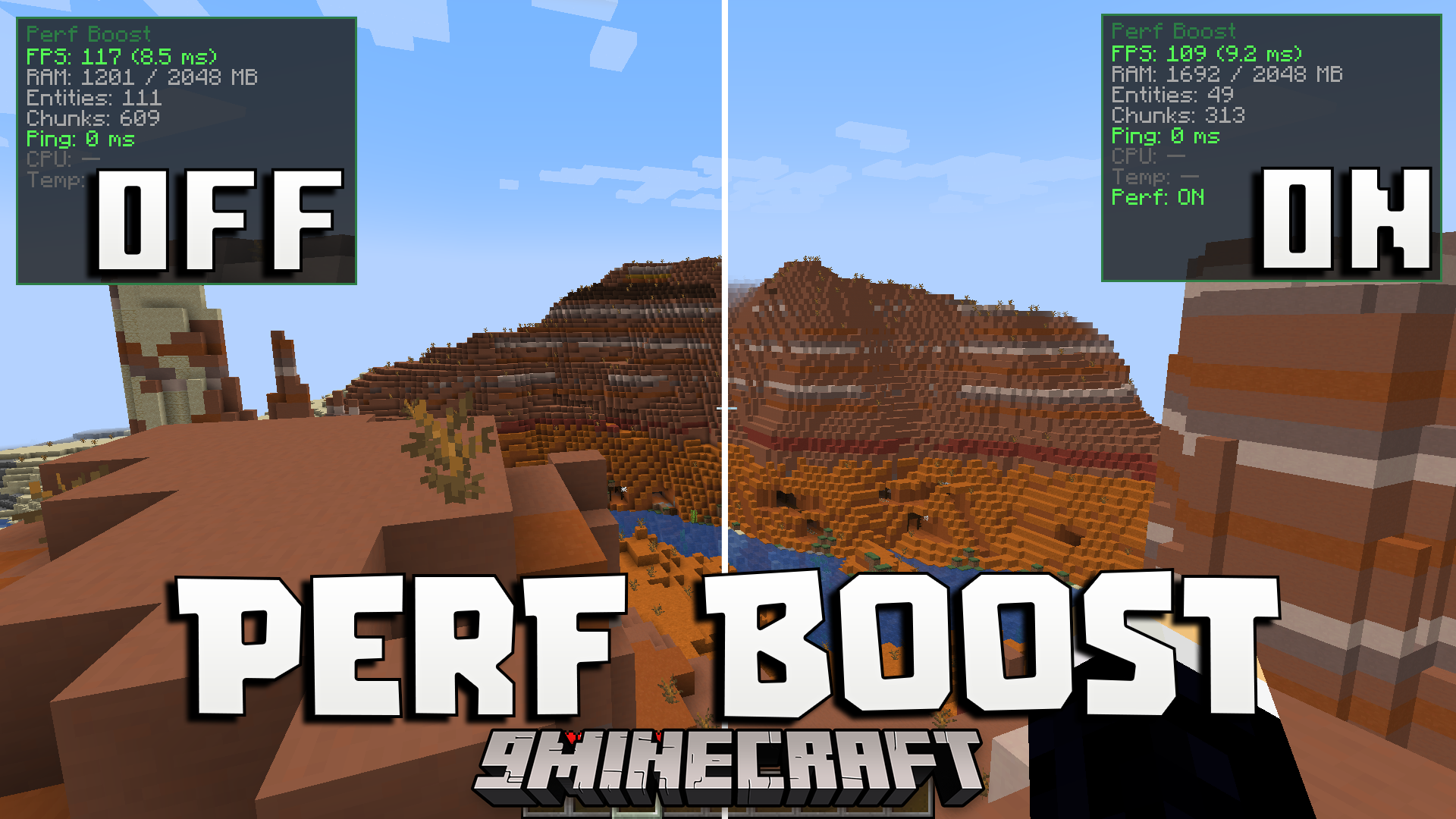
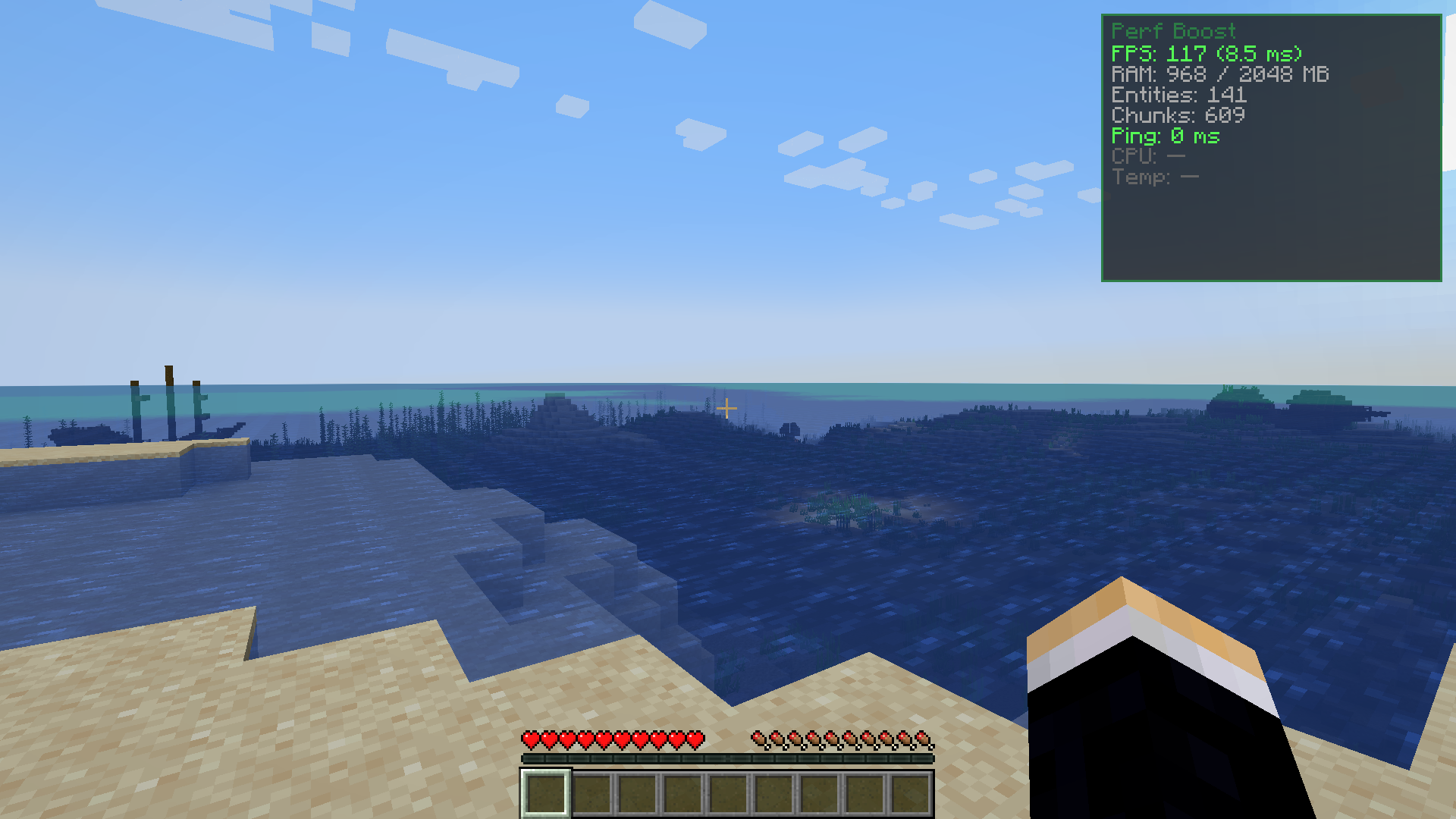
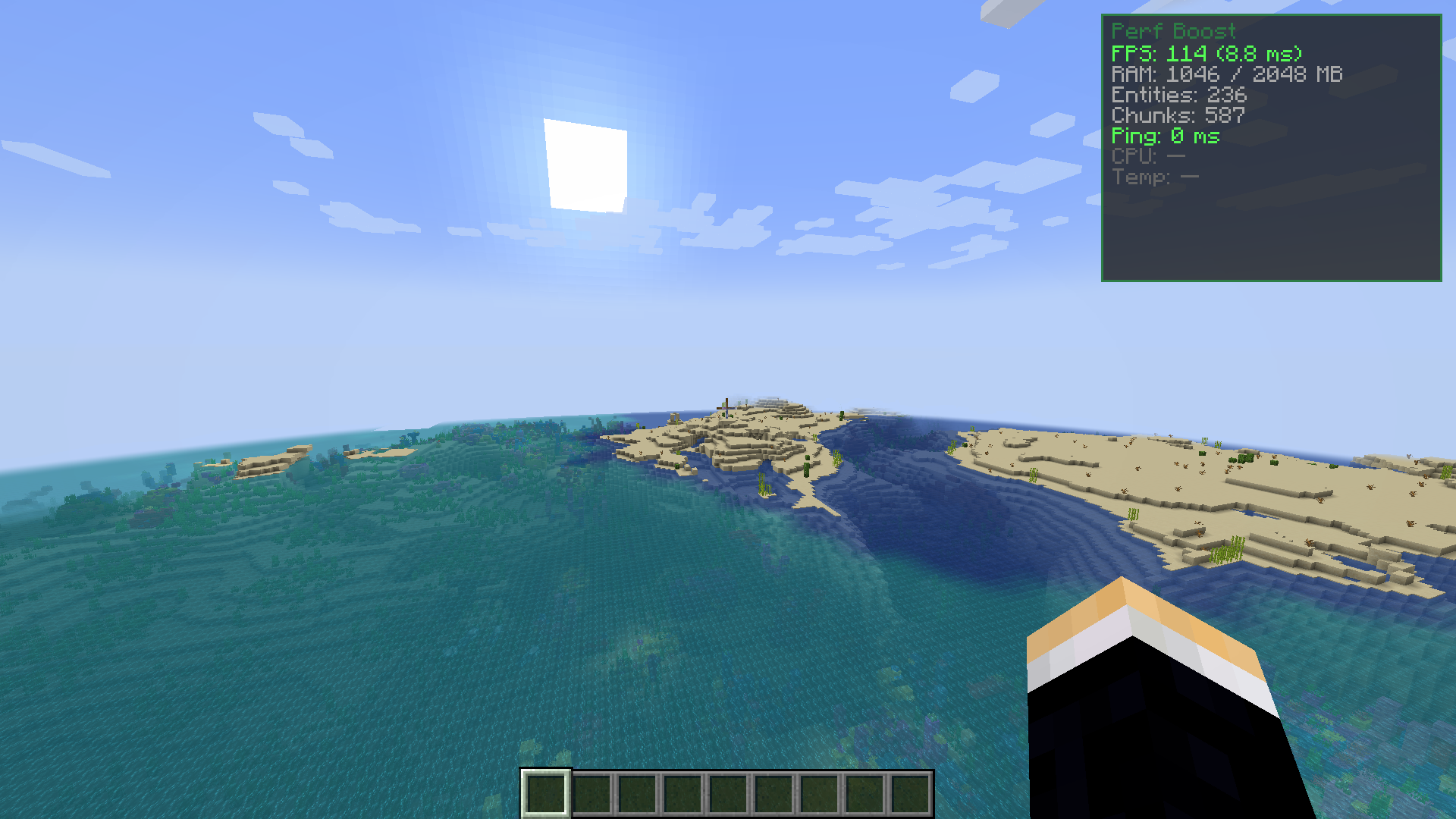
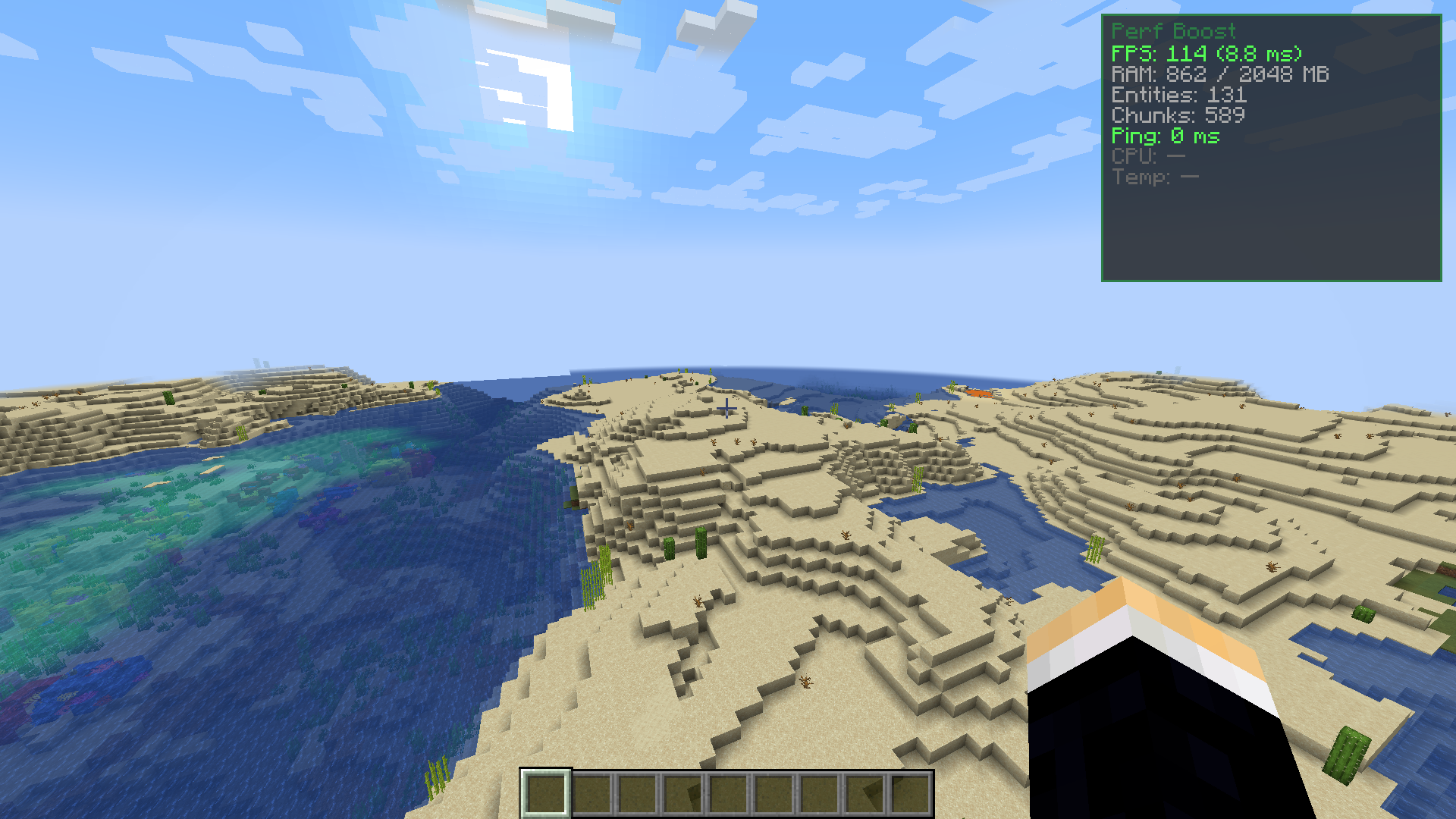
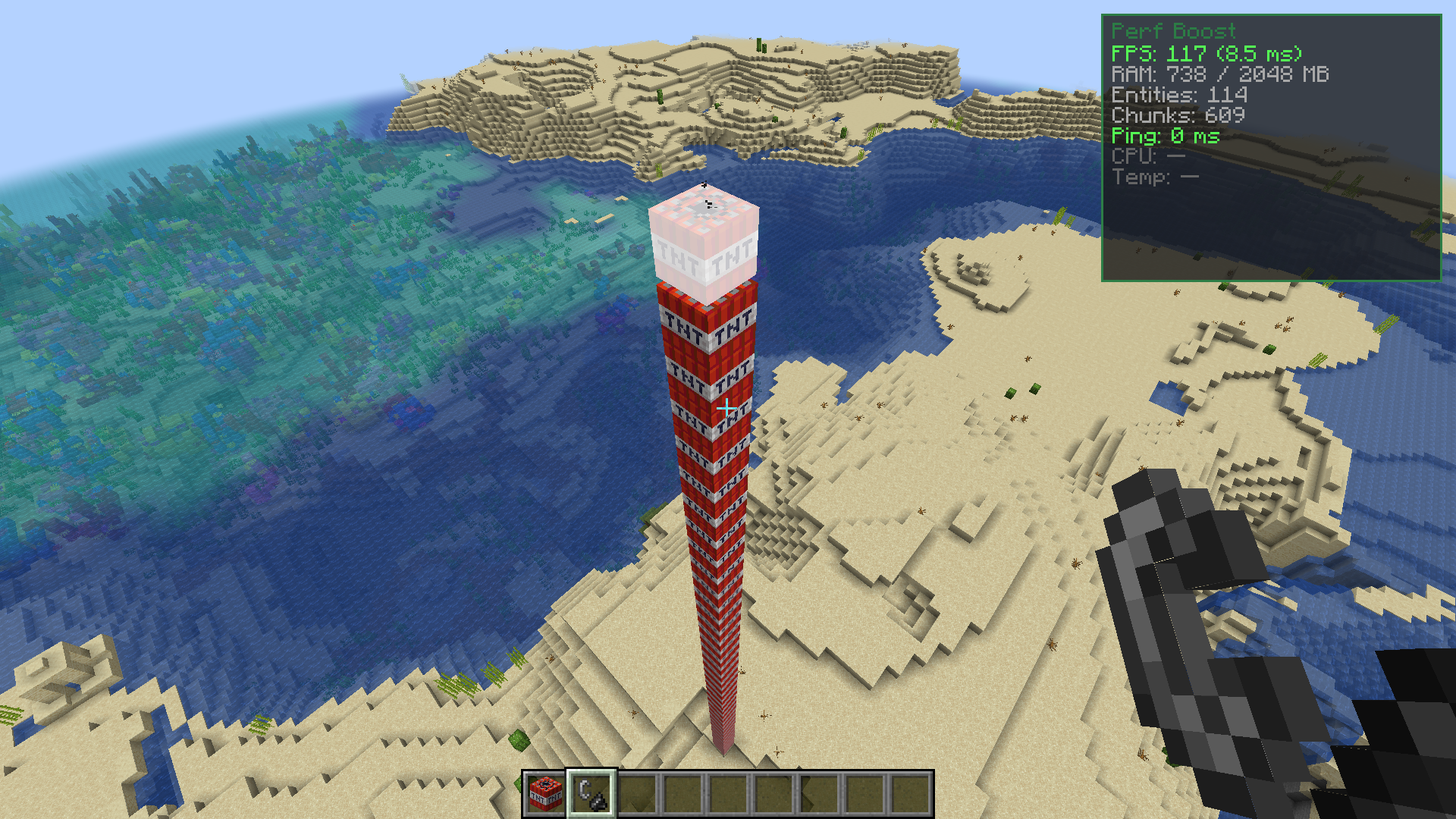
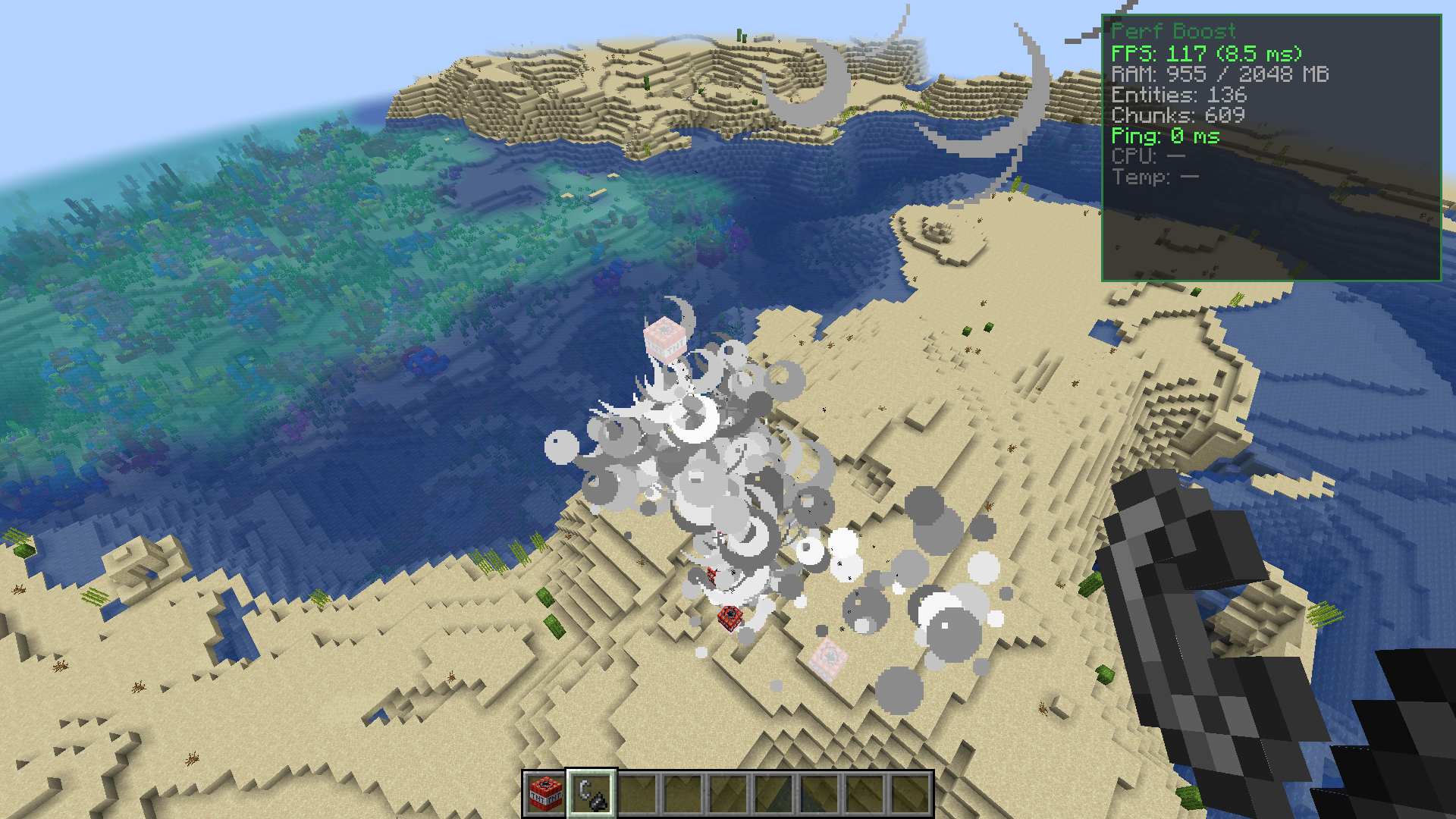
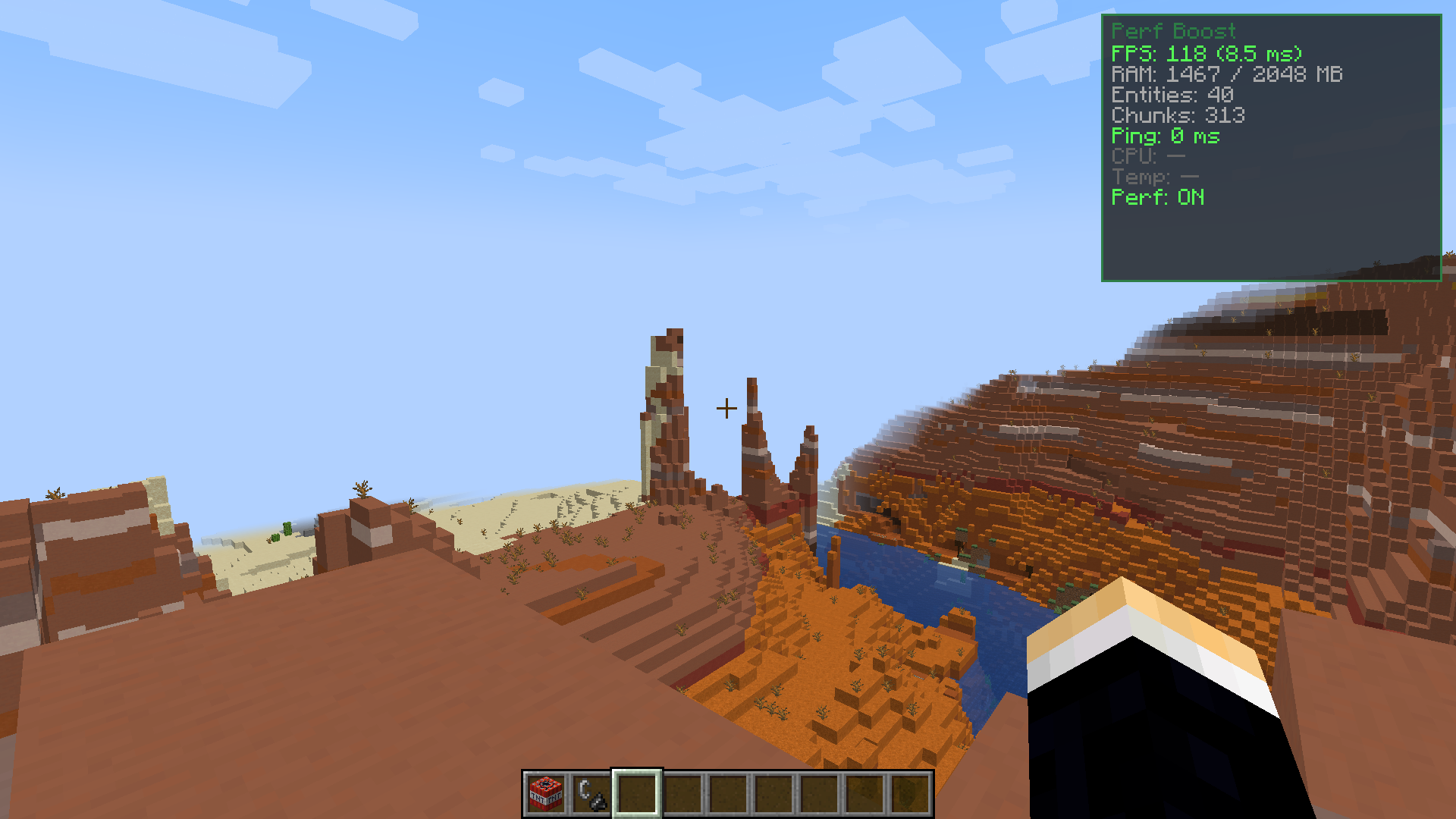
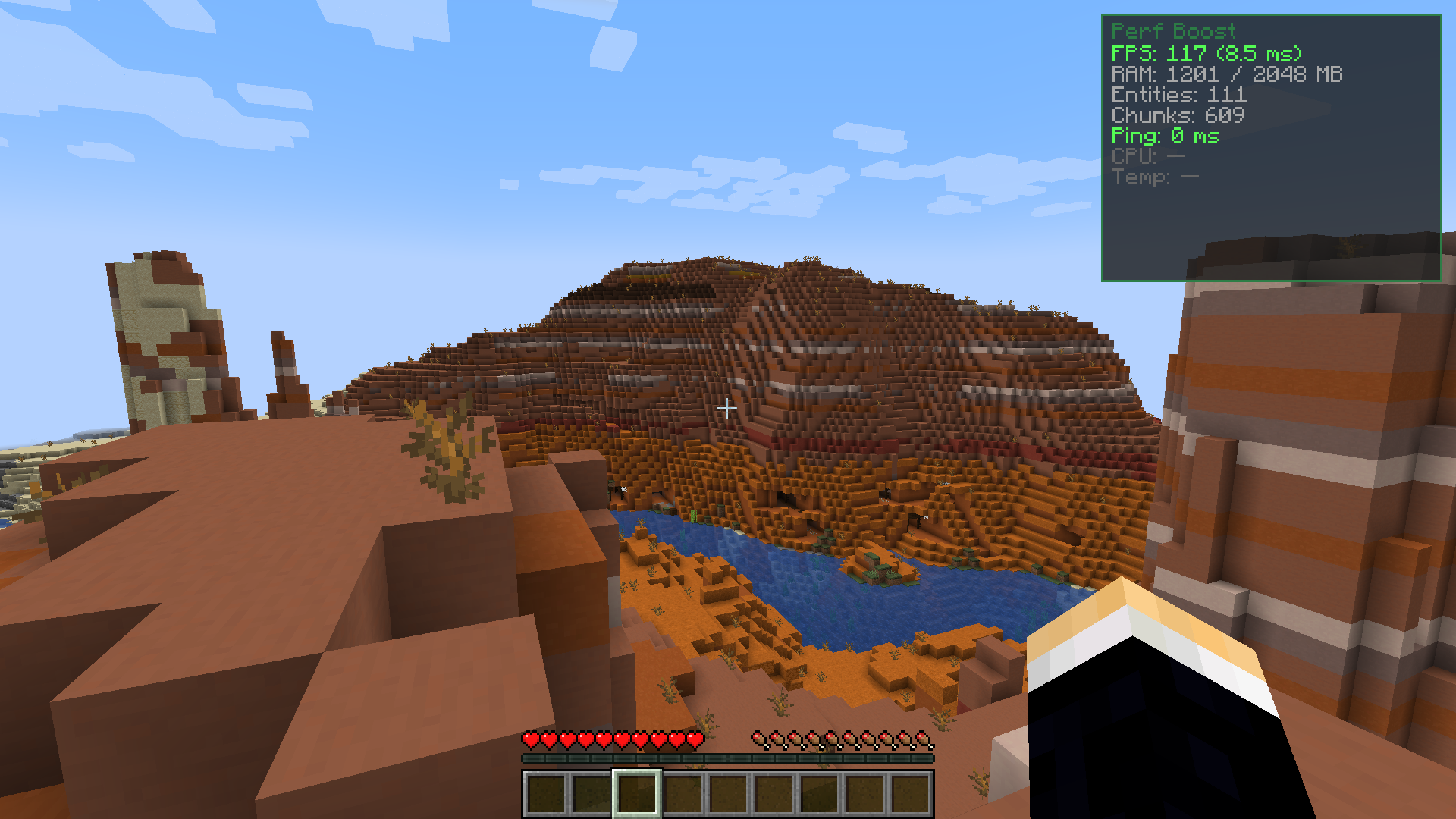
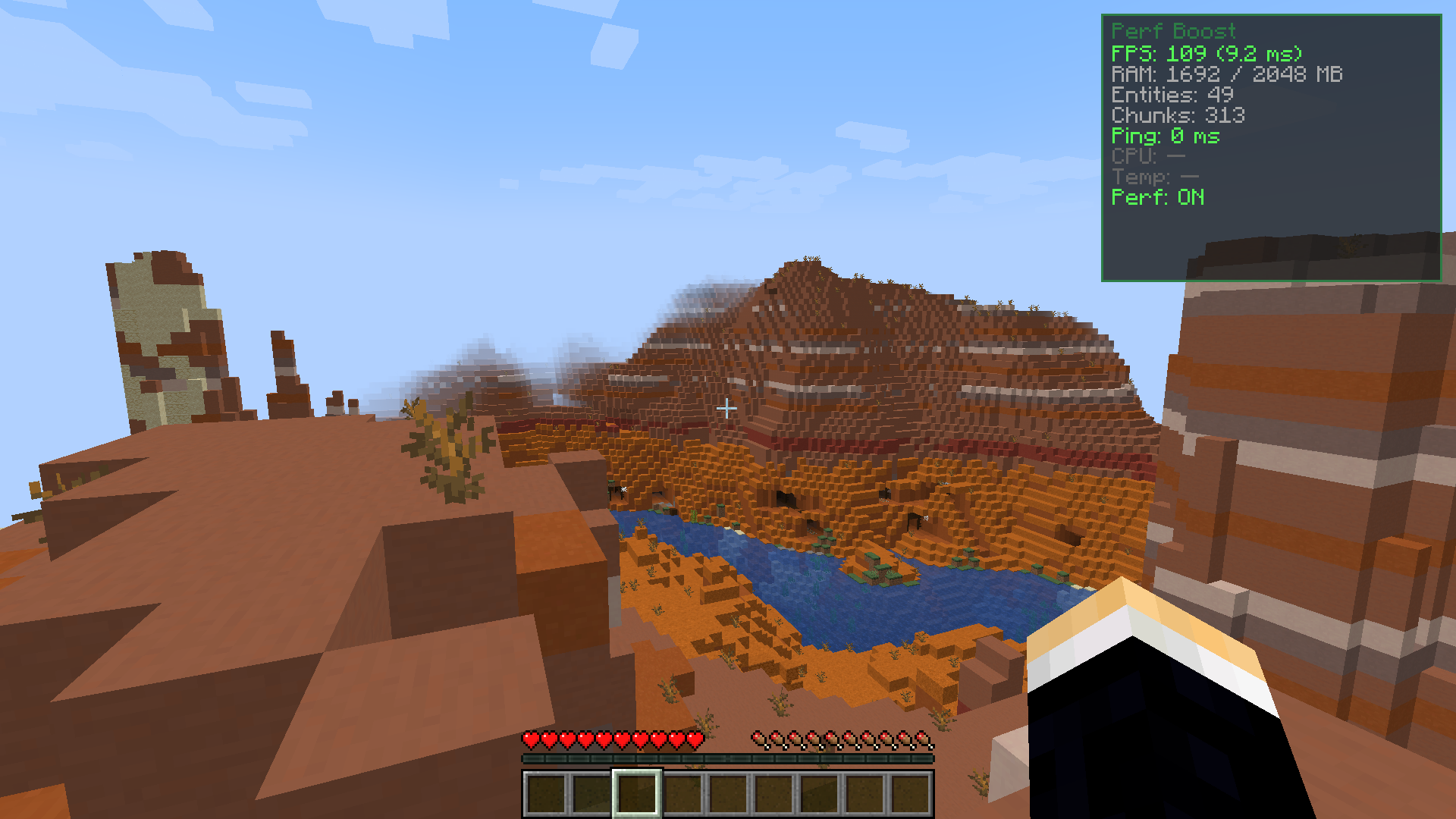
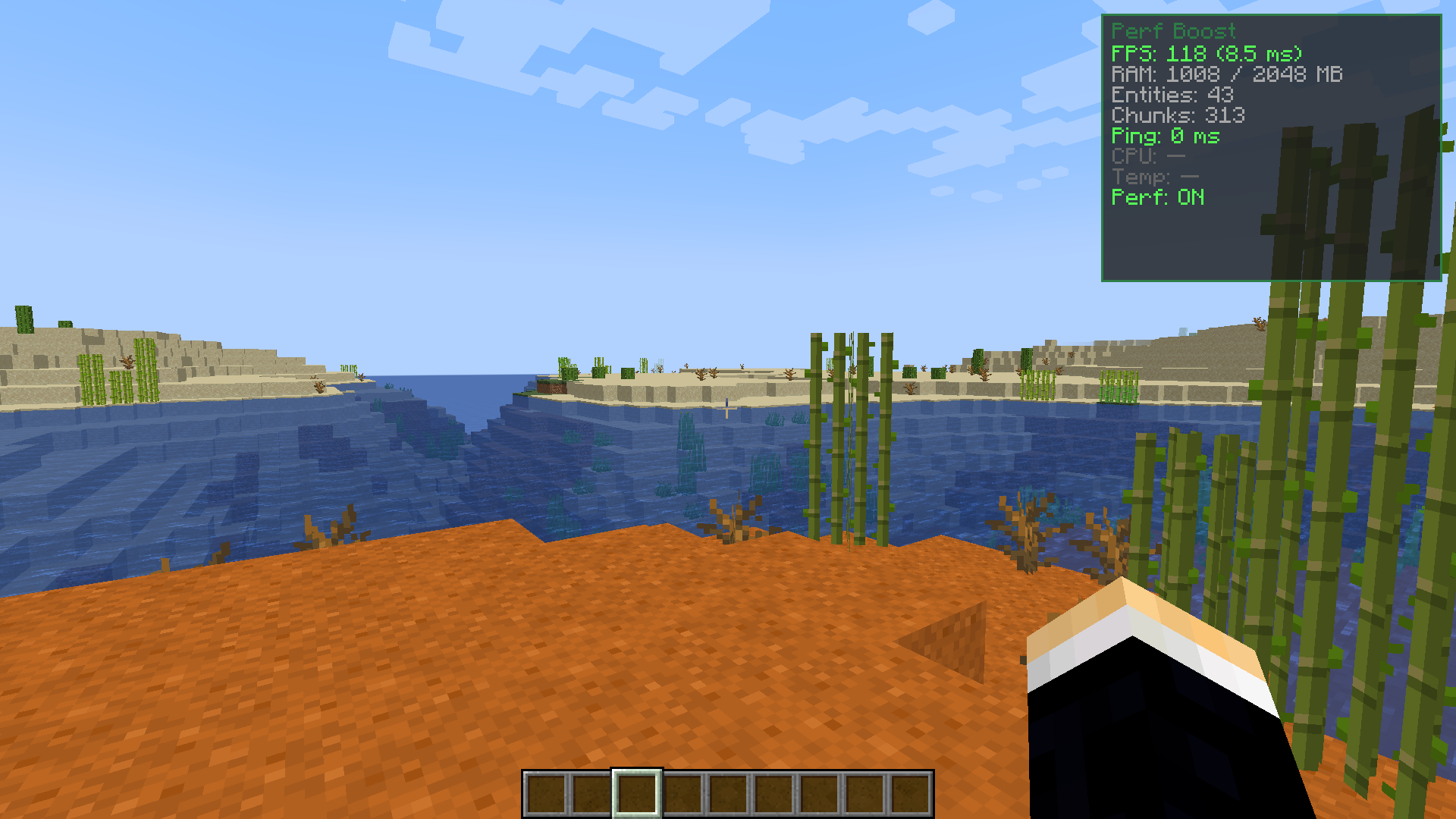
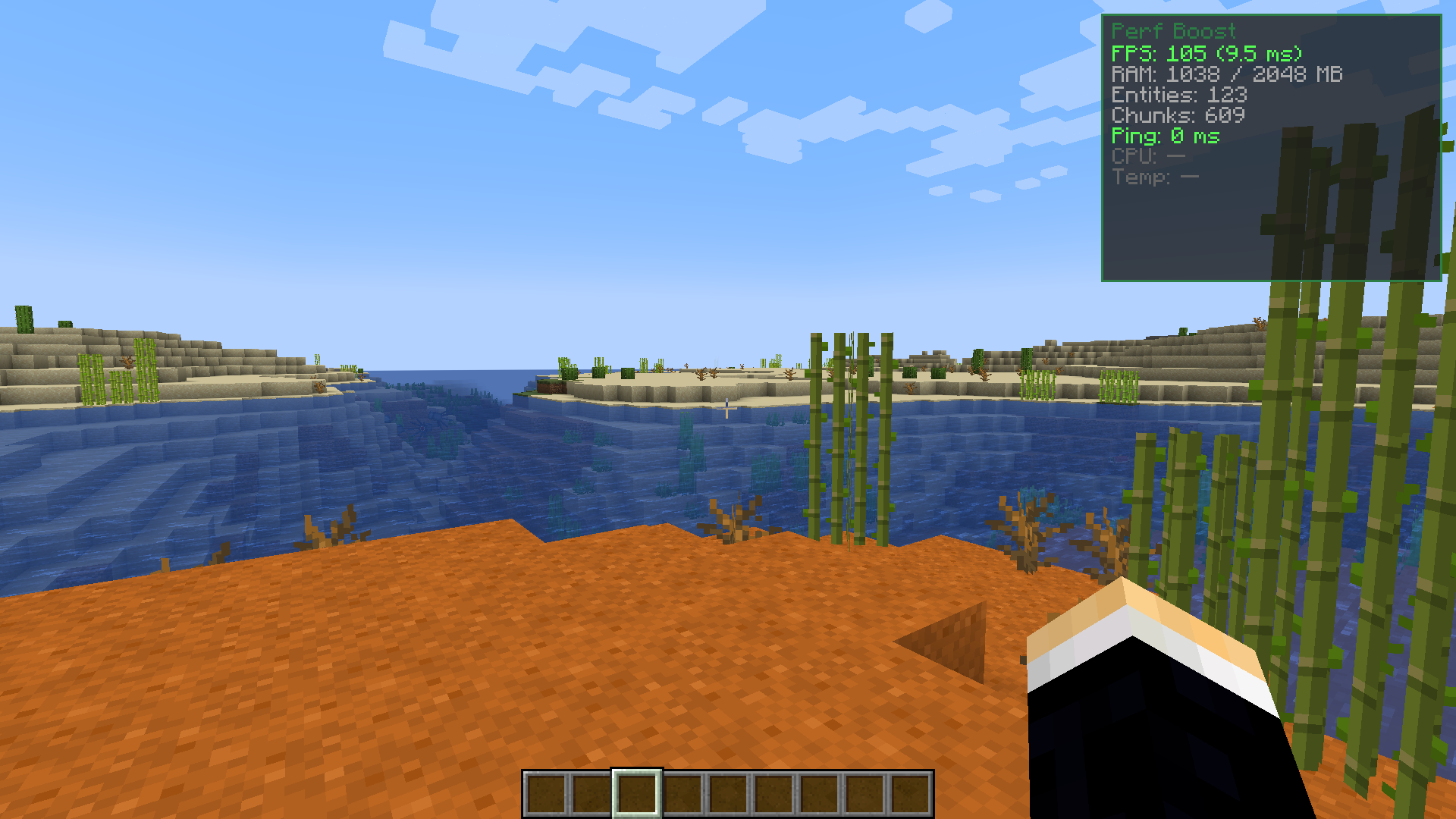
Press P by default to toggle the stats screen on and off. The screen appears in the top right corner and shows your FPS, frame time, RAM usage, entity count, chunk count, ping, CPU usage, and temperature.
What does performance mode actually do?
Performance mode automatically lowers your graphics settings when your game starts lagging, including capping particles, reducing render and simulation distance, and disabling ambient occlusion and entity shadows. Your original settings are restored when you turn performance mode off.
How do I turn on performance mode?
Press O by default to toggle performance mode on or off. You can change this hotkey in your controls menu if you prefer a different button.
Can I change the hotkeys for the stats screen and performance mode?
Yes, go to your controls menu and search for the Perf Boost Mod keybinds to reassign P and O to whatever keys you prefer.
See all 10 Perf Boost questions ›
Gallery
12 images from the Perf Boost Mod page.
You May Also Like
Wikis that share the most with this one
More mod wikis on the site
The most downloaded mods that have a wiki here
A few wikis from each of the other kinds