

 DownloadFull Brightness Resource Pack
Get the files on 9Minecraft
Guides
Step-by-step, in-game.
Balancing Full Brightness With Mobs, Mood, and PerformanceFull brightness is convenient, but some players find it removes atmosphere or affects how they play. Here's how to…Fixing Full Brightness That Isn't WorkingYou installed the pack, but caves are still pitch black. This is almost always a selection or conflict problem, not a…How to Enable Full Brightness in Your WorldOnce the pack is in your resource pack list, you still need to activate it for the world you're playing in. Resource…Using Full Brightness While Mining and CavingThe main reason players install this pack is to explore caves and strip-mine without hauling stacks of torches.…
Frequently asked questions
What does the Full Brightness Resource Pack actually do?
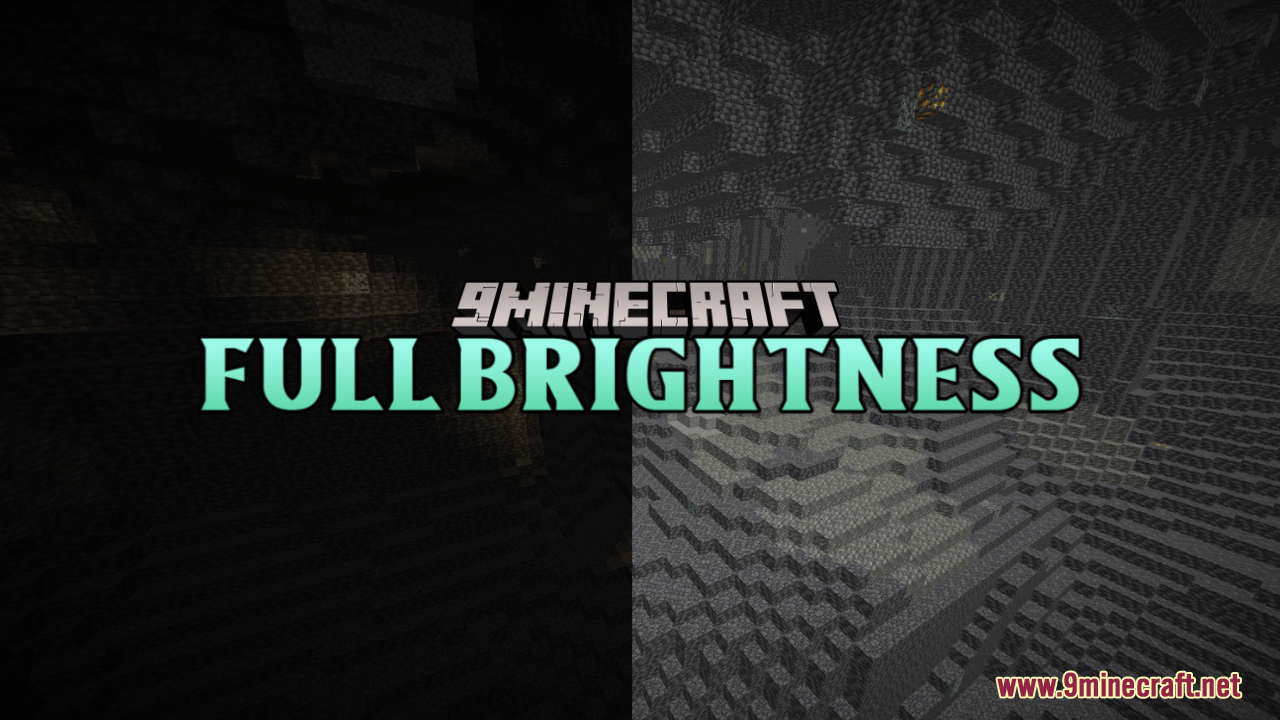
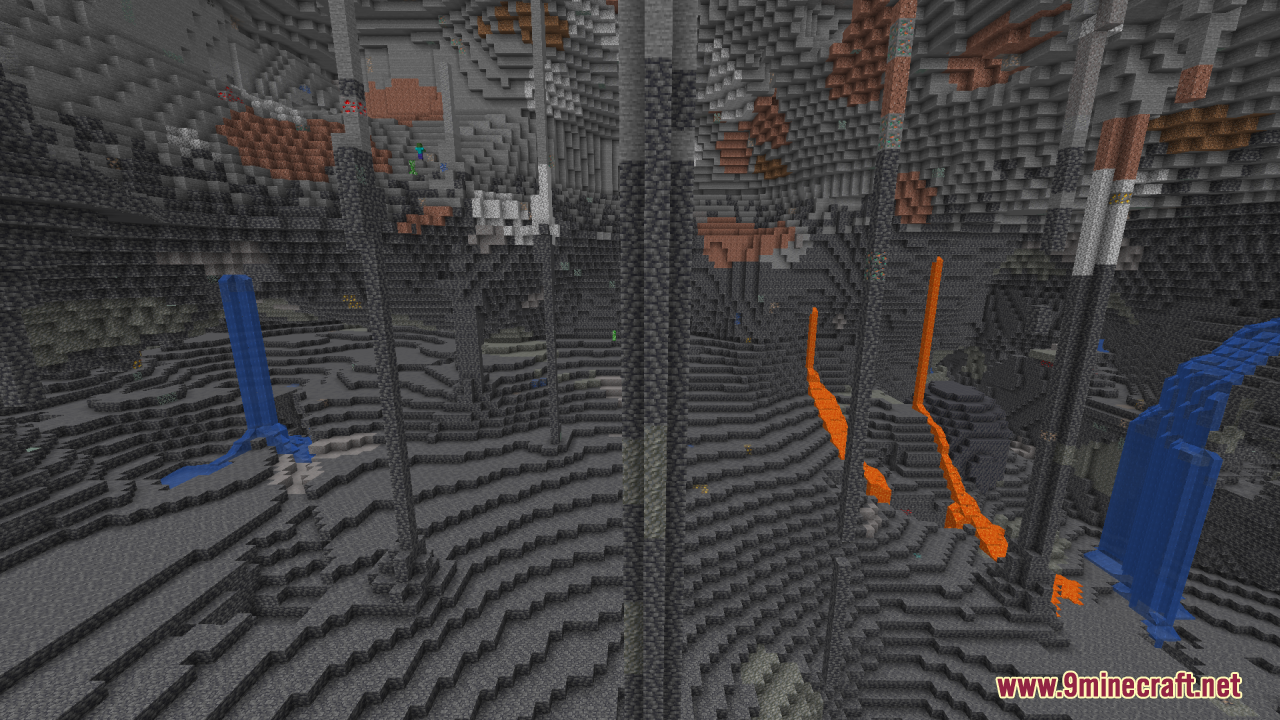
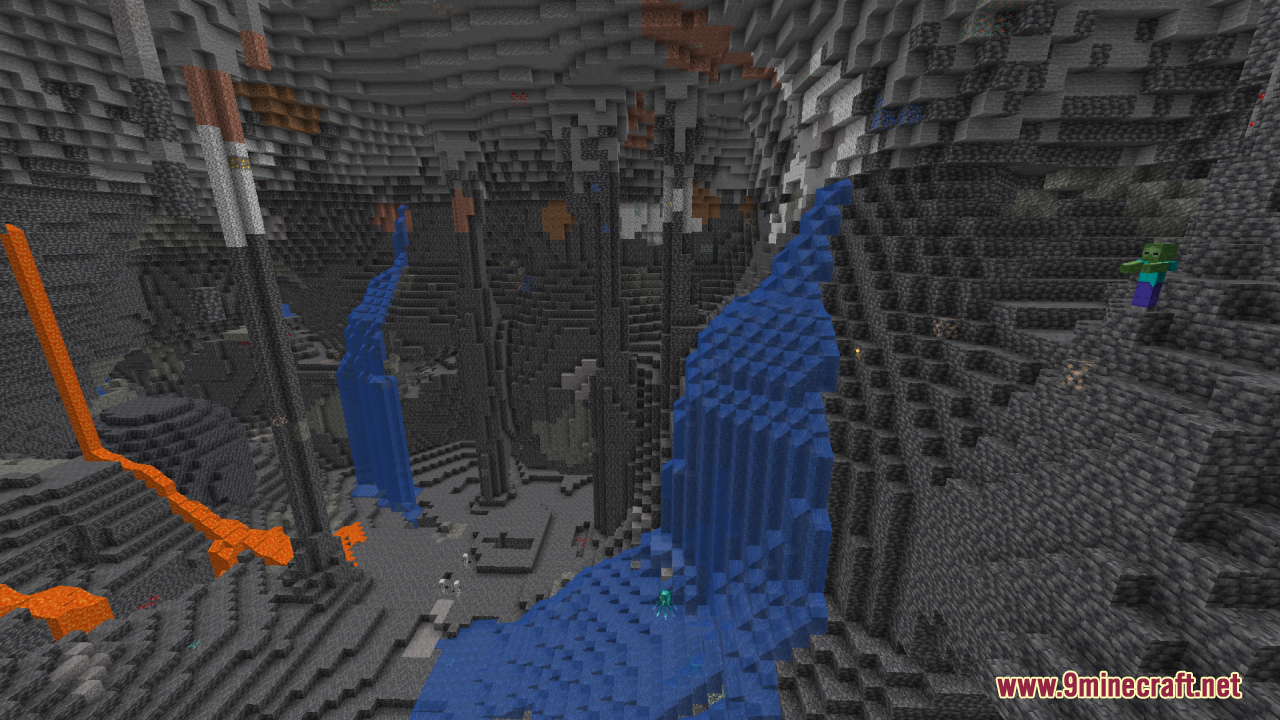
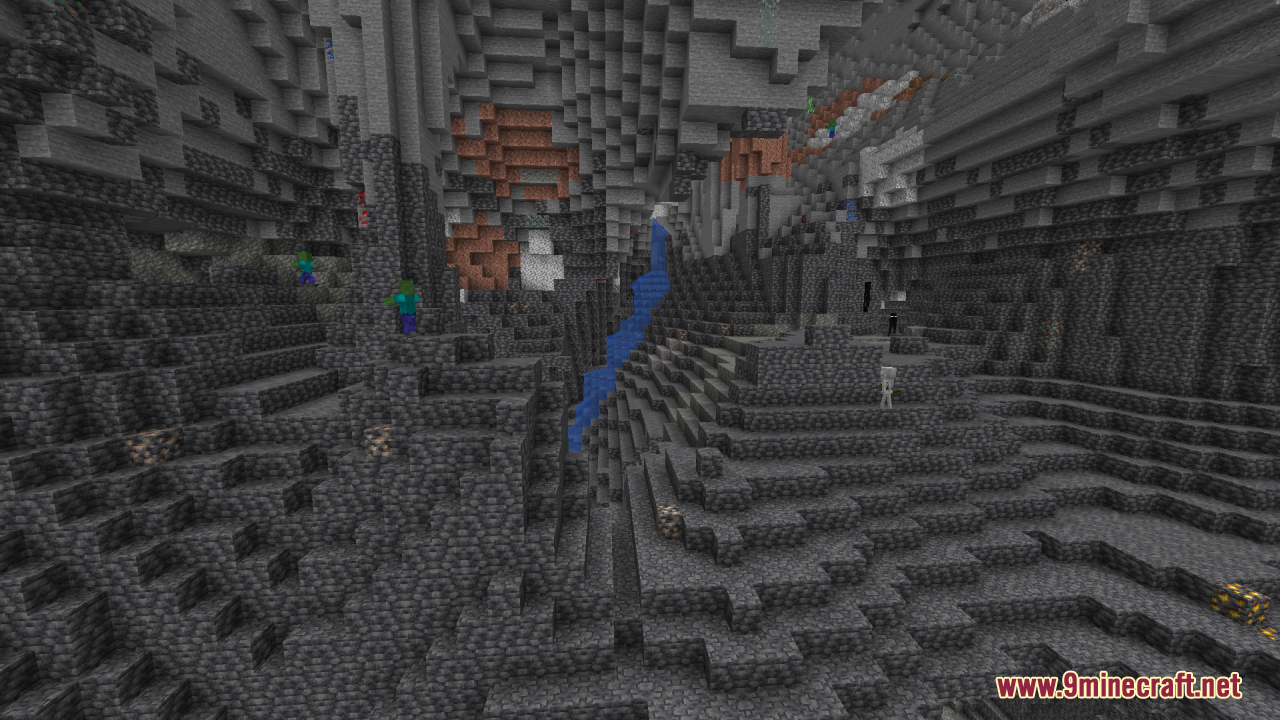
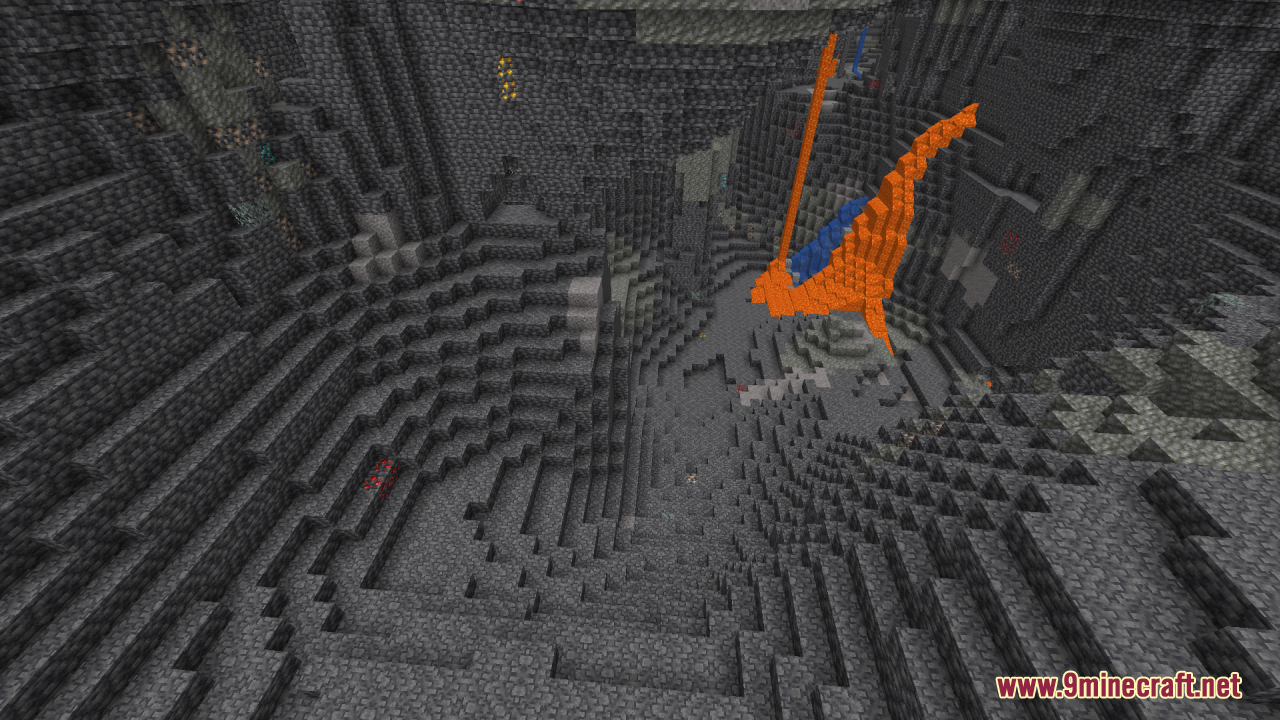
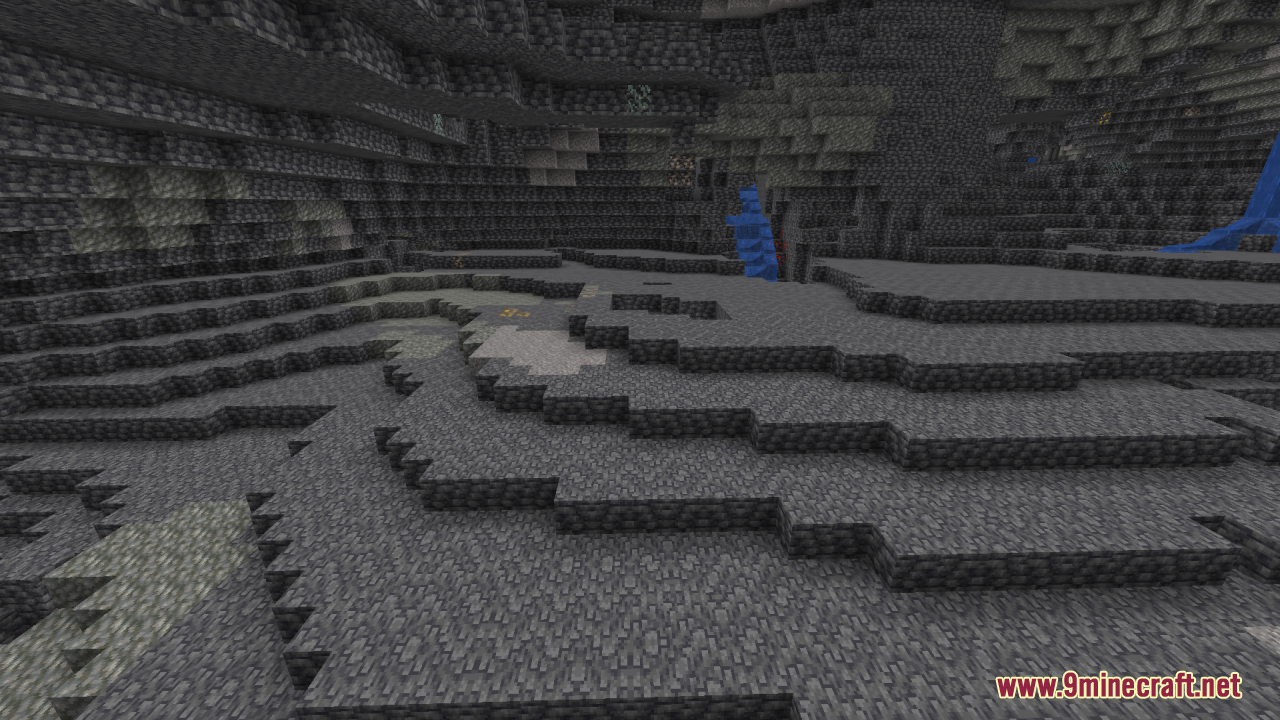
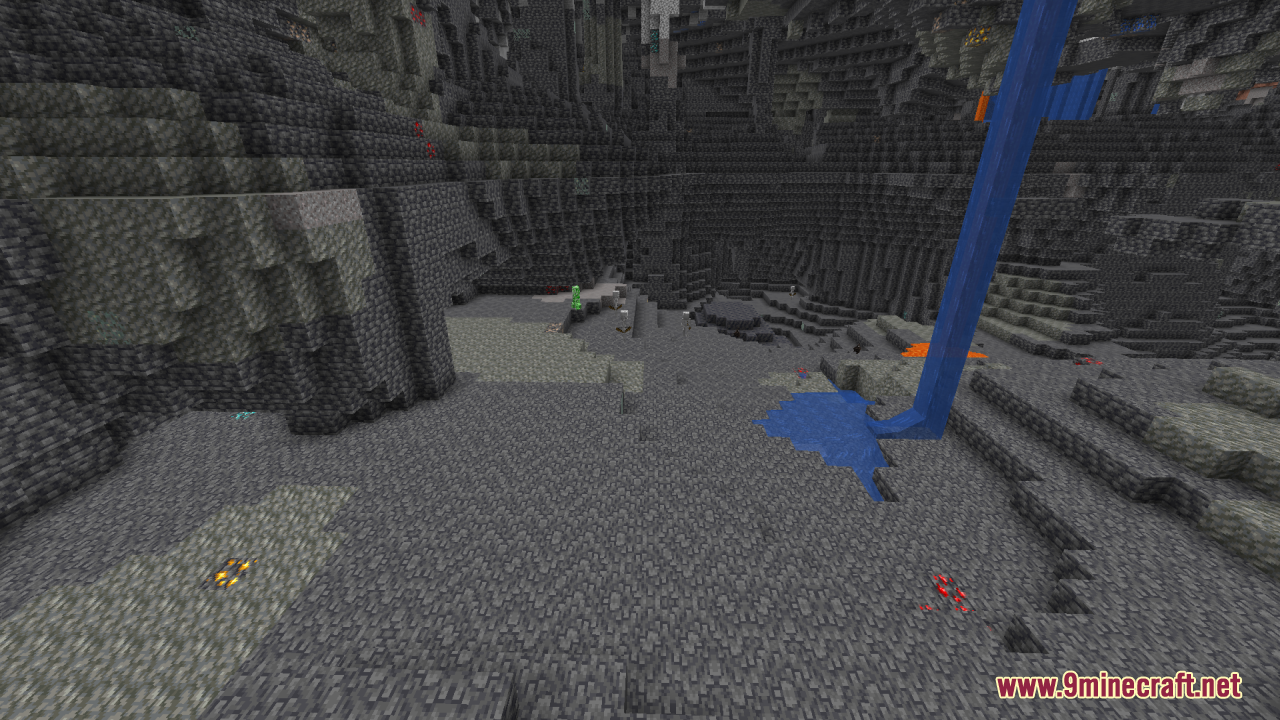
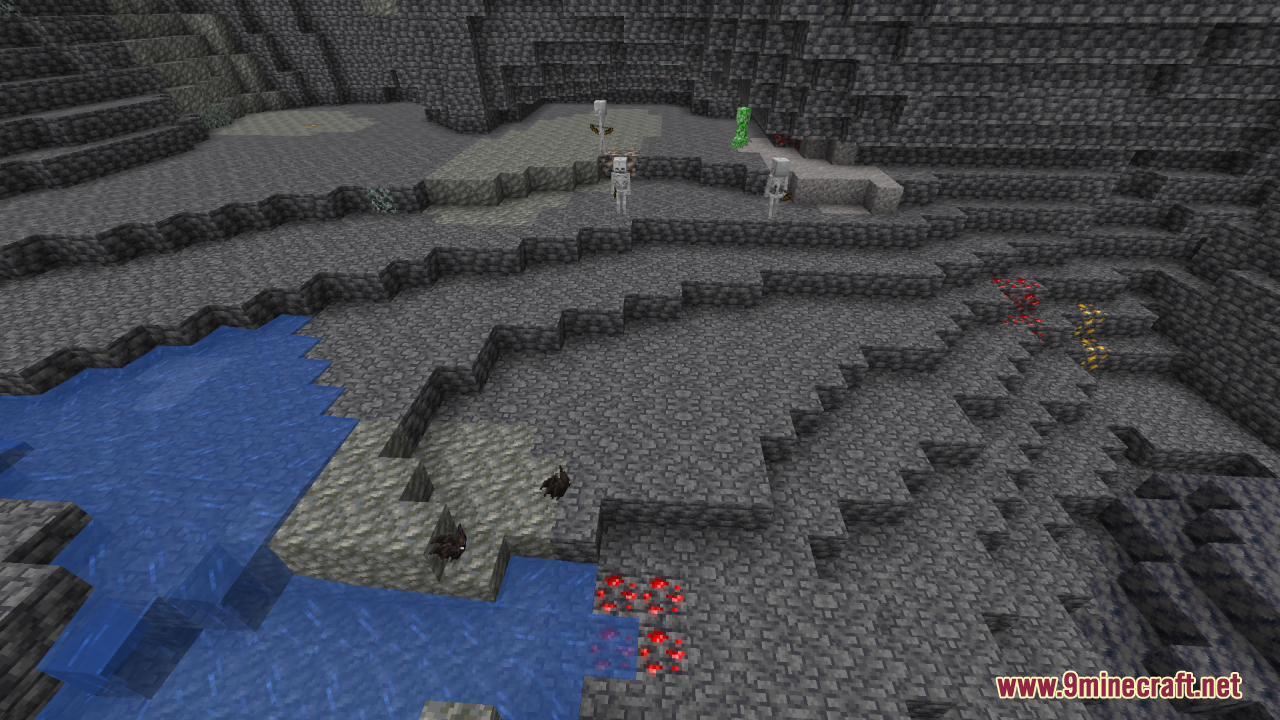
It raises the light level rendering so every area appears fully lit, similar to a permanent night vision effect. This means caves, nights, and unlit rooms stay visible without placing torches.
How do I turn on full brightness after installing the pack?
Select the pack in your resource pack list and make sure it sits above any other packs that change lighting or textures. Then load into your world; the brightness applies automatically with no in-game toggle needed.
Why is my game still dark even with the pack enabled?
Another resource pack is likely overriding it, so move Full Brightness to the top of your pack list. Also check that your brightness slider isn't fighting the effect and that you're not in a dimension or modded area with custom lighting.
Does full brightness work in the Nether and End?
Yes, the pack brightens those dimensions the same way it does the Overworld. Fog and ambient effects may still limit how far you can see, but nearby terrain stays lit.
See all 10 Full Brightness questions ›
Gallery
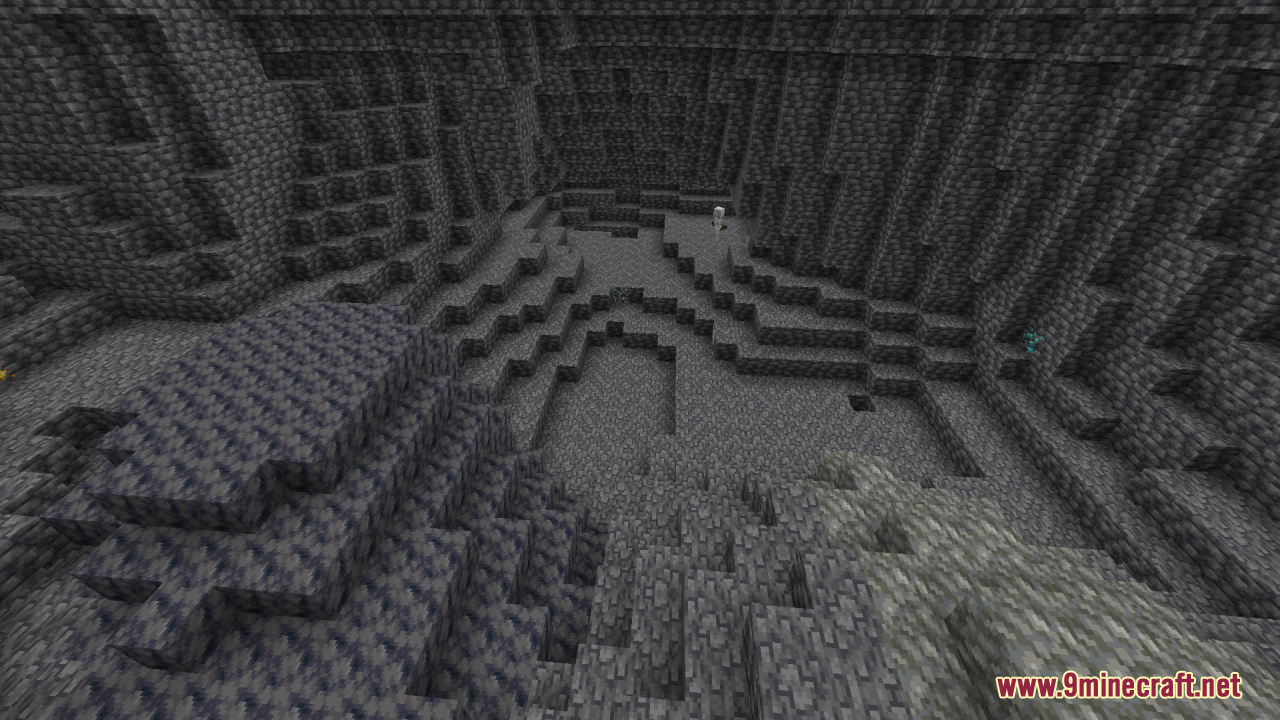
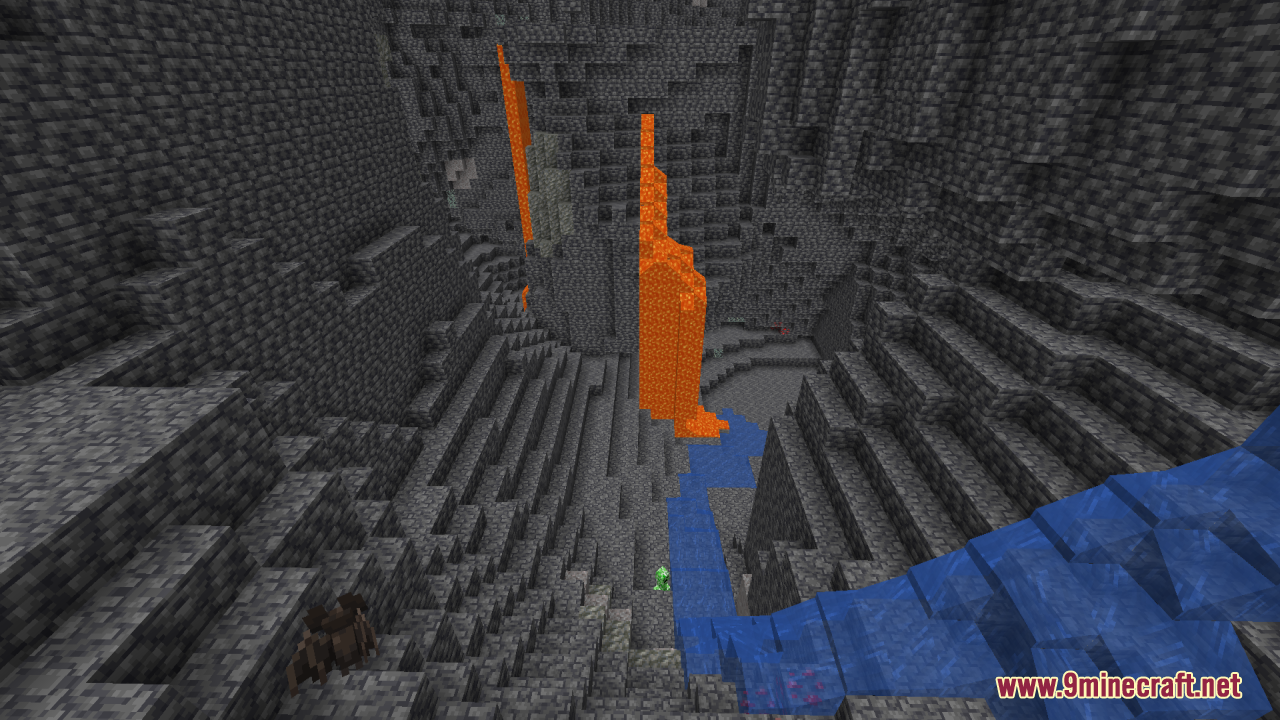
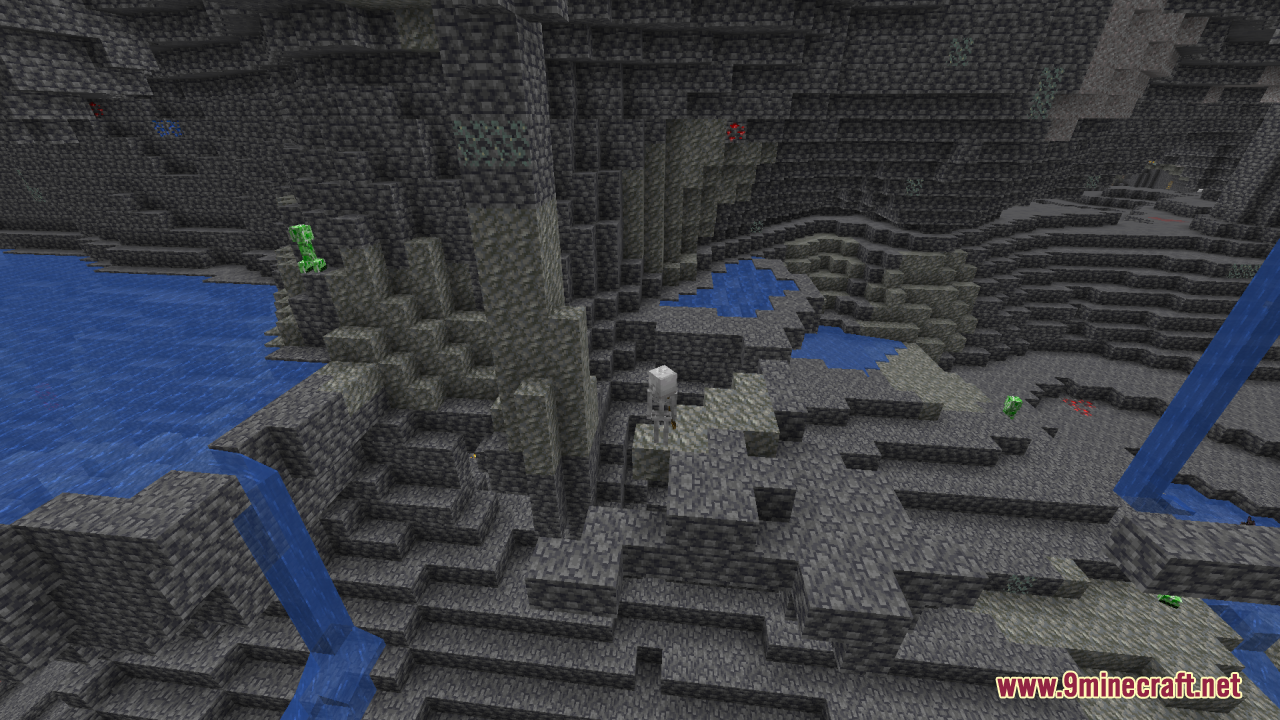
11 images from the Full Brightness Resource Pack page.
You May Also Like
Wikis that share the most with this one
Full Brightness Toggle ModBrightness Plus Mod Simple Brightness ShadersFull Grown Crop Marker ModMobVote Full Edition Model
 No More Brightness ShadersFull Sea Animals Bundle ModelBlockception Full Resource PackBrightness Aura Classic ShadersBoosted Brightness Resource PackPokemon Stadium 2 Full Stadium Version Map
 Vex’s Huge Wooden Plains House Full Interior Map
Simple Brightness ShadersFull Grown Crop Marker ModMobVote Full Edition ModelNo More Brightness ShadersFull Sea Animals Bundle ModelBlockception Full Resource PackBrightness Aura Classic ShadersBoosted Brightness Resource PackPokemon Stadium 2 Full Stadium Version MapVex’s Huge Wooden Plains House Full Interior MapMore resource pack wikis on the site
Frosted Pvp Resource PackFrogcrafting Hotbar Resource PackFreshly Modded Resource PackFreshly Creepers Resource PackFresh Weapons & Tools Compat Resource PackFresh Waystones Texture Resource PackFresh Textures Resource PackFresh Paintings Resource PackFresh Ores And Ingots Resource PackFresh Mowzie’s Mobs Textures Resource PackFresh Moves 9minecraft Resource PackFresh Illager Mod Compats Resource Pack
The most downloaded mods that have a wiki here
A few wikis from each of the other kinds