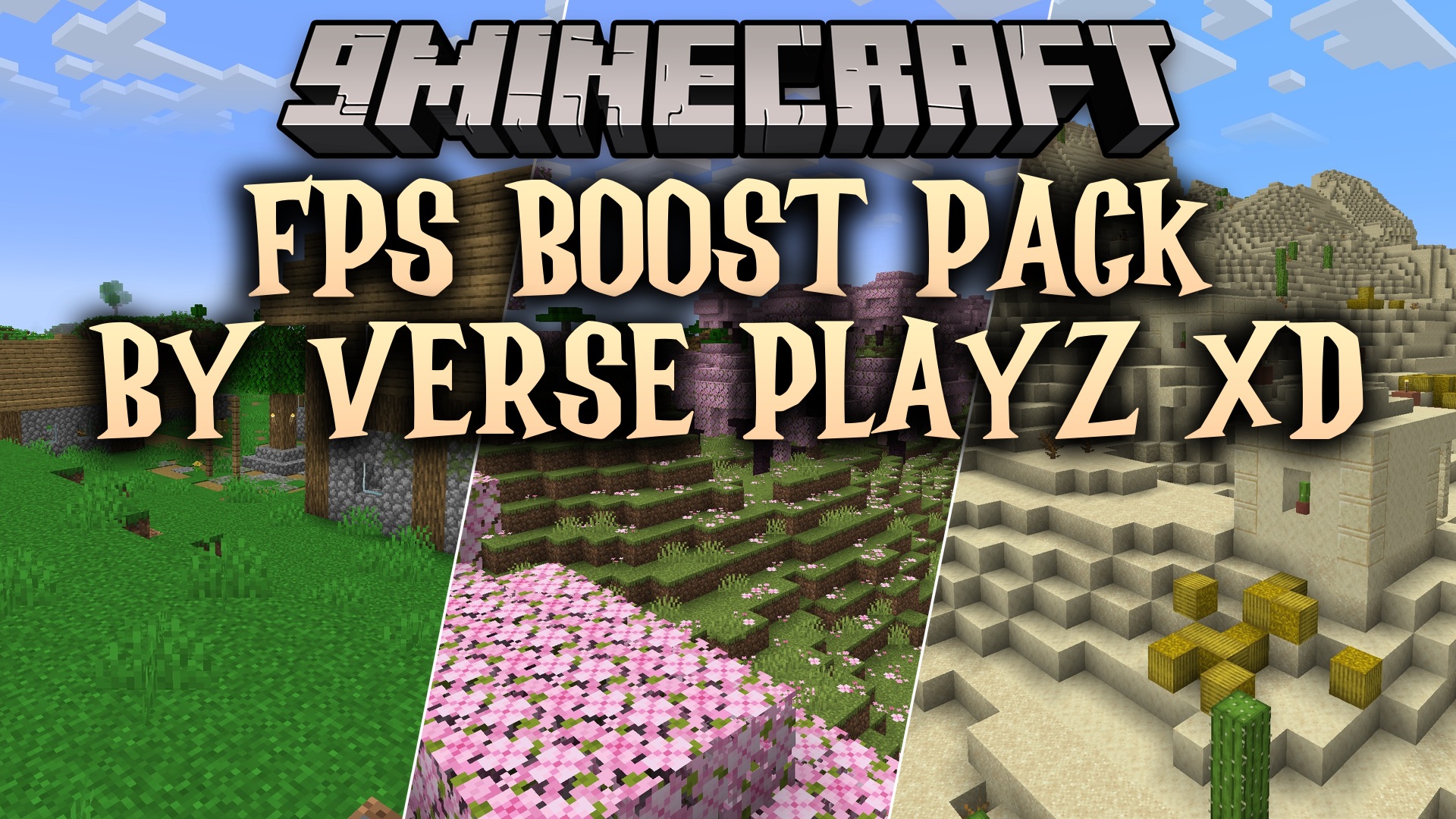
DownloadFps Boost Pack
Get the files on 9Minecraft
Contents (8)
Guides
Step-by-step, in-game.
Manage Explosions Without Frame DropsExplosion Particle Overload TNT and Creeper explosions generate massive particle clouds that can cause severe lag…Optimize Performance on Low-End ComputersWhy Low-End Systems Struggle Particle effects, fire overlays, and explosion visuals consume significant GPU and CPU…Reduce Lag During Mining SessionsWhy Mining Causes Lag When you break blocks rapidly, Minecraft generates particle effects for each block destroyed.…Stay Safe in Combat Without Visual ObstructionThe Fire Overlay Problem When you catch fire during combat, the standard fire overlay can block your view of enemies…
Items
A
 Acacia Hanging Sign
B
 Bamboo Hanging Sign
 Bamboo Sign
 Birch Hanging Sign
 Black Dye
 Blue Dye
 Brown Dye
C
 Cherry Hanging Sign
 Crimson Hanging Sign
 Cyan Dye
D
 Dark Oak Hanging Sign
 Diamond Helmet
 Diamond Sword
G
 Golden Helmet
 Golden Sword
 Gray Dye
 Green Dye
I
 Iron Helmet
 Iron Hoe
 Iron Sword
J
 Jungle Hanging Sign
L
 Leather Boots
 Leather Cap
 Leather Pants
 Leather Tunic
 Light Blue Dye
 Light Gray Dye
 Lime Dye
M
 Magenta Dye
 Mangrove Hanging Sign
N
 Nether Brick
 Netherite Boots
 Netherite Chestplate
 Netherite Helmet
 Netherite Leggings
 Netherite Sword
O
 Oak Hanging Sign
 Orange Dye
P
 Pink Dye
 Powder Snow Bucket
 Purple Dye
R
 Rabbit Stew
 Red Dye
S
 Snowball
 Spruce Hanging Sign
 Stone Hoe
 Stone Sword
T
 Tall Grass
W
 Warped Hanging Sign
 White Dye
 Wooden Hoe
 Wooden Sword
Y
 Yellow Dye
Blocks
90 blocks · showing 24. Browse all →
 Acacia Leaves
 Acacia Sapling
 Allium
 Azalea Leaves
 Azure Bluet
 Bedrock
 Birch Leaves
 Birch Sapling
 Blue Orchid
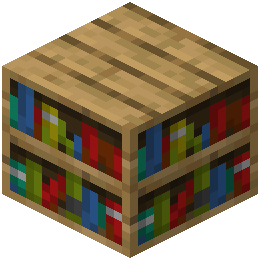 Bookshelf
 Cave Vines
 Cave Vines Plant
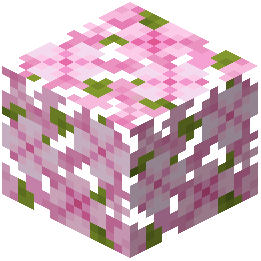 Cherry Leaves
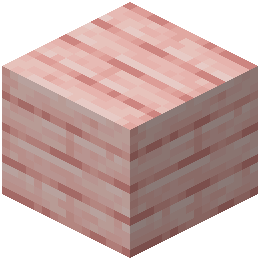 Cherry Planks
 Cherry Sapling
 Chiseled Nether Bricks
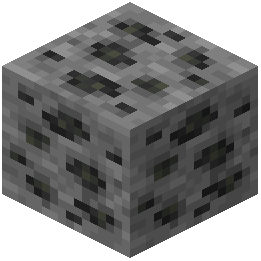 Coal Ore
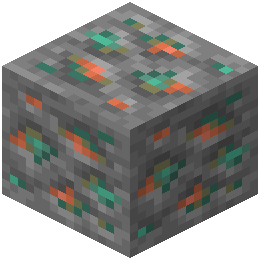 Copper Ore
 Cornflower
 Cracked Nether Bricks
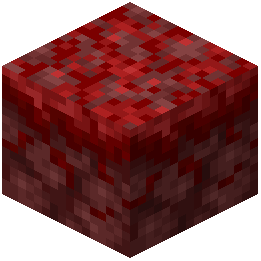 Crimson Nylium
 Crimson Roots
 Dandelion
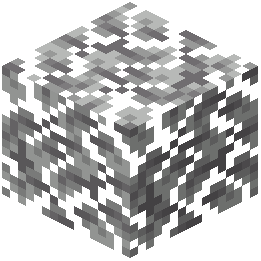 Dark Oak Leaves
What this pack changes
Every texture group the pack replaces, counted from the pack itself.
| Area | Textures replaced |
|---|---|
| Blocks | 925 |
| GUI & menus | 220 |
| Items | 135 |
| Mobs & entities | 57 |
| Particles | 22 |
| Sky & weather | 15 |
| Armor trims | 5 |
| Models | 4 |
| Biome colours | 2 |
| Misc | 2 |
Pack format 34 (Minecraft 1.21.2)1,387 texture files in total
Extra features
Sound overrides
Custom block/item models
Reworked GUI
Frequently asked questions
How do I enable this resource pack?
Open your Resource Packs folder in Minecraft settings, place the pack file there, then select it from the Available list and move it to Active. The pack will apply immediately to your world.
Will this pack work with other resource packs?
Yes, but load order matters—place this pack lower in your Active list if you want its particle reductions to override other packs' effects. Conflicts may occur with packs that heavily modify particles or textures.
Why am I still seeing lots of particles when mining?
Check that the pack is actually active in your Resource Packs menu and that no higher-priority pack is overriding it. Some particles from enchanted tools or status effects may still appear—the pack reduces but doesn't eliminate all effects.
Does this pack change how blocks or items look?
No, it keeps the standard 16x Minecraft textures intact and only removes or reduces particle effects and overlays for a cleaner visual experience.
Will the fire overlay still protect me in combat?
Yes, the fire overlay is still present but shrunk so it doesn't block your view—you'll still see the warning that you're burning without losing sight of enemies.
How much FPS improvement should I expect?
Results vary by computer and situation, but you should notice the biggest gains during mining, explosions, and fire damage where particle effects are heaviest. Low-end computers typically see more noticeable improvements than high-end ones.
Does this pack affect multiplayer servers?
Resource packs are client-side only, so this pack works on any server without needing permission or installation on the server itself.
Why do creeper explosions still cause lag spikes?
The pack reduces explosion particles but cannot eliminate the block-breaking physics that happens during an explosion—that's handled by the game engine itself, not particles.
Can I use this pack with shaders?
Yes, but shader performance depends on your GPU; this pack's particle reduction will still help, though shaders may add their own visual effects on top.
What if I want to disable just one feature, like the fire overlay reduction?
Resource packs don't have built-in toggles for individual features—you'd need to manually edit the pack files or use a different pack that only reduces the effects you want.
You May Also Like
Wikis that share the most with this one
Wikis on the same theme: craft
More resource pack wikis on the site
Fourte Resource PackFluid Motion Engine Resource PackFluffy Fancy Clouds Resource PackFluffy Carpets Resource PackFluent Role Details Resource PackFlowering Oak Leaves Resource PackFlowering Crops Growth Marker Resource Pack Flower Inventory Background Resource PackFlower Clusters Resource PackFloral Creeper Resource PackFlez’s Fullbright Resource PackFlamefrags Smp Overlay Resource Pack
The most downloaded mods that have a wiki here
A few wikis from each of the other kinds
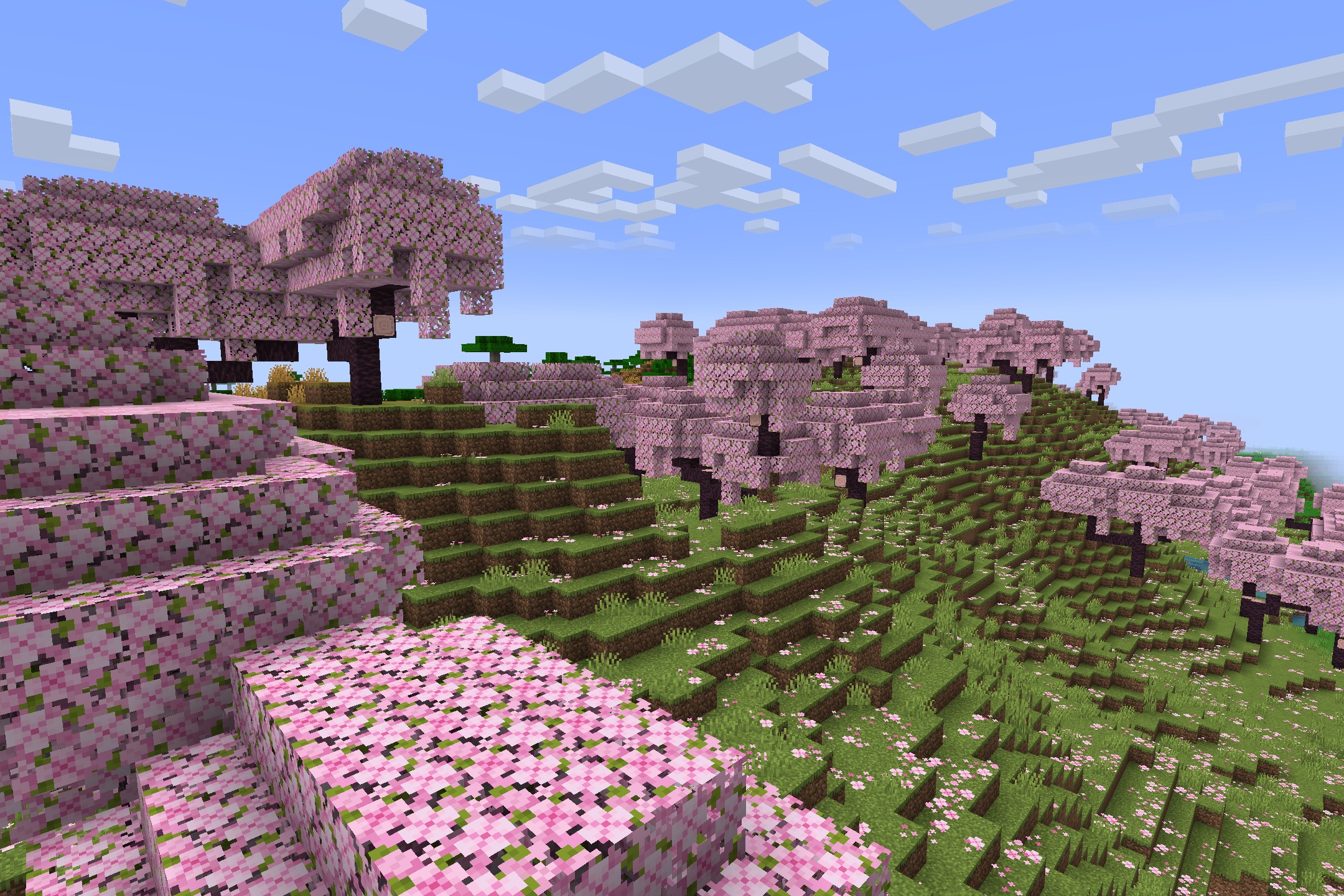
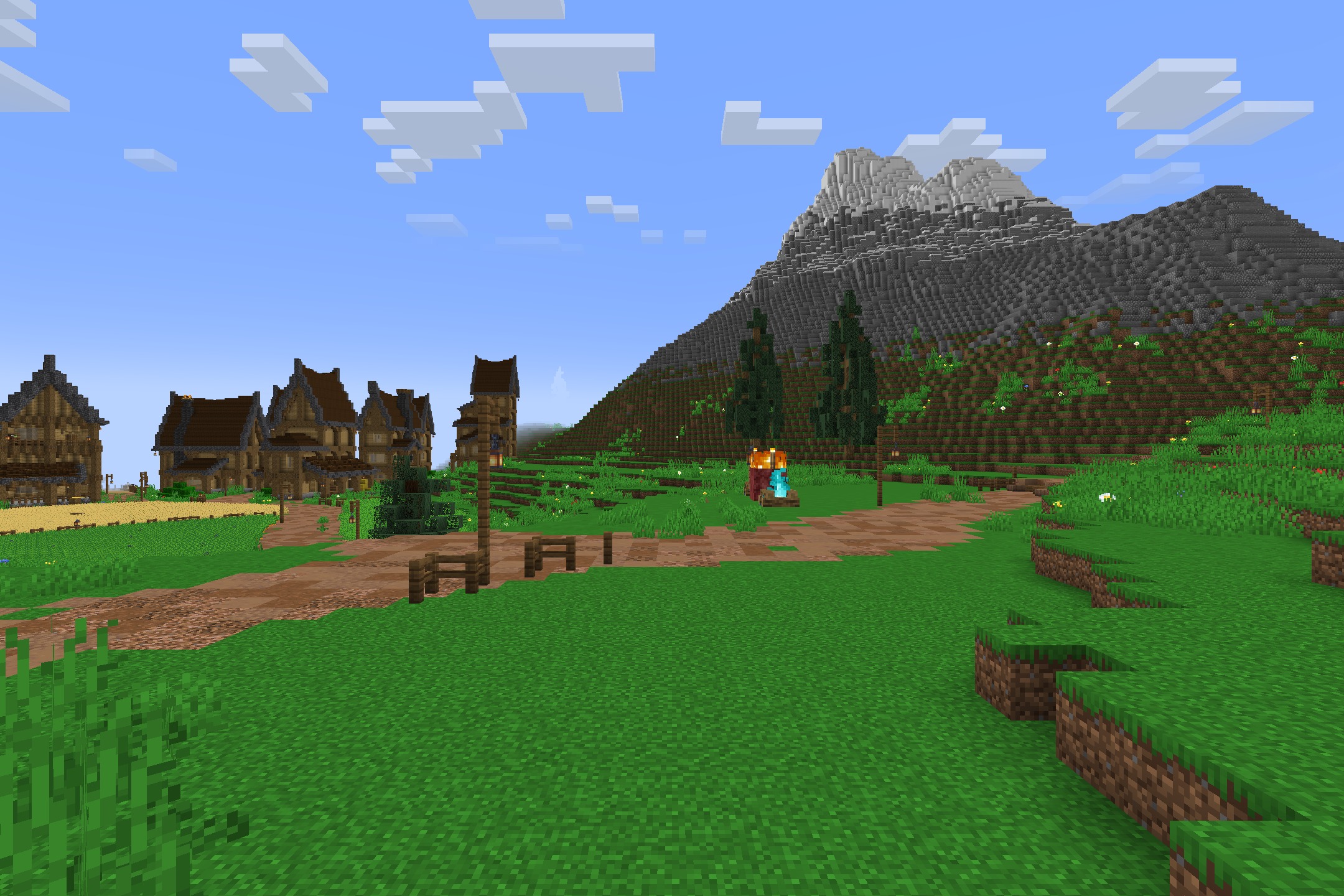
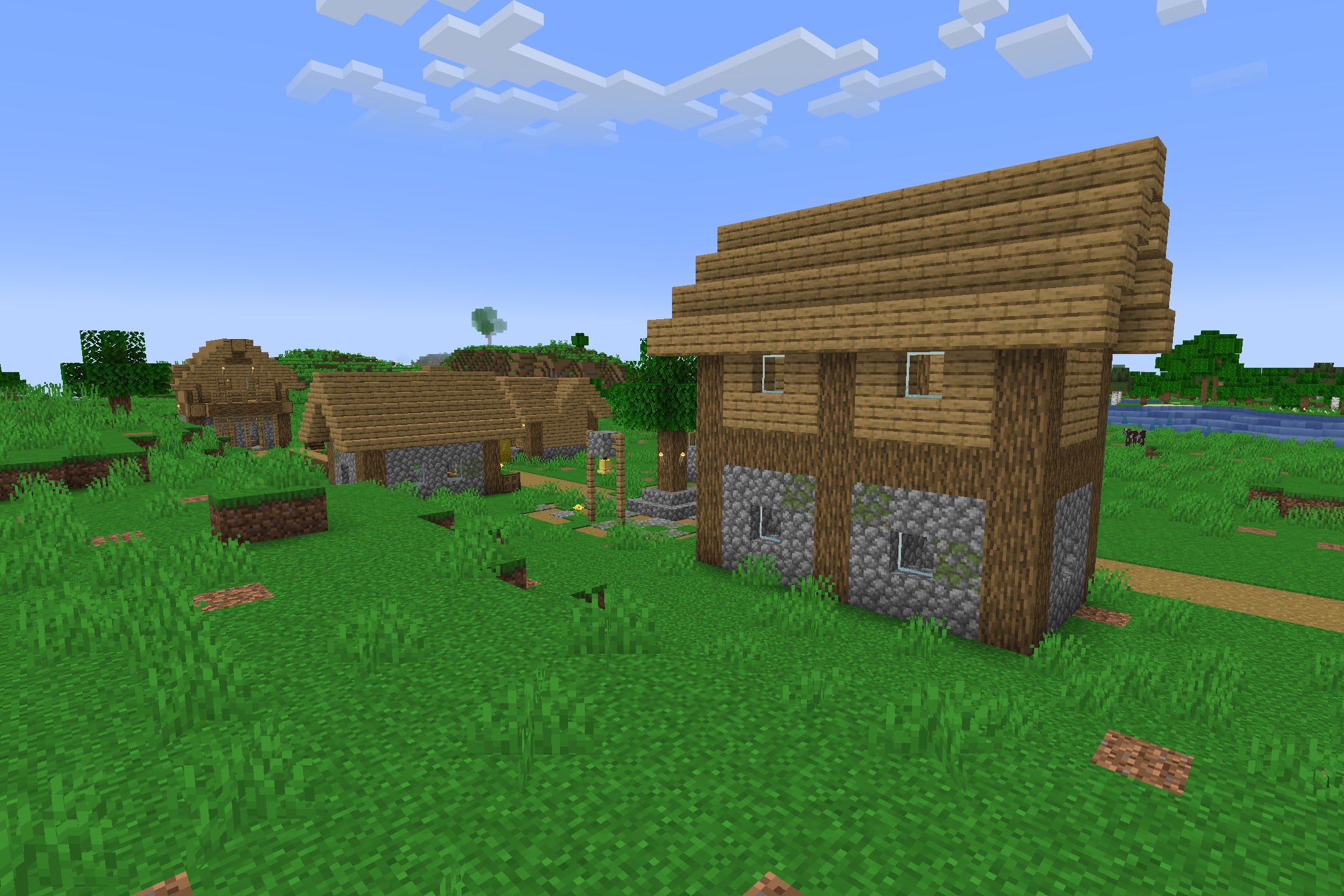
Gallery
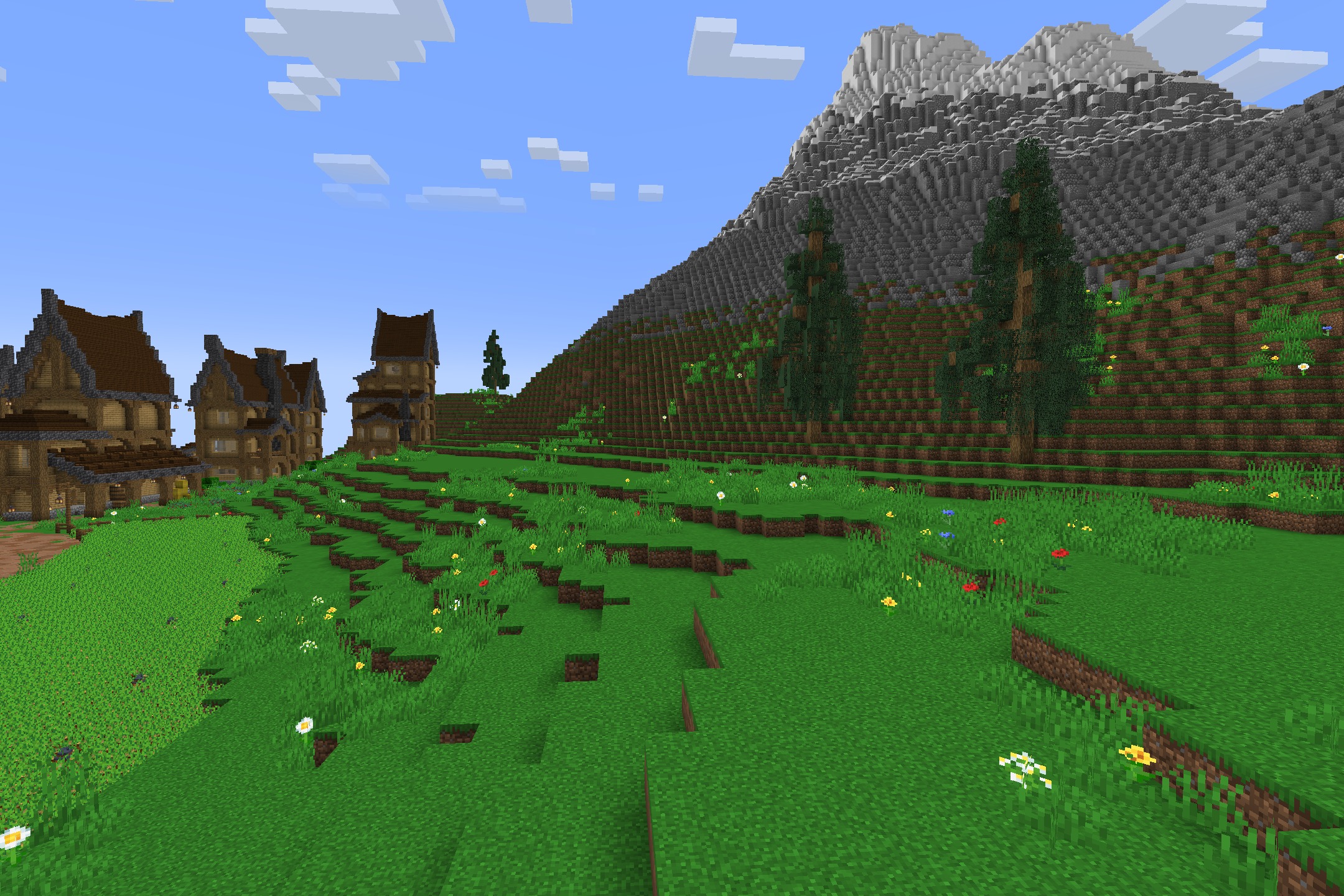
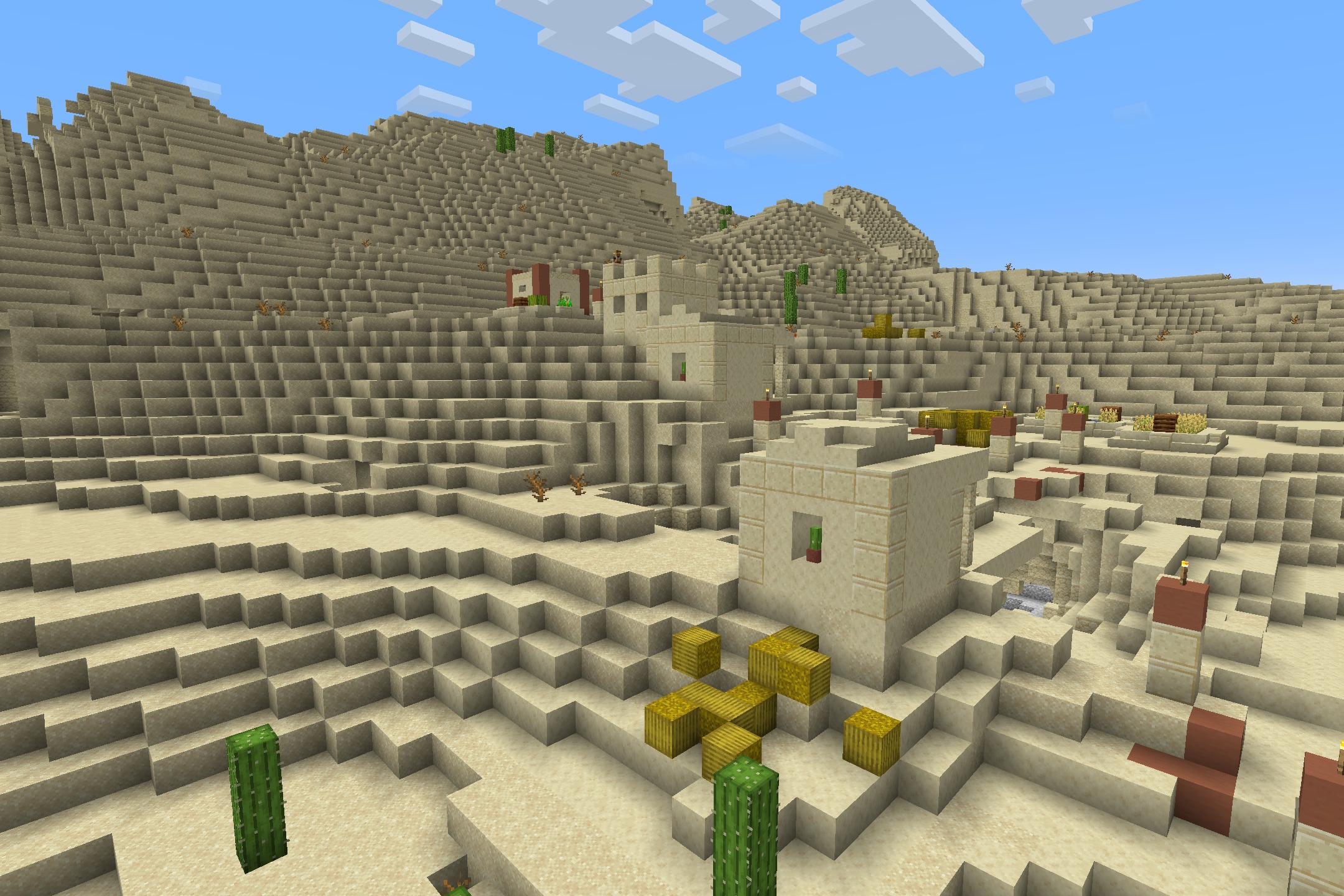
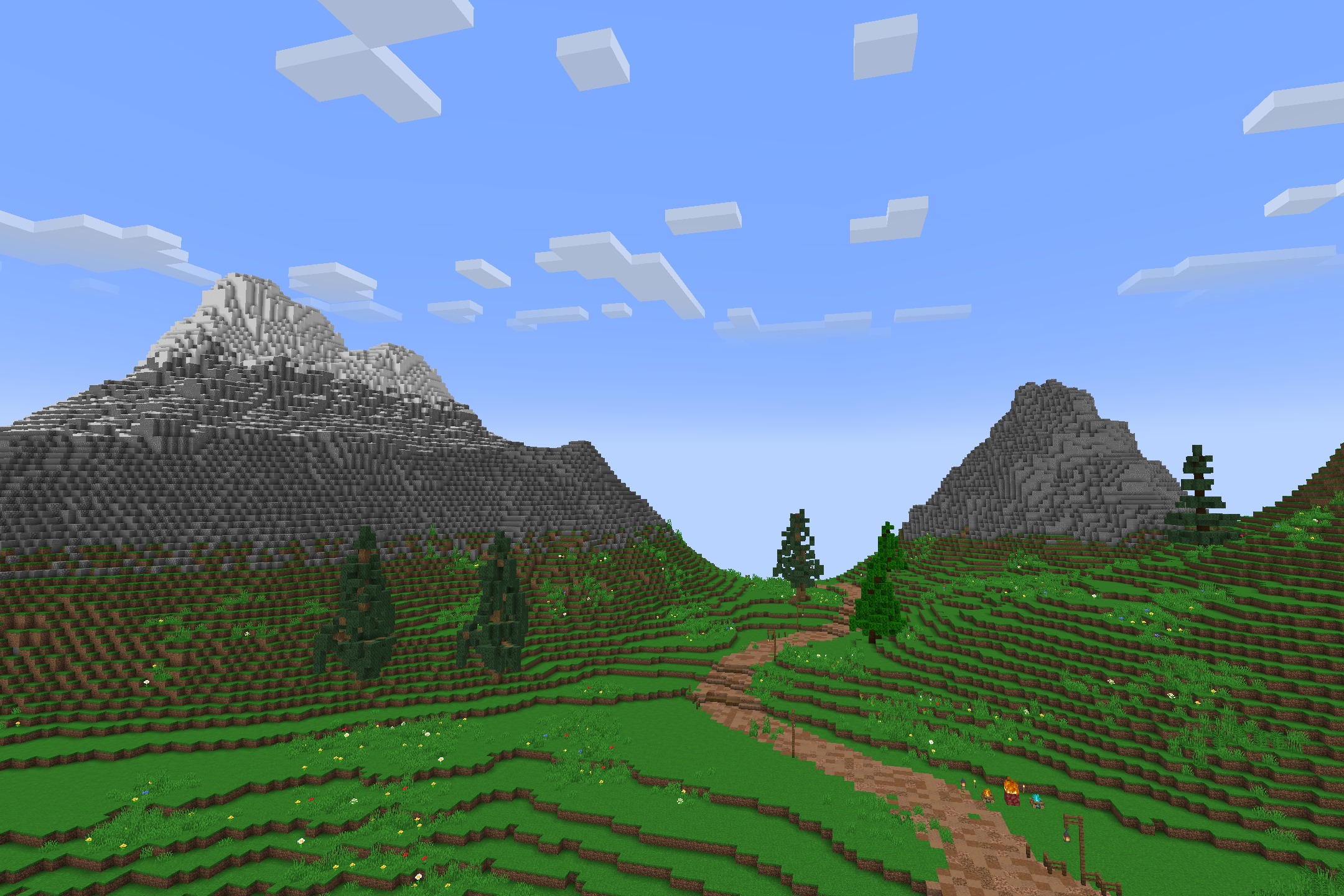
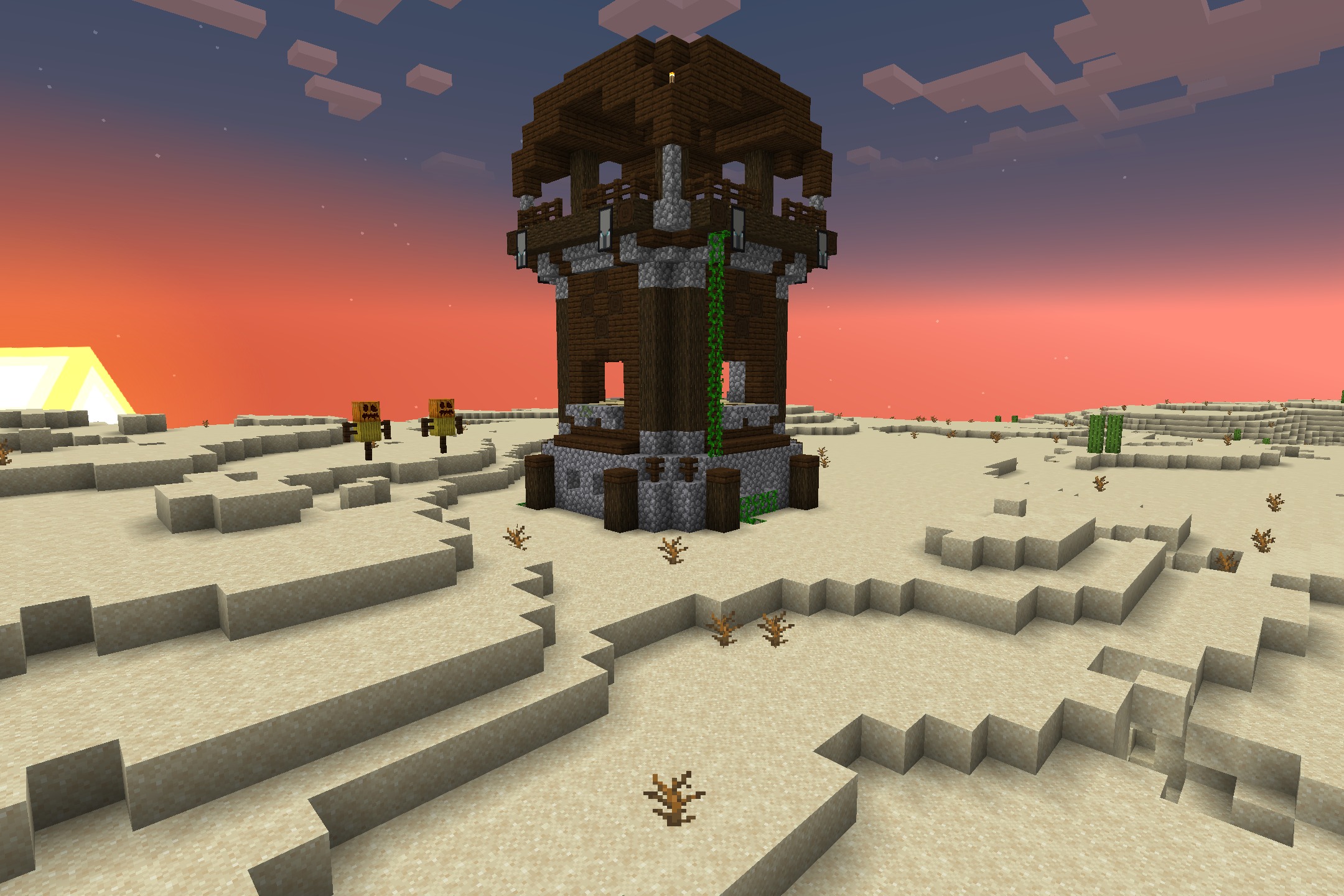
11 images from the Fps Boost Pack By Verse Playz Xd Resource Pack page.