

 DownloadResource Gamma Util Mod
Get the files on 9Minecraft
Guides
Step-by-step, in-game.
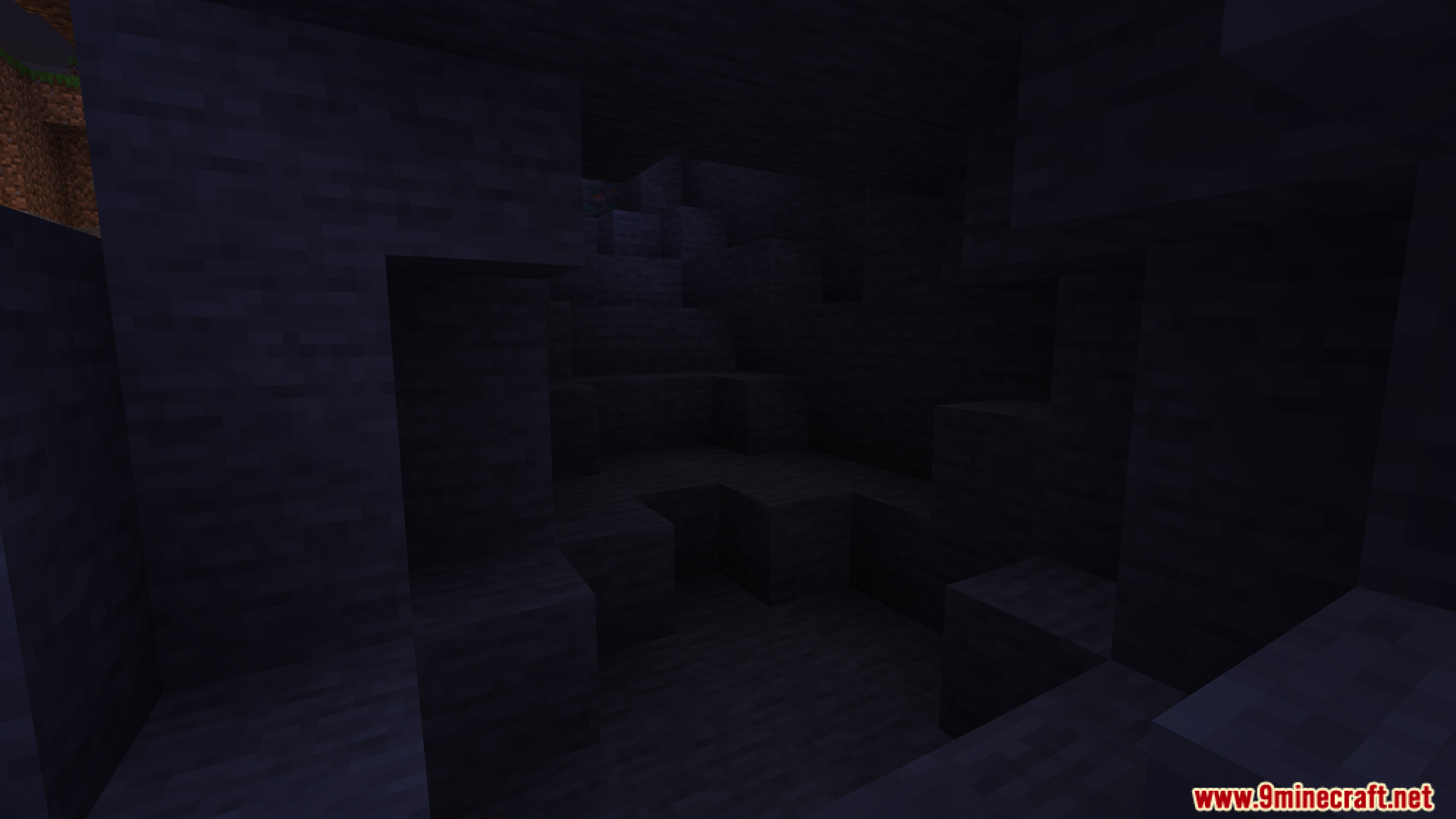
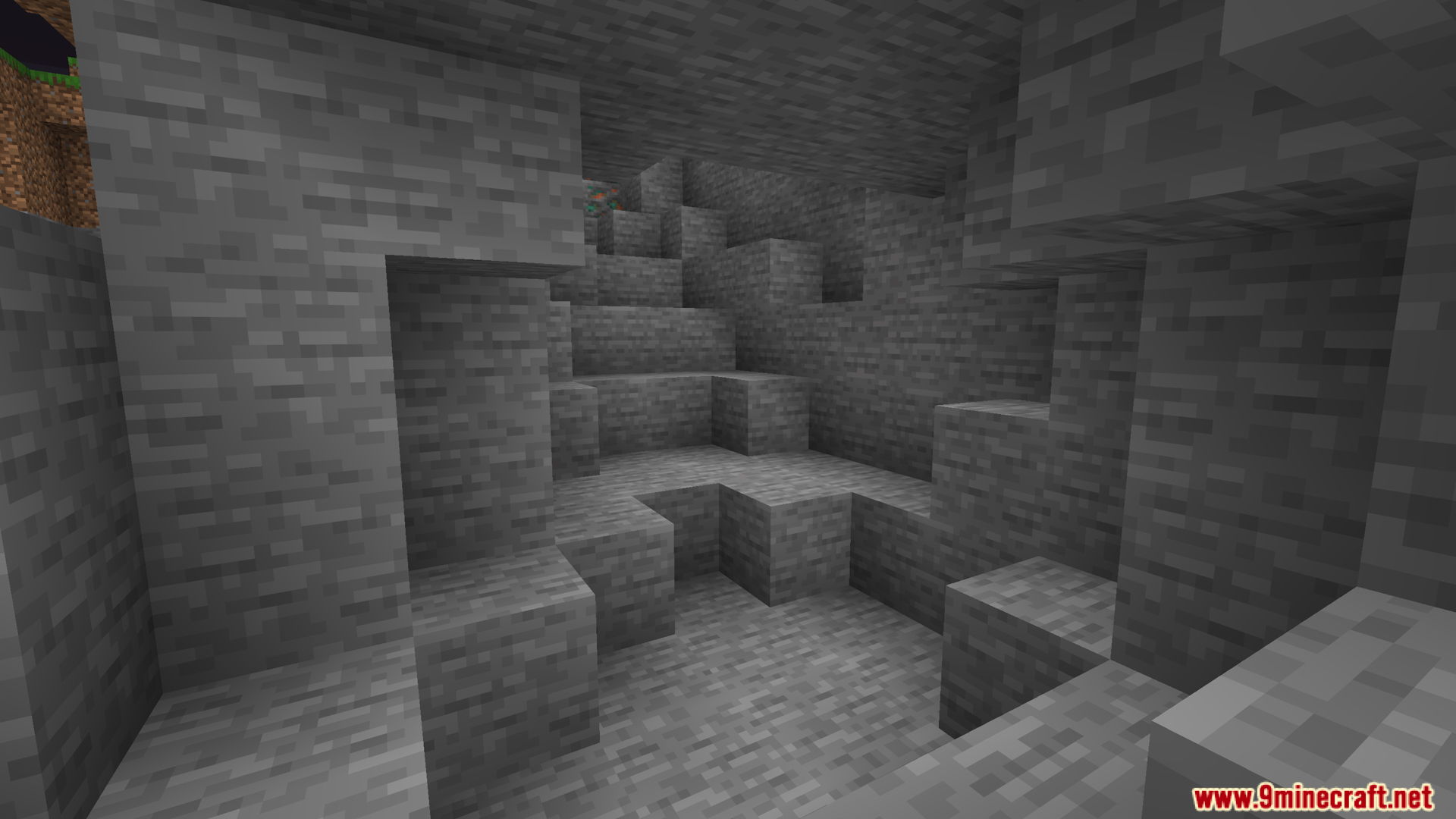
Adjust Gamma Brightness Beyond Default LimitsFine-Tuning Brightness Levels This mod goes beyond Minecraft's standard gamma slider, letting you push brightness…Customize Your Fullbright KeybindChanging the Fullbright Hotkey By default, Fullbright activates with the H key, but you can rebind it to any key that…Enable and Disable FullbrightToggling Fullbright On and Off Fullbright is the core feature of this mod, allowing you to see clearly in dark areas…Use Fullbright for Mining and Cave ExplorationExploring Dark Areas Efficiently Fullbright is invaluable for mining operations and cave exploration, eliminating the…
Frequently asked questions
How do I turn on Fullbright?
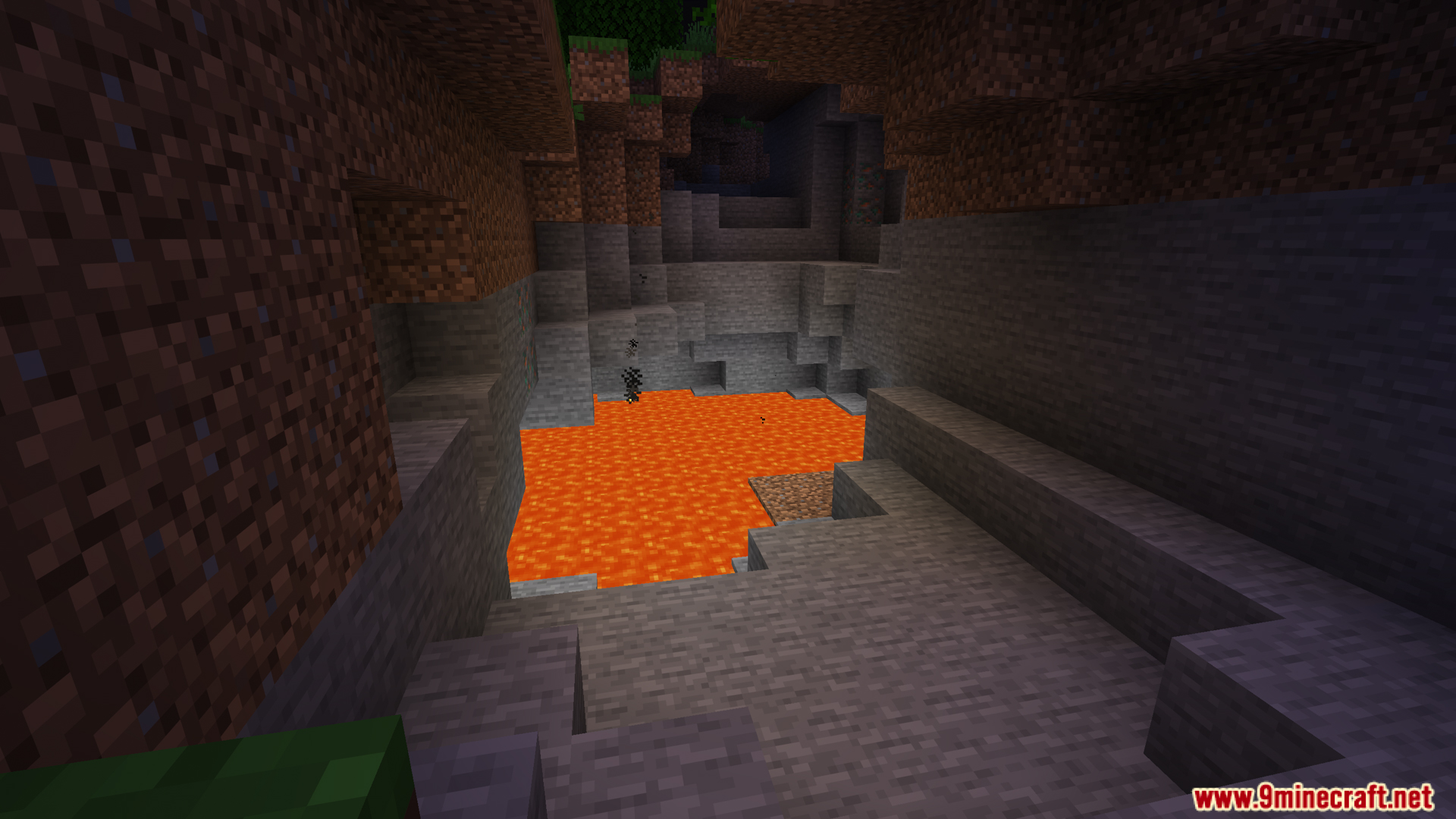
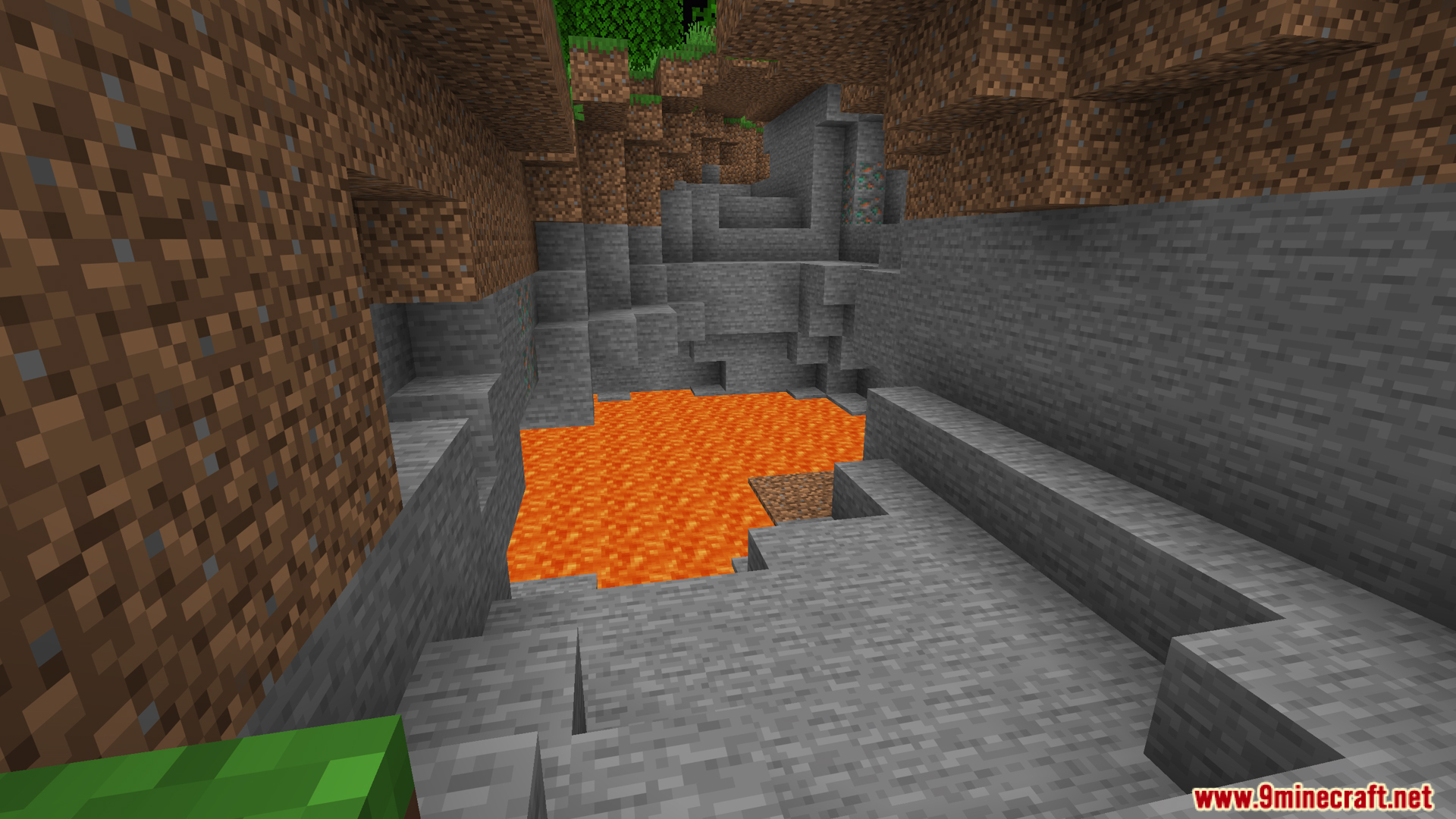
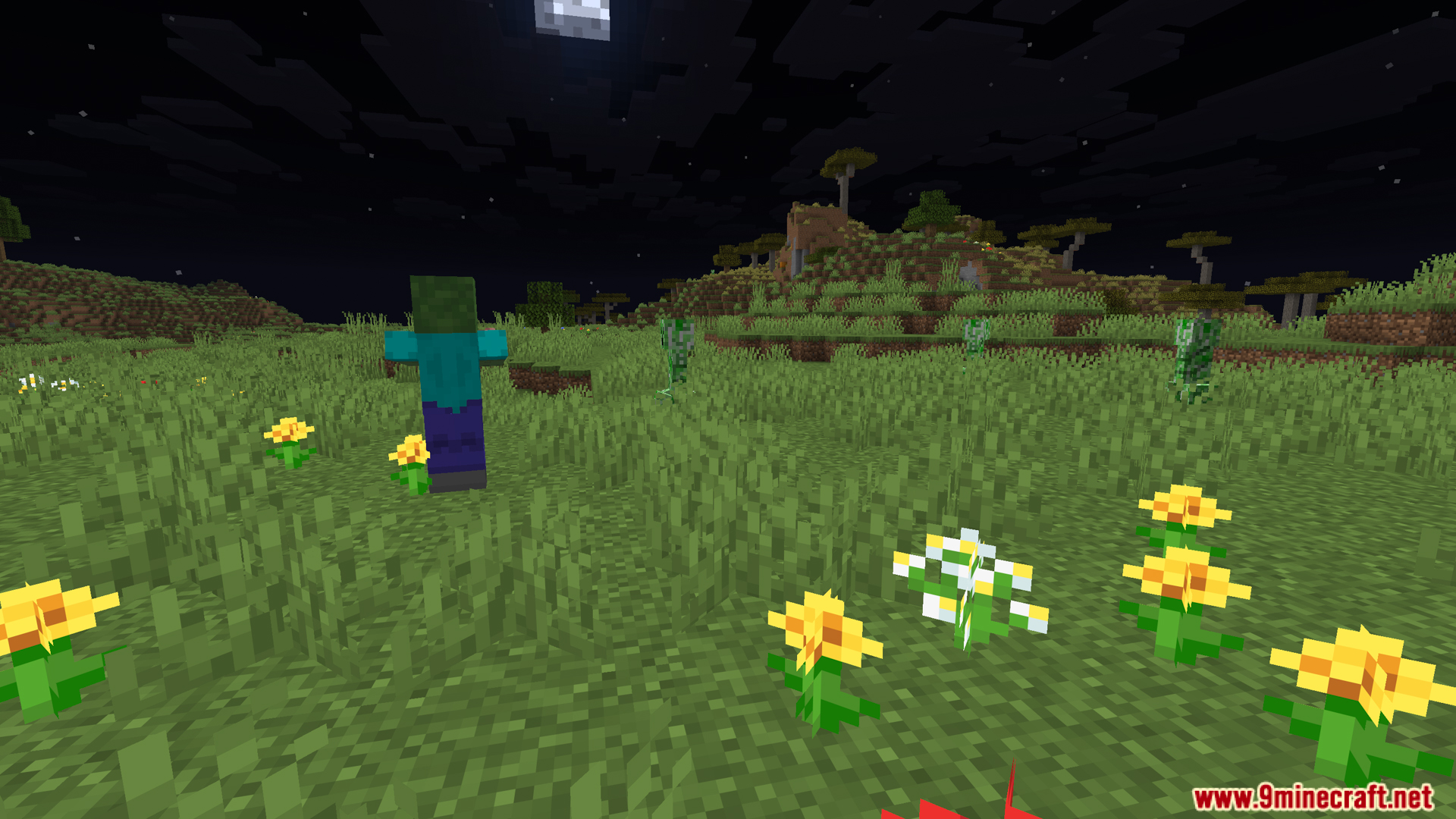
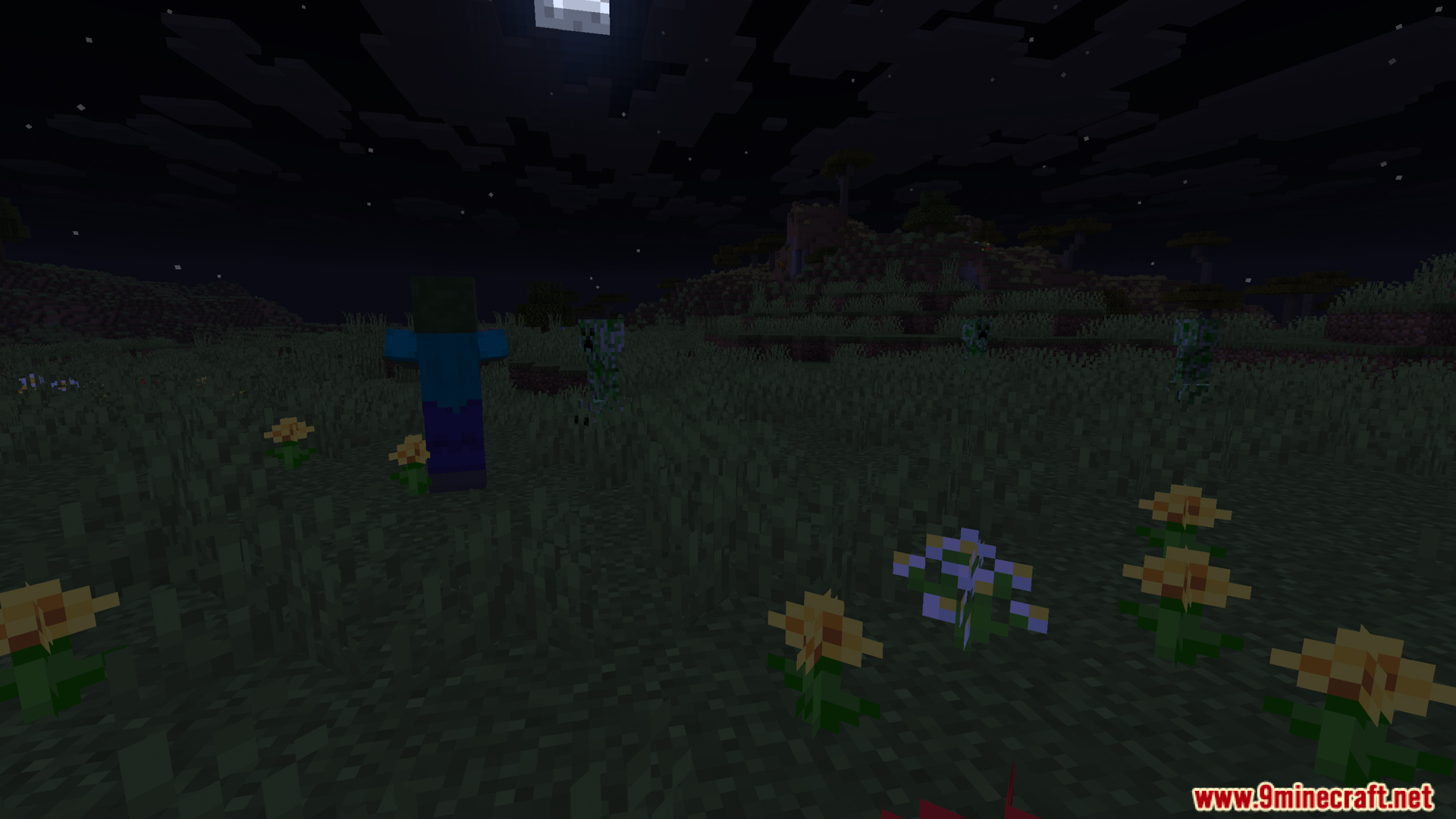
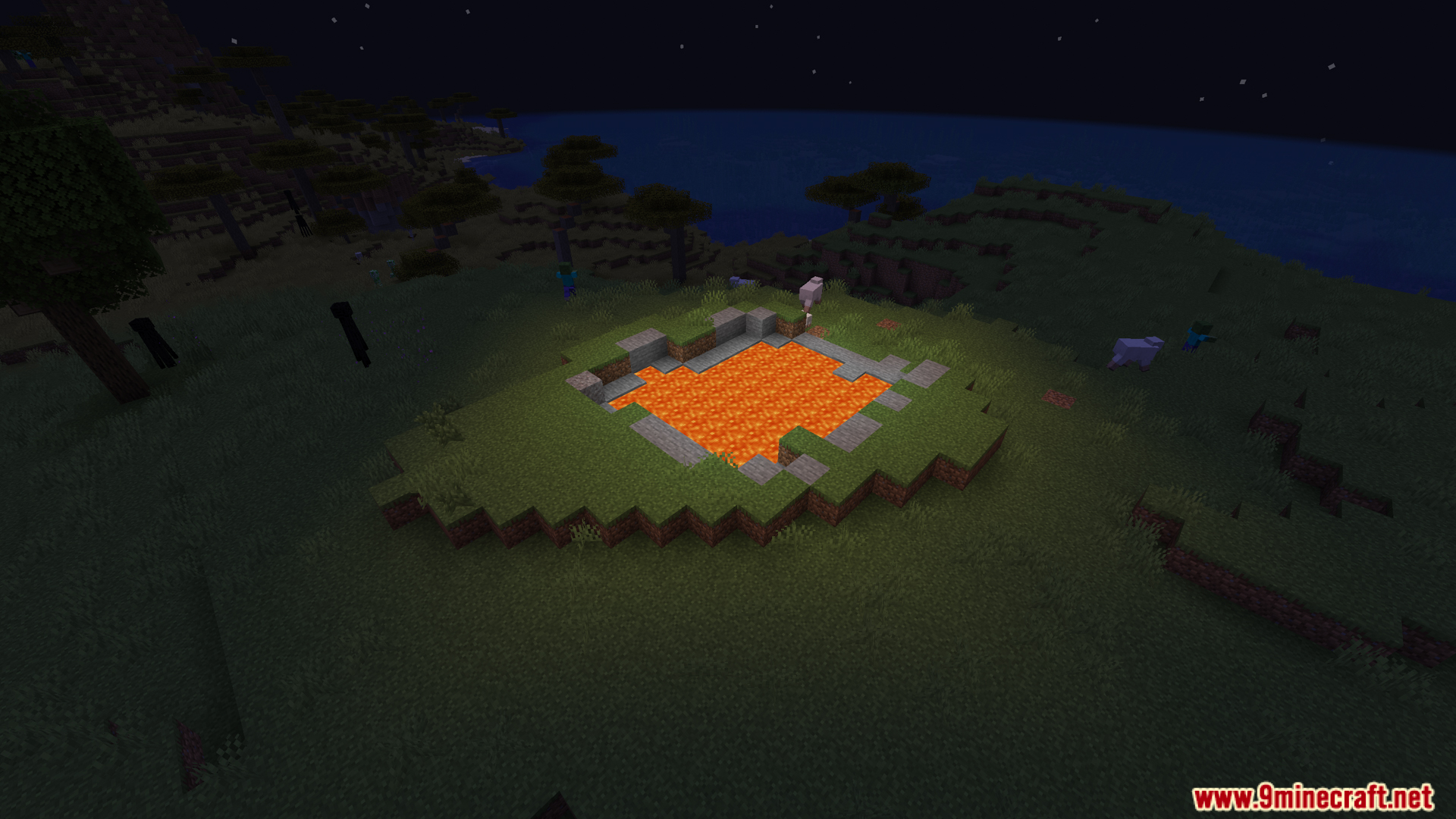
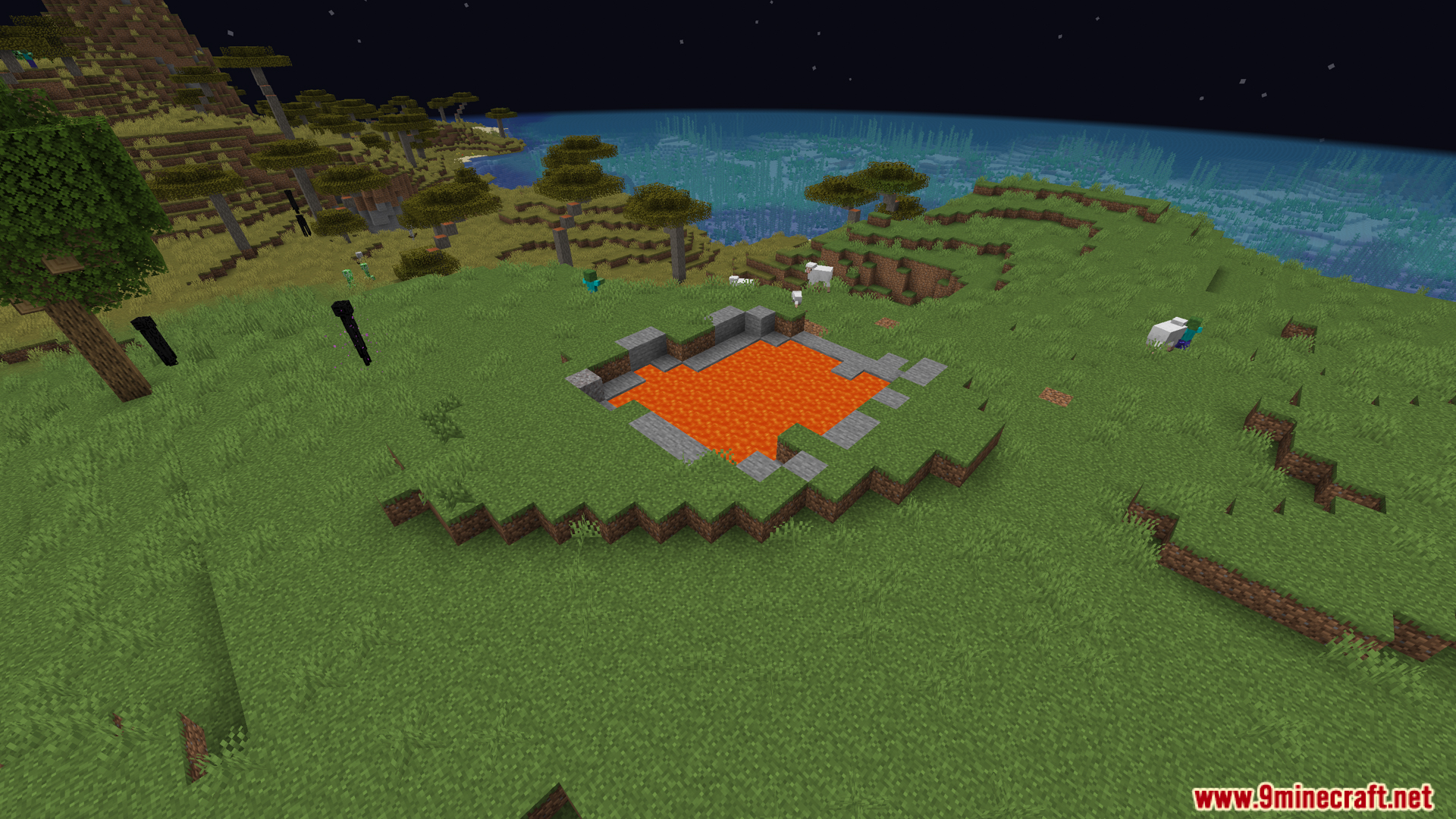
Press H to toggle Fullbright on and off. When enabled, your screen will brighten significantly, allowing you to see in dark areas without torches or external lighting.
Can I change the Fullbright hotkey?
Yes, open your settings and look for the keybind options. You can rebind the Fullbright toggle to any key you prefer.
Does Fullbright work in all dimensions?
Fullbright works in the Overworld, Nether, and End. The brightness adjustment applies universally once enabled.
See all 10 Resource Gamma Util questions ›
Gallery
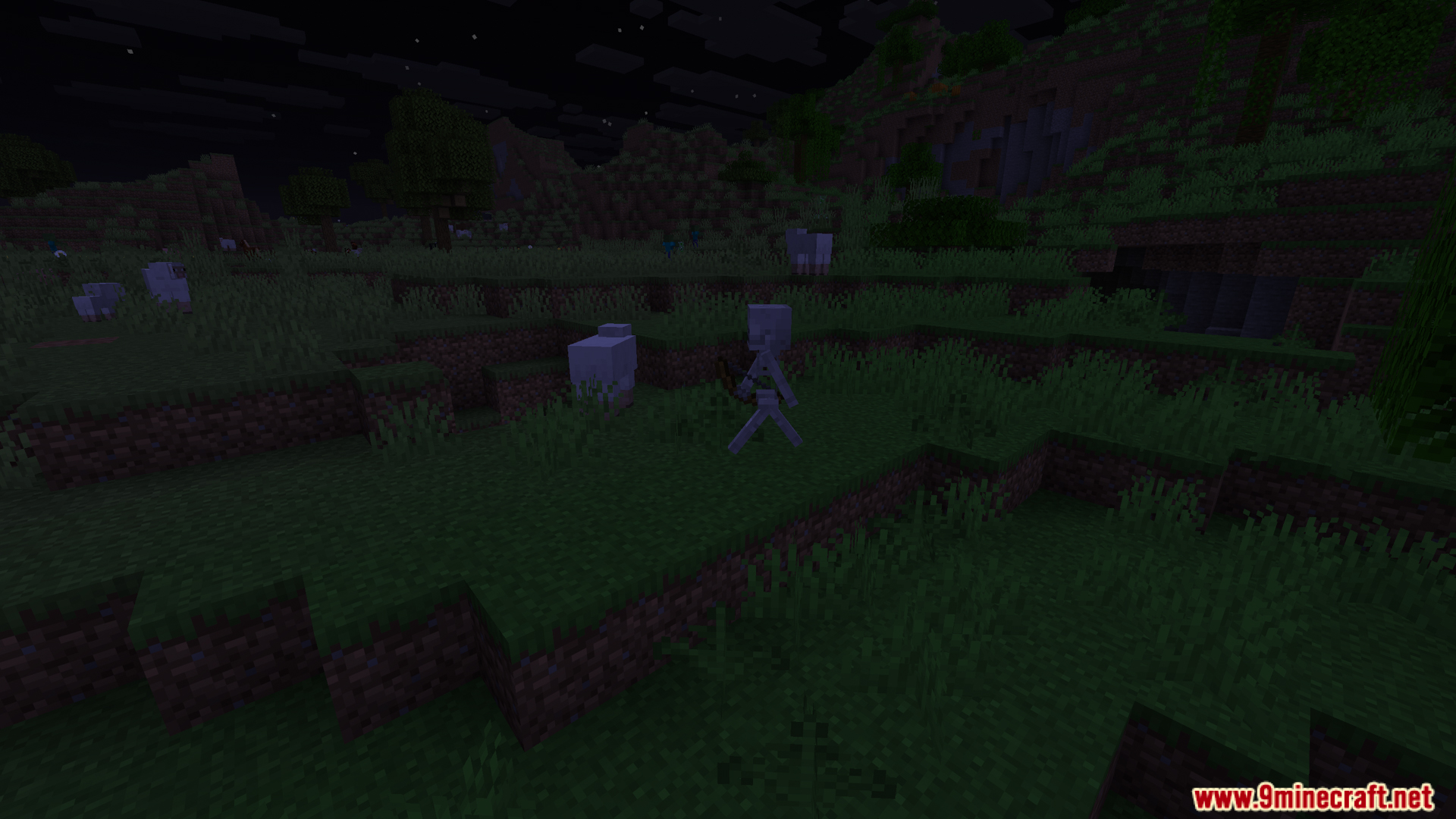
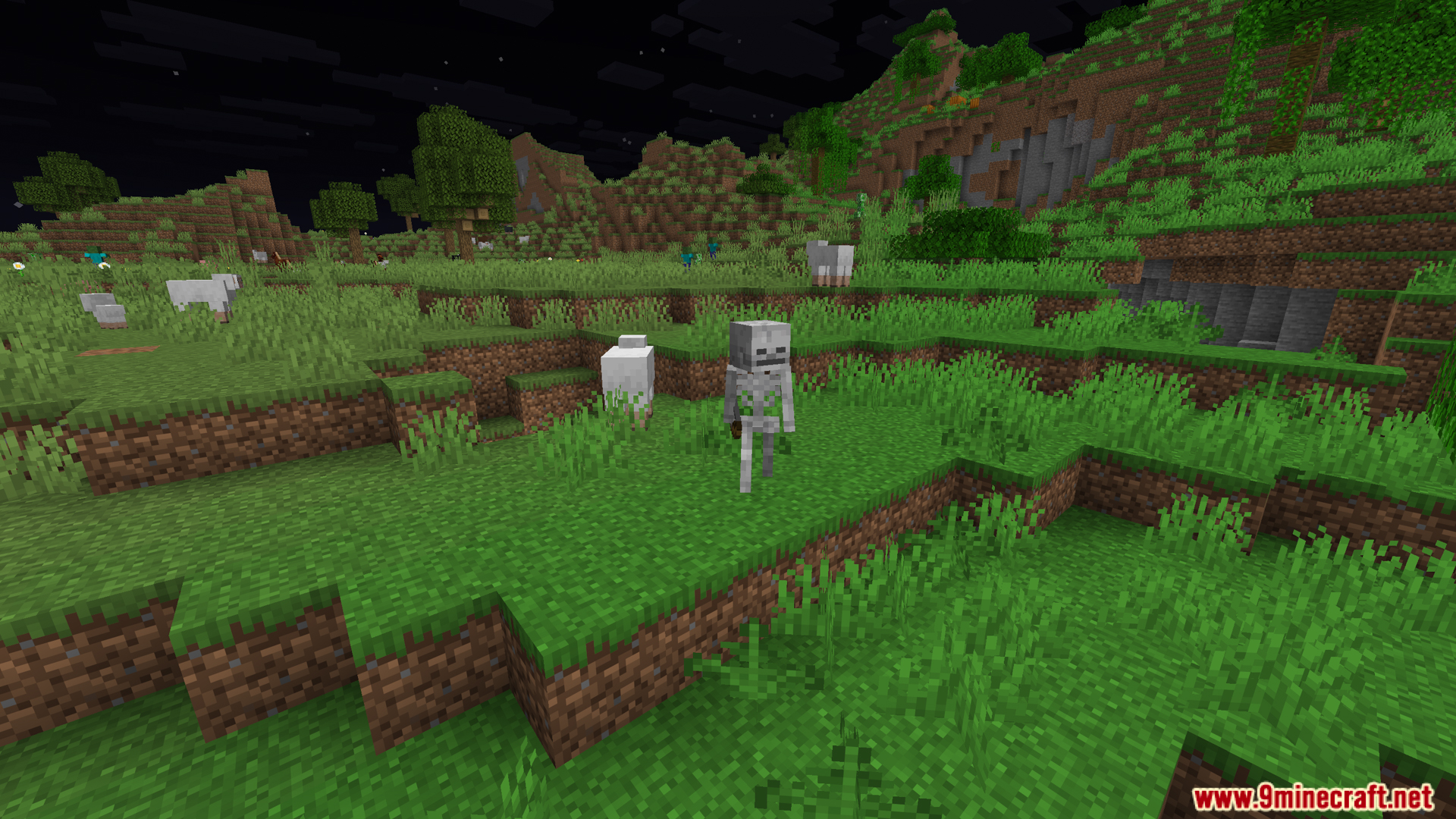
12 images from the Resource Gamma Util Mod page.
You May Also Like
Wikis that share the most with this one
More mod wikis on the site
The most downloaded mods that have a wiki here
A few wikis from each of the other kinds