

 DownloadFPS Boost Mod
Get the files on 9Minecraft
Guides
Step-by-step, in-game.
Customize Your Zoom and Adjust SensitivityAccessing the Zoom Feature The FPS Boost Mod includes a customizable zoom feature more powerful than Optifine's…Lower CPU Usage with Slow Tick and Weather DisablingWhat Slow Tick Does Slow Tick reduces the frequency of world ticks—the rate at which the game updates block states,…Reduce Lag by Disabling Entity SpawningWhy Disable Entity Spawning Entity spawning—mobs, animals, and other creatures—consumes significant CPU resources.…Use Clearlag to Automatically Remove Ground ItemsUnderstanding Clearlag Clearlag automatically removes dropped items (from mining, crafting, or mob drops) from the…
Frequently asked questions
How do I open the FPS Boost Mod settings?
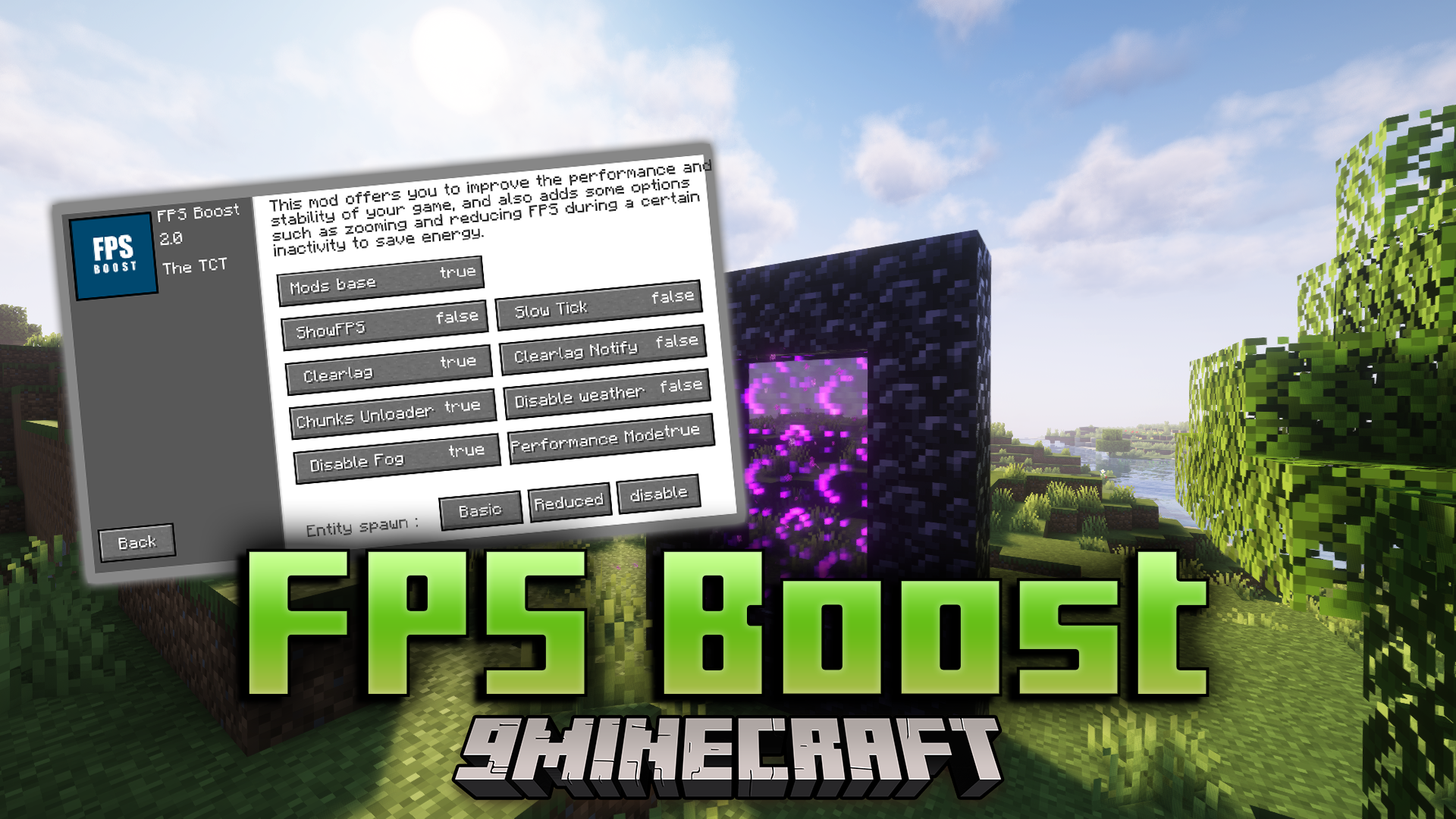
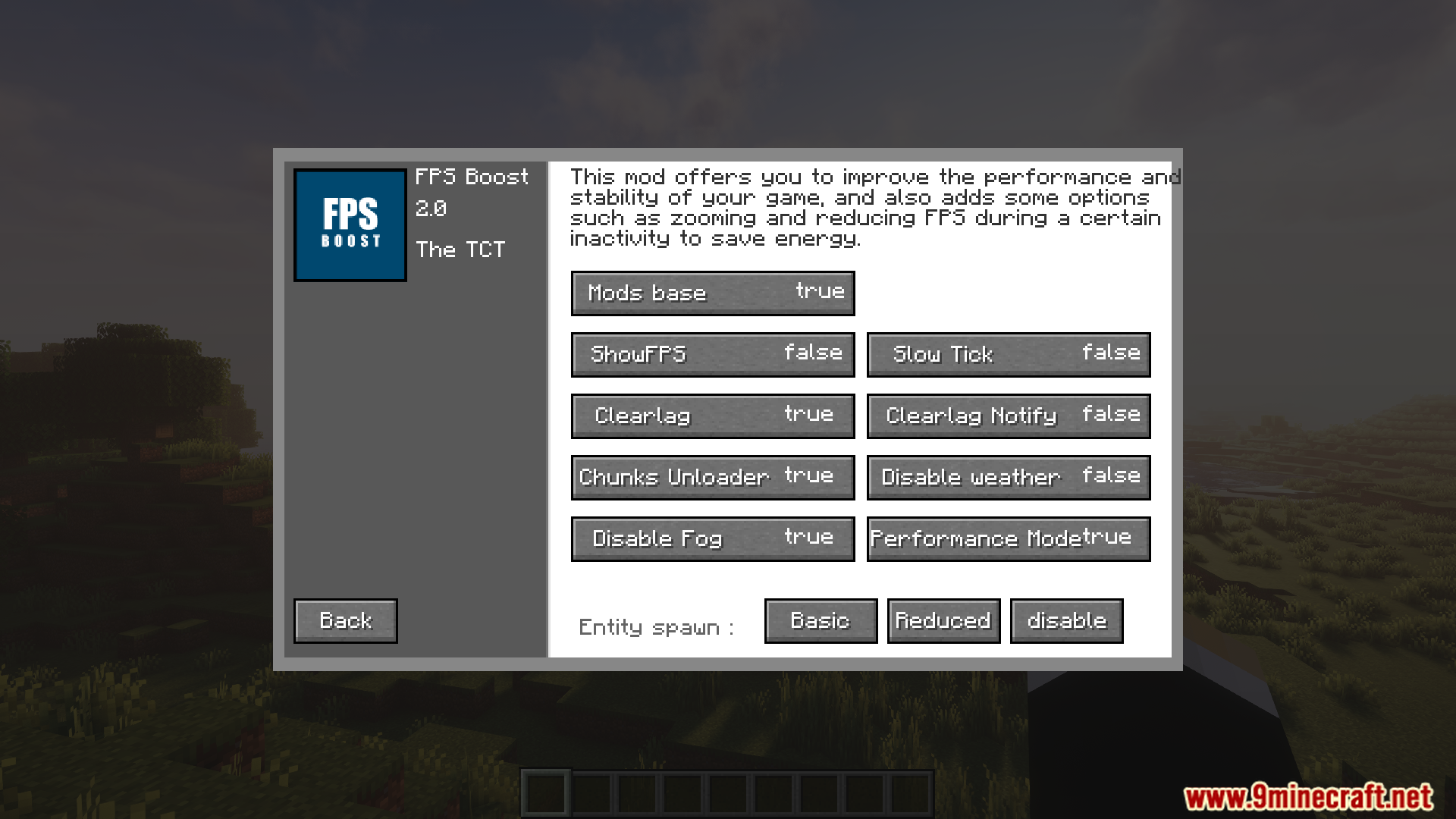
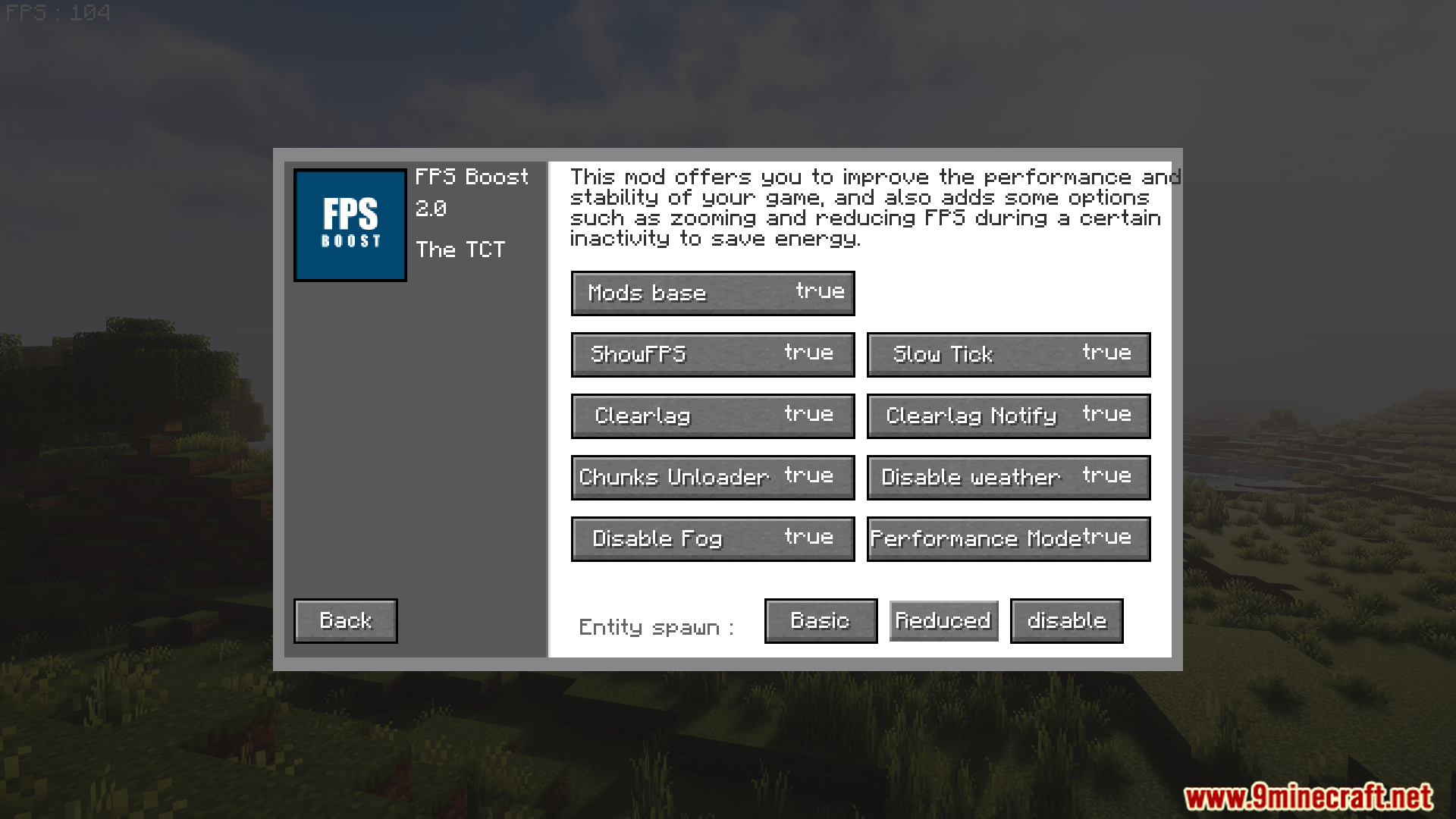
Press the settings key (default varies by installation, often a dedicated key or accessible through your mod menu) to open the configuration screen. From there you can toggle features like entity spawning, weather, and Clearlag on or off.
What's the difference between disabling weather and using Slow Tick?
Disabling weather removes rain and snow rendering entirely, while Slow Tick reduces how often the world updates its logic (like crop growth and mob behavior), lowering CPU load in different ways. You can use both together for maximum optimization.
How often does Clearlag remove items from the ground?
Clearlag automatically collects and removes ground items on a set interval to prevent lag buildup. You'll receive a notification when it runs, and you can adjust or disable this feature in the mod settings.
Can I use the zoom feature without disabling other mods like Optifine?
Yes, the zoom feature works independently, but having multiple zoom mods active at once may cause conflicts or unexpected behavior—disable zoom in other mods if you want to use FPS Boost Mod's zoom exclusively.
See all 10 FPS Boost questions ›
Gallery
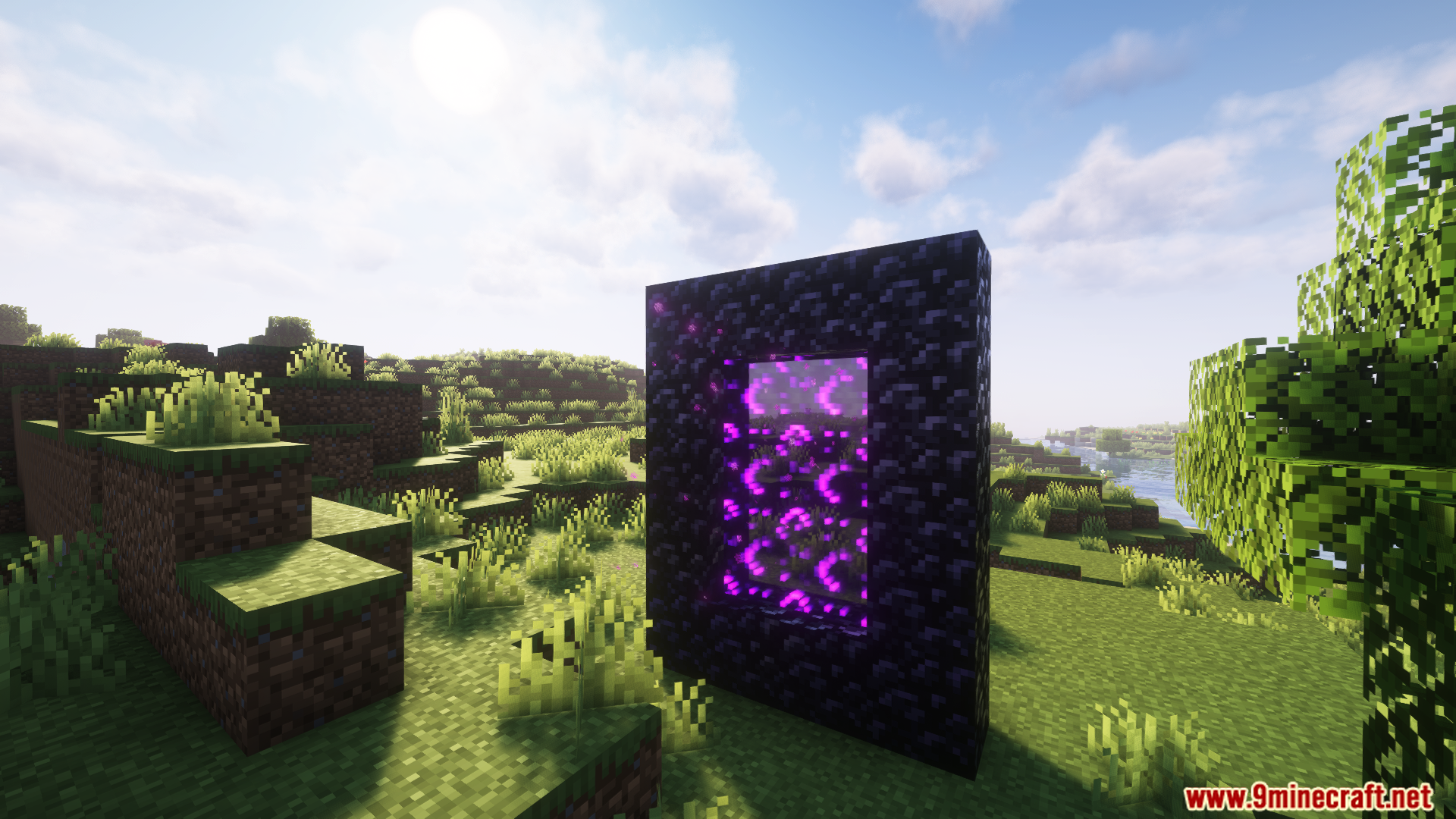
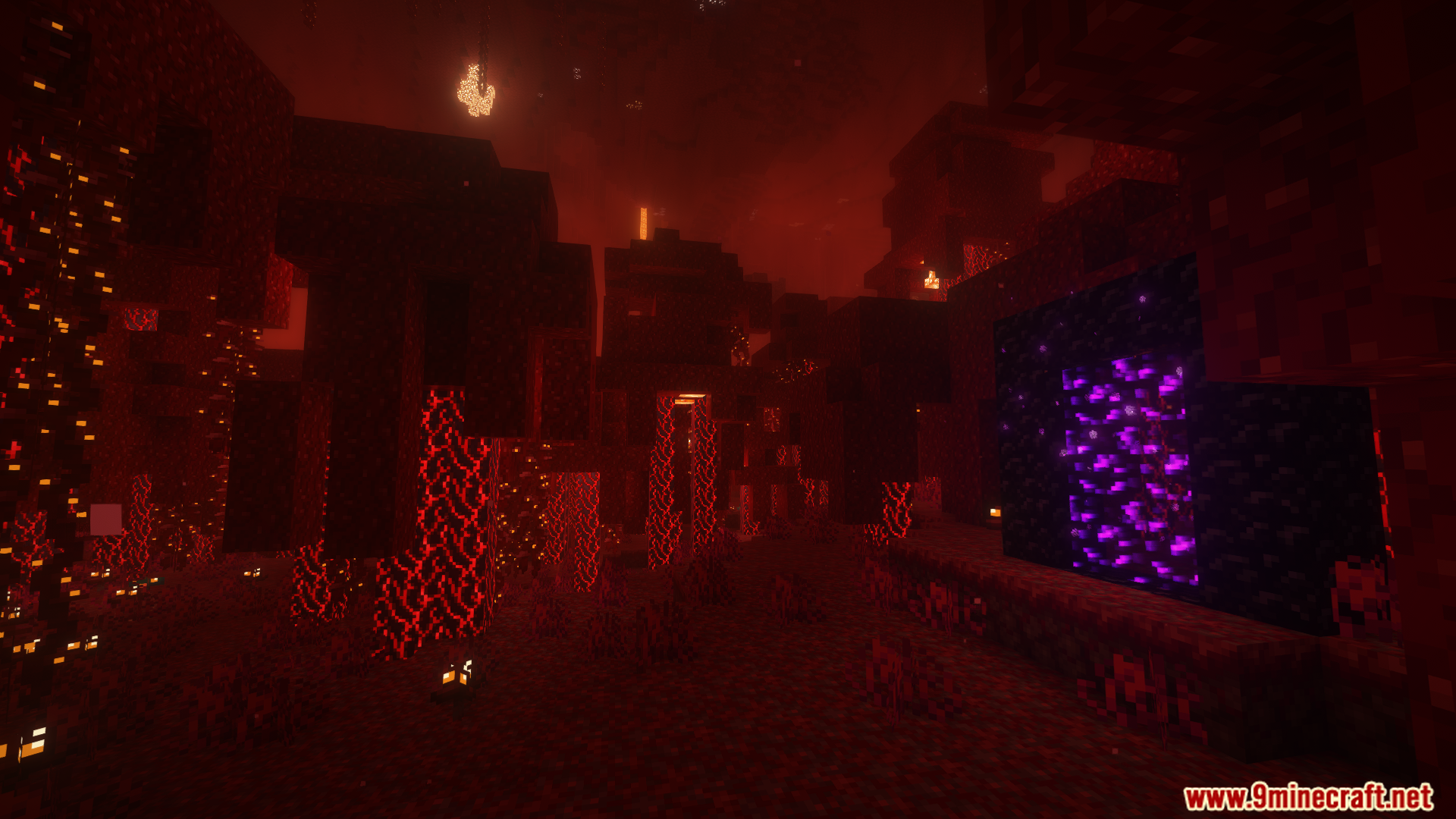
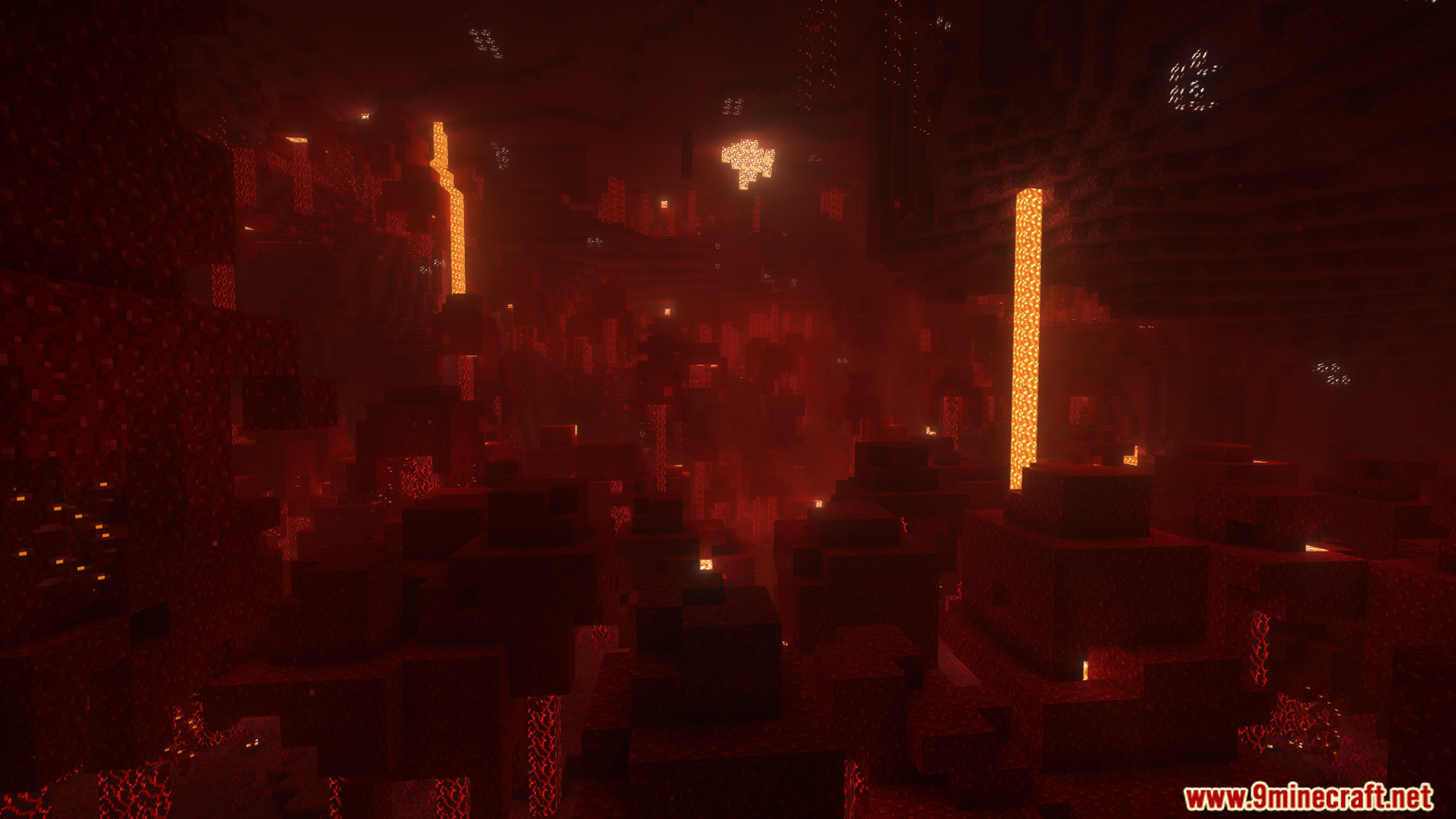
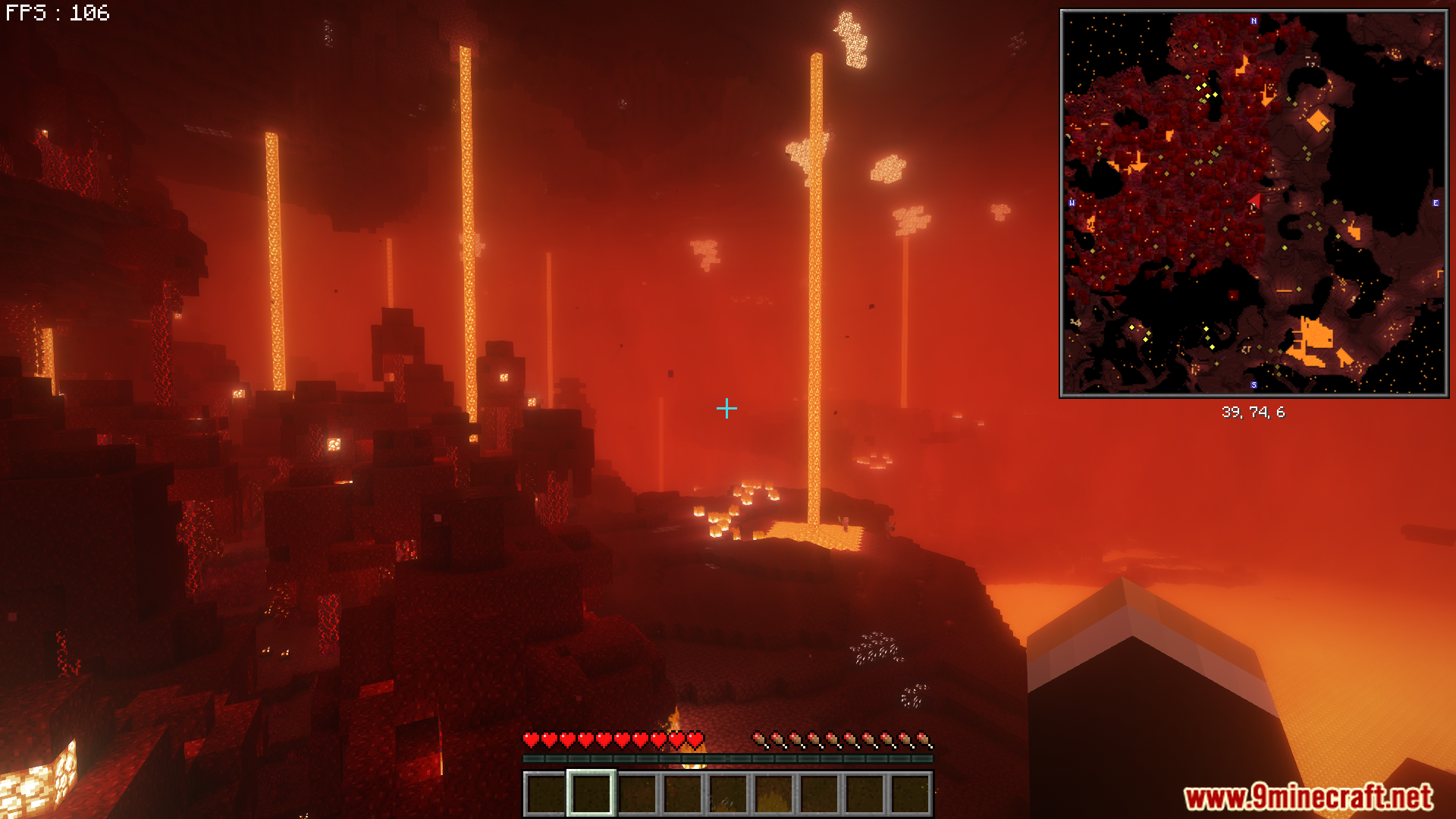
12 images from the Fps Boost Mod page.
You May Also Like
Wikis that share the most with this one
Wikis on the same theme: end
More mod wikis on the site
The most downloaded mods that have a wiki here
A few wikis from each of the other kinds