

 DownloadLight Levels Resource Pack
Get the files on 9Minecraft
Guides
Step-by-step, in-game.
Create Outdoor Lighting Plans That Prevent Mob SpawningAssessing Your Current Lighting Outdoor areas need consistent lighting to prevent hostile mobs from spawning near…Identify Safe Light Levels for Your BaseUnderstanding the Color Overlay The Light Levels Resource Pack displays colored overlays on blocks to show you…Set Up Efficient Mob Grinders with Light Level VisualizationPlanning Your Grinder Layout Mob grinders require specific light conditions — dark enough for mobs to spawn, but…Troubleshoot Dark Spots in Well-Lit AreasWhy Some Areas Stay Dark Even in well-lit bases, certain spots may show unsafe light levels on the overlay. This…
Frequently asked questions
How do I turn on the light level overlay?
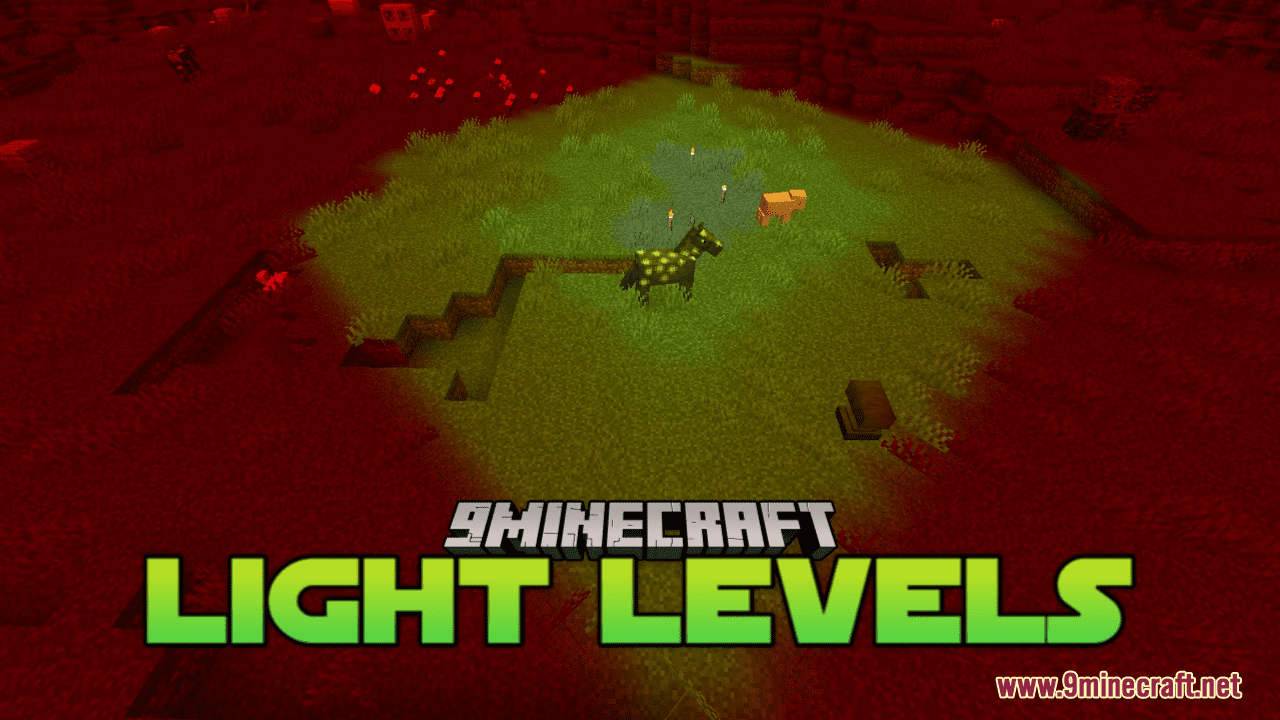
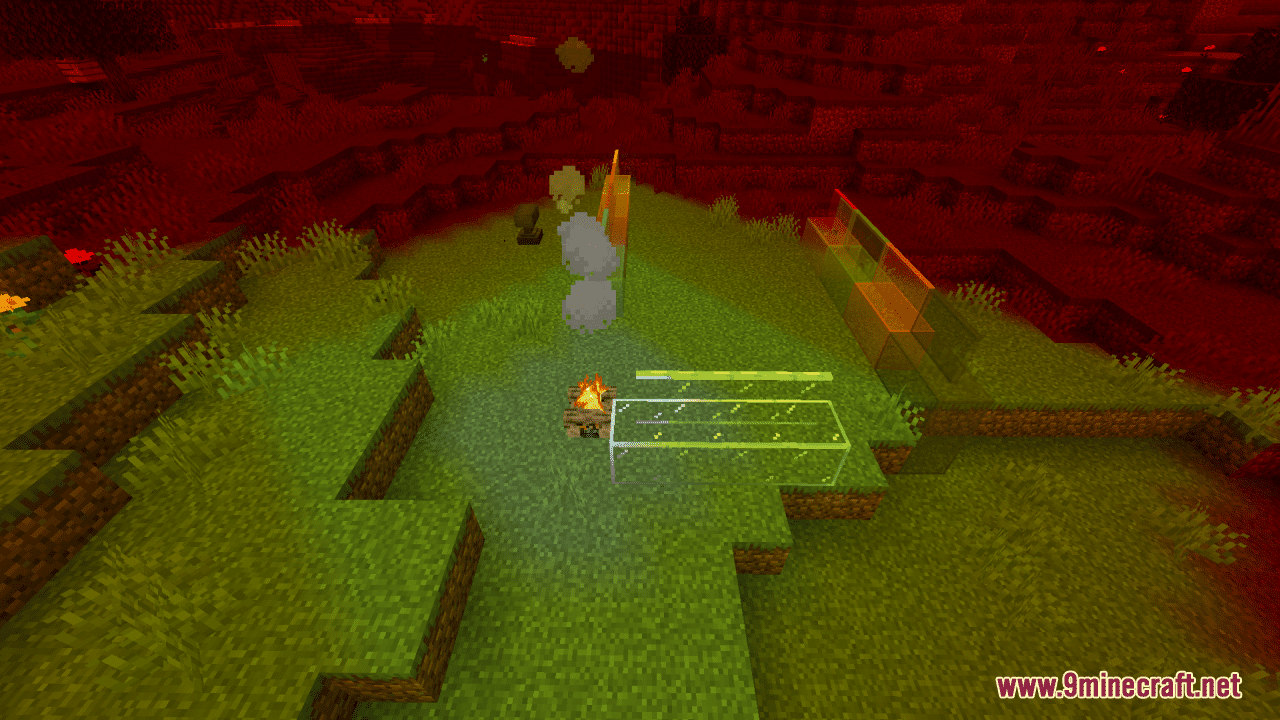
Open your inventory, find the resource pack settings, and enable the Light Levels Resource Pack from your active packs list. The overlay should appear immediately on all blocks in your view, showing color-coded light values.
What do the different colors mean?
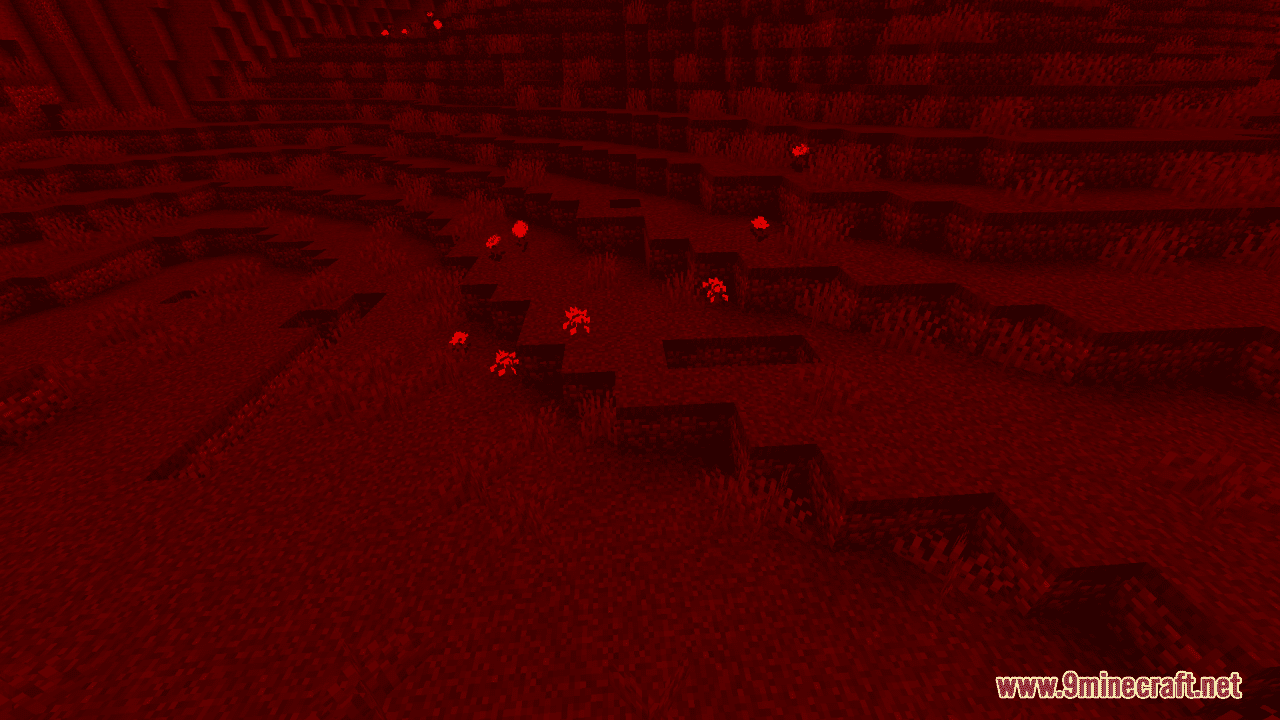
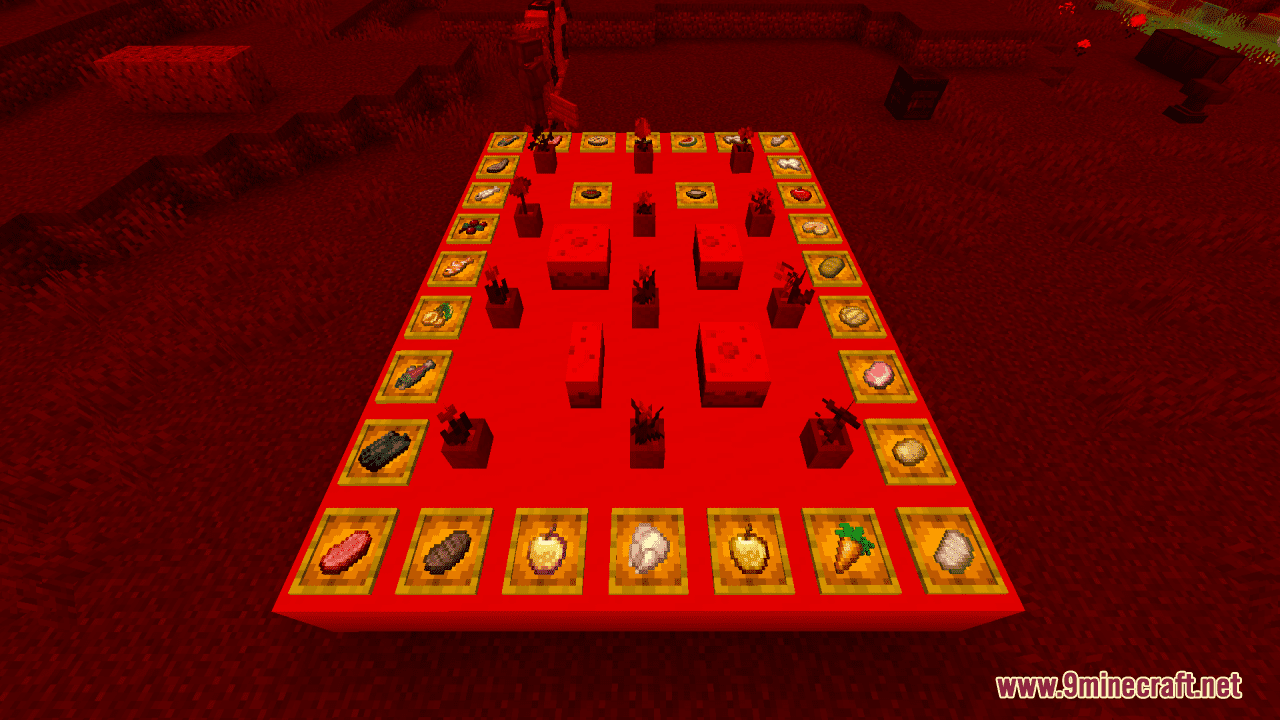
The pack uses color gradients to represent light levels—typically darker colors indicate low light (where mobs can spawn) and brighter colors indicate safe, well-lit areas. Check the pack's color legend in the resource pack description or in-game settings to see the exact thresholds.
Can I see light levels from torches and other light sources?
Does this pack work in multiplayer servers?
Yes, resource packs are client-side only, so you can use this on any server without needing admin permission or mod installation on the server itself.
See all 10 Light Levels questions ›
Gallery
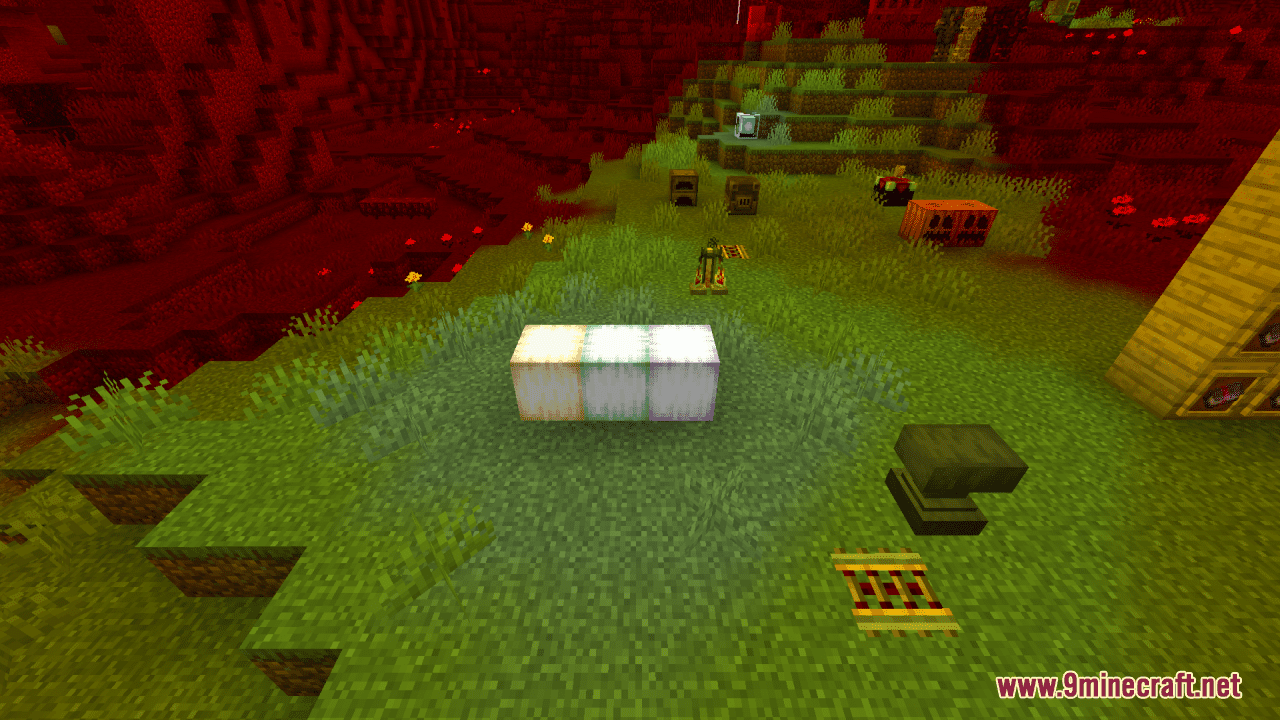
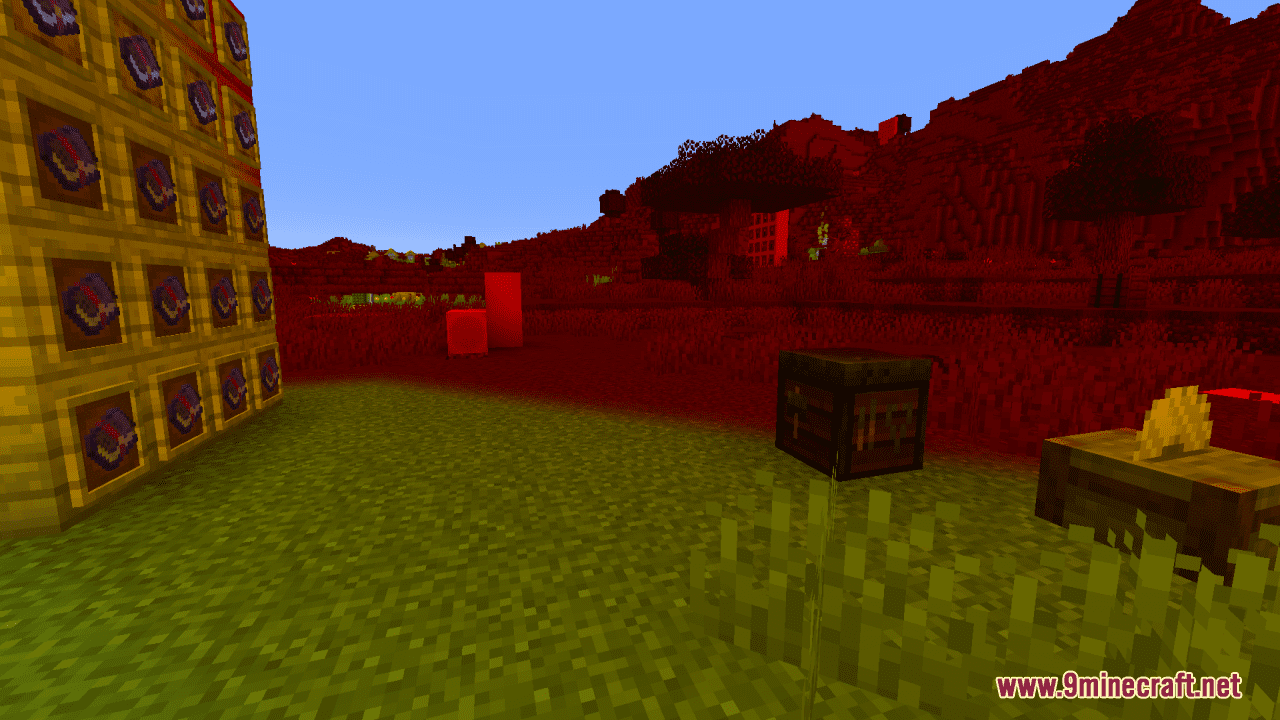
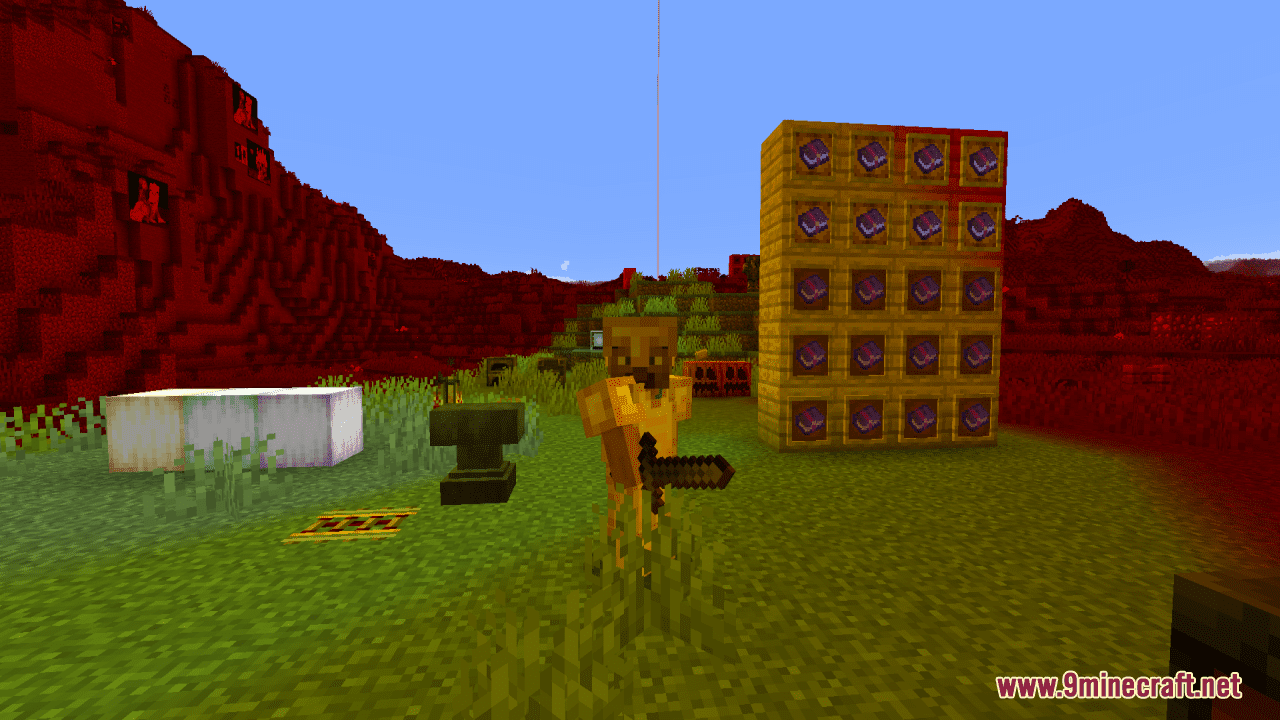
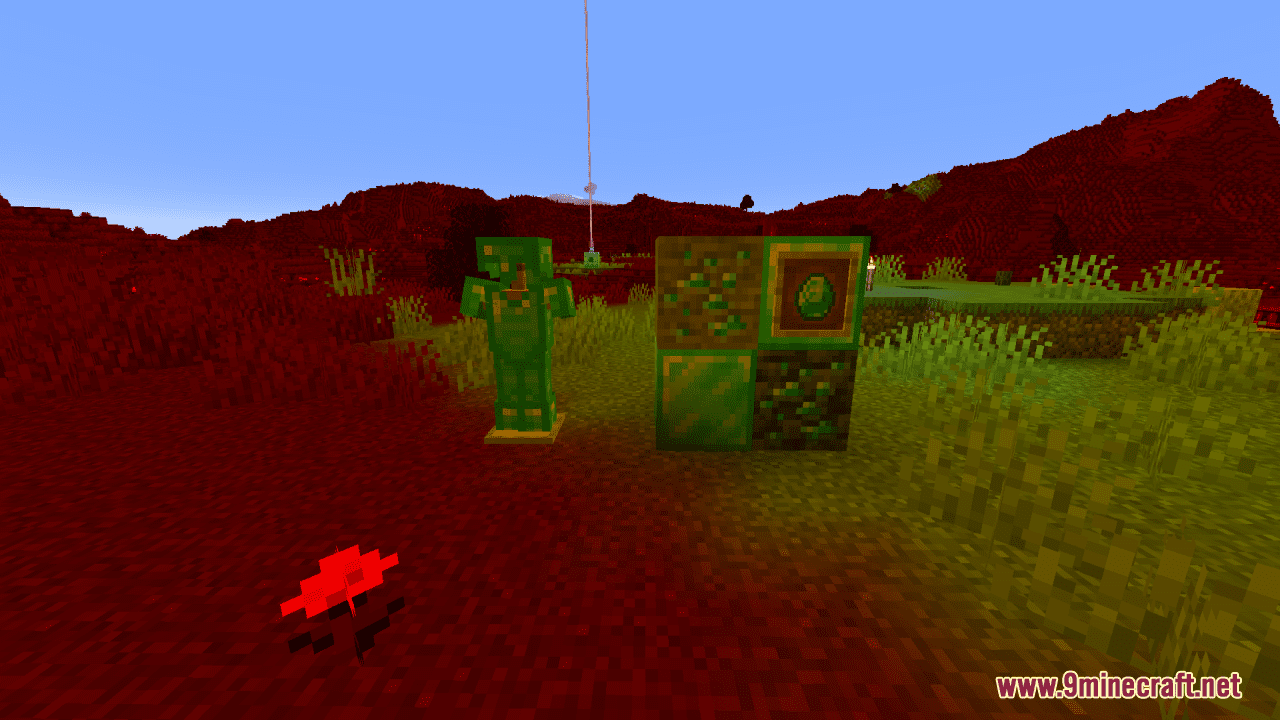
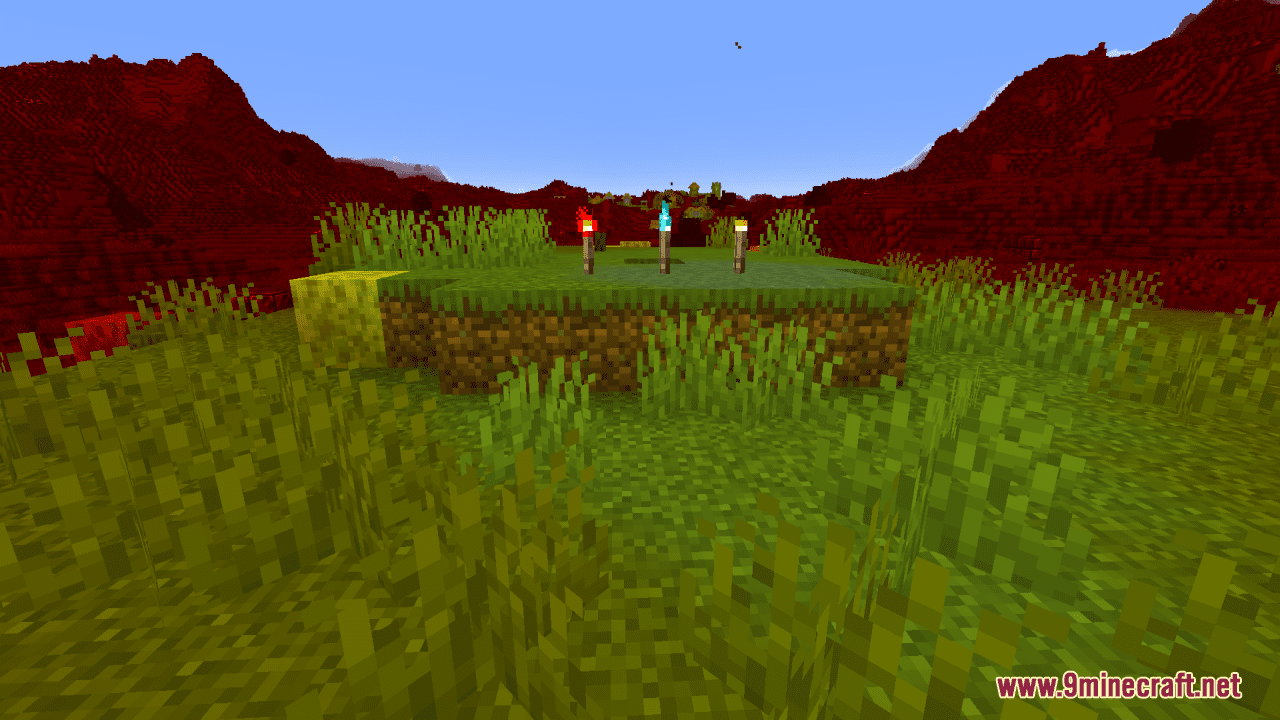
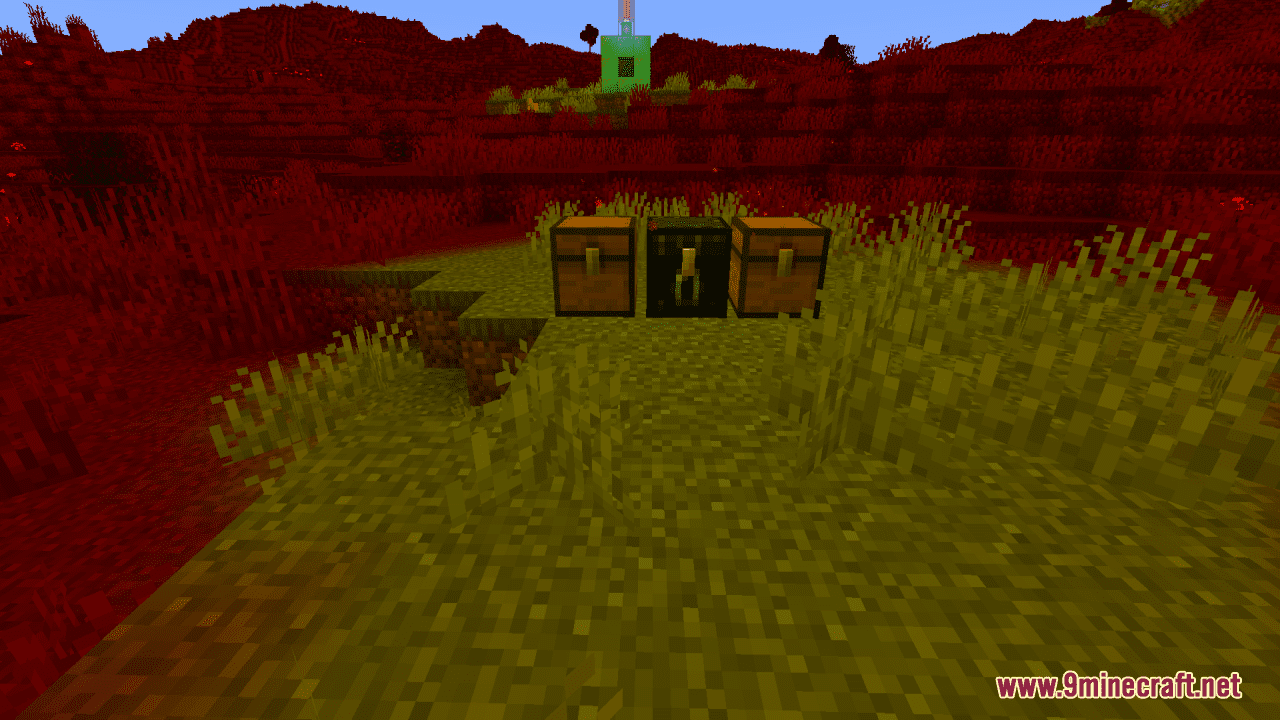
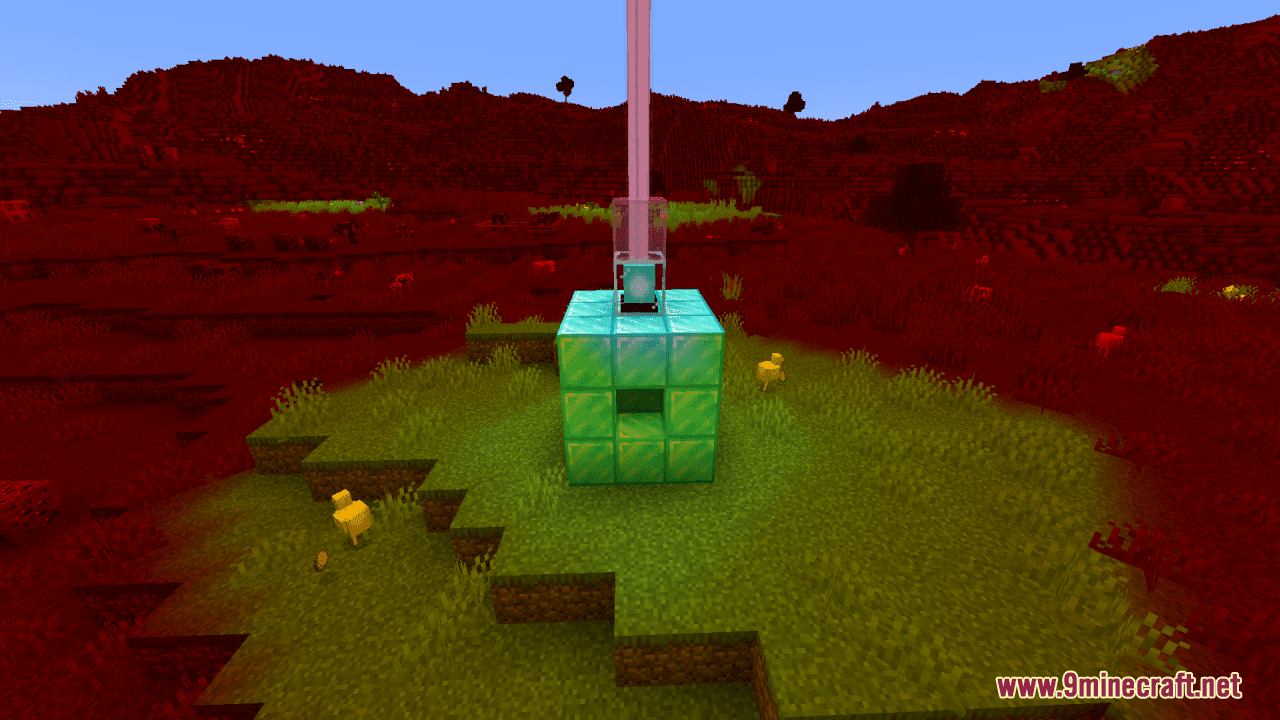
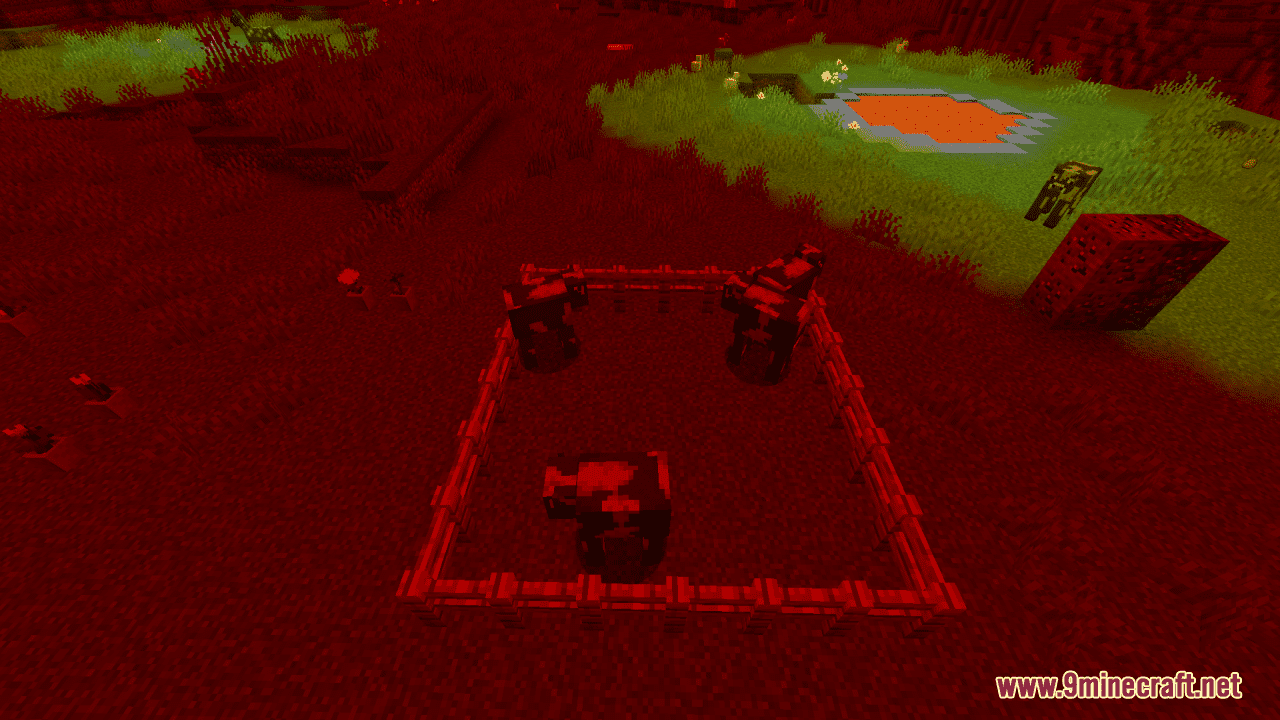
12 images from the Light Levels Resource Pack page.
You May Also Like
Wikis that share the most with this one
Wikis on the same theme: level
More resource pack wikis on the site
Light Leak Resource PackLeviosa Resource Pack Legs and Arm’s UNDEAD Pack Resource PackLegendary Rt Textures Resource PackLeafy Creepers Resource PackLeaf Litter Recolor Resource PackLB Photo Realism ReloadLaser’s Fakemon Pack Cobblemon Resource PackLaser’s Additions Cobblemon Resource PackLanterns With Candles Resource PackLantern 3D Better Lantern Resource PackKult Craft Pvp Textures Resource Pack
The most downloaded mods that have a wiki here
A few wikis from each of the other kinds