

 DownloadCherished Worlds Mod
Get the files on 9Minecraft
Guides
Step-by-step, in-game.
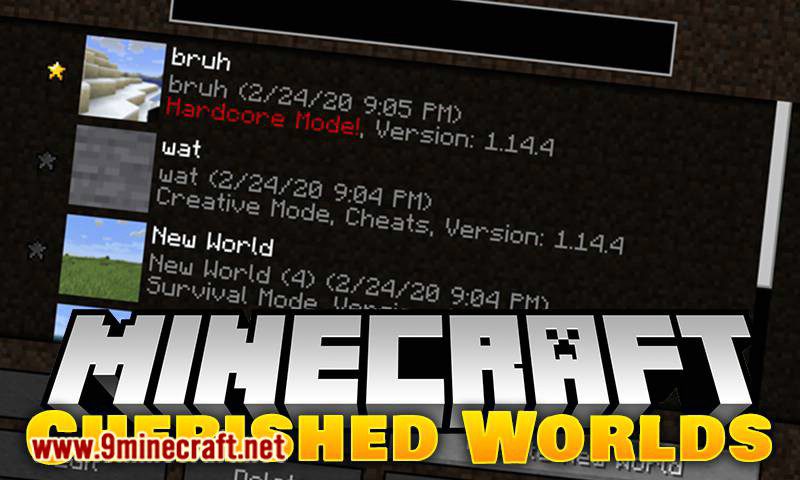
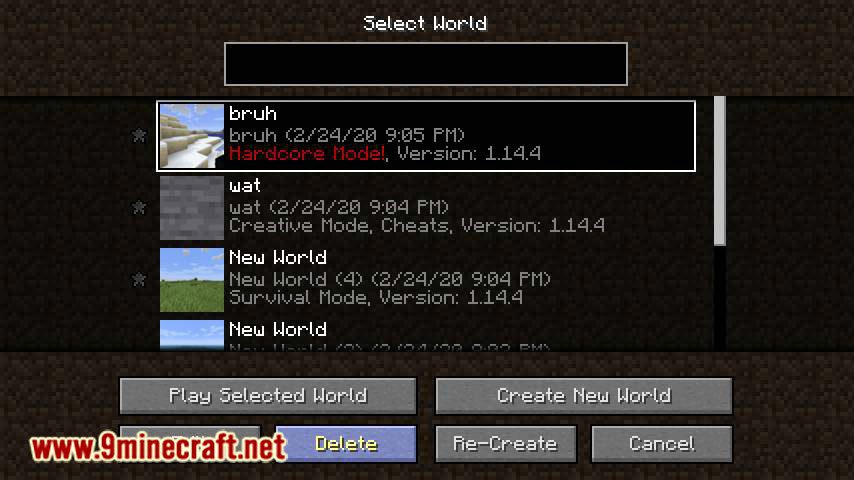
How to Organize and Rename Your Saved WorldsRenaming Worlds Cherished Worlds lets you rename saved worlds for better organization. Use the rename option on a…How to Pin a World to the Top of Your World ListFinding the Pin Control Open the singleplayer world selection screen. Each world entry has a small pin or star icon…How to Protect a World From Accidental DeletionWhy Pinned Worlds Are Safe When a world is favorited, the delete button for that entry is greyed out and cannot be…Understanding How Pinned Worlds Sort and BehaveThe Sorting Rule Pinned worlds always appear above unpinned ones. Within the pinned group, worlds order themselves by…
Configuration
Every setting in the mod config file, with what it changes.
| Option | What it does |
|---|---|
backupWorldType | Determines which worlds prompt for a backup when loaded with a newer Minecraft version. |
Frequently asked questions
How do I favorite a world in Cherished Worlds?
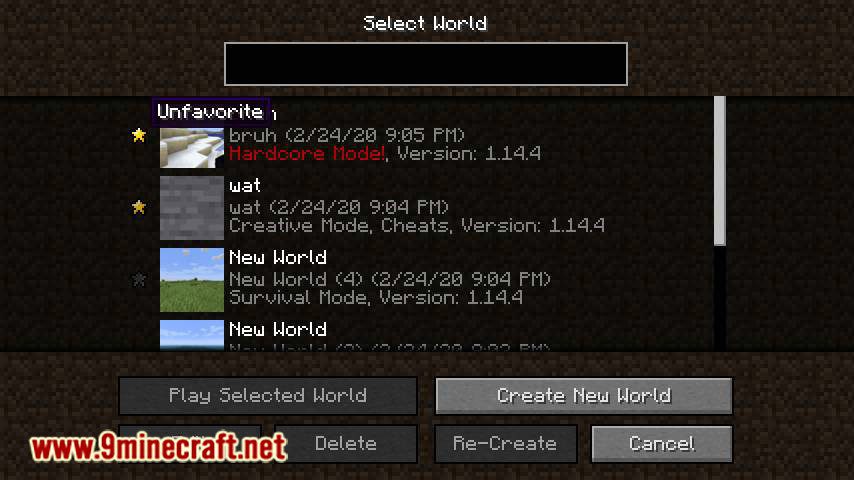
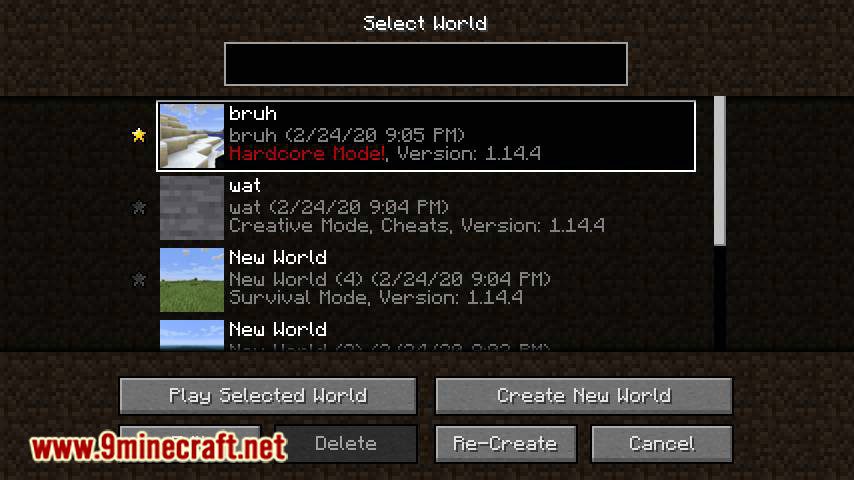
Open your singleplayer world selection list and click the pin or star icon next to the world you want to keep at the top. Once marked, that world jumps to the top of the list and its delete button greys out.
How do I unpin a world so I can delete it again?
Click the same pin or star icon on the world to toggle favoriting off. The world returns to its normal position in the list and the delete button becomes clickable again.
Why is the delete button greyed out on my world?
That world is favorited, and Cherished Worlds blocks deletion of pinned worlds on purpose. Unfavorite it first, then you can delete it normally.
Can I favorite more than one world at a time?
Yes, there's no limit on how many worlds you can pin. When you have several, they sort among themselves by last played date, just like regular worlds do.
See all 19 Cherished Worlds questions ›
Gallery
9 images from the Cherished Worlds Mod page.
You May Also Like
Wikis that share the most with this one
Wikis on the same theme: world
More mod wikis on the site
The most downloaded mods that have a wiki here
A few wikis from each of the other kinds