

 DownloadMultiverse Portals Plugin
Get the files on 9Minecraft
Guides
Step-by-step, in-game.
Add Cooldown Timers to Prevent Portal SpamSet a Cooldown Duration Use /mvp modify cooldown [seconds] to prevent players from using the same portal repeatedly…Create a Portal Between Two WorldsSelect and Create the Portal Frame Use WorldEdit to select two points that define your portal's shape and size. You…Set Up Portal Fees and Free AccessConfigure Portal Costs Use /mvp modify cost [amount] to charge players an economy currency (like dollars or coins…Teleport Players to Exact CoordinatesIdentify Your Target Location Navigate to the exact spot where you want players to arrive. Note the X, Y, and Z…
Frequently asked questions
How do I select an area for a portal?
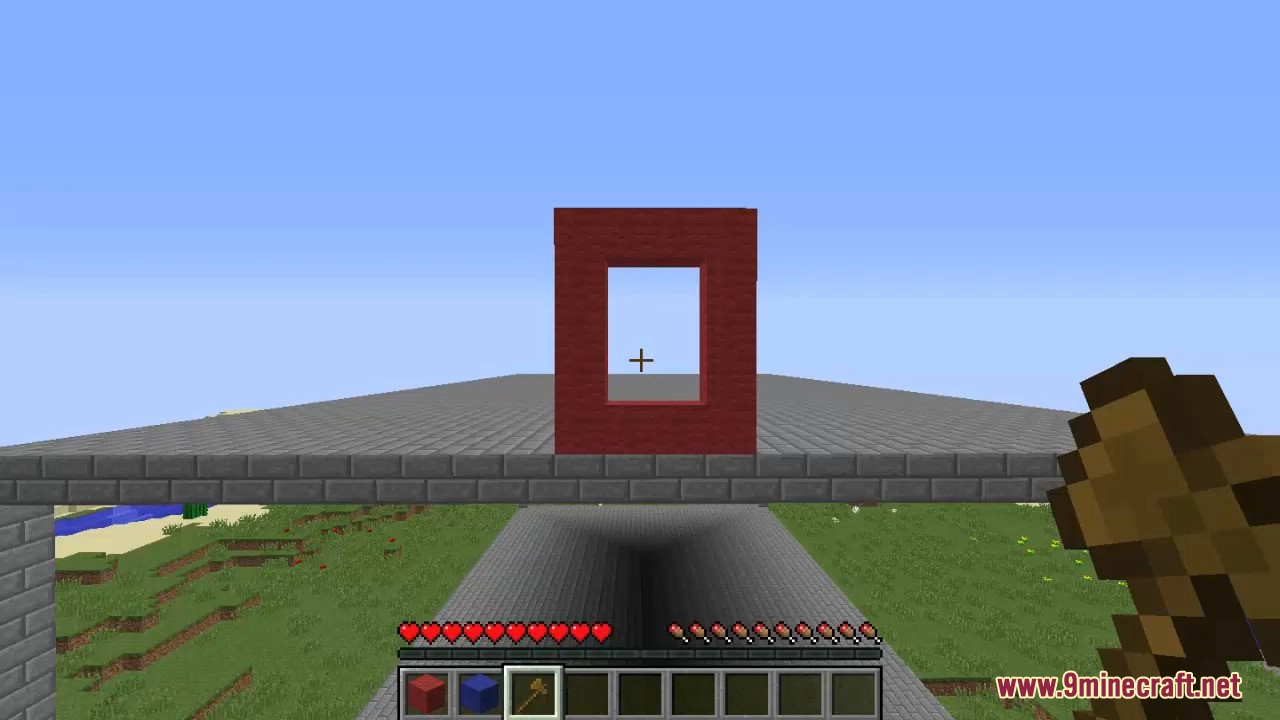
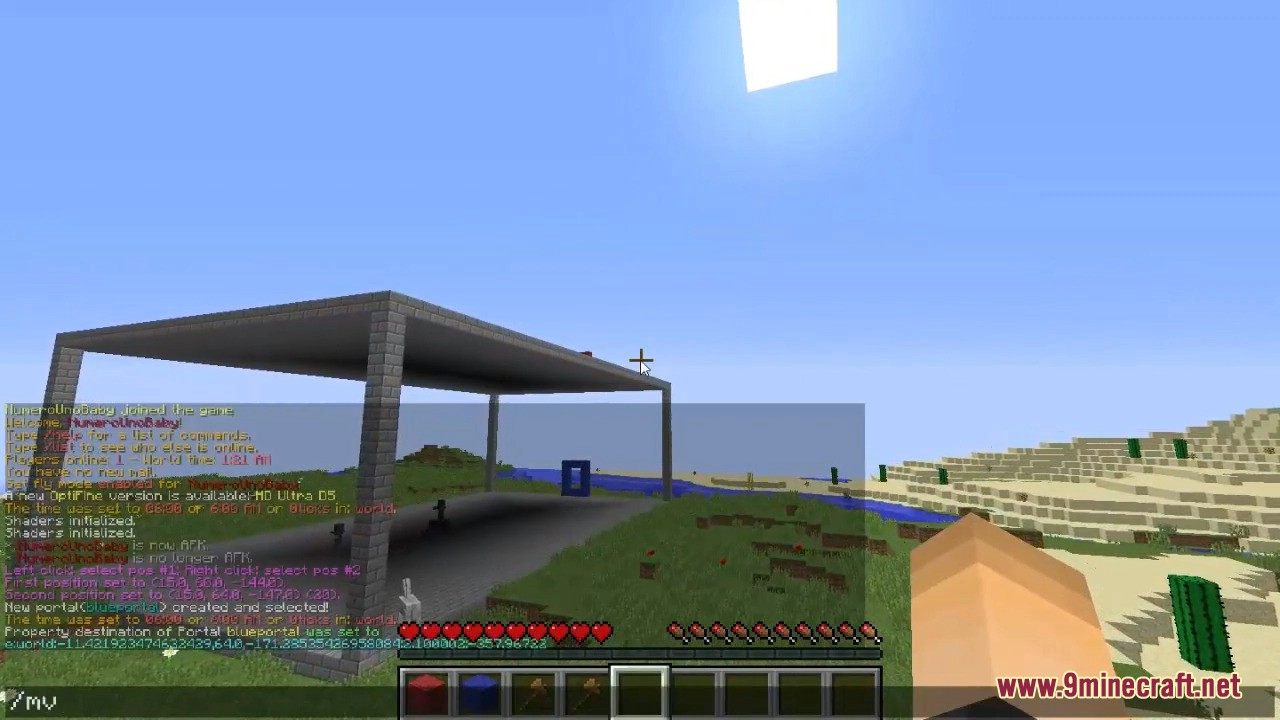
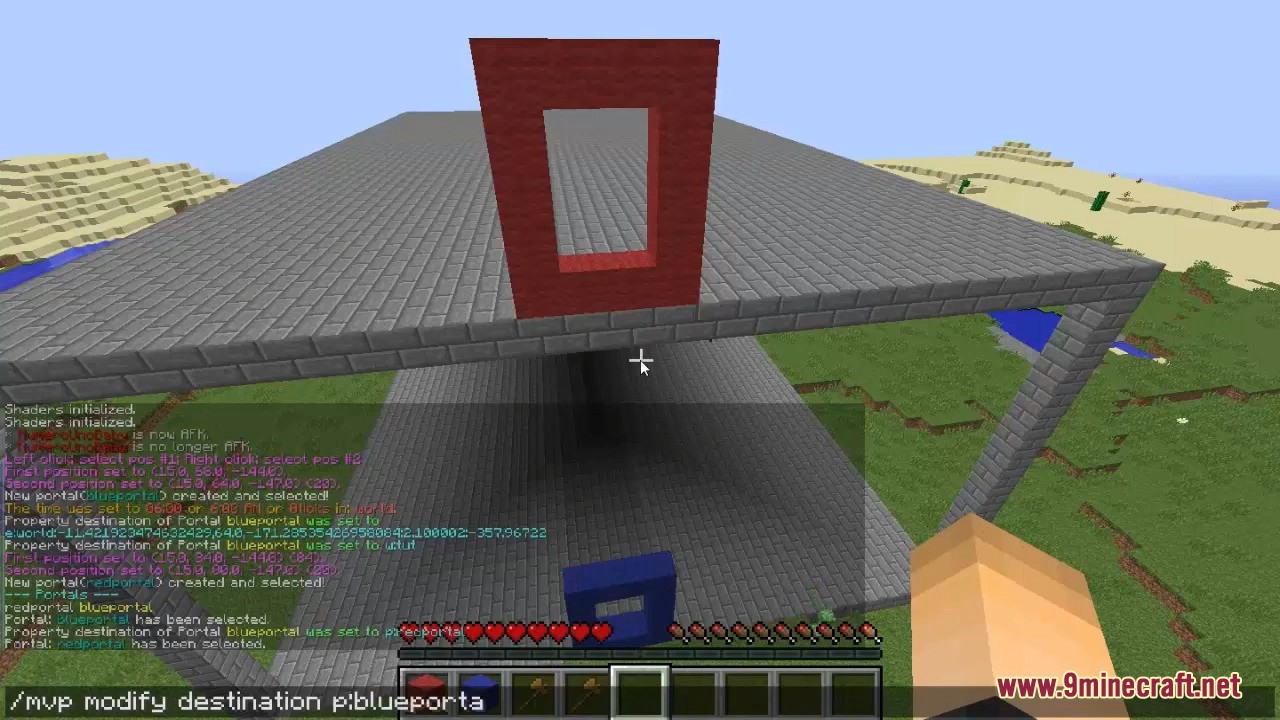
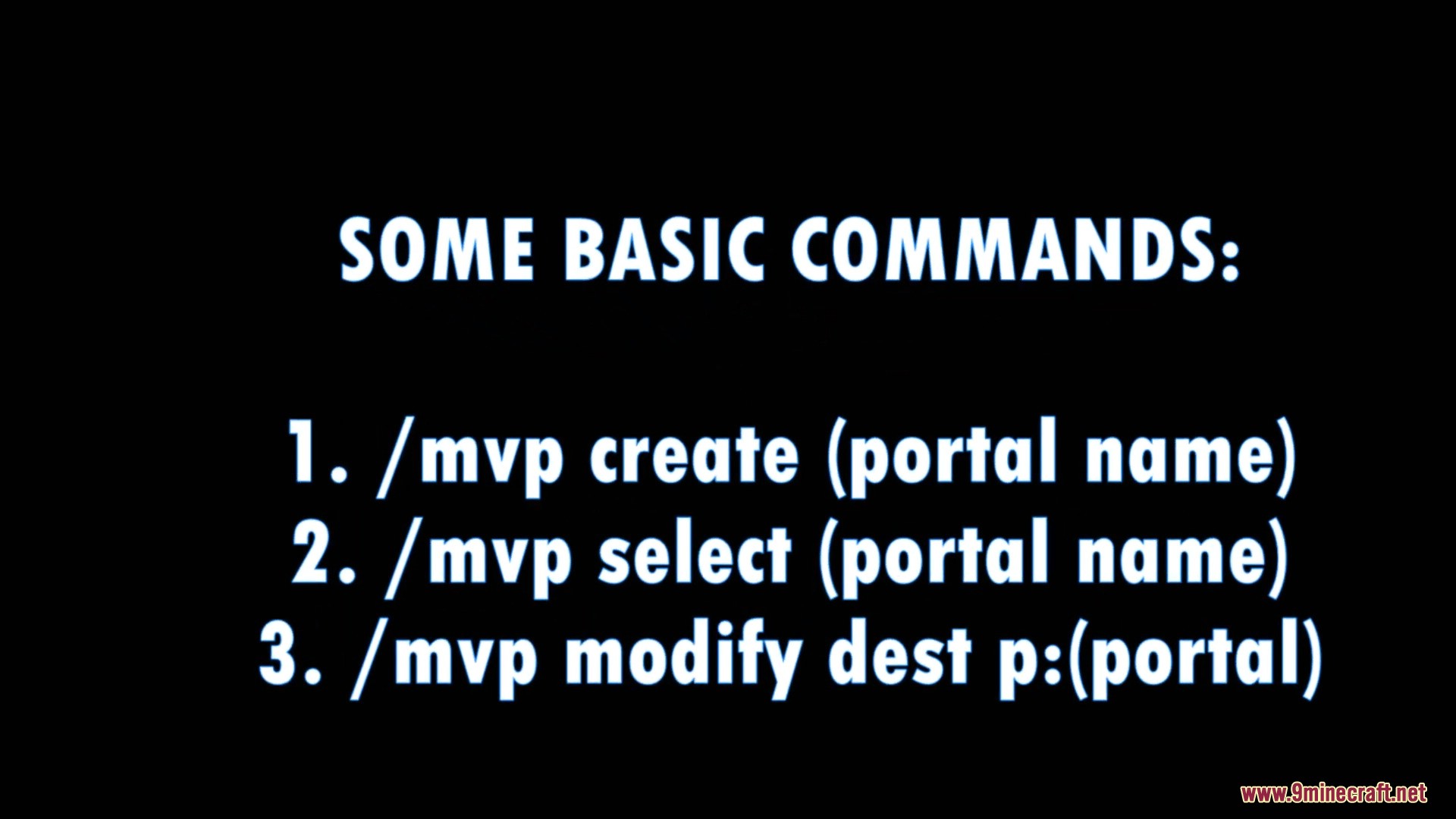
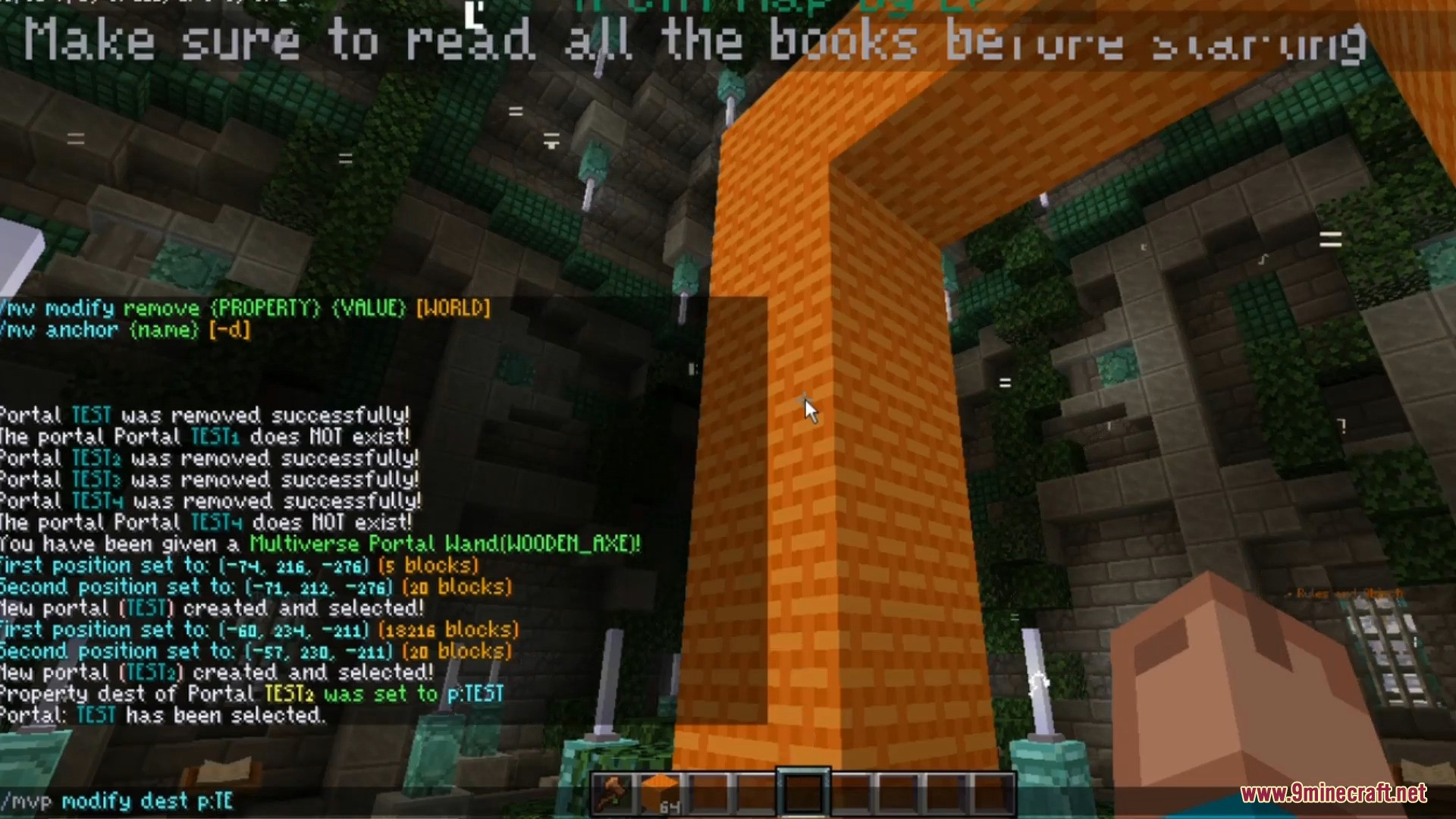
You need WorldEdit installed. Use a wooden axe to left-click one corner and right-click the opposite corner to define your portal area, then use /mvp create [name] to build the portal in that selection.
Can I make a portal out of any block?
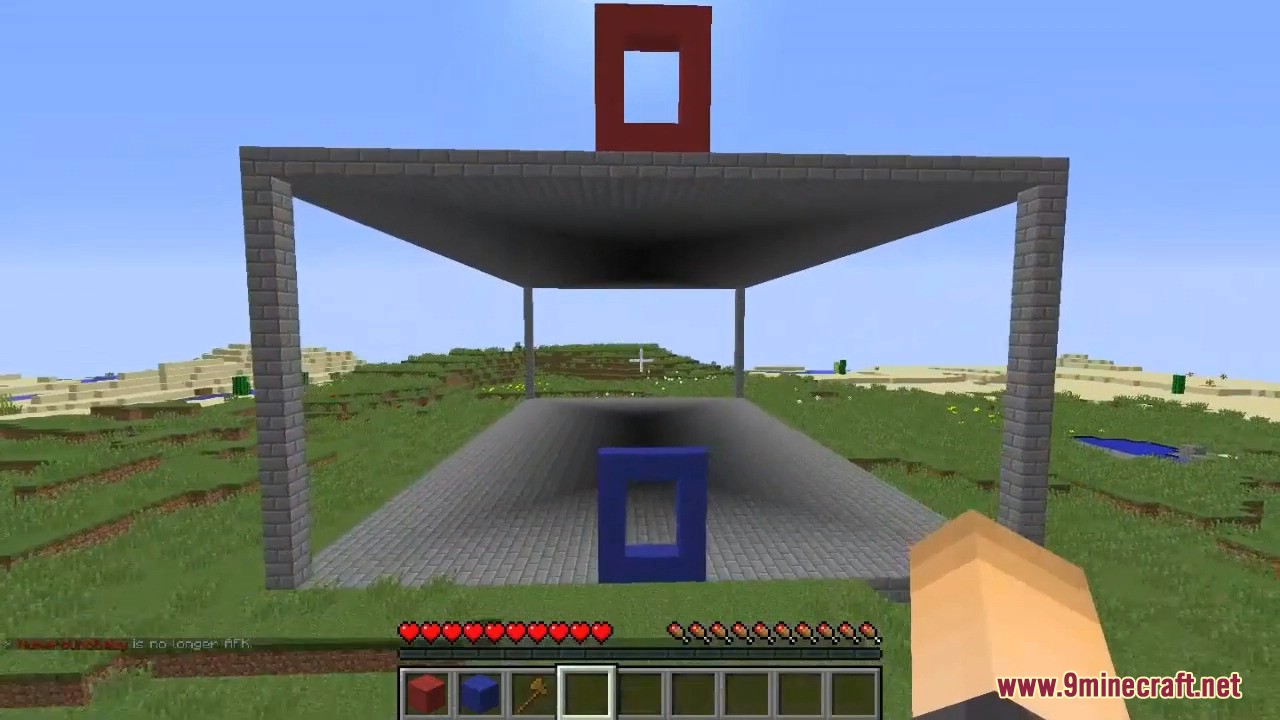
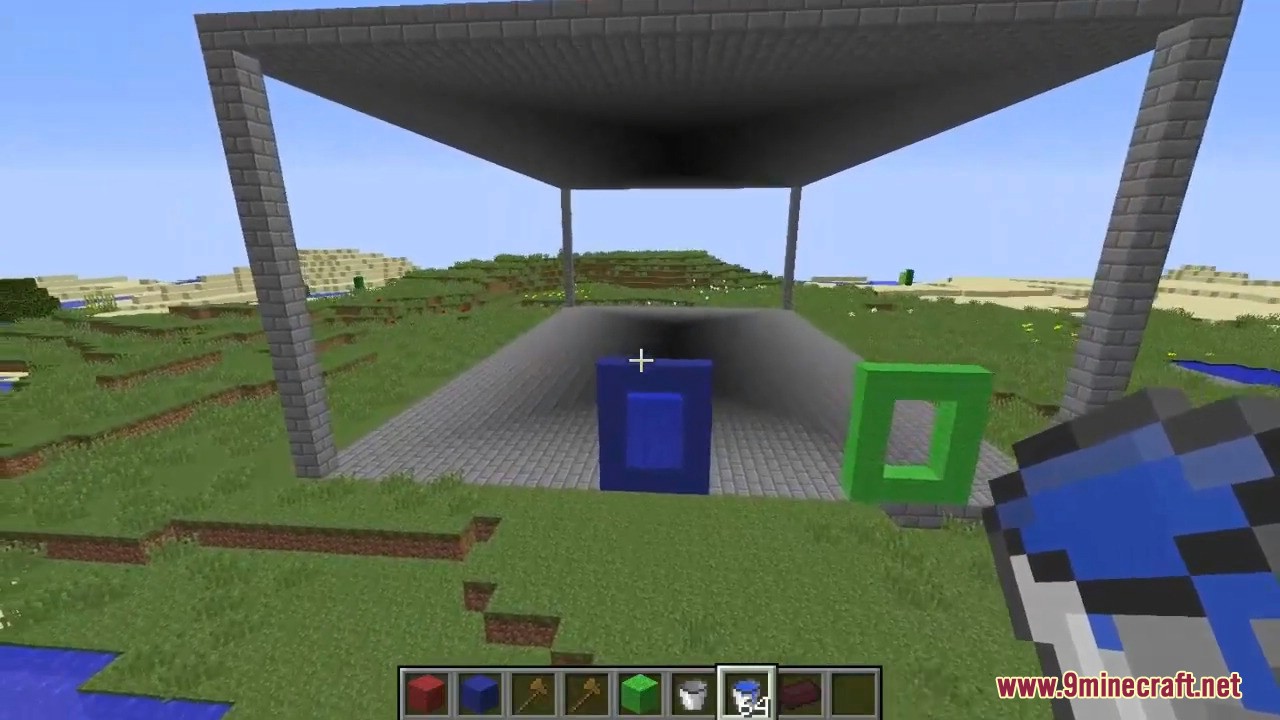
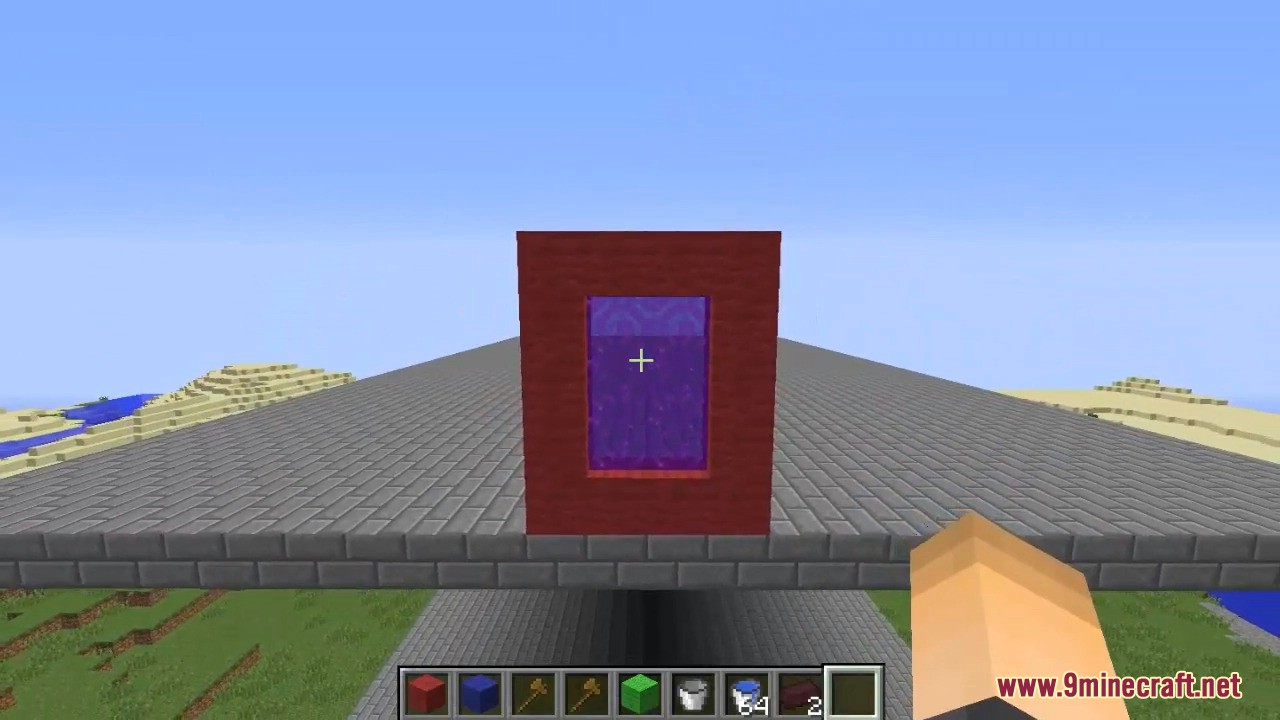
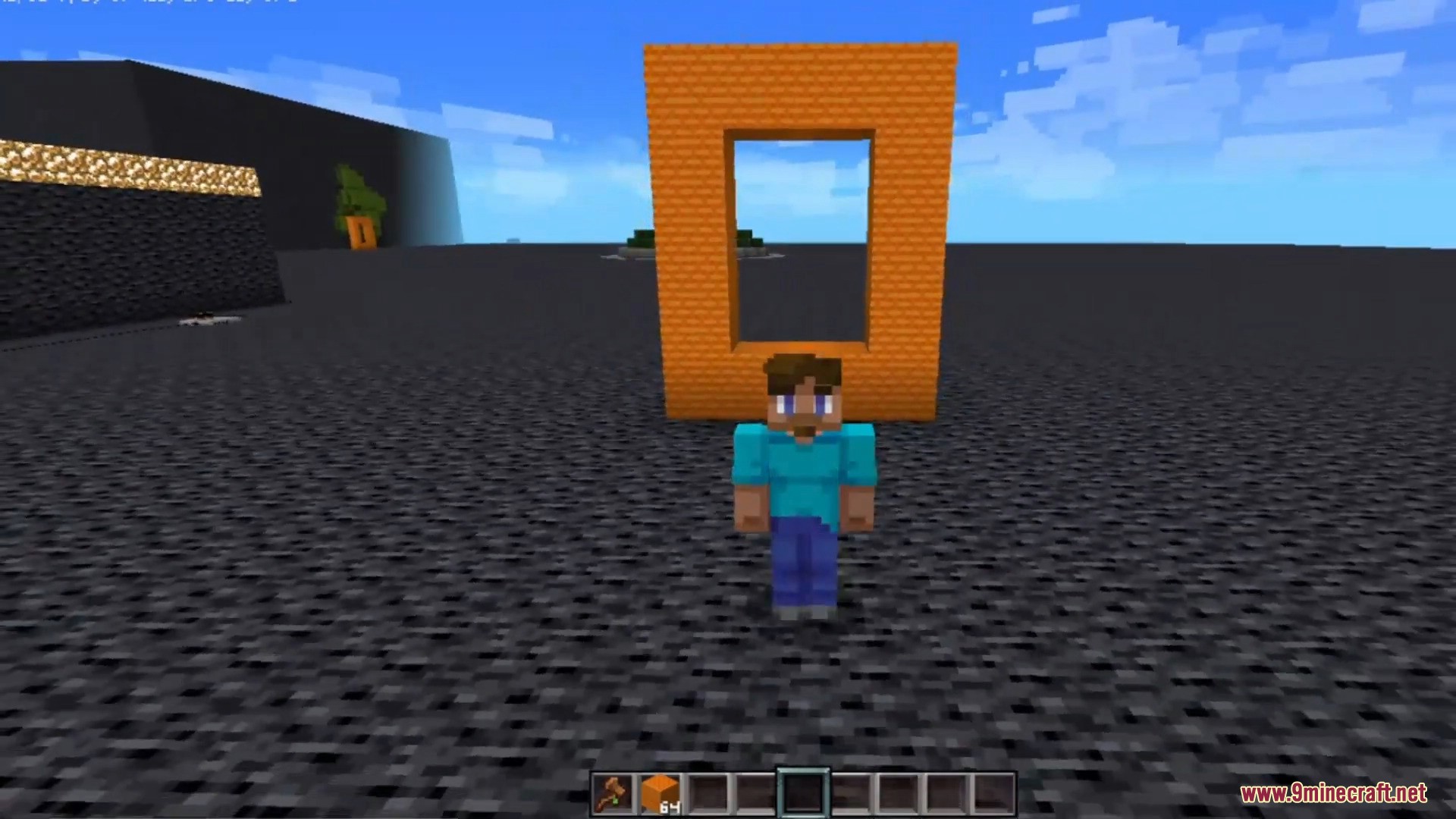
Yes, you can build portal frames from any block type—wood, stone, concrete, or even decorative blocks like wool or terracotta. The portal frame is purely visual; the actual teleport zone is defined by your WorldEdit selection.
What's the difference between sending players to a world vs. coordinates?
Sending to a world teleports players to their spawn point in that world, while sending to exact coordinates lets you place them at a specific location like X:100 Y:64 Z:-200. Use /mvp modify dest [destination] with either format.
How do I stop players from using a portal too much?
Set a cooldown timer using the portal modification commands to add a delay between uses. This prevents portal spam and can help manage server performance or gameplay balance.
See all 10 Multiverse Portals questions ›
Gallery
10 images from the Multiverse Portals Plugin page.
You May Also Like
Wikis that share the most with this one
 Job X Plugin
Wikis on the same theme: world
More plugin wikis on the site
The most downloaded mods that have a wiki here
A few wikis from each of the other kinds