

 DownloadDynmap Plugin
Get the files on 9Minecraft
Guides
Step-by-step, in-game.
How to Add Markers, Areas, and Lines to Your DynmapDynmap supports custom markers so you can label bases, shops, arenas, or regions on the map. Markers live in marker…How to Configure What Dynmap Renders and How OftenDynmap's rendering is controlled by configuration files on the server. Editing them lets you trade visual detail…How to Open and Use the Dynmap Web MapOnce Dynmap is running on your server, the map is served from the same machine over HTTP. You do not need a separate…How to Use Dynmap Chat and Player Tracking FeaturesDynmap can mirror in-game chat to the web map and let web viewers talk back, plus show where players are in real…
Frequently asked questions
Why is my Dynmap map blank or not loading?
The most common causes are the wrong port, a firewall blocking the Dynmap port, or the map not having rendered yet. Check that the port in your config is open and reachable, then give the renderer time to finish its first pass over the world.
How do I make the map update faster?
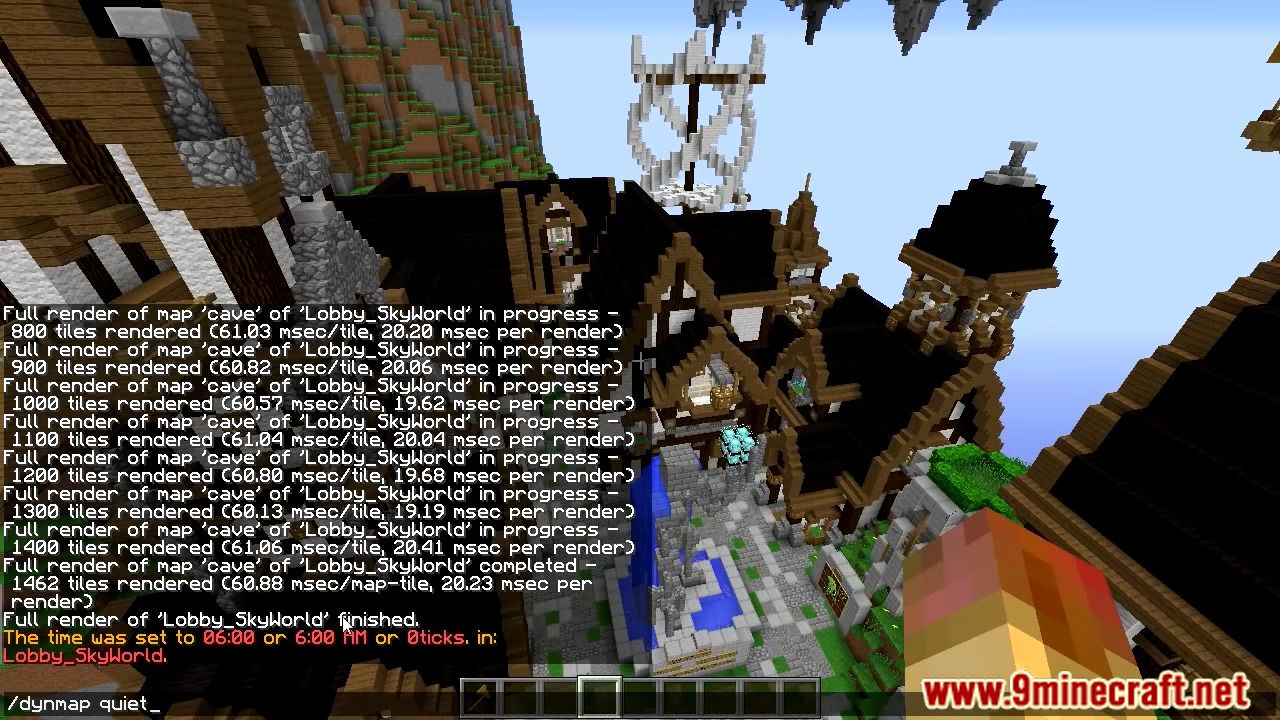
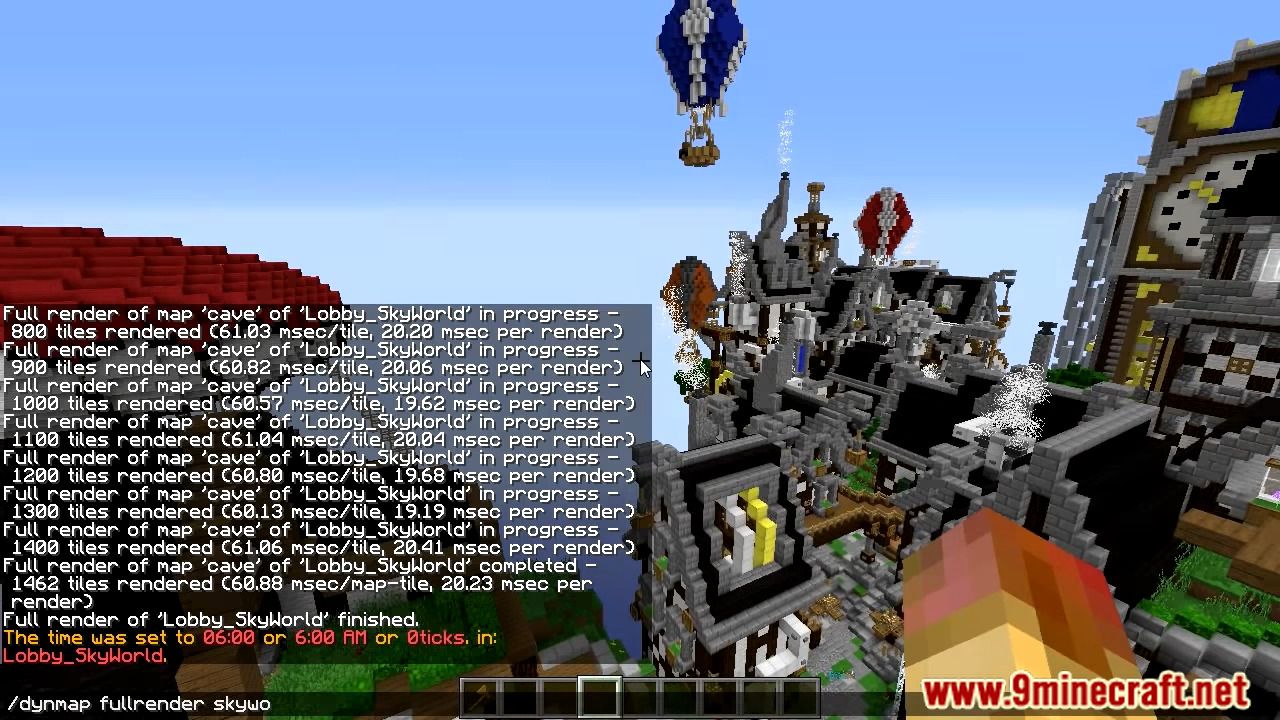
Dynmap updates in real time for changes near players, but full renders of unexplored or distant chunks happen on a schedule. You can tune the render frequency and trigger manual full renders from the Dynmap commands to refresh areas immediately.
How do I add a marker or point of interest to the map?
Markers are added through the web interface's marker controls or via Dynmap commands, and they can be grouped into marker sets. You can also define areas and lines the same way to outline regions or draw routes.
Gallery
6 images from the Dynmap Plugin page.
You May Also Like
Wikis that share the most with this one
 Job X Plugin
More plugin wikis on the site
The most downloaded mods that have a wiki here
A few wikis from each of the other kinds