

 DownloadMiniMOTD Plugin
Get the files on 9Minecraft
Guides
Step-by-step, in-game.
Create a Multi-Line MOTD MessageExpanding Your MOTD Across Multiple Lines Multi-line MOTDs let you communicate more information—rules, events, or…Customize Server Ping Response and Version DisplayModifying How Your Server Appears in the Server List Ping response customization controls what version players see…Display Live Player Count and Server Status in MOTDUsing Placeholders for Dynamic Information Placeholders automatically update your MOTD with real-time data like…Set Up a Colorful RGB Gradient MOTDCreating Your Gradient MOTD RGB gradients let you blend multiple colors smoothly across your MOTD text. This catches…
Frequently asked questions
Can I use color codes in my MOTD or do I need RGB?
Yes, the plugin supports both legacy color codes and modern RGB colors. You can use simple color codes like `&c` for red, or define custom RGB values for more precise control over your MOTD appearance.
What placeholders can I use to show live server info in the MOTD?
Common placeholders include player count, max players, server status, and TPS. Check the plugin's documentation or config file for the full list of available placeholders your version supports.
Why isn't my gradient MOTD showing colors correctly?
Ensure your client supports RGB colors (most modern versions do) and that your gradient syntax is correct in the config file. Some older clients may not display gradients—test with a modern launcher to confirm the gradient is working server-side.
See all 10 MiniMOTD questions ›
Gallery
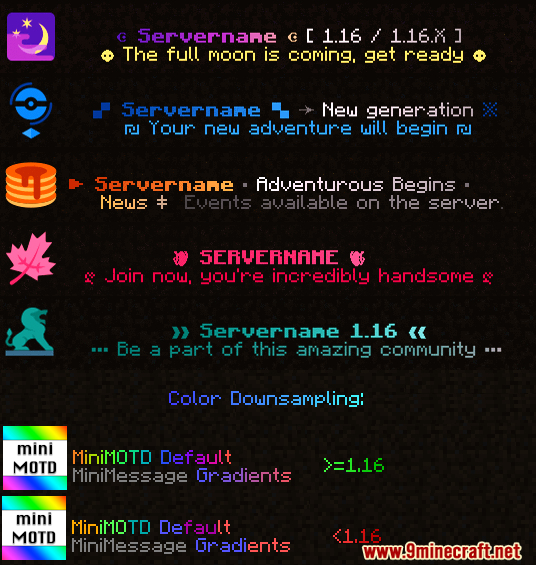
5 images from the Minimotd Plugin page.
You May Also Like
Wikis that share the most with this one
 Job X Plugin
More plugin wikis on the site
The most downloaded mods that have a wiki here
A few wikis from each of the other kinds