

 DownloadLuck Perms Plugin
Get the files on 9Minecraft
Guides
Step-by-step, in-game.
Create and Assign Player RanksSetting Up a New Rank Ranks organize players into groups with shared permissions. Use the web editor for a visual…Grant Specific Permissions to PlayersUnderstanding Permissions Permissions control what players can do—from building to using commands. You can assign…Manage Permissions Through Config FilesAccessing Config Files If you prefer manual configuration over the web editor, you can edit permission files…Set Up a Permission Hierarchy with Parent RanksWhat is a Permission Hierarchy? A hierarchy lets lower ranks inherit permissions from higher ranks. For example, an…
Frequently asked questions
What's the difference between groups and players in LuckPerms?
Groups are ranks that multiple players can share (like "moderator" or "vip"), while players are individual accounts that can have their own unique permissions or inherit permissions from groups. Most of the time you'll assign players to groups rather than giving each player individual permissions.
How do I give a player a rank?
Use the command `/lp user [playername] parent add [groupname]` to add them to a group, or use the web editor to select the player and add them to a rank visually. You can remove them from a rank with `/lp user [playername] parent remove [groupname]`.
Can I make one rank inherit permissions from another rank?
Yes, use `/lp group [groupname] parent add [parentgroupname]` to make a rank inherit from another, or set this up in the web editor by editing the group's parents. This lets you create hierarchies like "moderator" inheriting from "member."
See all 10 Luck Perms questions ›
Gallery
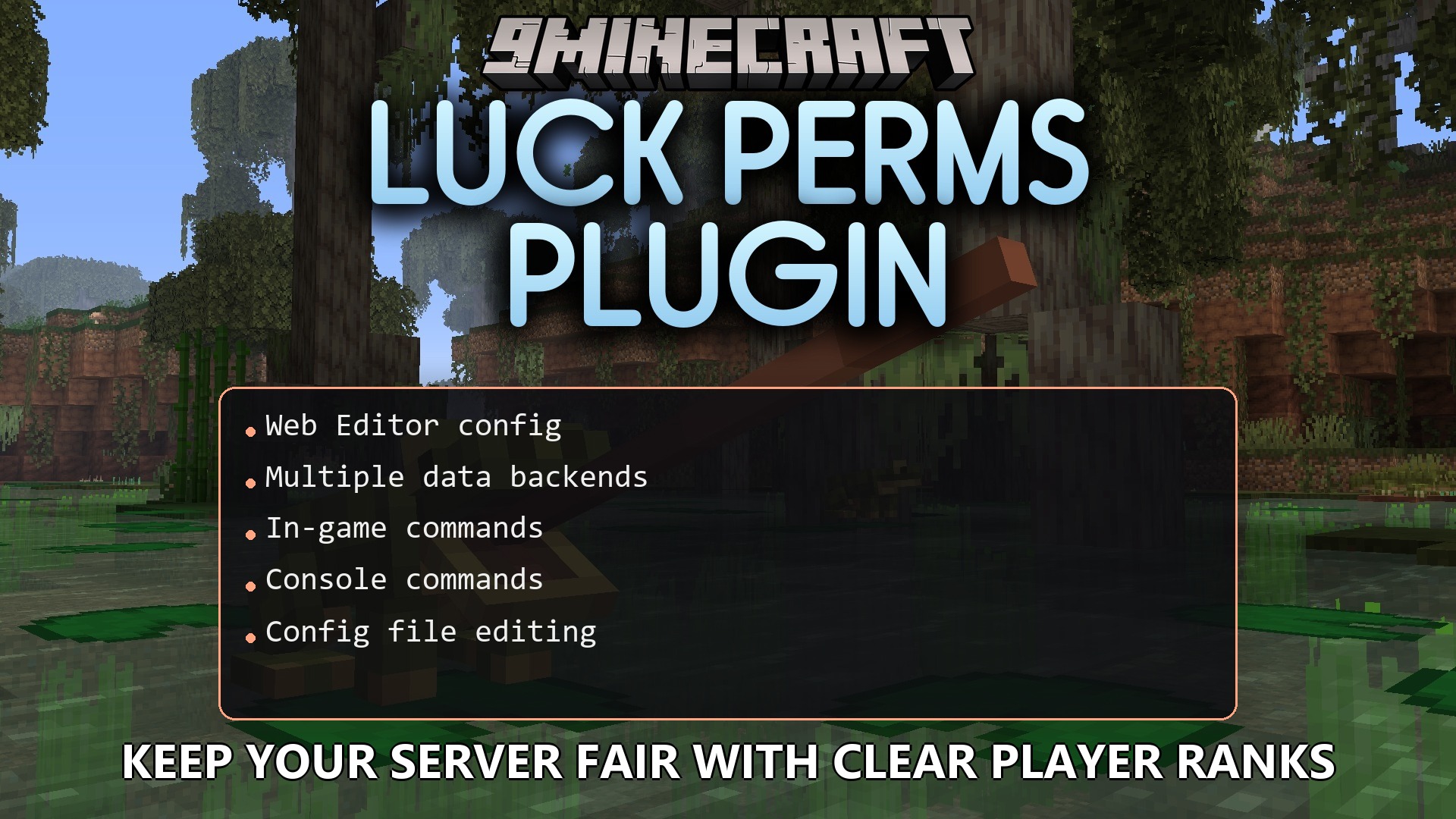
1 image from the Luck Perms Plugin page.
You May Also Like
Wikis that share the most with this one
 Job X Plugin
More plugin wikis on the site
The most downloaded mods that have a wiki here
A few wikis from each of the other kinds