

 DownloadPl3xMap Plugin
Get the files on 9Minecraft
Guides
Step-by-step, in-game.
Create Custom Map Addons Using the Pl3xMap APIUnderstanding the API Pl3xMap provides a robust API that allows developers to create custom addons and integrations.…Optimize Map Rendering Speed for Large WorldsWhy Rendering Speed Matters Pl3xMap is designed for ultra-fast rendering, but very large worlds or servers with many…Set Up Player Markers to Show Health and ArmorEnable Player Tracking Player markers on your map display real-time information about each player, including their…Switch Between Different Map Render TypesUnderstanding Render Types Pl3xMap offers multiple built-in rendering styles to visualize your world differently.…
Frequently asked questions
What's the difference between the render types?
Basic renders standard terrain colors; Night shows how the world looks at night; Biomes colors blocks by biome type; Inhabited highlights areas with player activity; Flowermap displays decorative flowers and plants. You can enable multiple render types and switch between them in the web interface.
Why is my map taking forever to render?
Large worlds naturally take longer; check your render settings in the config to reduce render distance or chunk load radius. You can also render specific regions instead of the entire world, and consider rendering during off-peak server hours to avoid impacting player performance.
See all 10 Pl3xMap questions ›
Gallery
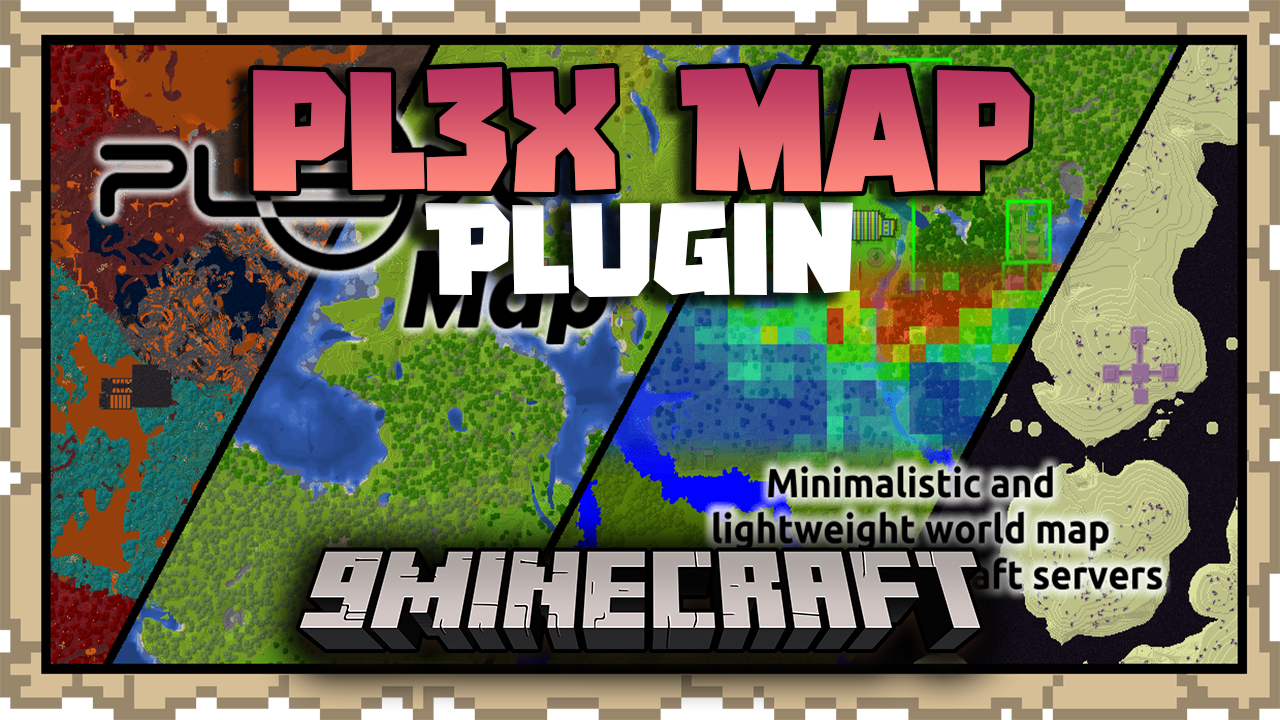
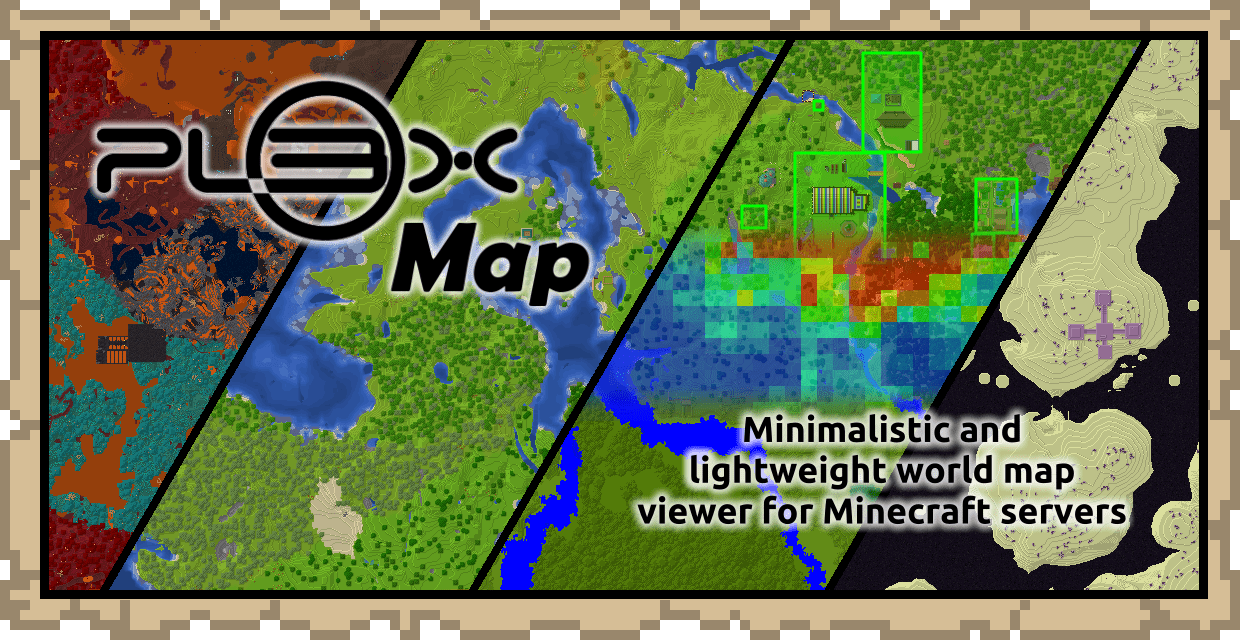
2 images from the Pl3Xmap Plugin page.
You May Also Like
Wikis that share the most with this one
 Job X Plugin
Wikis on the same theme: world
More plugin wikis on the site
 PJ’s Enchants PluginPhysics Toggle PluginPerformance Analyzer PluginPat Pat Mod & Plugin Mod
 Parkour Pro Lite Create Awesome Parkours in Minutes PluginOmnigrid Mirror PluginOmichall’s PVP PluginNPC Auctions PluginNova Anticheat Java Bedrock Geyser Support PluginNexa AI Chat PluginNew Bedwars PluginNekorelay Plugin
The most downloaded mods that have a wiki here
A few wikis from each of the other kinds