

 DownloadMultiverse Signportals Plugin
Get the files on 9Minecraft
Guides
Step-by-step, in-game.
Fixing a Sign Portal That Shows Red TextCommon Causes of Red Text Red sign text almost always means the plugin rejected the destination or the player lacks…How to Create a Sign Portal That Teleports You to Another WorldPlacing and Formatting the Sign To make a working sign portal, place a sign on any solid block where you want the…How to Redirect a Nether Portal to a Custom DestinationAttaching the Sign to the Portal Instead of letting a Nether portal send players to the usual Nether coordinates, you…Using Sign Portals to Build a Fast Travel HubPlanning the Hub Layout A travel hub is a room or platform filled with signs, each pointing to a different world or…
Frequently asked questions
How do I make my first sign portal?
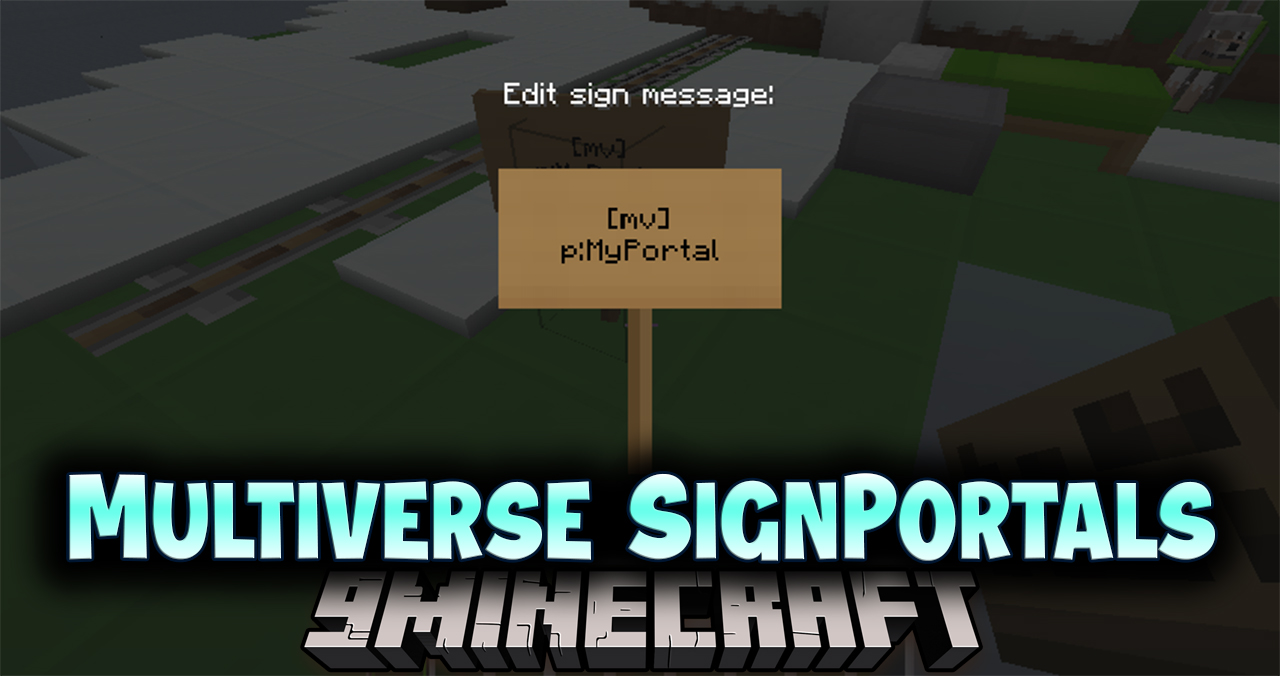
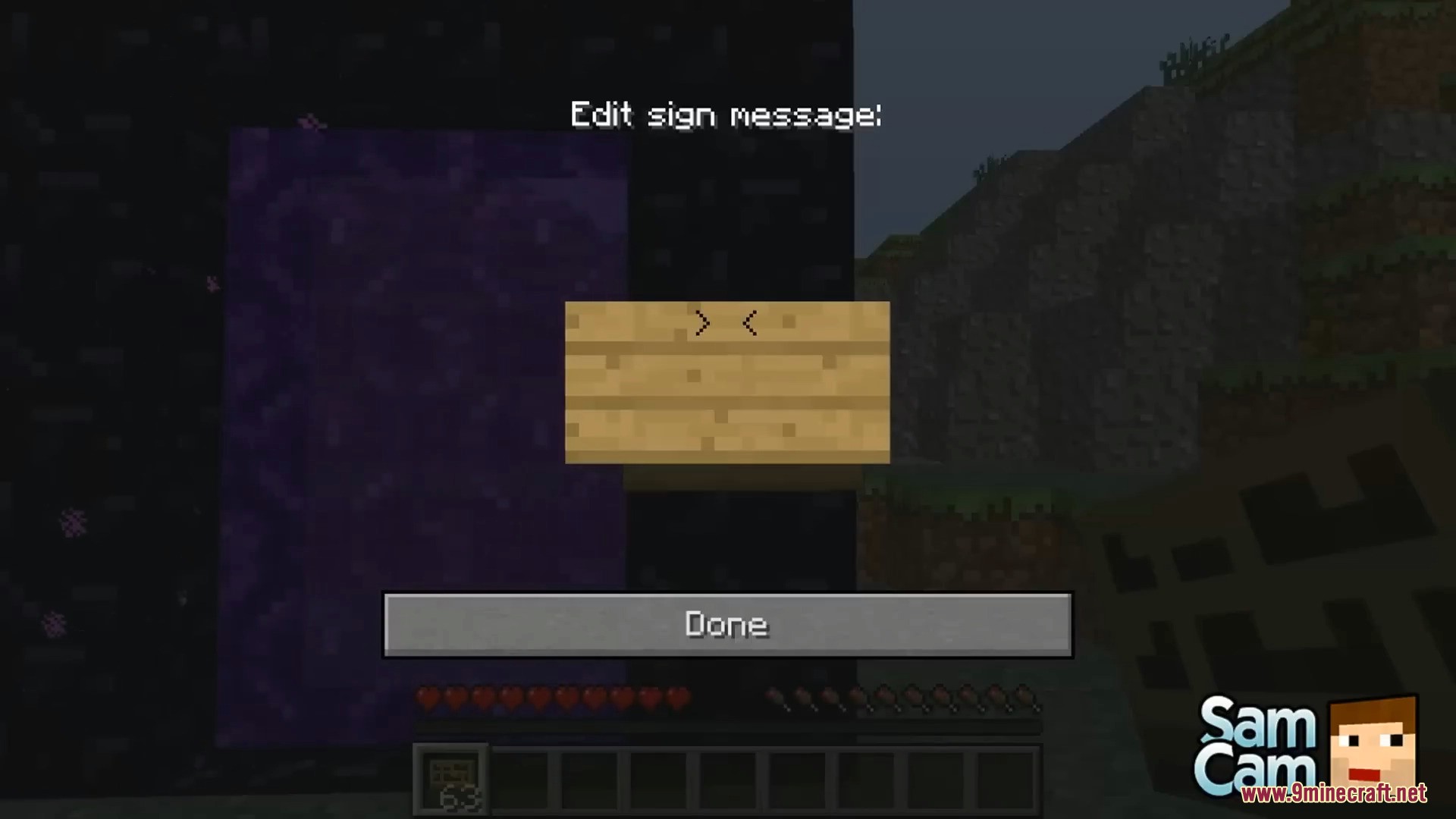
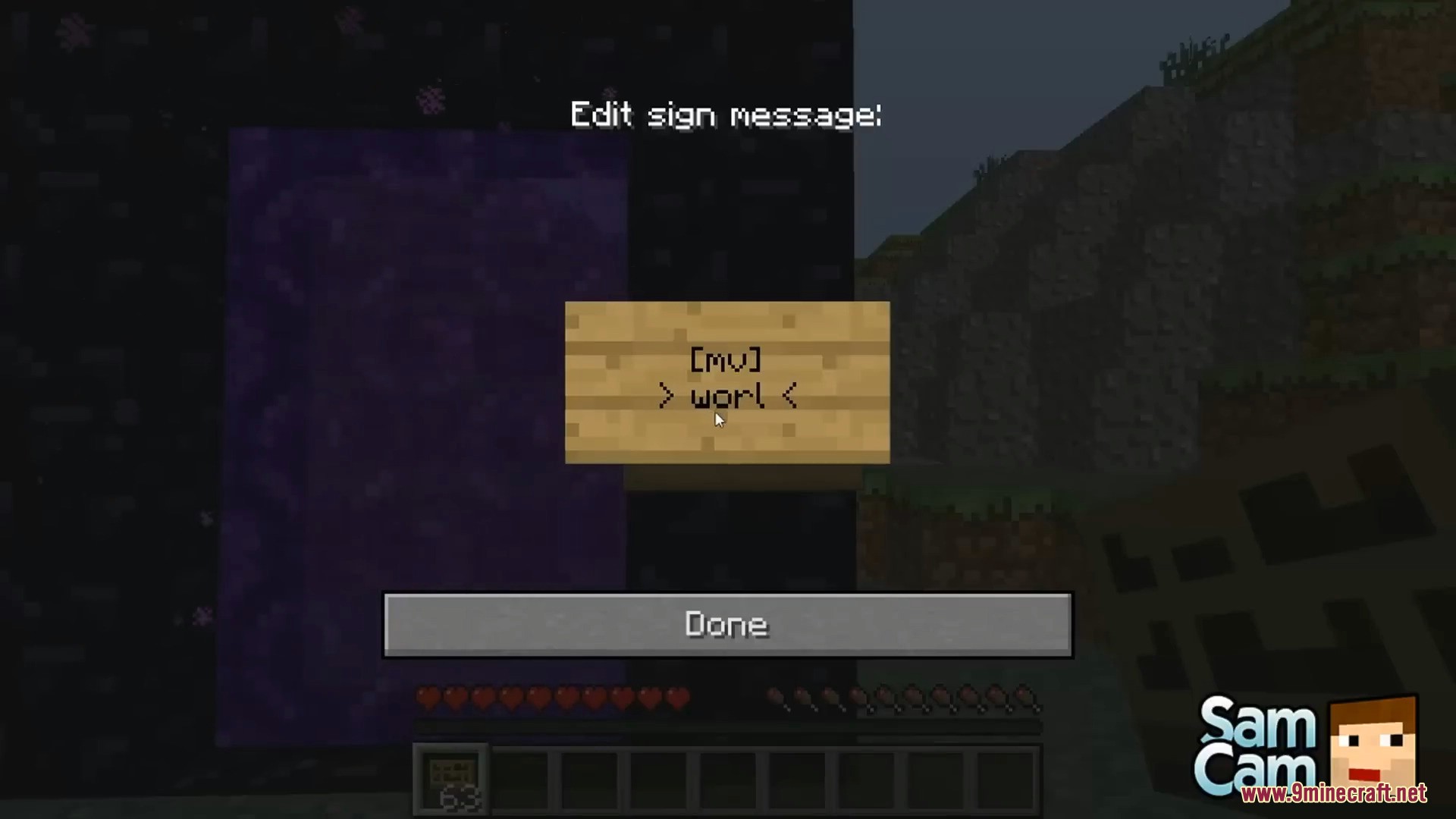
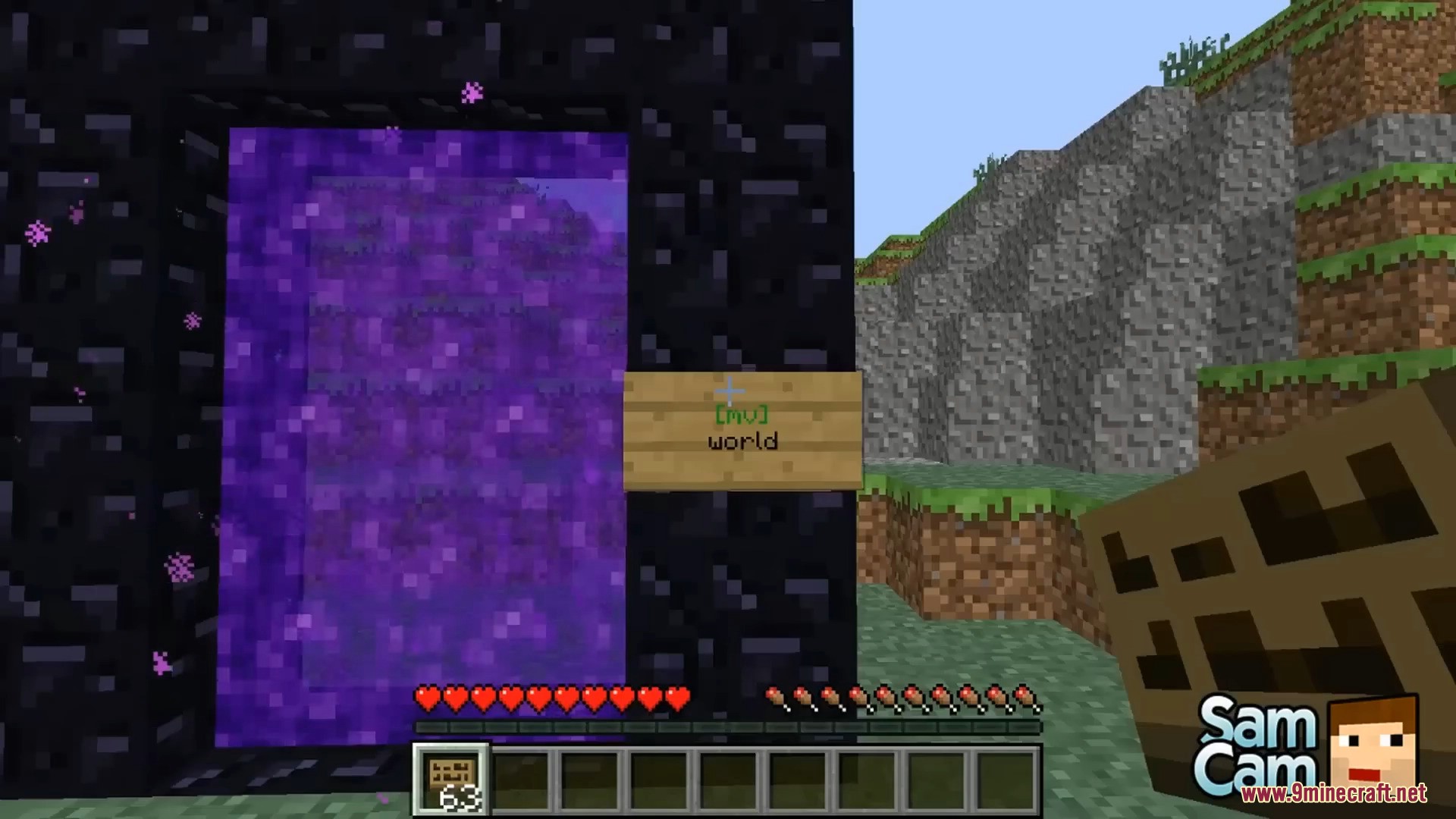
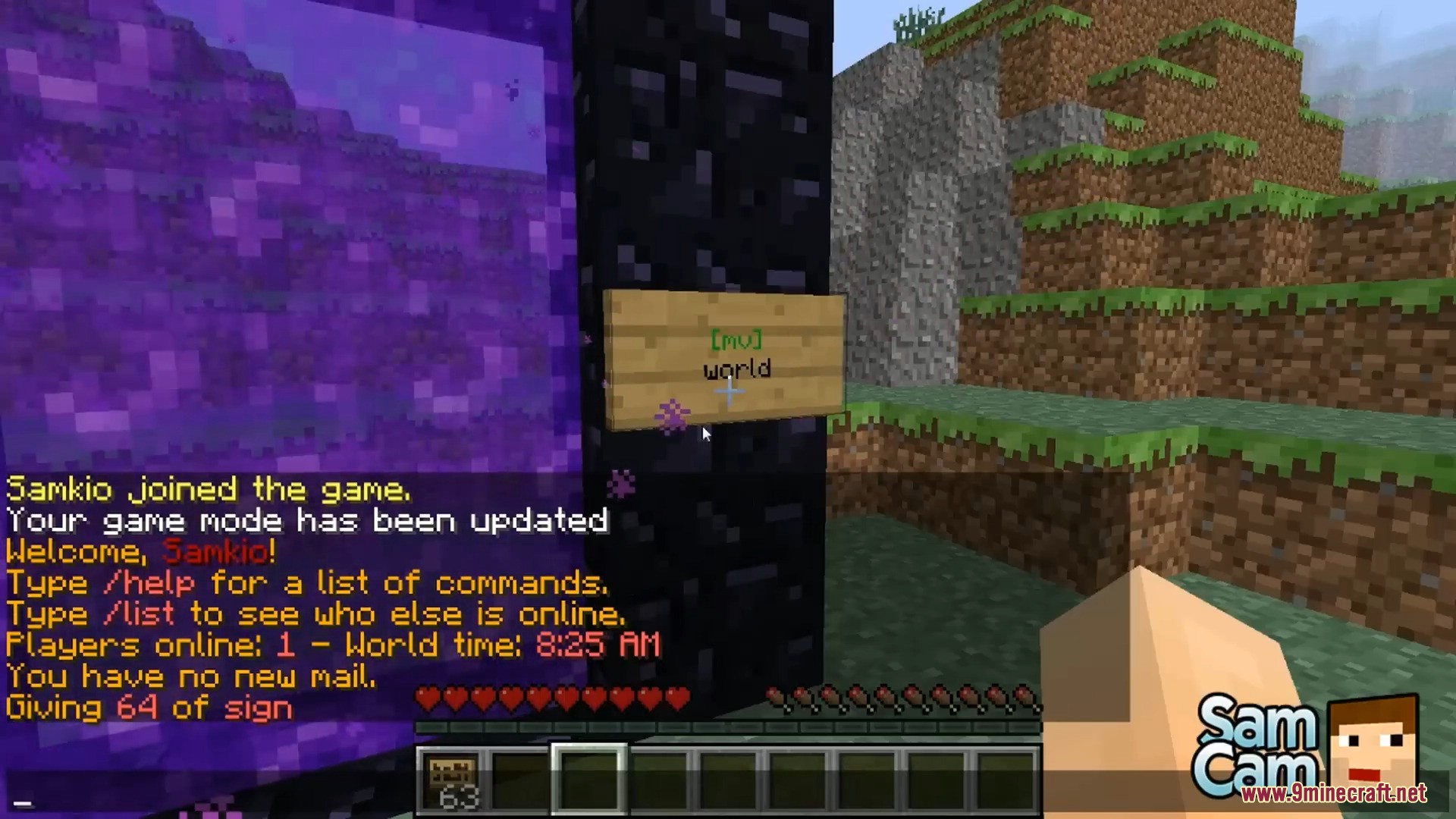
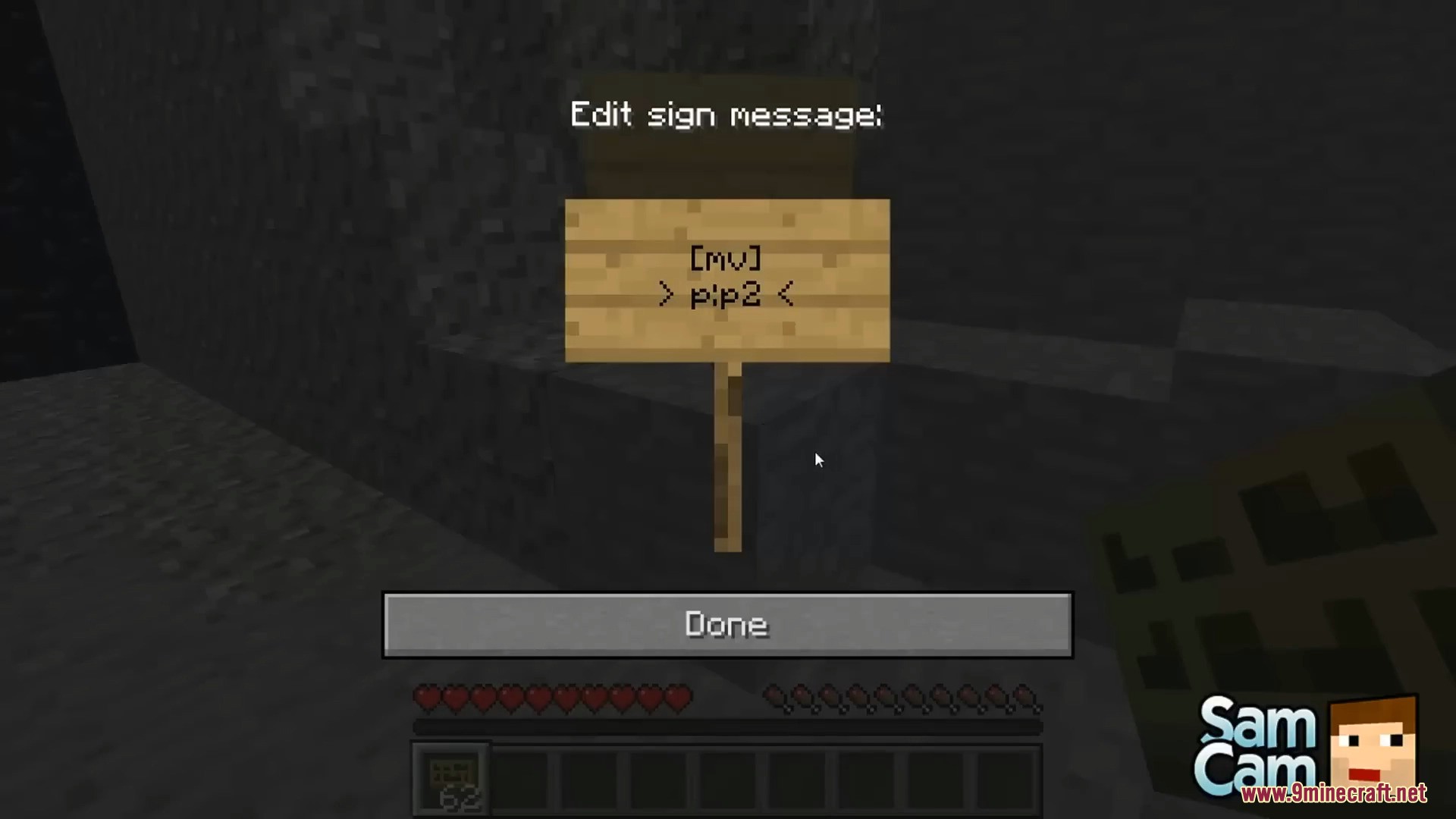
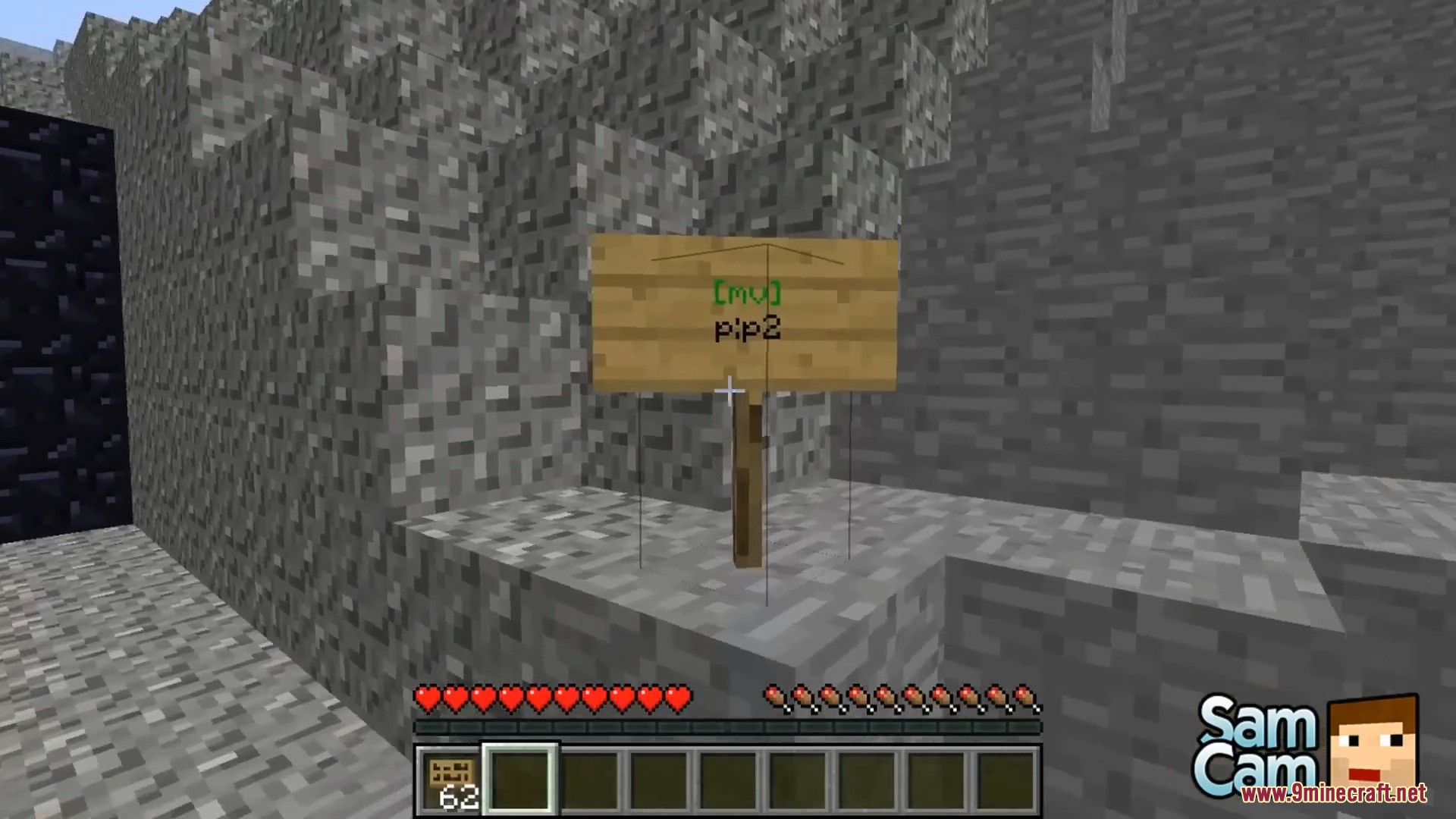
Place a sign on any block, then write the destination on it. If the format is correct and you have permission, the text turns green and right-clicking the sign teleports you.
Why is my sign text red instead of green?
Red means the sign is either set up incorrectly or you lack the permission to use it. Double-check the destination name and make sure you have the multiverse signportal permission node.
Can I put a sign portal on a Nether portal to change where it goes?
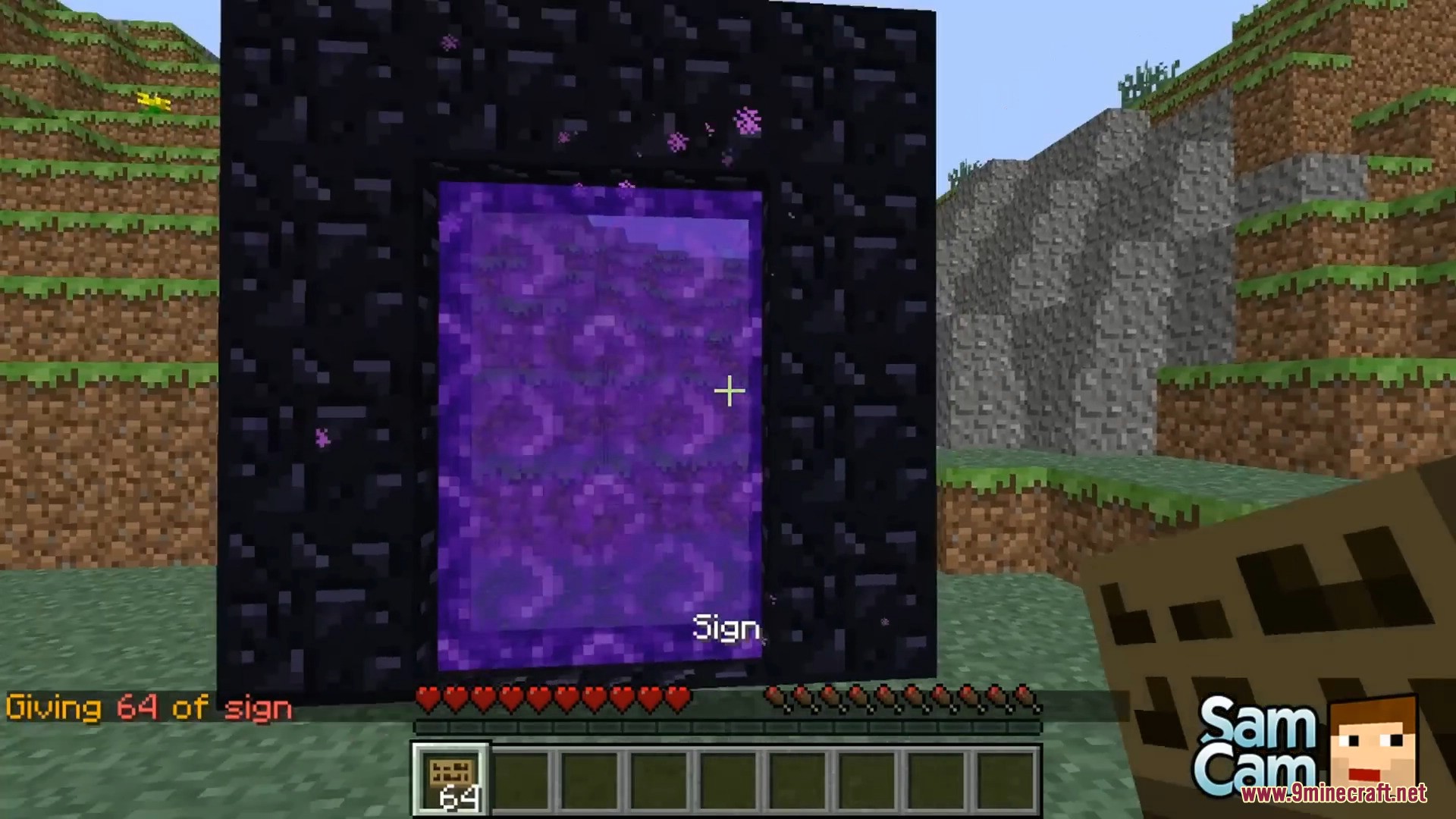
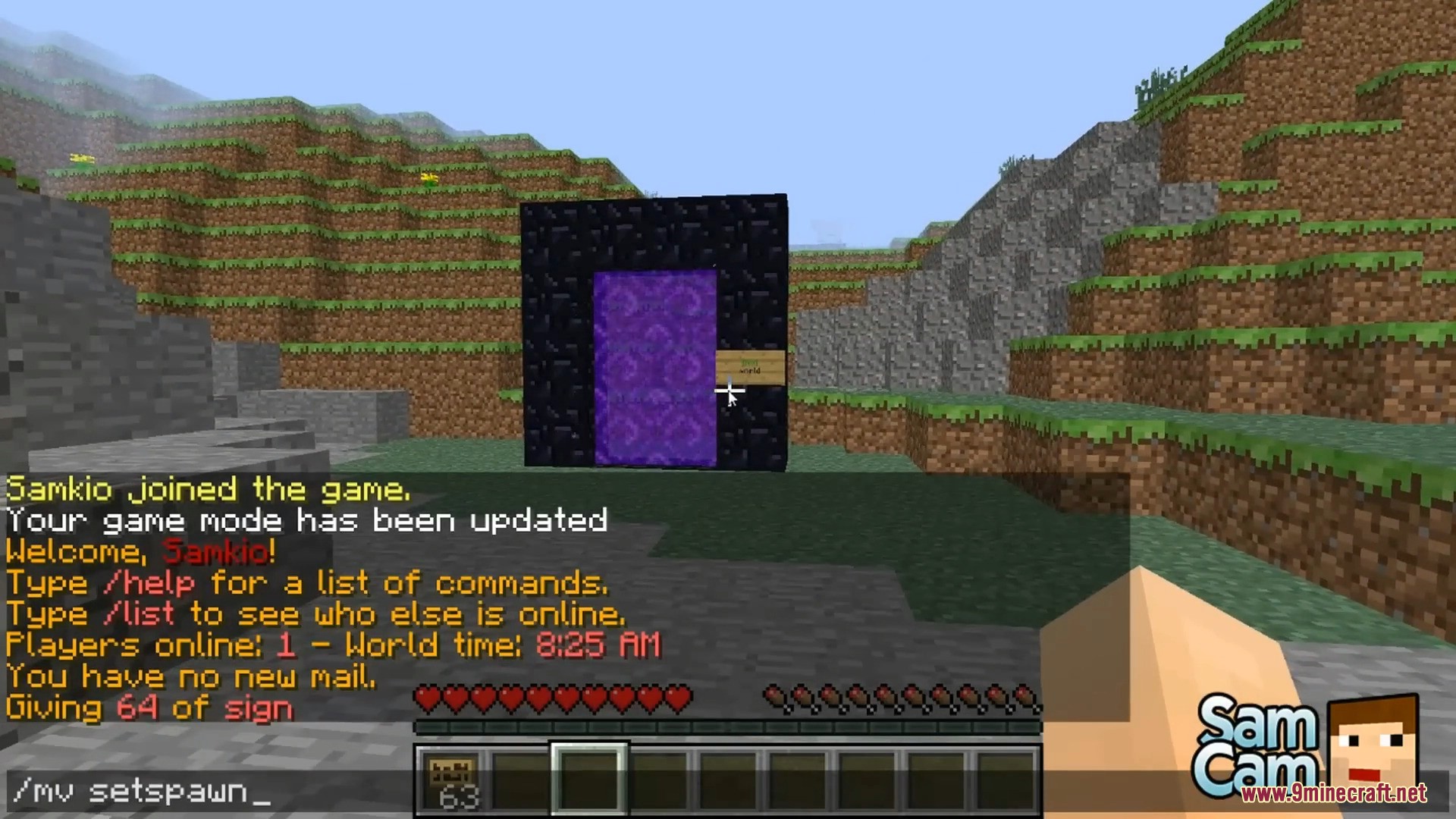
Yes. Placing a sign on a standard Nether portal redirects it so players who enter the portal arrive at the destination written on the sign instead of the normal Nether location.
See all 10 Multiverse Signportals questions ›
Gallery
10 images from the Multiverse Signportals Plugin page.
You May Also Like
Wikis that share the most with this one
 Job X Plugin
More plugin wikis on the site
The most downloaded mods that have a wiki here
A few wikis from each of the other kinds