

 DownloadTAB Plugin
Get the files on 9Minecraft
Guides
Step-by-step, in-game.
How to Configure Nametag Prefixes, Suffixes and VisibilitySetting Nametag Prefix and Suffix Nametags are the floating labels above players' heads. In the configuration, find…How to Create Per-Group Prefixes and Suffixes in the TablistDefining Groups In the configuration, find the section that maps permission groups to display properties. Each group…How to Set Up a Custom Tablist Header and Footer in TABLocating the Header/Footer Section Open the plugin's main configuration file and find the section that controls the…How to Sort Tablist Players by Group or PlaceholderChoosing a Sorting Method The plugin supports several sorting modes. You can sort players by their permission group,…
Frequently asked questions
How do I open the TAB config files?
TAB generates its configuration files inside its plugin folder on the server, with separate files for the tablist, nametags, scoreboard, and bossbar sections. Edit them with any text editor, then run the plugin's reload command to apply changes without restarting the server.
How do I reload TAB after editing the config?
Use the plugin's reload command from the server console or as an operator in-game. A full reload reapplies tablist, nametag, scoreboard, and bossbar settings without kicking players.
Why isn't my tablist header or footer showing up?
The most common causes are a YAML indentation mistake, a placeholder that isn't registered, or forgetting to reload after saving. Check the console for errors when reloading, since TAB logs exactly which line failed to parse.
How do I add a placeholder like a player's ping or balance to the tablist?
TAB reads placeholders from PlaceholderAPI, so install that plugin and any expansion you need, then use the placeholder syntax inside your tablist, nametag, scoreboard, or bossbar text. If the placeholder shows as raw text, the expansion isn't installed or the placeholder name is misspelled.
Gallery
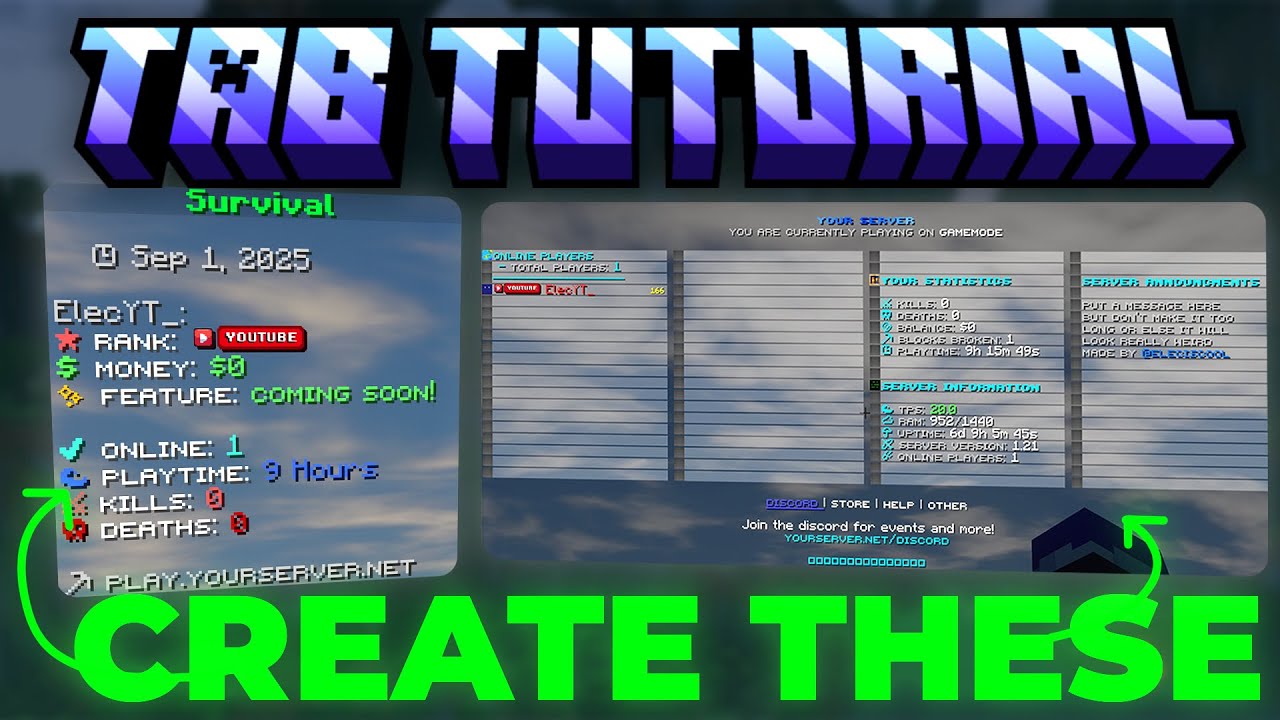
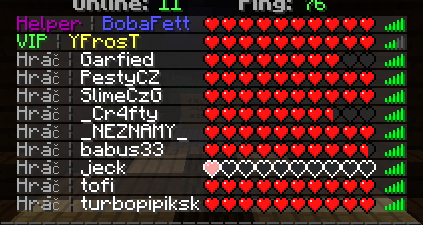
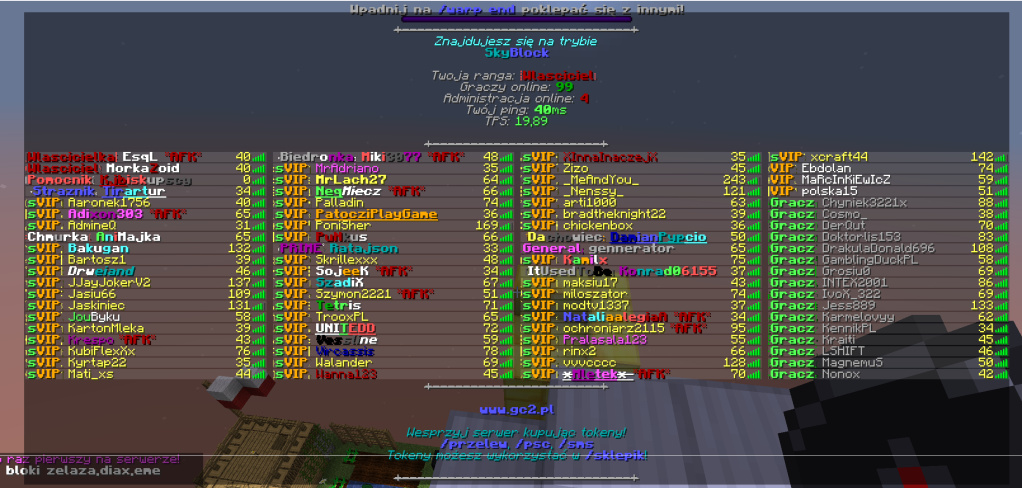
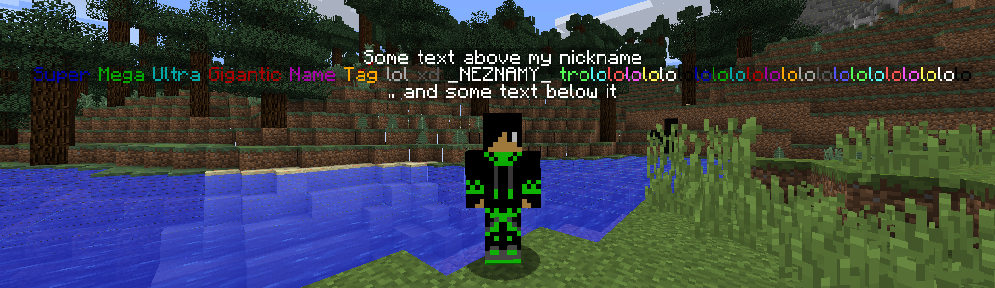
6 images from the Tab Plugin page.


You May Also Like
Wikis that share the most with this one
 Job X Plugin
More plugin wikis on the site
Swift Survival Teleports PluginSwift Survival Essentials PluginSurvival Block Pivot PluginSuperVanish PluginSuper Shop PluginSuper Harvest PluginStreamforge Live PluginSpooky Survival Encounters PluginSpawn Egg Drops Plugin Sovereign Skull Rain PluginSonic Bridge Link PluginSkyfall Loot Standout Plugin
The most downloaded mods that have a wiki here
A few wikis from each of the other kinds