

 DownloadMultiverse-Core Plugin
Get the files on 9Minecraft
Guides
Step-by-step, in-game.
How to Change a World's Game Mode, Difficulty, and PvPAdjusting World Rules Multiverse-Core lets each world run its own rules independent of the others. The command…How to Create a New World with Multiverse-CoreCreating the World Multiverse-Core lets you spin up additional worlds on the same server without touching your main…How to Restrict Access to Specific Worlds with PermissionsWhy Restrict Worlds On a public server you often want some worlds private, staff-only, or locked behind a rank.…How to Teleport Between Worlds and Set a World SpawnMoving Players Around Once you have multiple worlds, the most common task is jumping between them. The base command…
Frequently asked questions
How do I get started with Multiverse-Core after installing it?
Run the /mv command to see the main help menu and confirm the plugin loaded correctly. From there, use /mv create to make your first world, then /mv tp to travel to it. Most commands follow the /mv pattern.
Why does my new world not show up in the world list?
The world list only refreshes when Multiverse loads it, so run /mv list to confirm it was registered. If it's missing, check the server console for errors during creation — a failed generator or bad seed will silently abort the world.
How do I make a world use a specific generator like a skyblock or amplified terrain?
Pass the generator name as an argument when creating the world, for example /mv create normal -g . The generator plugin must be installed and registered with Multiverse first, otherwise the world falls back to the default generator.
See all 10 Multiverse-Core questions ›
Gallery
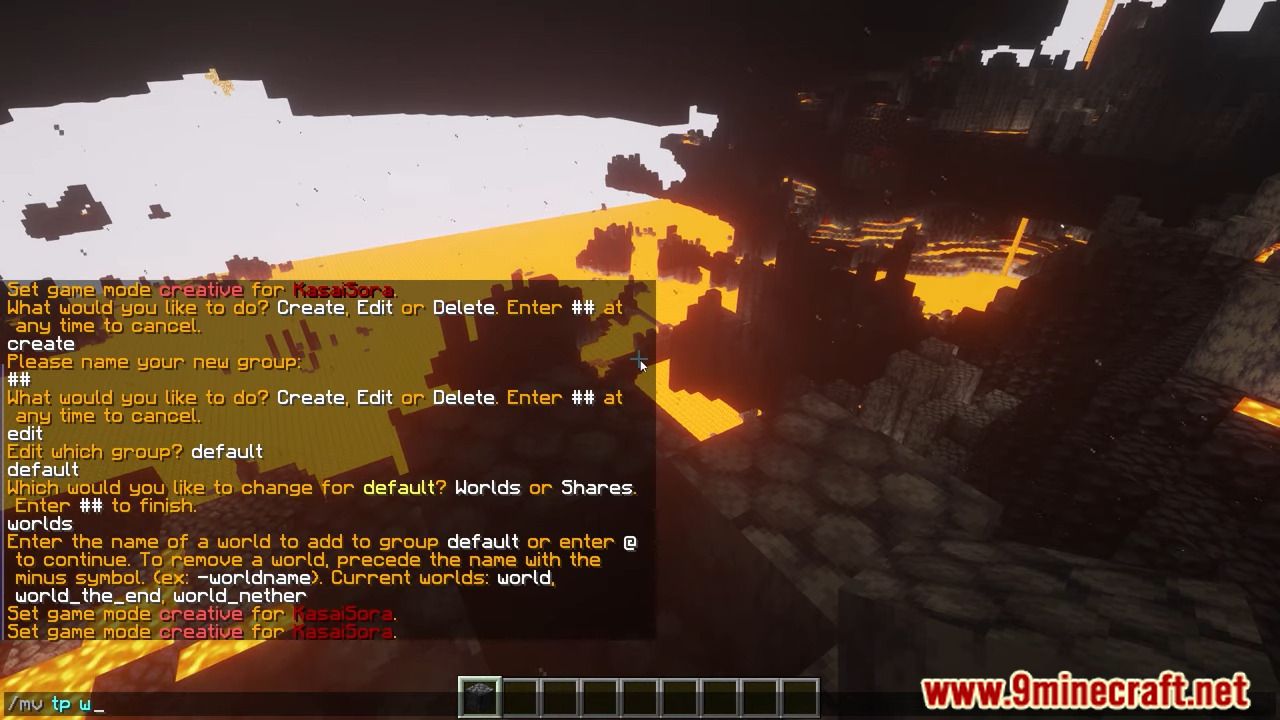
6 images from the Multiverse Core Plugin page.

You May Also Like
Wikis that share the most with this one
Wikis on the same theme: ore
 All in One Vein Miner & Tree Feller Plugin
More plugin wikis on the site
The most downloaded mods that have a wiki here
A few wikis from each of the other kinds