

 DownloadChunky Border Plugin
Get the files on 9Minecraft
Guides
Step-by-step, in-game.
Customize Border Messages and EffectsConfigure Border Feedback When players hit the world border, they receive feedback through a message, sound effect,…Enable Visual Border IndicatorsClient-Side Rendering The optional client-side world border renderer displays the border visually on your screen.…Set Up Border Wrapping for TeleportationEnable Wrapping Border wrapping allows players to teleport across the border edge and reappear on the opposite side,…Set Up Your First World BorderCreate Your Selection Before you can create a world border, you need to define the area it will protect. Use Chunky's…
Frequently asked questions
How do I create my first world border?
Use Chunky's selection commands to define your desired region, then run `chunky border add` to create a world border from that selection. The border will prevent players from moving beyond the selected area.
Can I see the world border visually in game?
Yes, enable the optional client-side world border renderer to see the border on your client, or use the optional server-side particle visualizer so all players can see it. You can also set up map markers on Dynmap, BlueMap, or squaremap for visual reference.
What happens when a player tries to cross the border?
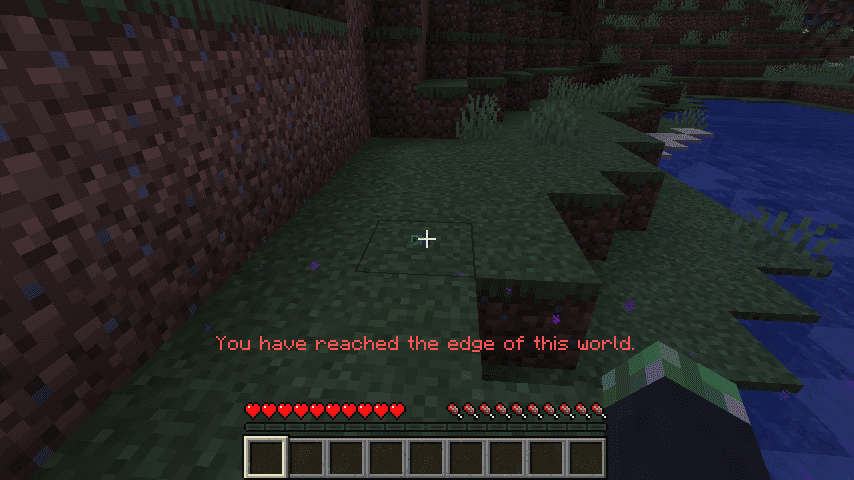
Players are prevented from moving past the border, and they'll receive a customizable message. You can also configure custom effects and sounds to play when they hit the border.
How do I let players teleport across the border instead of blocking them?
Use `chunky border wrap` to toggle border wrapping for your selected world, which allows teleports that would go outside the border to wrap around to the opposite side instead.
See all 10 Chunky Border questions ›
Gallery
2 images from the Chunky Border Plugin page.

You May Also Like
Wikis that share the most with this one
 Job X Plugin
Wikis on the same theme: world
More plugin wikis on the site
The most downloaded mods that have a wiki here
A few wikis from each of the other kinds