

 DownloadGSit Plugin
Get the files on 9Minecraft
Guides
Step-by-step, in-game.
Crawl on the GroundStarting to Crawl To move along the ground in a crawling position: 1. Type /crawl or /cr in chat 2. Your player will…Lay Down and Belly Flop on BlocksLaying Down To lay flat on a block: 1. Stand on or near any block 2. Type /lay or /glay in chat 3. Your player will…Sit on Stairs and Custom BlocksBasic Sitting The easiest way to sit is to right-click on top of a Stair, Slab, or Carpet block . Your player will…Spin While Sitting and Protect Sit AreasSpinning in Place While sitting on a block: 1. Type /spin or /gspin in chat 2. Your player will rotate in place while…
Frequently asked questions
How do I sit down?
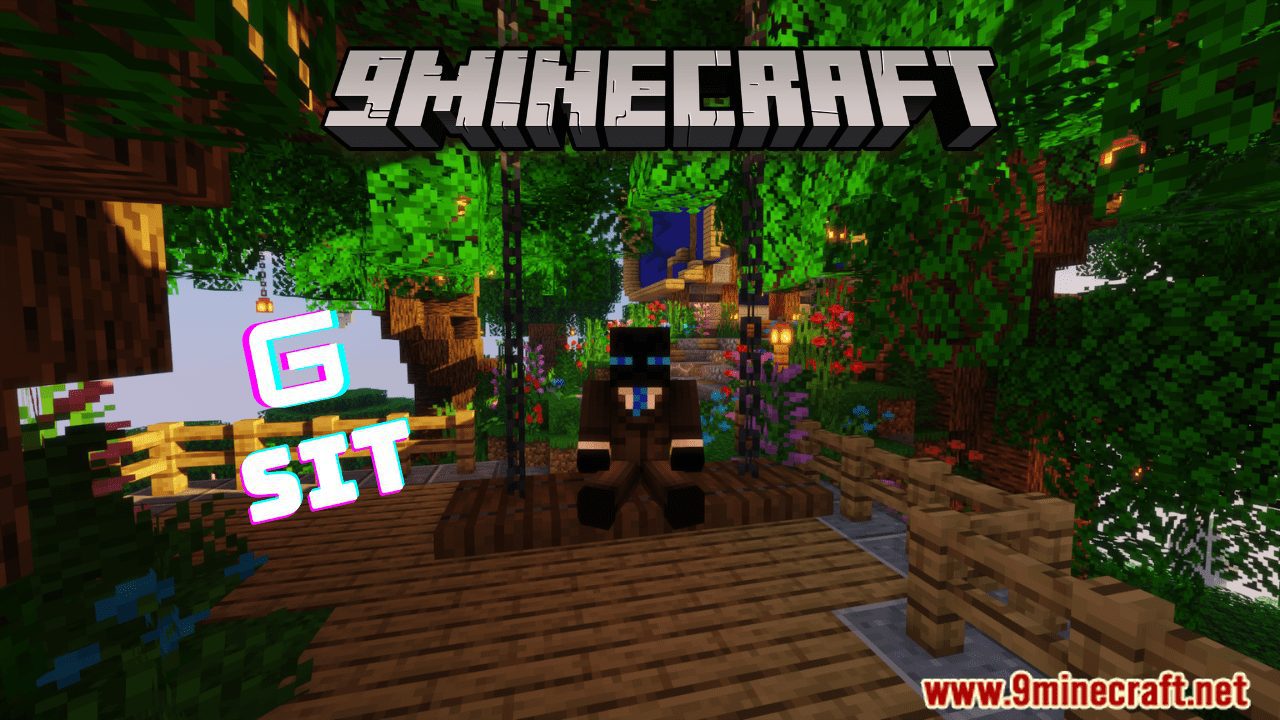
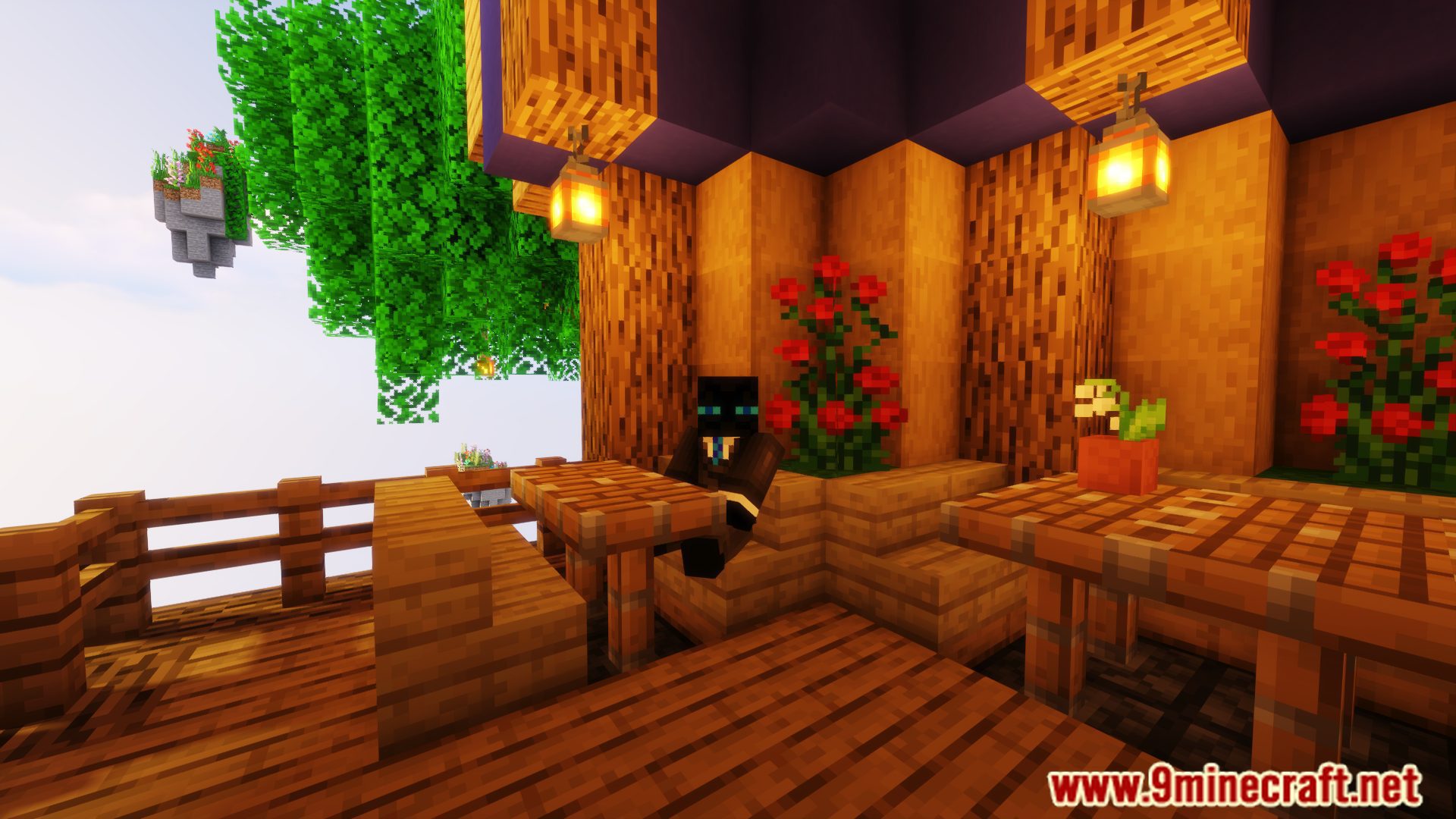
Use the command /sit while standing on a block, or right-click on top of a stair, slab, or carpet block to sit automatically. You can customize which blocks are siteable in the config file.
Can I sit on any block or only stairs?
By default you can sit on stairs, slabs, and carpets, but you can create a custom list of materials in the config to allow sitting on almost any block you want.
How do I lay down or belly flop?
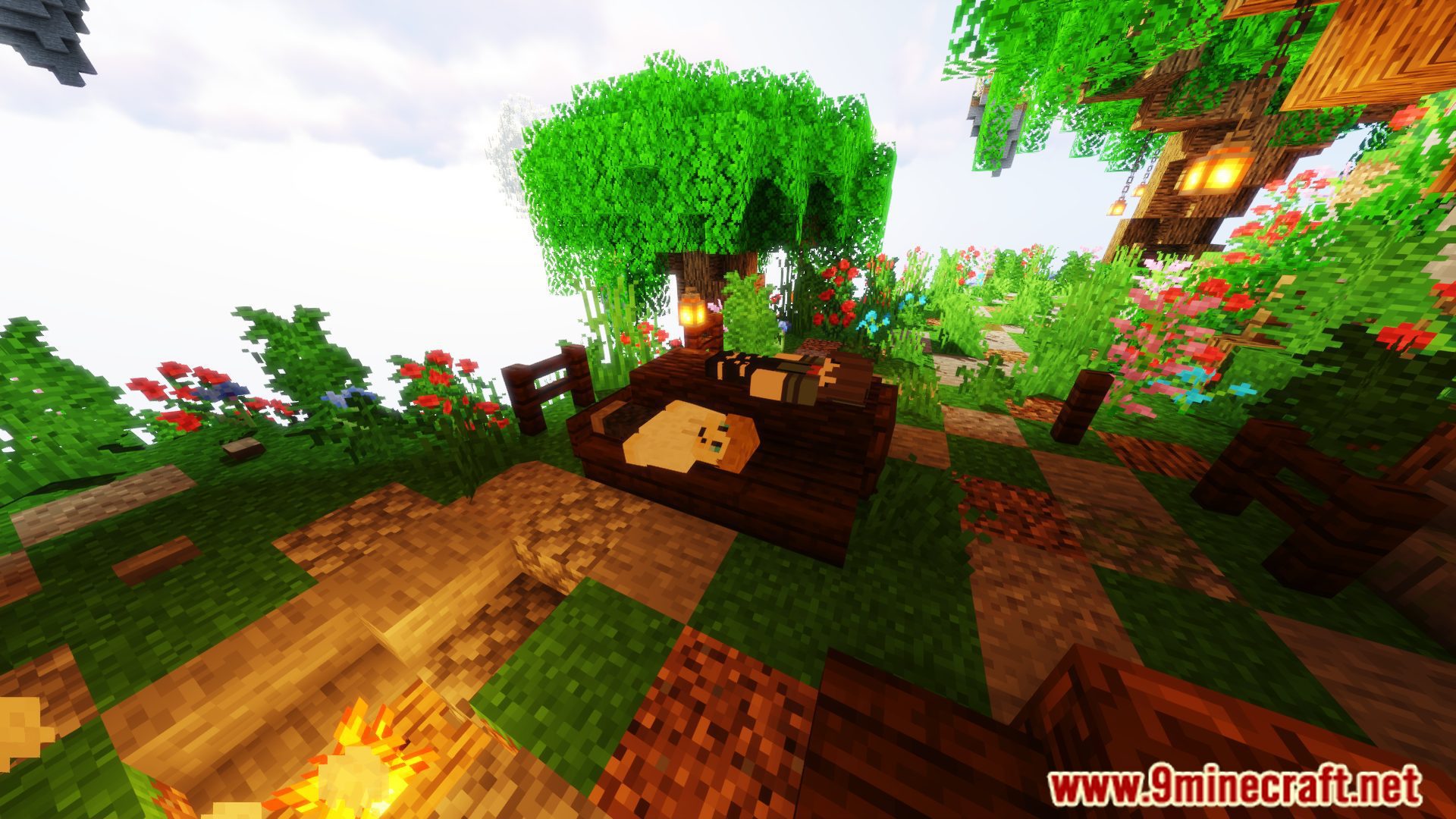
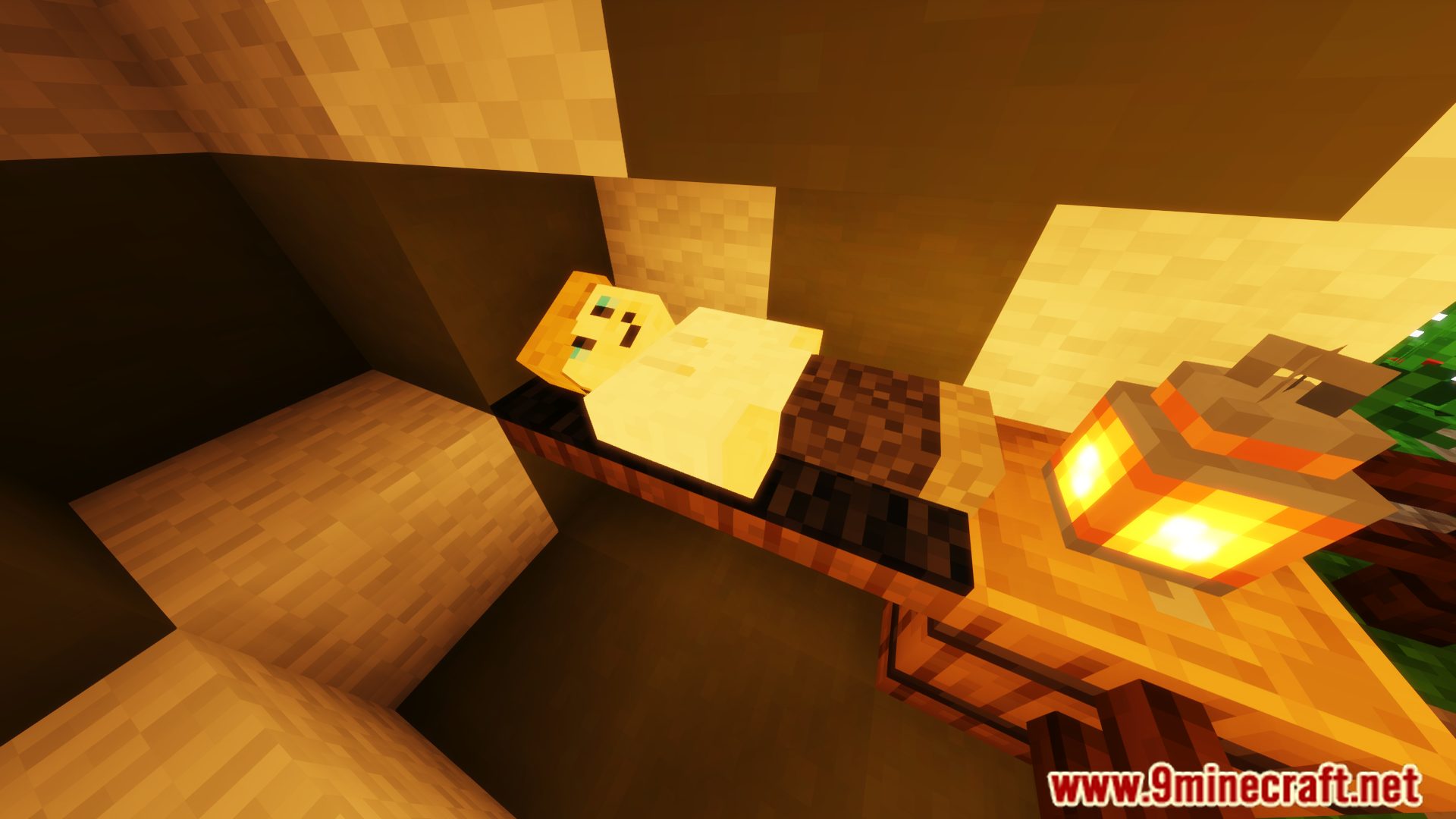
Use /lay to lay down on a block or /bellyflop to belly flop; both commands work on any block you specify in the config. You can also right-click on blocks if that feature is enabled.
What's the difference between lay and belly flop?
Lay places your character in a horizontal resting position, while belly flop is a more dramatic diving animation onto the ground or block.
Gallery
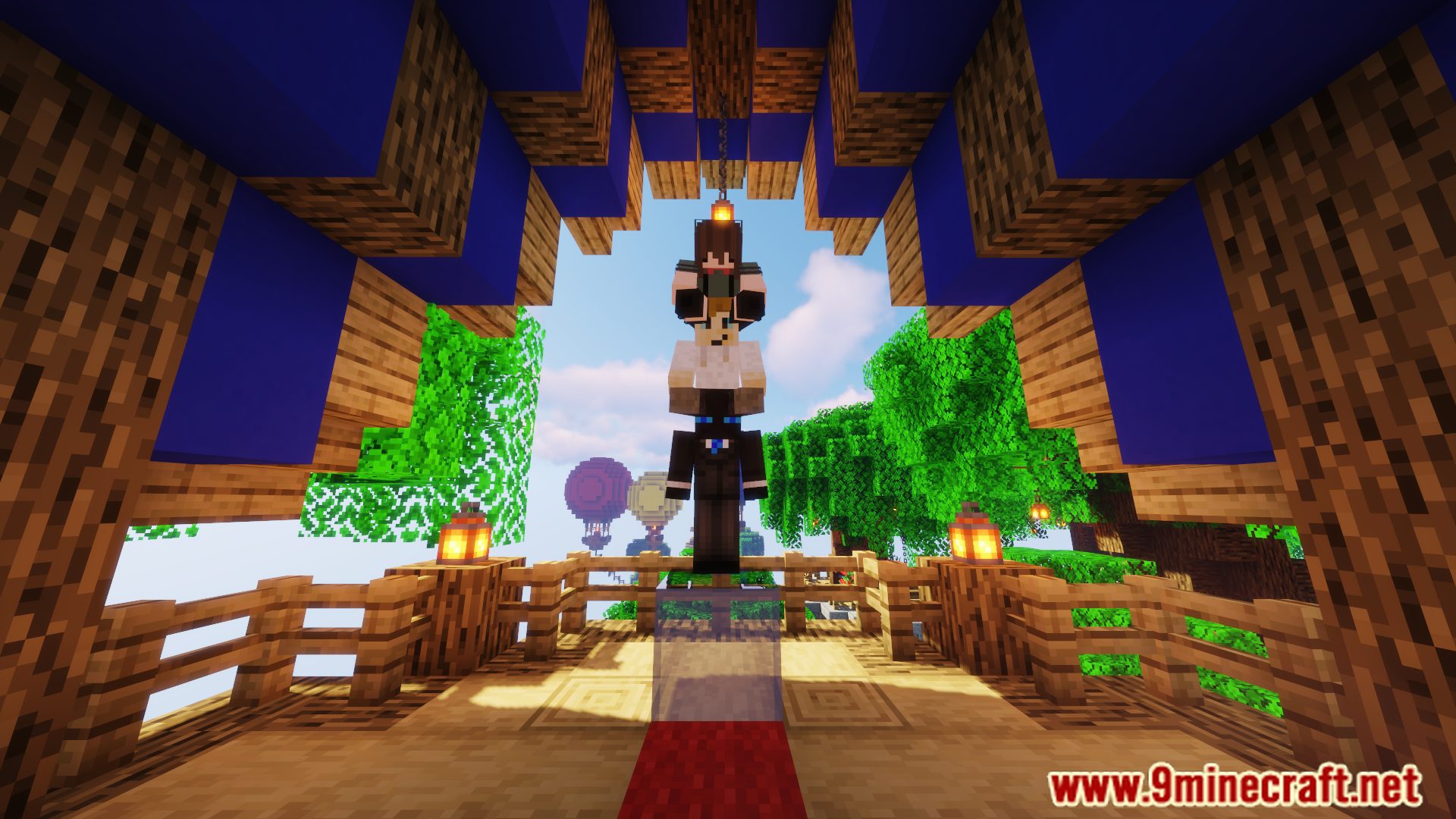
6 images from the Gsit Plugin page.

You May Also Like
Wikis that share the most with this one
 Job X Plugin
More plugin wikis on the site
Grim Anticheat PluginGrief Prevention3 D PluginGolden Territory Protection PluginGo Paint Advanced PluginGatekeeper Advanced VPN & PROXY Protection Lightweight and Highly Asynchronous PluginFish Rework Fishing PluginFast Async World Edit PluginFast Async Voxel Sniper PluginFarmProtect PluginFarming Plus PluginFarm Assistant PluginFancy Npcs Plugin
The most downloaded mods that have a wiki here
A few wikis from each of the other kinds