

 DownloadIsland Border Plugin
Get the files on 9Minecraft
Guides
Step-by-step, in-game.
Change Your Island Border ColorAccess the Color Menu The Island Border Plugin offers multiple color options to match your preference: 1. Run…Configure Border Settings for Your PlaystyleOpen the Settings Menu The Island Border Plugin provides a dedicated GUI for comprehensive customization: 1. Run…Manage Border Visibility While BuildingQuick Toggle During Building When you're actively constructing or terraforming near your island's edge, you may want…Set Up Your Island Border for the First TimeEnable the Border When you first join your island, the border won't be visible by default. To activate it: 1. Run…
Frequently asked questions
How do I see my island border for the first time?
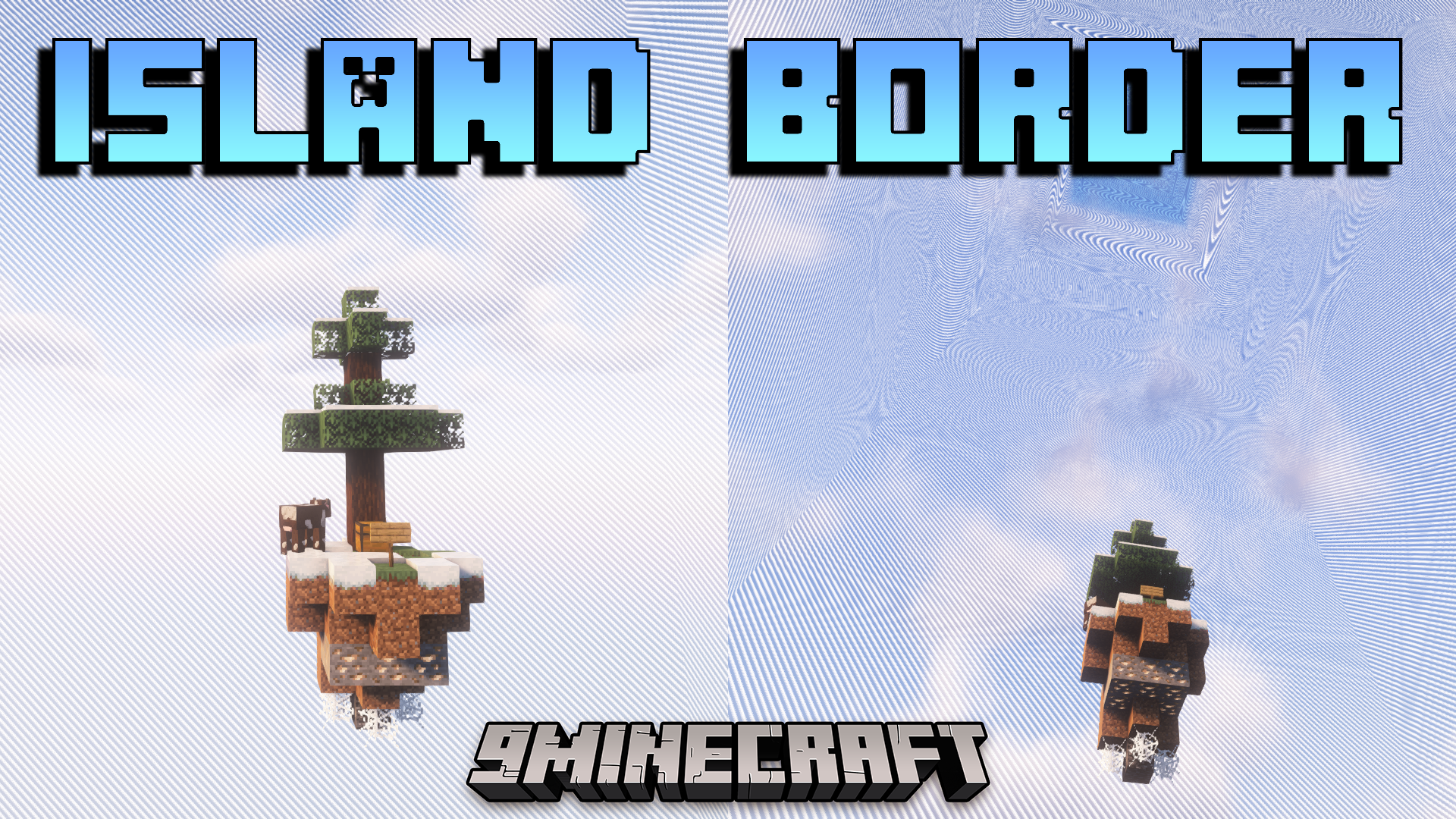
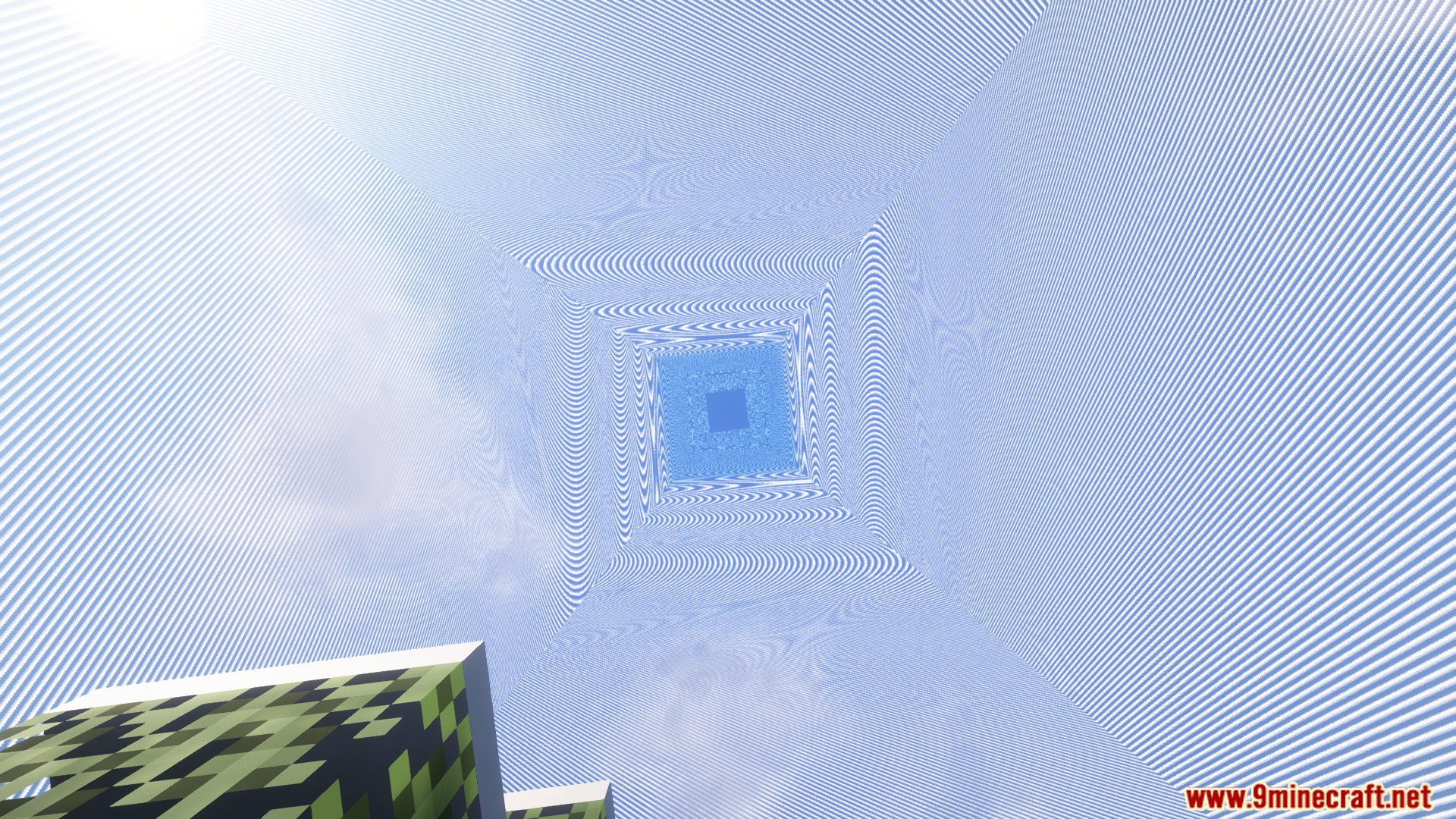
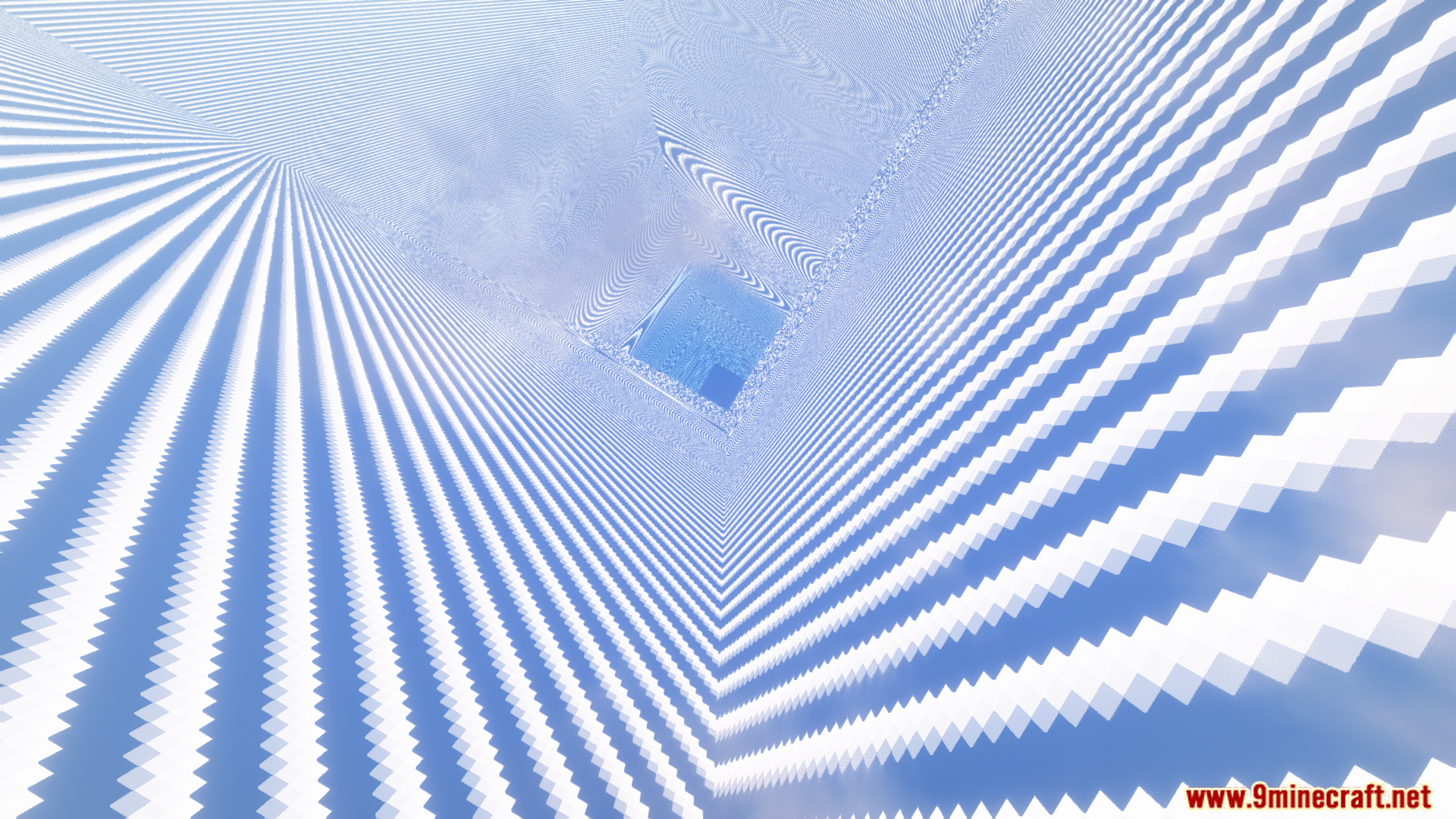
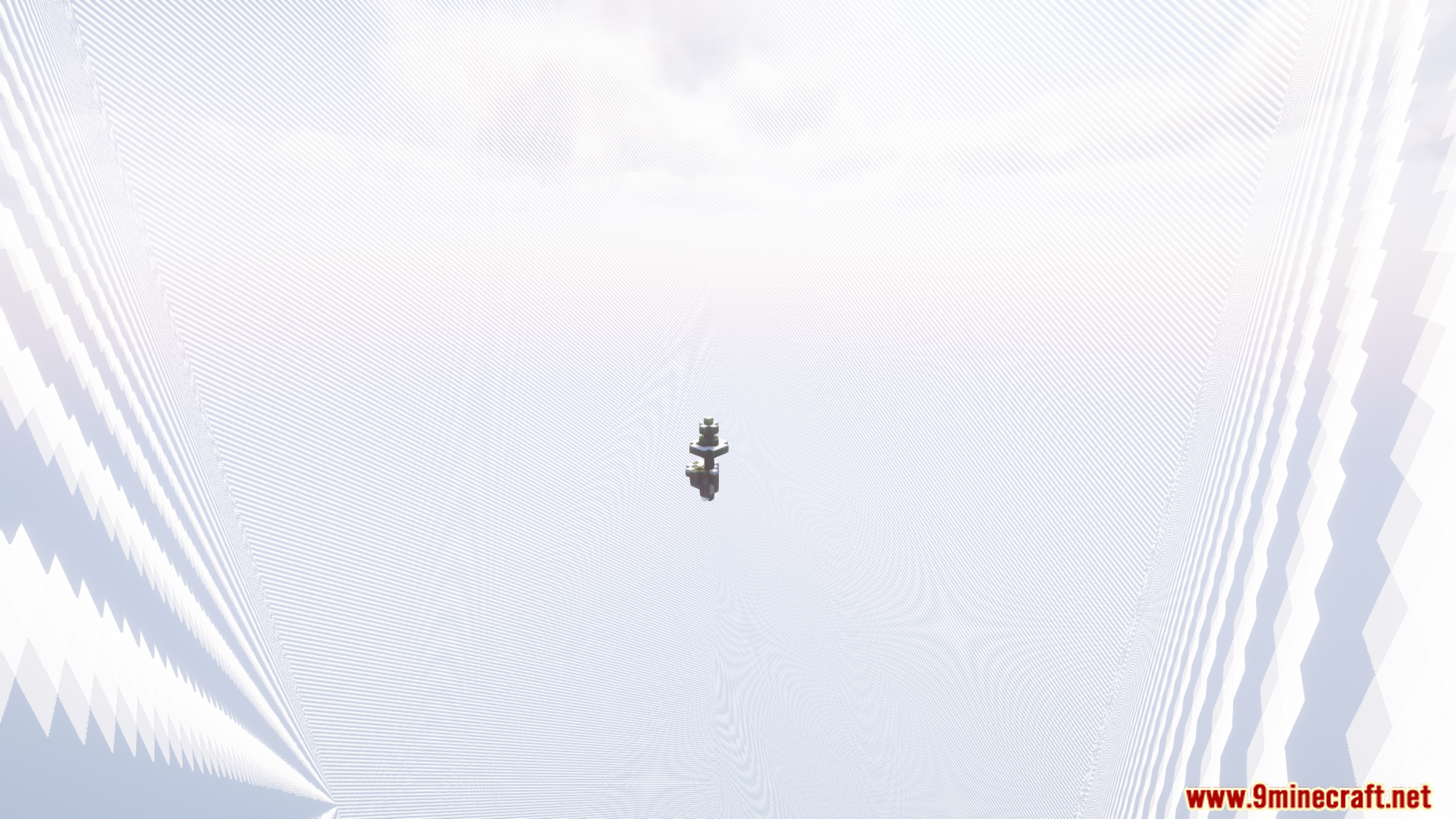
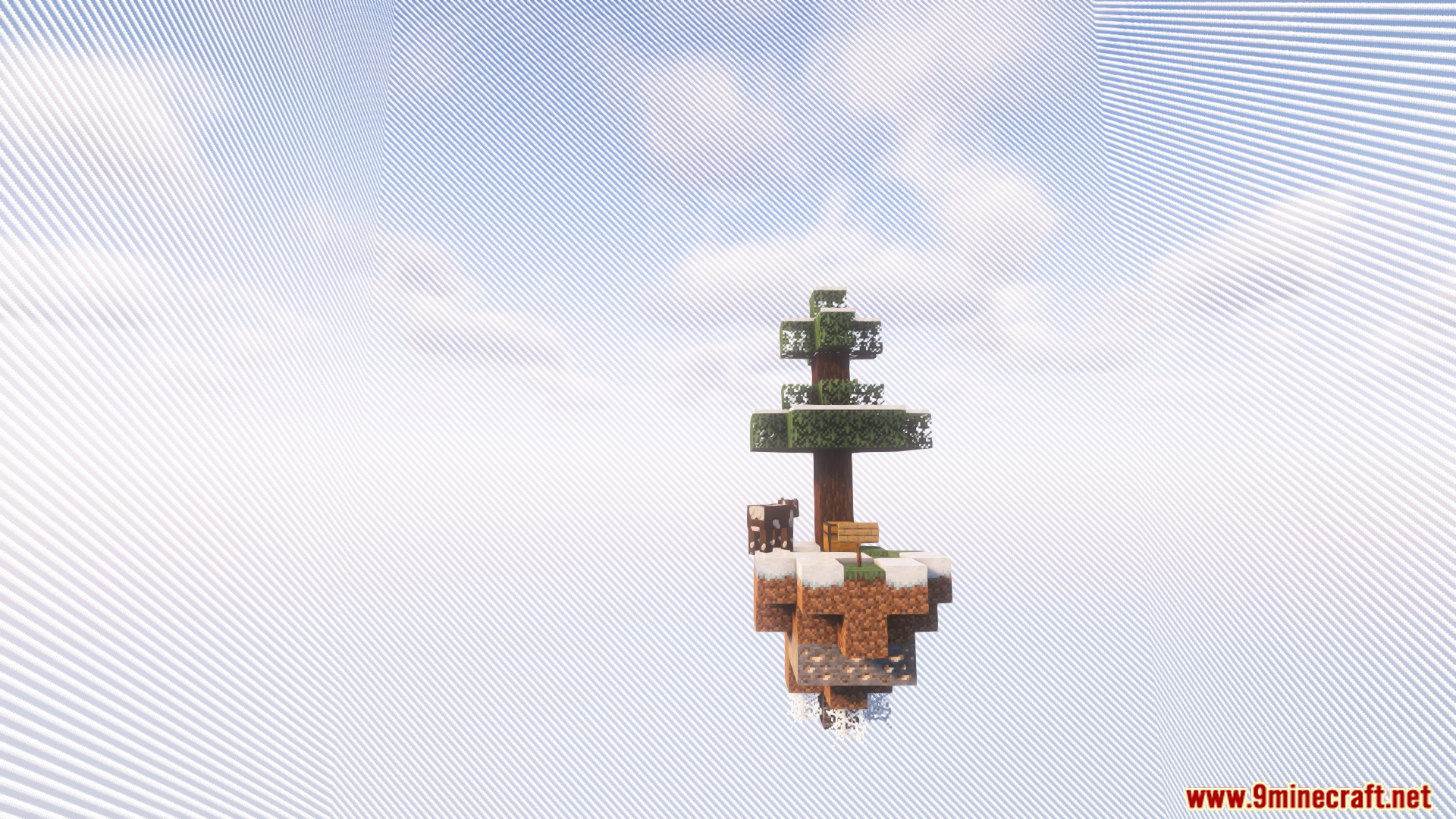
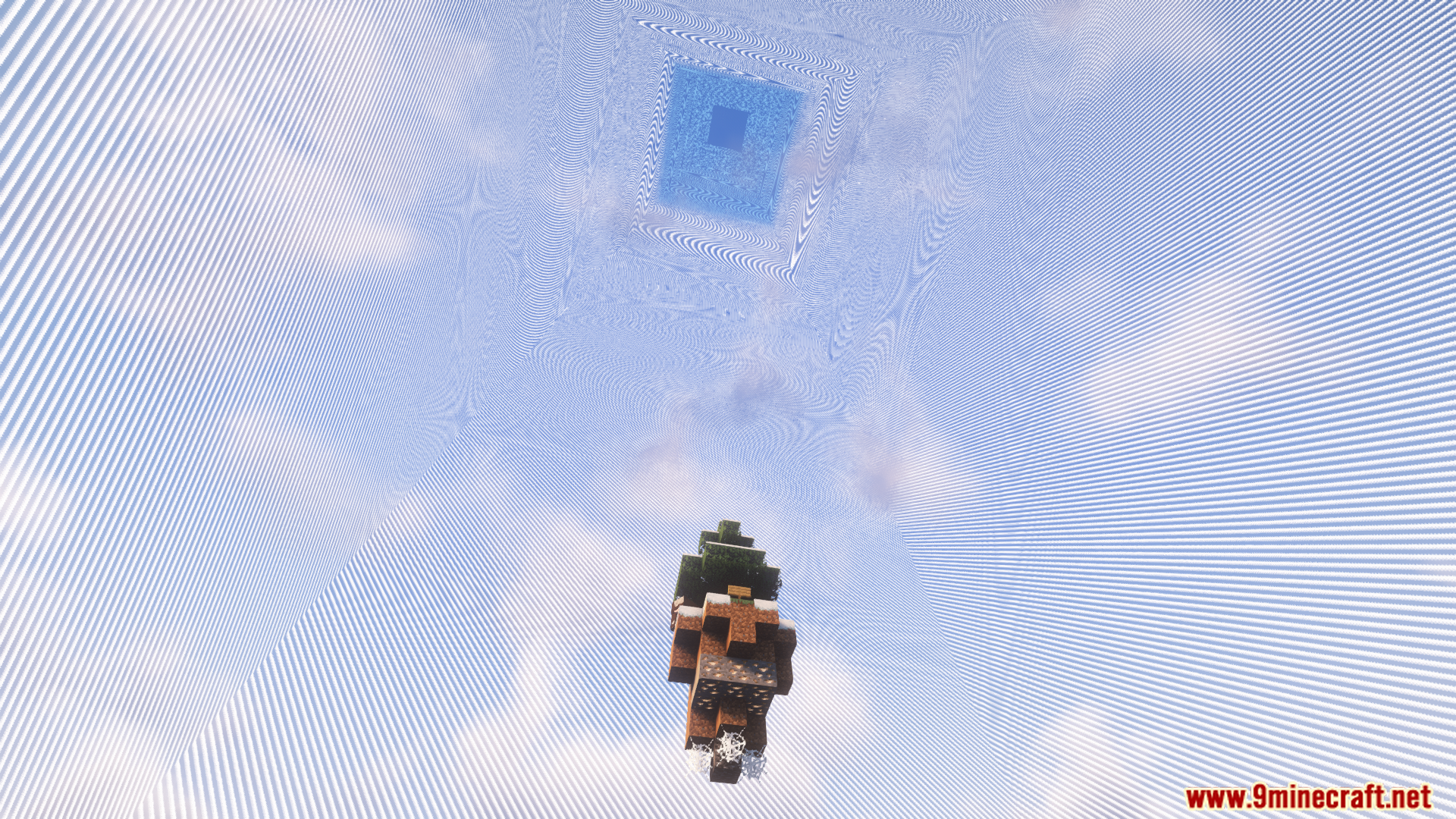
Use the command `/isborder enable` to activate the visual border around your island. If you want to customize it further, use `/isborder gui` to open the settings menu where you can adjust appearance options.
Can I change the color of my island border?
Yes, use `/isborder color` to open the color selection menu and choose from available border colors. You need the `isborder.color.gui` permission to access this feature.
The border is distracting while I'm building. Can I turn it off temporarily?
Use `/isborder toggle` to quickly turn the border on and off without changing any settings, or use `/isborder disable` to turn it off completely until you enable it again.
Does this plugin work with my skyblock plugin?
Island Border Plugin supports ASkyBlock, BentoBox, uSkyBlock, and AcidIsland. If you're using one of these, it should work automatically; if you're using a different skyblock plugin, it may not be compatible.
See all 10 Island Border questions ›
Gallery
9 images from the Island Border Plugin page.

You May Also Like
Wikis that share the most with this one
 Job X Plugin
More plugin wikis on the site
The most downloaded mods that have a wiki here
A few wikis from each of the other kinds