

 DownloadSpark Plugin
Get the files on 9Minecraft
Guides
Step-by-step, in-game.
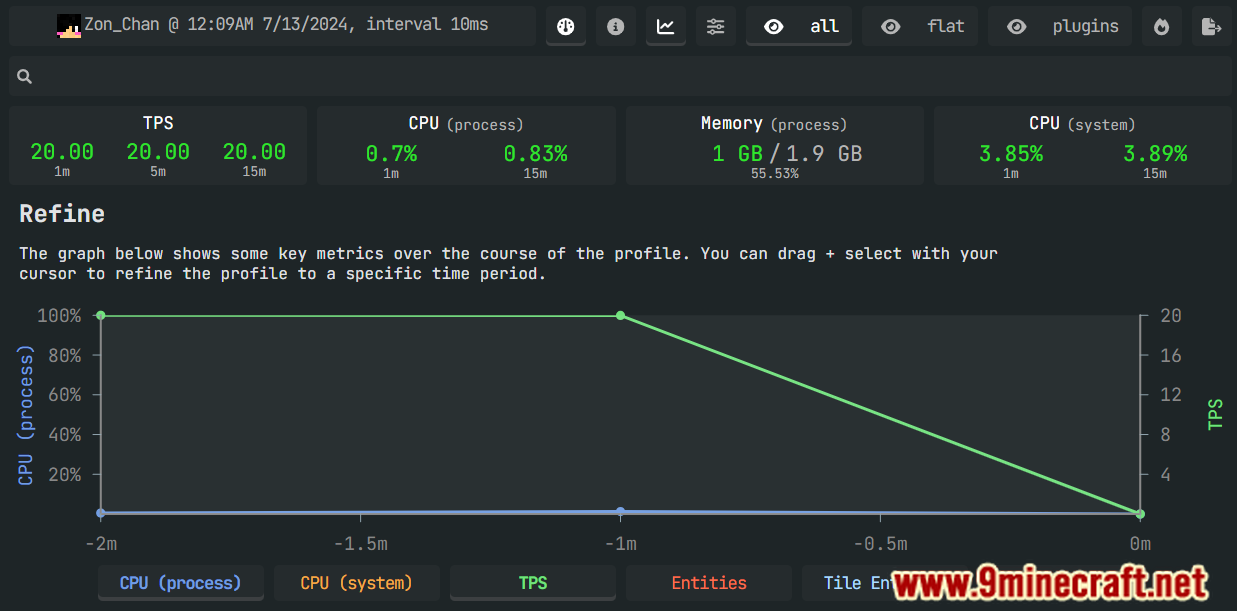
Find What's Causing Server LagStart a CPU Profiling Session When your server is running slowly, use Spark's profiler to identify which plugins or…Investigate Memory Leaks and High Memory UsageView Memory Usage by Class When your server's memory usage climbs or doesn't recover after restarts, use the heap…Monitor Server TPS and Performance in Real-TimeCheck Current TPS and CPU Usage Use /spark tps to see your server's current performance at a glance. This command…Share Performance Data With Your Support TeamGenerate a Web-Based Report Spark's reports are designed for easy sharing. When you run /spark profiler stop or…
Frequently asked questions
How do I start profiling my server?
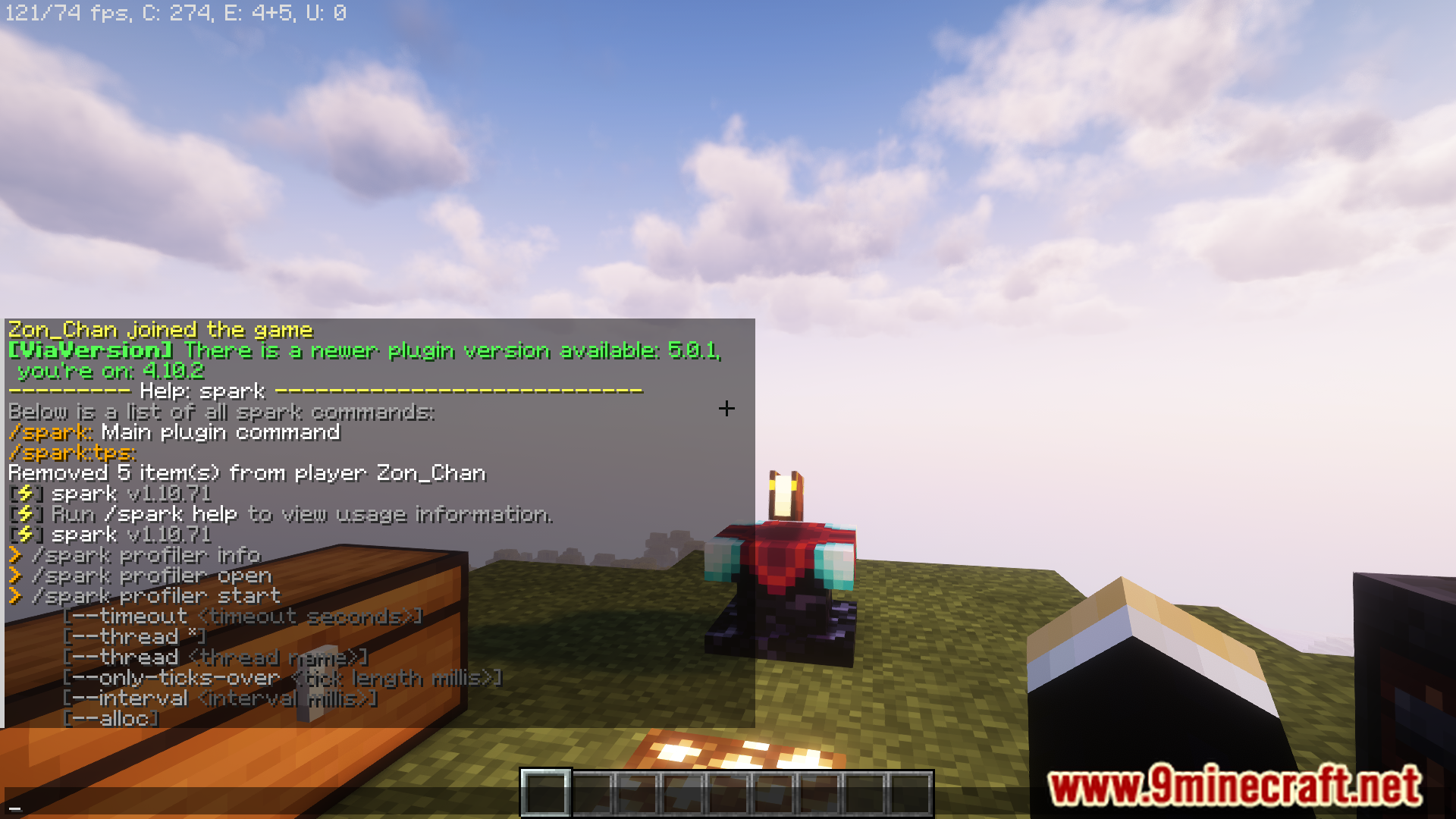
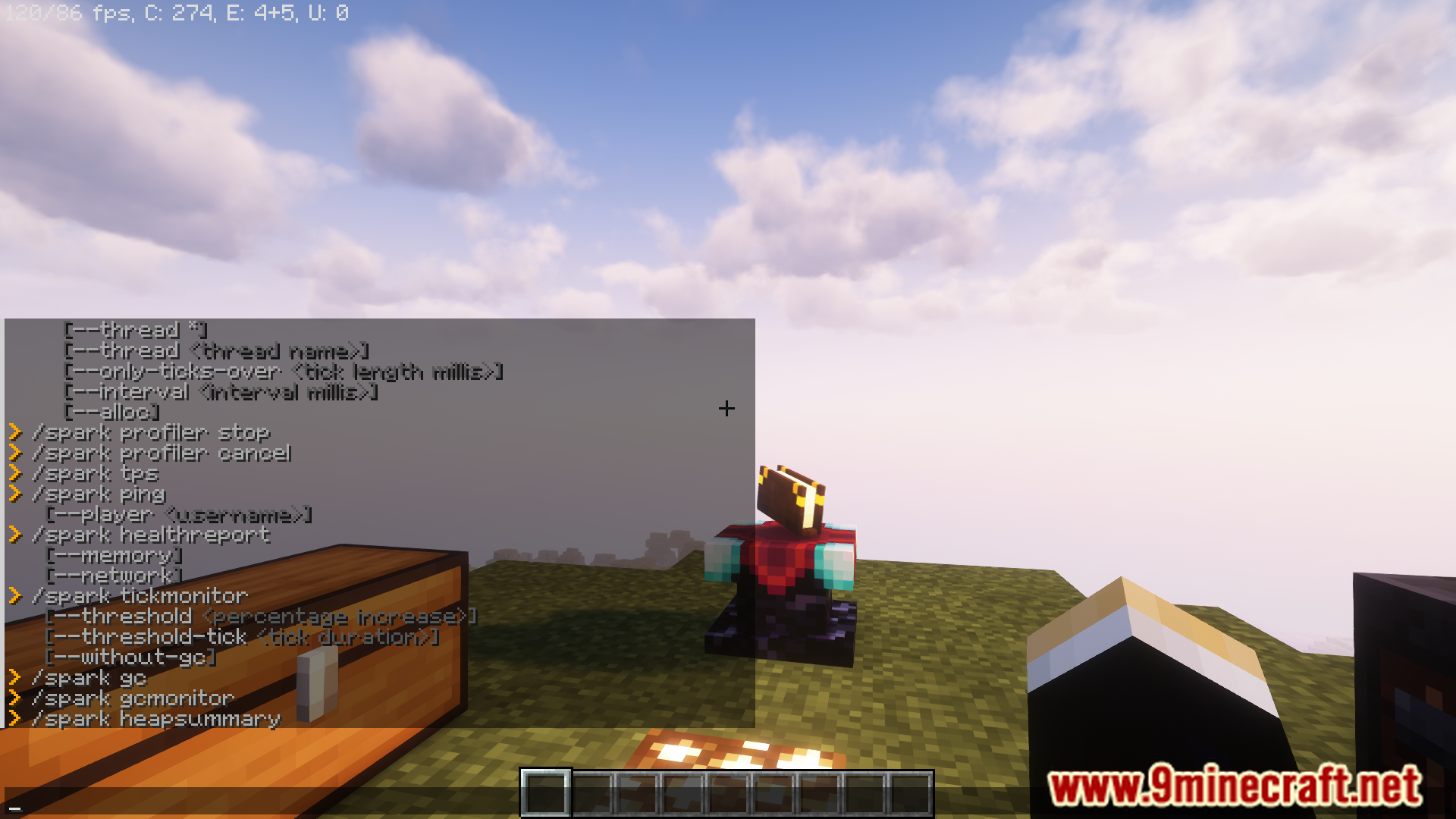
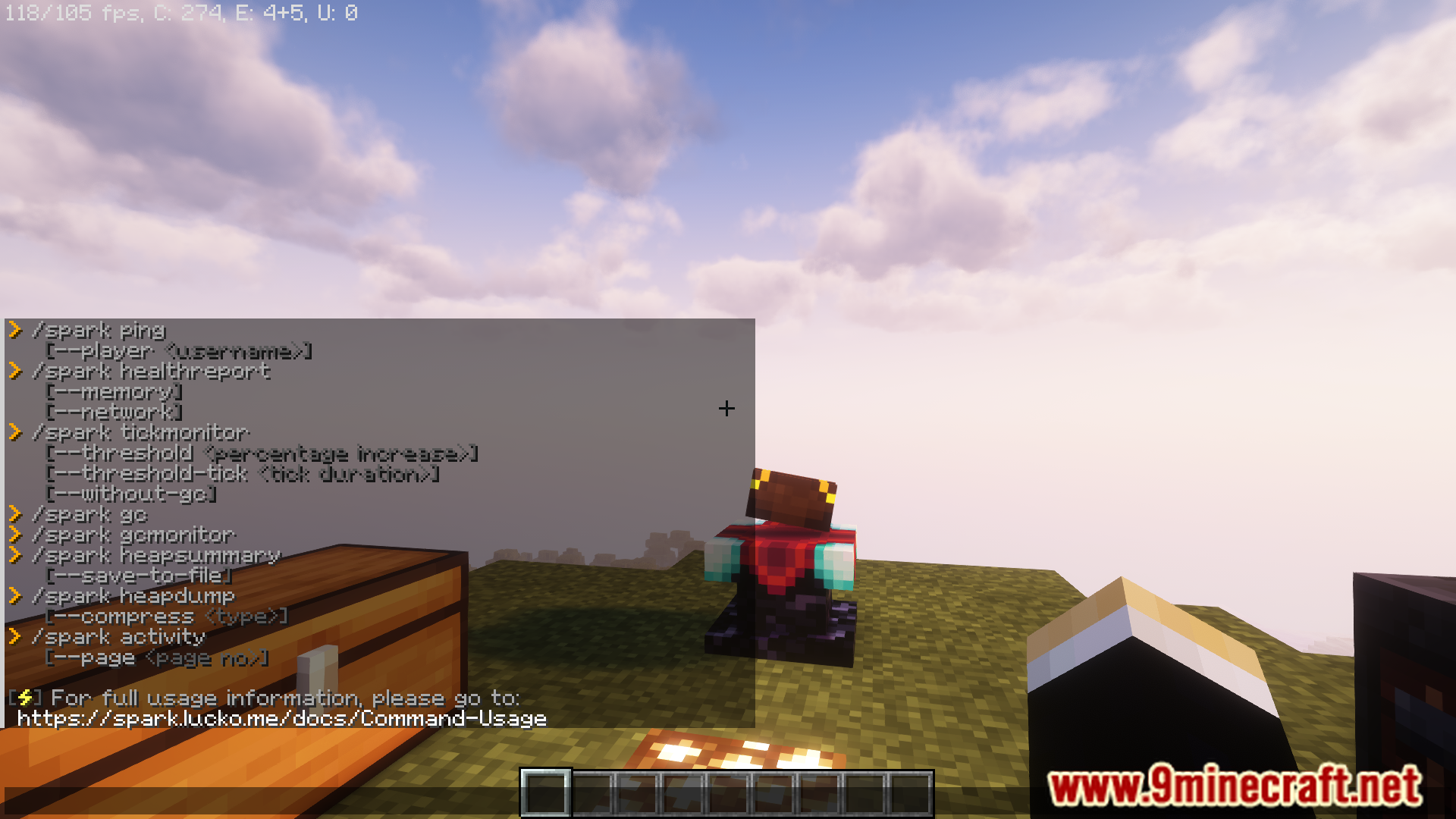
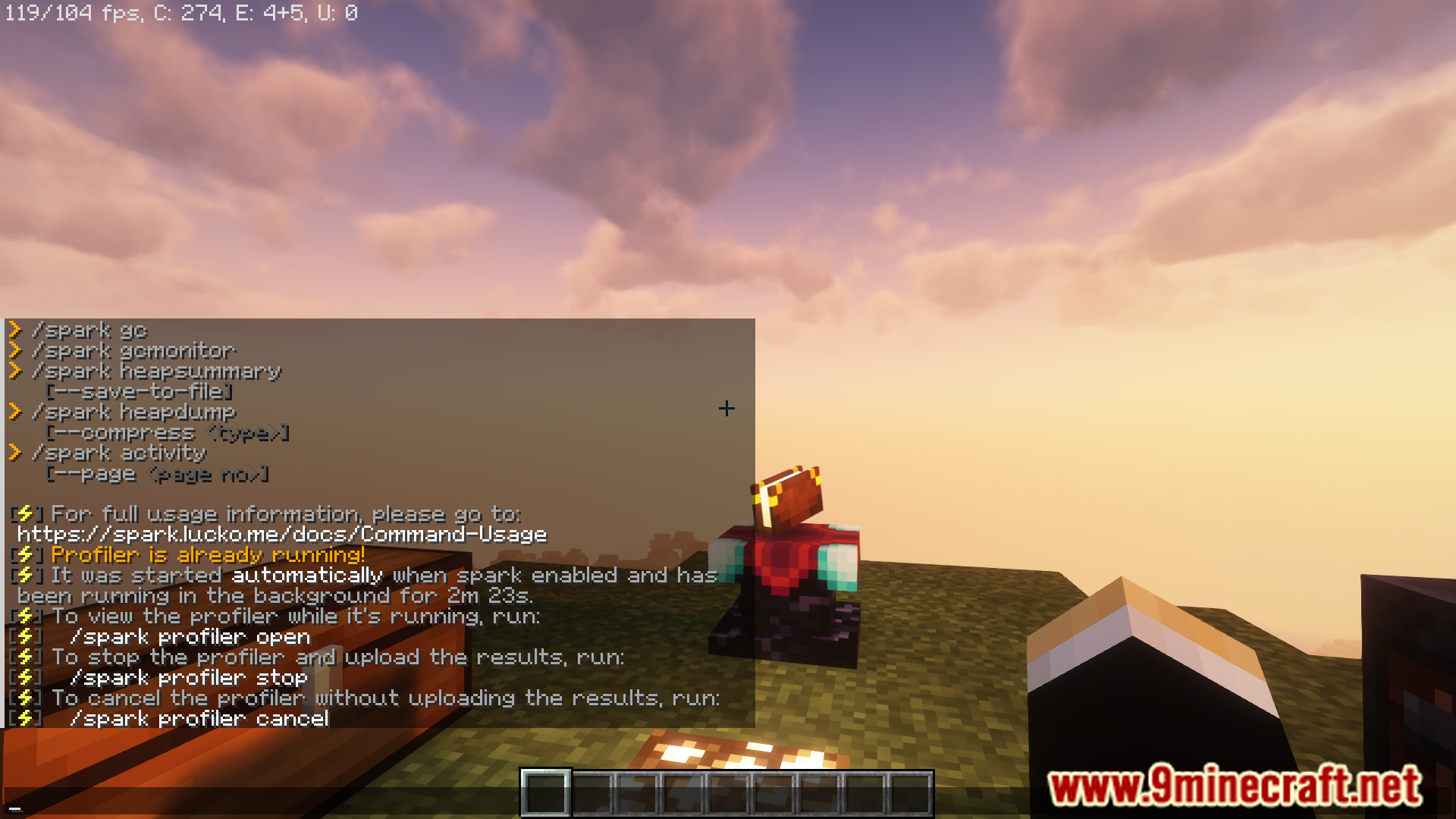
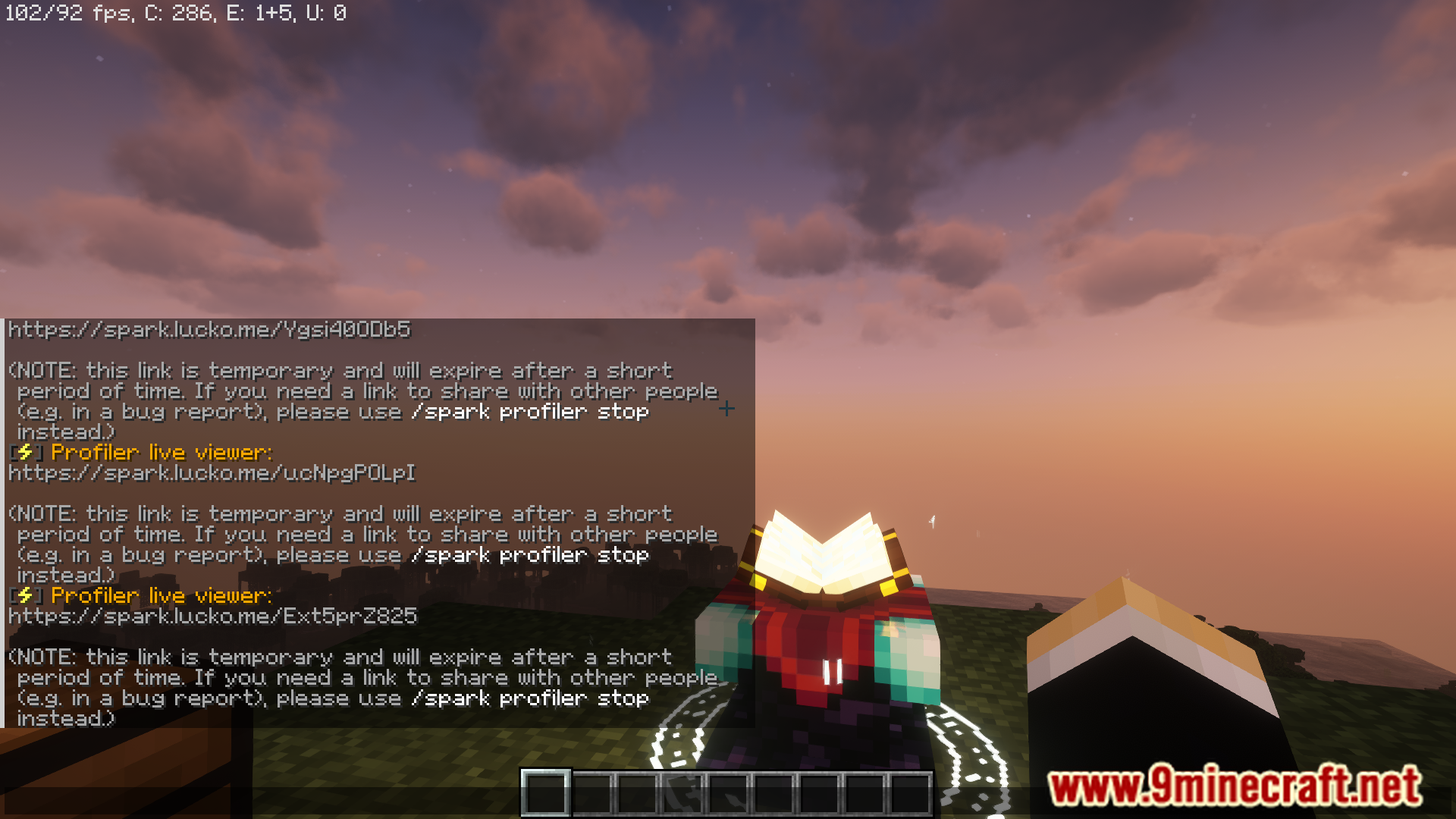
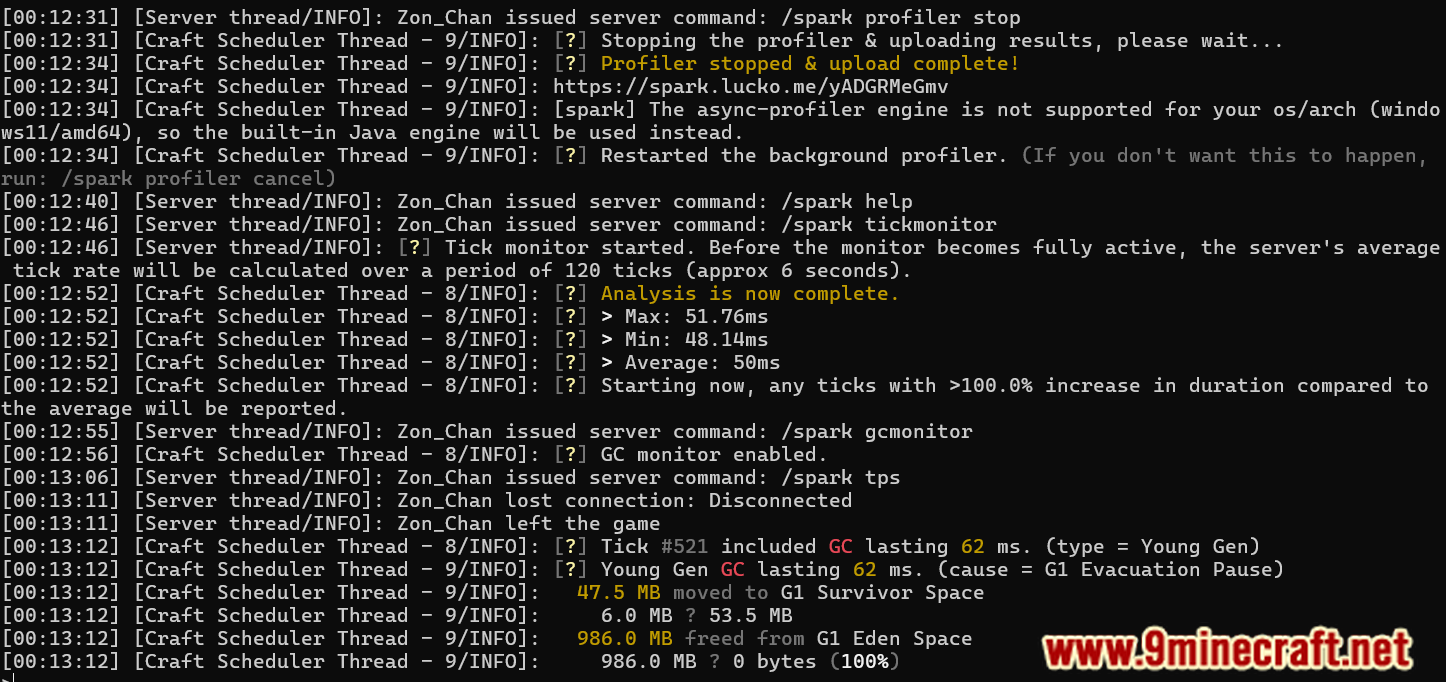
Run `/spark profiler start` to begin a profiling session, then let it run while you reproduce the lag you're experiencing. When you're done, use `/spark profiler stop` to end the session and get a shareable report link.
How do I check my server's TPS right now?
Run `/spark tps` to instantly see your current ticks-per-second and CPU usage percentage. This gives you a quick snapshot without needing to start a full profiling session.
Gallery
10 images from the Spark Plugin page.


You May Also Like
Wikis that share the most with this one
 Job X Plugin
Wikis on the same theme: tool
More plugin wikis on the site
 Sovereign Skull Rain Plugin
The most downloaded mods that have a wiki here
A few wikis from each of the other kinds