

 DownloadBS Ban Hammer Plugin
Get the files on 9Minecraft
Guides
Step-by-step, in-game.
Process Unban Appeals from PlayersManaging Player Appeals Players can submit requests to be unbanned through the /appeal command. As a staff member,…Set Up Custom Ban Presets for Different Rule ViolationsEditing Your Presets Custom ban presets let you quickly punish players for specific infractions without typing…Set Up Discord Logging for All Staff ActionsWhat Gets Logged Every action is recorded: Player name and UUID Punishment type and duration Reason provided Staff…Track and Review a Player's Punishment HistoryViewing Complete Punishment Records The Ban Hammer Plugin maintains a full database of every action taken against…
Frequently asked questions
How do I get the Ban Hammer item?
Use the command `/bh give ` to give the hammer to yourself or another staff member. The player who receives it can then use shift-click actions to cycle through presets and punish rule-breakers.
What's the difference between right-click and left-click with the hammer?
Right-clicking a player bans them using your currently selected ban preset, while left-clicking applies your active kick or jail preset instead. Use shift+click to cycle between different presets before executing the action.
How do I set up different ban types?
Edit the `presets` section in your config file to define custom ban types with a display name, reason, duration, and sound effect. Each preset you add becomes available when you shift-right-click to cycle through ban options.
Can I see what punishments a player has received before?
Yes, use `/bh history ` to view all past bans, kicks, mutes, and warnings for that player. The plugin tracks every action in its database automatically.
See all 10 BS Ban Hammer questions ›
Gallery
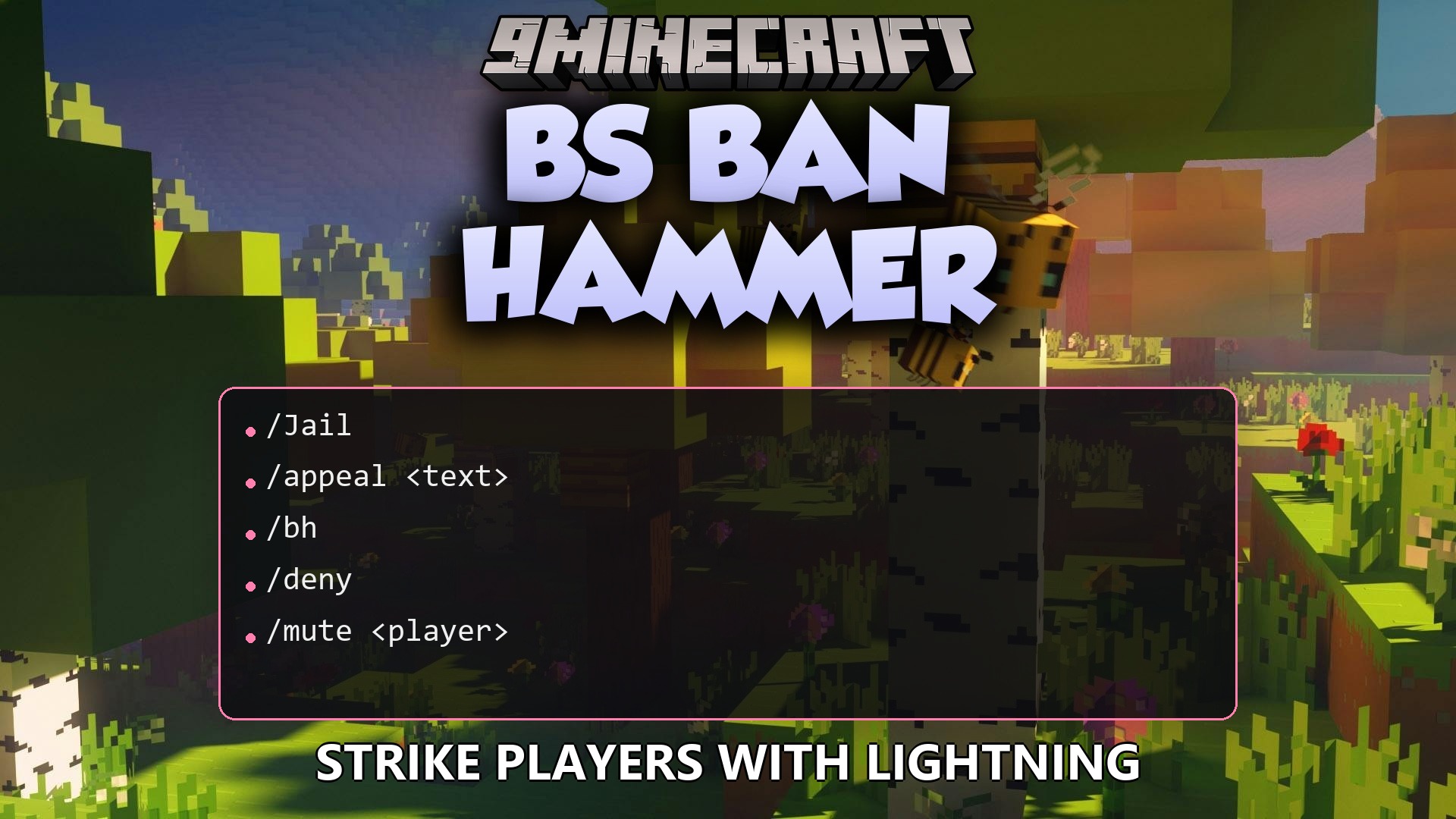
1 image from the Bs Ban Hammer Plugin page.
You May Also Like
Wikis that share the most with this one
 Job X Plugin
Wikis on the same theme: tool
 Parkour Pro Lite Create Awesome Parkours in Minutes Plugin
More plugin wikis on the site
 Better Keep Inventory Plugin
The most downloaded mods that have a wiki here
A few wikis from each of the other kinds