

 DownloadBuildPaste Plugin
Get the files on 9Minecraft
Guides
Step-by-step, in-game.
Copy a Building or StructureSelect Your Area Define the region you want to copy by marking two opposite corners: 1. Use /pos1 at one corner of…Paste a Building Into Your WorldPrepare Your Paste Location Navigate to where you want the building to appear. Stand at the location where you'd like…Upload Your Building to the DatabaseSelect and Prepare Mark your completed building using /pos1 and /pos2 to define its boundaries. Use the Position…Use the Position Selector Item EffectivelyObtain and Equip Type /selector to receive the Position Selector item in your inventory. Hold it in your hand. Mark…
Frequently asked questions
How do I get started with BuildPaste?
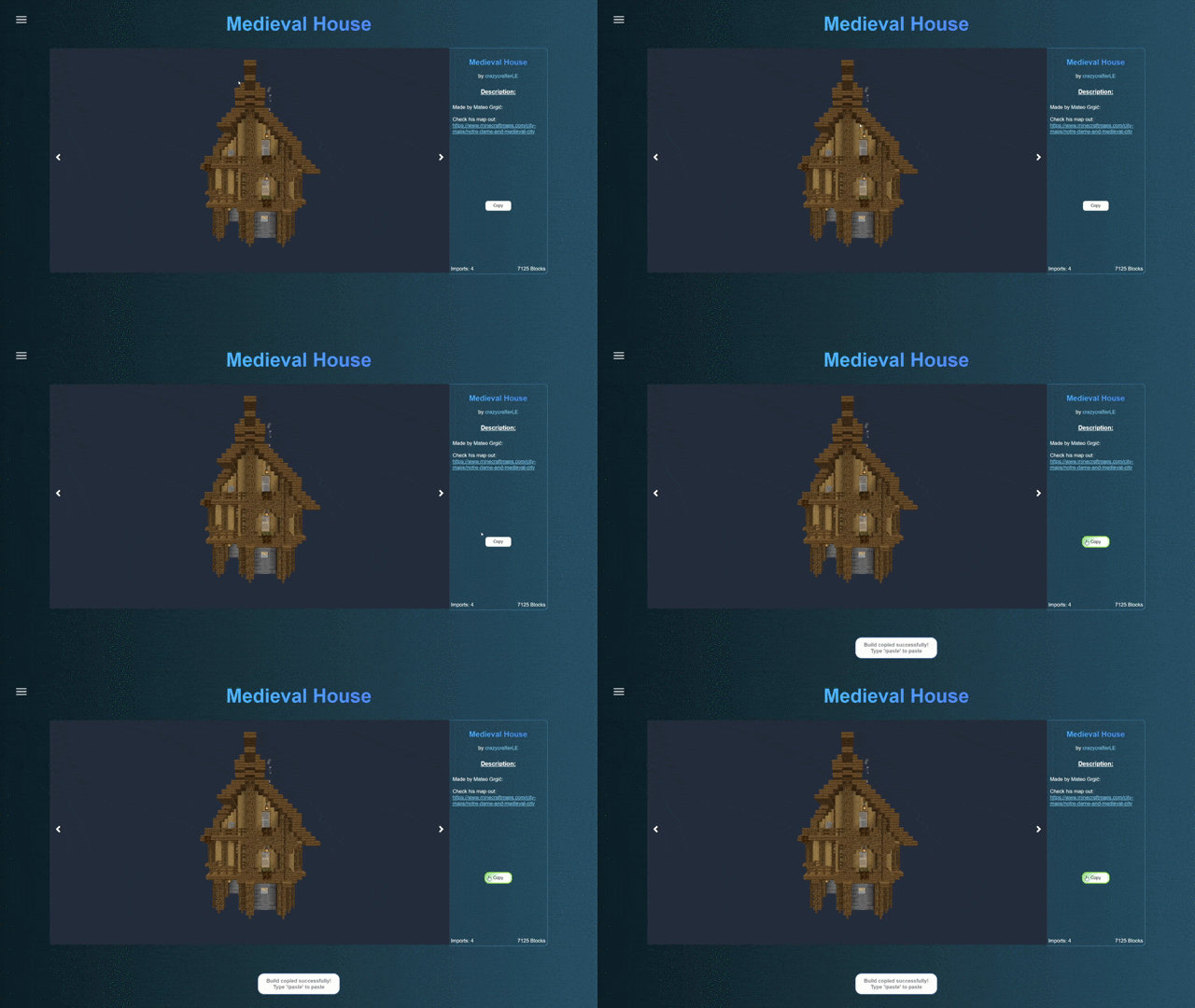
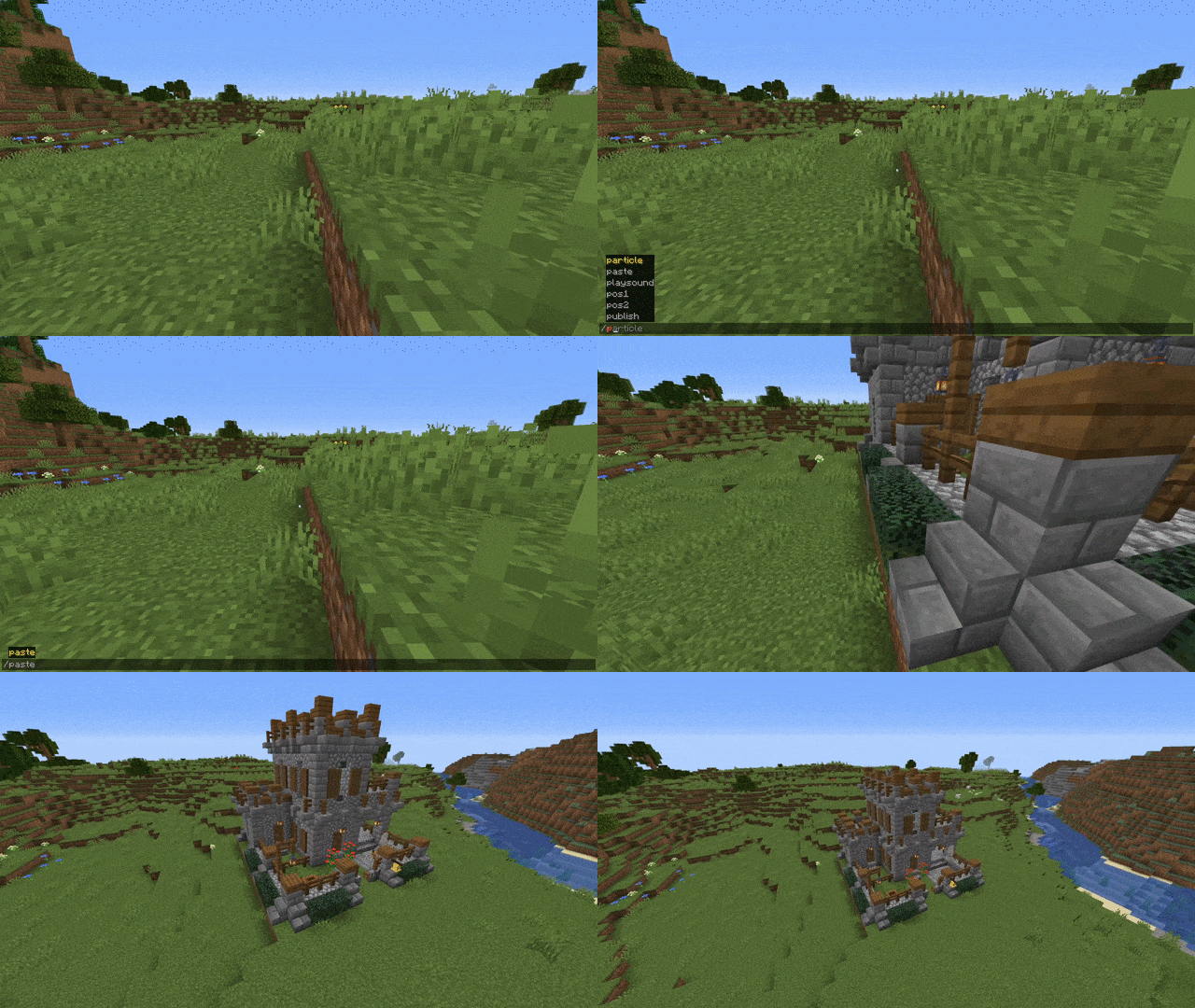
Type '/selector' to obtain the Position Selector Item, then use it to mark two corners of the area you want to copy. Once you've selected your region with '/pos1' and '/pos2', you can copy it and paste it elsewhere in your world.
What's the difference between using commands and the Position Selector Item?
Both '/pos1' and '/pos2' commands and the Position Selector Item do the same thing—they mark the corners of your selection. The Position Selector Item is just a more visual way to do it if you prefer not to type commands.
Can I paste a building multiple times?
Yes, once you've copied a building, you can paste it as many times as you want in different locations without needing to copy it again.
How do I upload my building to the database?
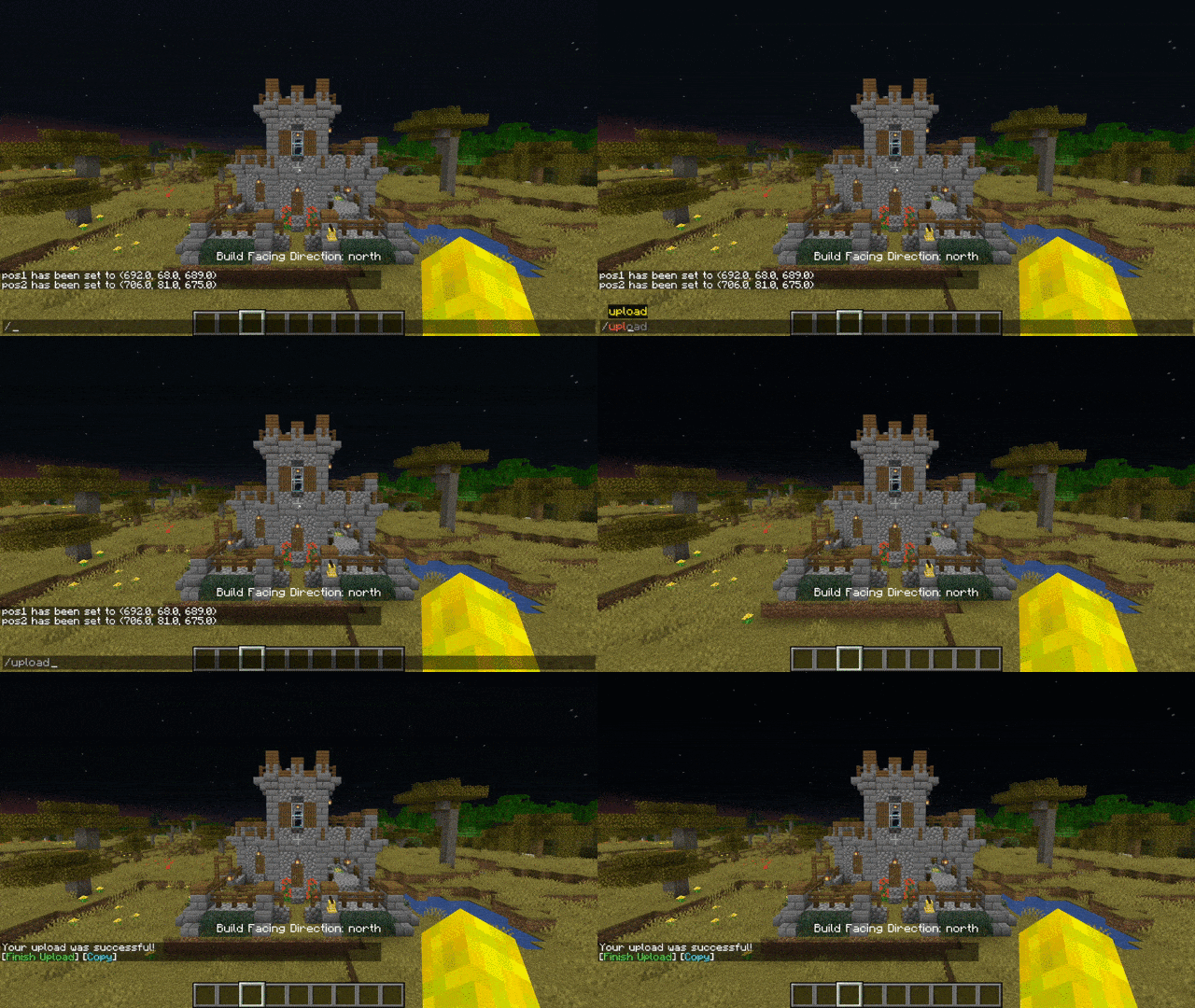
Select your building using '/pos1' and '/pos2' (or the Position Selector Item), then type '/upload' to submit it to the BuildPaste database where other players can download it.
See all 10 BuildPaste questions ›
Gallery
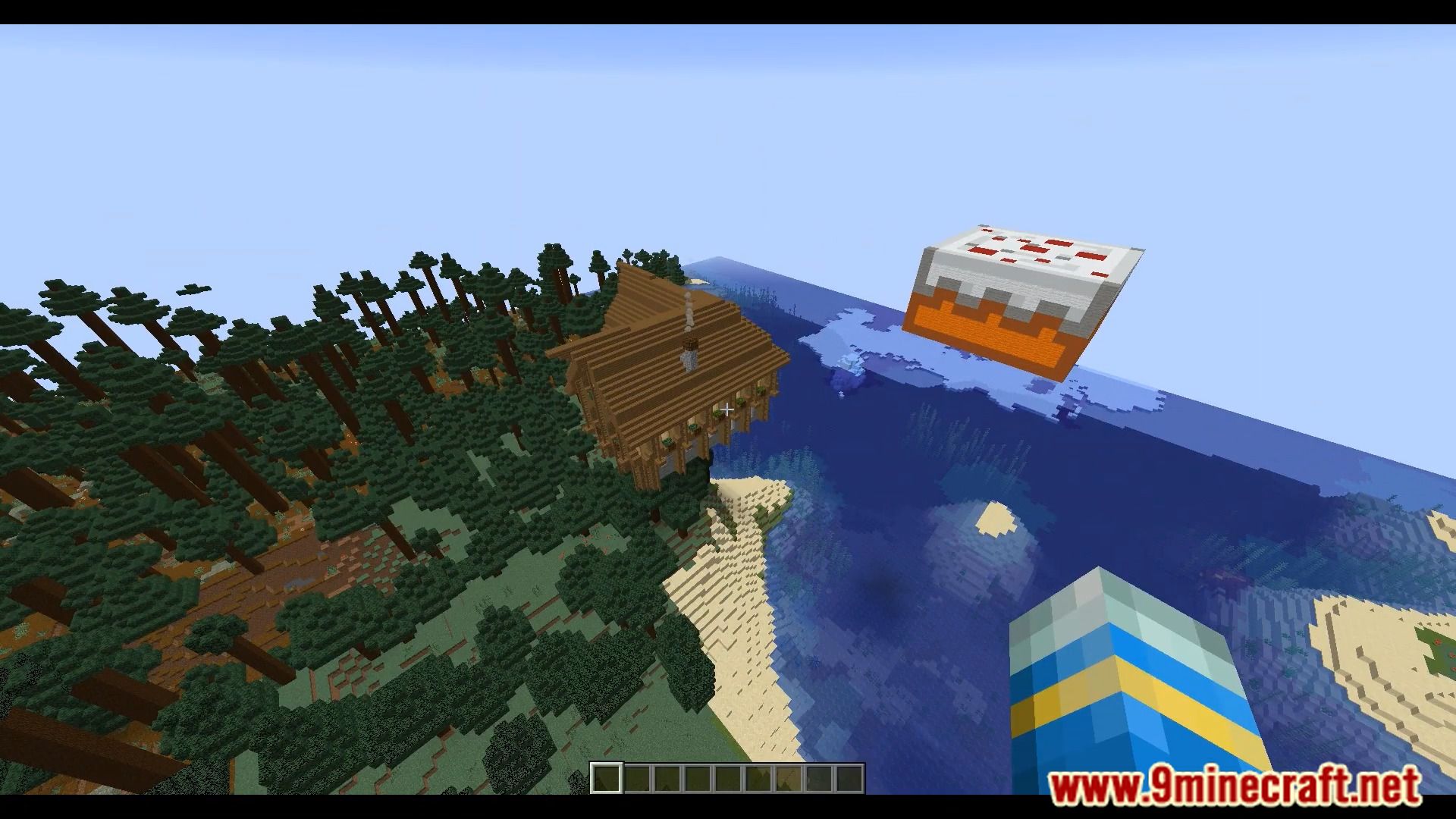
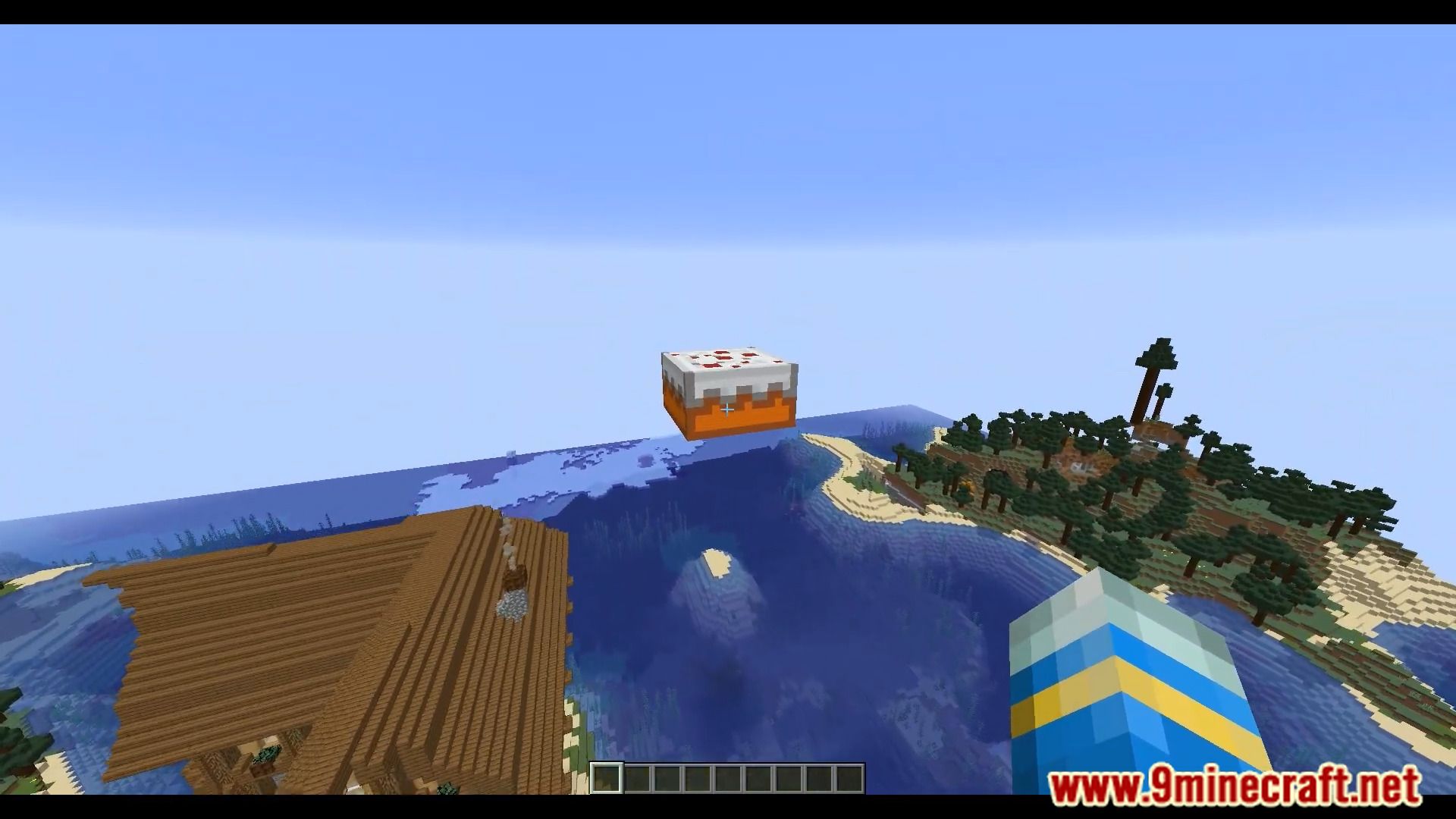
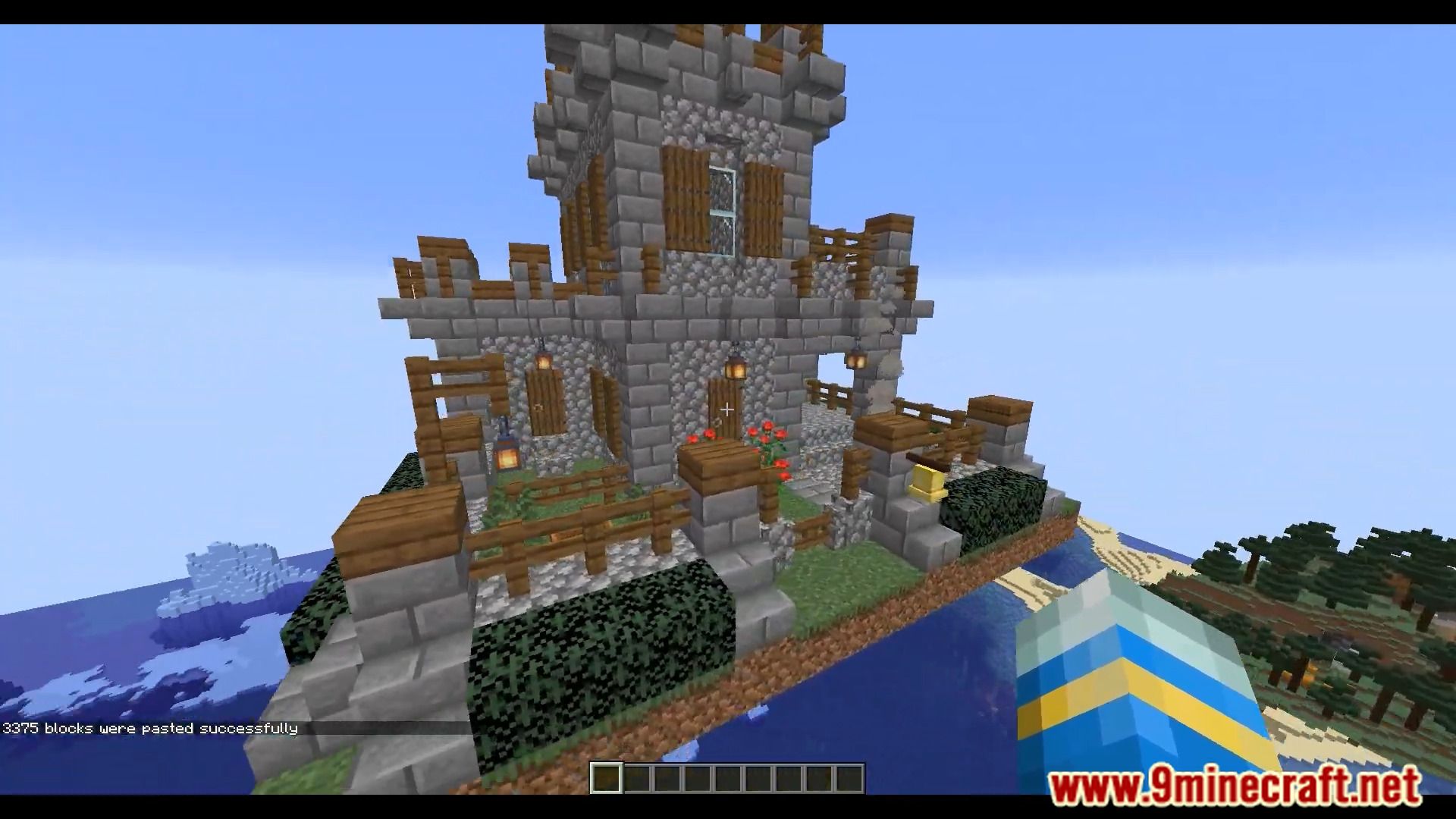
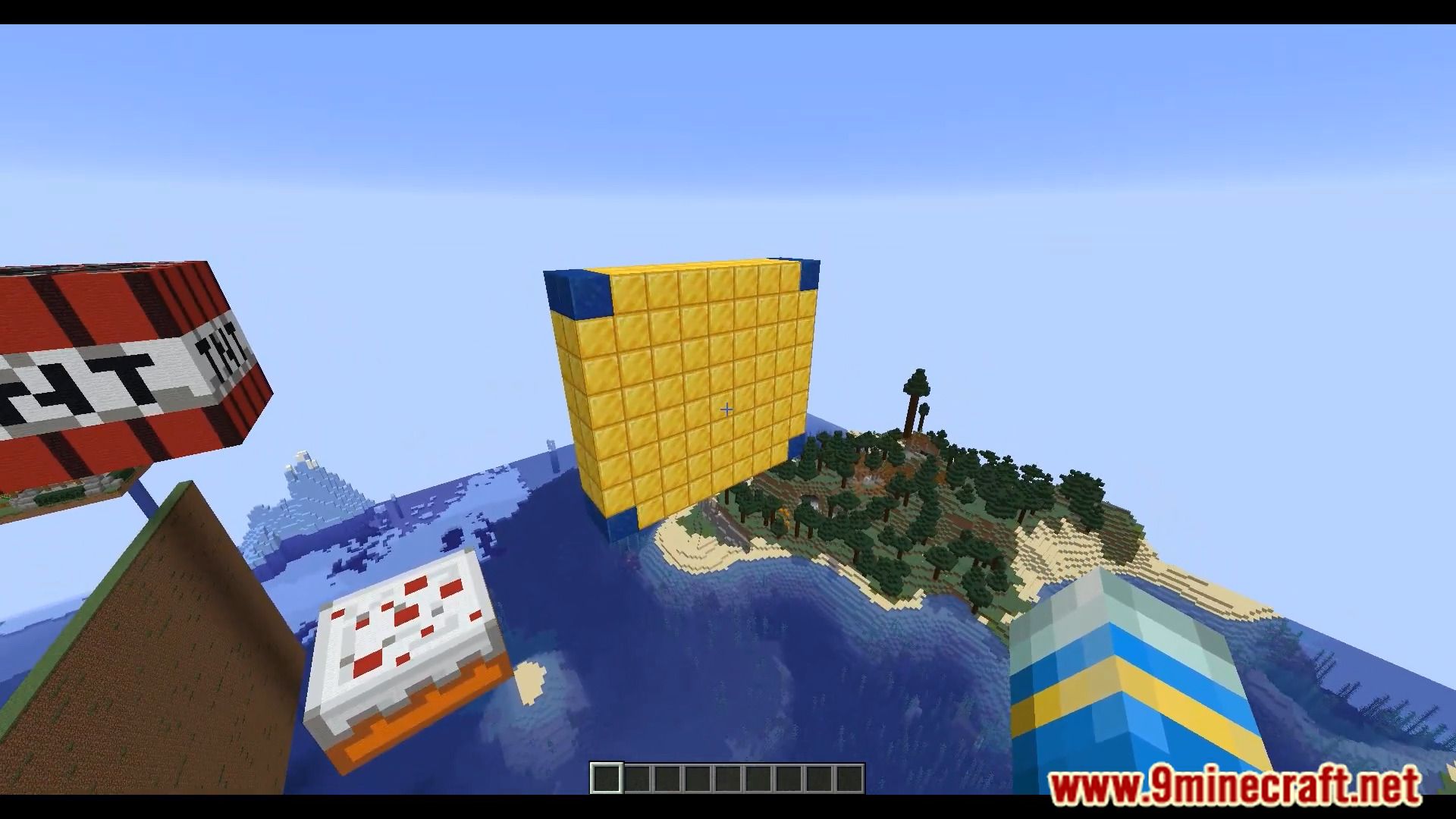
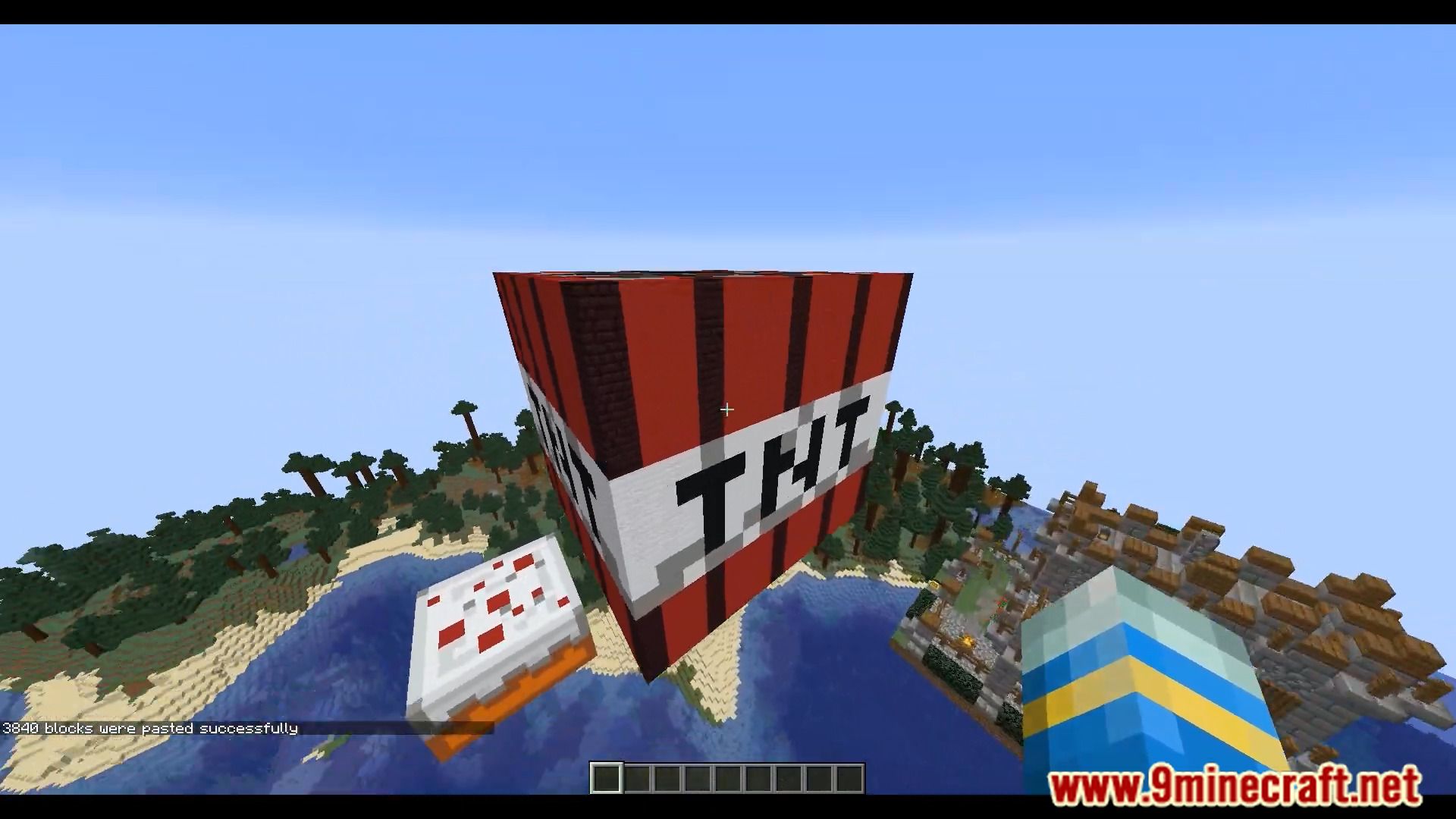
9 images from the Buildpaste Plugin page.
You May Also Like
Wikis that share the most with this one
 Job X Plugin
Wikis on the same theme: build
More plugin wikis on the site
 Better Keep Inventory Plugin
The most downloaded mods that have a wiki here
A few wikis from each of the other kinds