

 DownloadGUI Effect Timer Mod
Get the files on 9Minecraft
Guides
Step-by-step, in-game.
Change the Color of Your Effect Timer TextAccess the Configuration Menu Open your mod configuration settings. The exact location depends on your mod loader,…Identify Endless Effects from CommandsRecognize Infinite Duration Effects When you receive a potion effect through a game command with infinite duration…Manage Multiple Potion Effects at OnceTrack Several Timers Simultaneously When you have multiple active potion effects, each one displays its own countdown…Monitor Lava Survival with Fire Resistance TimerWhy Timer Matters for Lava Fire Resistance is essential for lava exploration, but the effect wears off silently.…
Frequently asked questions
How do I turn on the timer on my potion effects?
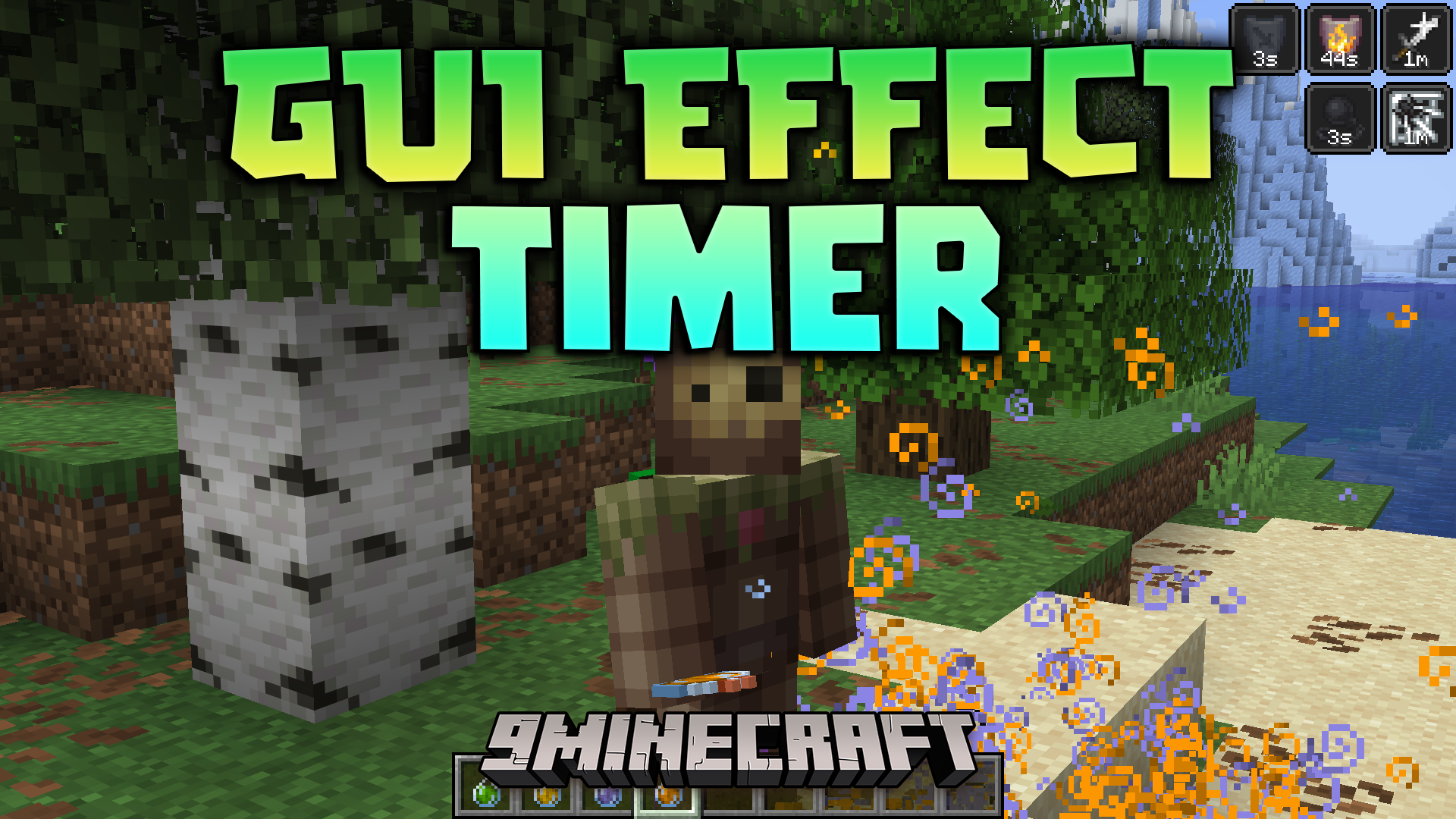
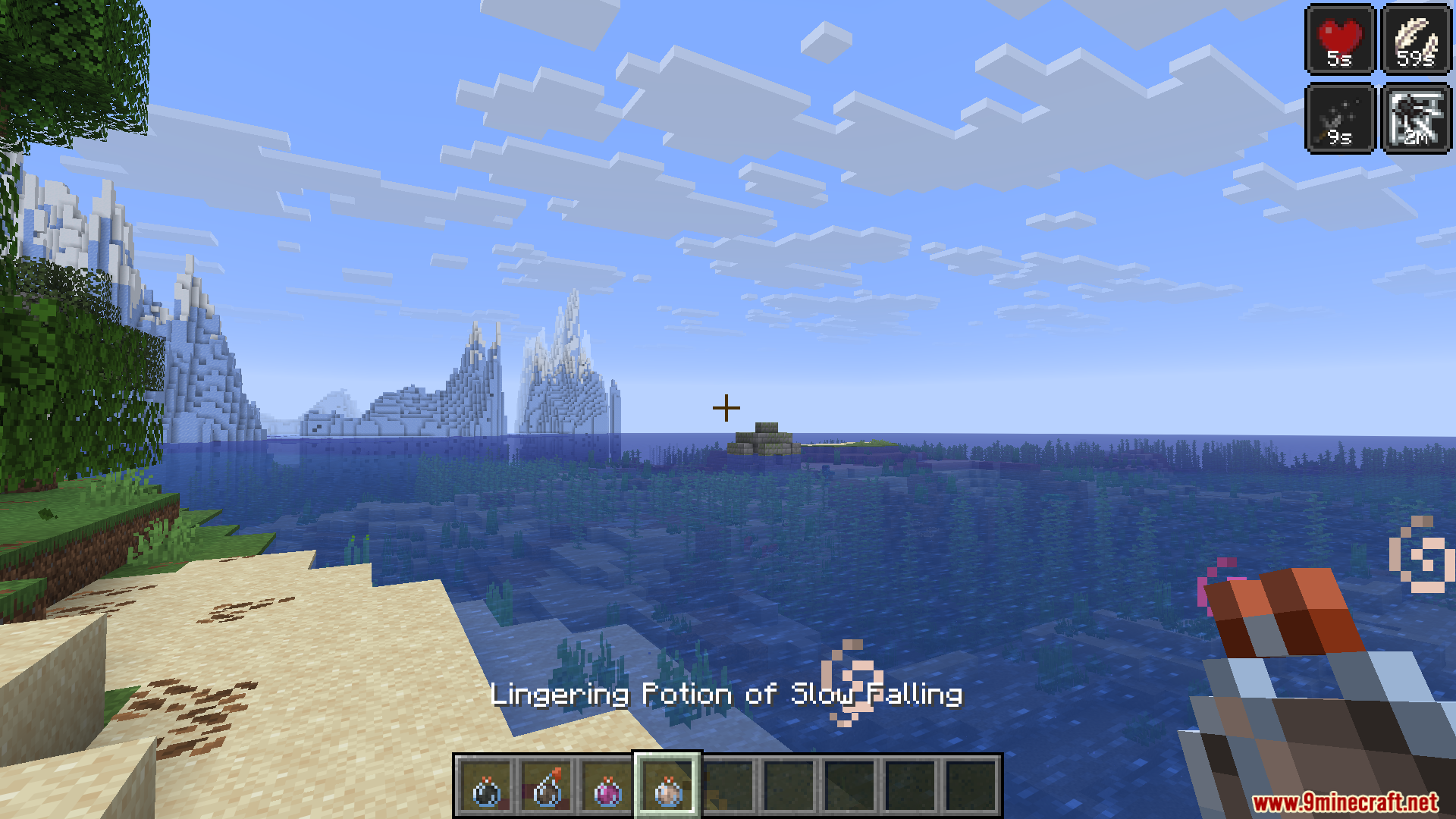
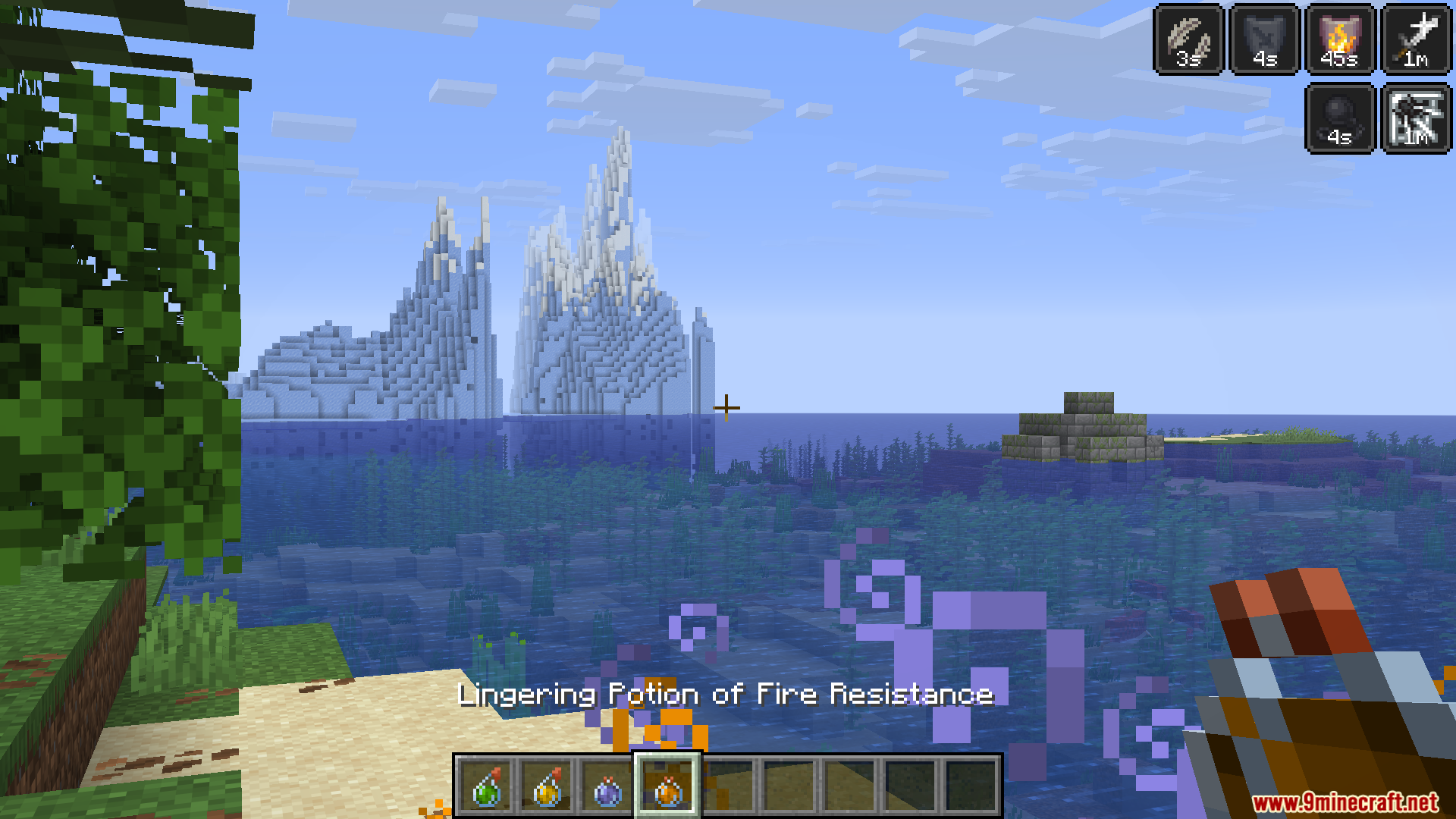
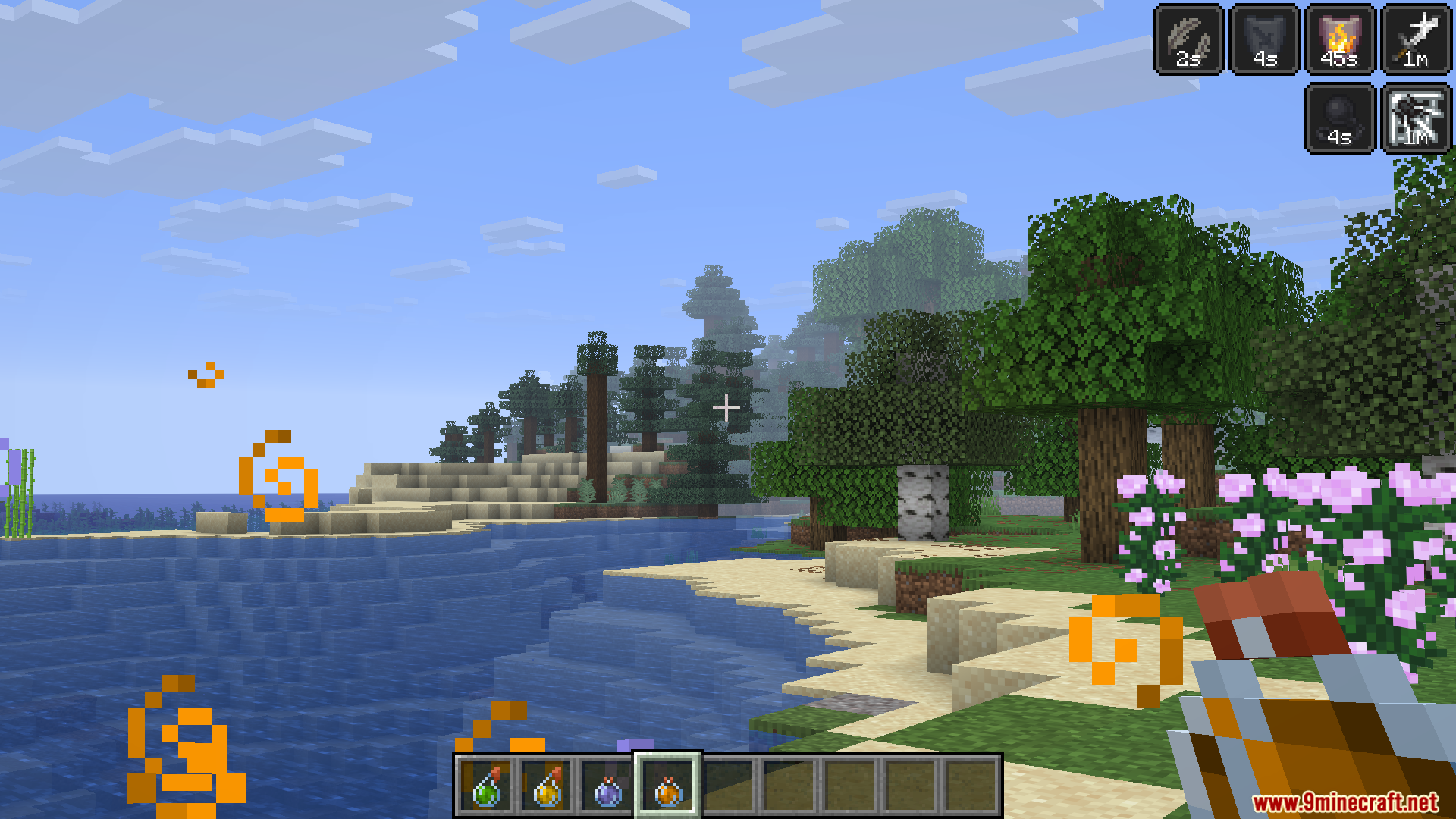
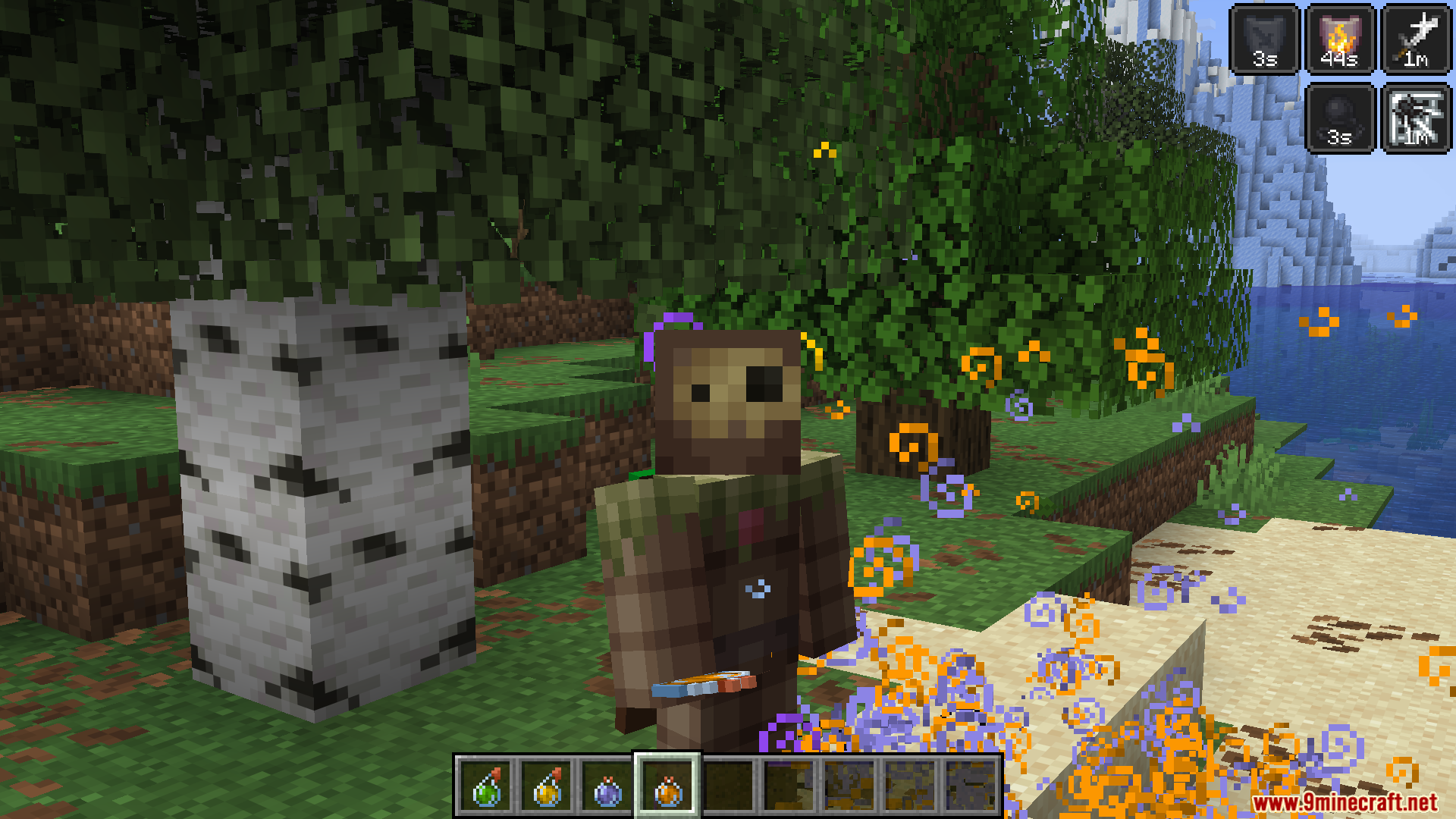
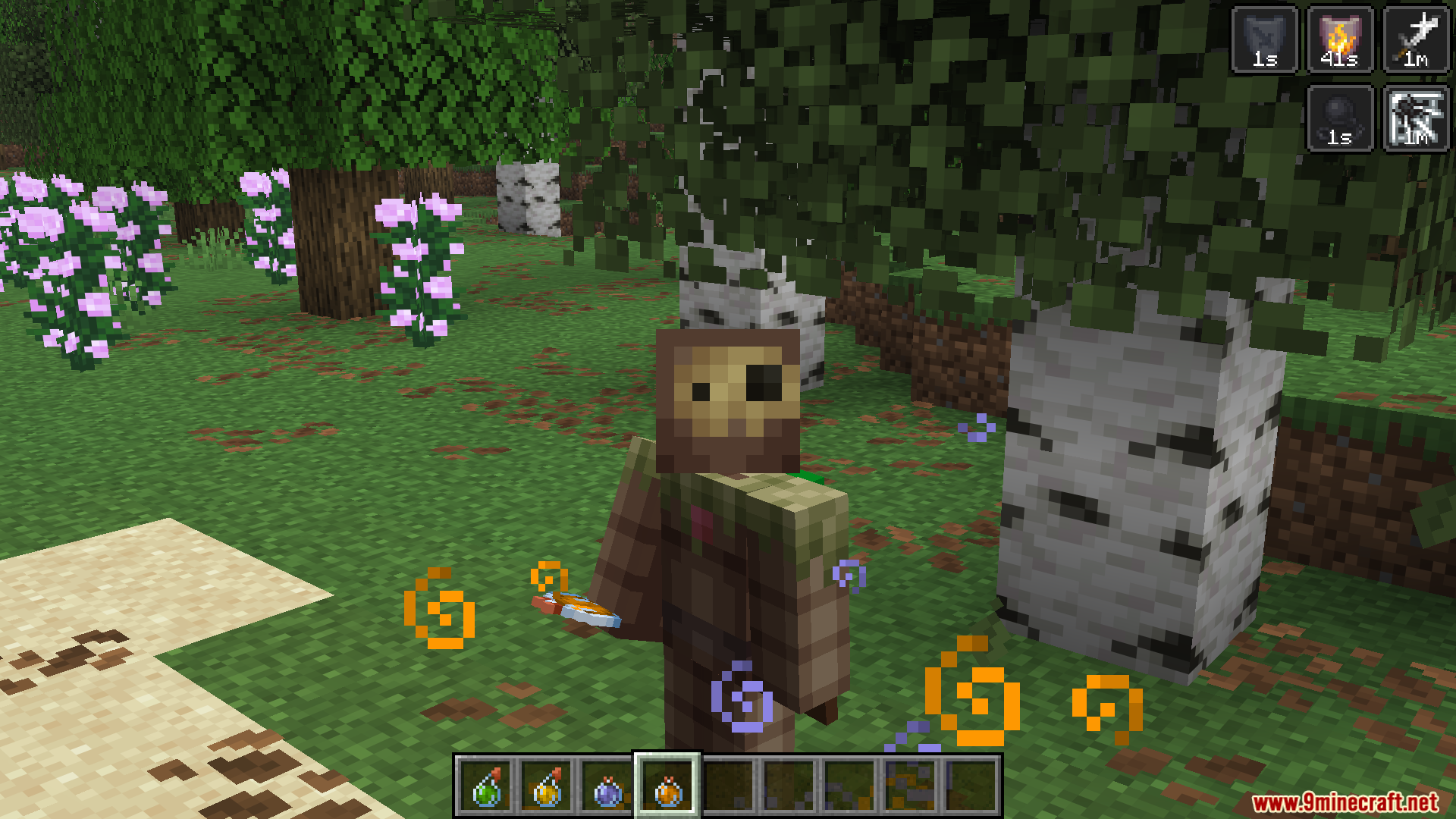
The mod activates automatically once installed—timers appear at the bottom of your active effect icons in the top-left corner of your screen by default. If you don't see them, check your configuration file to make sure the mod is enabled.
Can I move where the timer appears on screen?
The timer displays directly on your potion effect badges in their default location. You cannot reposition the timer itself, but you may be able to move your entire HUD depending on your mod setup and other mods you're using.
How do I change the color of the timer text?
Open your mod configuration file and adjust the red, green, and blue values (each ranging from 0 to 255) to create your desired color. Save the file and restart your game or reload your config to see the changes.
What do the letters s, m, h, and d mean on the timer?
These are abbreviations: 's' means seconds, 'm' means minutes, 'h' means hours, and 'd' means days. The mod uses these short labels to keep your screen uncluttered while showing exactly how much time your effects have left.
See all 10 GUI Effect Timer questions ›
Gallery
6 images from the Gui Effect Timer Mod page.
You May Also Like
Wikis that share the most with this one
Wikis on the same theme: cat
More mod wikis on the site
The most downloaded mods that have a wiki here
A few wikis from each of the other kinds