

 DownloadRe-Dye Terracotta Mod
Get the files on 9Minecraft
Guides
Step-by-step, in-game.
Convert Excess Colored Terracotta to a Needed ColorRepurposing Unwanted Blocks When you have leftover terracotta in colors you don't need, convert them instead of…Experiment with Color Combinations on TerracottaTesting Colors Before Committing Use the mod's recoloring ability to test different color schemes for your terracotta…Maintain a Flexible Terracotta StockpileBuilding a Versatile Supply Instead of storing separate stacks of each terracotta color, maintain a flexible…Recolor a Single Terracotta BlockBasic Recoloring Recoloring terracotta is straightforward and works the same way as dyeing vanilla terracotta for the…
Frequently asked questions
How do I dye a terracotta block that's already colored?
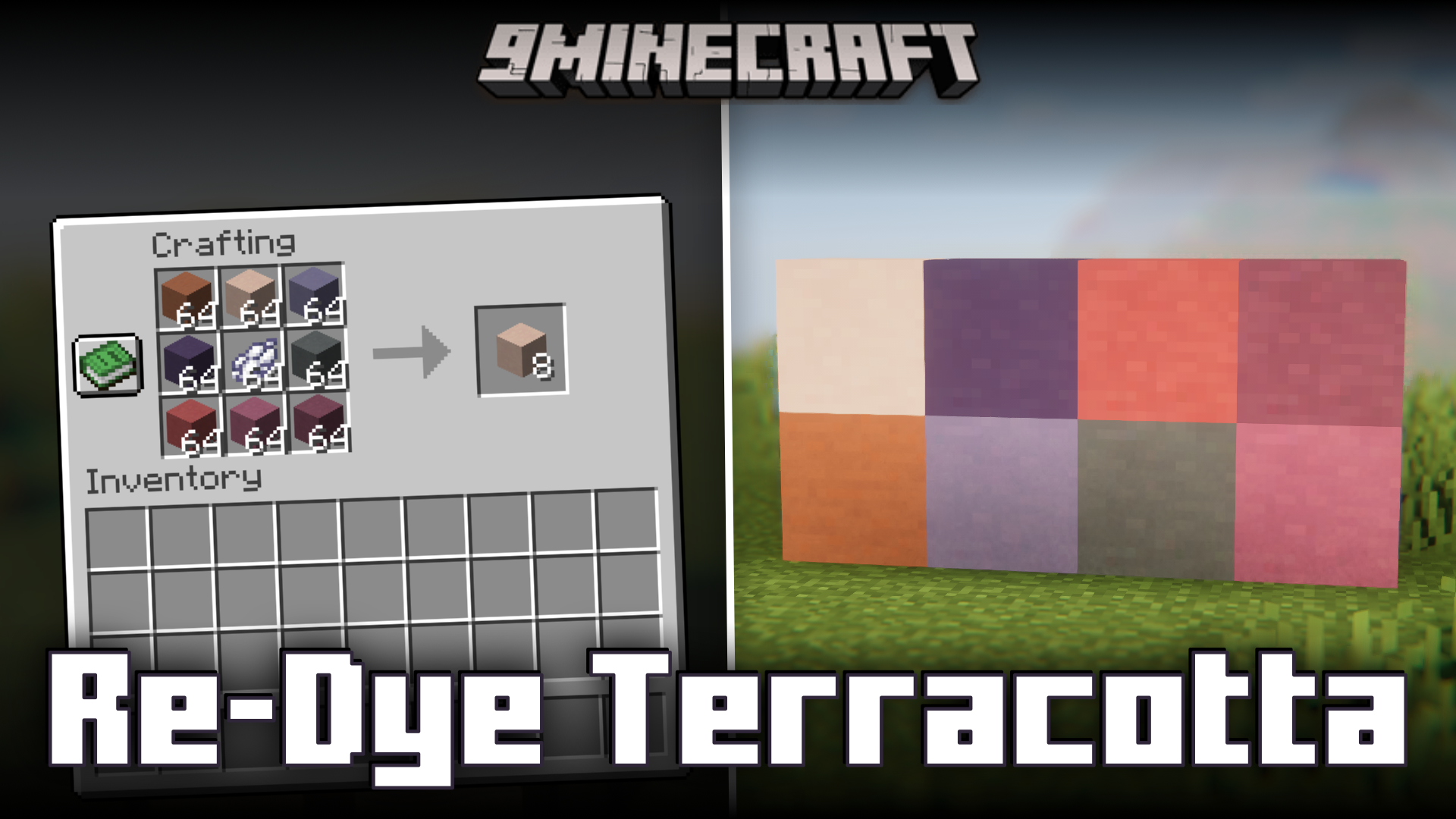
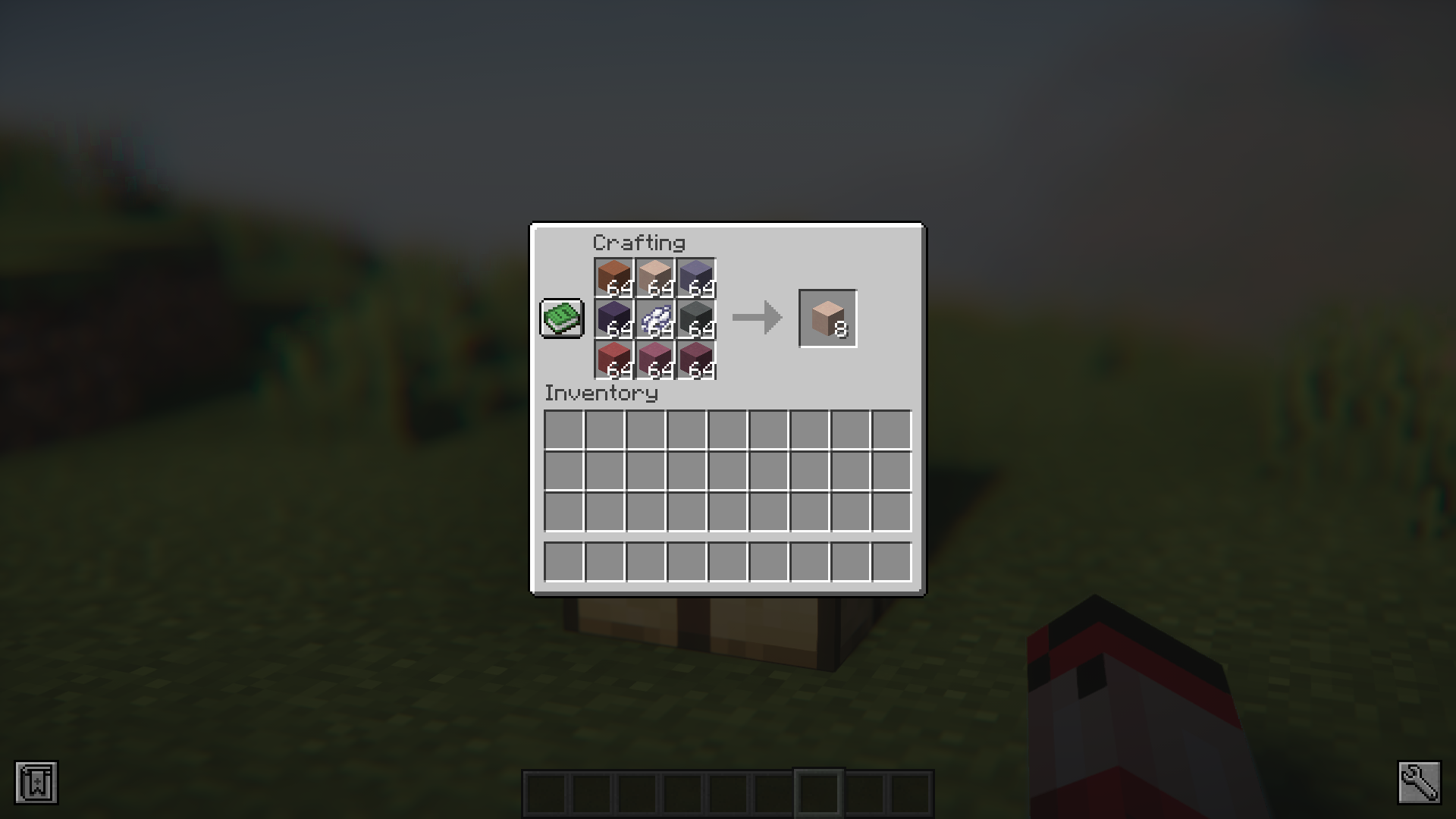
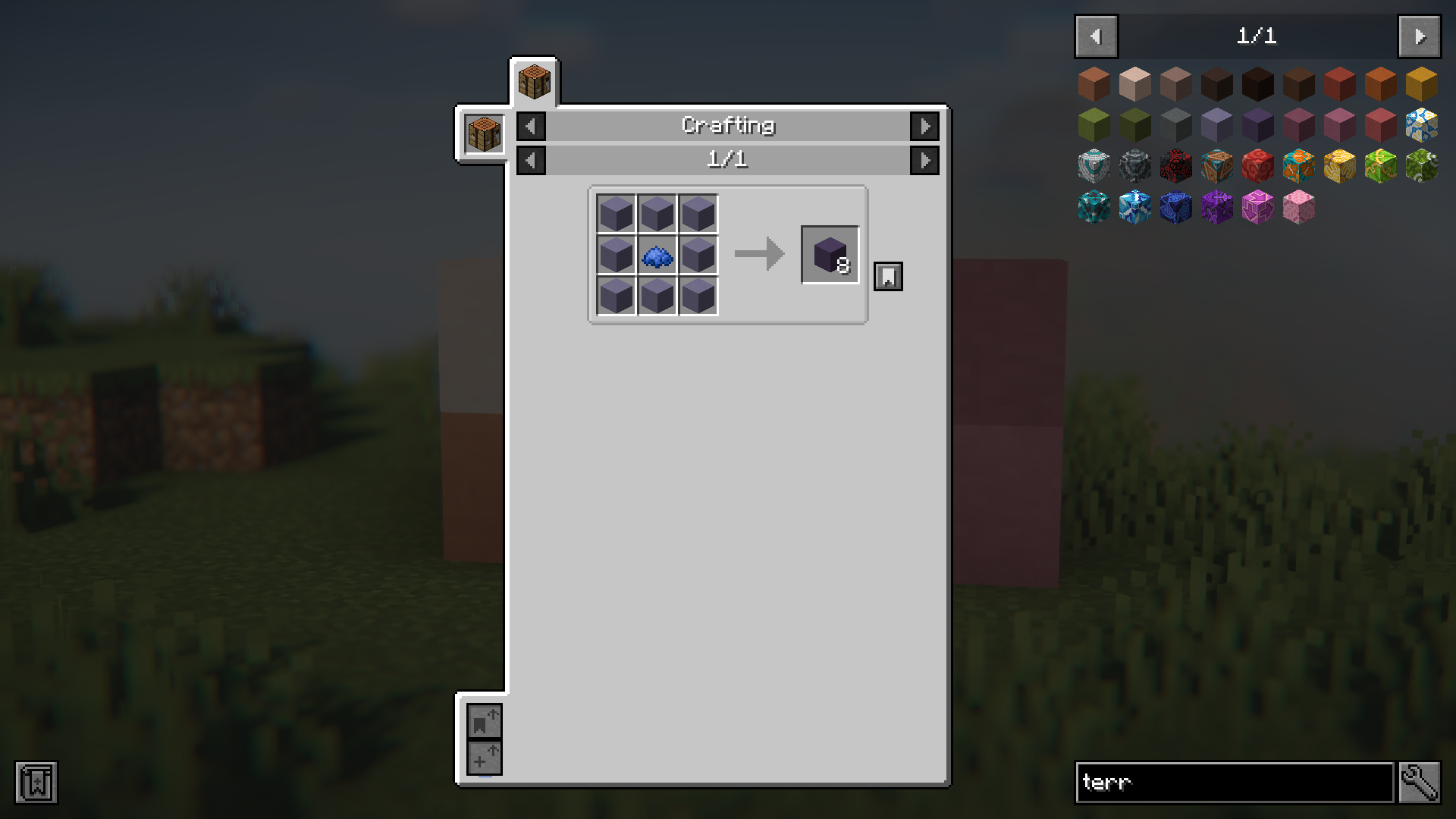
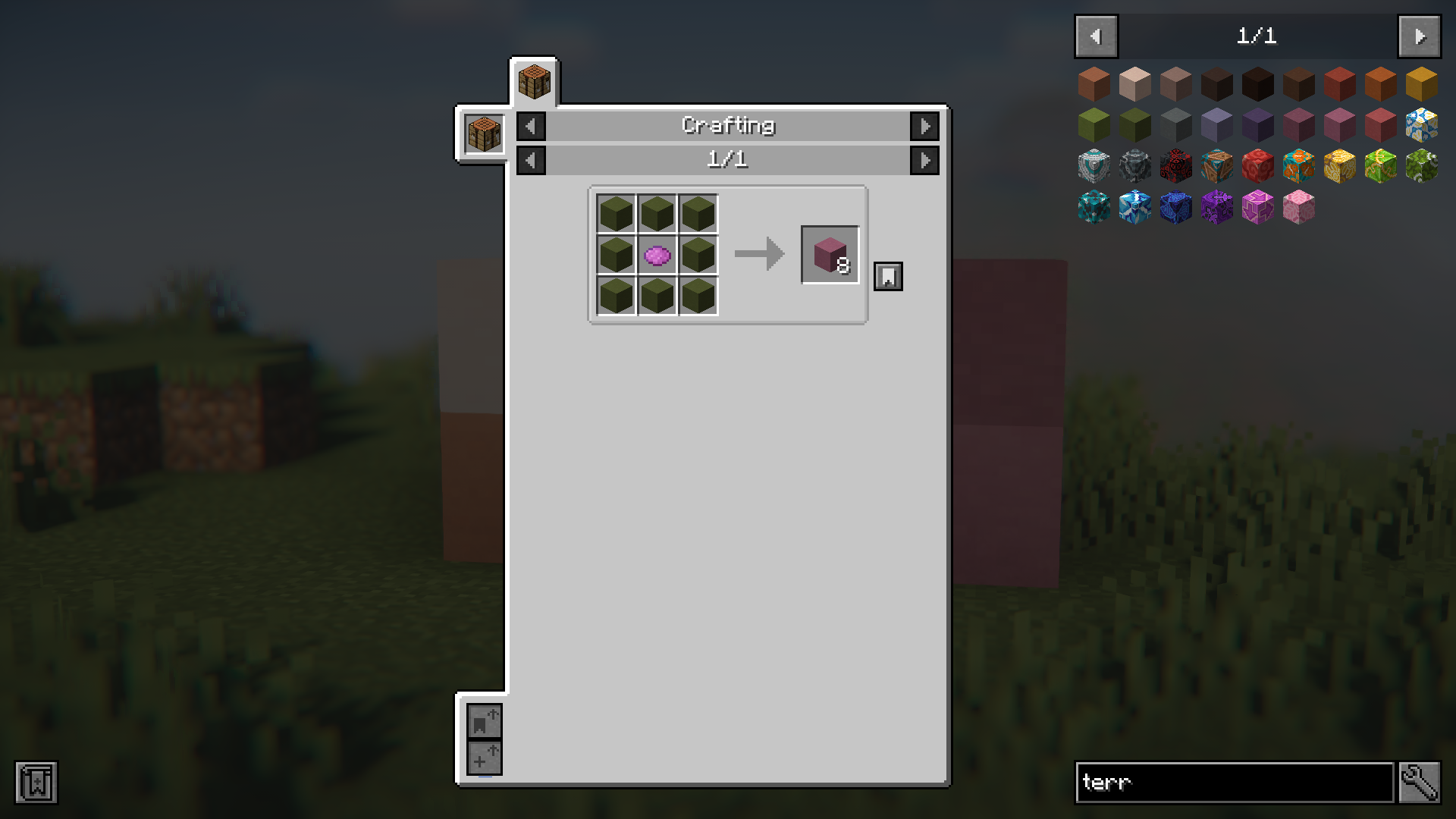
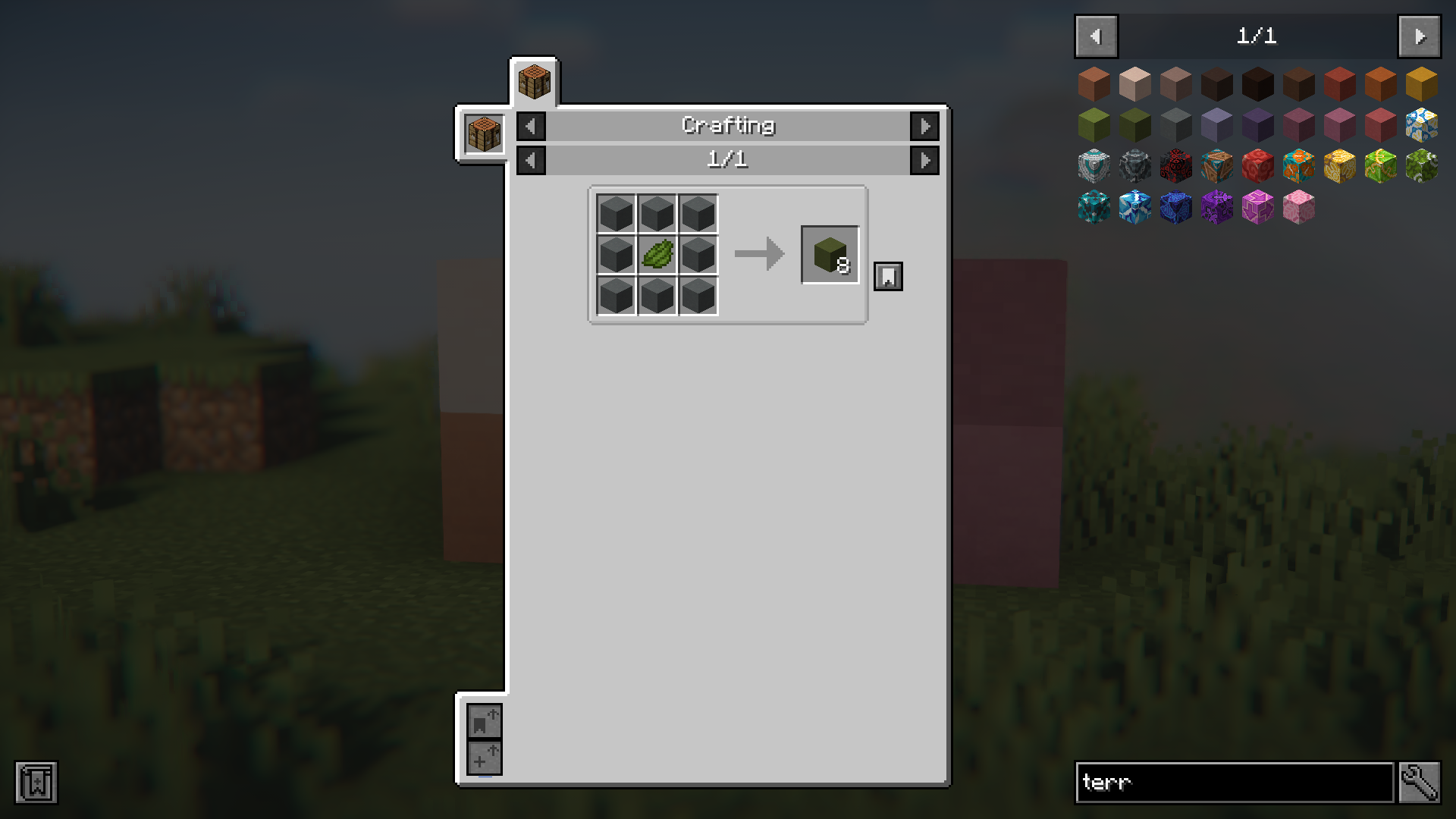
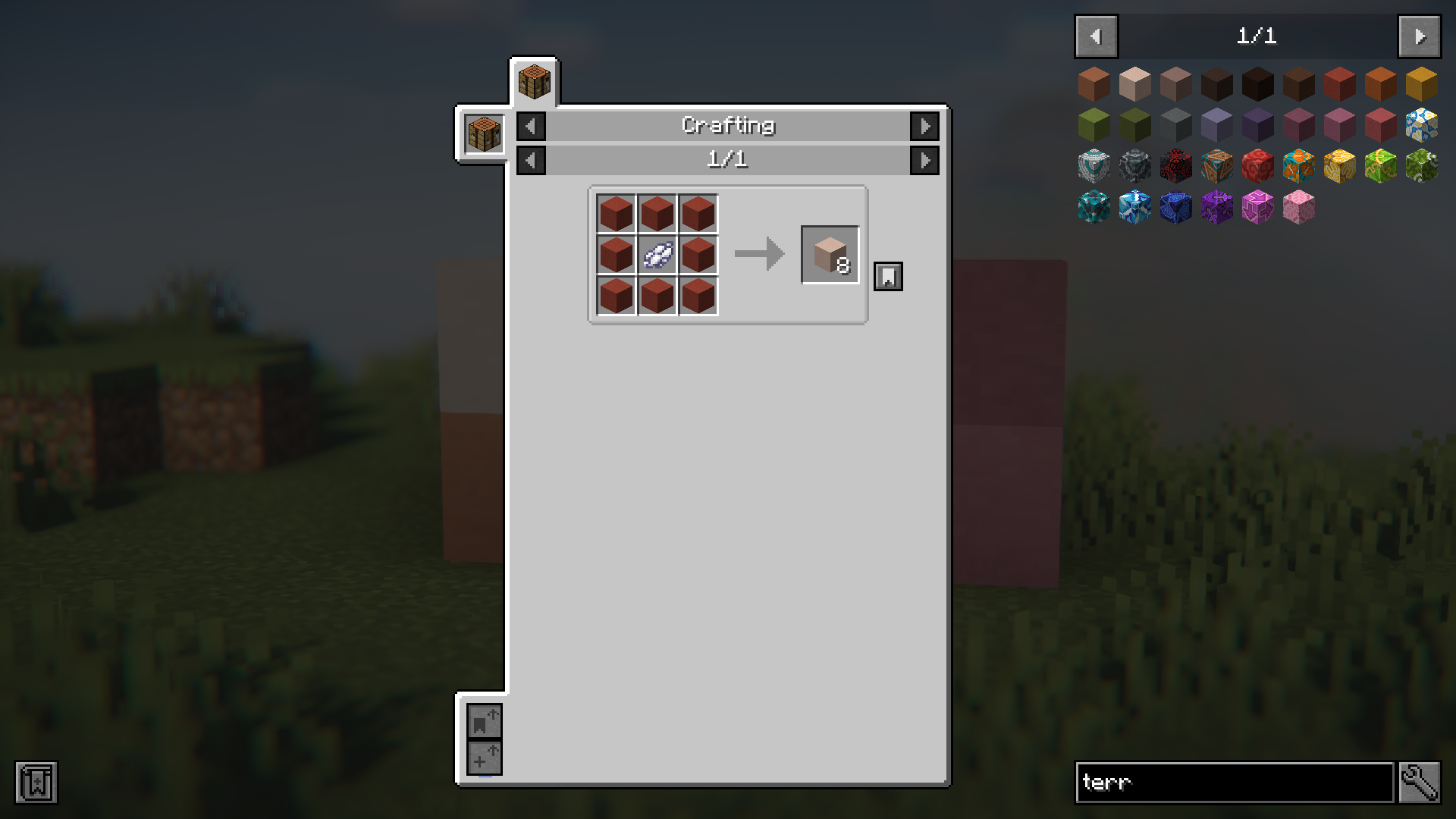
Simply place the colored terracotta block in a crafting grid with the dye color you want, just as you would with undyed terracotta. The mod removes the vanilla restriction, so any terracotta—regardless of its current color—can be re-dyed to a new color.
Do I lose the original terracotta block when I re-dye it?
No, you keep the terracotta block itself; only its color changes. You consume the dye in the recipe, but the block remains as a single item with the new color applied.
Can I convert one specific color of terracotta directly to another without undyeing first?
Yes, that's the core feature of this mod. You can combine blue terracotta with green dye to get green terracotta directly—no need to revert to plain terracotta as an intermediate step.
What dye colors work with this mod?
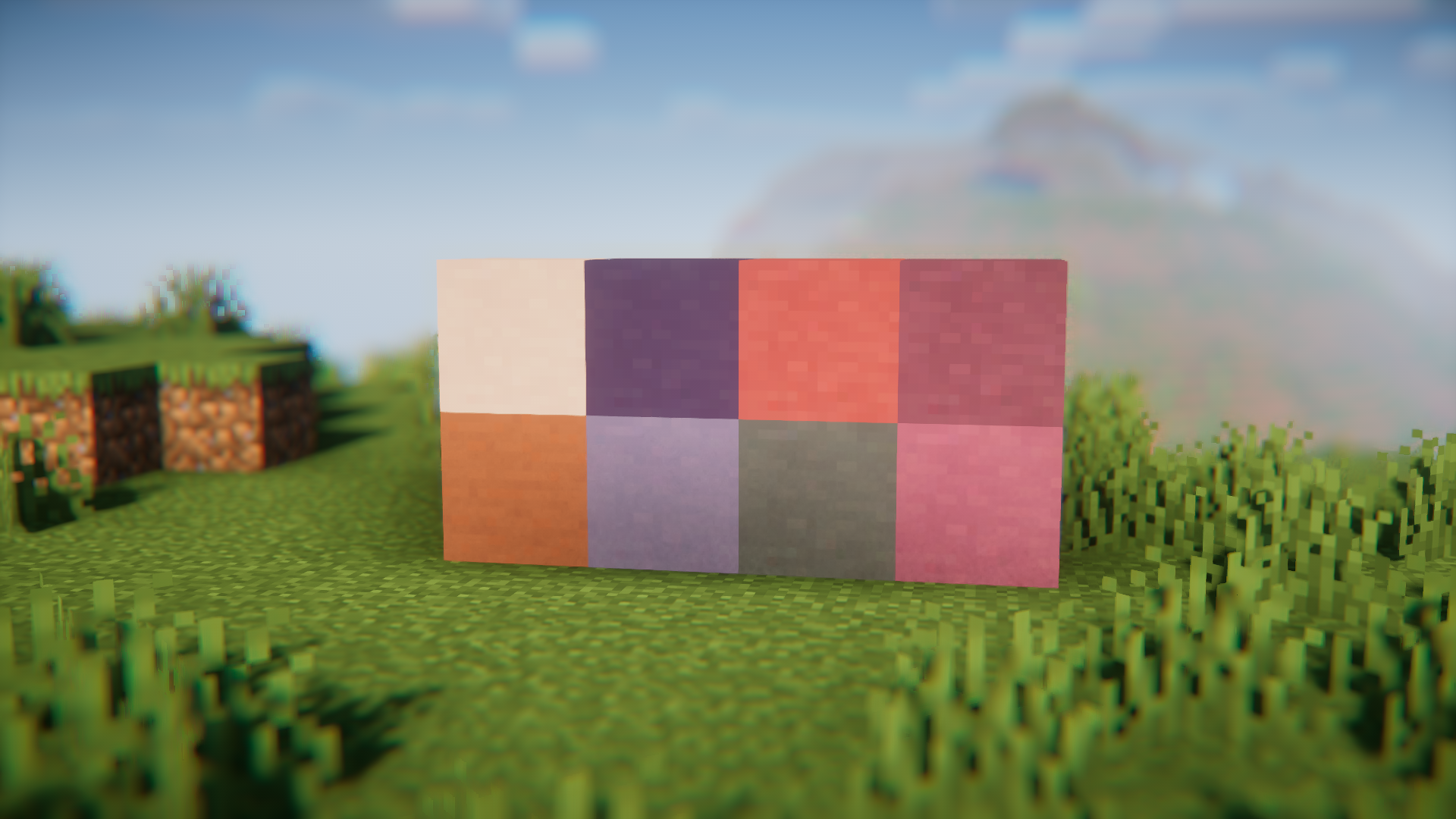
All sixteen vanilla dye colors work with the mod, matching the standard terracotta color palette available in the base game.
See all 10 Re-Dye Terracotta questions ›
Gallery
8 images from the Re Dye Terracotta Mod page.
You May Also Like
Wikis that share the most with this one
More mod wikis on the site
The most downloaded mods that have a wiki here
A few wikis from each of the other kinds