

 DownloadReader Mod
Get the files on 9Minecraft
Guides
Step-by-step, in-game.
Identify Items in Your Inventory or on the GroundReading Item Names Reader Mod extends beyond blocks—you can identify items anywhere they appear in your world.…Identify Unknown Blocks While MiningHow to Use Reader Mod While Exploring When you encounter an unfamiliar block while mining or exploring, Reader Mod…Learn Block Properties and VariantsUnderstanding Block Variants Through Names Reader Mod displays the full technical name of blocks, which includes…Quickly Learn New Mod ContentExploring Modded Content Efficiently When you install mods that add new blocks and items, Reader Mod becomes…
Frequently asked questions
How do I turn on the mod after installing it?
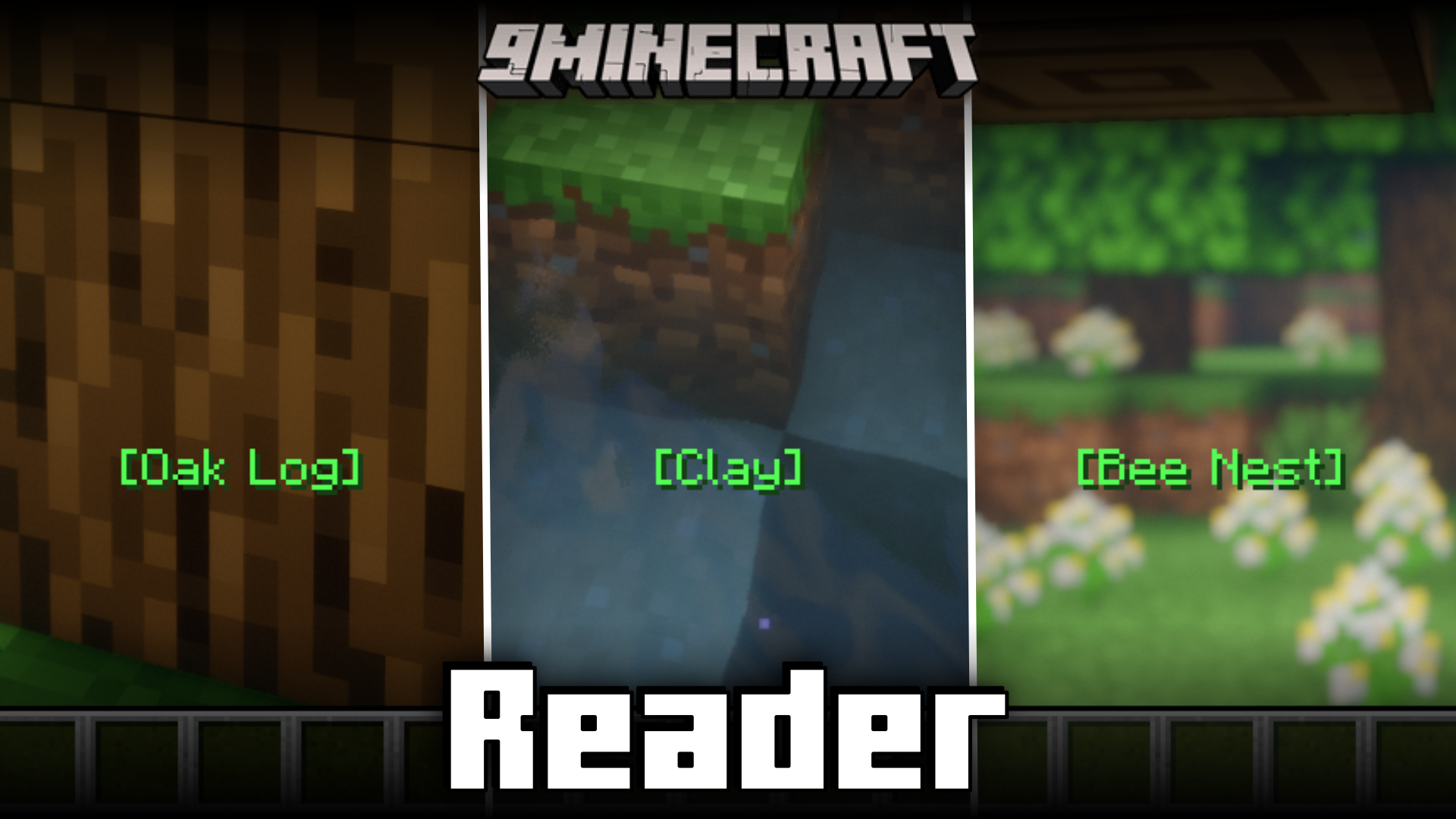
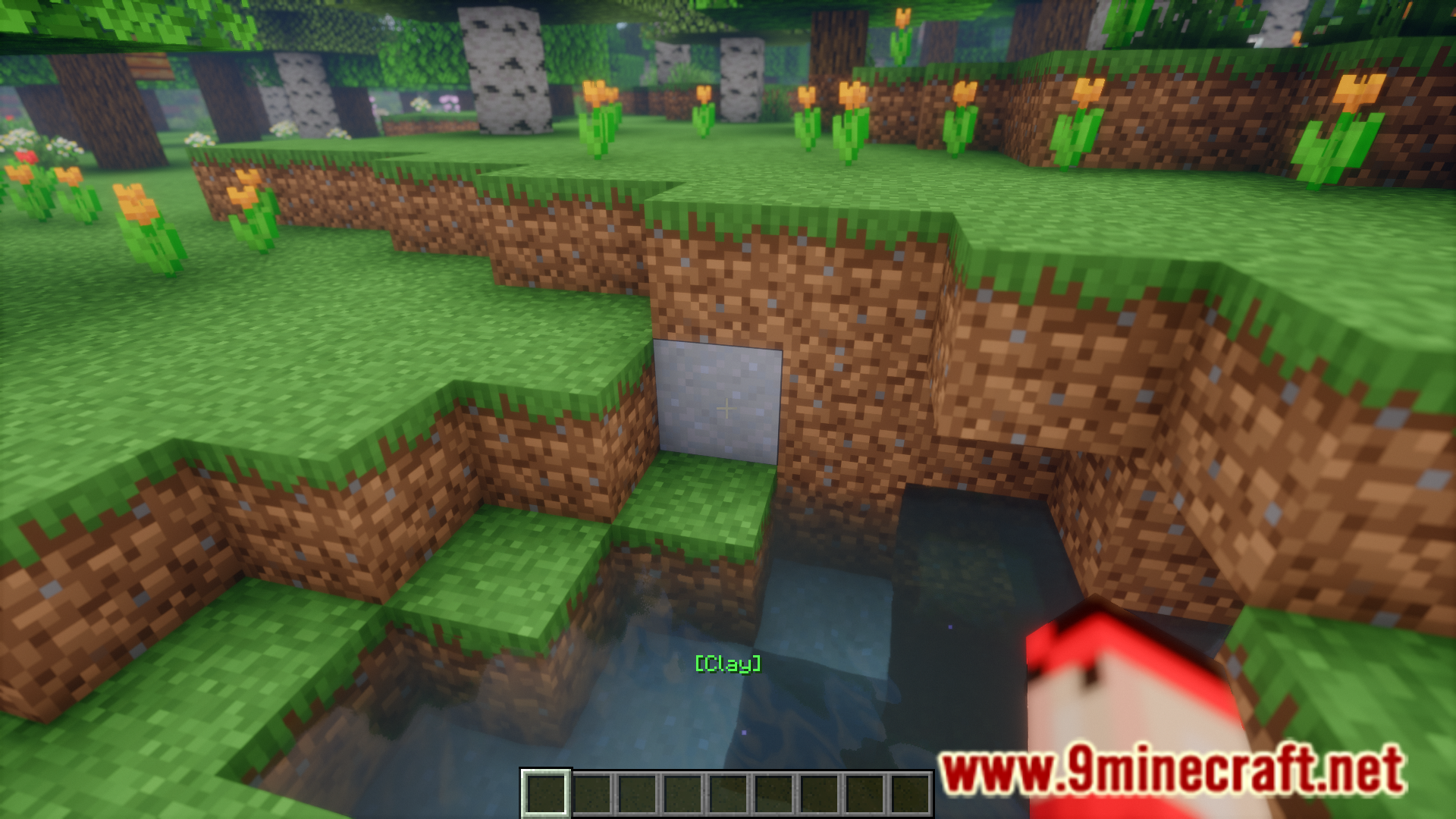
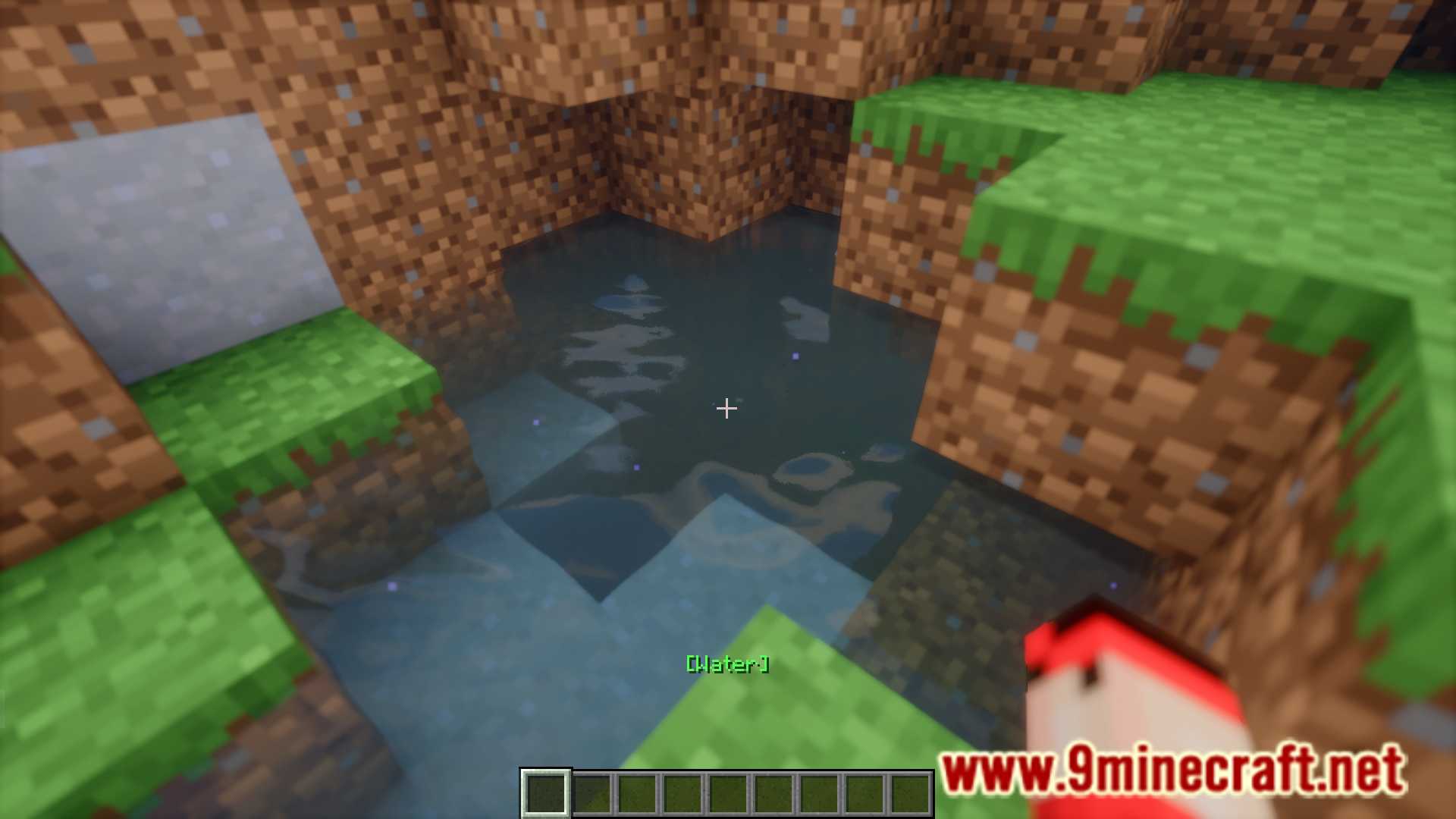
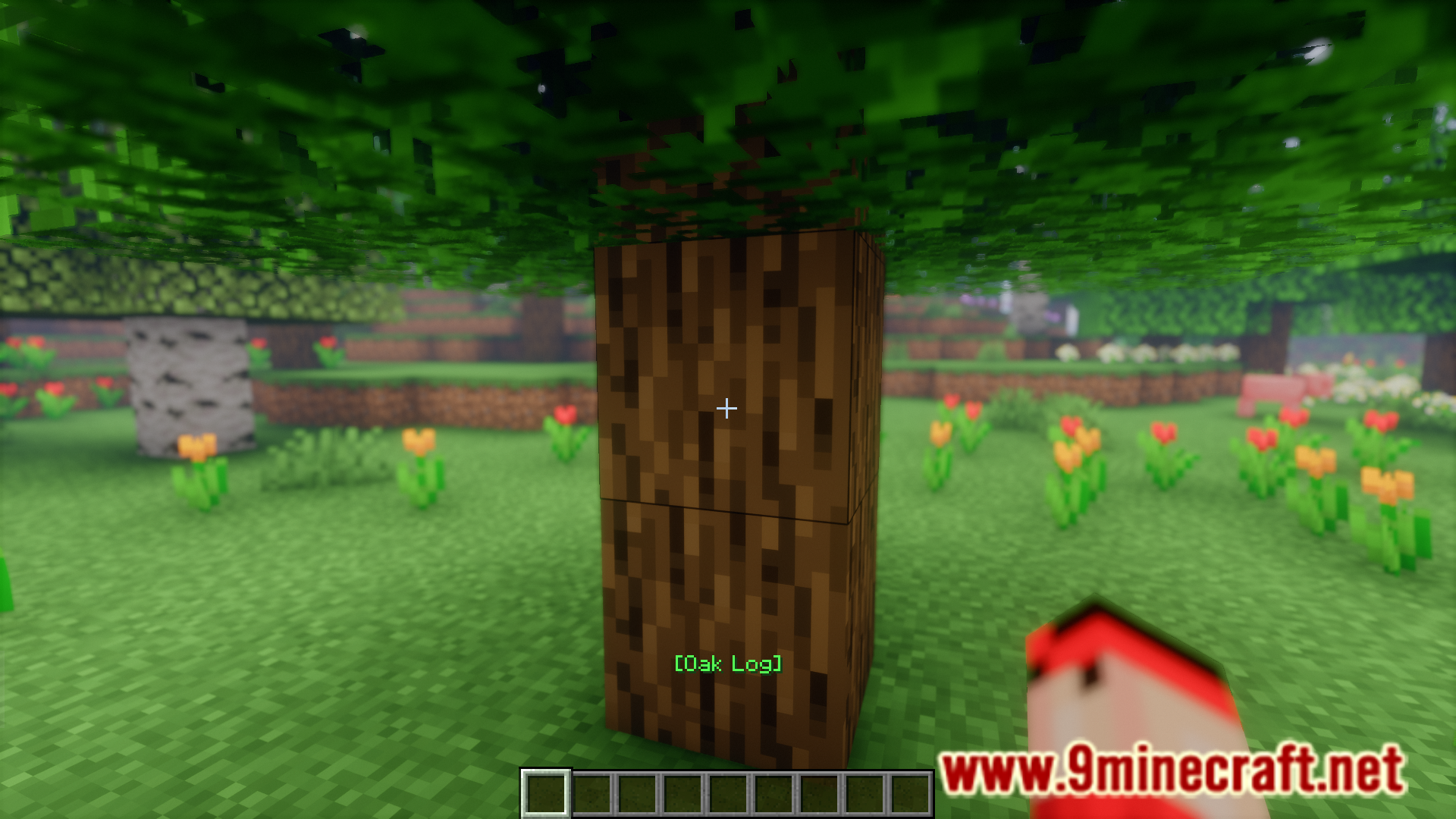
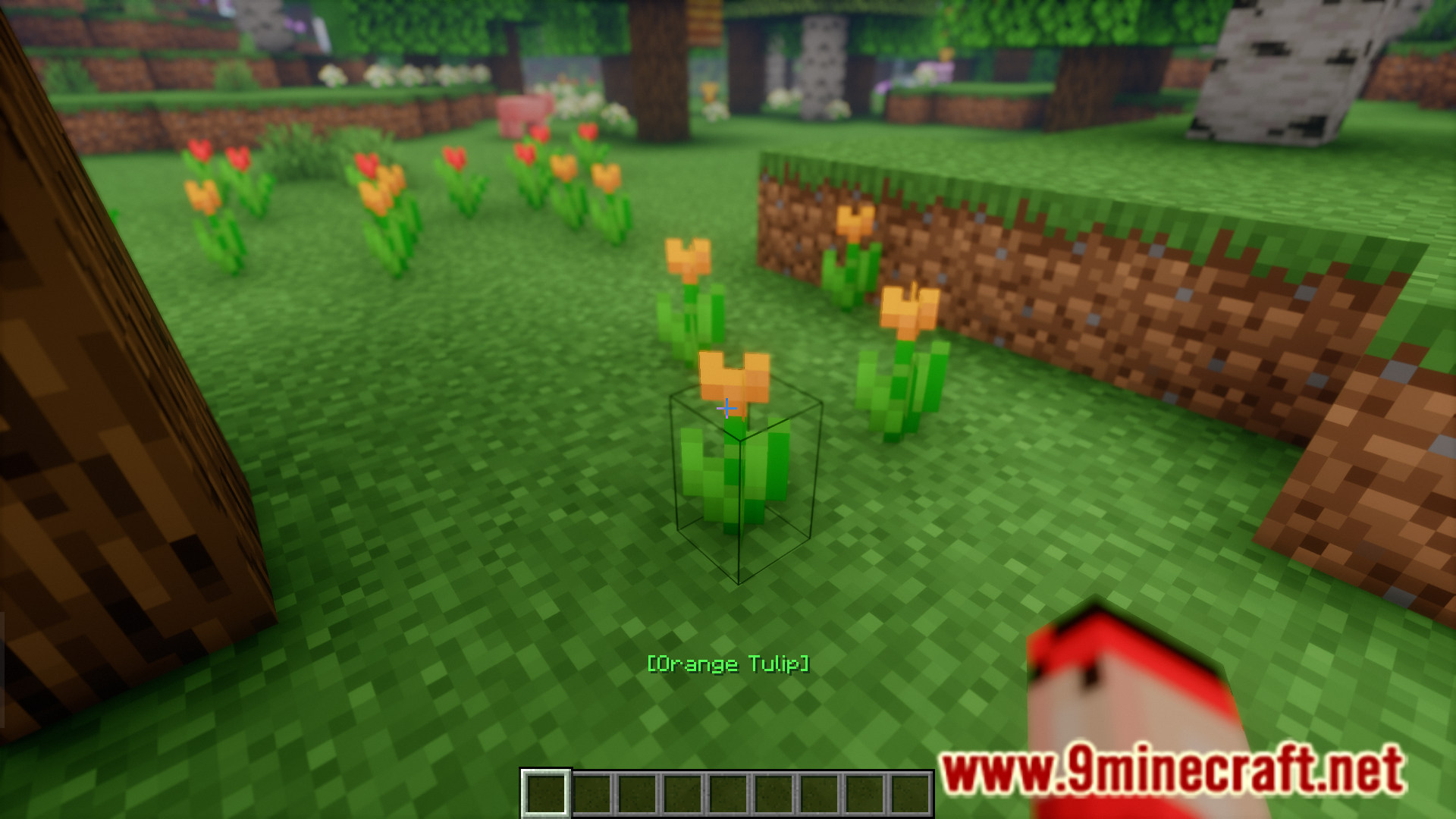
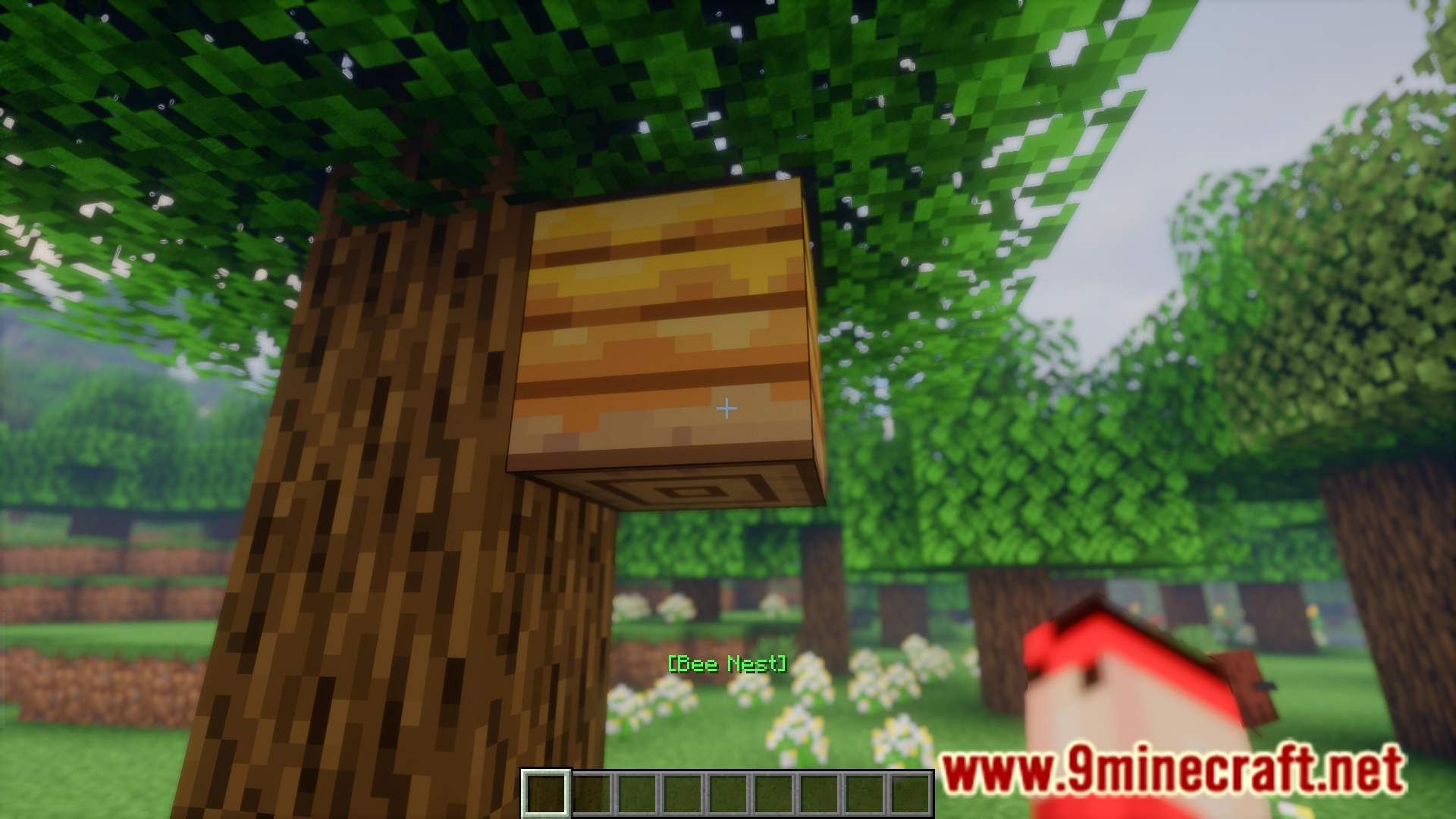
Reader Mod is enabled by default once installed. Simply point your crosshair at any block or item and you'll see its name appear on your action bar at the bottom of your screen.
Why isn't the block name showing up when I look at things?
Make sure your action bar is visible and not hidden by another mod or setting. If you're looking at a vanilla block, the mod should display its name immediately—try moving your crosshair away and back onto the block.
Does this mod work with modded blocks and items?
Yes, Reader Mod identifies both vanilla and modded blocks and items. It displays whatever name the block or item is registered with in the game.
Can I see more details about a block than just its name?
Reader Mod shows the block name on your action bar. For deeper information like block properties and variants, refer to the "Learn Block Properties and Variants" guide or check the mod's documentation.
Gallery
6 images from the Reader Mod page.
You May Also Like
Wikis that share the most with this one
More mod wikis on the site
The most downloaded mods that have a wiki here
A few wikis from each of the other kinds