

 DownloadPing Name Tags Mod
Get the files on 9Minecraft
Guides
Step-by-step, in-game.
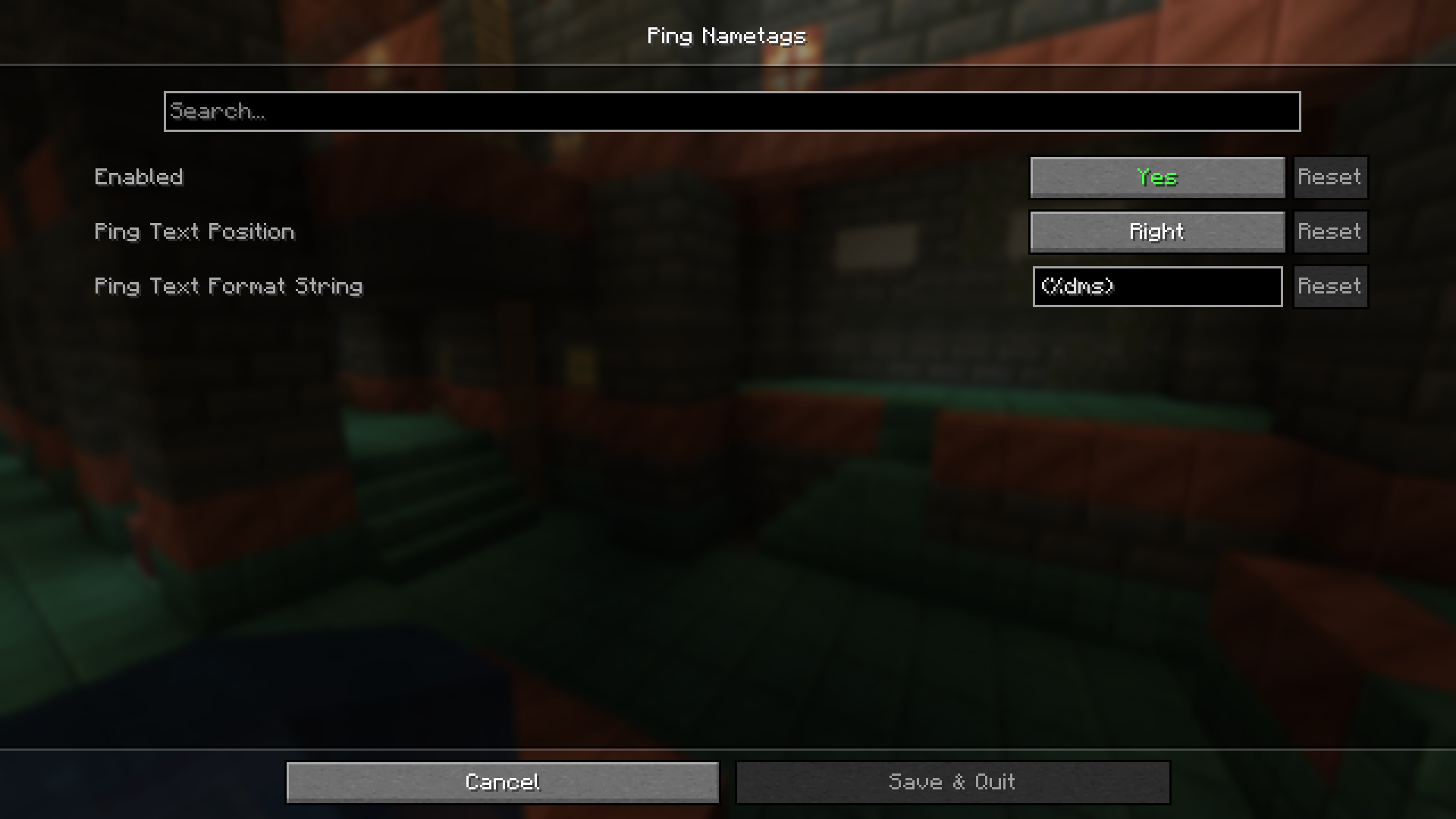
Customize Ping Tag Appearance and BehaviorAccess Configuration Options The mod provides customization settings to adjust how ping tags look and function.…Display Ping Next to Player NamesEnable Ping Display The mod displays player ping automatically once installed. When you look at other players in your…Troubleshoot Missing or Incorrect Ping DisplaysCheck Basic Requirements Ping tags only appear in multiplayer environments. Verify you're: Connected to a server or…Use Ping Information for PvP AdvantageIdentify Player Connection Quality Before engaging in PvP combat, check the ping values of nearby players. Lower ping…
Frequently asked questions
How do I see ping numbers above player names?
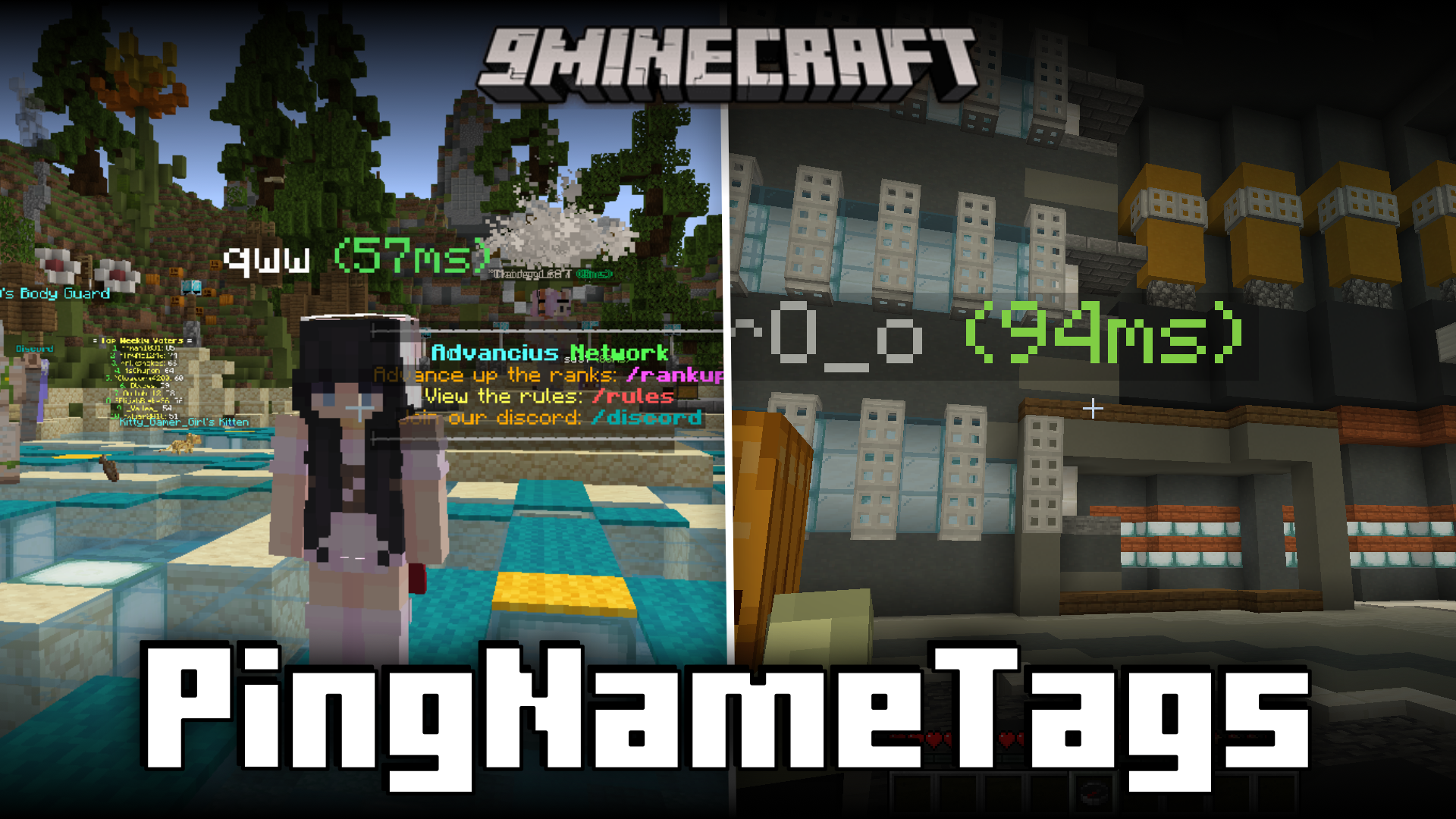
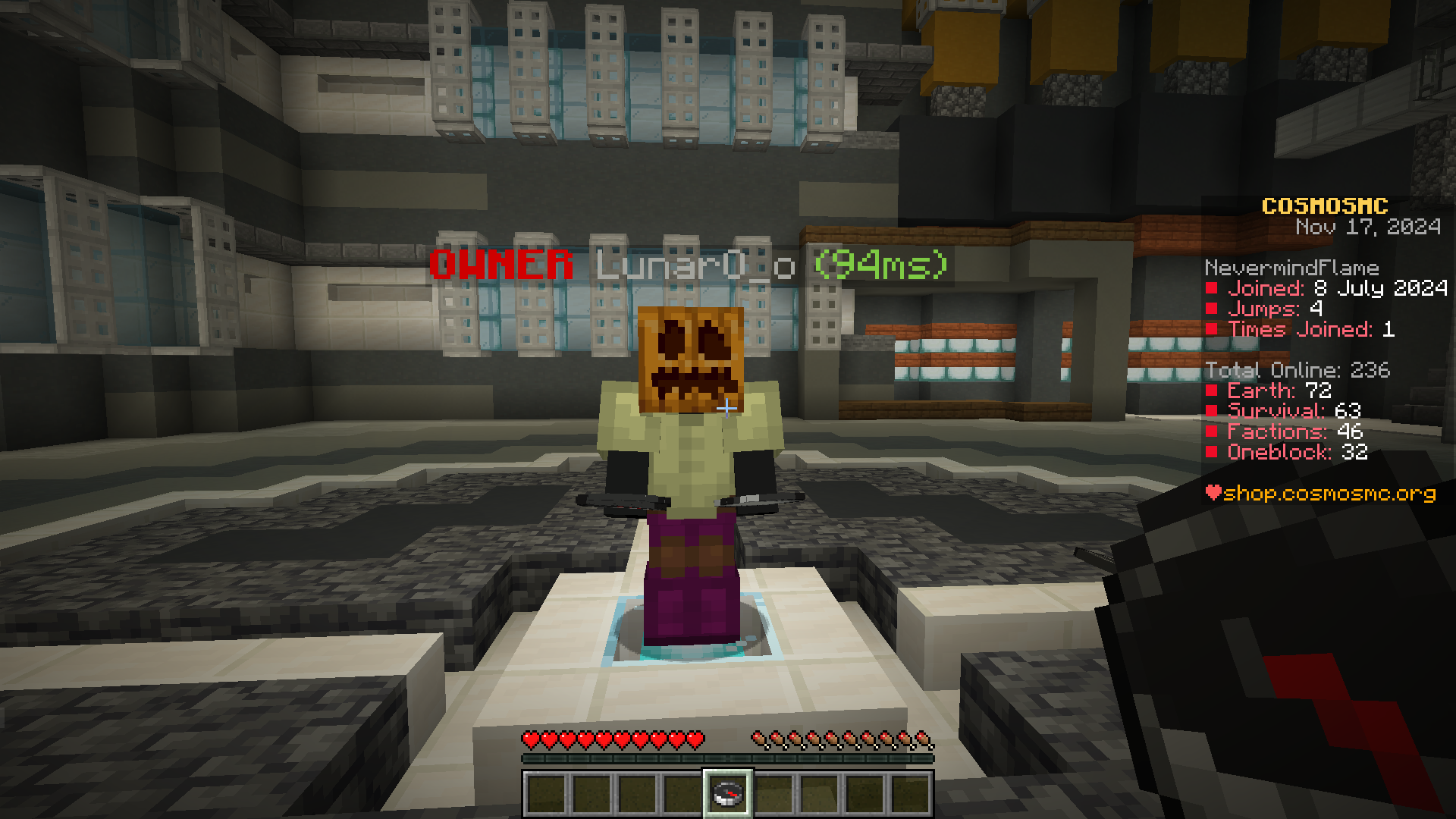
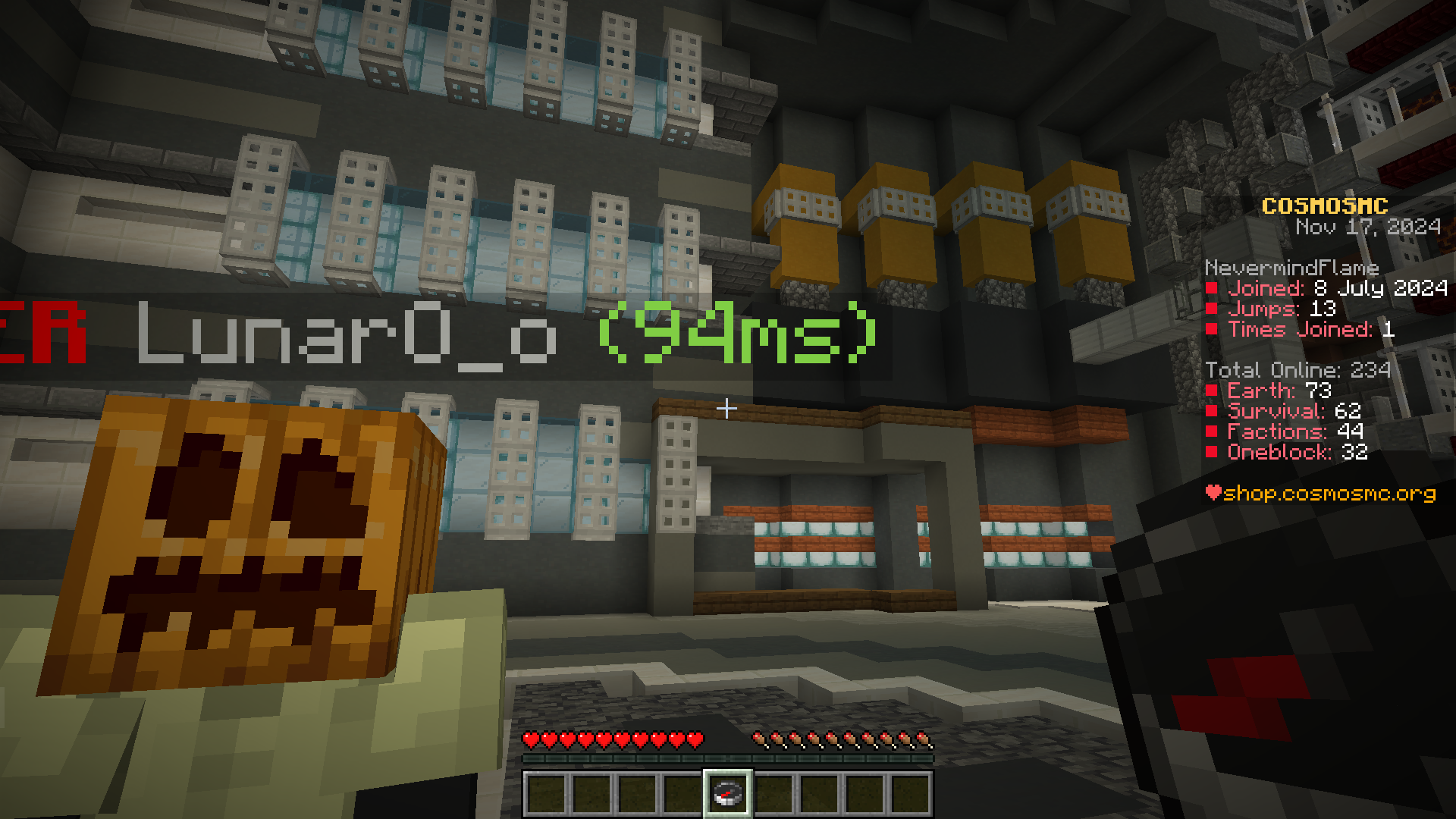
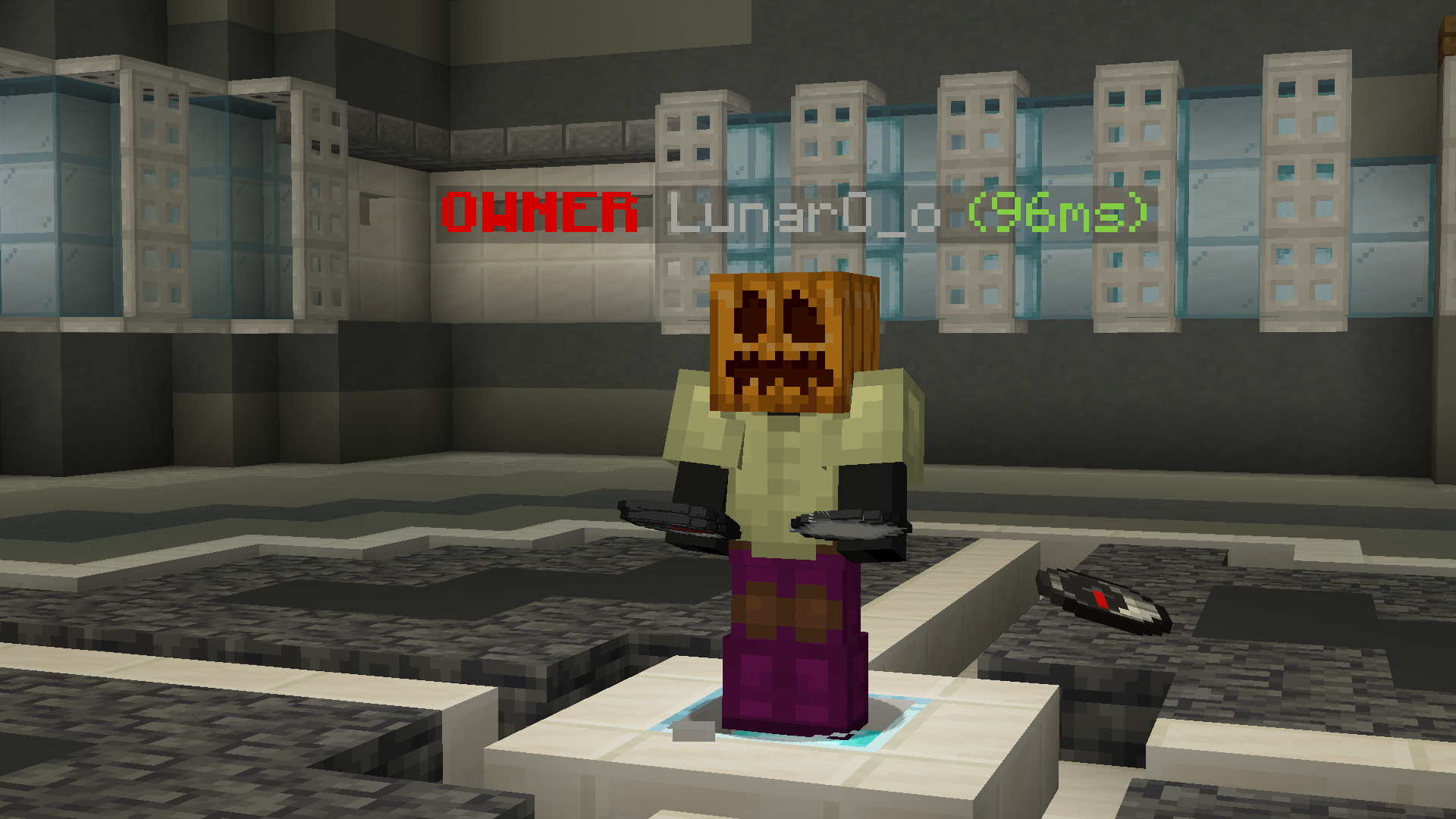
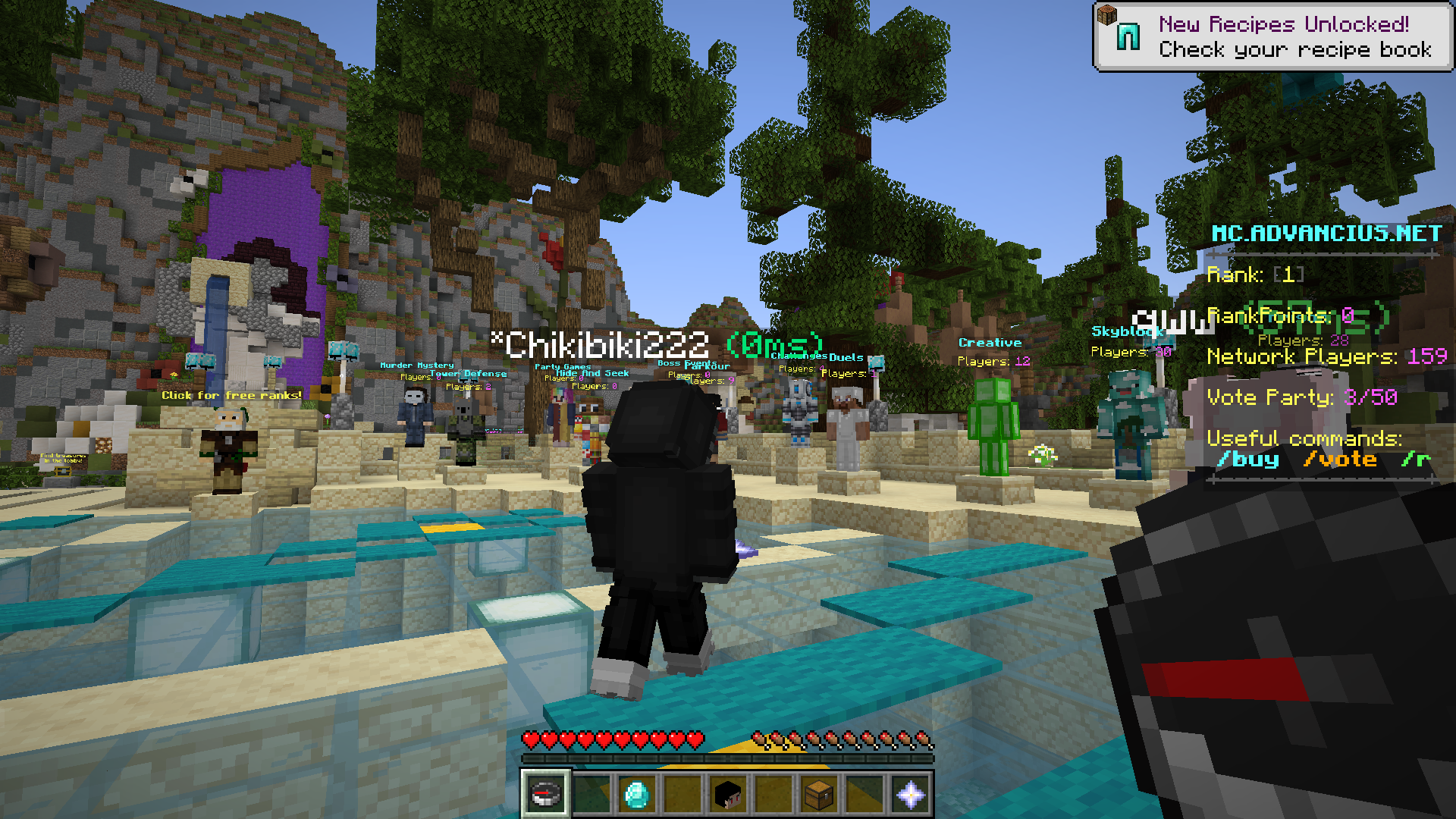
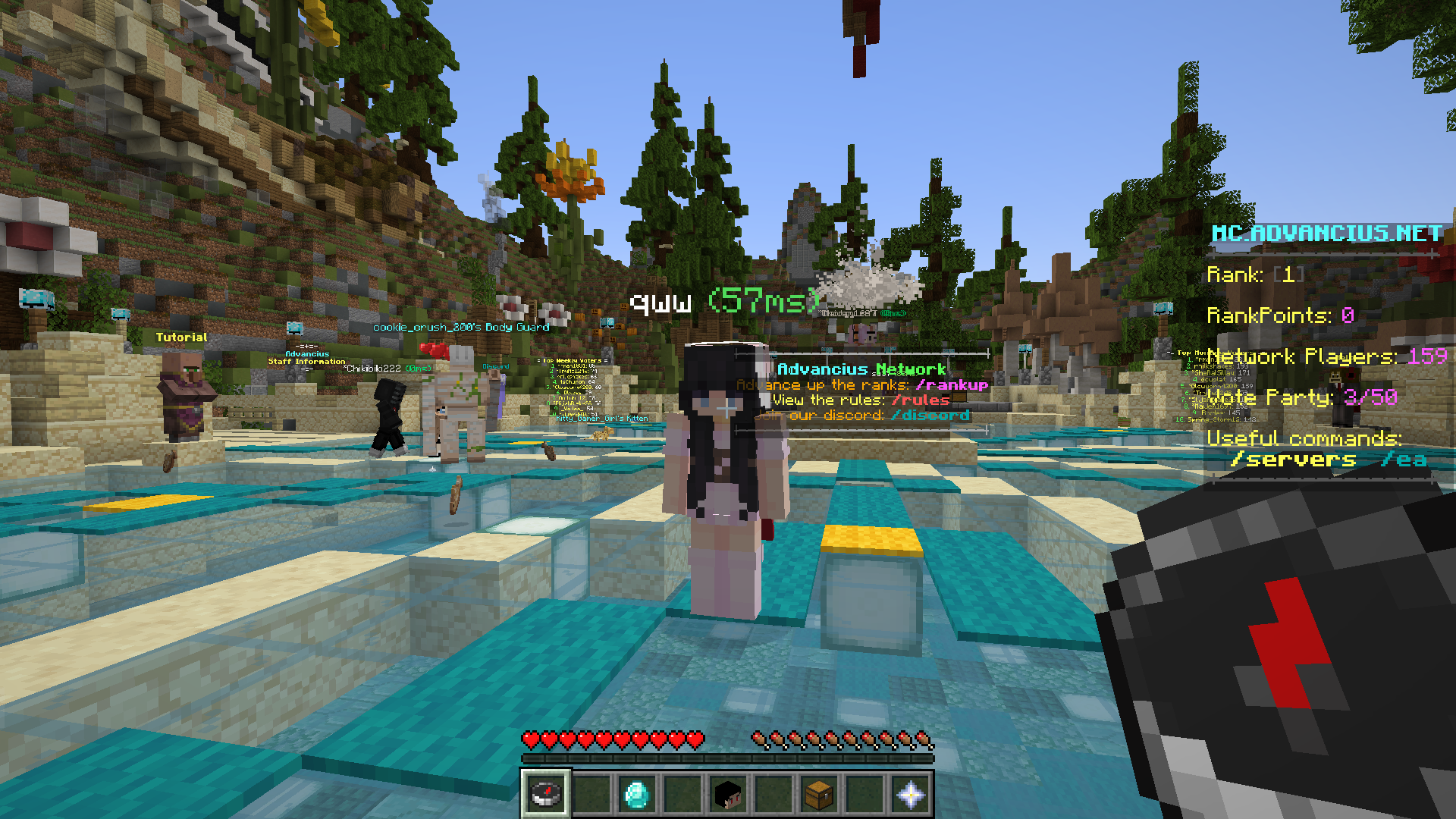
The mod displays ping automatically once installed—you'll see millisecond values appear next to every player's nametag in your field of view. If you don't see them, check that the mod is enabled in your mods folder and that you're on a multiplayer server.
Can I hide the ping tags for specific players?
You can configure which players' ping displays through the mod's settings, though the exact filtering options depend on your mod version—check the config file or in-game settings menu for player-specific visibility toggles.
What do the different ping colors mean?
Ping tags typically use color coding to show connection quality at a glance—green usually indicates good ping, yellow is moderate, and red signals high latency—but you can customize these color thresholds in the mod's configuration.
Does this mod work on single-player worlds?
No, the mod only displays ping on multiplayer servers since single-player has no network latency to measure.
See all 10 Ping Name Tags questions ›
Gallery
7 images from the Ping Name Tags Mod page.
You May Also Like
Wikis that share the most with this one
More mod wikis on the site
The most downloaded mods that have a wiki here
A few wikis from each of the other kinds