

 DownloadPickupWidely Mod
Get the files on 9Minecraft
Guides
Step-by-step, in-game.
Adjust Your Pickup Range in the Config FileLocating the Config File The PickupWidely Mod stores its settings in a configuration file within your Minecraft…Maximize Item Collection While MiningUnderstanding the Extended Pickup Range With PickupWidely Mod active, you no longer need to stand directly on top of…Troubleshoot Items Not Picking Up at Expected DistanceVerify Mod is Active First, confirm PickupWidely Mod is properly installed and enabled. Check your mod list in-game…Use PickupWidely for Mob Farm EfficiencyImproving Drop Collection Mob farms generate large quantities of drops in a small area. PickupWidely Mod makes…
Frequently asked questions
How do I enable PickupWidely after installing it?
The mod is active by default once installed—dropped items will immediately have an expanded pickup radius. You don't need to enable anything in-game; just start playing and you'll notice items collecting from farther away.
Where is the config file and how do I change my pickup range?
The config file is located in your game's config folder (usually `.minecraft/config/`). Open it with a text editor, find the pickup range setting, adjust the value to your preference, save, and restart your game for changes to take effect.
Can I increase the vertical pickup range or just horizontal?
By default, only the horizontal pickup range is expanded; vertical range stays the same. You can check your config file to see if vertical range adjustments are available as a configurable option.
Does PickupWidely work with mob farms?
Yes, the expanded pickup radius makes mob farm item collection much more efficient since drops are collected from a wider area without needing to position yourself precisely under the farm.
See all 10 PickupWidely questions ›
Gallery
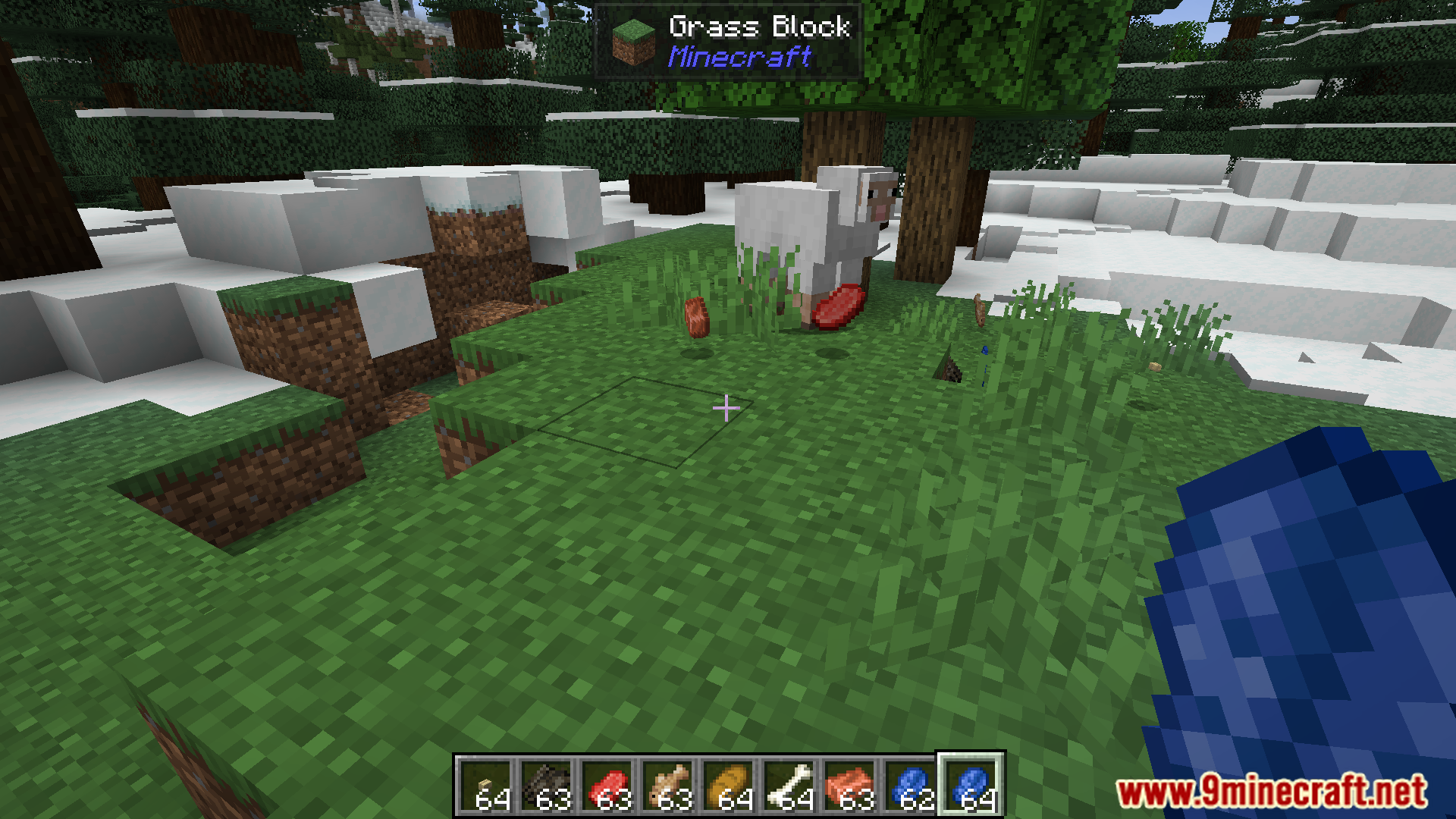
10 images from the Pickupwidely Mod page.





You May Also Like
Wikis that share the most with this one
More mod wikis on the site
The most downloaded mods that have a wiki here
A few wikis from each of the other kinds