

 DownloadName Fabric Mod
Get the files on 9Minecraft
Guides
Step-by-step, in-game.
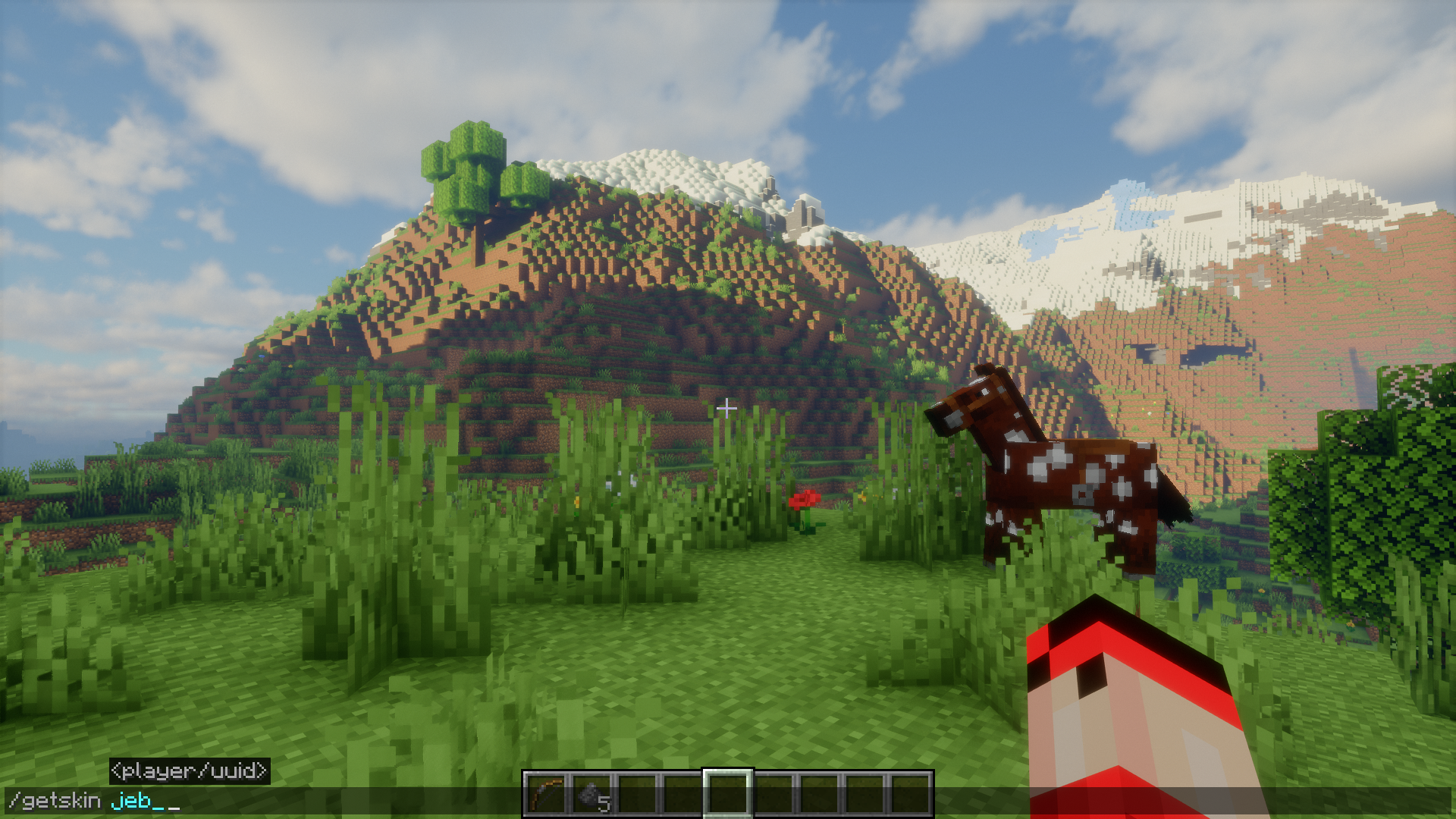
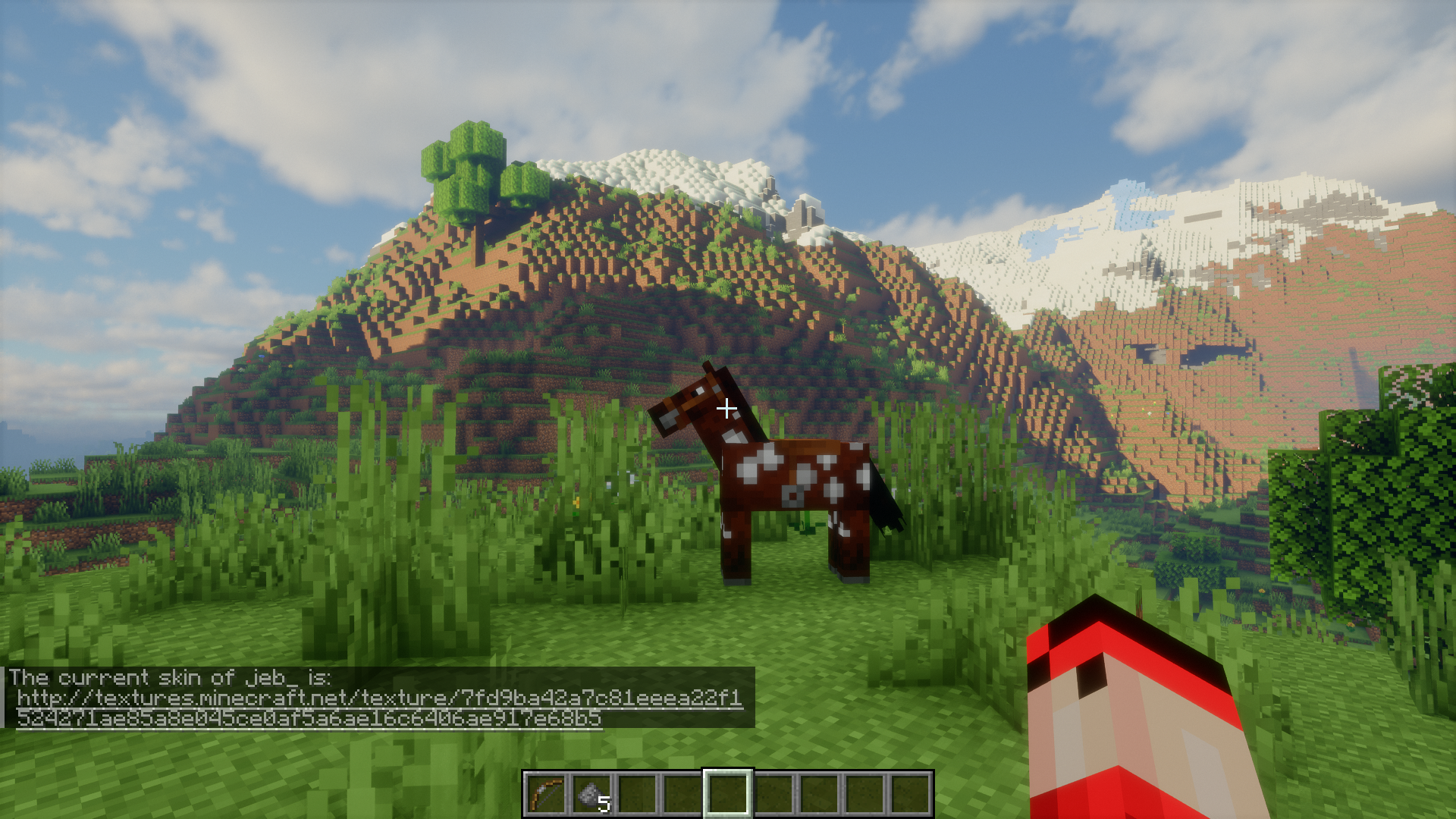
Download and Apply Another Player's SkinUsing /getskin The /getskin command downloads a player's current skin file, allowing you to use or share it. Steps 1.…Get a Player's UUID for Server AdministrationUsing /getuuid The /getuuid command instantly retrieves the unique identifier (UUID) for any player. UUIDs are…Obtain and Use Another Player's CapeUsing /getcape The /getcape command retrieves the cape texture from any player who has one equipped. Capes are…View a Player's Complete Username HistoryUsing /namehistory The /namehistory command retrieves all previous usernames associated with a player's account. This…
Frequently asked questions
How do I use the /namehistory command?
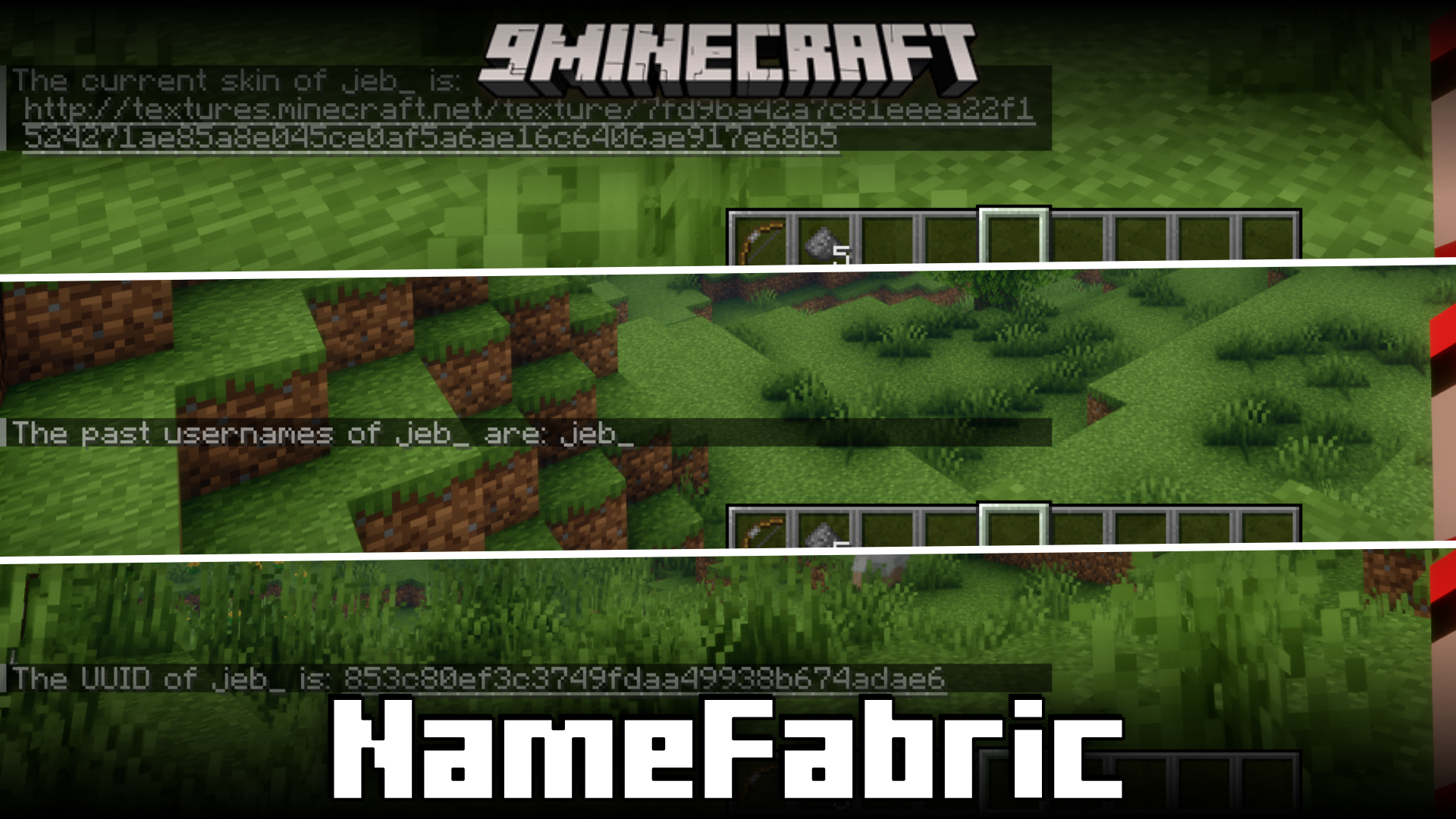
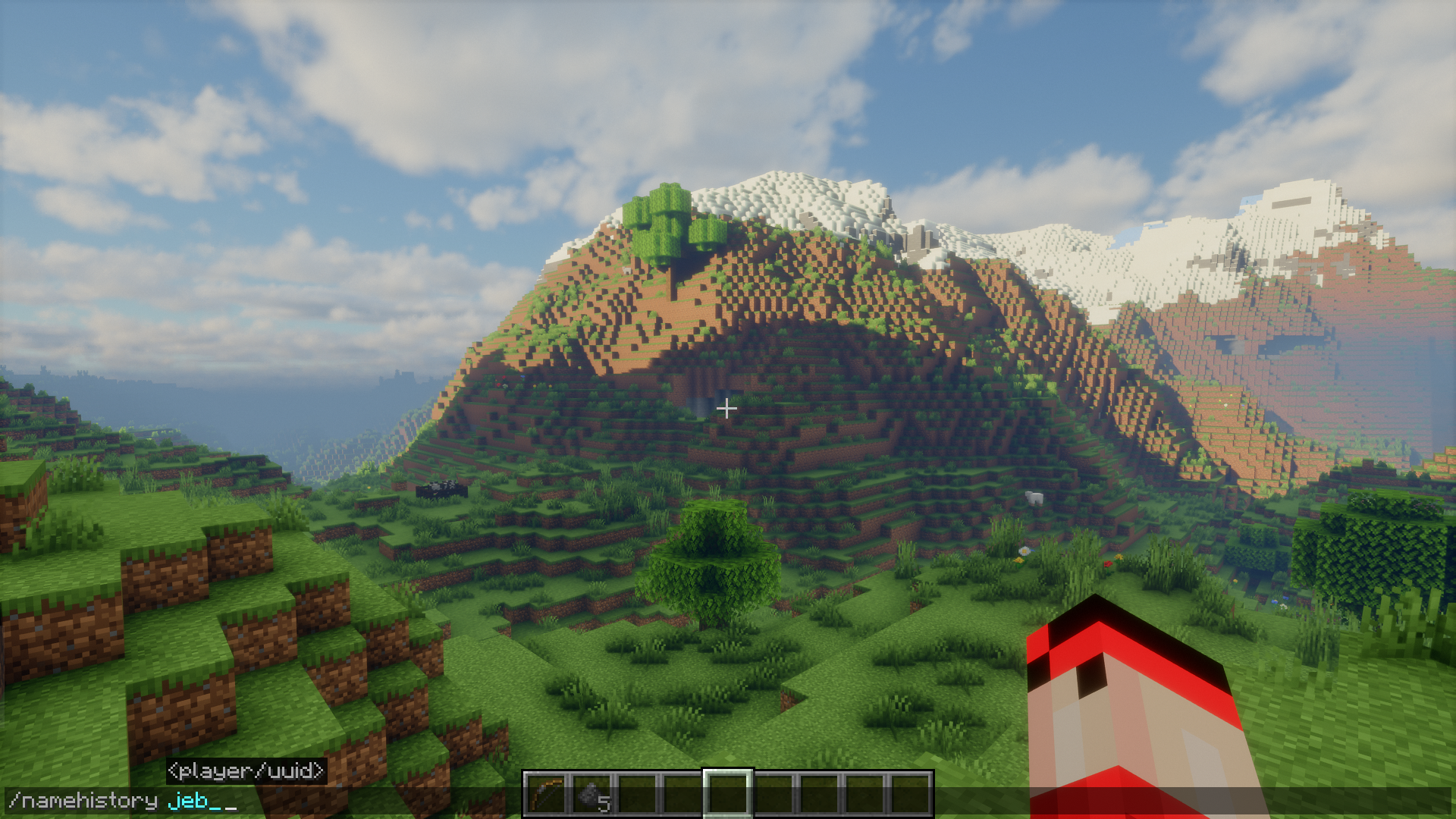
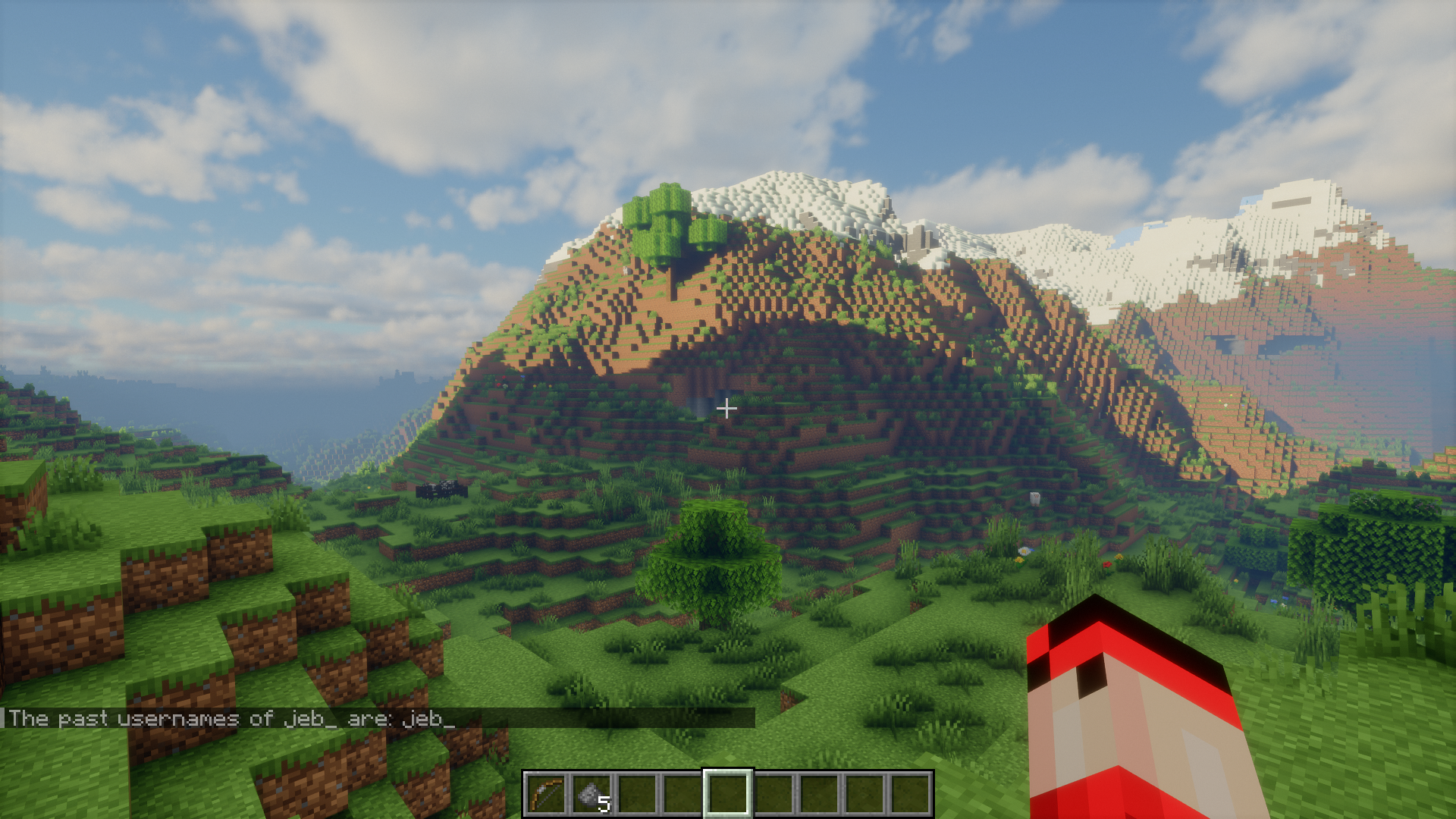
Type /namehistory in chat, replacing with the player's current or past username. The mod will display a list of all previous usernames that account has used, in chronological order.
What does /getuuid do and why would I need it?
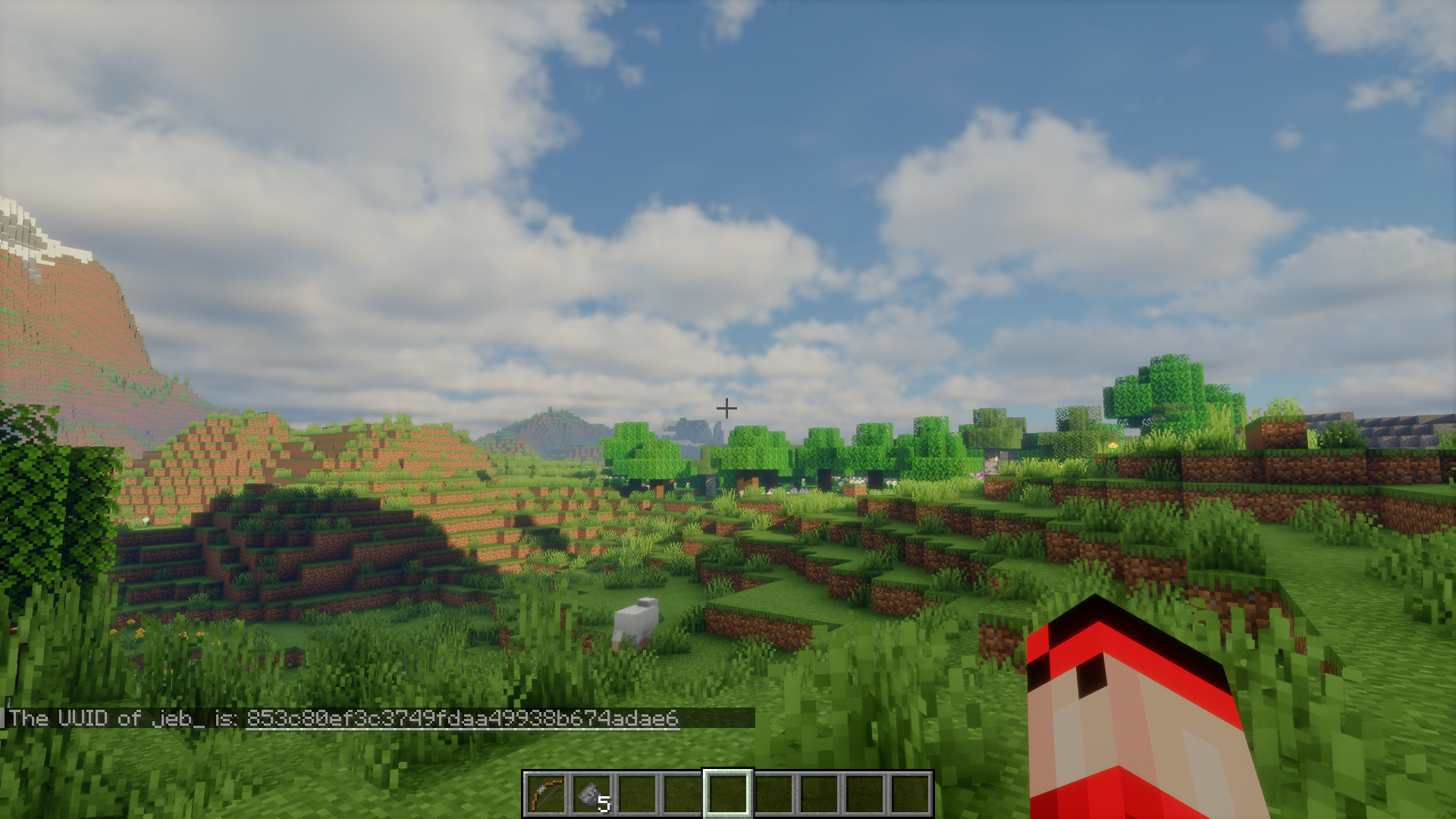
The /getuuid command returns the unique identifier (UUID) of any player by username. Server administrators often need UUIDs for banning, whitelisting, or managing player data files.
Can I download skins from players who have custom skins?
Yes, use /getskin to download any player's current skin file. This works for custom skins uploaded to skin servers as well as default skins.
How do I apply a downloaded skin to my own character?
After using /getskin, the skin file is saved to your mod folder. You can then upload it through your Minecraft launcher's skin settings or use it with other skin management mods.
See all 10 Name Fabric questions ›
Gallery
7 images from the Name Fabric Mod page.

You May Also Like
Wikis that share the most with this one
Wikis on the same theme: world
More mod wikis on the site
The most downloaded mods that have a wiki here
A few wikis from each of the other kinds