

 DownloadTab Ping Mod
Get the files on 9Minecraft
Guides
Step-by-step, in-game.
Check a Player's Ping During GameplayAccess the Tab List Press the Tab key while playing on a server. This opens the player list overlay, which shows all…Identify Lag Issues on Your ServerMonitor Player Connections Open the Tab list to see the ping of all connected players. If most players show…Monitor Ping Stability During Long Gaming SessionsCheck Ping Periodically Throughout your play session, regularly press Tab to view the current ping values. This helps…Prepare for PvP by Assessing Opponent LatencyPre-Fight Reconnaissance Before engaging in PvP combat, open the Tab list and locate your opponent's ping value. This…
Frequently asked questions
How do I see ping in the tab list?
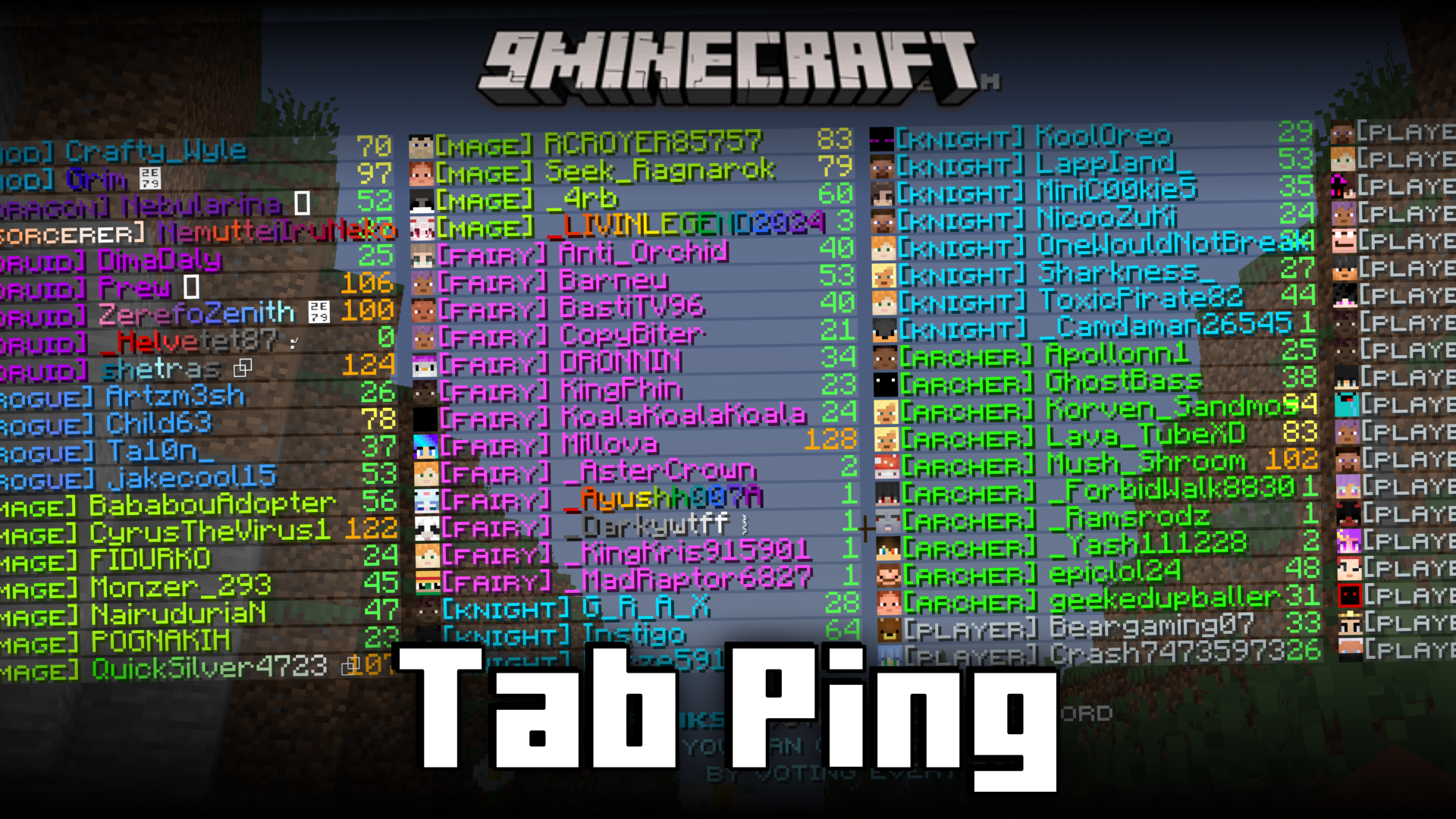
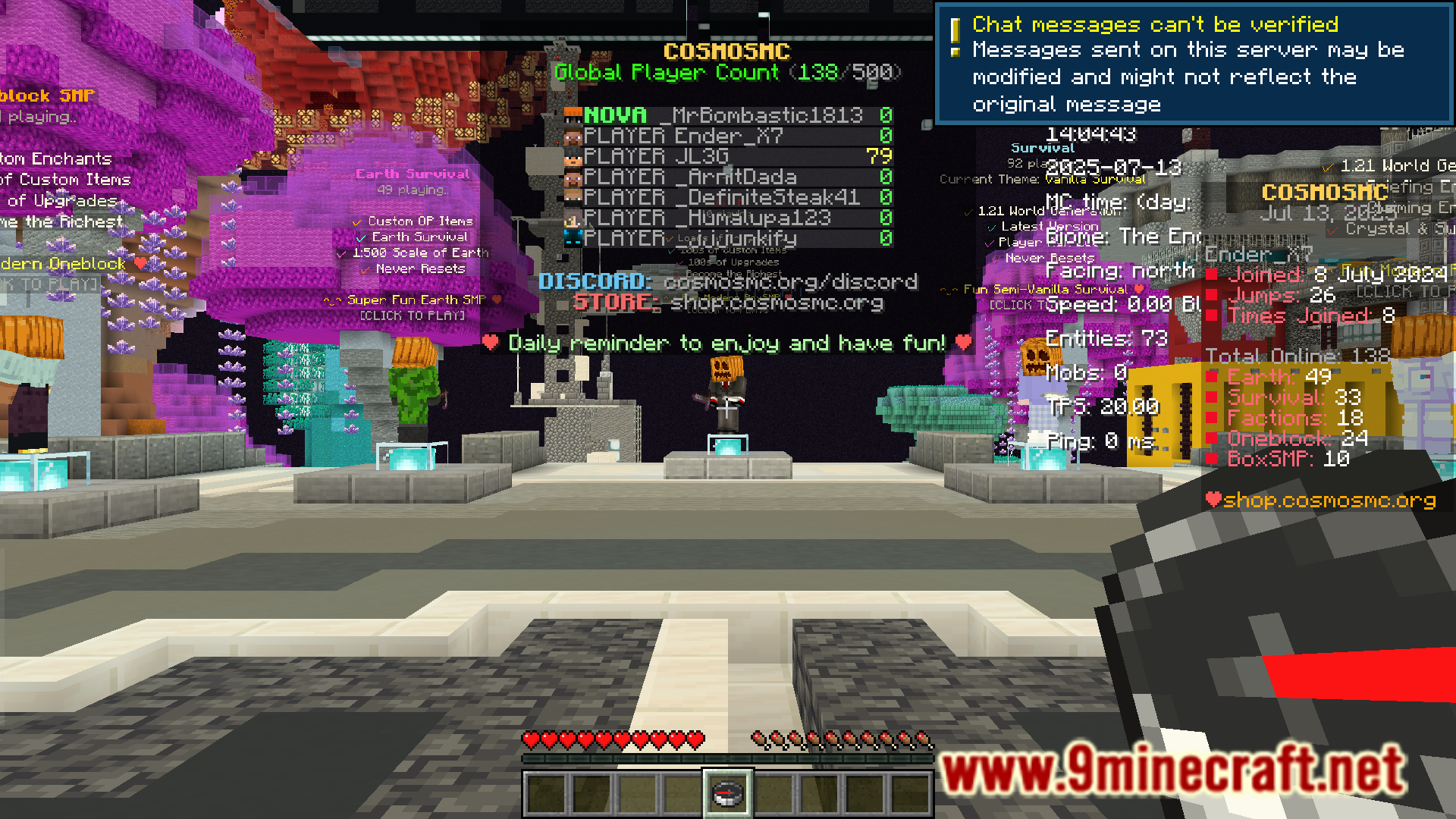
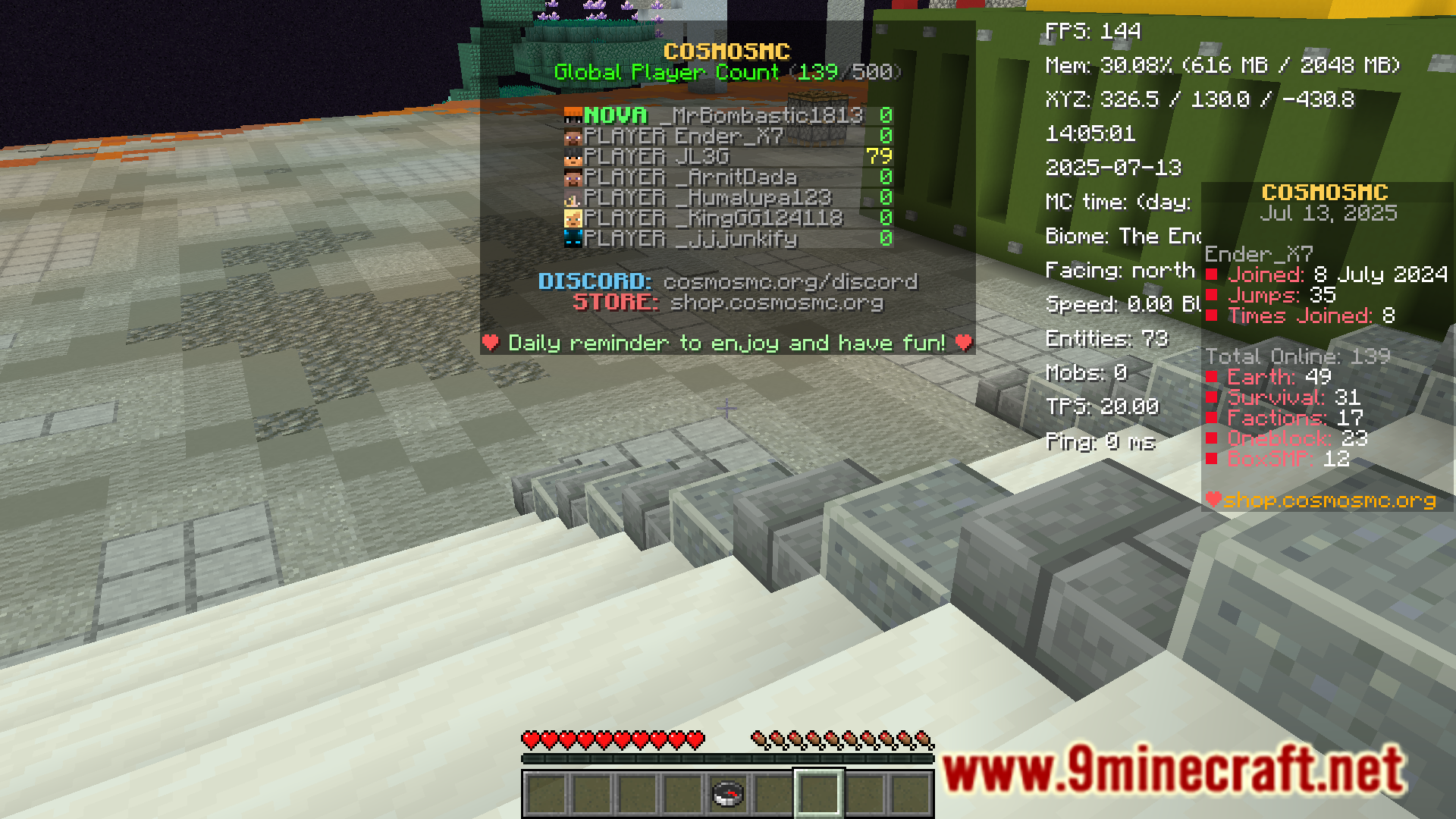
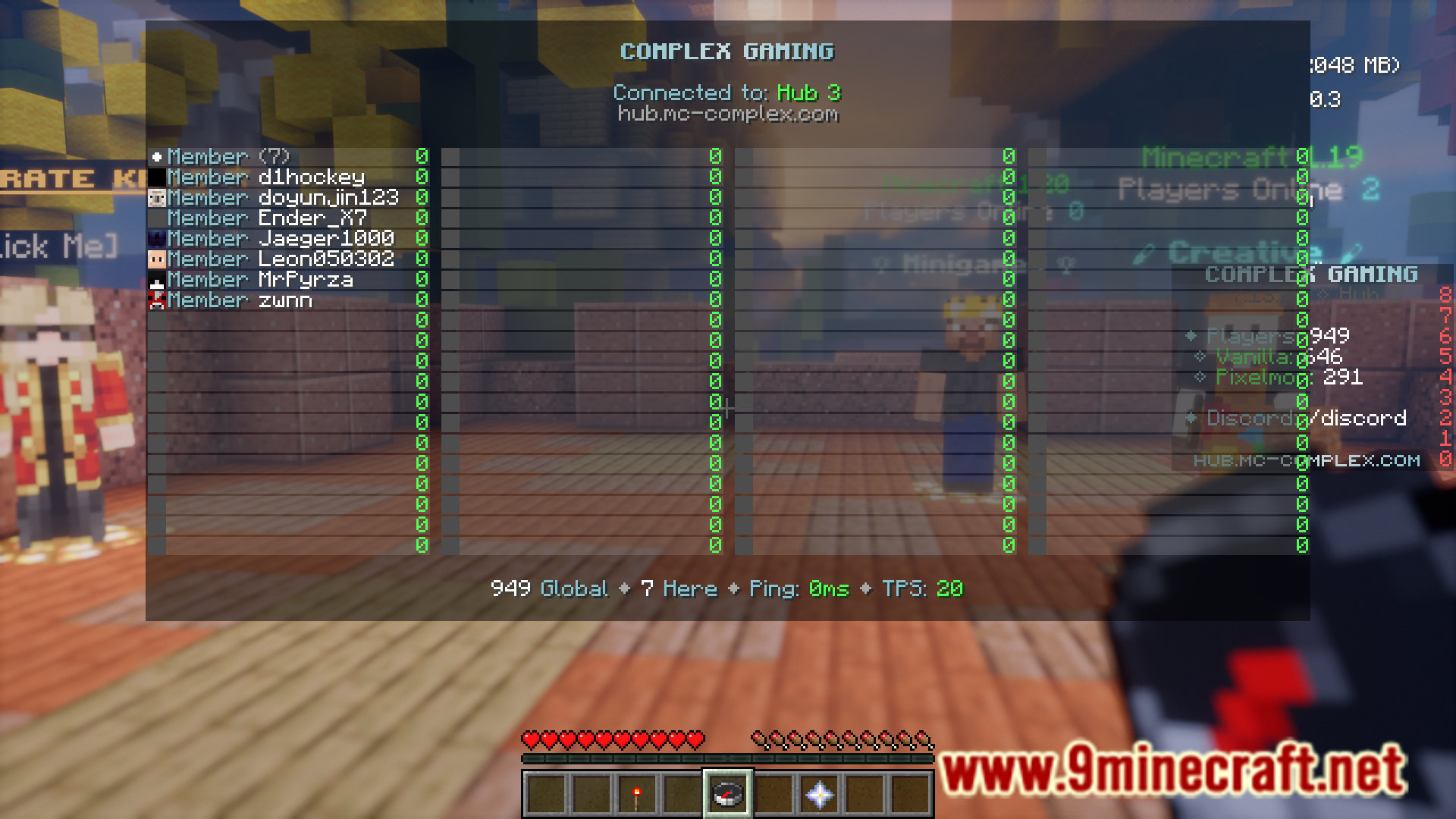
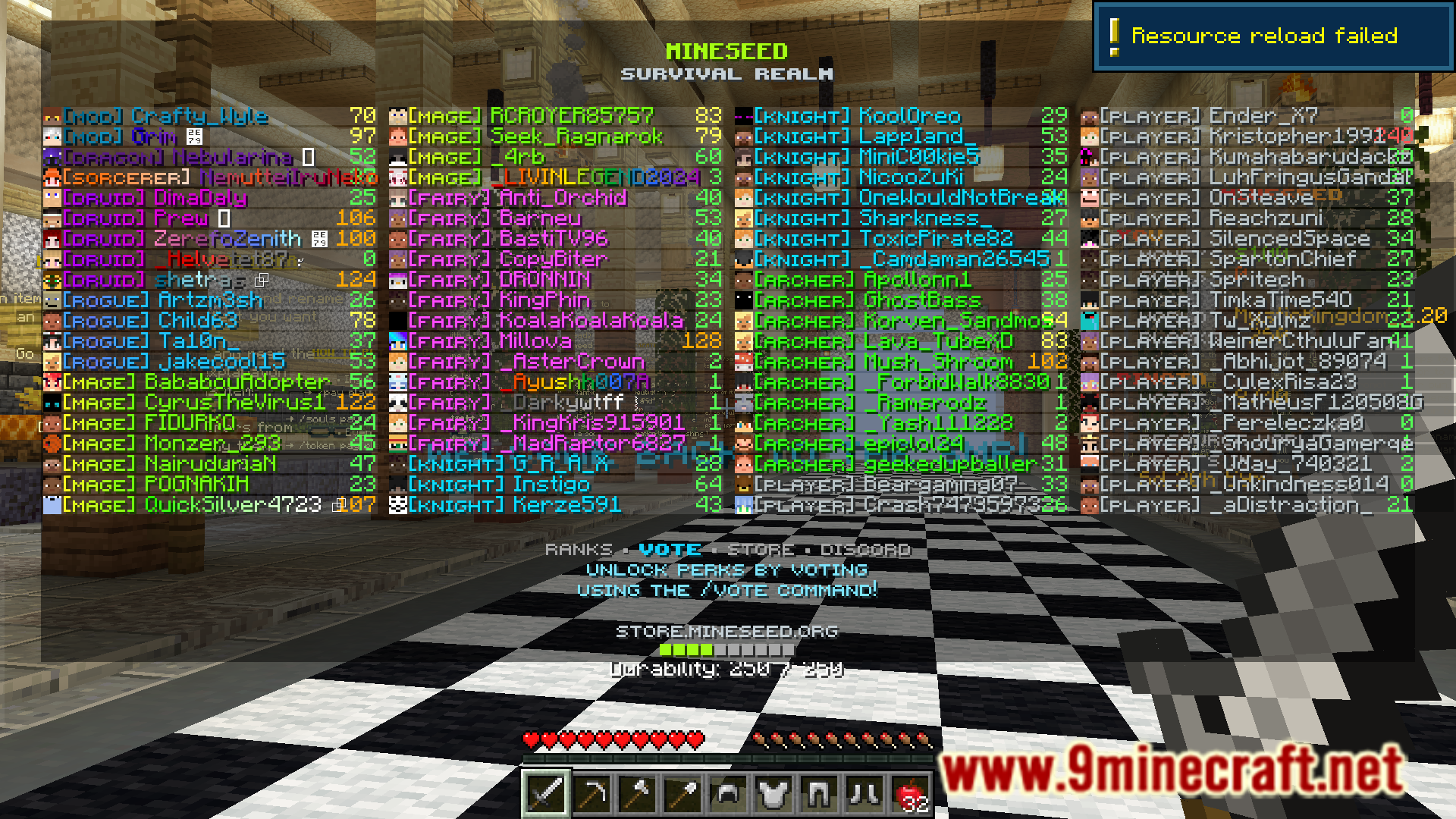
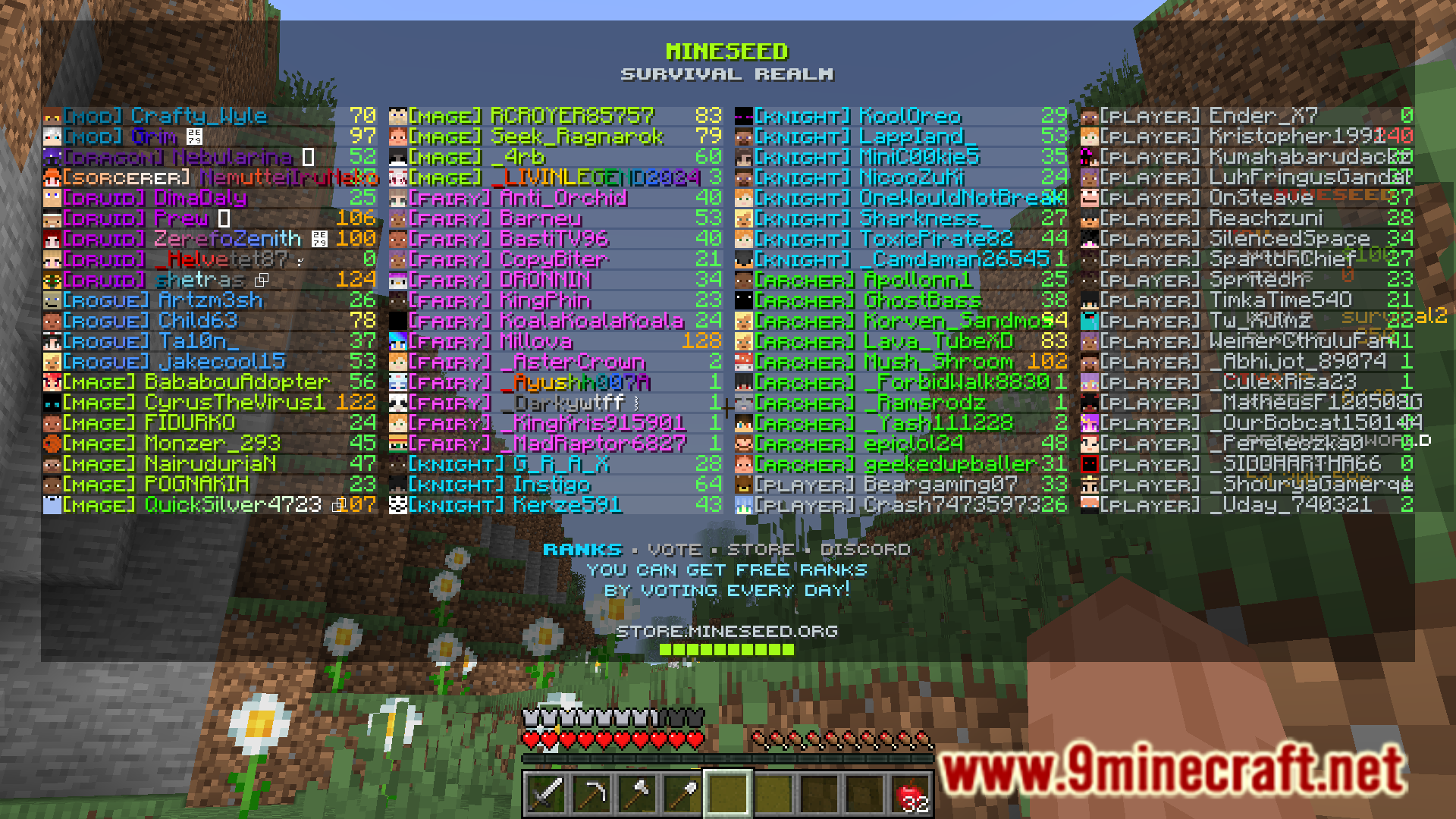
Press Tab while in-game on a server to open the player list screen. With Tab Ping Mod installed, you'll see each player's ping value displayed next to their name in milliseconds.
Why is my ping so high?
High ping is usually caused by distance from the server, network congestion, or your internet connection quality. Check your connection stability and try connecting to a server closer to your location.
Can I see my own ping?
Yes, your ping will appear next to your own name in the tab player list just like other players' pings, so you can monitor your own connection quality.
Does this mod work on single-player worlds?
No, ping only applies to multiplayer servers since single-player has no network connection. The mod is designed for server gameplay where latency matters.
See all 10 Tab Ping questions ›
Gallery
6 images from the Tab Ping Mod page.
You May Also Like
Wikis that share the most with this one
More mod wikis on the site
The most downloaded mods that have a wiki here
A few wikis from each of the other kinds