

 DownloadFancy Name Mod
Get the files on 9Minecraft
Guides
Step-by-step, in-game.
Apply Bold and Color Formatting to Your NameCombining Text Styles You can layer multiple formatting options—bold, color, and other effects—on a single nickname…Create a Gradient Name with Multiple ColorsUsing MiniMessage Gradient Syntax Gradient names transition smoothly between two or more colors across your nickname.…Hide Your Custom Name from the Player List or WorldControlling Where Your Styled Name Appears Fancy Name Mod lets you toggle your custom name visibility in different…Reset Your Nickname to Your Original UsernameRemoving Custom Formatting If you want to stop using a custom styled name and return to your original Minecraft…
Frequently asked questions
How do I set my first custom nickname?
Use the command `/fancy set ` in chat, replacing ` ` with your desired name. If you want to use colors or formatting, you'll need to include MiniMessage syntax in the same command.
What is MiniMessage format and how do I use it?
MiniMessage is a text formatting system that lets you add colors, gradients, and styles using tags like ` text ` or ` text `. You can nest these tags in your `/fancy set` command to create formatted nicknames.
Can other players see my custom name if they don't have the mod?
No—players without Fancy Name Mod installed will see your original username instead. Only players running the mod will see your custom stylized nickname.
Do I need the server to have a plugin for this to work?
No, the mod works entirely on the client side, so it functions on any multiplayer server without requiring any plugins or server configuration.
See all 10 Fancy Name questions ›
Gallery
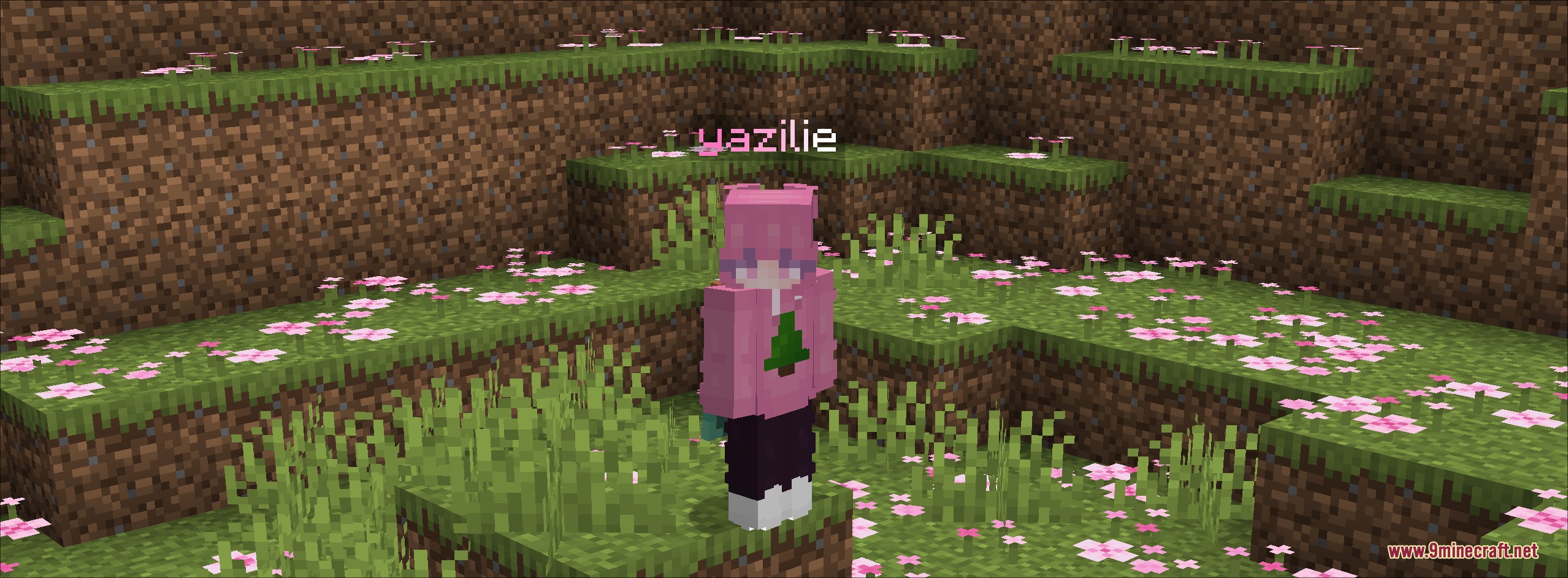
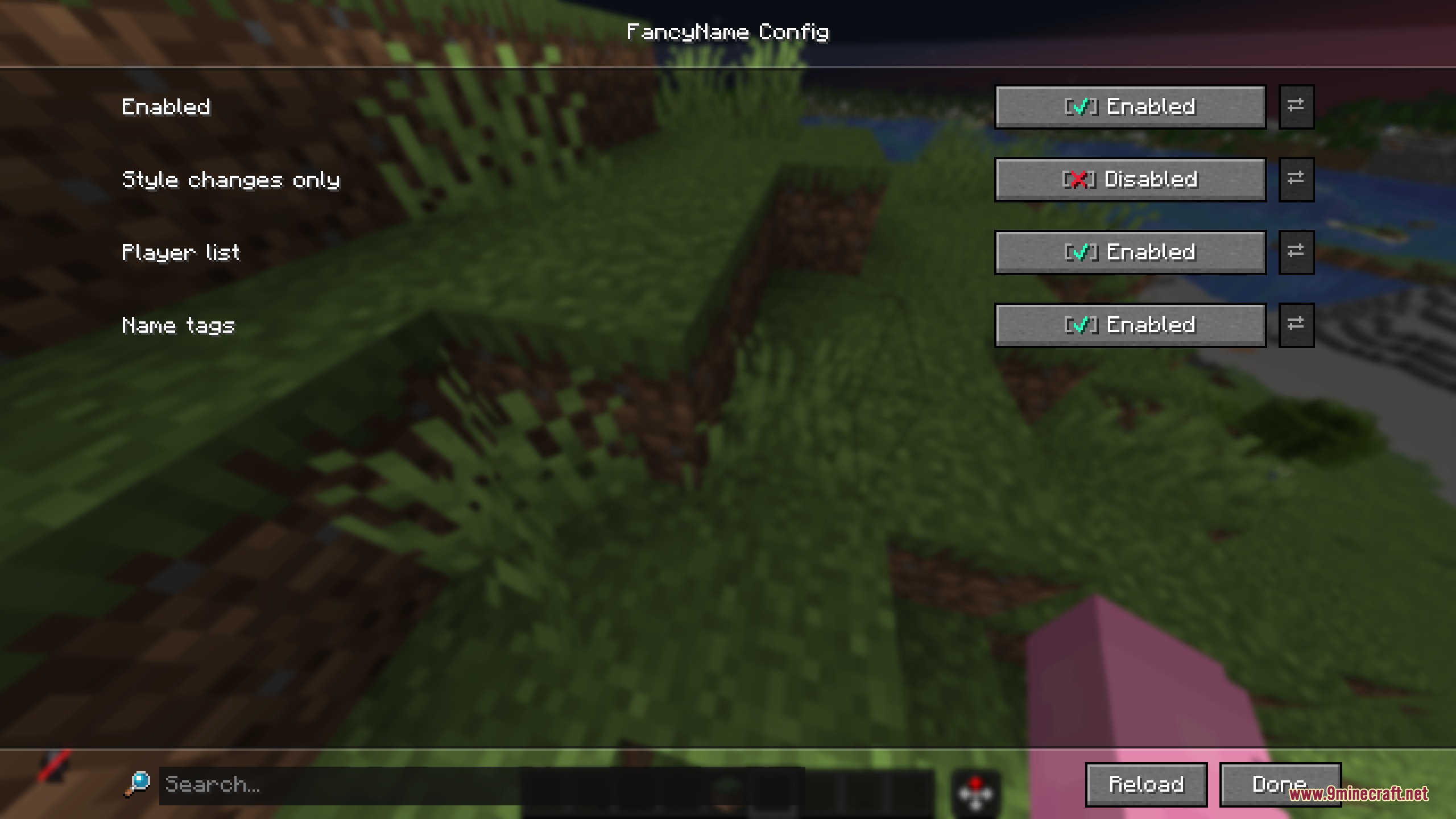
3 images from the Fancy Name Mod page.
You May Also Like
Wikis that share the most with this one
Wikis on the same theme: end
More mod wikis on the site
The most downloaded mods that have a wiki here
A few wikis from each of the other kinds