

 DownloadPicture Mode Mod
Get the files on 9Minecraft
Guides
Step-by-step, in-game.
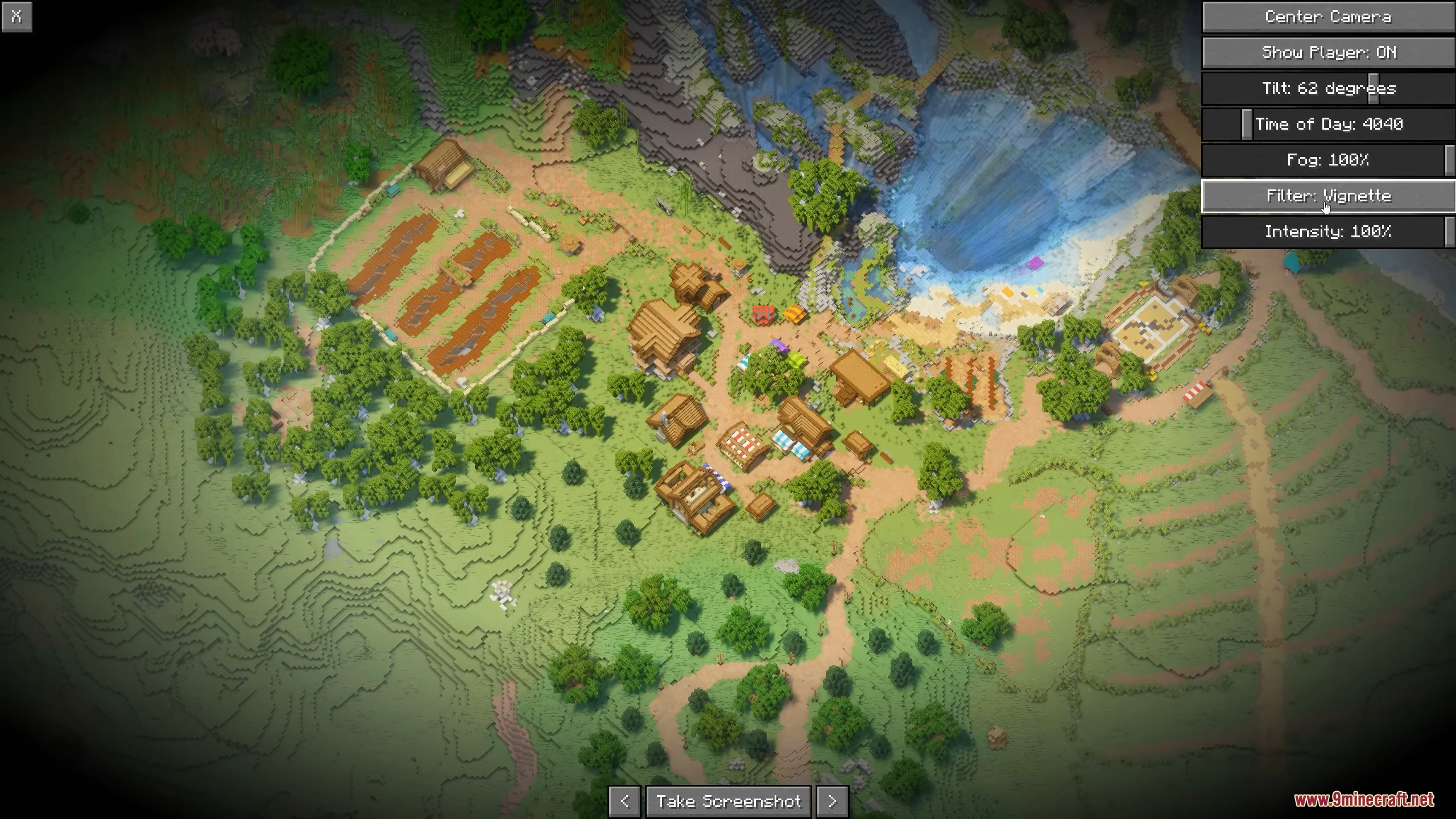
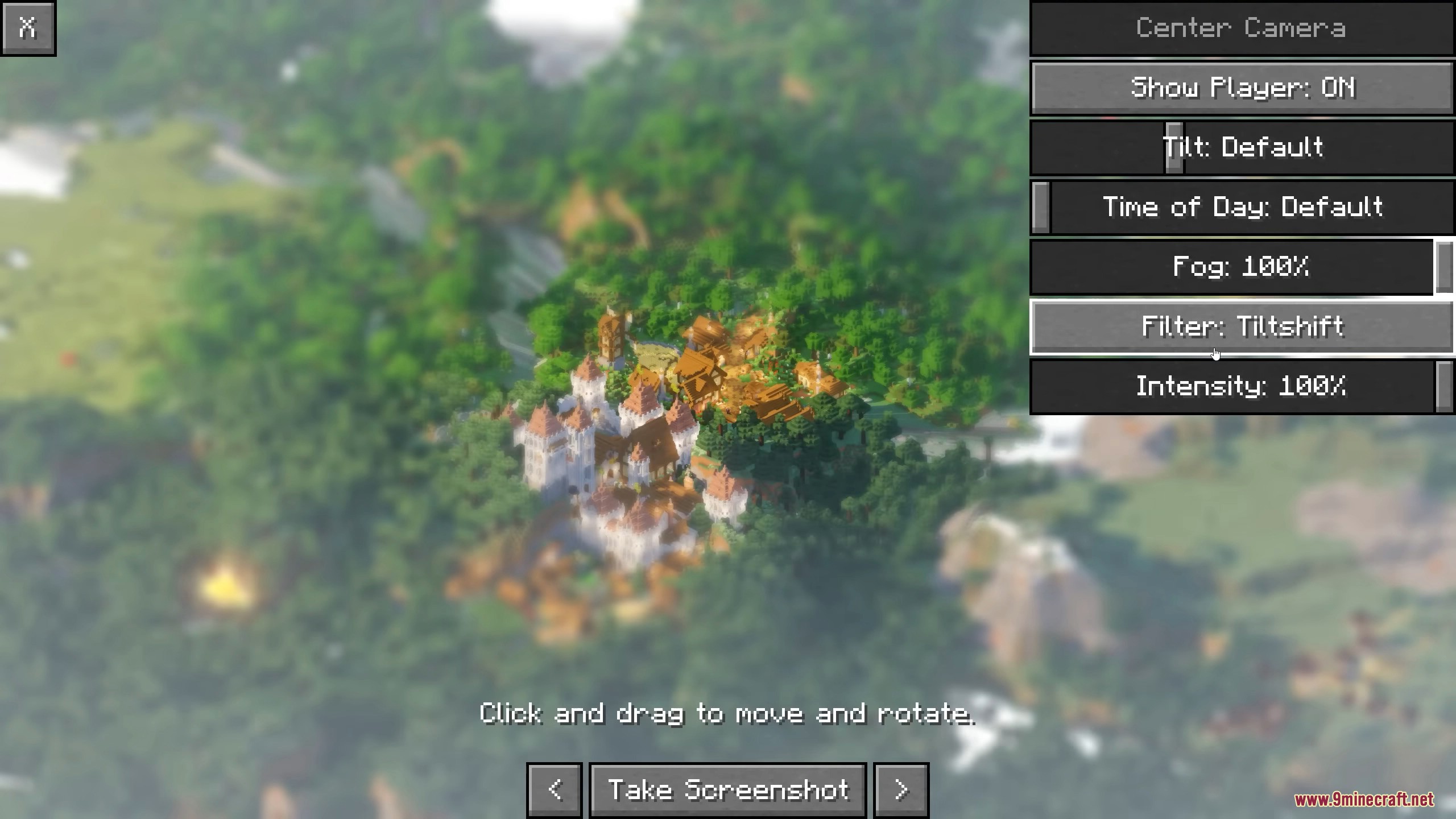
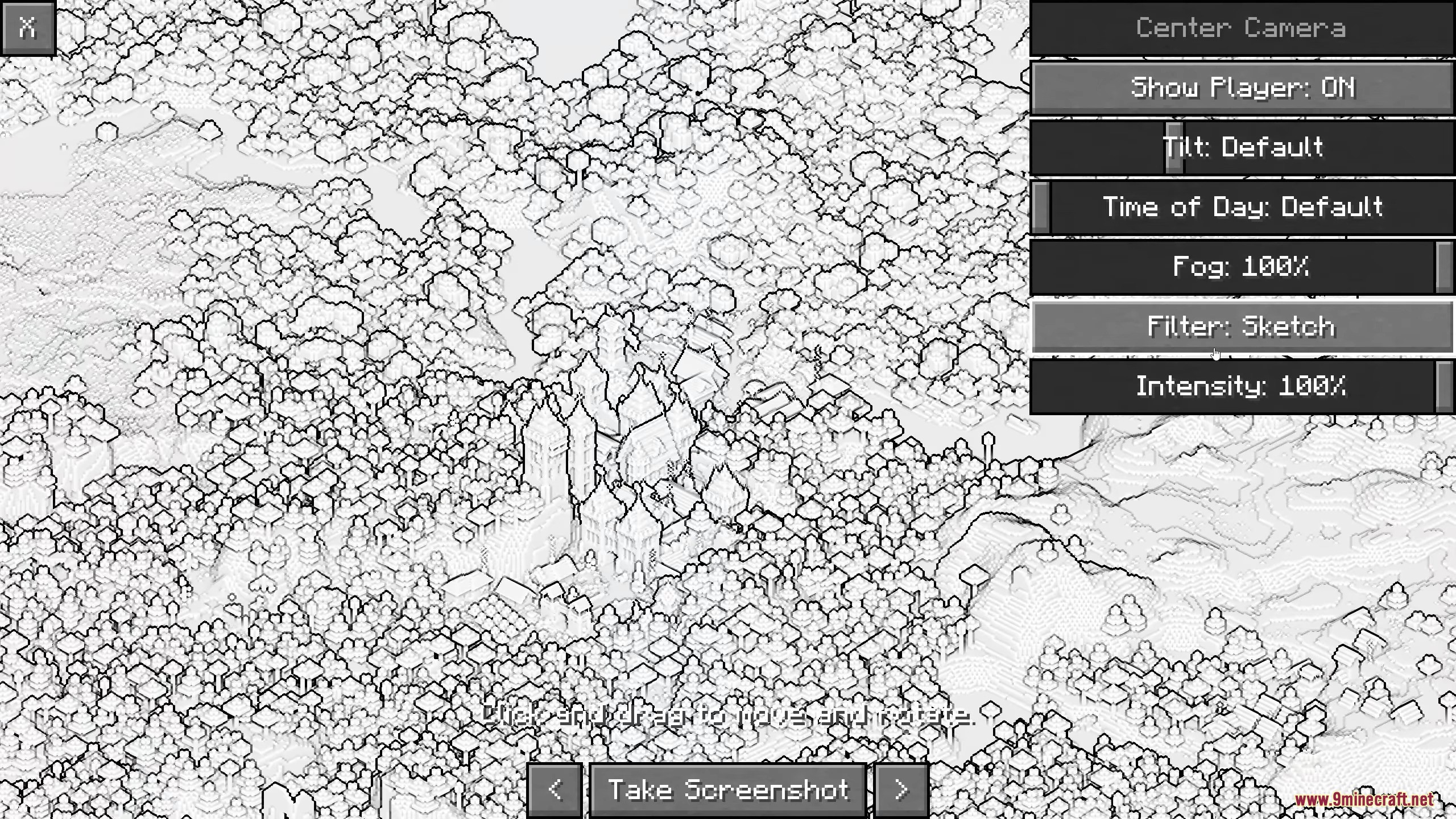
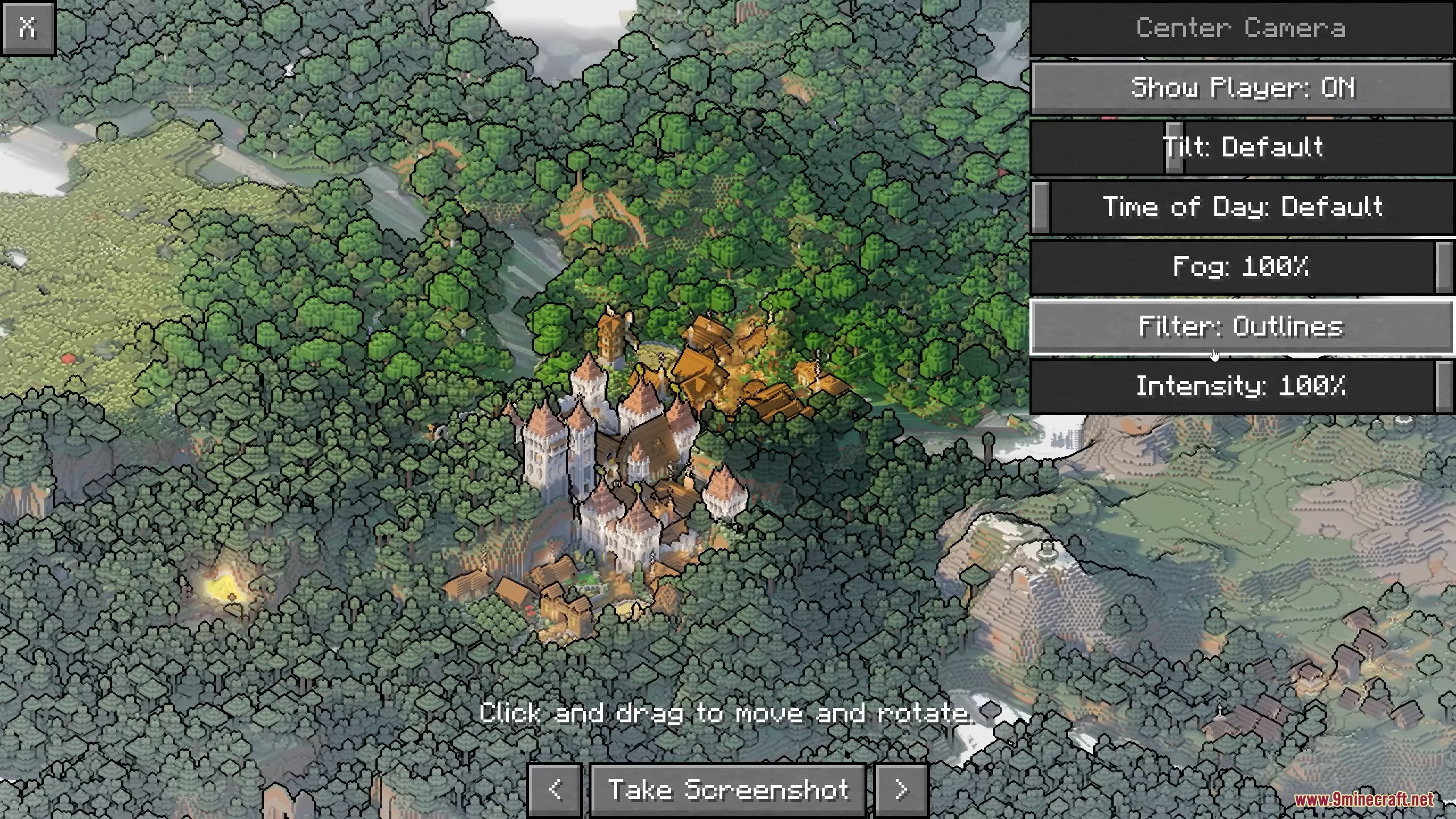
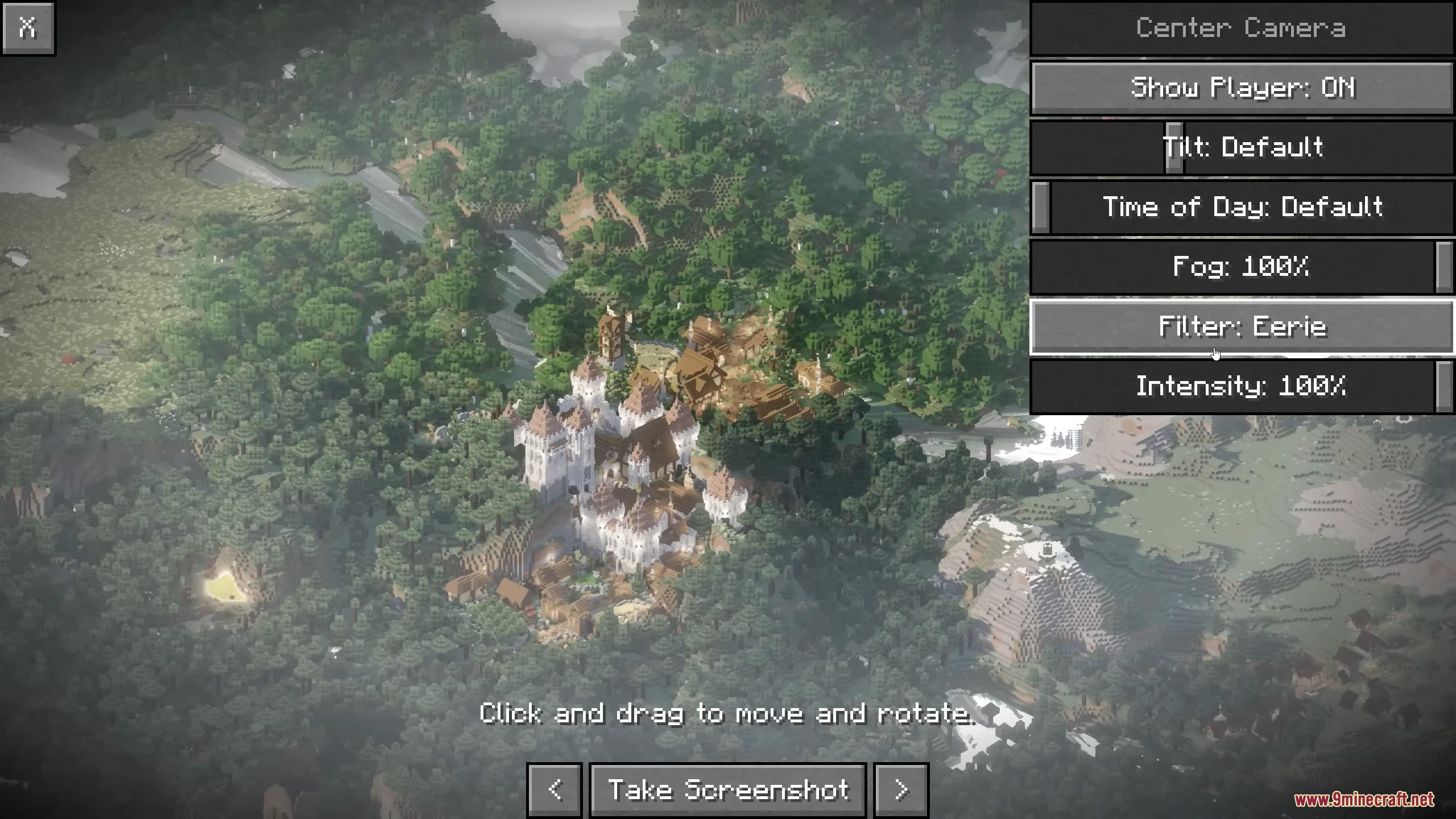
Adjust Lighting and Environment for Better PicturesAccessing Environment Settings While in Picture Mode, look for environment or graphics adjustment options in the…Apply Filters to Enhance Your ScreenshotsFinding Filter Options Picture Mode includes filter settings to stylize your screenshots. Access these from the mod's…Disable Picture Mode in Specific DimensionsUnderstanding Dimension Disabling Picture Mode can be disabled in certain dimensions (like the Nether or End) if you…Take Your First Isometric ScreenshotEntering Picture Mode Activate Picture Mode using the keybind (default is a configurable key). Your view will shift…
Frequently asked questions
How do I enter Picture Mode?
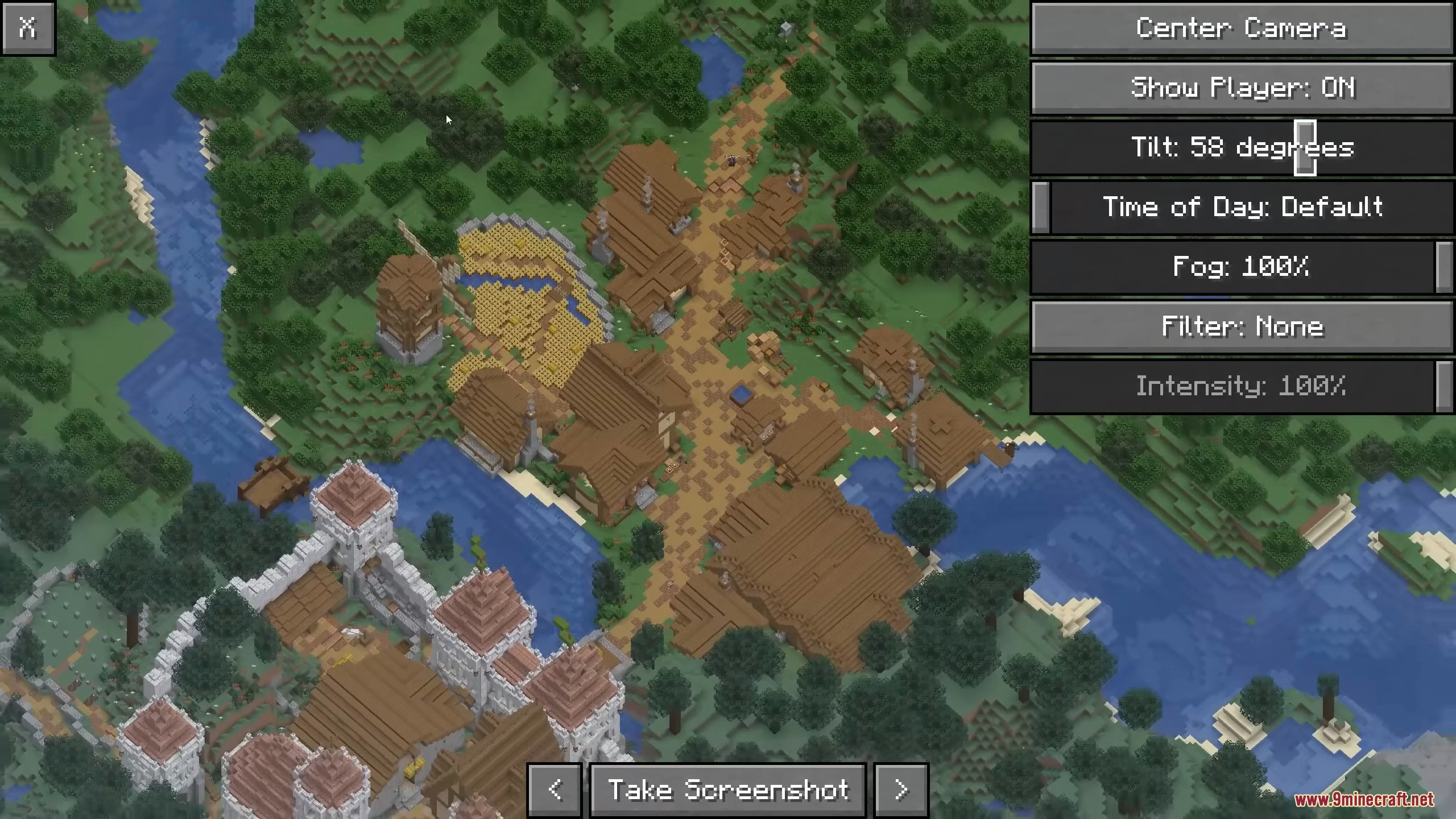
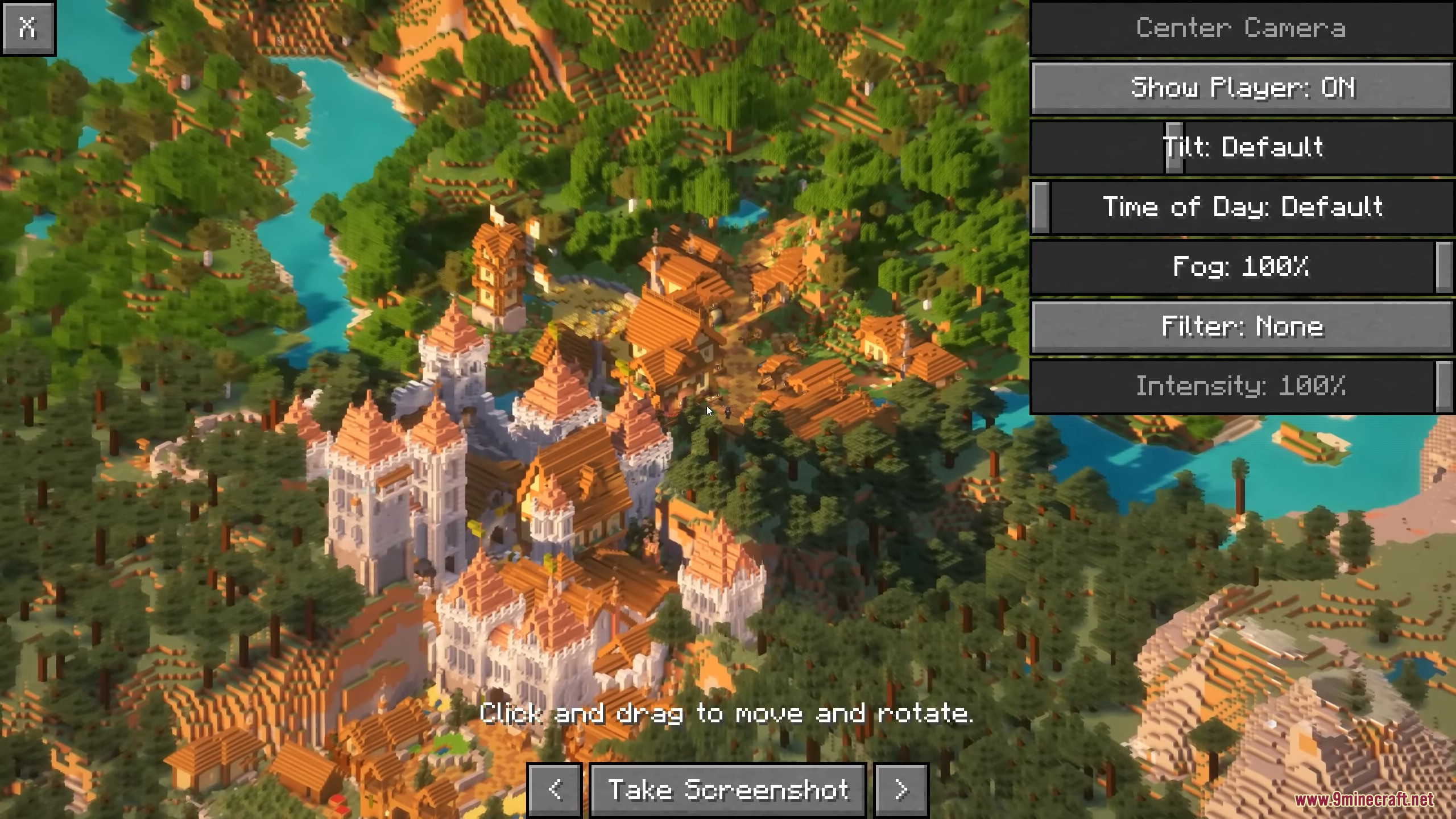
Press the Picture Mode keybind (default is a configurable key) while in-game to activate the isometric camera view. You'll see the interface appear, allowing you to adjust your angle and position before taking your screenshot.
Can I rotate the camera in any direction?
Picture Mode provides isometric viewing angles that you can control and adjust, but the camera is locked to isometric perspective rather than free rotation. You can pan and reposition the camera to frame your shot differently within this constraint.
What do the environment settings do?
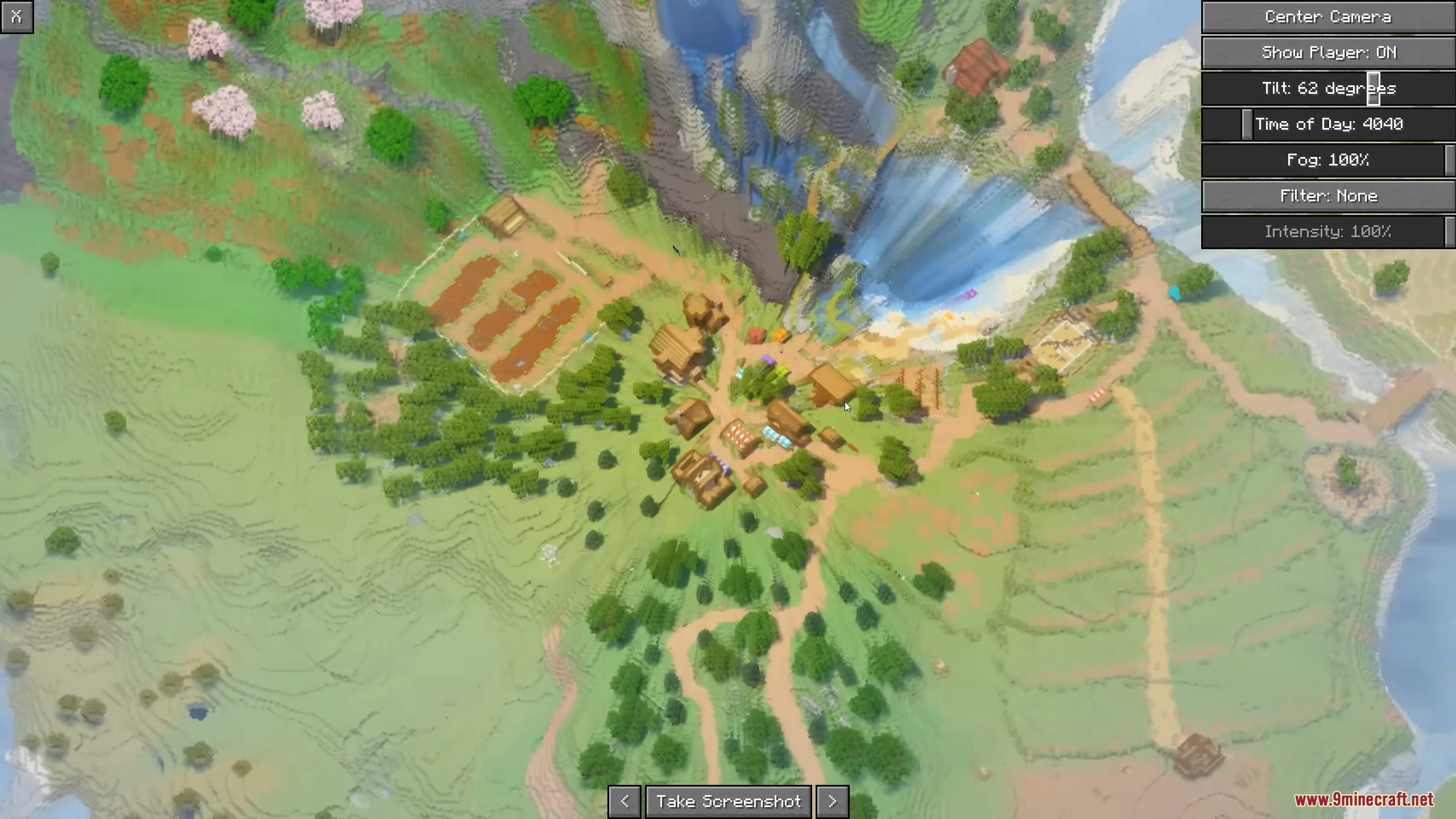
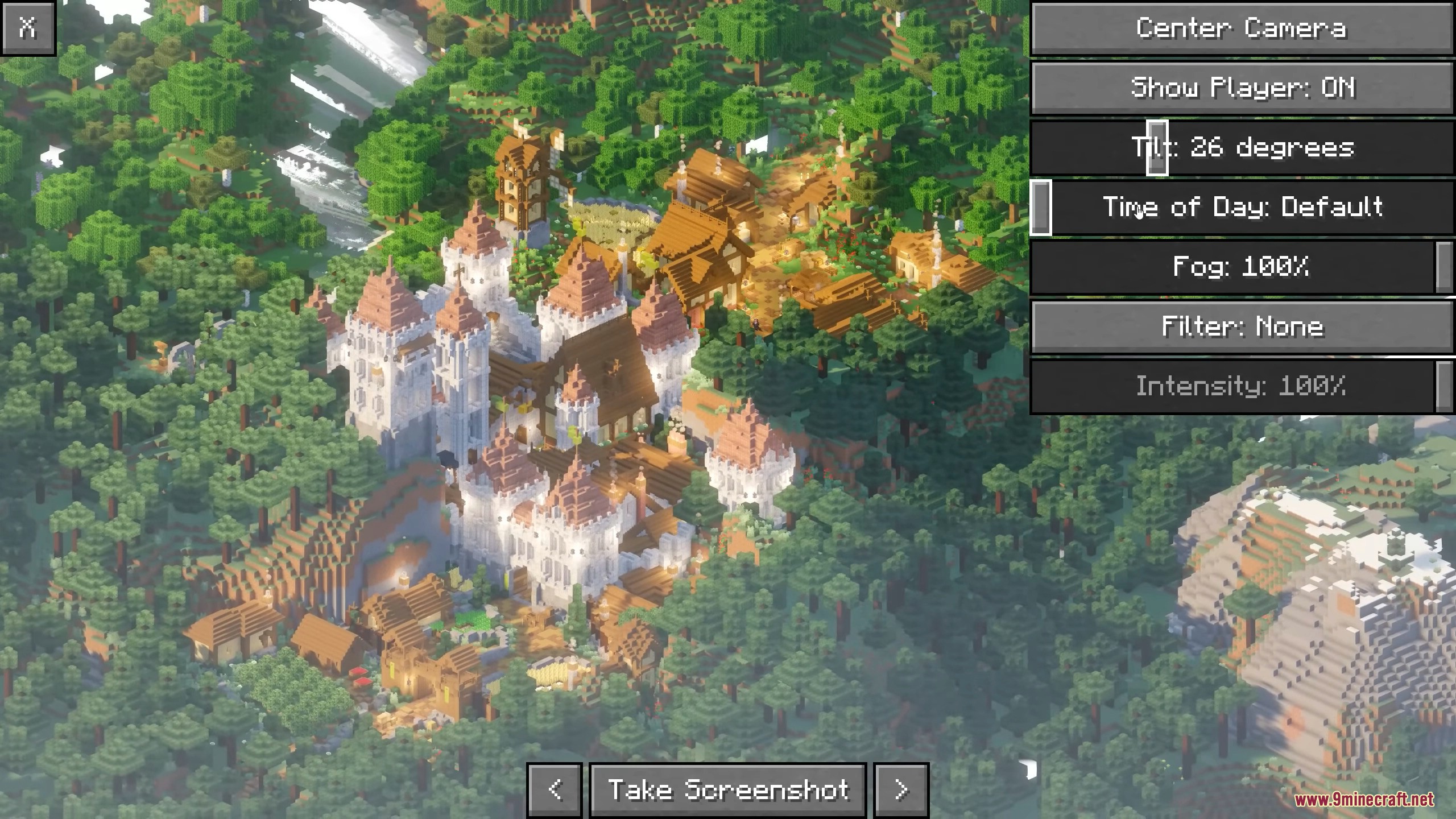
Environment settings let you adjust lighting, time of day, weather, and sky appearance to make your screenshots look better without changing your actual world. These changes only affect the picture you're taking, not your game world.
How do filters work and can I combine them?
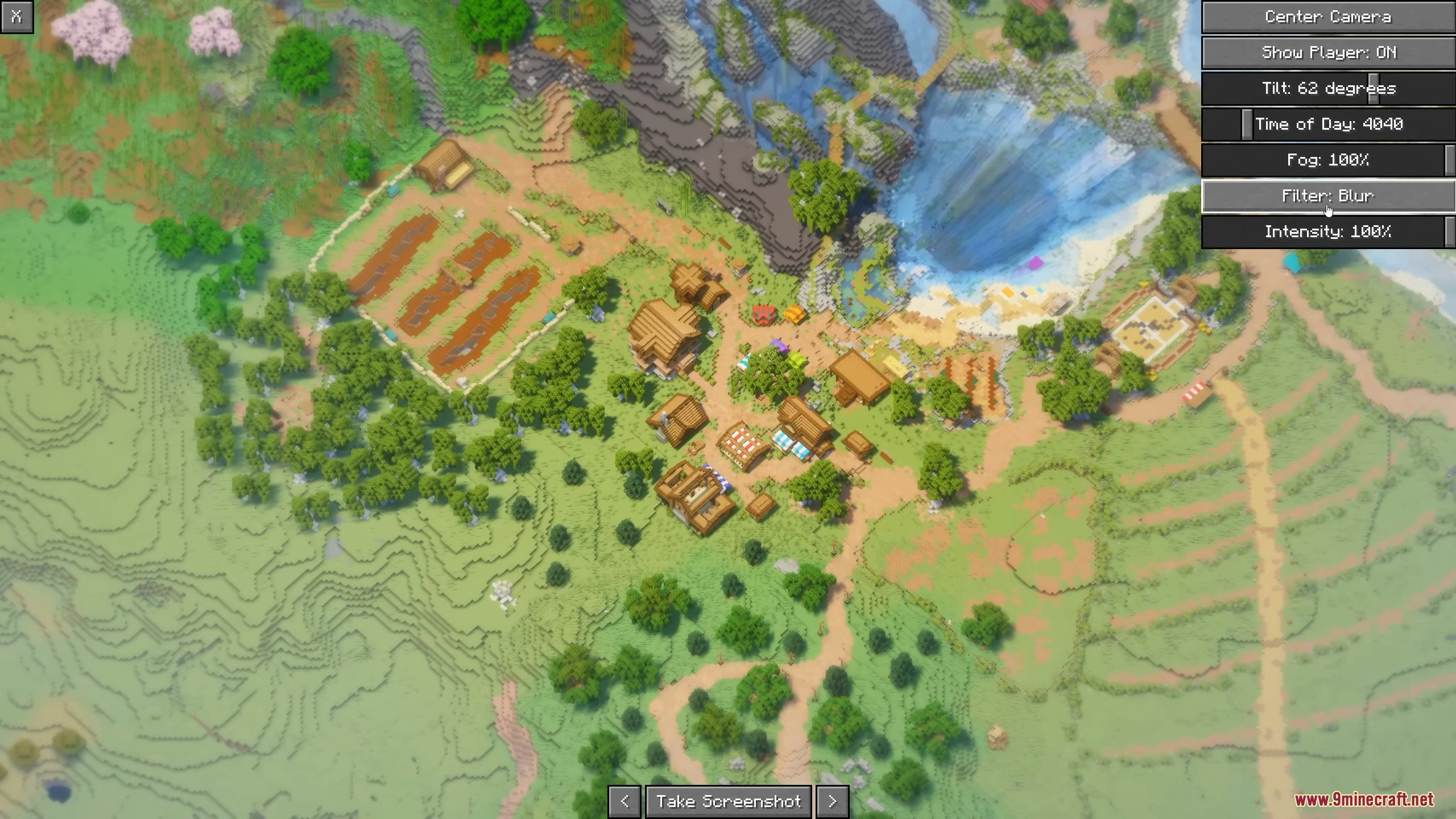
Filters apply visual effects to your isometric screenshot, such as color adjustments or stylization. Check the mod's filter menu to see which filters are available and whether they can be stacked or combined for your desired look.
See all 10 Picture Mode questions ›
Gallery
12 images from the Picture Mode Mod page.
You May Also Like
Wikis that share the most with this one
Wikis on the same theme: world
More mod wikis on the site
The most downloaded mods that have a wiki here
A few wikis from each of the other kinds